




Mobile Pixels reached out and asked us to check out the DUEX Float 2 Pro, and we have had it on the desk since. This is a feature look at what the thing is and who it is for. Our full review is coming soon, so treat this as the setup story rather than a verdict.
The idea behind it is simple enough: most people work on a laptop and most laptops have one screen. The Float 2 Pro adds a second one that packs flat, and it does that without asking you to carry a desktop monitor around.
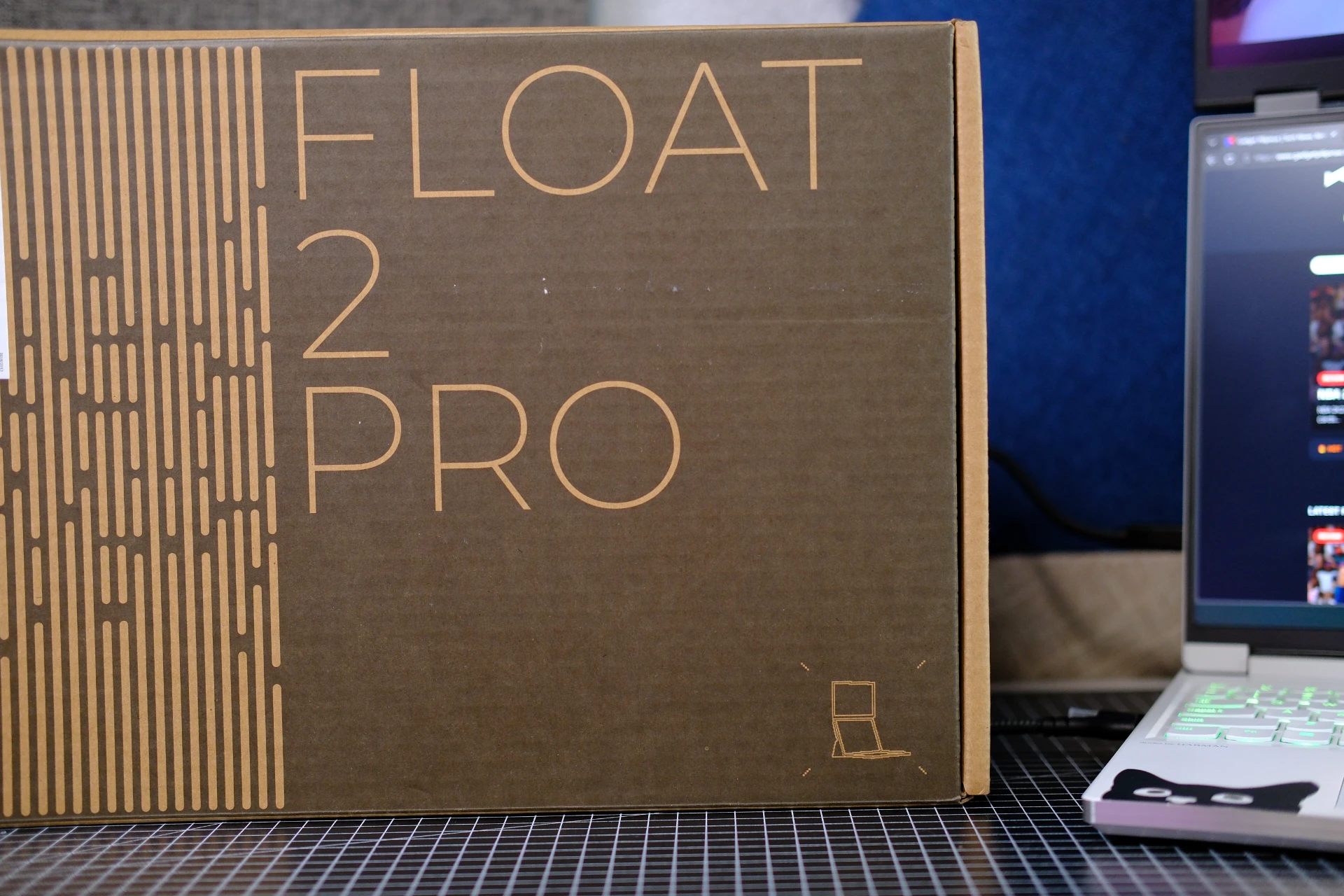
What the DUEX Float 2 Pro actually is
It is a 16-inch 16:10 LCD panel in a 0.7-inch thick frame that weighs 2.9 pounds. Mobile Pixels says that is 20 percent thinner and 33 percent lighter than the original Duex Float, which is the version of this product most people have seen. Resolution is 2560 by 1600 at 120Hz with an 8ms response time, covering 100 percent of sRGB and 72 percent of NTSC. Brightness is rated at 350 nits with a 1200:1 contrast ratio, the finish is anti-glare, and the panel supports HDR and variable refresh rate.
Around the edges you get two USB-C ports that carry video over DisplayPort Alternate Mode and up to 65W of power pass-through, plus a mini-HDMI input for machines without it. Power draw is listed at 7.5W typical. There are two speakers built in, and a magnetic cover that unfolds into a stand with two viewing grooves.
Three ways to set it up
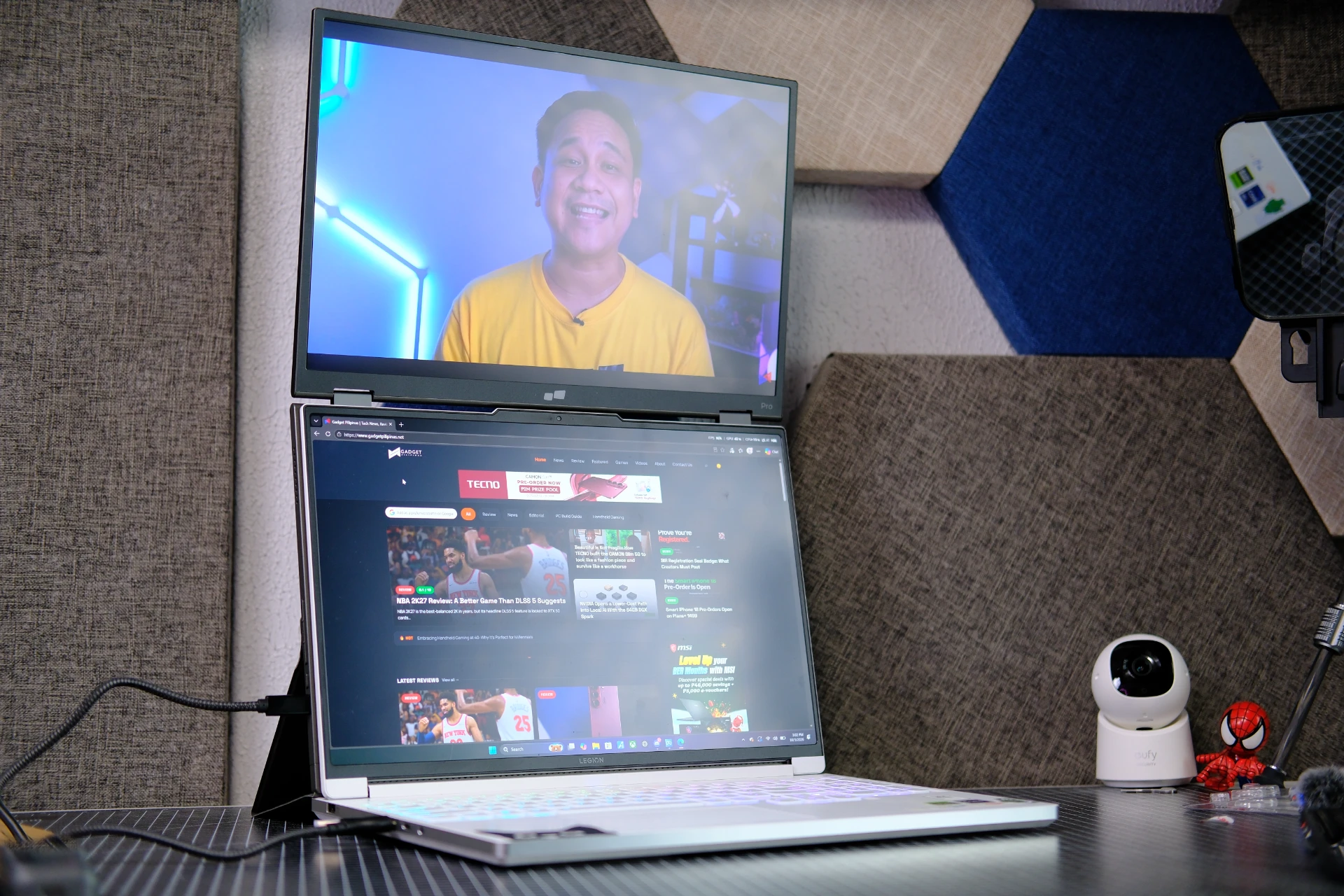
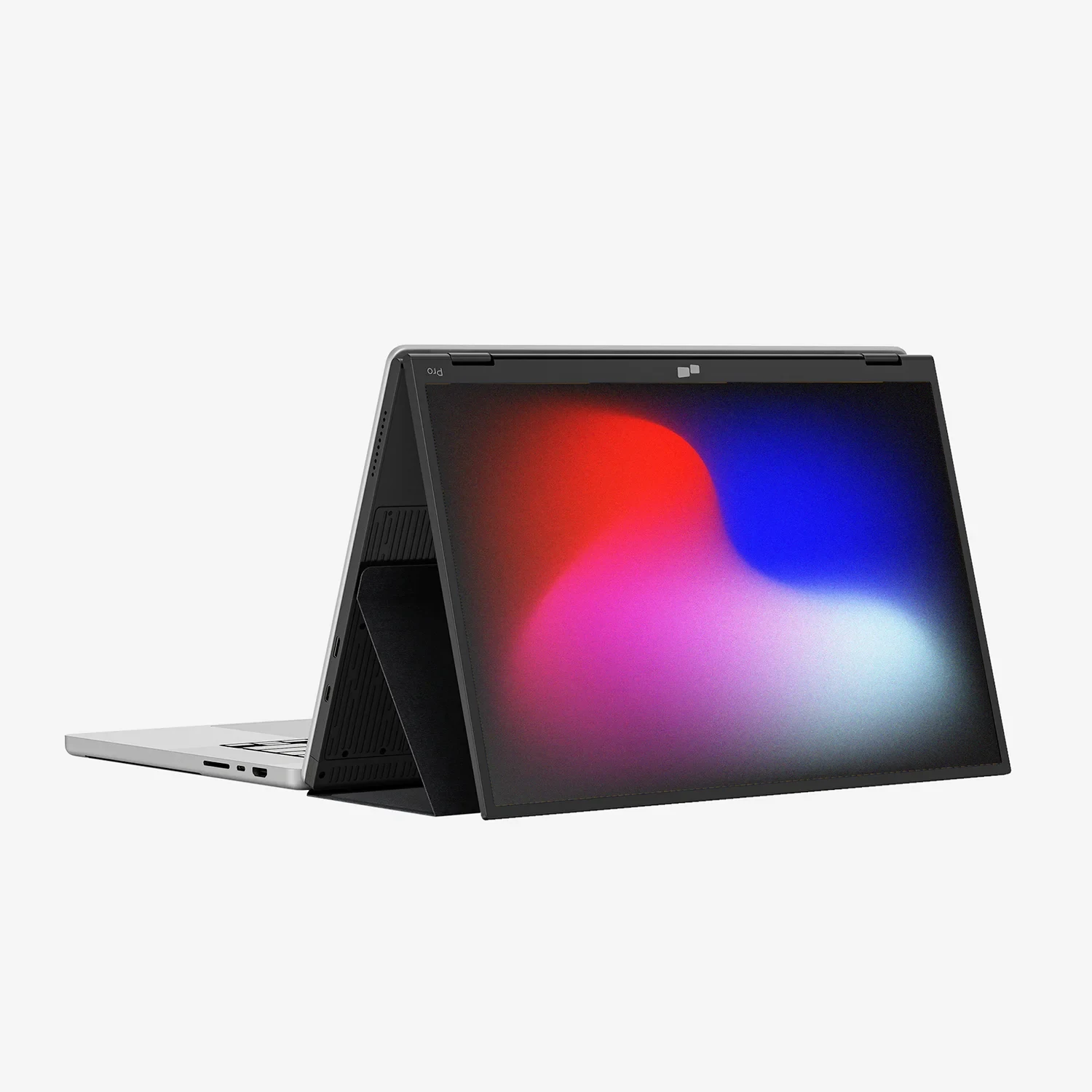
The Float 2 Pro is designed to work in three positions rather than one. Stacked Mode is the one people buy it for, where the panel sits directly above your laptop screen and gives you a tall, aligned workspace. Presentation Mode flips the screen around so the person across the table can see what you are showing, which is useful in a meeting where everyone is crowded around a single laptop. Free-Standing Mode uses the built-in kickstand to turn it into an independent display with no laptop involved.
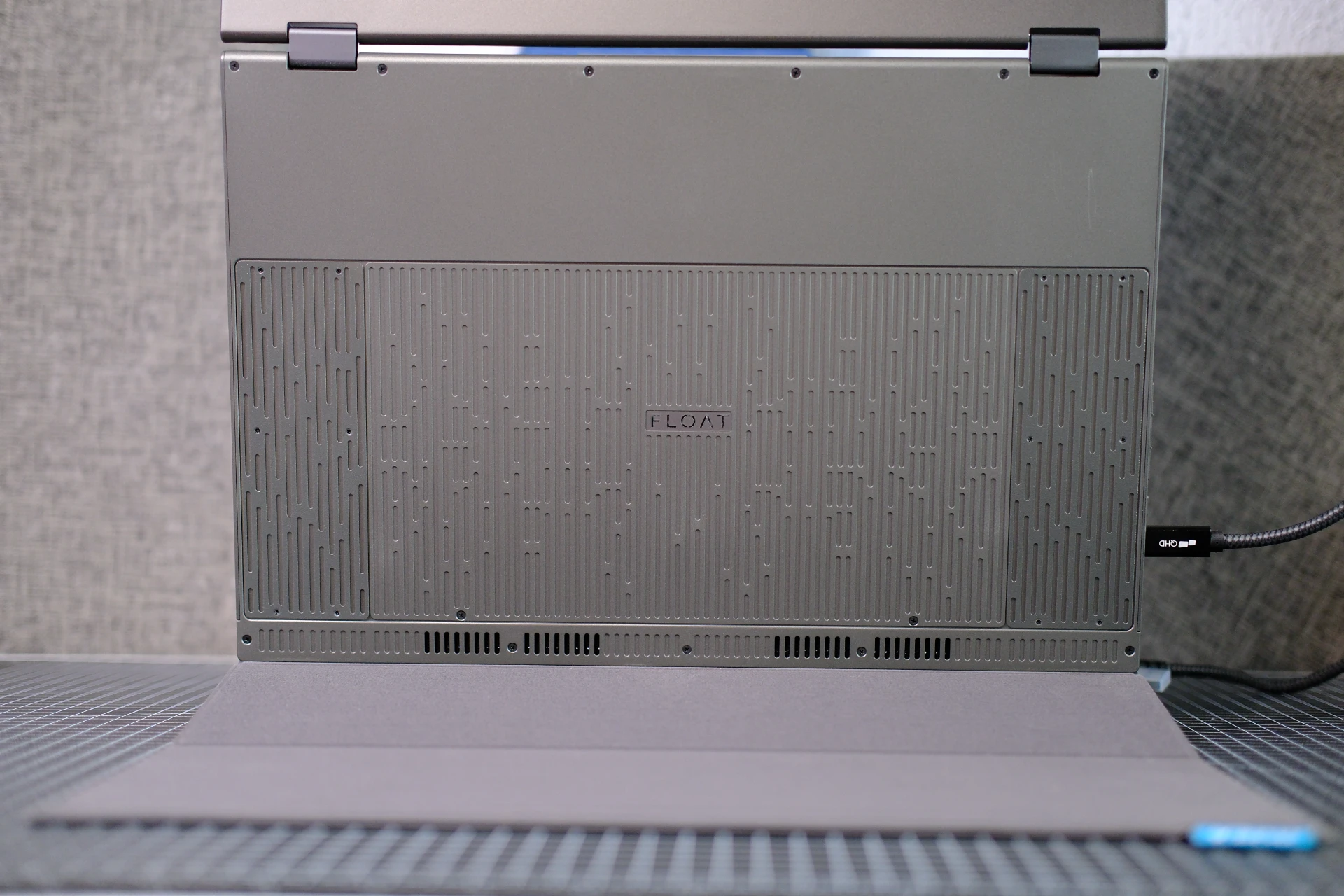
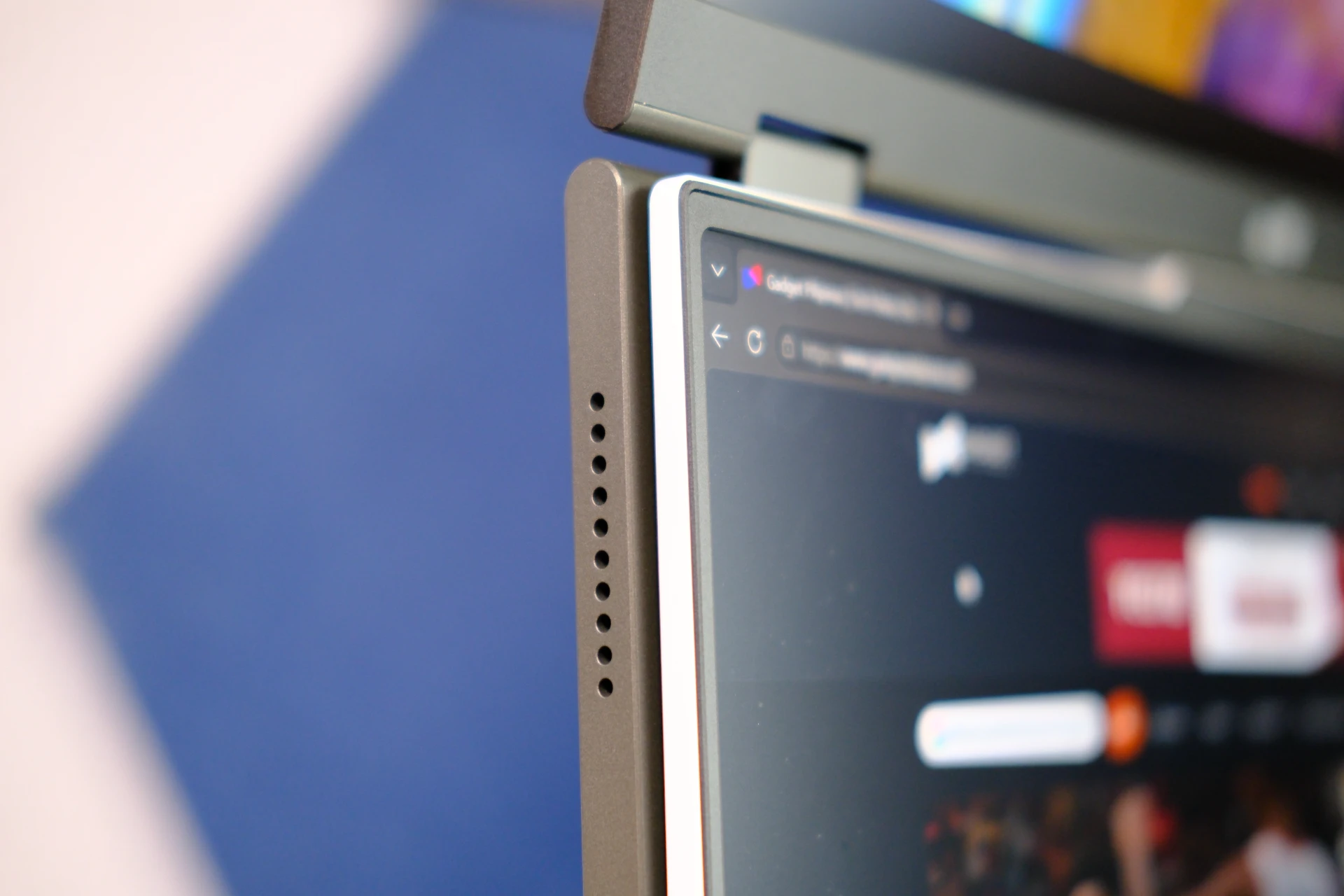
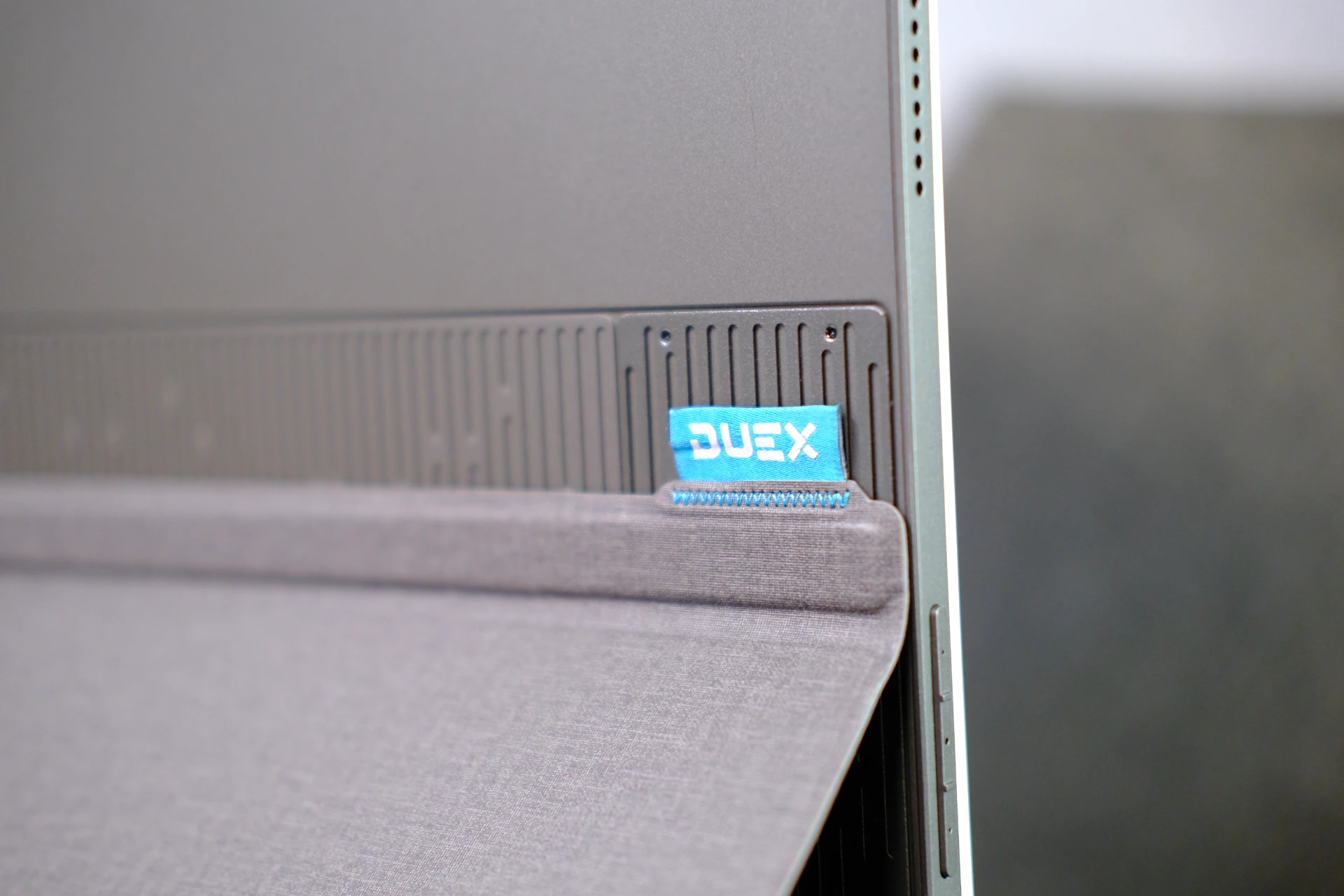
The kickstand is the detail worth noting. Mobile Pixels redesigned it so it doubles as screen protection when the monitor is in a bag, which means you can carry it without a sleeve. And while it ships with four magnets for attaching to a laptop lid, you do not have to use them.
Extending a laptop or a desktop PC
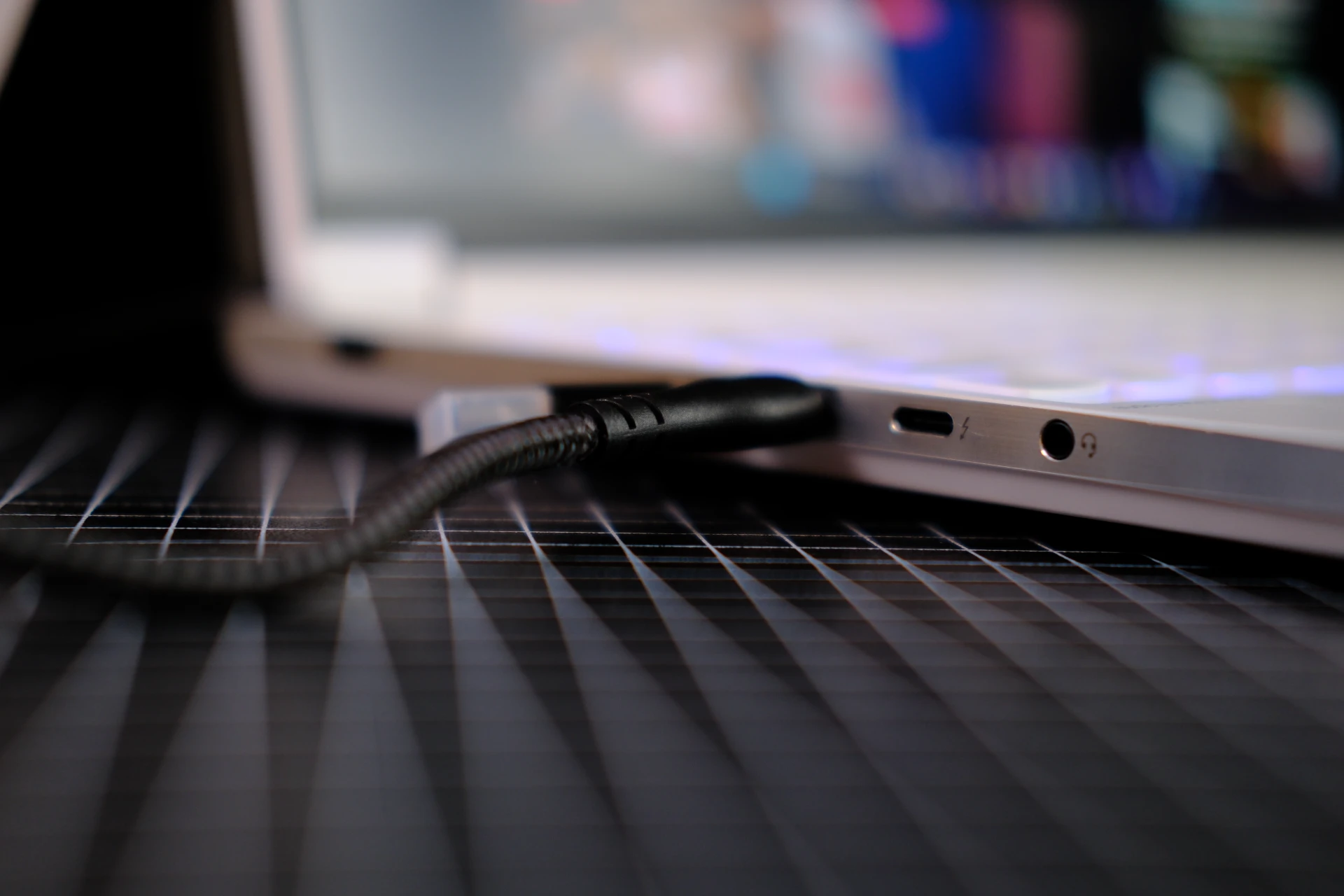
For a Windows or macOS laptop, this is a single-cable proposition. One USB-C connection carries both video and power, there is no software to install, and setup is plug and play. The caveat is DisplayPort Alternate Mode: your USB-C port has to support it, or you fall back to using mini-HDMI for video and USB-C for power. That is the one specification worth checking before buying, since a laptop with a plain data-only USB-C port will not drive the panel over a single cable.
It also works as the third or fourth screen on a desktop, since the HDMI input does not care whether the host is a laptop or a tower. That makes it useful for a workstation that needs a side panel for chat, timelines or reference material without a permanent second monitor on the desk.
Samsung DeX and phones
For us, the more interesting use case is the phone. The Float 2 Pro will drive a smartphone over USB-C as an extended display, and it works with iPhone 15 and newer as well as devices that support Samsung DeX. DeX turns a supported Galaxy into a desktop-style interface, so pairing it with a 16-inch 2560×1600 panel gives you something close to a laptop setup running off the phone in your pocket. On a foldable like the Galaxy Z Fold8, which we have already spent time with, that combination is a genuinely different way to work: the phone is the computer, the badge is the keyboard stand, and the Float 2 Pro is the desk.
Availability and price
Mobile Pixels sells the DUEX Float 2 Pro through its own store, currently listed at $263.49 against a regular price of $389.99, alongside productivity and mobility bundles that add accessories. There is no Philippine pricing or local availability announced yet, so we are not putting a peso figure on it. For context on how portable displays are being used elsewhere, we have also looked at turning a phone into a field monitor.
Mobile Pixels provided the unit for evaluation. Gadget Pilipinas did not receive payment for this article, and the full review is coming soon.
Sources: Mobile Pixels DUEX Float 2 Pro · Samsung Galaxy Z Fold8 coverage

Giancarlo Viterbo
Giancarlo Viterbo is a Filipino Technology Journalist, blogger and Editor of gadgetpilipinas.net, He is also a Geek, Dad and a Husband. He knows a lot about washing the dishes, doing some errands and following instructions from his boss on his day job. Follow him on twitter: @gianviterbo and @gadgetpilipinas.
View all articles →Related Articles
 MSI Claw 8 EX AI+ (CG3EM): Powerful Handheld Gaming Meets Everyday PC Versatility in the Philippines
 What 12 Reviewers Agree On About the iPhone Duo

 NBA 2K27 Review: A Better Game Than DLSS 5 Suggests