

These days, my view of laptops hasn’t changed much as far as use cases go. However, there has been a growing reliance on one that is light and can handle everyday productivity and light gaming sessions.
Its portability, though, has been a top priority for me, with age starting to catch up, coupled with an increase in trips wherein I have to bring a laptop, among other things, for prolonged periods of time at once.
Among the laptops that have always fit this description are members of the ASUS Zenbook series. This includes the ASUS Zenbook 14 UX3480QA is the latest member of the ASUS Zenbook series, which comes in three stunning colors, namely Komodo Coral, Arctic Blue, with Zabriskie Beige coming soon.
These are not only portable and come with pretty hefty hardware upgrades, but they also bring a bit of flair and style that can complement your outfit.
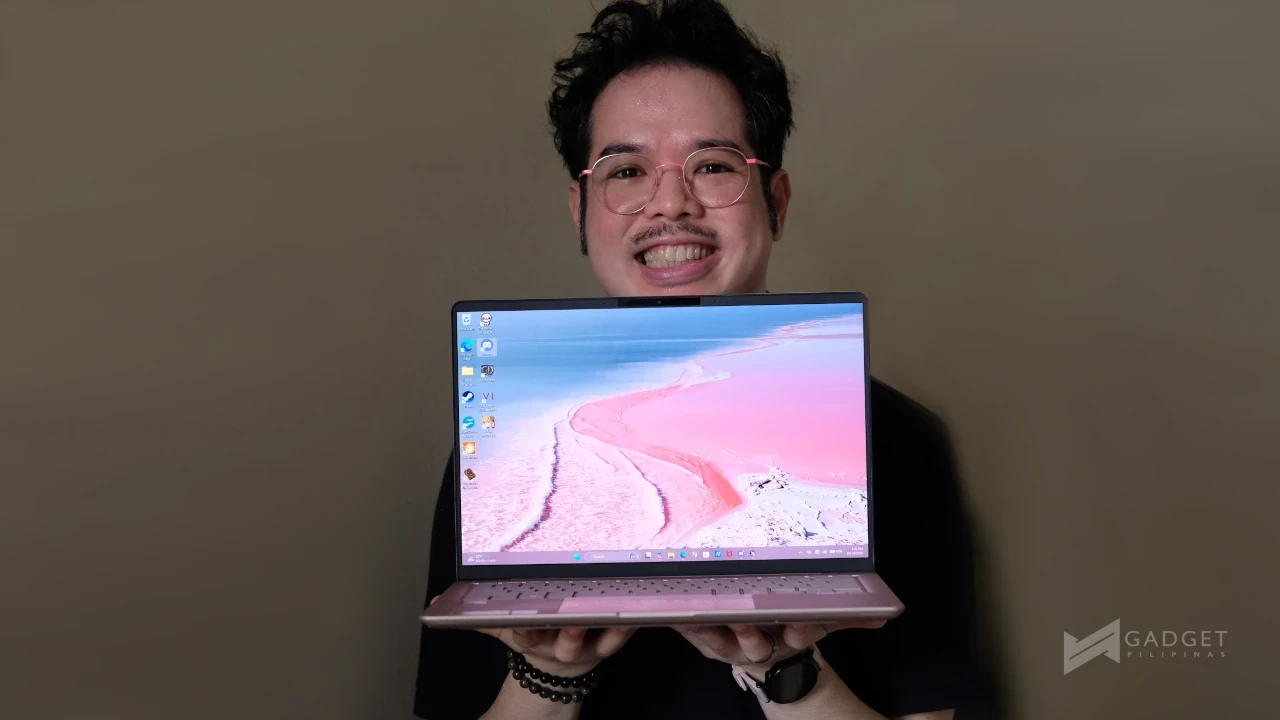
As the resident lover of pink, I’m glad to see more pink laptops on the market. Because of this, I was honored to learn that I would get to use the latest Snapdragon-powered Zenbook 14 for myself. After about two weeks with the ASUS Zenbook 14 UX3480QA, this is my experience.
Do note, though, this isn’t a full review; it’s an experiential narration of the ASUS Zenbook 14 itself.
ASUS Zenbook 14 UX3480QA
Full Specifications
| Display | 14.0-inch WUXGA (1920 × 1200) OLED 16:10 aspect ratio, 60Hz refresh rate 300 nits brightness 100% DCI-P3, 0.2ms response time 1,000,000:1 contrast ratio non-touch 89% screen-to-body ratio |
| Chipset / CPU | Qualcomm Snapdragon X1-26-100 (8 cores, 8 threads, up to 2.97GHz, 30MB cache) |
| GPU | Qualcomm Adreno GPU |
| NPU | Qualcomm Hexagon NPU, up to 45 TOPS (AI acceleration) |
| RAM | 16GB LPDDR5X |
| Storage | 512GB M.2 NVMe PCIe 4.0 SSD |
| Battery | 50Wh, 3-cell Li-ion |
| Charging | USB-C, 68W AC adapter (20V DC, 3.4A) |
| Ports | 2x USB 3.2 Gen 2 Type-C (10Gbps, power delivery + display) 1x USB 3.2 Gen 1 Type-A (5Gbps) 1x HDMI 2.1 TMDS 1x 3.5mm combo audio jack |
| Camera | FHD IR camera (Windows Hello support) |
| Audio | Built-in speakers with Smart Amp, array microphone, AI noise canceling |
| Connectivity | Wi-Fi 6E (802.11ax, triple band, 2×2) Bluetooth 5.3 |
| Keyboard & Touchpad | Backlit chiclet keyboard (1.7mm travel) precision touchpad Copilot key |
| Dimensions | 31.11 × 21.58 × 1.39–1.69 cm (12.25″ × 8.50″ × 0.55″–0.67″) |
| Weight | 1.10 kg (2.43 lbs) |
| Software & Extras | Windows 11 Home MyASUS suite GlideX ScreenXpert StoryCube AI features Xbox Game Pass (3 months) Adobe Creative Cloud trial Dropbox 500GB (6 months) |
| Durability | US MIL-STD 810H military-grade certified |
Fashionable and Portable in One Package
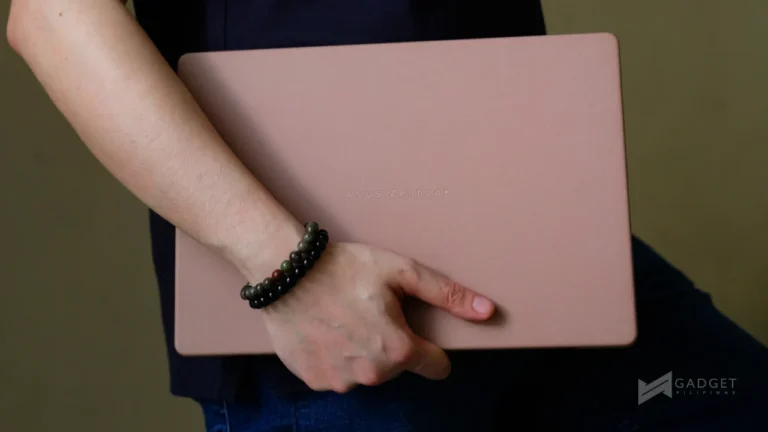
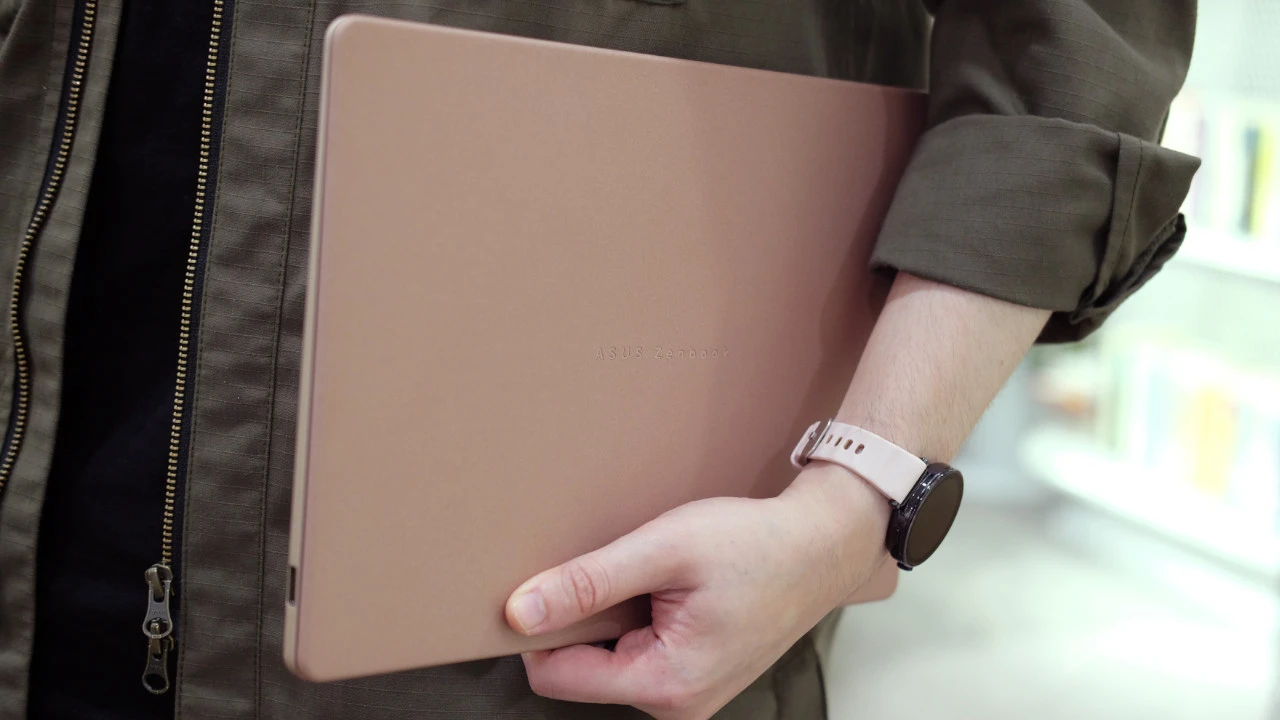
I’ll start from the very beginning: its design and aesthetic. The lid of the ASUS Zenbook 14 UX3480QA is constructed with ASUS’ Ceraluminum material in the Komodo Coral colorway. This is a pinkish color that I think we need more of in laptops. If pink isn’t your vibe, there are also the aforementioned Arctic Blue (Intel and AMD CPU) and Zabriskie Beige (Snapdragon CPU, coming soon).
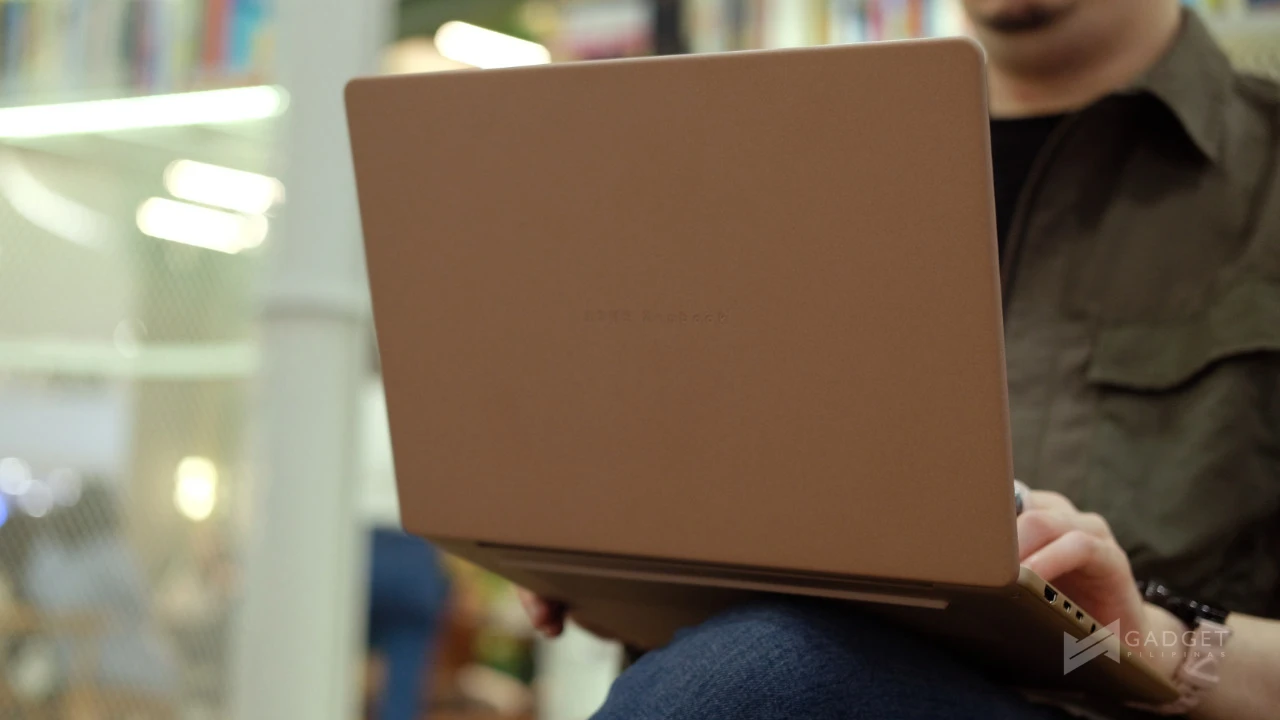
I personally adore the matte Ceraluminum lid and the matte finish of the metal chassis. Moreover, I think the color is presented with such elegance that it gives just enough color while still looking professional. It’s a design that I’m very much willing to whip out in a serious business meeting as well as when I’m just out and about.
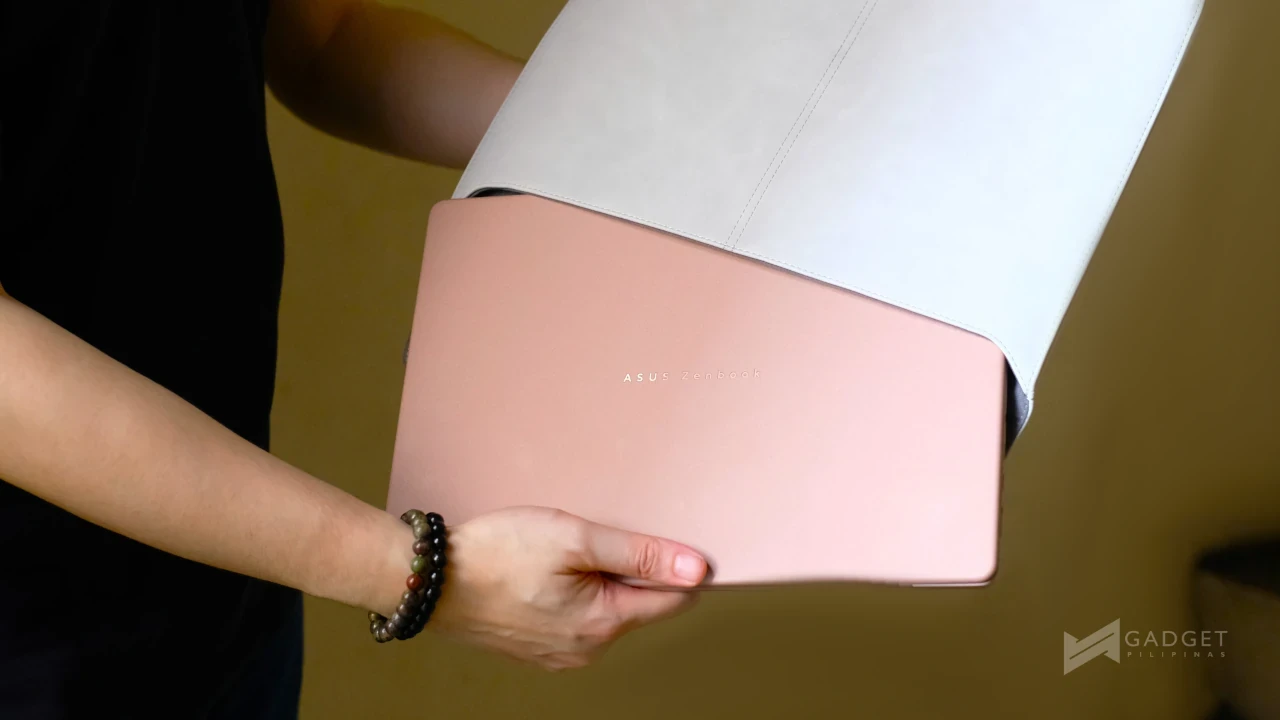
This is completed with a pretty minimalist finish to both the inside and lid. The lid simply has the ASUS Zenbook text engraved with a glossy finish on the text, making it stand out against the matte Ceraluminum.
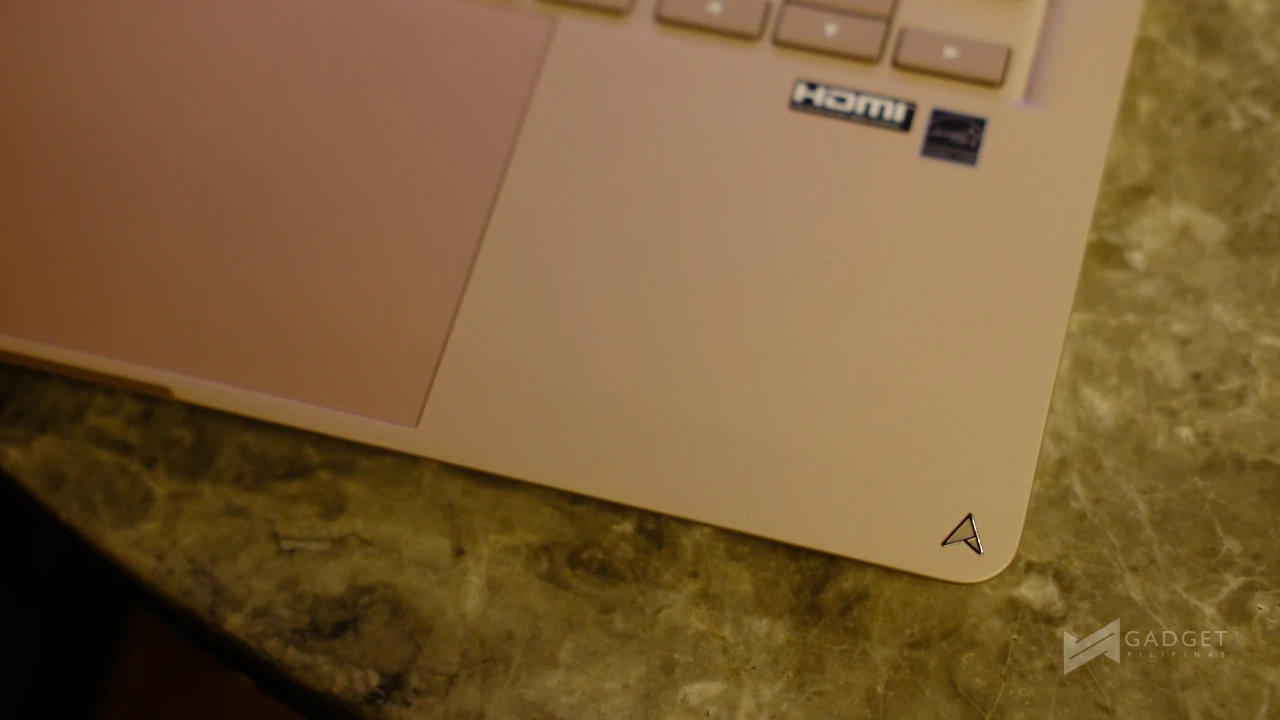
It features the ASUS Zenbook text on the cover rather than the previously used monogram logo. And I think with this iteration, the text does a lot to provide stylish simplicity. The monogram is still used on the laptop, though, albeit smaller on the inside in the lower right corner. This decision delivers an overall stealthier design, which I prefer.

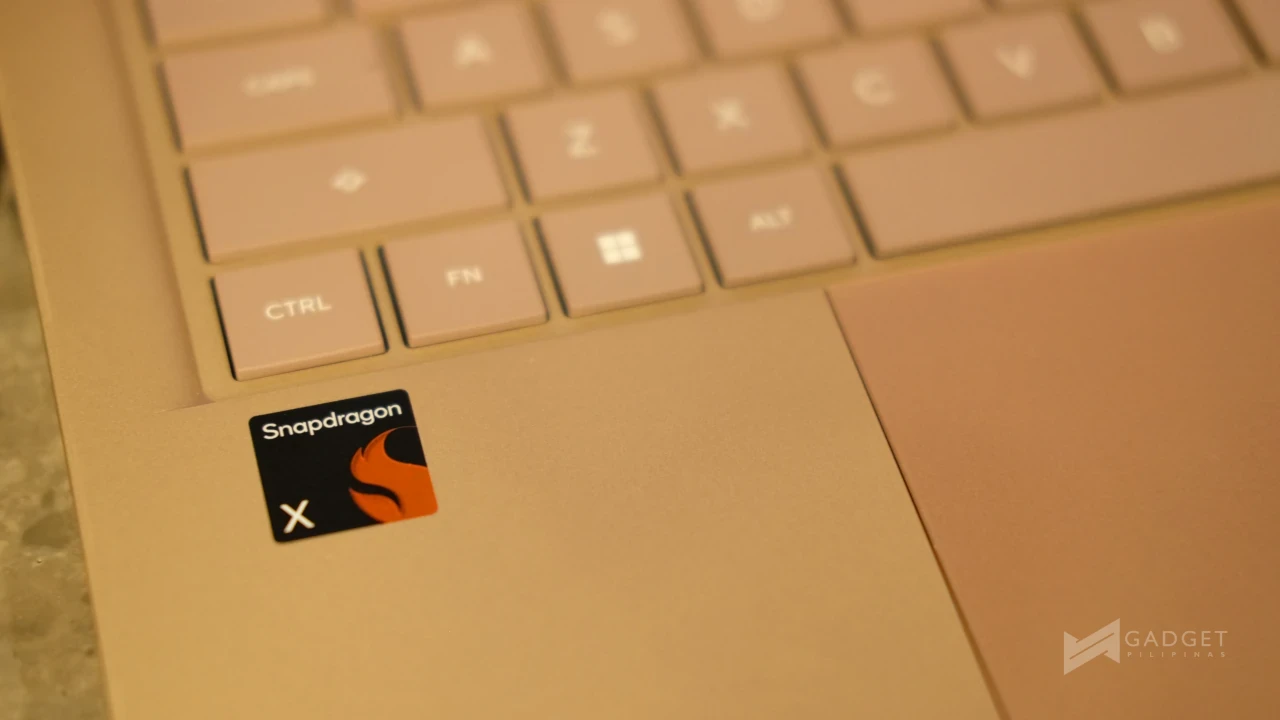
The inside of the laptop has a lighter pink hue to its metal chassis, but more interestingly for me is the pink trackpad and backlit chiclet keyboard. Thankfully, the backlight isn’t pink; I think that would be a bit much.
The latest ASUS Zenbook 14 weighs just 1.1kg and is 1.3cm thin, making it easy to bring in either a tote-style bag or, more so, a backpack. There were times when I’d have to double-check if I actually packed it with me. Additionally, its ultra-portable build makes it very easy to bring even during trips that require you to walk miles upon miles with a laptop.
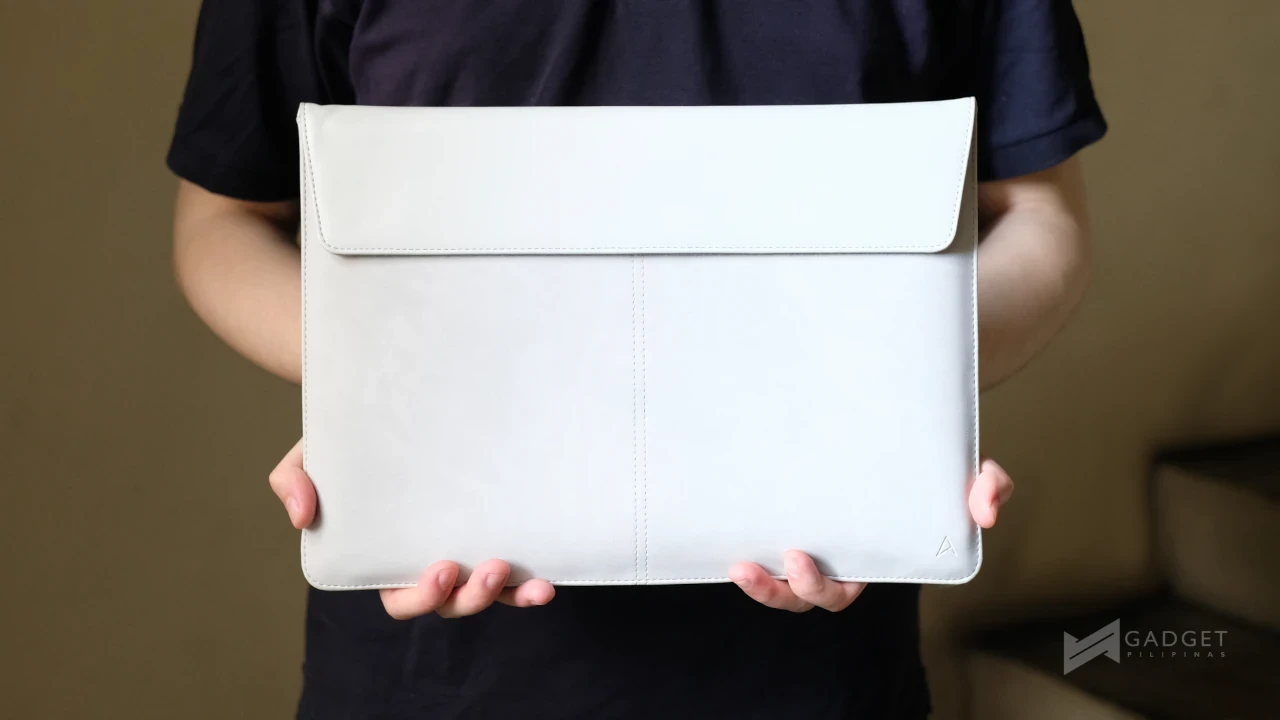
As far as protection goes, the ASUS Zenbook 14 also comes with a grey leather and velvet sleeve out of the box, adding to its status as a stylish laptop. I generally prefer a darker color for the case, but I think the lighter grey is a good accent to the Komodo Coral color. Let’s not forget its primary purpose: extra protection for the laptop if you decide to use it.
This, of course, is in addition to ASUS’ Ceraluminum.
Durable with Ceraluminum
Ceraluminum, if this is the first time you’ve encountered it, is ASUS’ patented technology. It offers superior scratch resistance and longevity. It uses high-tech ceramic that is used in aerospace and luxury watches.
This, along with the malleability of metal, offers a lightweight, shock-resistant, smudge-resistant, and wear-resistant material.
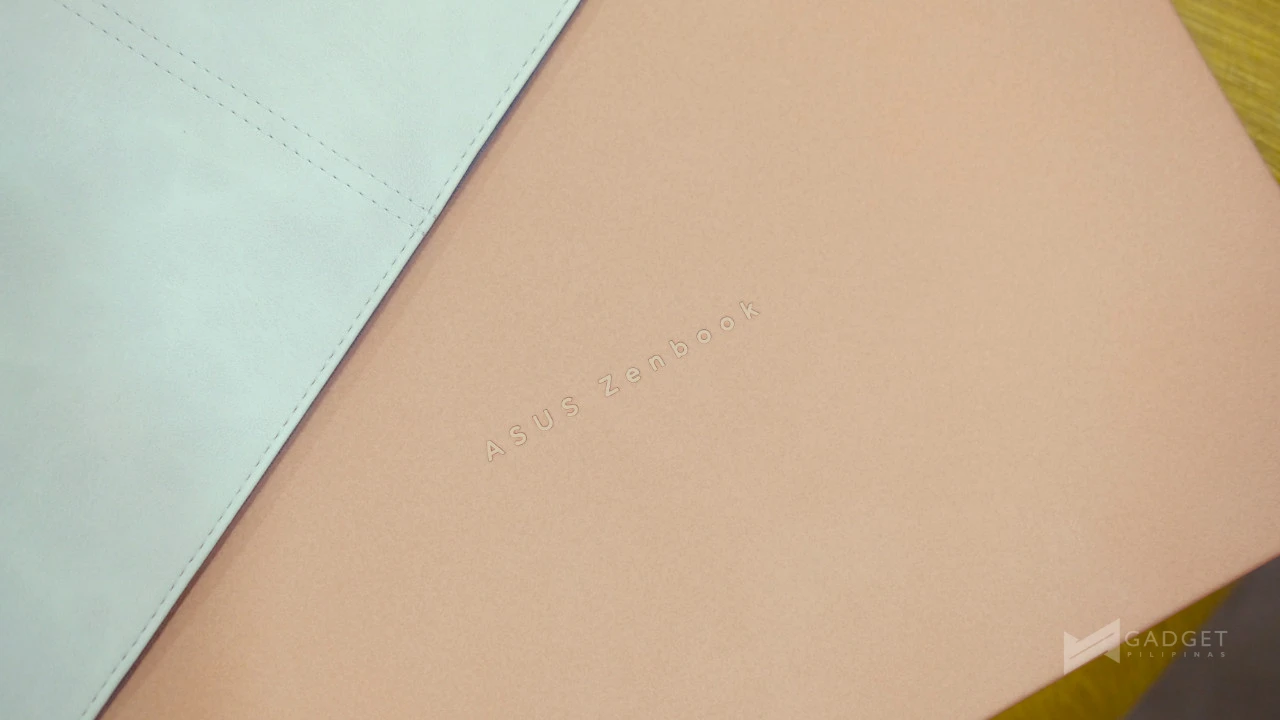
Although the base isn’t constructed with Ceraluminum like the Expertbook Ultra, the ASUS Zenbook 14 UX3480QA still benefits from this durable material through its cover. Which, I think, is the perfect part of the laptop to use Ceraluminum. If you choose not to use the sleeve, you still get the peace of mind that your laptop will stay protected.
Additionally, this gives the cover a nice smooth, matte finish.
Productivity and Entertainment On-the-Go
And now, to its hardware! The ASUS Zenbook 14 UX3480QA has a 14.0-inch FHD OLED display with a 60Hz refresh rate. Additionally, it is powered by the Qualcomm Snapdragon X1-26-100 SoC coupled with 16GB LPDDR5X RAM and a 512GB M.2 NVMe PCIe 4.0 SSD.
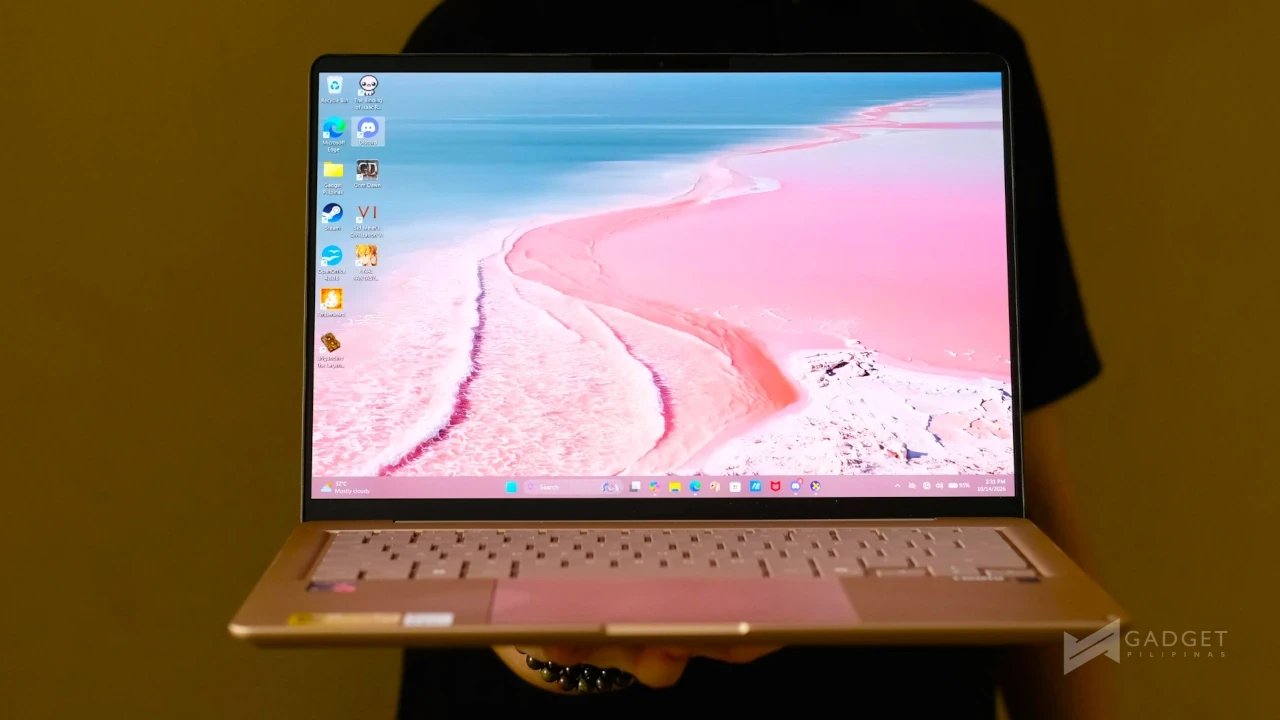
This is my first time working on a Snapdragon-powered laptop, and as someone who uses laptops mainly to finish my articles, catch up on my latest videos on YouTube, and do occasional light gaming, it didn’t feel so different from its Intel and AMD counterparts. This could be a testament to how far Arm-based systems have gone in terms of software and performance.

Again, I admit that my needs don’t necessarily push it to its limit, because I’m not one to require triple-A gaming-level performance. I recently bought The Binding of Isaac and the latest expansion for Grim Dawn, as well as gifted Emberward. All three were games that I was able to enjoy on the Zenbook 14 UX3480QA (after work was done, of course).
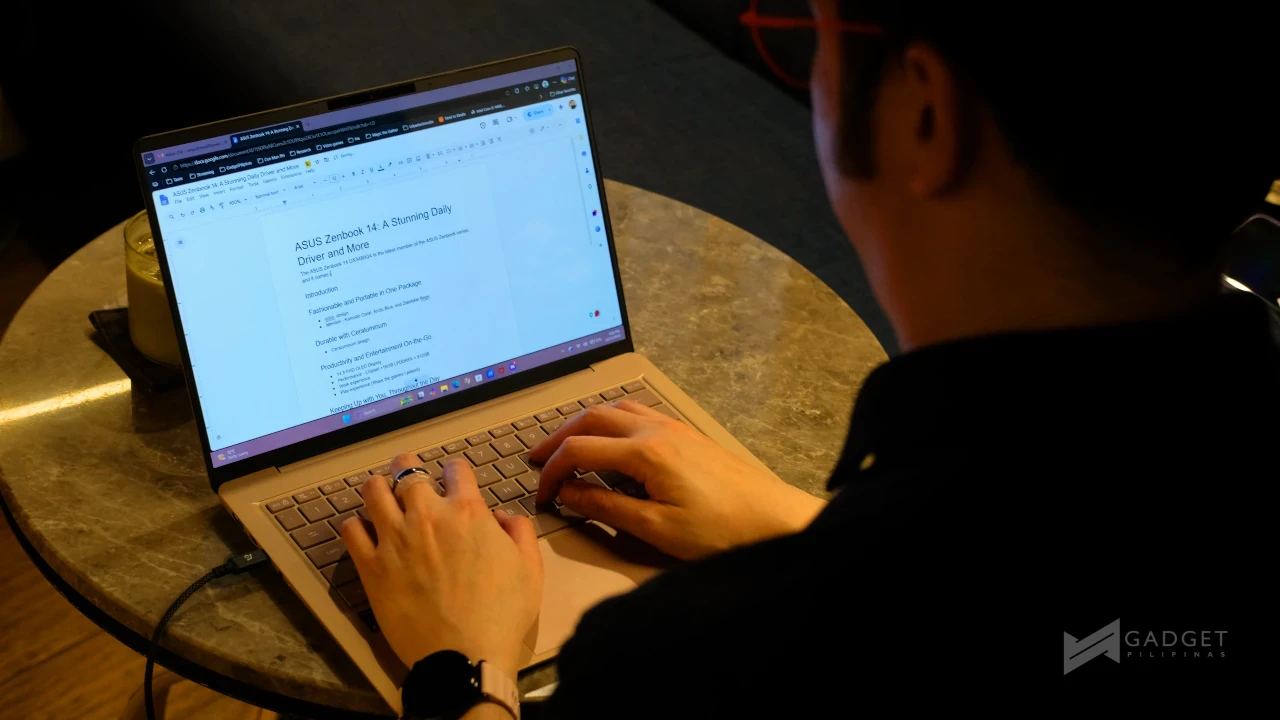
Speaking of work, I generally work with Google Docs to write up and edit my articles, GIMP for light photo editing, Discord for communications, and Microsoft Edge to check my email and submit my articles. The ASUS Zenbook 14 handled these with ease, even with multiple tabs and windows open simultaneously.
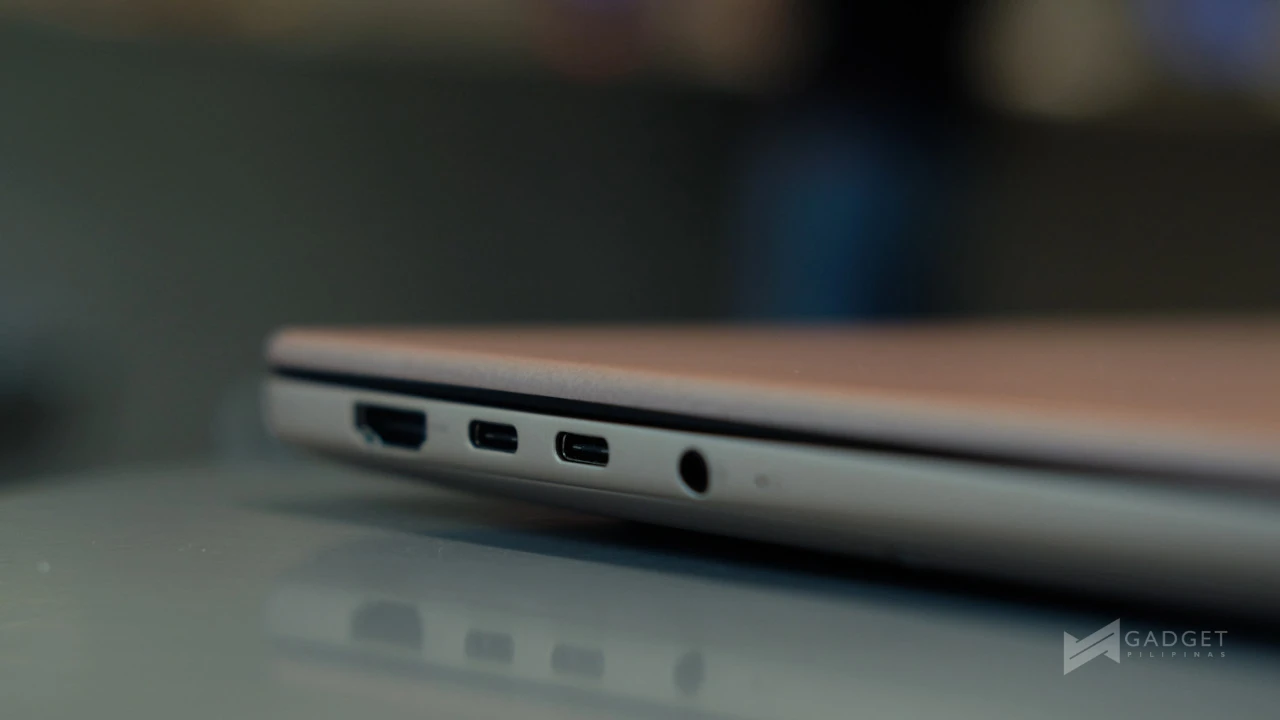
Additionally, the ASUS Zenbook 14 UX3480QA features a variety of ports, namely two USB 3.2 Gen 2 Type-C ports on the left, joined by an HDMI 2.1 and a 3.5mm combo audio jack, and a USB 3.2 Gen 1 Type-A on the right.
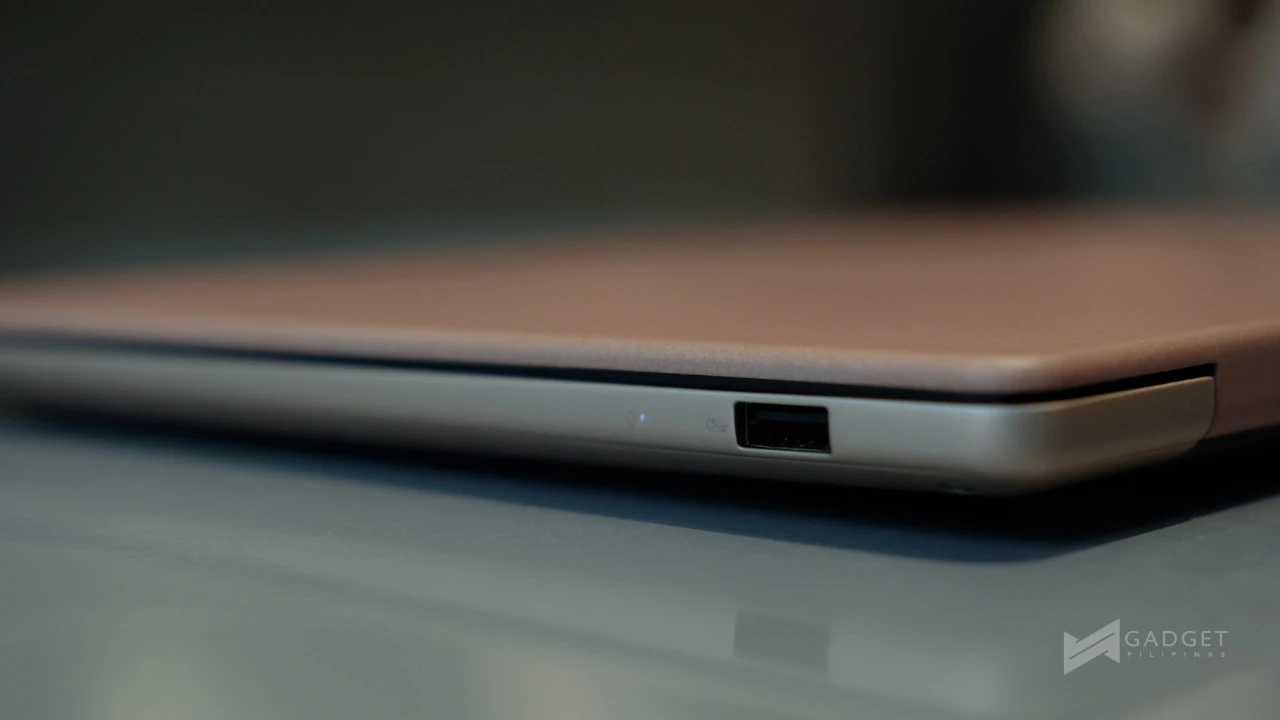
These were enough to be able to back up files on my external hard drive (Type-C) from an SD card with a USB Type-A card reader, while the laptop charges on the second Type-C port. Albeit, I would’ve preferred a built-in card reader.

When I don’t feel like playing, and I’m off the work clock, I end up endlessly watching YouTube videos and Netflix, and this is where the OLED display shines.
Having used OLED laptops before, like the Zenbook Pro 16X OLED many years ago, as well as an OLED monitor at home, it really is something I can’t go without now. There’s just something about the deep blacks and bright colors that I really can’t go back on now (Thanks, Grant).
Keeping Up with You, Throughout the Day
As far as specifications go, the ASUS Zenbook 14 UX3480QA has a slightly smaller battery than its Intel counterpart, with a 50Wh battery compared to the 70Wh battery on the Intel-powered laptop.
I really didn’t feel the difference in the battery, not that I know how drastic a 20Wh battery difference would feel. However, I was able to comfortably use the laptop throughout a full workday (around 2-8 PM) working on my articles, doing research, checking emails, and communicating with people.
This is pretty much more than I can hope for in a daily driver laptop that will mainly be used to finish work while I’m on the go or waiting for events to begin.
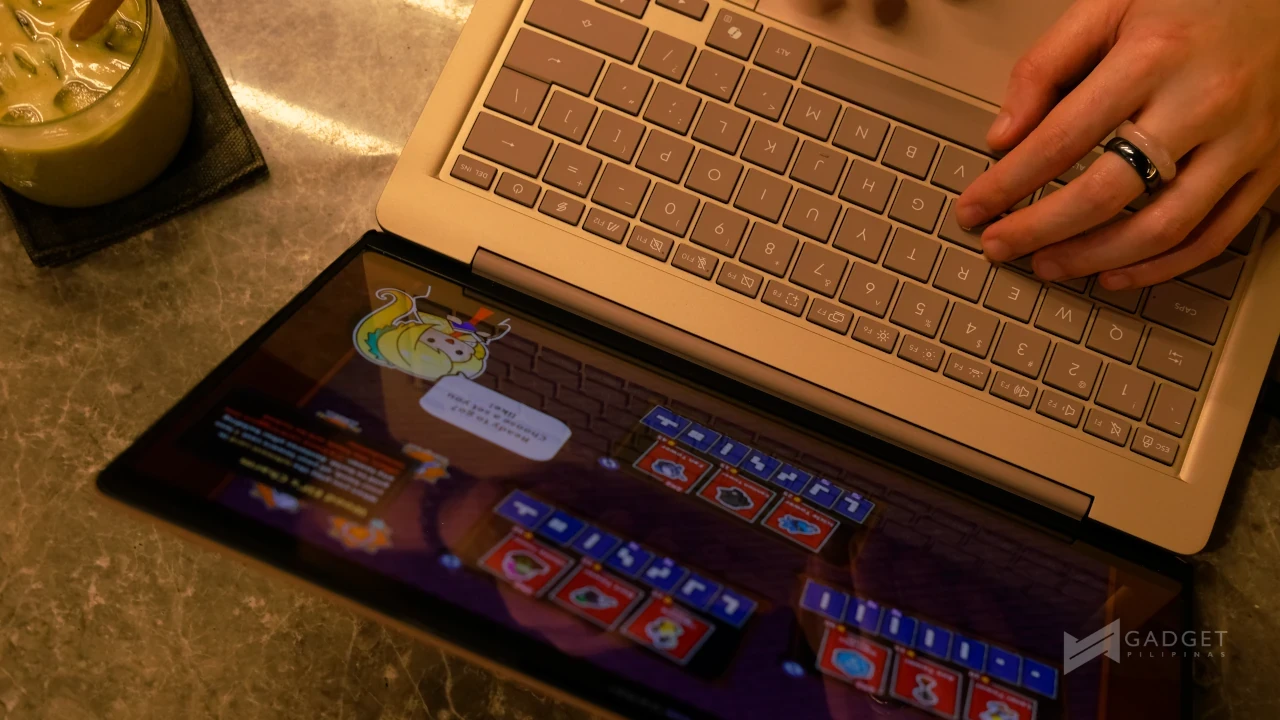
Now, this changes a bit when I add in a bit of gaming after work. I mentioned that I didn’t play the toughest of games and that helped with battery life. However, there was definitely more drain than with everyday tasks. I personally find myself not playing much on-the-go, but it’s still worth mentioning at least.
The ASUS Zenbook 14 UX3480QA comes with a 68W charger out of the box, which you can use with your other devices. However, I already had chargers for laptops, and I opted to use these instead, as they were already in my bag and/or already set up for use at home.
A Comp-AI-nion for Everyday
As it is a modern Windows laptop, the ASUS Zenbook 14 features the Copilot button next to its right Alt button. It’s a pretty handy button if, like me, you need to do quick research on the fly.
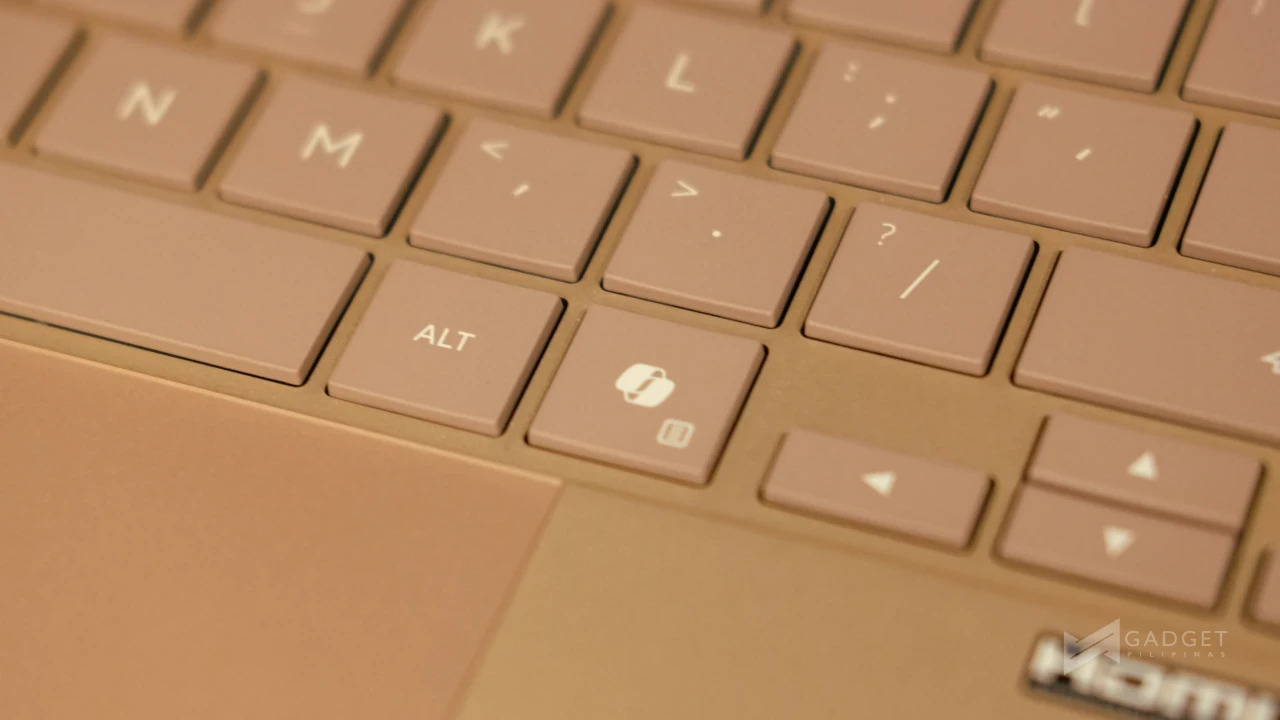
For my use case, I used it often to double-check facts and details for my articles and put together a spec sheet, similar to the one above. It helped lessen the need to open a new tab or window in Microsoft Edge, which at times can get pretty confusing to navigate. I mean, that could just be a me-thing altogether.
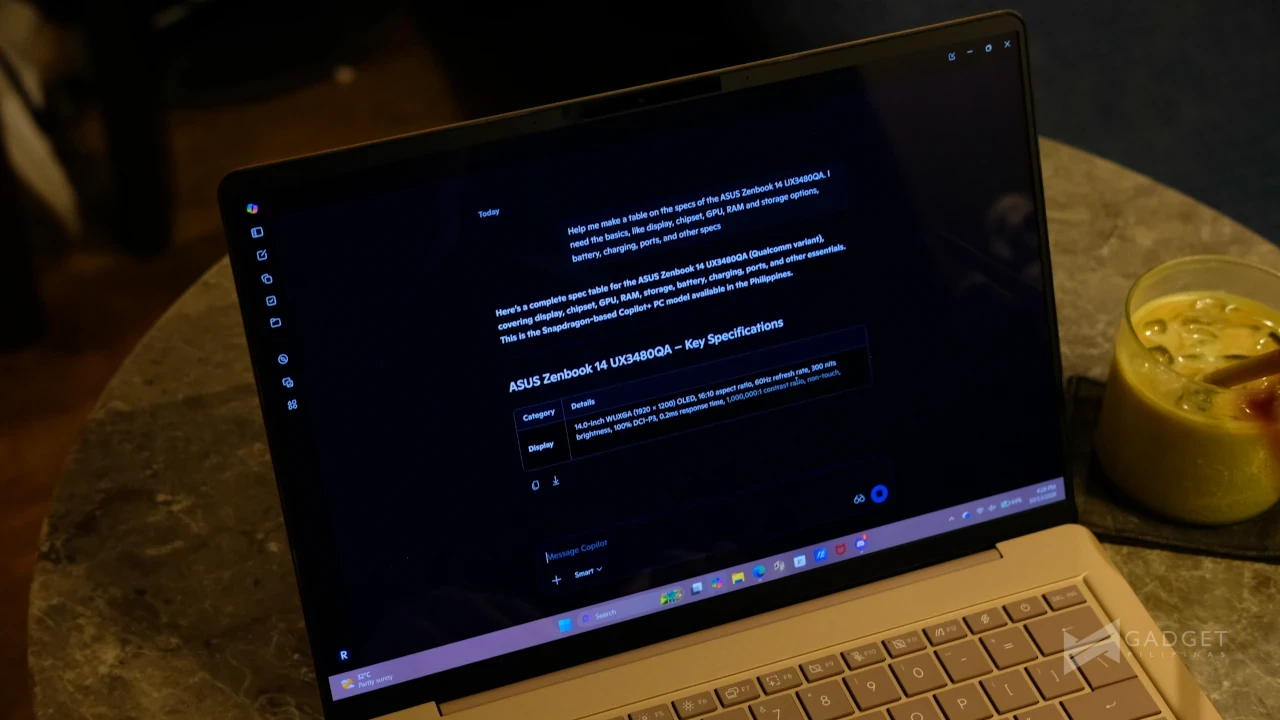
If you do need to run AI locally, the Snapdragon X1-26-100 features a Qualcomm Hexagon NPU with 45 TOPs, taking the load off the processor and GPU.
ASUS Zenbook 14 UX3480QA: A Daily Driver and Then Some
The ASUS Zenbook 14 UX3480QA, despite being my first experience with a Qualcomm–powered laptop, felt like a regular laptop, and that’s a great thing! To add to this, it is perhaps the most stylish I’ve used to date.
I’d definitely look into the ASUS Zenbook 14 UX3480QA if you want a colored laptop that can keep up with you for day-to-day work tasks that are Beyond Thin and Light. Or if you want a stylish laptop that you can bring with you on travels while still staying productive.
The laptop also comes with:
- 3-month Google AI Pro subscription
- 3-month GoPro Premium+ subscription
- 1-month Membership of Adobe Creative Cloud All Apps
- 3-month Goodnotes Essential subscription
- Lifetime Microsoft Office Home 2024 license
- 1-year Microsoft 365 Basic (with 100GB of cloud storage)
- Up to 700GB ASUS Cloud Storage Bundle
This is on top of a 3-year international and local warranty, 1-year local accidental damage protection, up to 6 claims of free device cleaning, and up to 14 days return policy.
If you’re interested in checking out the ASUS Zenbook 14 UX3480QA and learning where to buy ASUS, official website. You can also learn about ASUS No.1 Quality and Service by clicking here.

Ram Ronquillo
Ram found his love and appreciation for writing in 2015 having started in the gaming and esports sphere for GG Network. He would then transition to focus more on the world of tech which has also began his journey into learning more about this world. That said though, he still has the mentality of "as long as it works" for his personal gadgets.
View all articles →