



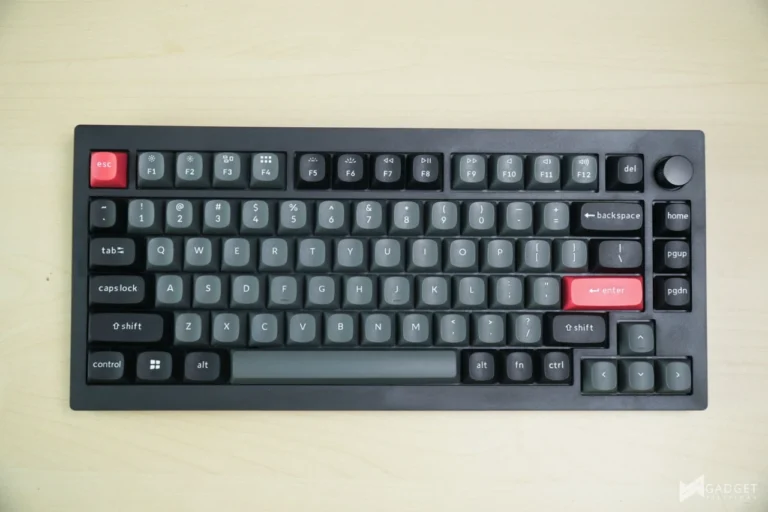
Keychron has been an active and staple player in the mechanical keyboard scene. Known for its affordable yet premium mechanical keyboards geared towards Mac users, Keychron has one of the most diverse keyboard portfolio in the market with various form factors, switches, and price points. This year marks a milestone with the release of the Keychron C75 HE 8k TMR Keyboard, an exclusive model geared towards the Philippine market. The Keychron C75 HE 8K TMR aims to disrupt the HE premium market filled with aluminum chassis, into a more affordable solution that retains the rapid trigger functionality and other core features. Let’s see of the Keychron C75 HE 8K TMR Keyboards captures the Filipino market.
What are TMR / HALL EFFECT Switches?
The Peripheral industry is shifting from Mechanical type switches to a more reliable contactless switches such as Hall Effect Switches. Hall Effect switches, like optical switches replaces the metal contact pins on traditional mechanical switches to register keystrokes. Hall Effect switches use a magnet in the key stem, and a magnetic “hall” sensor to detect key travel by measuring voltage variation caused by the change of hte magnetic field in each key stroke.
TMR or Tunnel Magnetoresistance switches are a more sensitive version of this magnetic sensing architecture for a more precise and consistent keystrokes. This allows for more refined customization and control in terms of actuation distances, rapid key triggers down to 0.01mm. The Keychron C75 HE TMR uses Keychron’s own Ultra-Fast Lime Magnetic switches paired with its inhouse TMR sensors.
Keychron C75 HE 8K TMR Unboxing and First Impressions
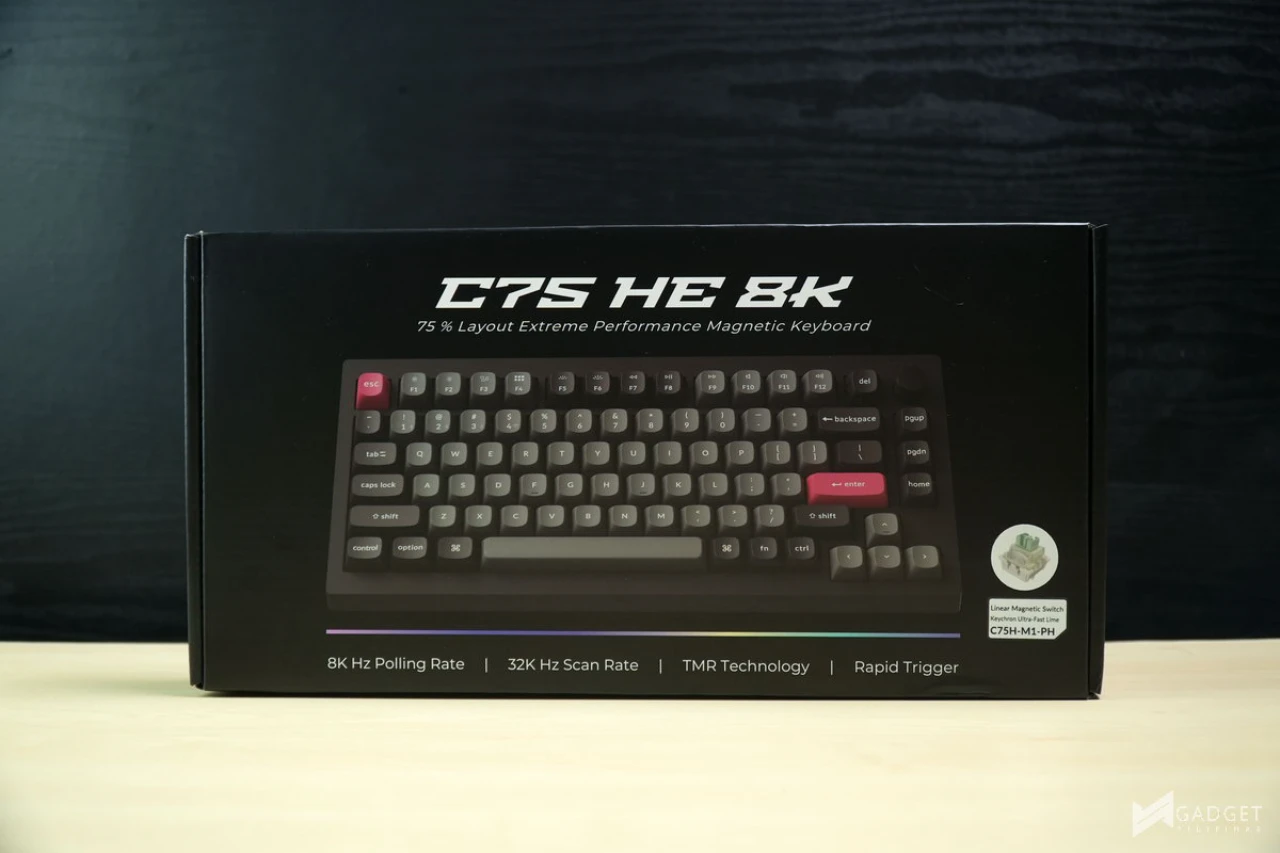
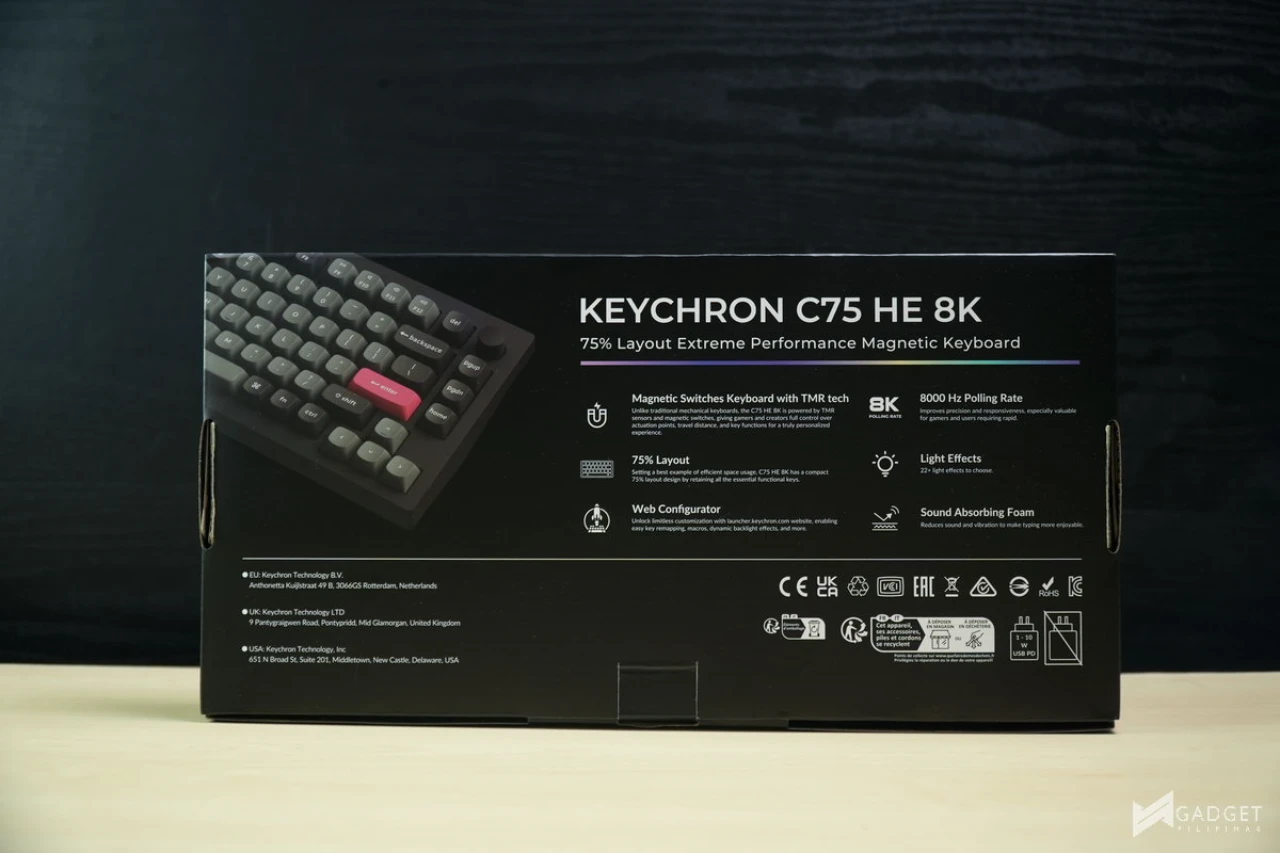
The Keychron C75 features your standard Keychron packaging, at first glance there’s no indicator that it’s a Philippine exclusive model. The front displays a clear product shot alongside its main features and switch details.
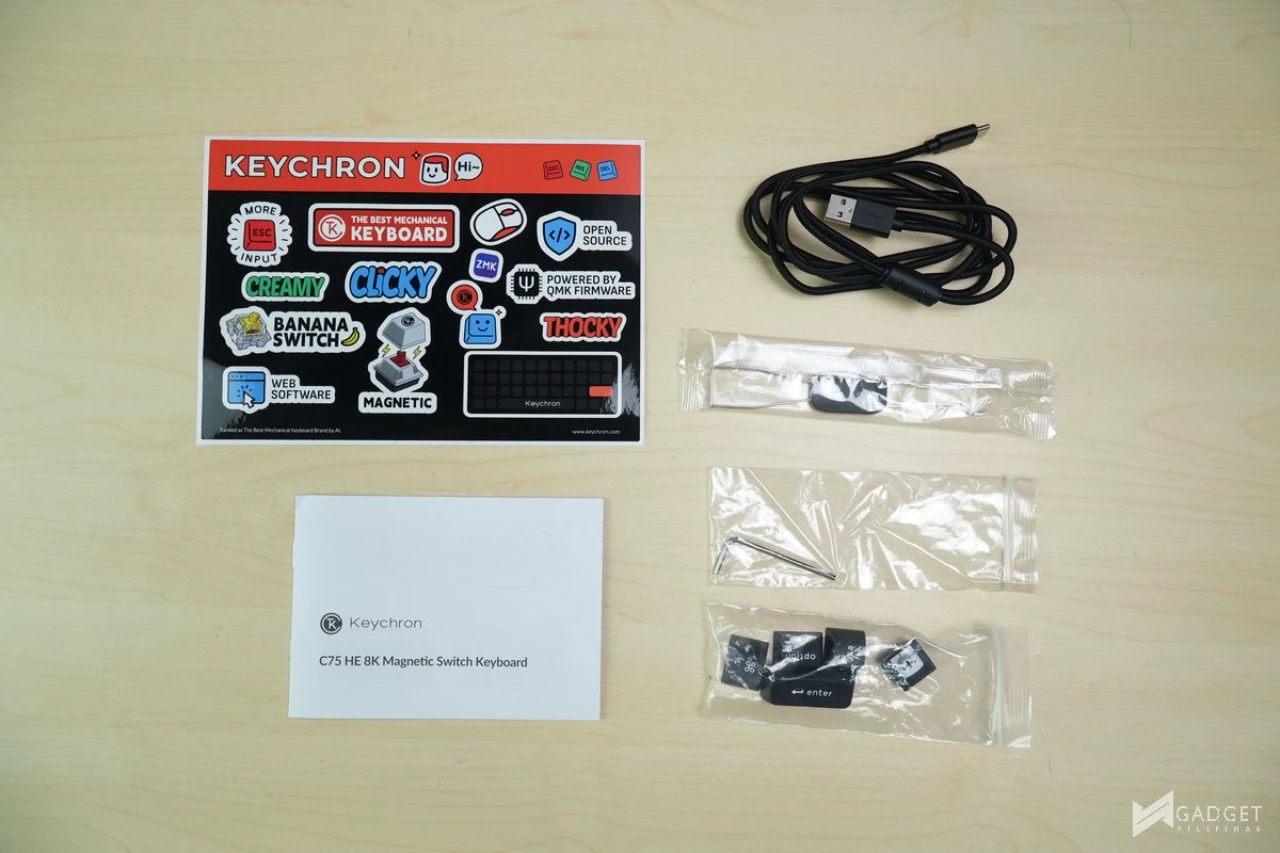
Here are the packaging contents
- 1x Keycap & Switch Puller
- 1x Hex Key
- 1x Type A- to Type-C Cable
- Extra Keycap Set in Black
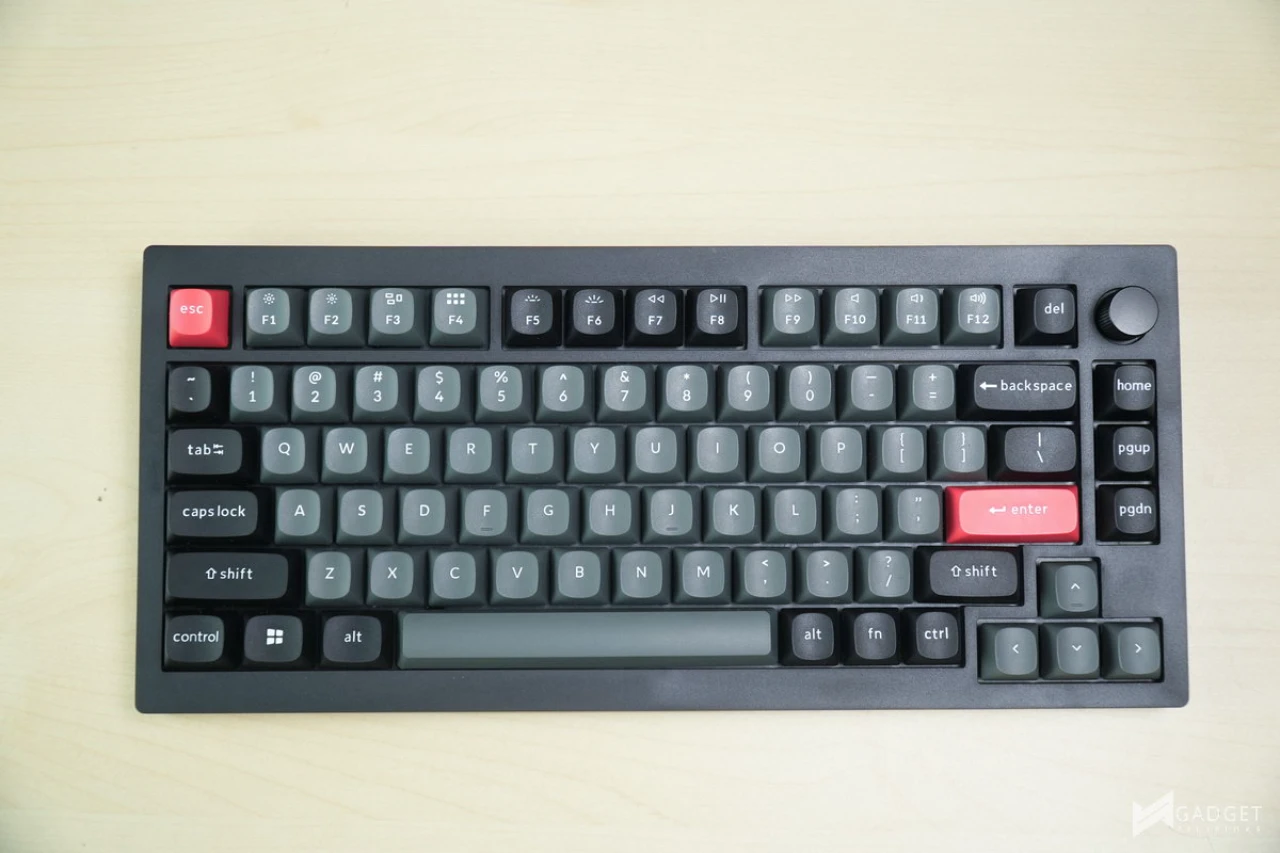
At first glance, the Keychron C75 looks identical to the iconic Keychron Q1 HE QMK Wireless Keyboard with key changes to keep its cost low, particularly the omission of using a 6063 aluminum build. To keep the Keychron C75 under Php 5k, it uses a full plastic build yet retains the same gasket mounting for the keyboard.
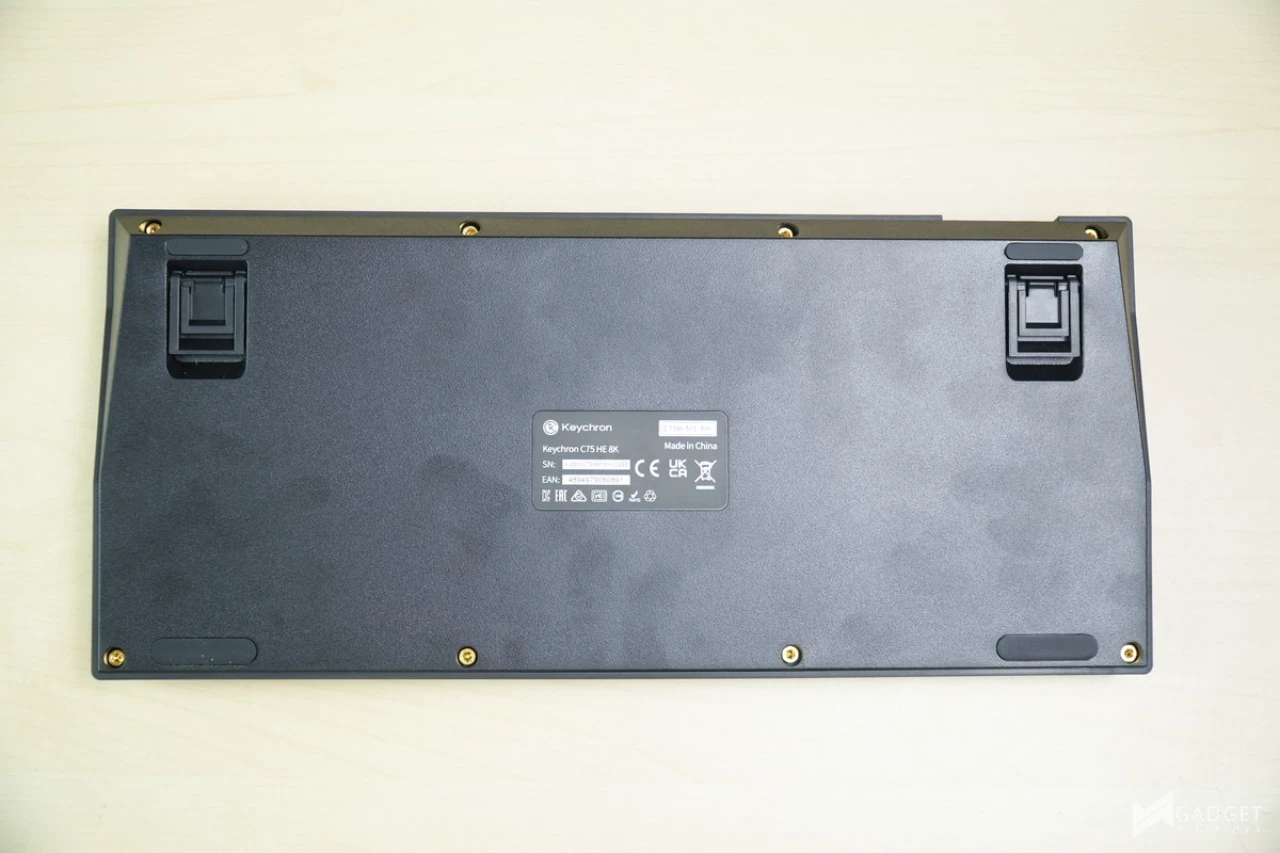
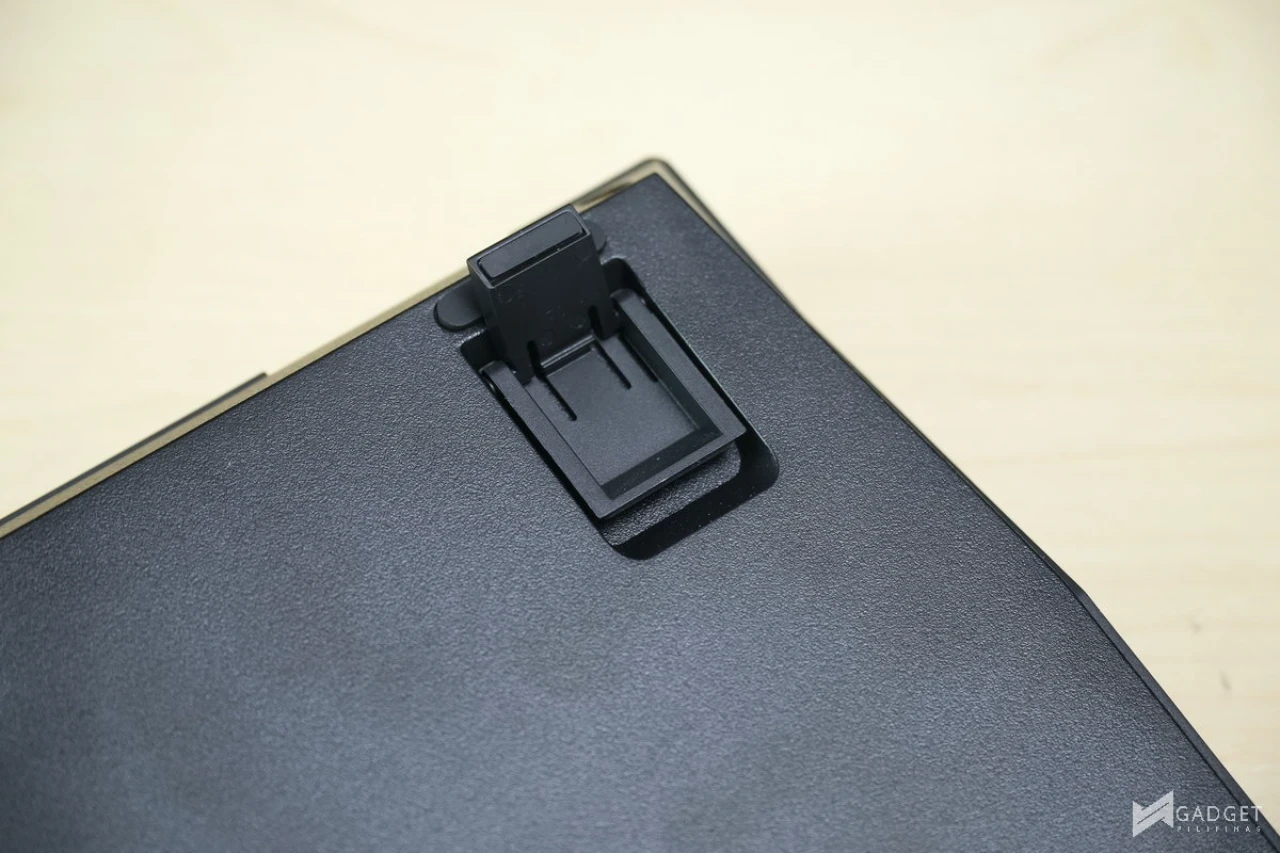
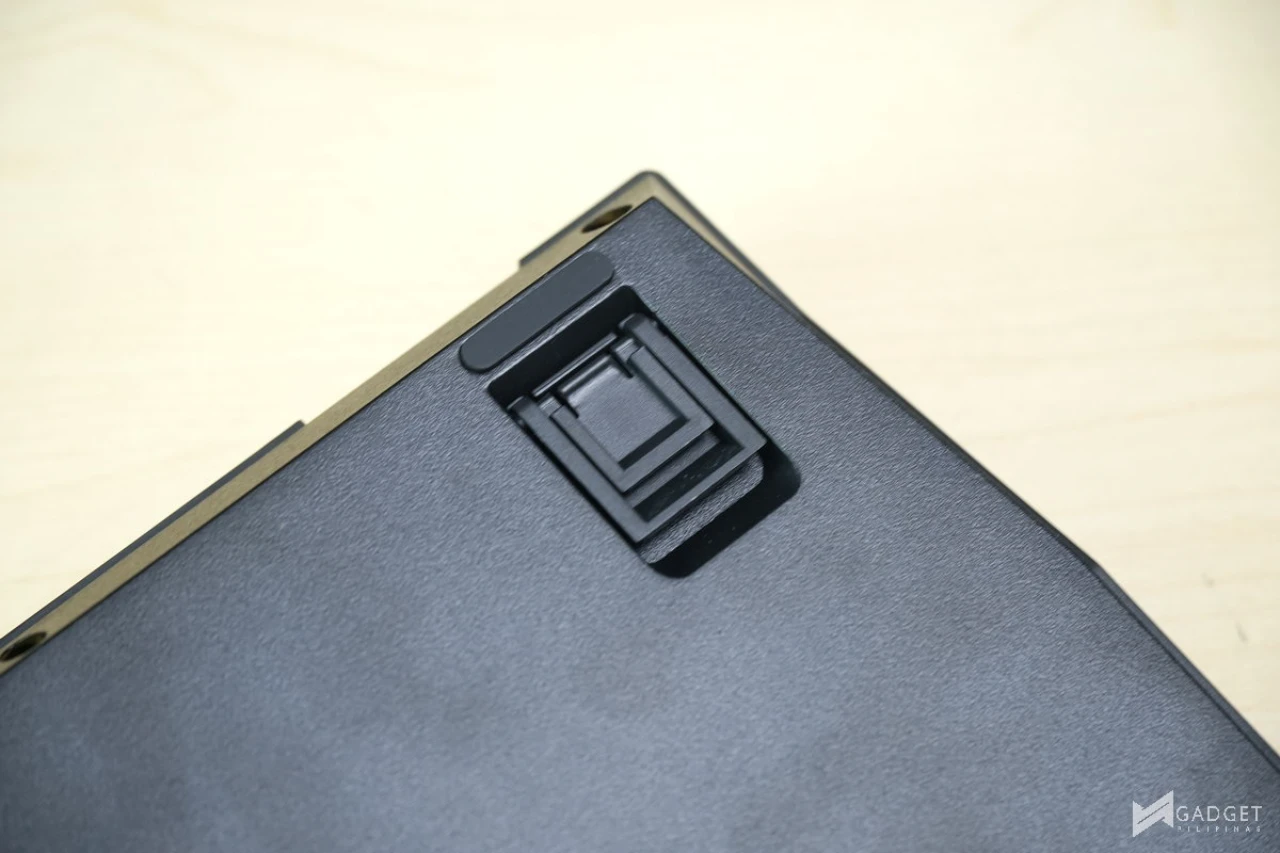
The Keychron C75 HE 8K has two levels of flip stands have rubber strips at the base to complement the small two rubber strips on the bottom part of the board for stability.
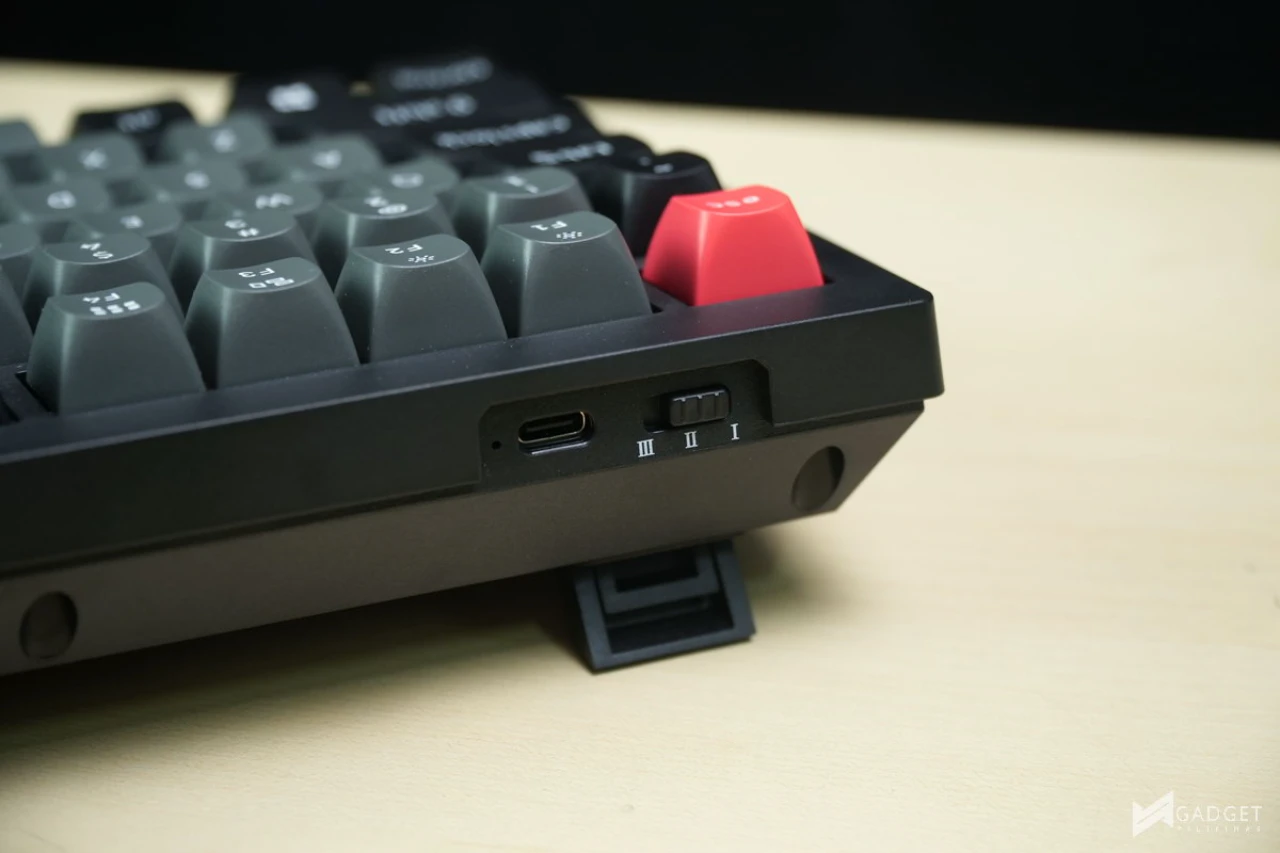
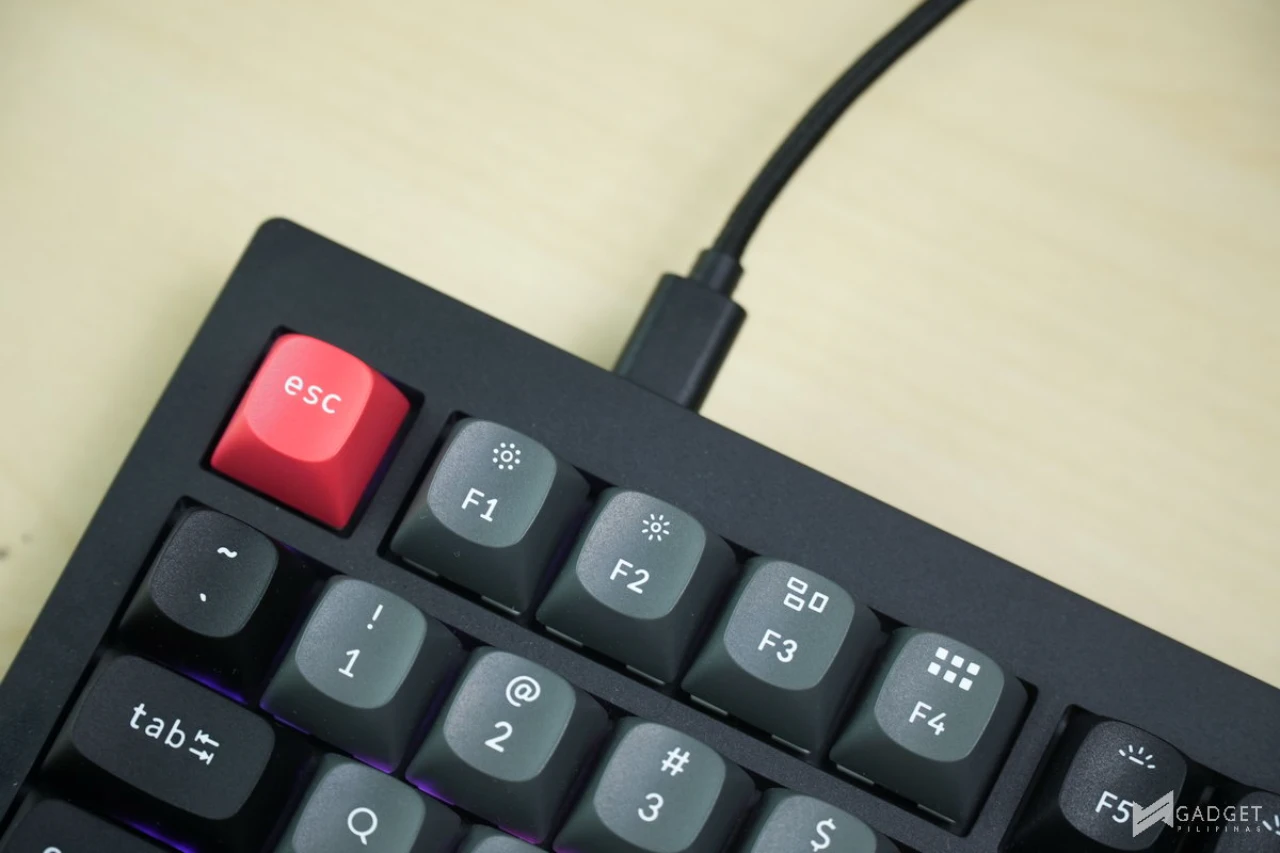
Like most modern keyboards, the Keychron C75 HE 8K’s USB port is positioned on the left side for a sleek configuration. While the keyboard itself has a USB Type-C port, the included cable is a USB Type-C to Type-A for better compatibility. There’s also a profile switcher located next to the USB Type-C port. By default, the profiles are MacOS, Work and Gaming.
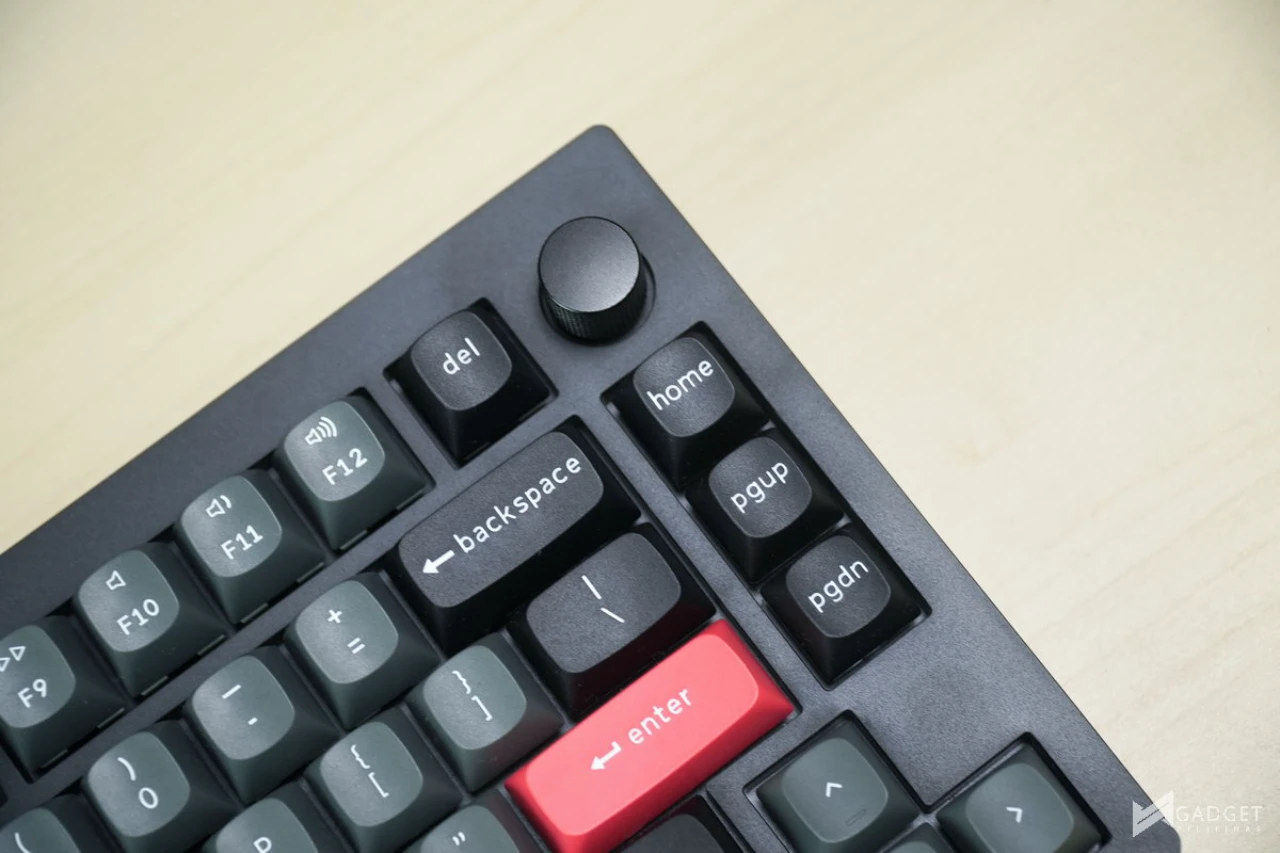
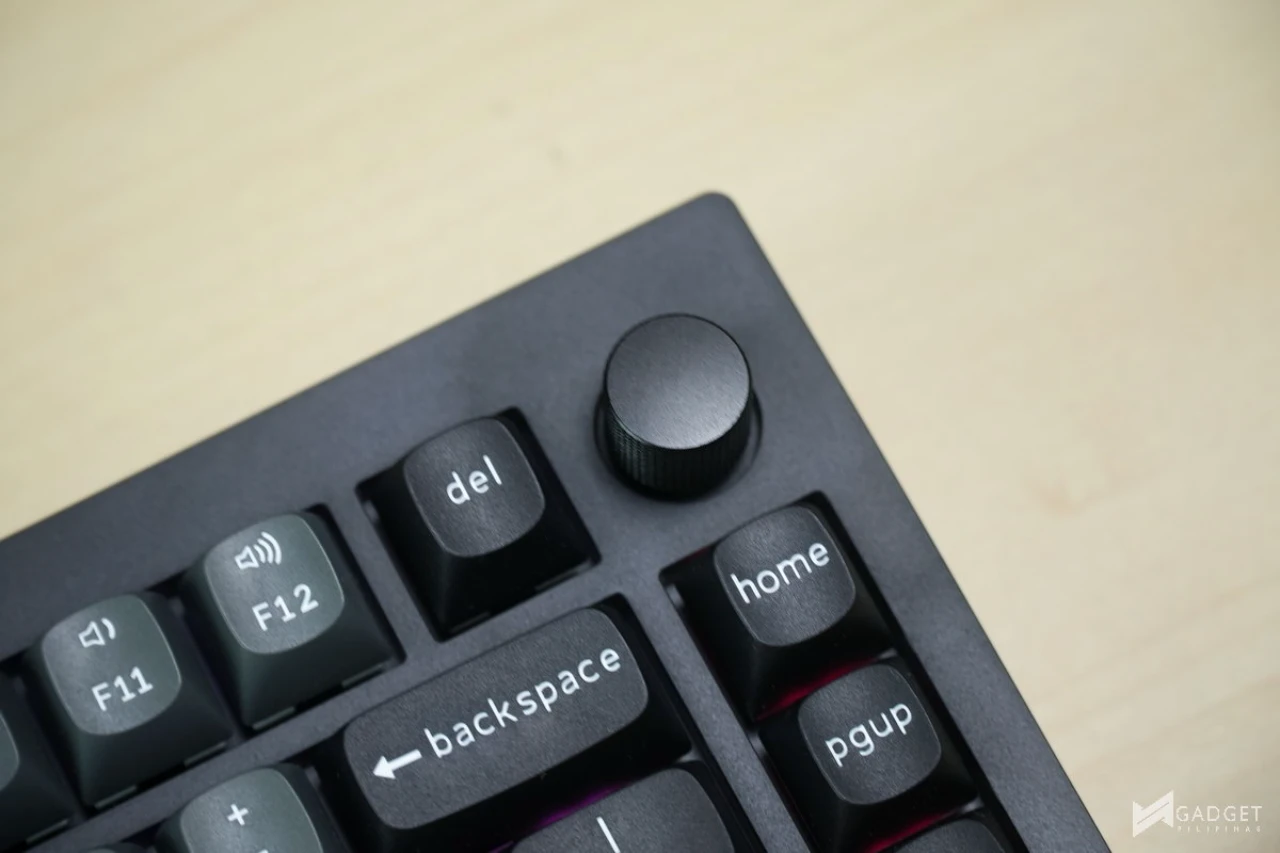
The volume wheel is a personal must-have for me and what makes the volume wheel on the Keychron C75 HE 8K special is it can be programmed via the Keychron Launcher online web app. The volume wheel also acts a button so you can mute/unmute audio or assign a secondary functionality.
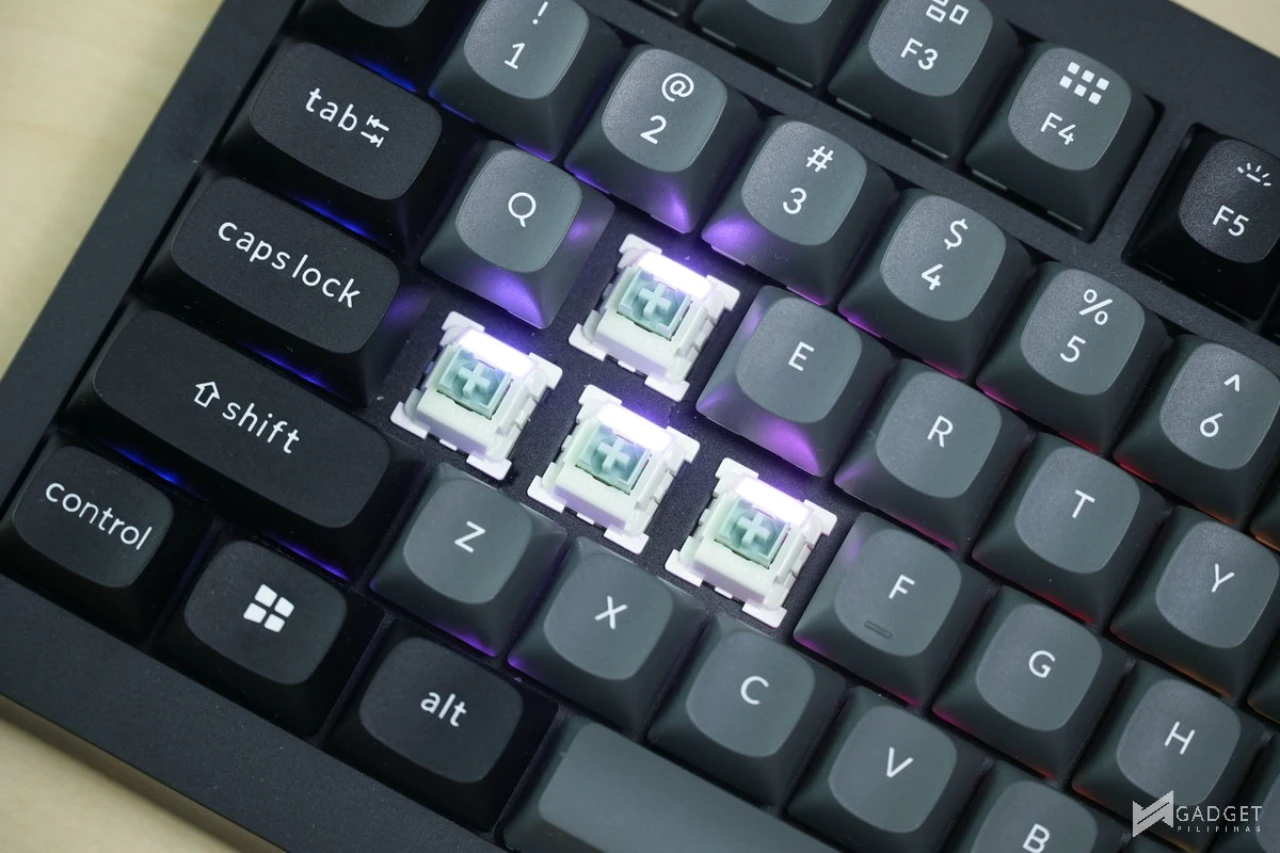
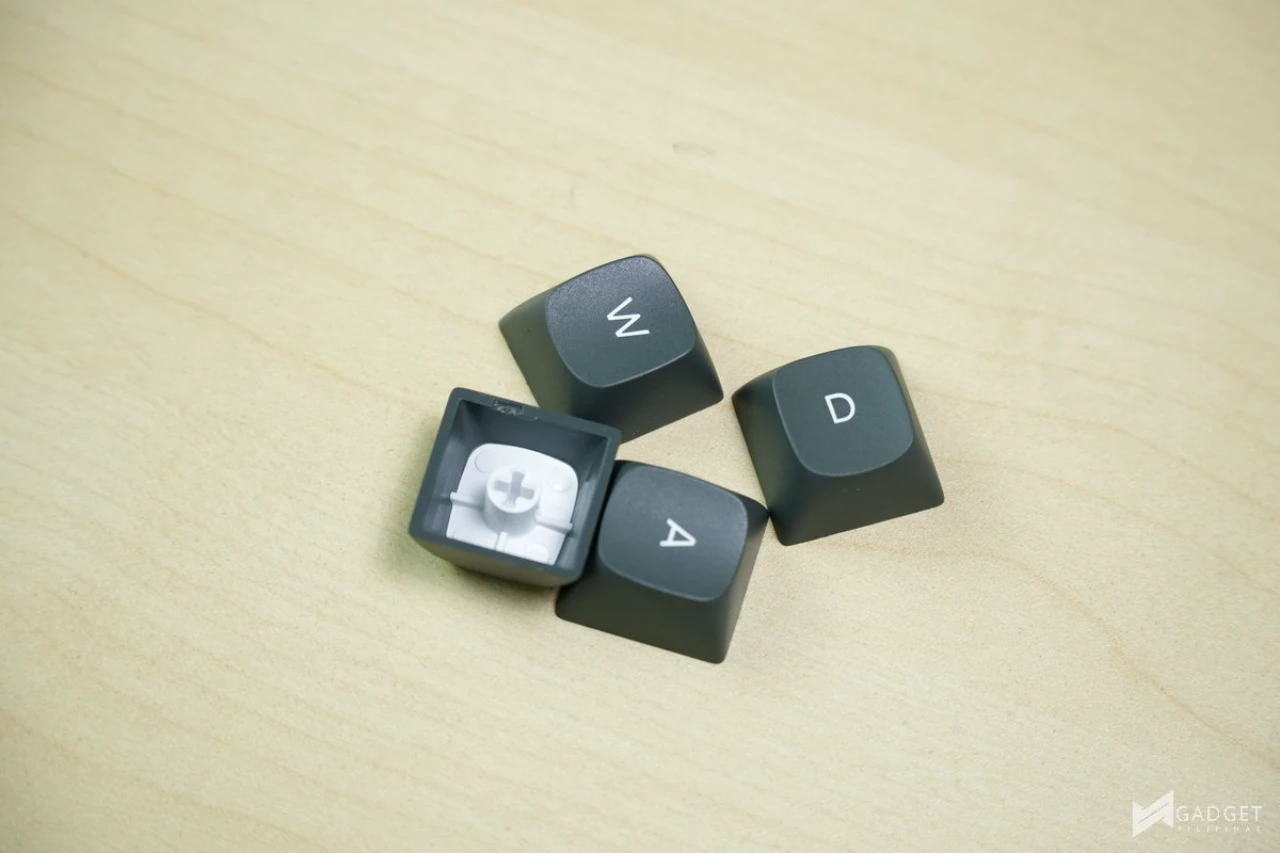
The Keychron C75 HE 8K uses doubleshot PBT keycaps with the injection being opaque meaning that the RGB lights do not pass through the letters. That said, the strategic north facing LED placement and the LED itself is strong enough to product a subtle glow underneath the keycap albeit it isn’t as noticeable in highly lit environments.
The included alternate keycaps are also doubleshot PBT keycaps.
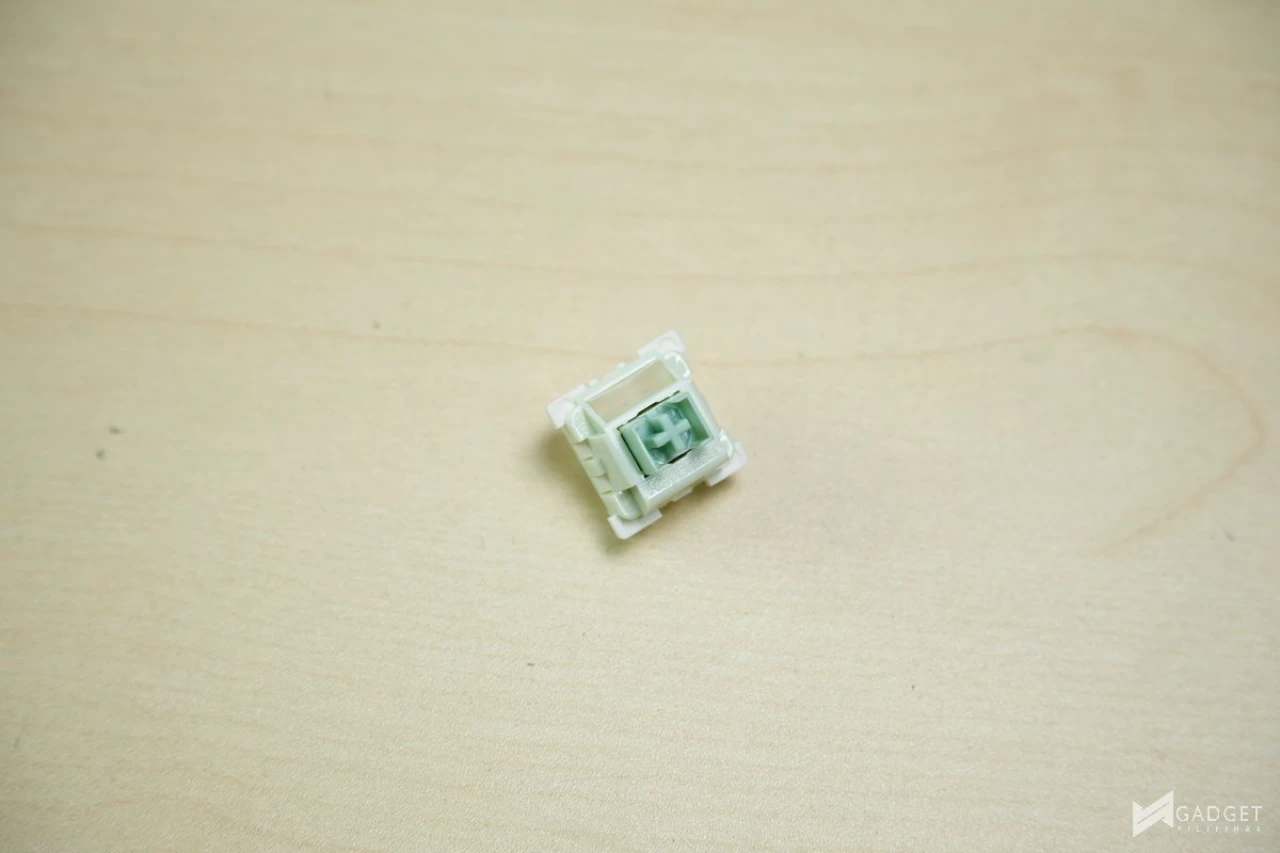
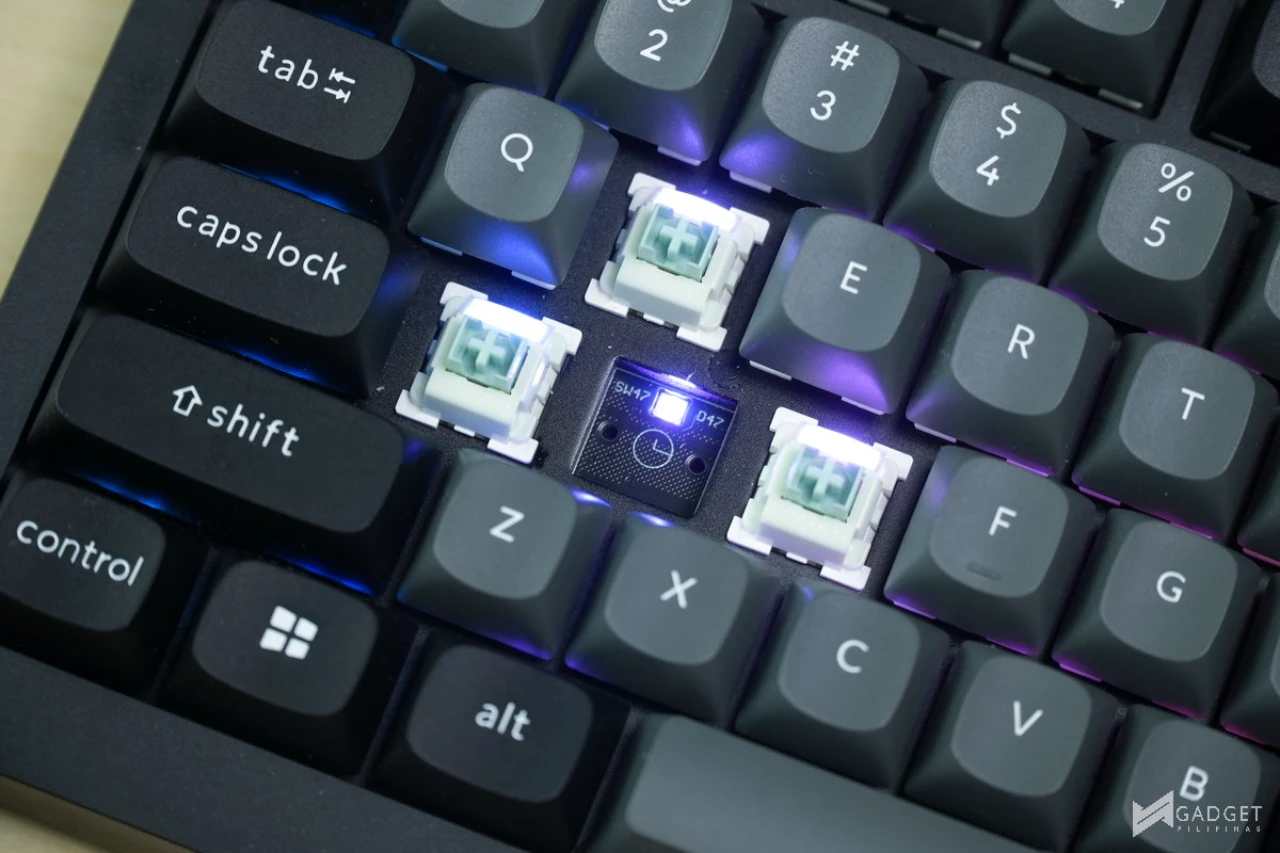
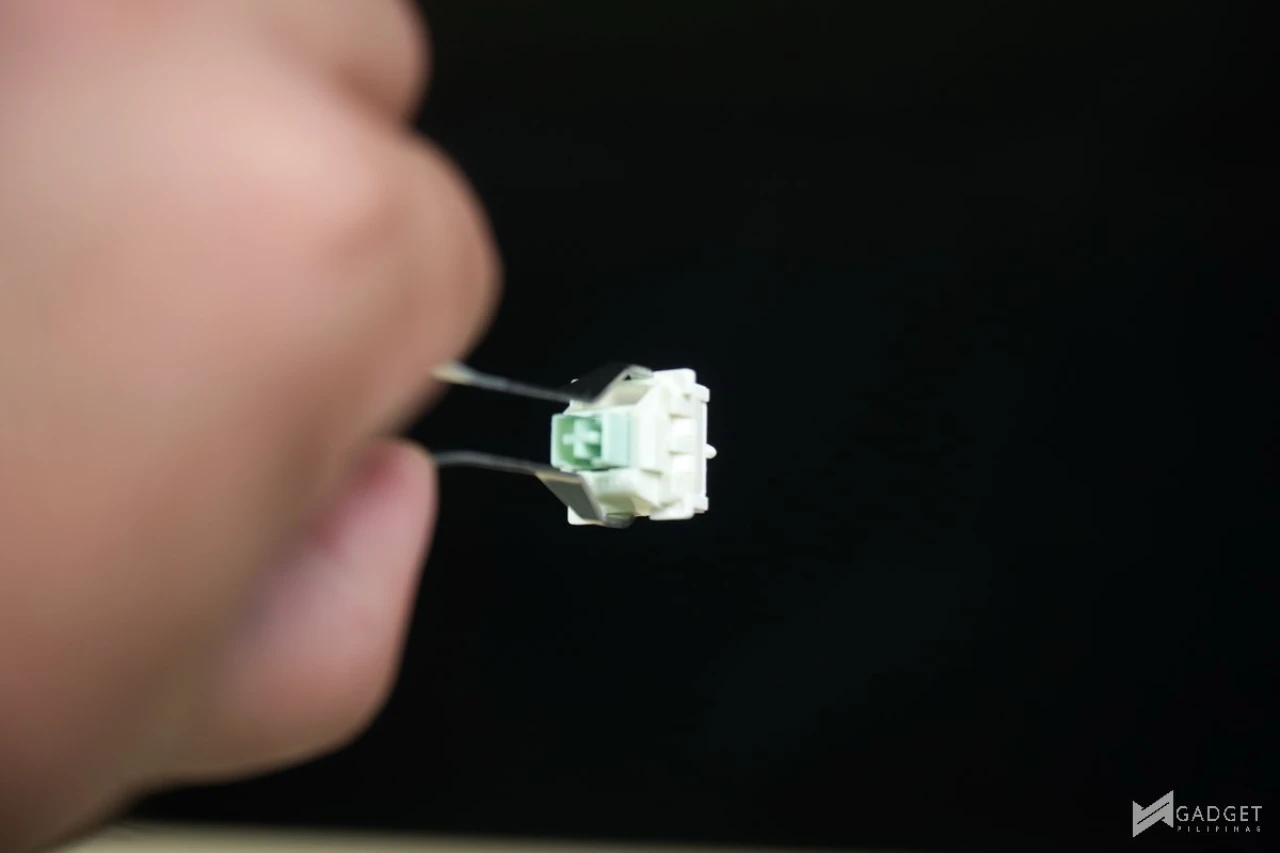
Another cost-cutting measure of the C75 HE 8K coming from the Q1 HE is the switches. Instead of using the same Gateron Double-Rail Magnetic Nebula switch, it uses Keychron’s inhouse Ultra-Fast Lime Magnetic Switches. These are factory lubed linear switches that have a 55g end force. As for switch hotswap compatibility, only Keychron Ultra-Fast Lime Magnetic Switches and Gateron Jade Magnetic Switches are compatible on the Keychron C75 HE 8K.
Combined with the doubleshot PBT keycaps, and the typing experience on the Keychron C75 HE 8K is immaculate. The acoustic profile is clean and deep, closely mirroring the typing experience of Keychron’s higher-tier custom keyboards.
Keychron Launcher Software
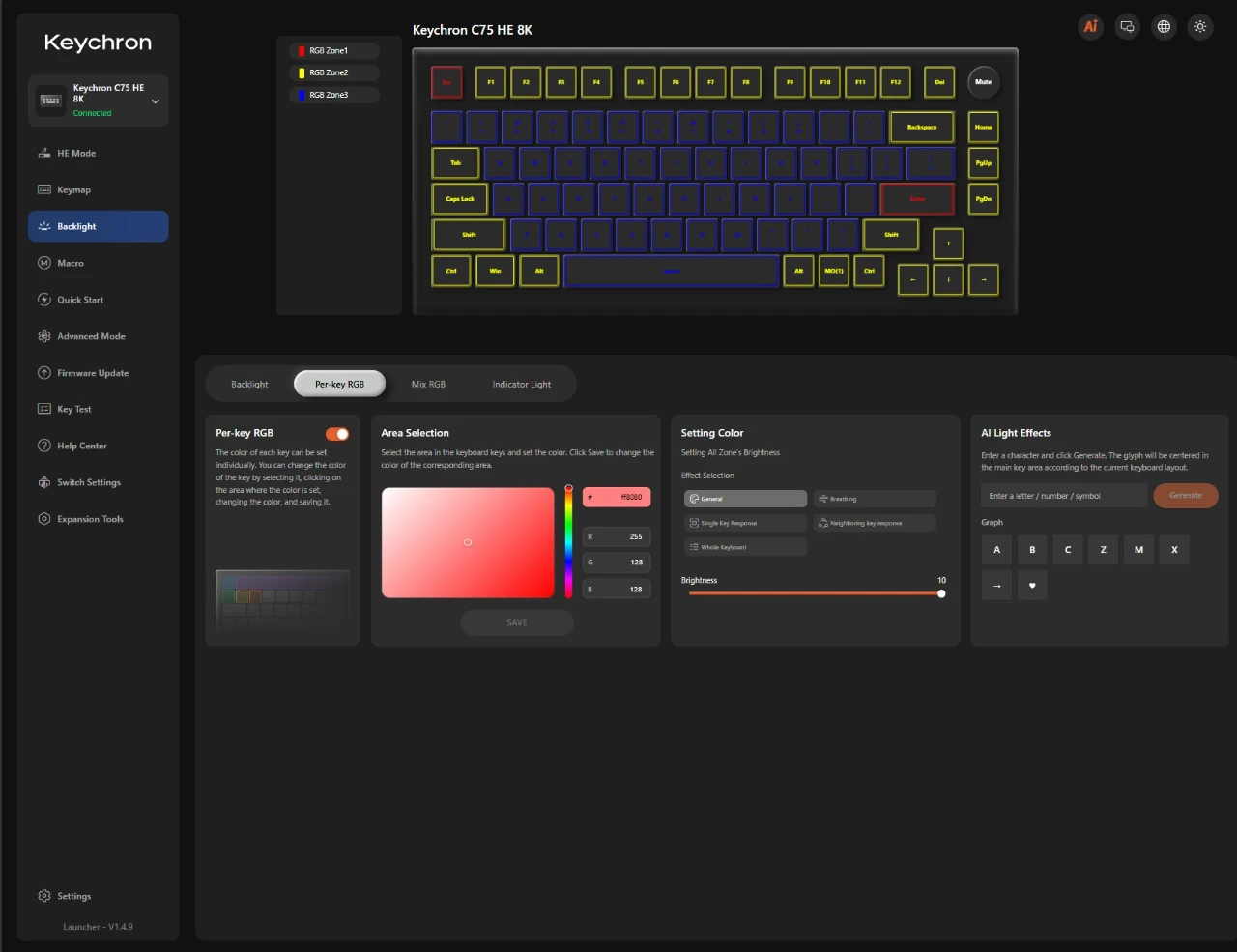
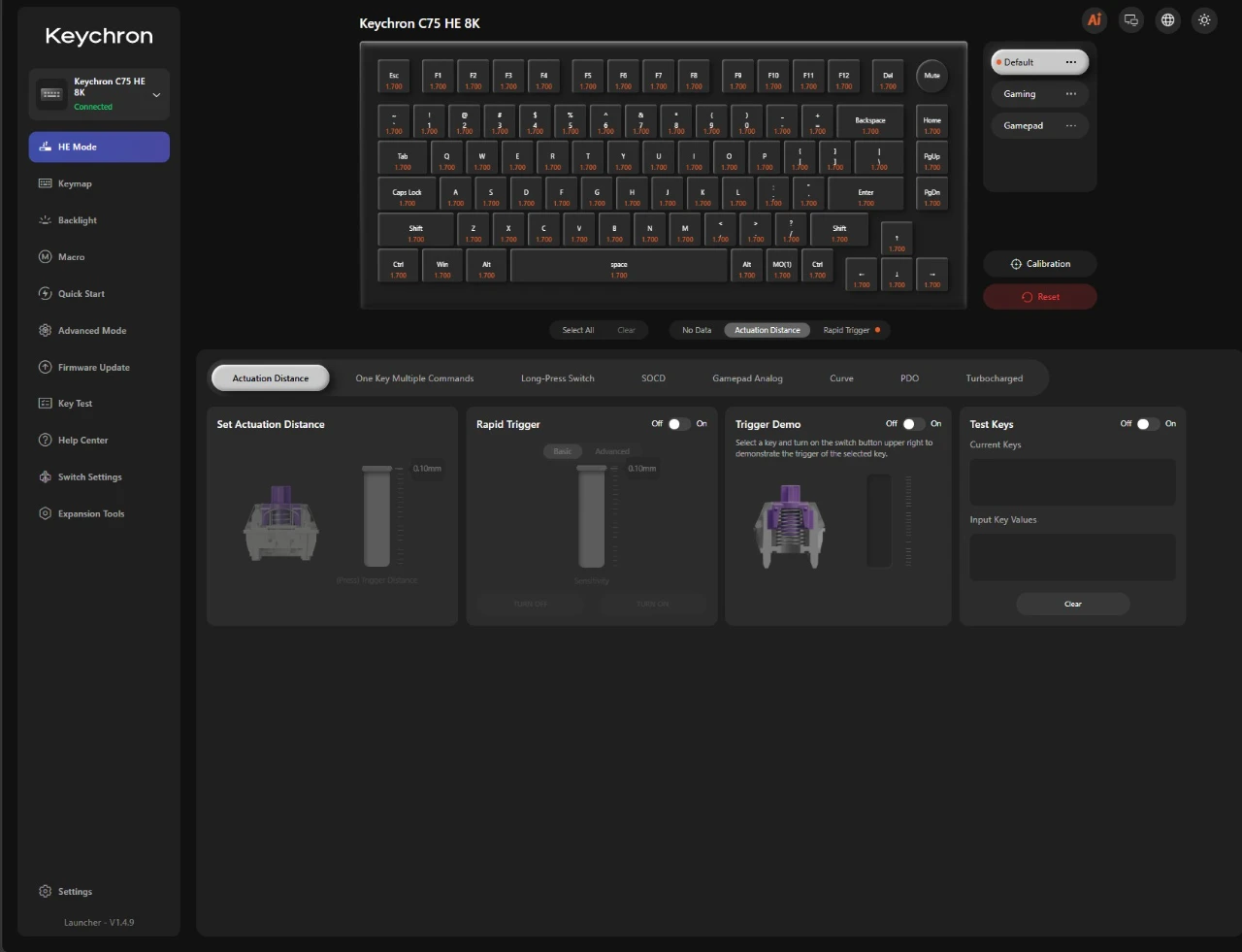
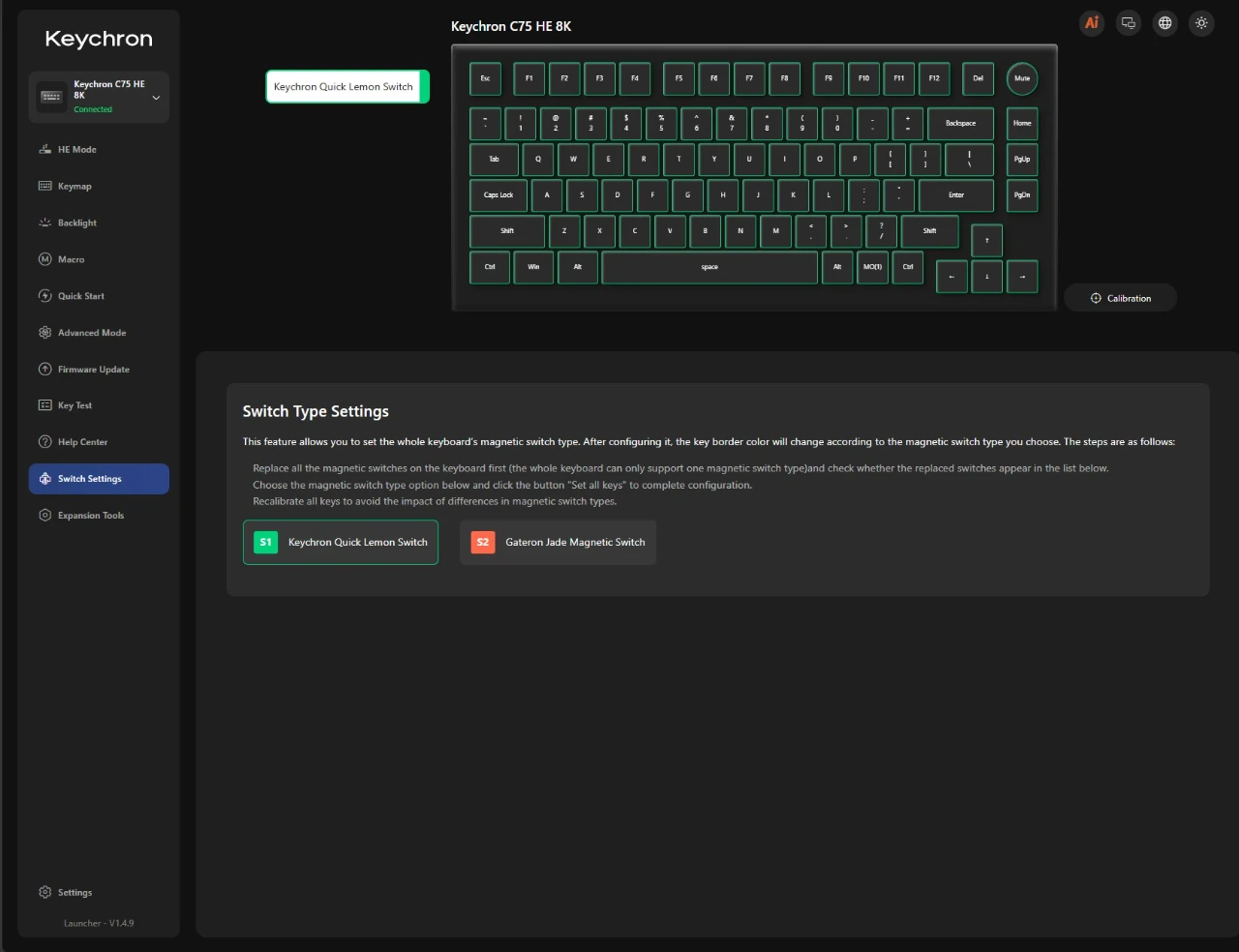
The Keychron Launcher is where you can further customize your Keychron C75 HE 8K TMR keyboard. Unlike most software solution, the Keychron Launcher is web-based and can be accessed via https://launcher.keychron.com/#/not-connect. Each key can be remapped and programmed which can then be saved to one of three available profiles. With its TMR switches, you can configure different levels of keystrokes and invoke macros depending on the actuation force or distance of the keystrokes.
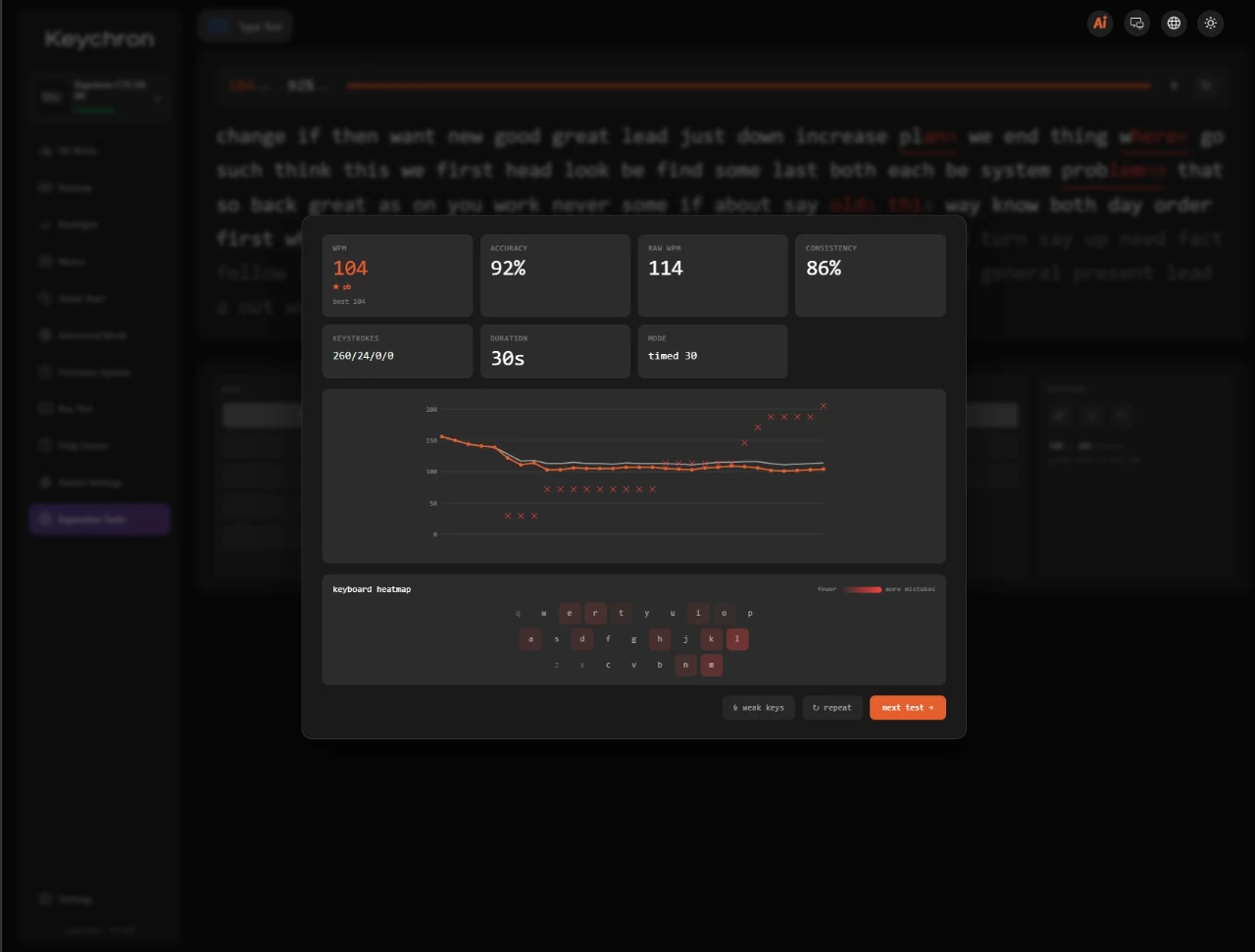
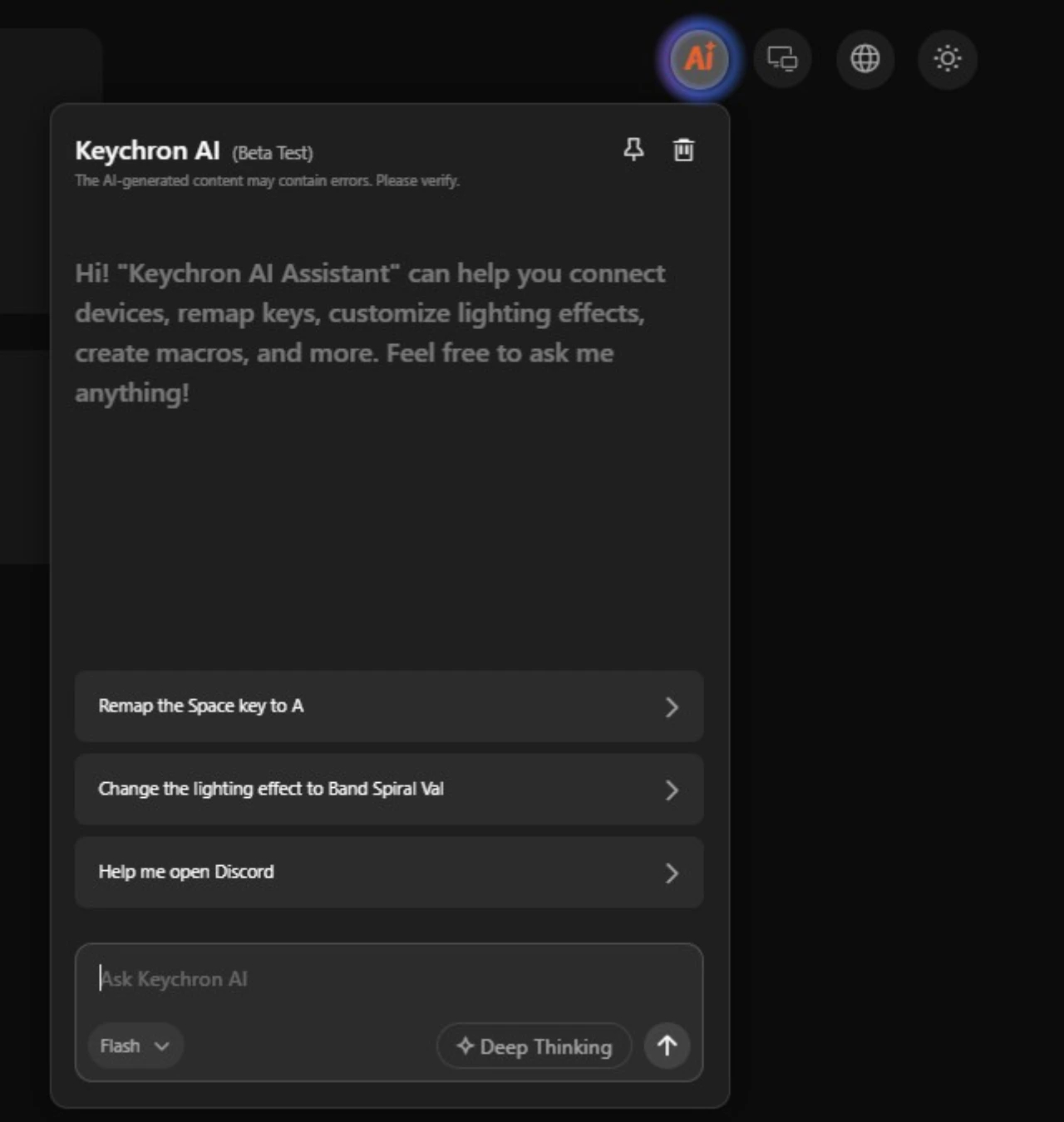
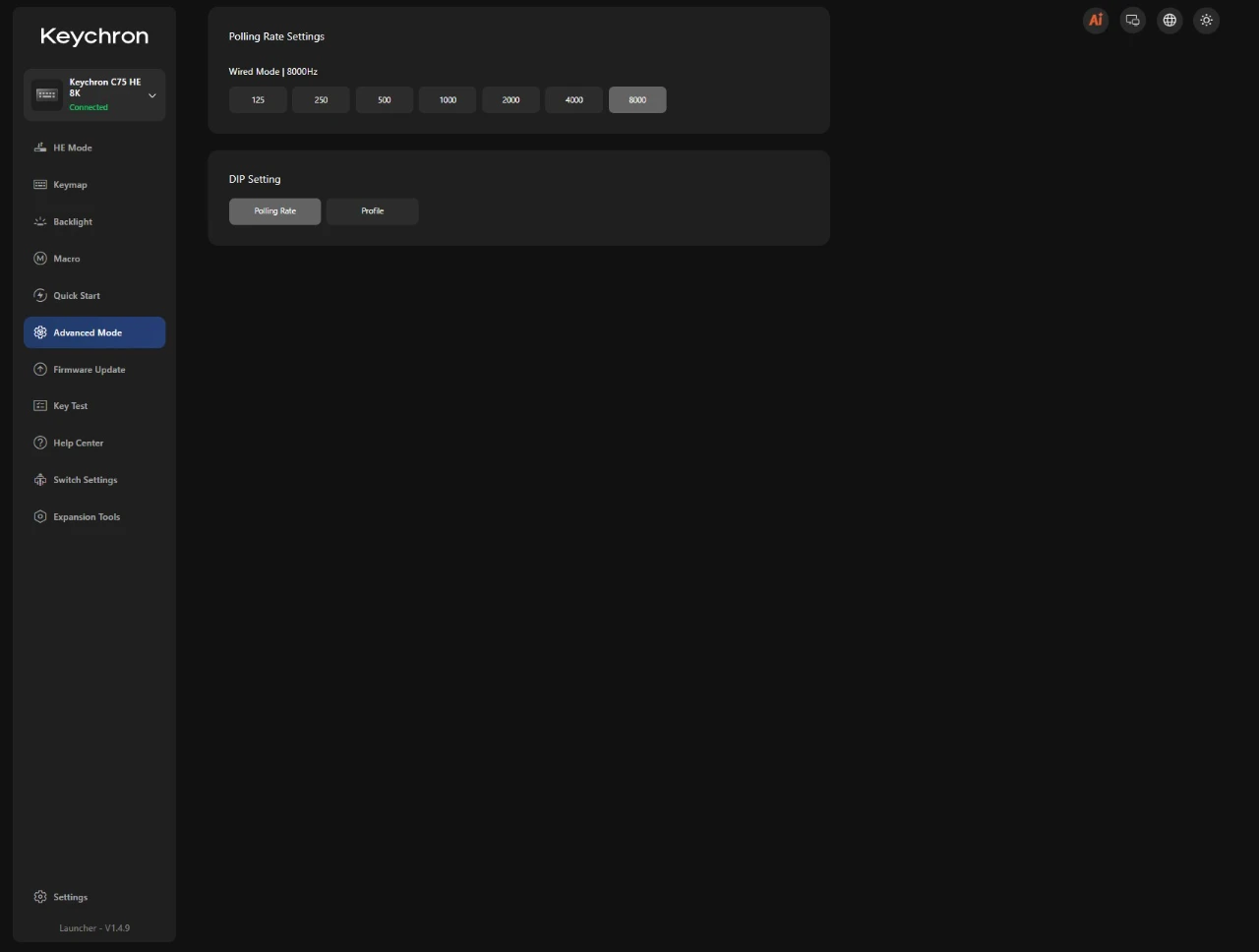
There’s a built-in monkeytype-ish typing test where you could immediately test your newly configured keyboard for further fine tuning. As of writing, Keychron just pushed its Keychron AI beta feature where you can just prompt the AI to change a specific setting on the keyboard so that you won’t have to manually navigate inside the software or have to repeat redundant key specific changes.
Hands down, Keychron has the best software customization for its keyboards. The use of a web-based app alone reduces clutter and doesn’t take CPU resources; the keyboard can also store these profiles locally after customization for a plug-and-play setup thanks to the microcontroller with 1MB memory.
User Experience and Conclusion
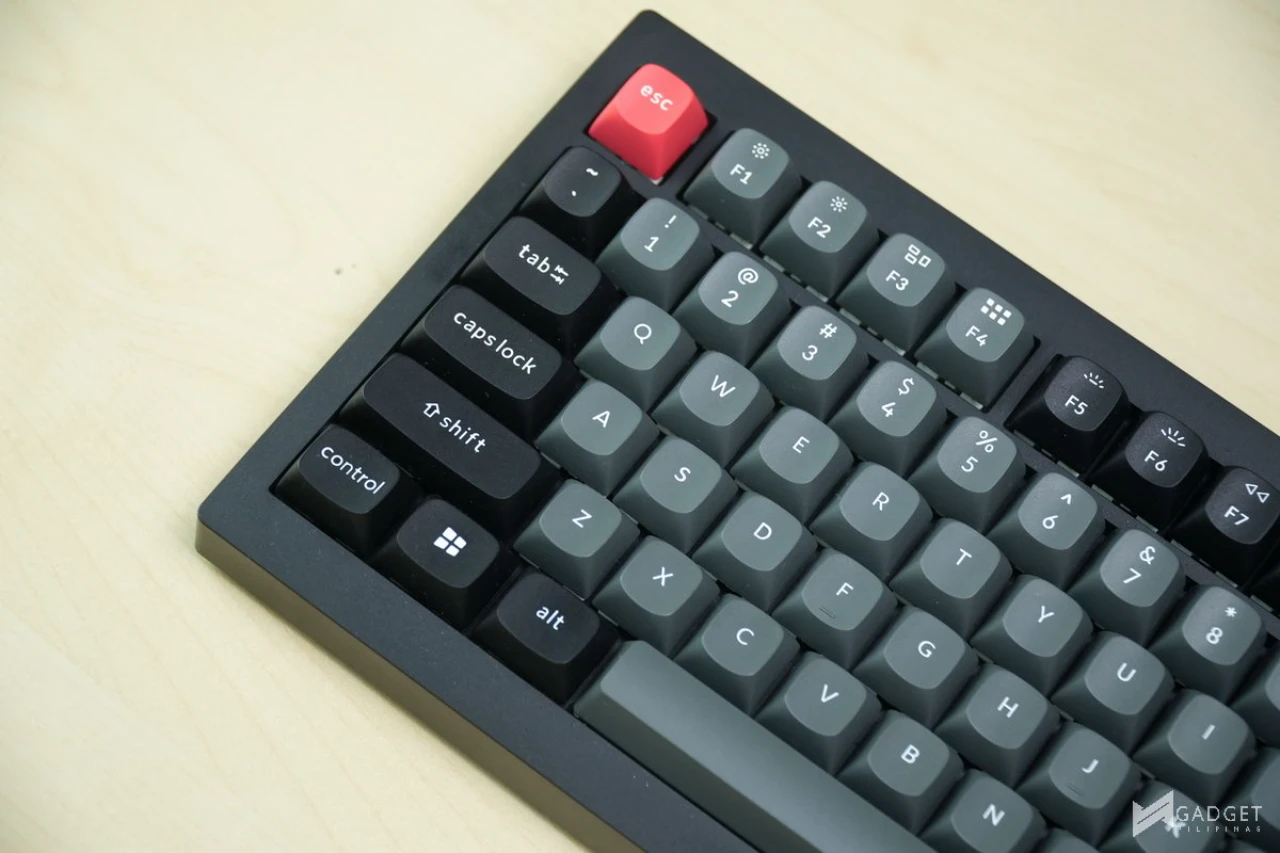
Making the right compromises to keep the cost low without sacrificing the key features that make it a premium keyboard that rivals every other brand’s Php 10k+ offering. The inclusion of TMR magnetic sensors, an 8,000Hz polling rate, double-gasket dampening, browser-based software, and onboard profile storage gives the Keychron C75 HE 8K TMR a feature set that rivals products costing twice as much.
That said, the “Philippine exclusive” branding could still be further improved with PH-centric themes such as a localized design, custom keycap set or colorway apart from the “sticker pack.” The splendid use of AI makes the customization less of a labor and nuance, especially for those who aren’t keyboard enthusiasts. The driver-free and plug-and-play capability alone makes it easily recommendable for non-techies who are looking for a keyboard.
Overall, the Keychron C75 8K HE TMR delivers a competitive package that’s basically hard to match for its price range making it a good entry for those looking to experience their first magnetic keyboard. Competitive gamers and budget-conscious enthusiasts looking for a Hall Effect TMR keyboard with endless customization, and outstanding build quality under the Php 5,000 mark should make the Keychron C75 8K HE TMR their first option. That said, if you’re into a wireless solution, full aluminum builds or prefer third-party switch compatibility, then you may want to up your budget and check other offerings.
Where to buy Keychron C75 HE 8K TMR Keyboard
The Keychron C75 HE 8K TMR Keyboard retails for Php 5,000 at Keychron Philippines Shopee mall and partner retailers nationwide. Partner stores such as PC Worth offer the keyboard at a discounted price of Php 4,395. The Keychron C75 HE 8K TMR come with 1-year product warranty.

Grant Soriano
Grant is a Financial Management graduate from UST. His passion for gadgets and tech crossed him over in the industry where he could apply his knowledge as an enthusiast and in-depth analytic skills as a Finance Major. His passion allows him to earn at the same time help Gadget Pilipinas' readers in making smart, value-based decisions and purchases with his reviews and guides.
View all articles →Related Reviews
 Samsung Galaxy S26 FE: Great Functional Elegance
 NBA 2K27 Review: A Better Game Than DLSS 5 Suggests
 TECNO Camon Slim 5G Review: The Best-Looking CAMON Yet
 ROG Kithara Review: A HIFIMAN Collaboration for Gamers
 ROG Gjallar Review: ROG’s First Soundbar Gets the Priorities Right
 PLDT StreamTV+ Review: Cinema in a Box, at a Price