

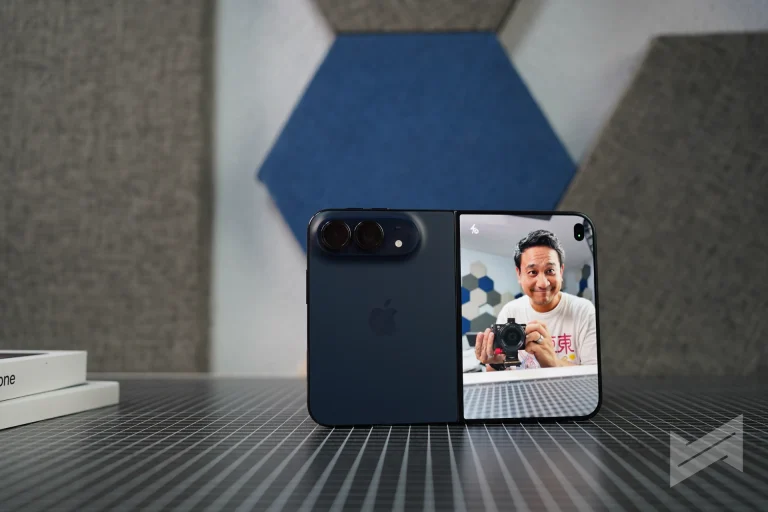

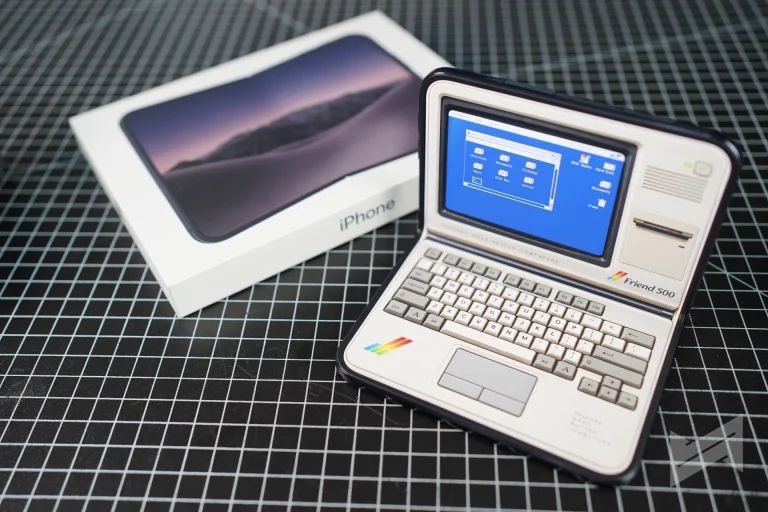
The iPhone Duo is a testament of Apple’s continuous quest for setting the trend in software design. The interesting work starts after the phone opens. The iPhone Duo UI and UX is the first time in years that Apple has redesigned how iOS behaves around a piece of hardware instead of scaling it up, and the result is a long list of small decisions that compound.
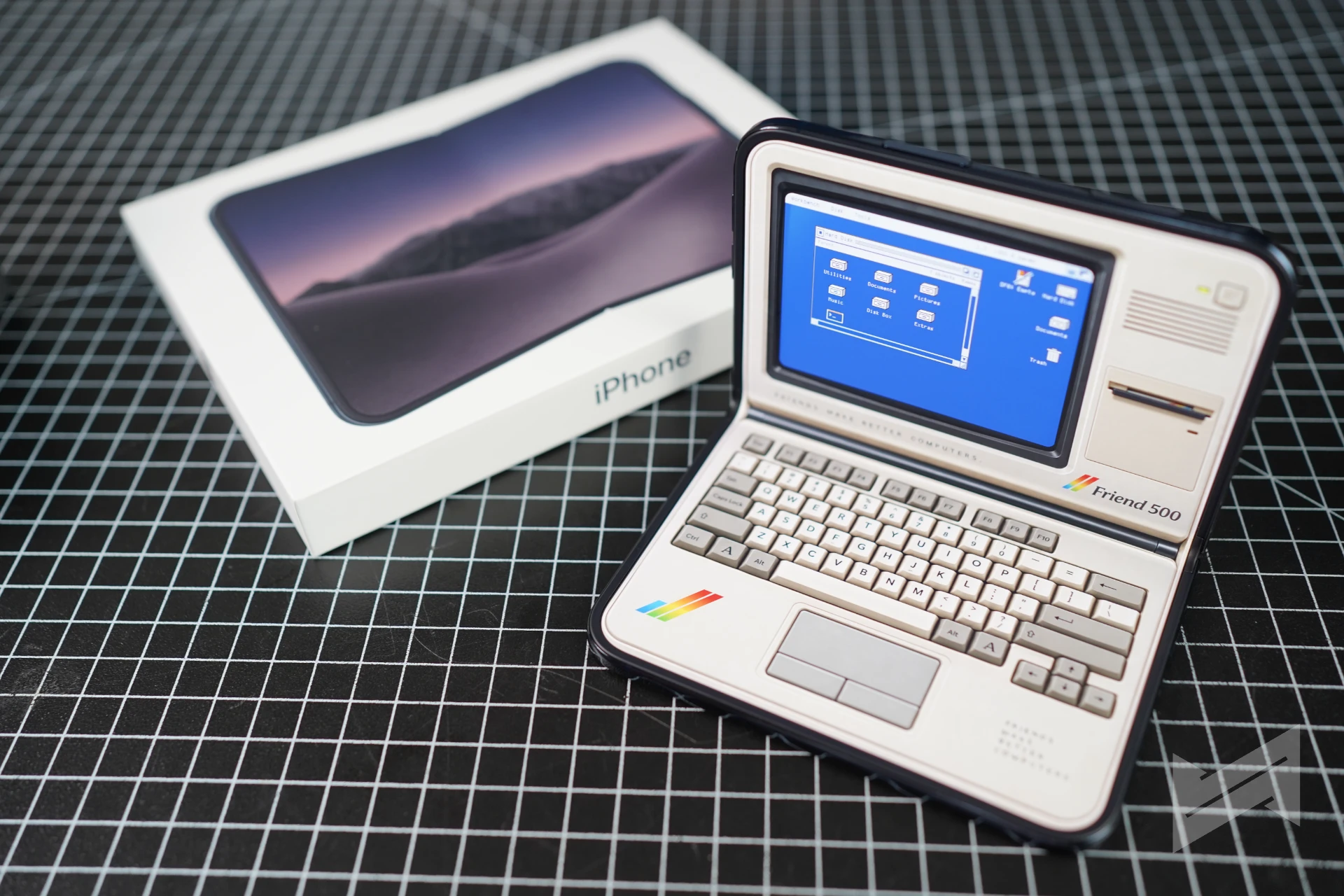
A system built around one thumb
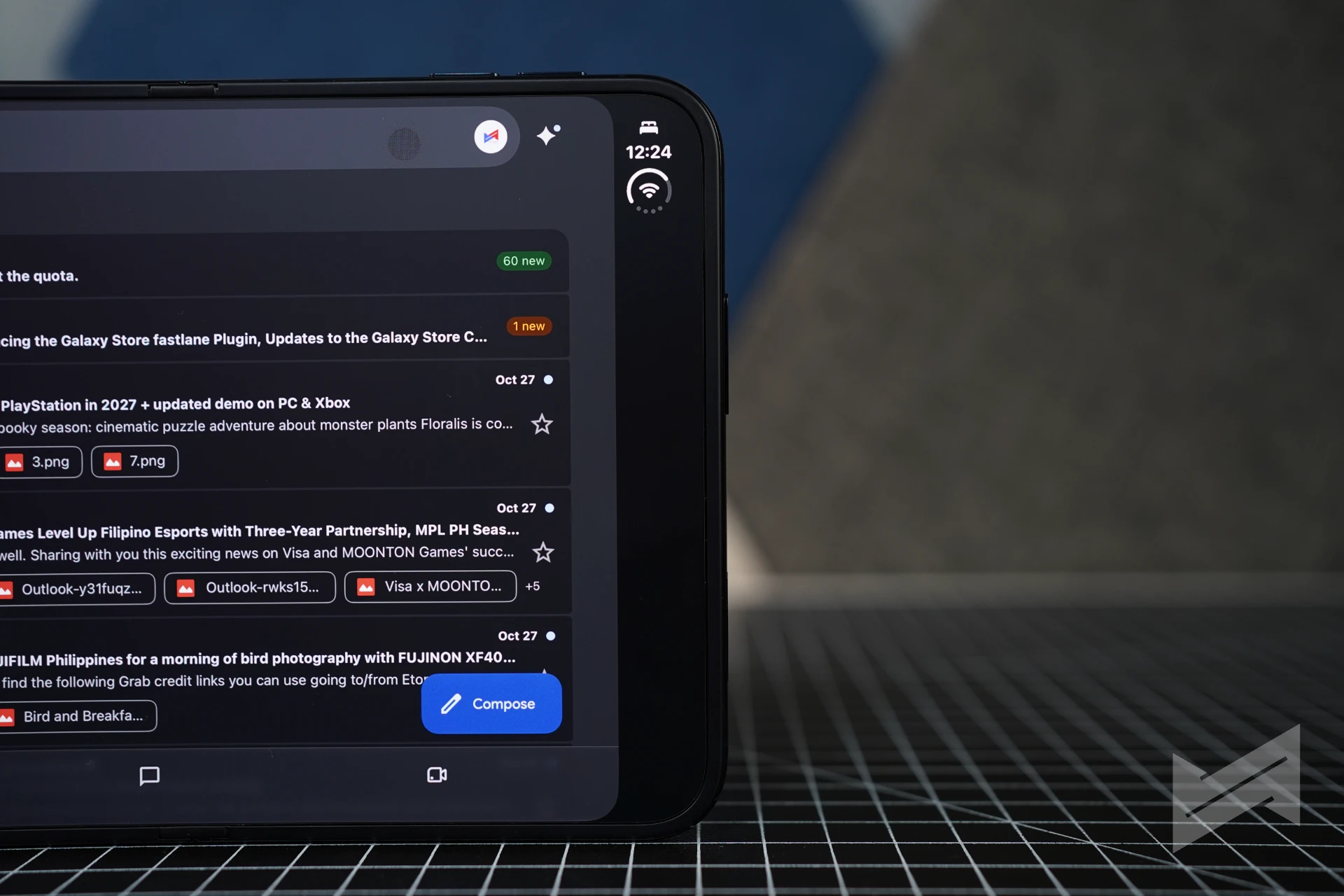
Closed, the Duo is a 5.4-inch phone covering 90 percent of the iPhone 18 Pro’s screen area, and the software treats one-handed use as the default. Lock Screen controls, the Home Screen Dock, and app navigation all shift to the side, handing vertical space back to content. You notice it when you return to a normal iPhone and reach for the top of the screen.
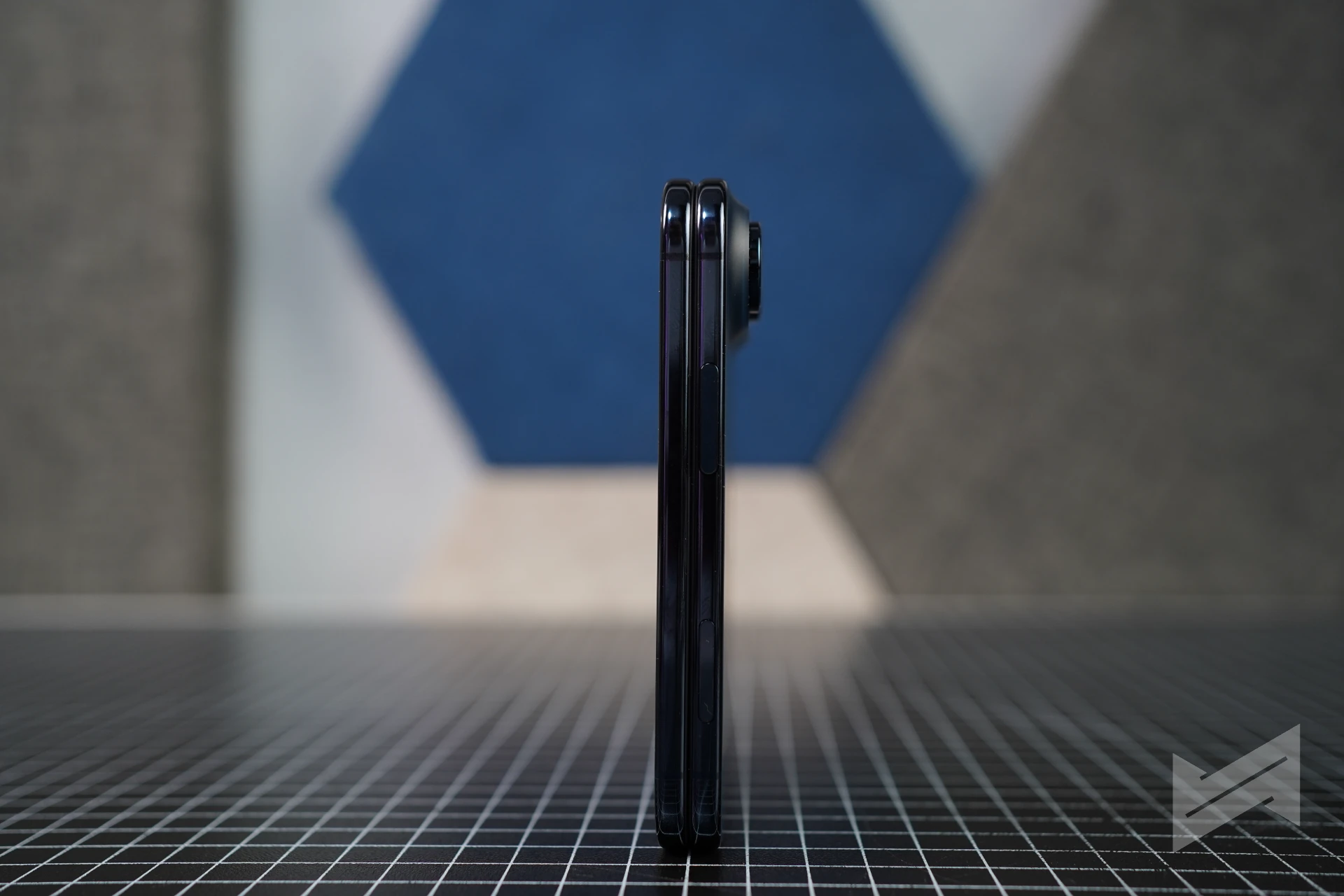
The status bar follows the same logic: a compact circular module tucks into a corner with Wi-Fi, signal, and battery.
The Dynamic Island got the better treatment. It sits vertically along the side edge on both displays and still expands for Live Activities and alerts, and a music Live Activity keeps its place when the phone moves from the outer display to the inner one.
Continuity is the actual trick
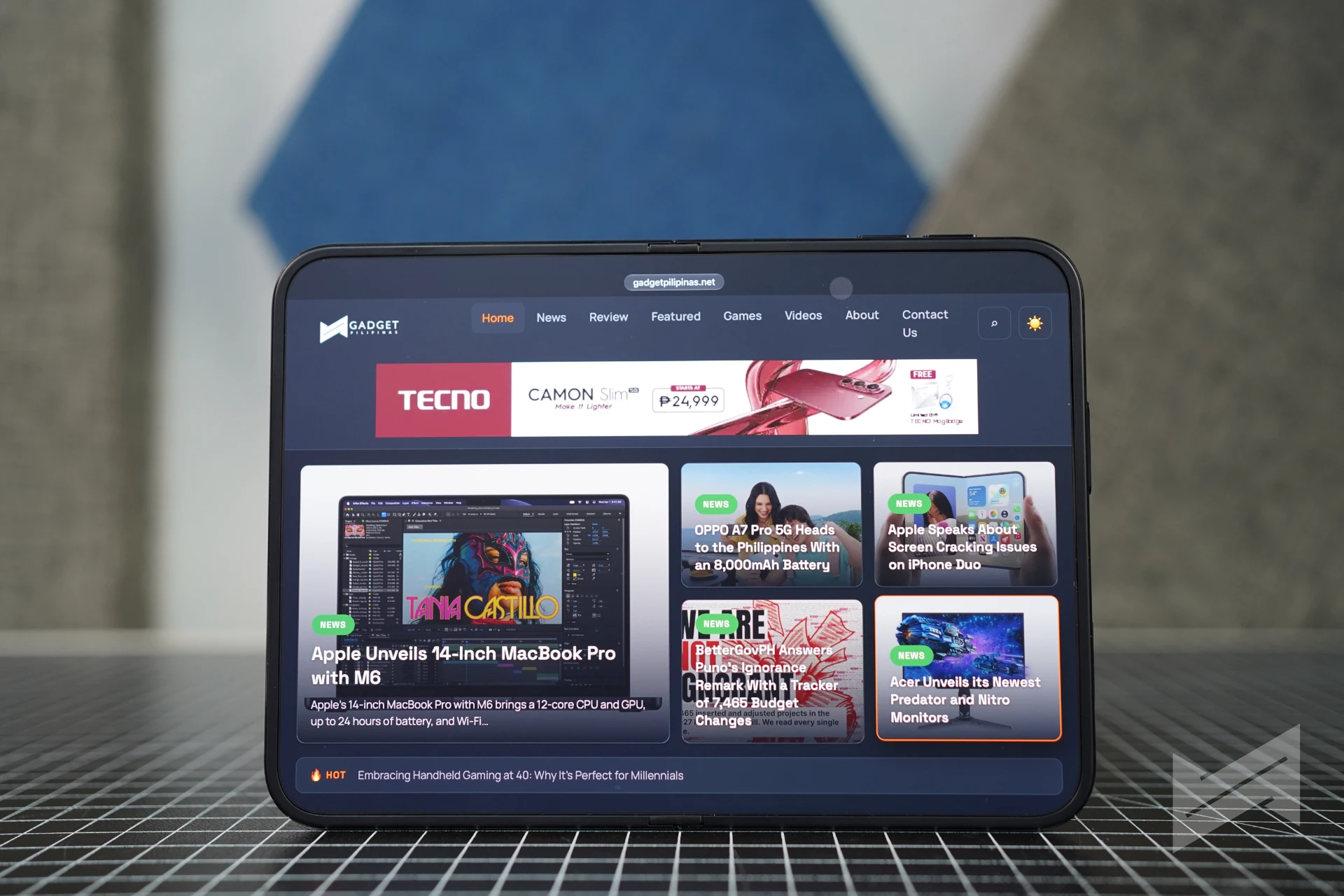
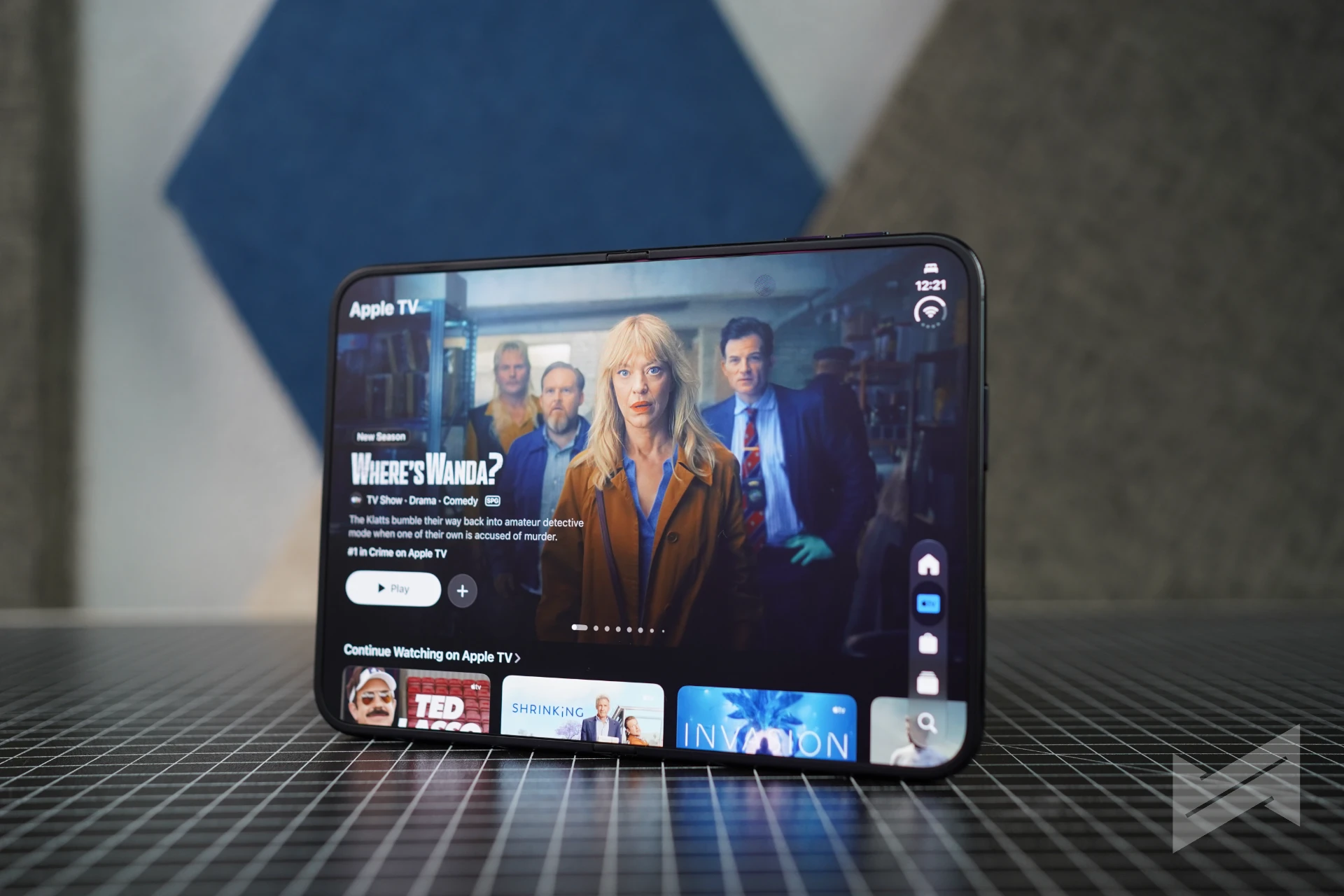
Both displays share the same aspect ratio, which sounds like a spec line and works like a design rule. Content scales proportionally instead of reflowing, so a video keeps its framing, an article keeps its line lengths, and a game keeps its canvas.
iOS also reacts to the fold. Content reorients when the phone is turned sideways, and switches to the correct display when you flip it over. That is what separates a foldable from a tablet with a crease: the software understands the shape it is in.
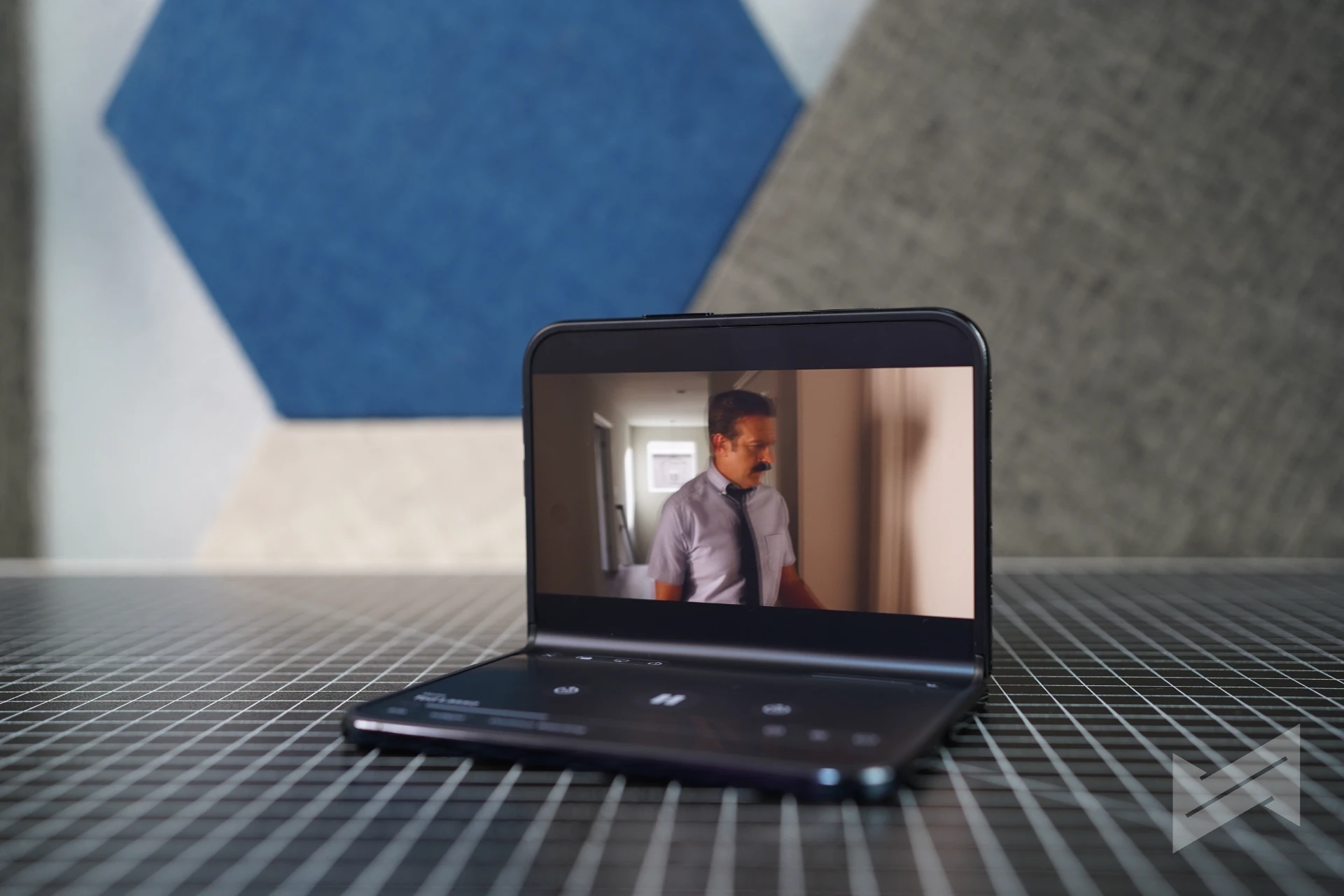
Open the phone and the Home Screen becomes two pages, with Today View on the left as a scrolling widget column. Widgets stop being a separate destination and become part of the home layout.
The iPhone Duo UI treats the hinge as a control
The hinge is built from more than 100 components and holds its position, which turns the angle of the screen into an input. Half folded and set down, the phone enters StandBy on either display even without a charger, as a photo frame, widget hub, or clock, with new Calendar and Weather faces joining the Photos face and its Shared Albums.
Angle also changes app layout. Keynote’s rehearsal mode moves speaker notes to the bottom edge so the presenter’s eyes stay near the slide, and video controls drop to the bottom in a seated position. Small things, but they separate a demo from something you use in a room.
Split View arrives on iPhone for the first time. Two apps run side by side, a tap on the divider pairs them, another tap unpairs them, and you can open two windows of the same app, Safari included. Siri can hold a conversation on one side while the content it discusses stays on the other.
The keyboard splits for thumb typing, and in portrait it sits below the content rather than over it.
First-party apps are fully compatible, not ported
Apple’s own apps are the proof of concept, and none of them are stretched iPhone layouts. Books has a page-turn animation and a two-page spread that reads like a book when the phone is half folded, and Keynote, Messages, Notes, Photos, and Camera all ship with layouts built for the shape.
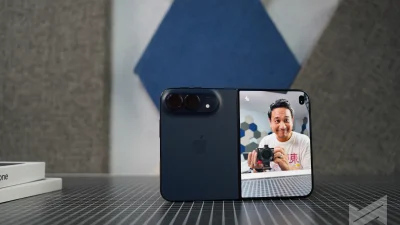
The camera is where the second screen earns its place. Duo Preview puts the live preview on the outer display so the person in the photo can check framing. Kid Cue plays Peanuts animations there to get a child to look at the lens. Smart Take fires the shutter when subjects are posing. Duo FaceTime lets someone beside you join the call, and Dual Capture shares both feeds at once.
Apple Pencil support is arriving with iOS 27.2 on both displays, for notes, sketches, and signing, using the USB-C Pencil. It is the first iPhone to support a stylus, and it makes the inner display feel like a workspace rather than a viewer.
Third-party apps are already ahead of the usual curve
The usual foldable launch brings a handful of apps that stretch and a long tail that does not. The Duo’s list is stronger. Netflix uses the outer display for its Clips feed and opens into a wider experience inside. Zoom turns the inner display into a conference room with shared content and participants at once. Slack puts an entire workspace in view.
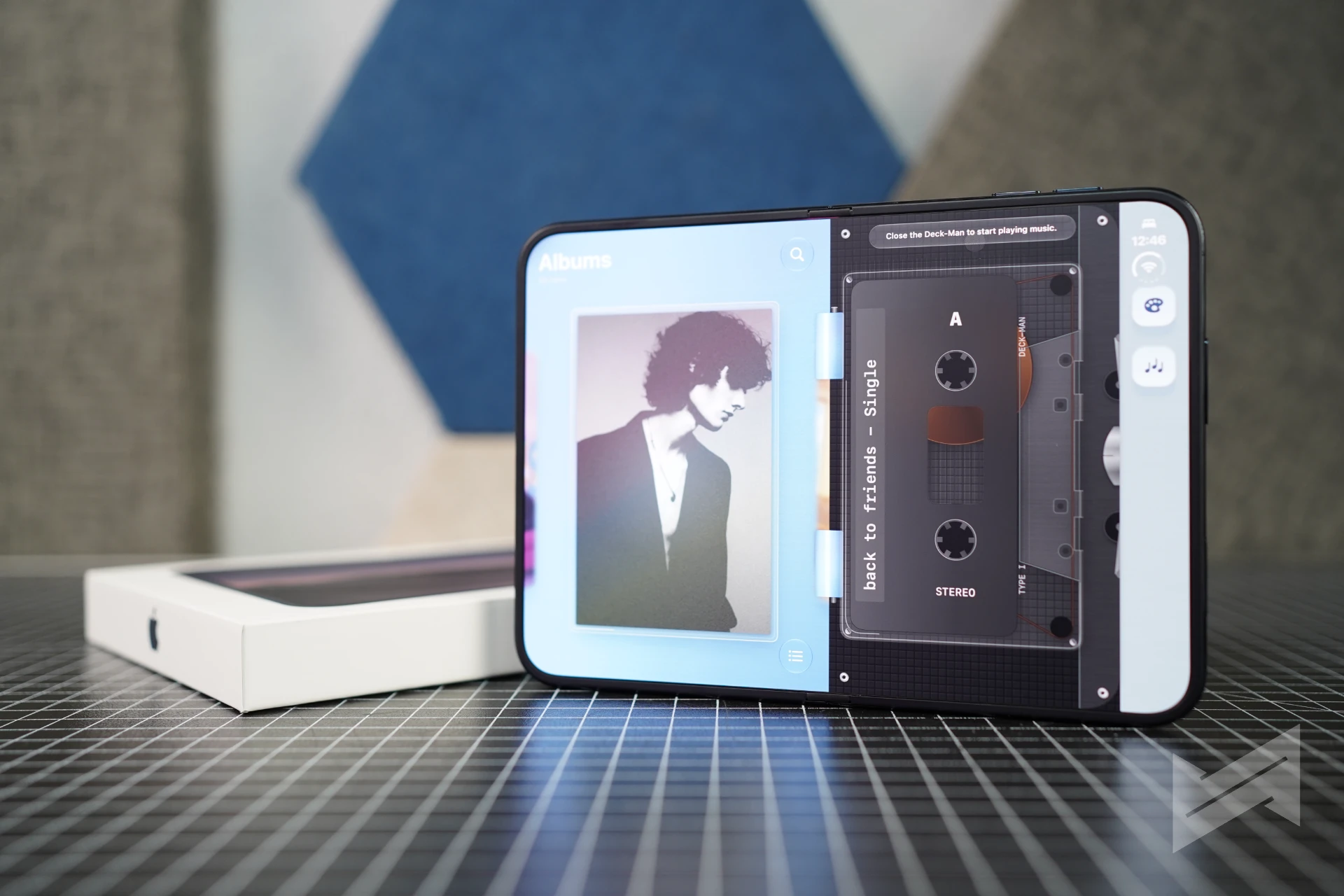
Deckman, for one, is super optimized. The idea of Deckman is simple: what if you have an app that acts like a cassette tape player, and your Apple Music songs are inserted like a tape. It just works flawlessly!
These are apps rebuilt around the shape, which is harder than resizing a layout.
Why it can only get better
Hardware is fixed the moment you buy it. Software is not. Apple’s developer program now carries adaptive layout guidance, multiple display and scene support, camera guidance, Group Lab sessions, and workshops. Apps that do the work earn an App Store badge, which gives buyers a visible signal, and our earlier report on the submission process covers the mechanics.
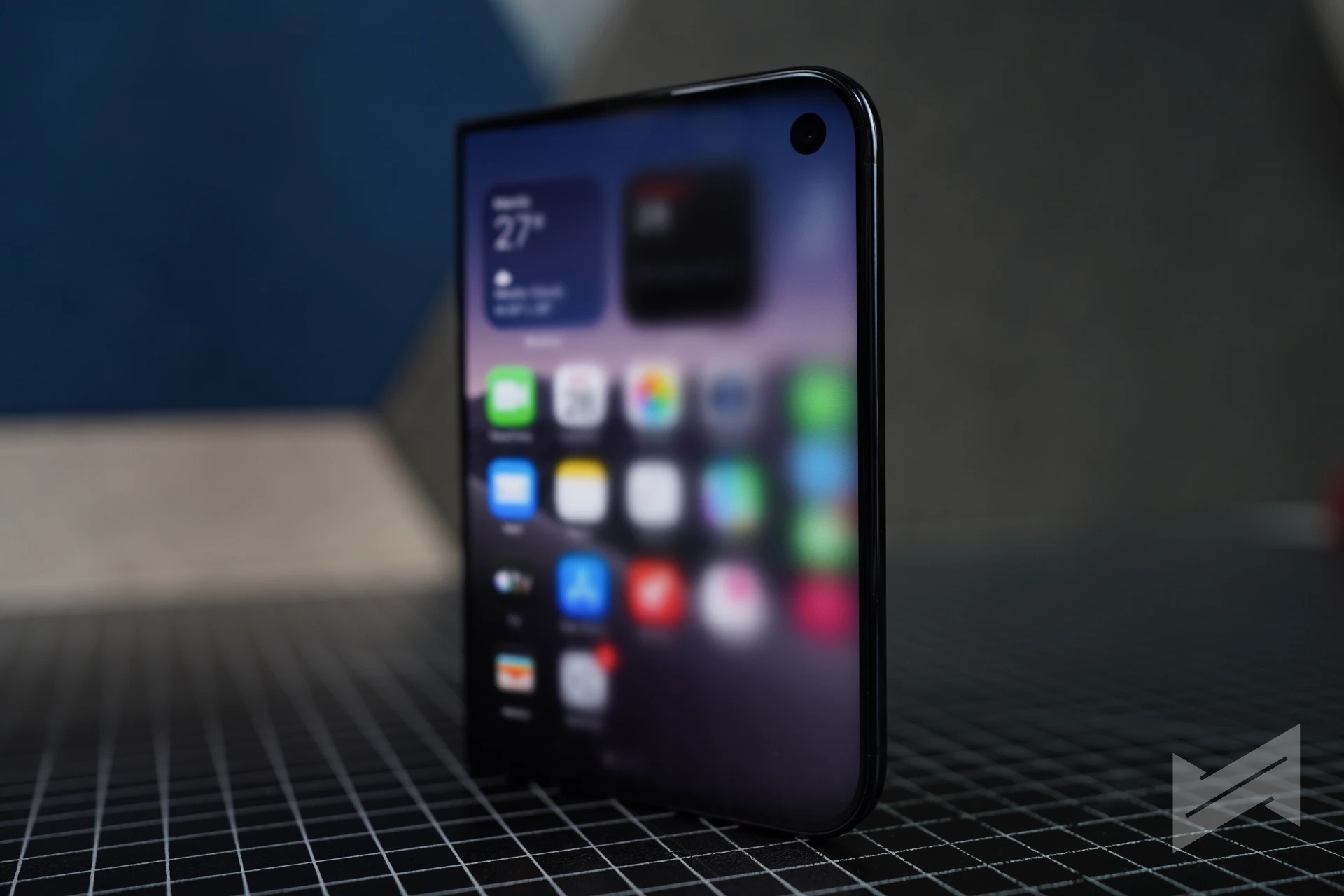
The strongest lever is the quietest one. From April 2027, every new app submission must include a screenshot of its interface on an iPhone Duo. That forces developers to look at their layout on this device before they ship, turning compatibility from an optional project into a release-checklist step.
This is why the trajectory runs one way. Every app without a Duo layout is a temporary state, and that number can only fall. The fastest movers will be the categories where the shape does obvious work: video editors with a timeline in one pane, note-taking with the Pencil, reading apps with a real spread, and anything that benefits from a control panel next to a canvas.
The caveats are real. Some apps will look like stretched iPhones for months. The crease is physics, not a bug, and Apple’s answer is a nano-textured cover layer plus one that can be replaced under warranty. Reviewers have already converged on the display and the hinge, and our roundup of their verdicts covers that ground. This is also first-generation hardware, and we have not finished testing battery life, thermals, or image quality.
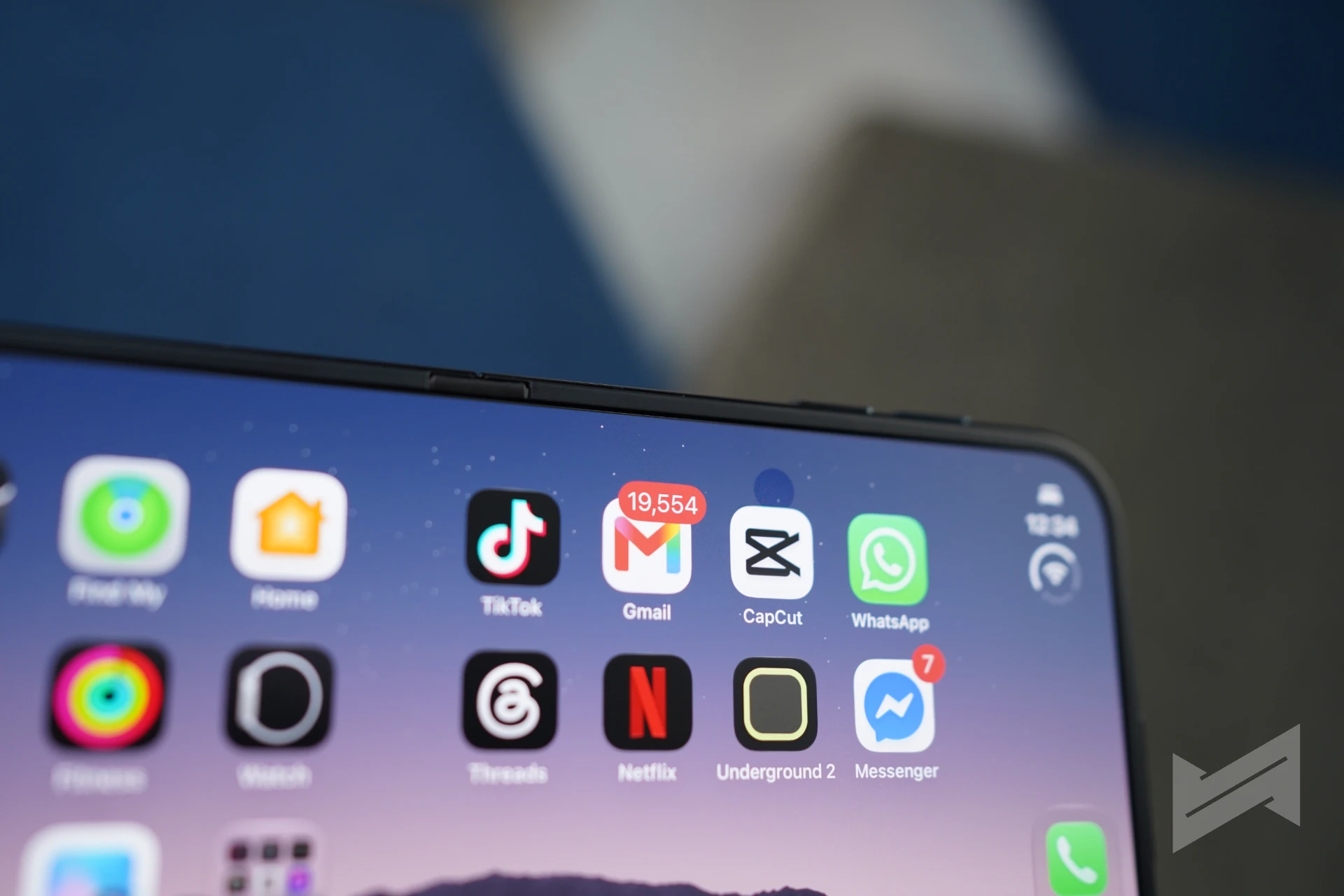
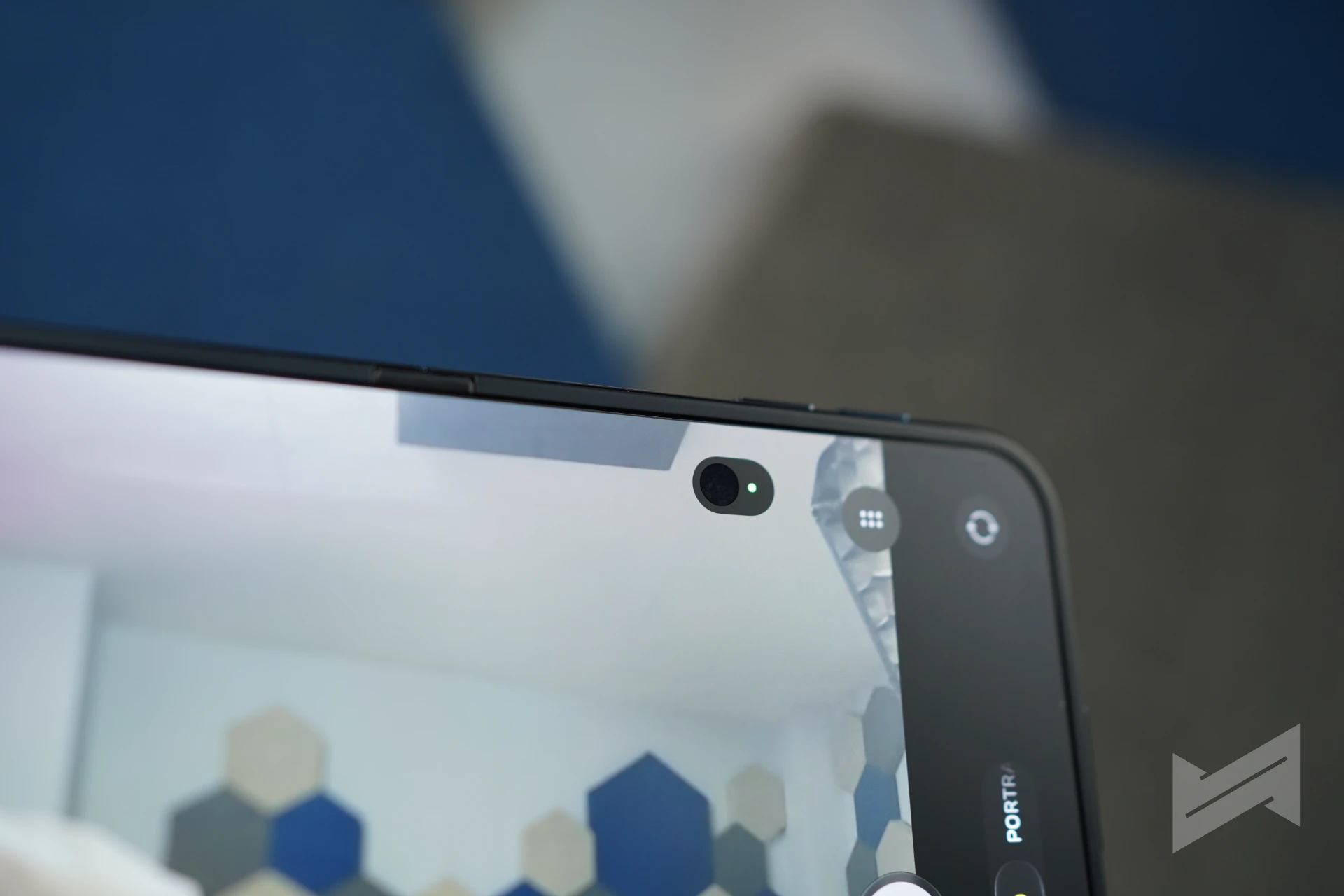
None of that changes the conclusion about the software. The Duo is a masterclass because Apple treated the fold as a layout problem first and a hardware trick second, then handed developers the same vocabulary. The best version of this interface is not the one shipping this week.
We are holding the verdict on the hardware until our full review. On the software, the direction is clear.

Giancarlo Viterbo
Giancarlo Viterbo is a Filipino Technology Journalist, blogger and Editor of gadgetpilipinas.net, He is also a Geek, Dad and a Husband. He knows a lot about washing the dishes, doing some errands and following instructions from his boss on his day job. Follow him on twitter: @gianviterbo and @gadgetpilipinas.
View all articles →Related Features
 RAM and SSD Shortage Guide 2026: How You Can Save Up on Your PC Upgrade or Laptop Purchase
 Why Apple Chose Google for Siri
