

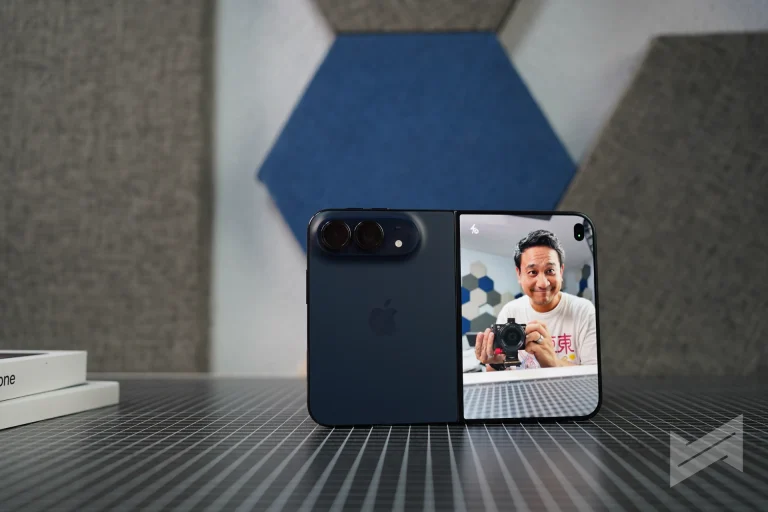

Here is the thing that surprised me most about the iPhone Duo: it is not the hinge, and it is not the crease. It is posture. Apple’s first foldable asks you to hold a phone in ways iOS has never supported before, and the software makes those positions feel normal instead of novel. I have been using one, and the impression that stays with me is a warm one.
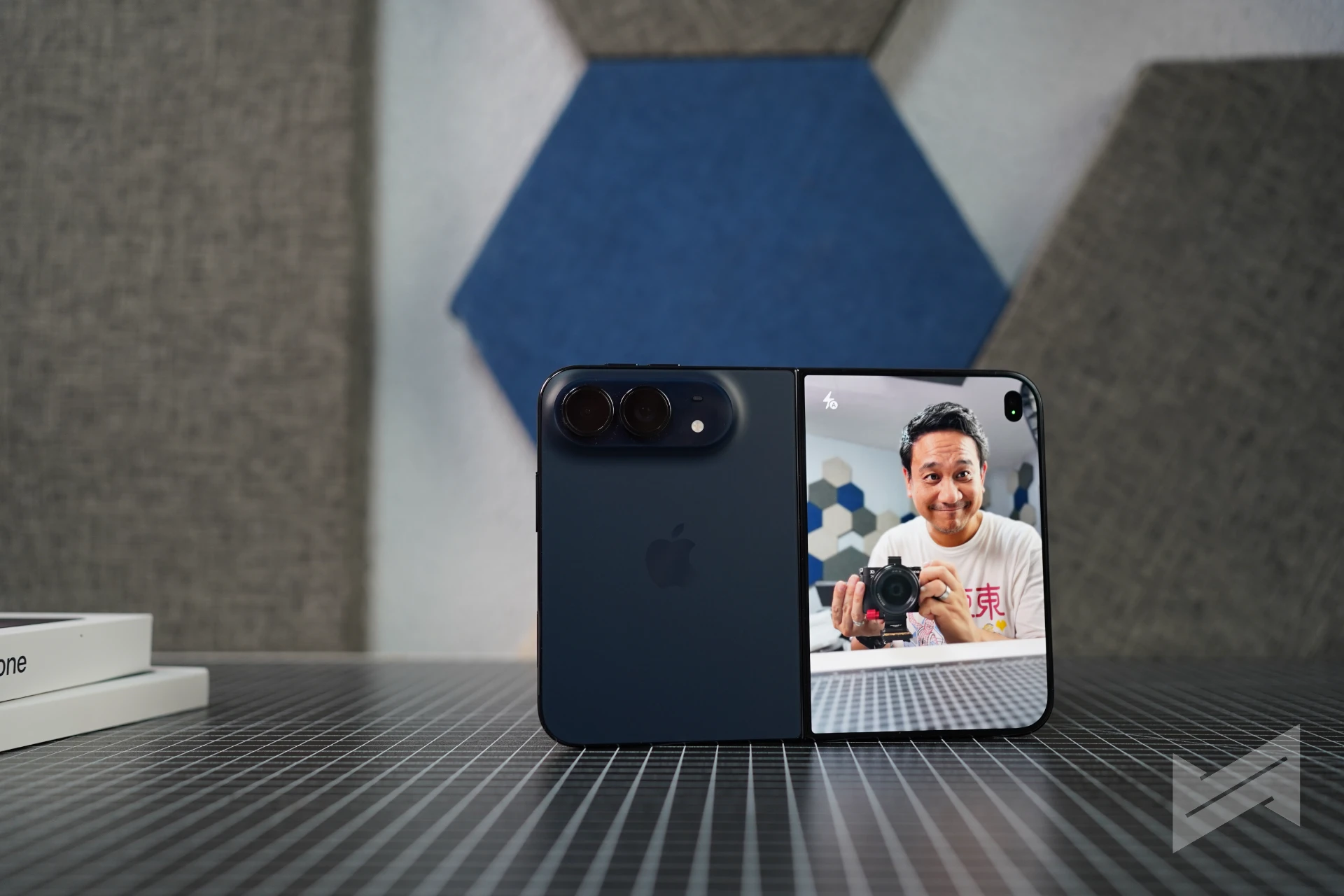
Closed, open, half-open
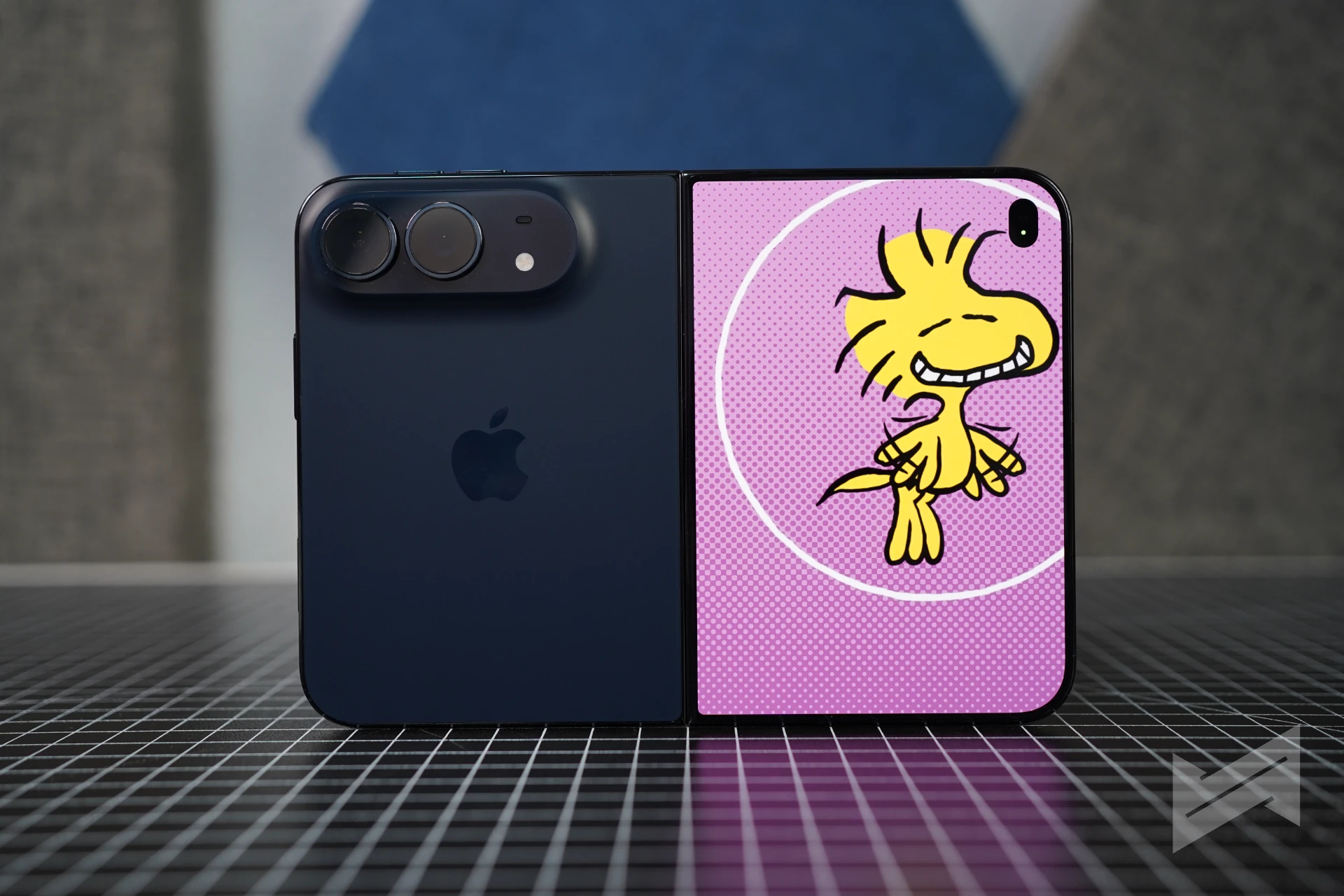
The Duo feels like a passport-sized phone with a 5.4-inch outer display when closed. Open, it turns into a 7.6-inch tablet that happens to fold. Yes, for the first time, Apple has finally embraced this form factor; and rightly so – they wanted to make it right. It is the thinnest iPhone Apple has ever shipped, and the polished titanium picks up fingerprints like jewellery.
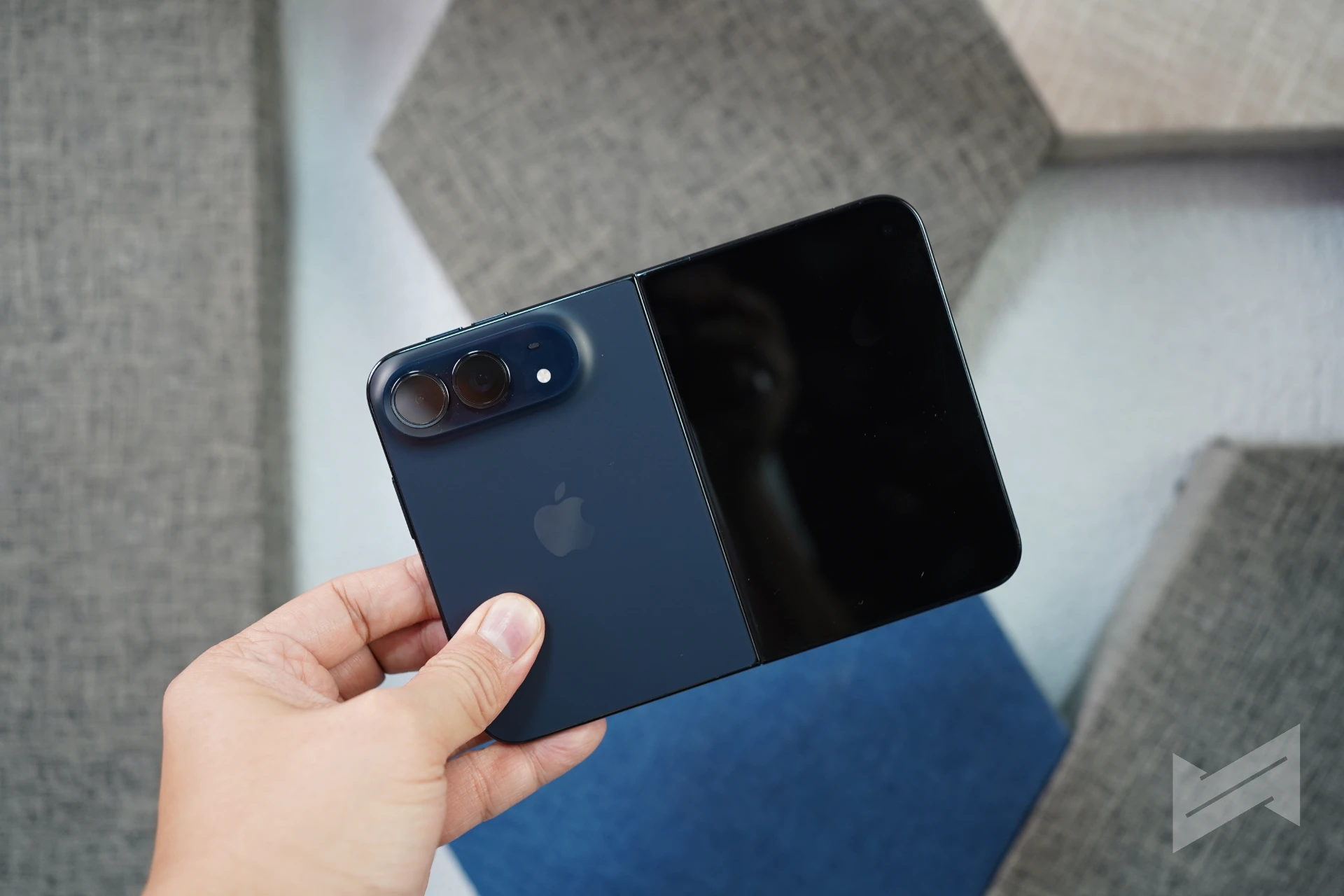
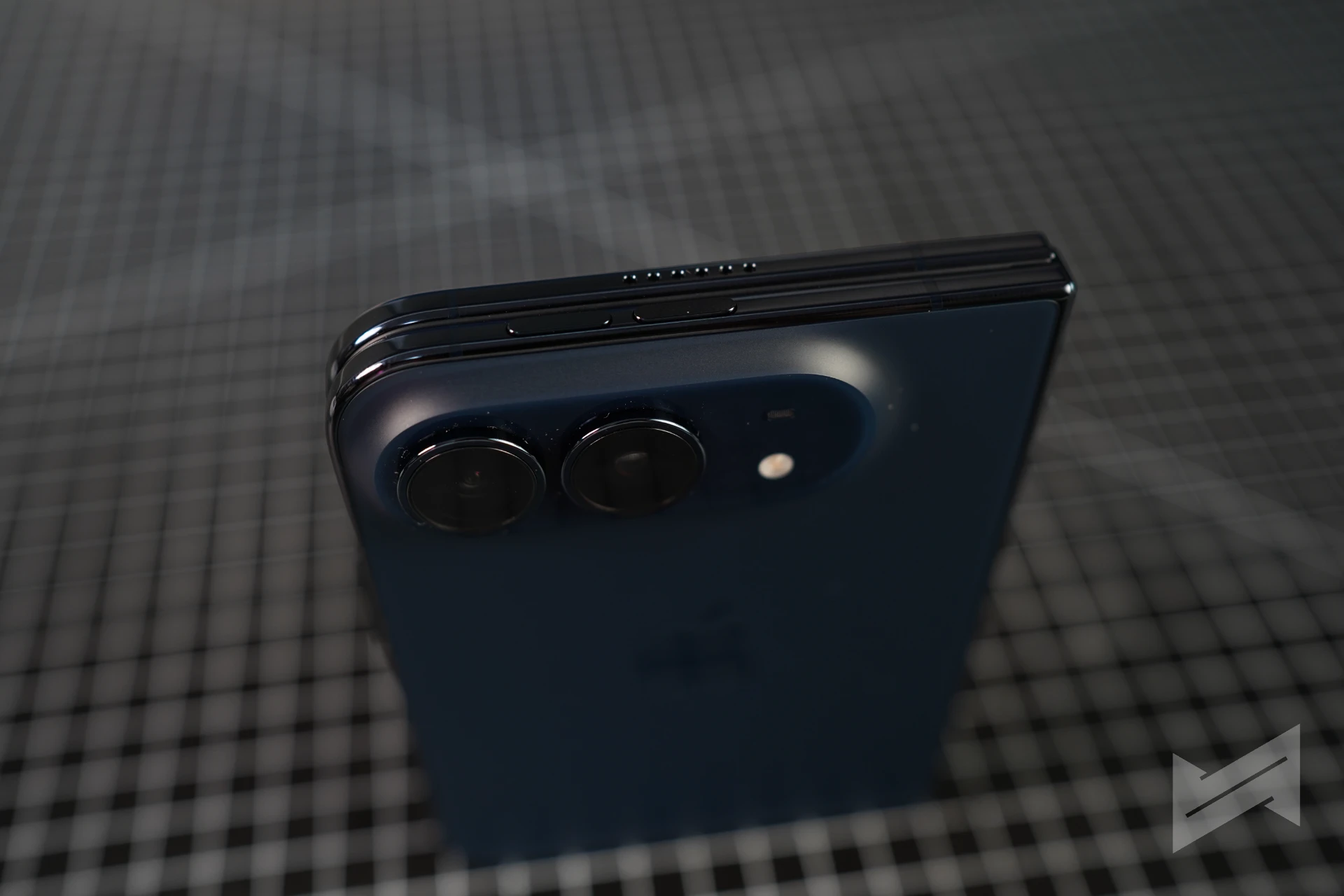
The hinge is the part you have to feel to understand. It stays where you put it instead of flopping. Set it half open and it stays half open, and that turns a fold into a posture you can actually work in. The unfolding experience is also rather unexpected. It didn’t require much force, as previously reported. It employs a 3- step process. A simple outward pull of both sides slightly unfolds the phone. There is slight resistance, which is why th Duo can be used in tabletop mode during this step. Then you can further open it until it reaches a certain point where it fully unfolds.
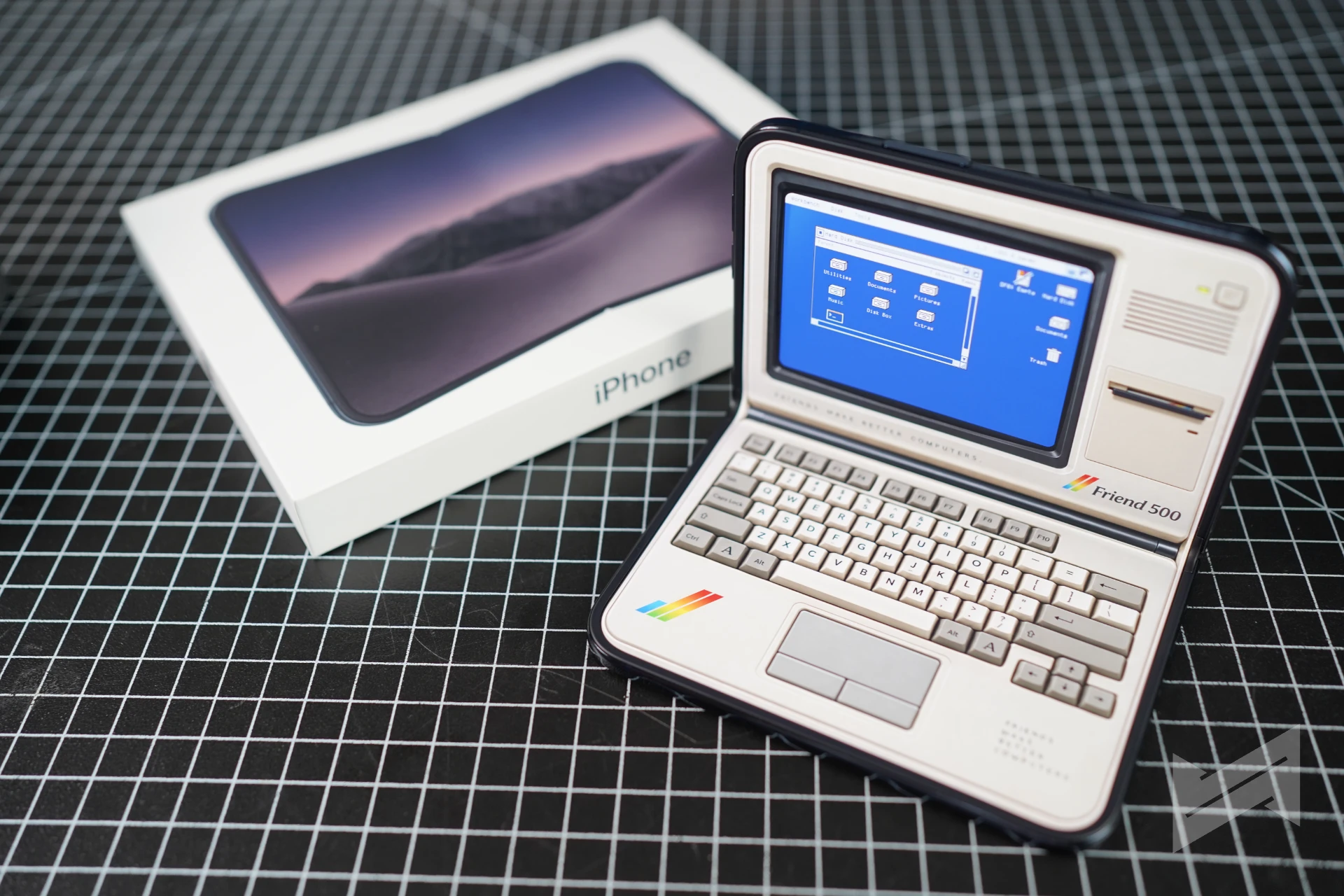
About the crease: it is there but barely visible. This is probably the best foldable in the market right now that cleverly hides the crease, thanks to a technology, which Apple has actually been using. The nano-textured cover layer makes it easy to ignore head-on, and you notice it when you tilt the phone into a reflection. Apple’s answer is a cover layer you can replace under warranty. Every foldable has this crease. The Duo just makes it less distracting.
iOS 27 is the real selling point
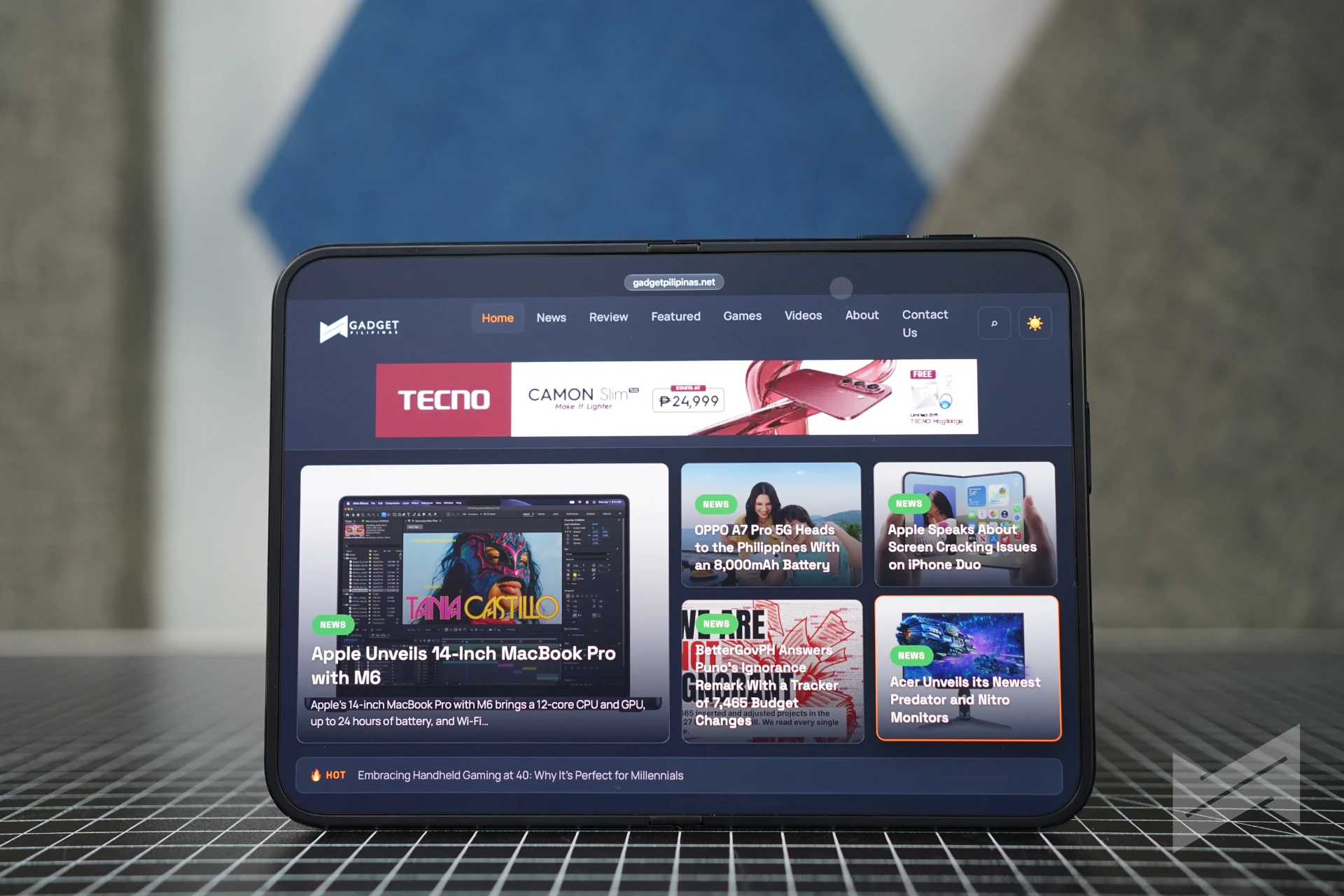
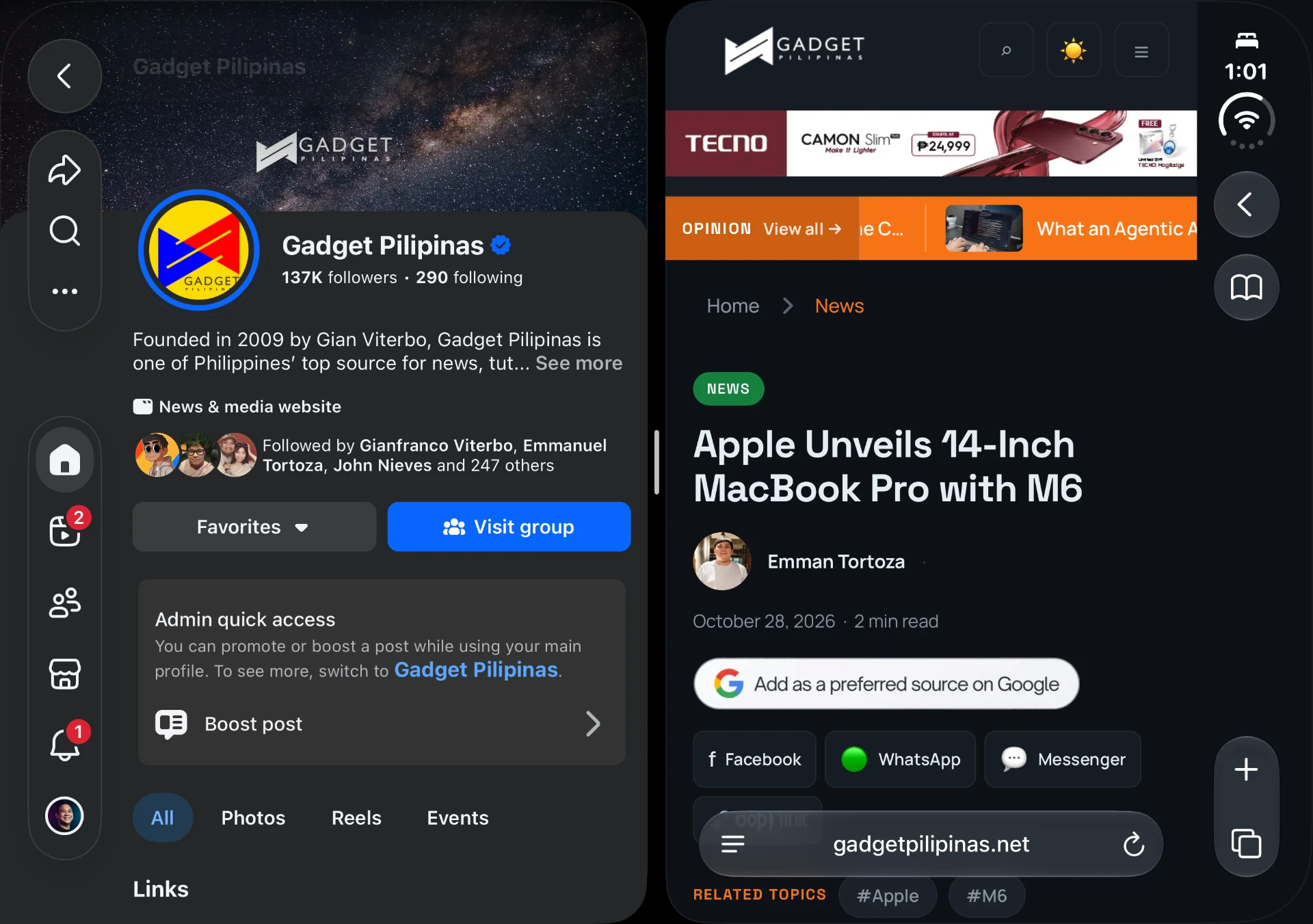
The outer display is where you notice the difference first, and it does not behave like a small phone. Lock Screen controls, the Dock, and app navigation all sit on the side so the height is for the content. The status bar becomes a compact circular module in the corner, and the Dynamic Island sits vertically along the edge. You stop reaching for the top of the screen.
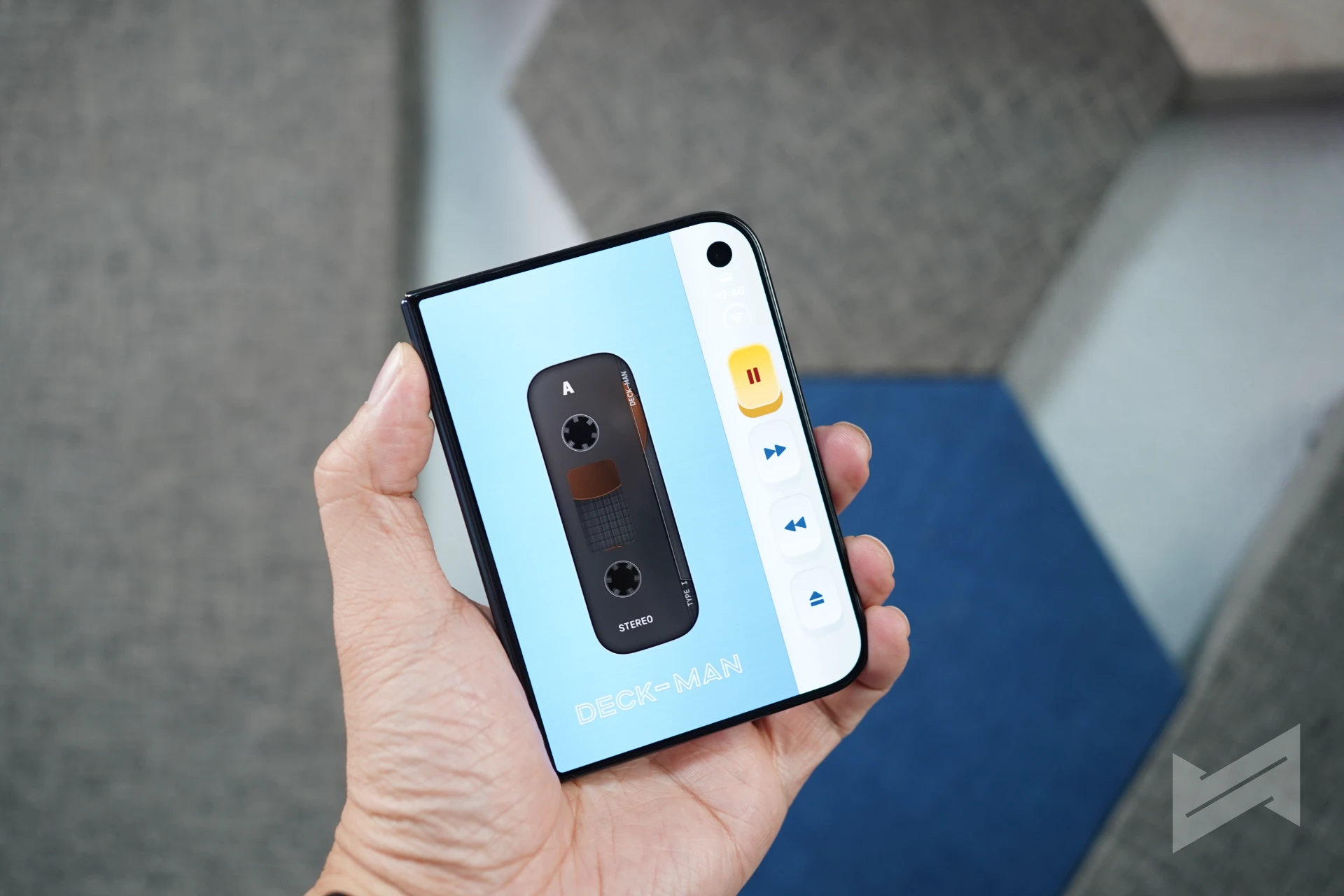
Both displays share the same aspect ratio, so content scales instead of reflowing. A video keeps its framing when you open the phone, and a page keeps its line lengths. Open it and the Home Screen becomes two pages, with Today View as a widget column on the left.
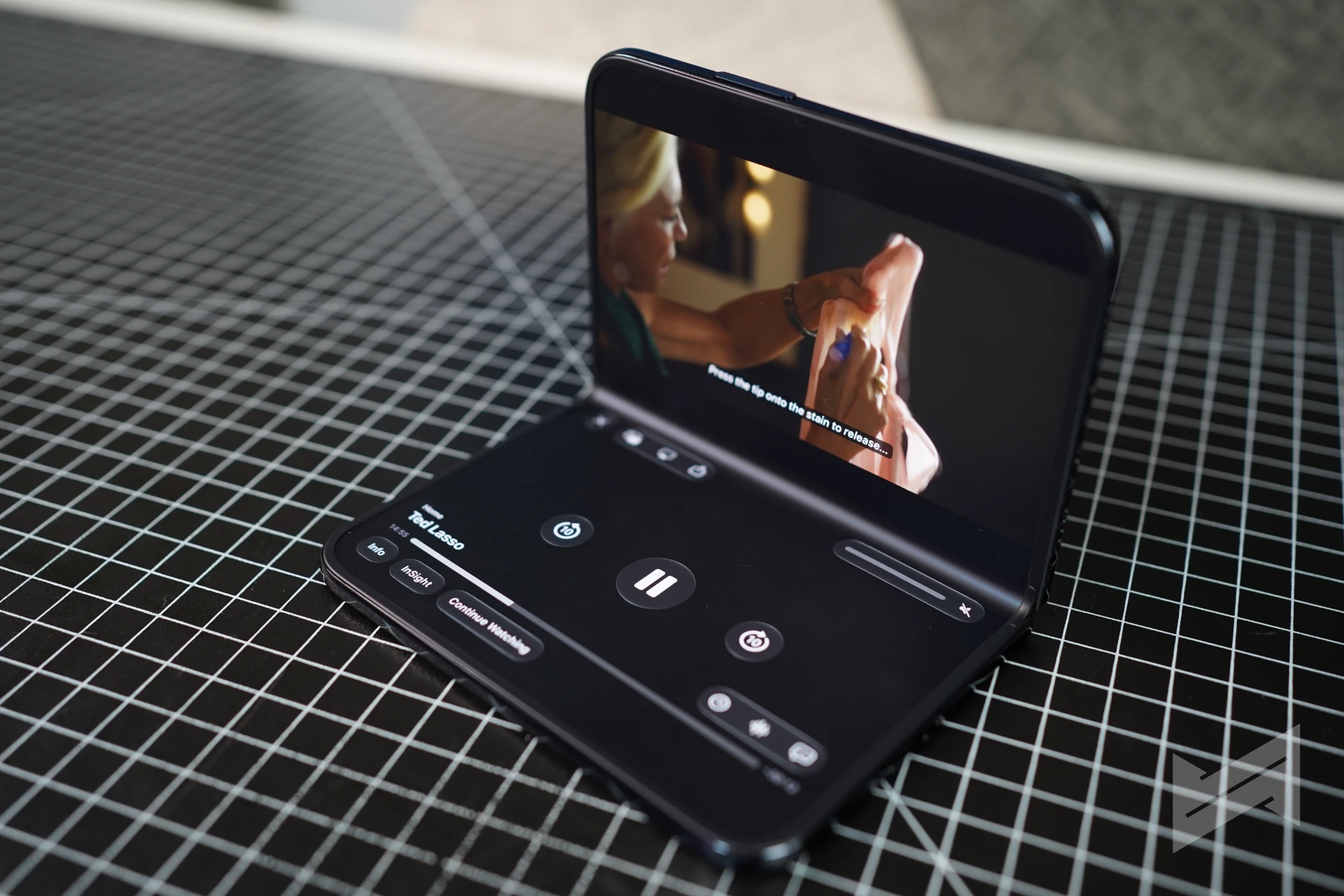
Split View is the feature I did not expect to use and kept using. Two apps sit side by side. Tap the divider to pair them. A second Safari window works like it does on a Mac. Set the phone down half folded and StandBy takes over on either display, even without a charger. With the folio kickstand, it becomes the bedside clock the iPhone has been trying to be for years.
Apple’s own apps show what is possible
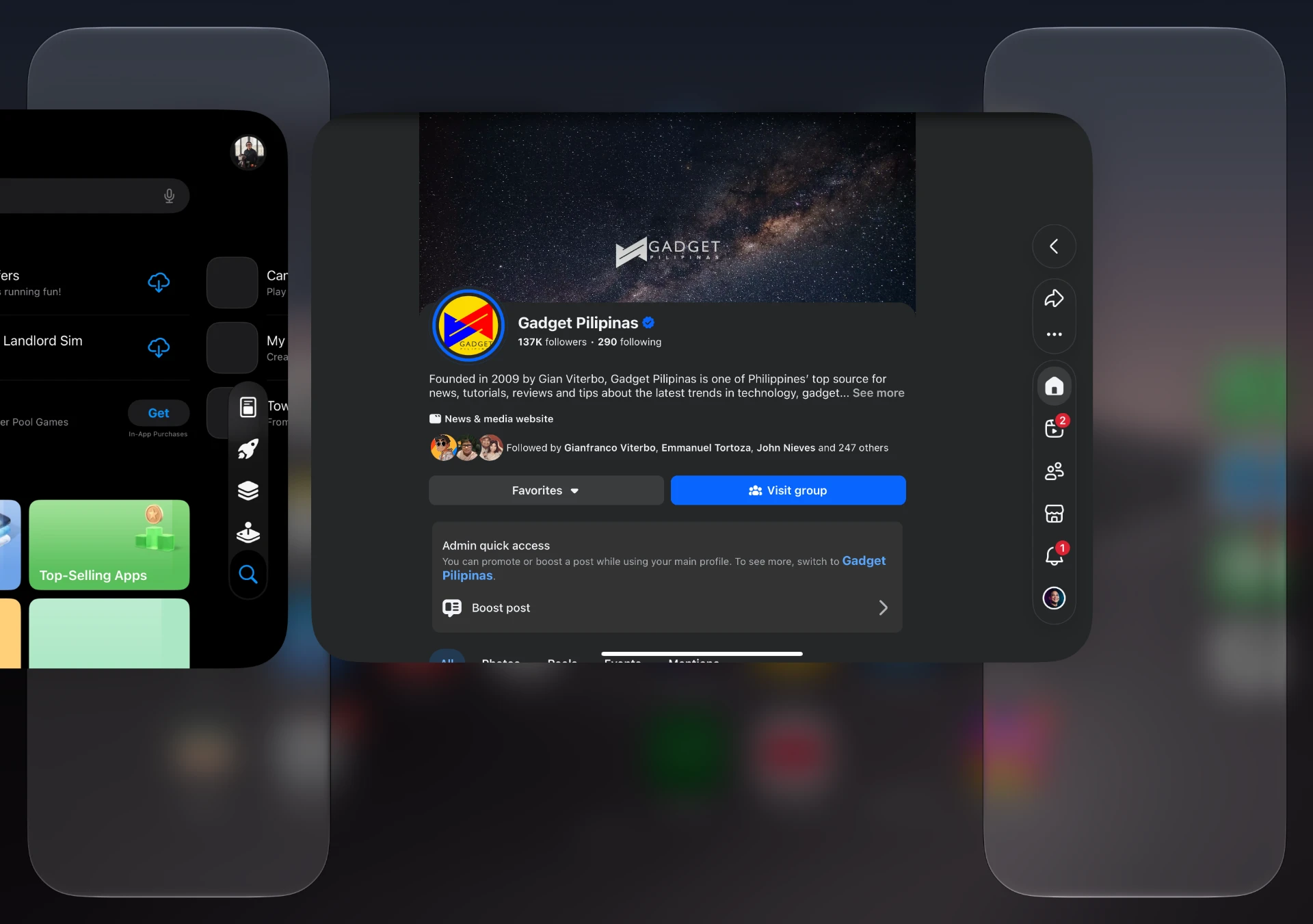
Apple’s own apps are fully adapted, and the difference between adapted and rebuilt is obvious. Books uses a two-page spread that reads like an actual book when the phone is half folded. Keynote rehearsal pushes your speaker notes to the bottom edge, exactly where your eyes already are.
The camera is the best demo of why that second screen matters. Duo Preview shows the live view on the outer display so the person in the photo can fix their own framing. Kid Cue fires up Peanuts animations over there to get a kid to look at the lens. Smart Take waits for everyone to be ready before grabbing the shot. Dual Capture sends both camera feeds, and Duo FaceTime lets someone next to you join the call.
The honest caveat: these are the apps Apple controls. This is the best case, not the average one.
Third-party apps are ahead of where I expected
Foldable launches usually mean stretched apps and a long tail that never adapts. The Duo’s list is better. Netflix uses the outer display for its Clips feed and opens into a wider layout inside. Zoom turns the inner display into a conference room with content and participants visible together. Slack puts a whole workspace in view. Detail, a free video editor, runs on-device and generates captions for a 30-second clip in about two seconds.
The incentive structure is unusually blunt. Apps that do the work earn an App Store badge, and the submission rules require an iPhone Duo screenshot in every new app submission starting April 2027. Apple would not need a mandate if the ecosystem had shown up on its own. Some apps will look like stretched iPhones for months, and that is the honest truth.
The parts I am still settling
The price is the first thing most people will ask about. At PhP159,990 to start, the Duo costs more than a phone and a tablet bought separately, and the Pencil is sold on its own in the USB-C version only.
The outer display is small enough that video and long reading still want the inner screen, so how much you use it decides whether it is worth it. Battery life is the one thing I could not settle here, and it is the factor that determines whether this is a daily driver or a second device.
I am also trying to easily get used to the lack of Face ID, which is another part that sets people off.
Reviewers have already made their calls on the display and the hinge, and our roundup of their verdicts covers that ground. My own full review will settle the camera in low light, which is the one thing I have not made up my mind about.
It is, however, a fun phone to have and I can see myself using it for a long time. My excited from the time it was announced has actually never wavered. But, the impression that sticks is the odd one: this is a foldable whose software is ahead of its hardware, and that is a much better problem than the reverse. I go deeper into the UI in my breakdown of the iPhone Duo UI and UX, which I encourage you to read through.

Giancarlo Viterbo
Giancarlo Viterbo is a Filipino Technology Journalist, blogger and Editor of gadgetpilipinas.net, He is also a Geek, Dad and a Husband. He knows a lot about washing the dishes, doing some errands and following instructions from his boss on his day job. Follow him on twitter: @gianviterbo and @gadgetpilipinas.
View all articles →Related Features
 RAM and SSD Shortage Guide 2026: How You Can Save Up on Your PC Upgrade or Laptop Purchase
 Why Apple Chose Google for Siri
