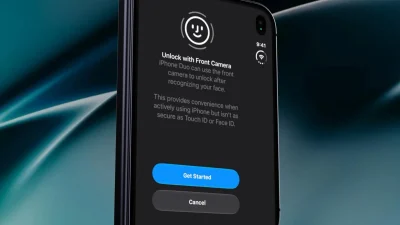


iOS 27 has been out since September 14, 2026, and most of it is polish you stop noticing after a week. What stuck is the part that matters when you are moving. This is not a review. It is the short list of iOS 27 travel features I would set up before the next flight.
Photos became the travel journal
Play any video in Photos, pause on the frame you want, tap the three dots, and choose Save Video Frame as Photo. The still keeps the original date, time, and place, so the night market shot you filmed instead of photographed is still there.

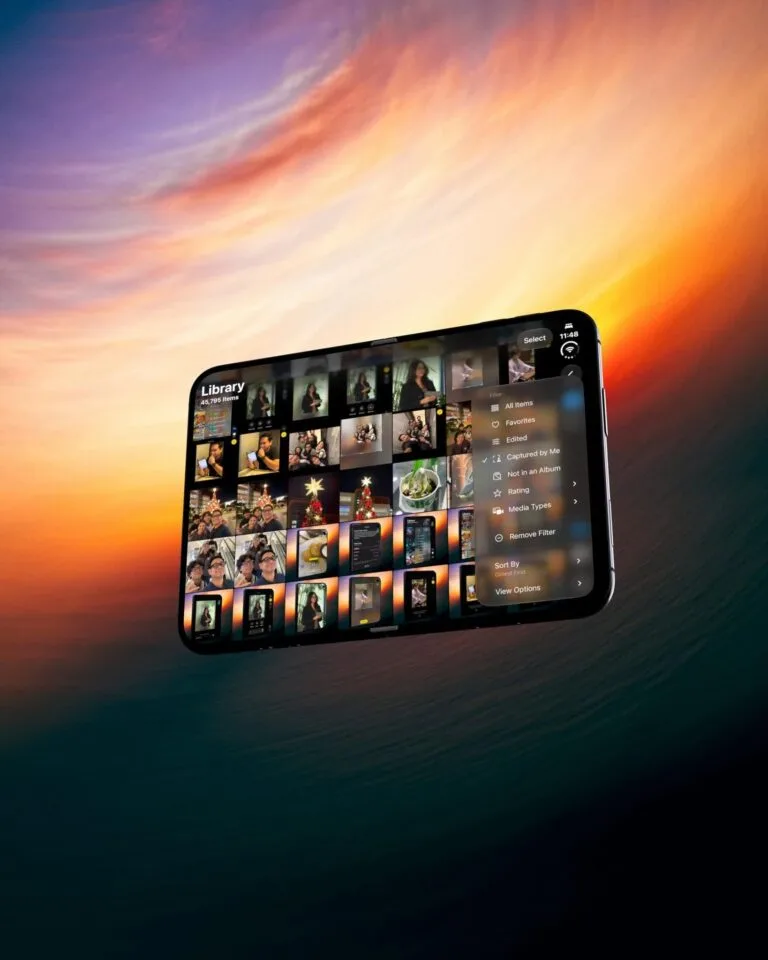
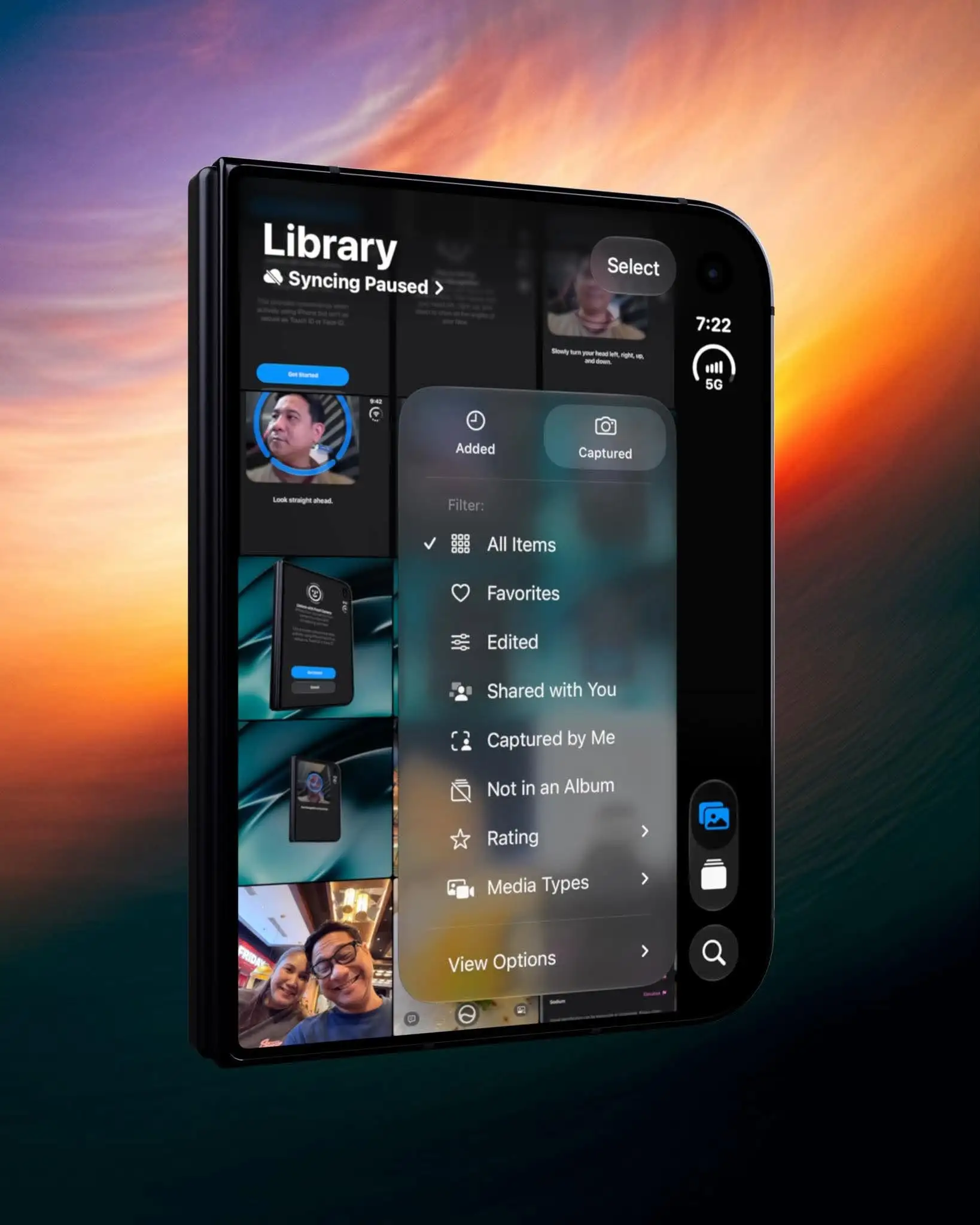
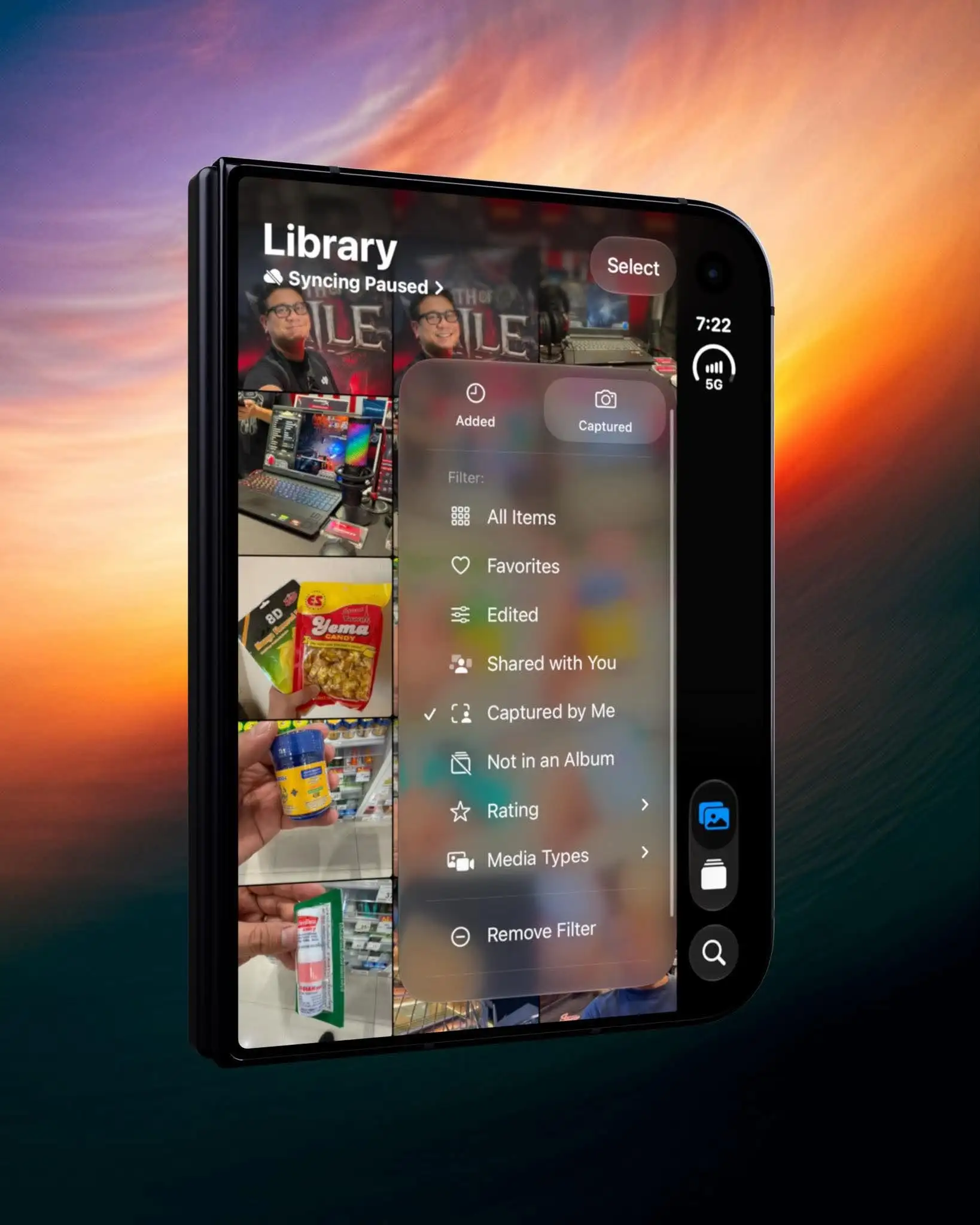
Under Collections, Photos Utilities does the tidying. Captured by Me hides screenshots and app downloads, and Identity Documents groups your IDs and passport scans, which beats scrolling a camera roll at a check-in counter.
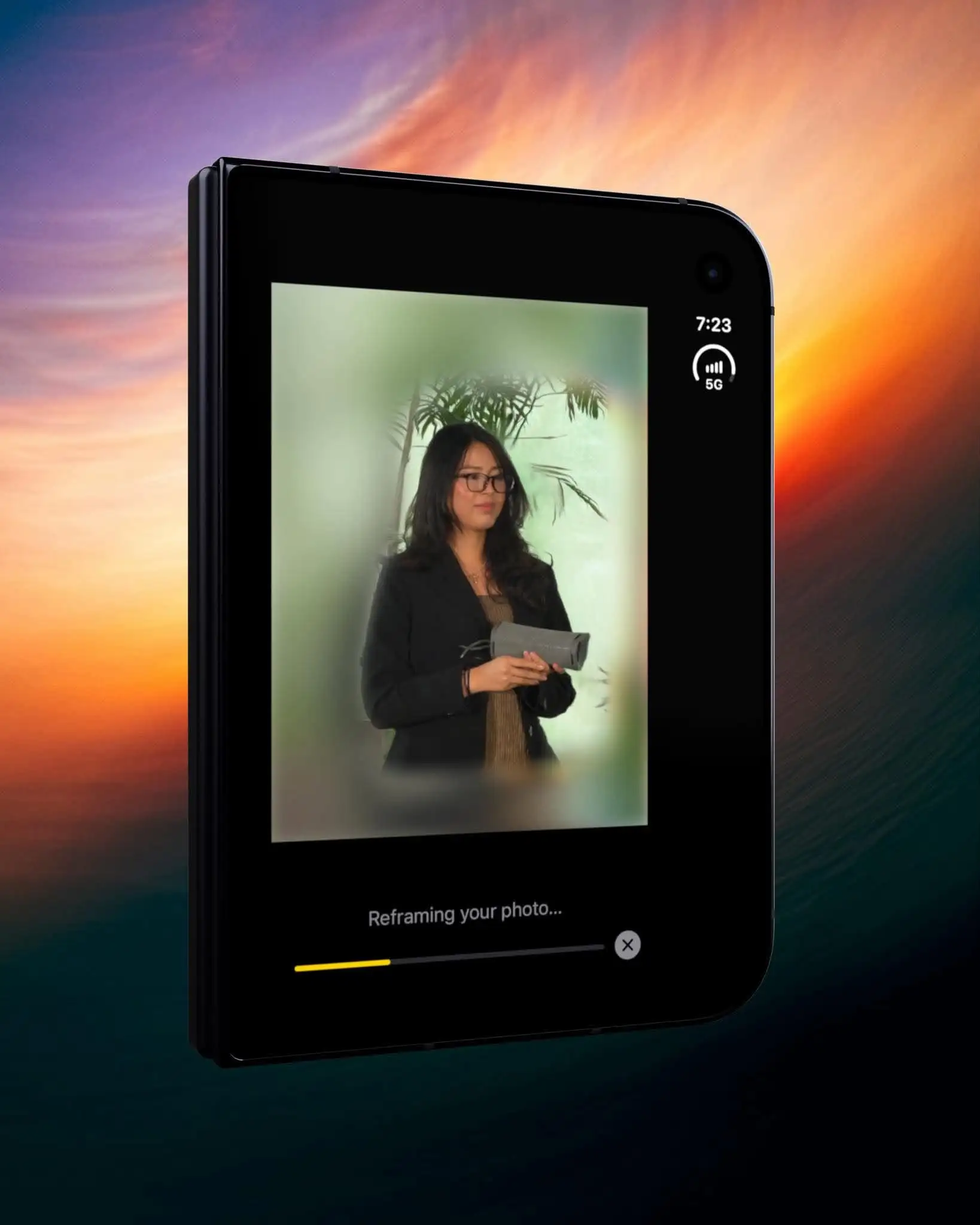
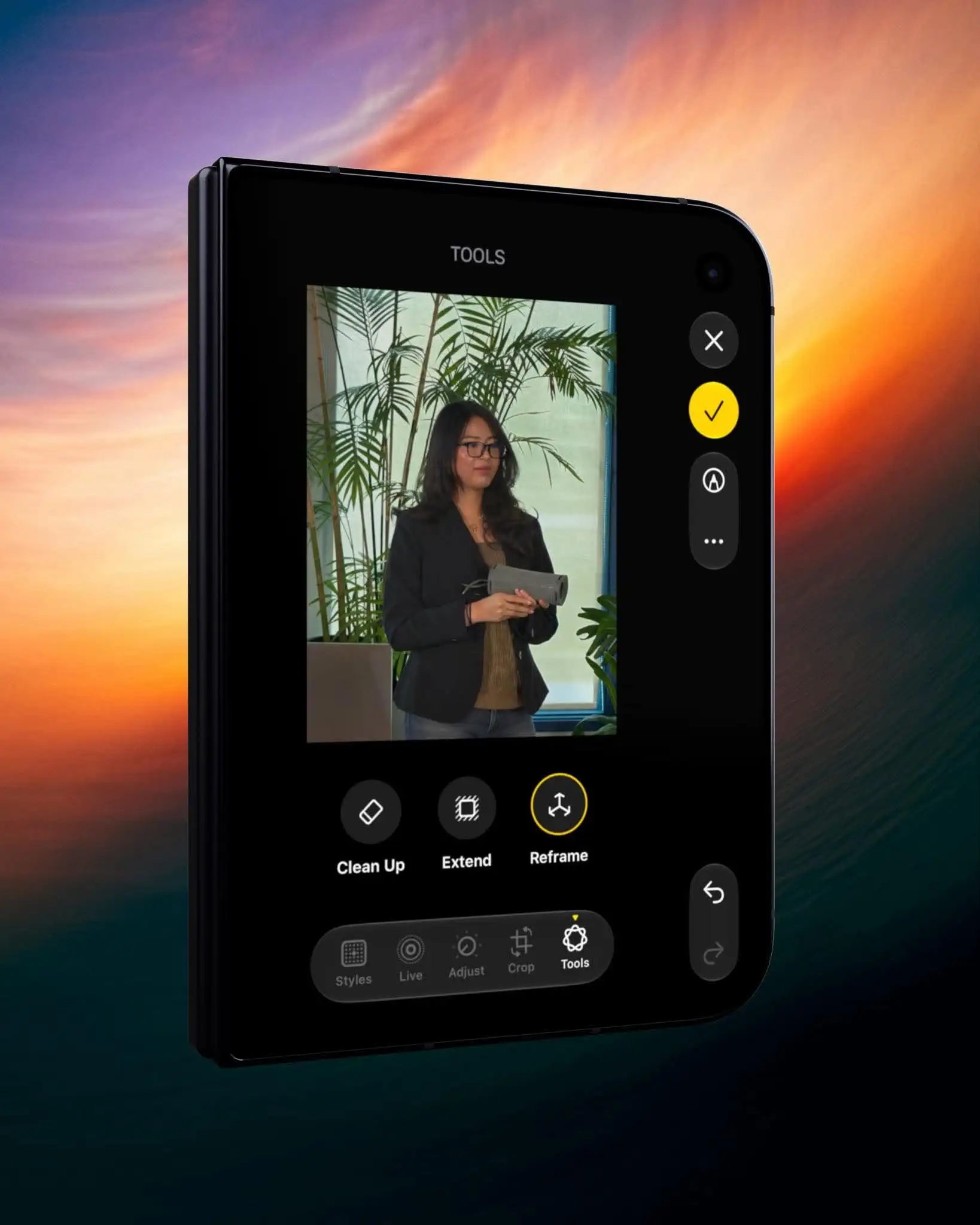
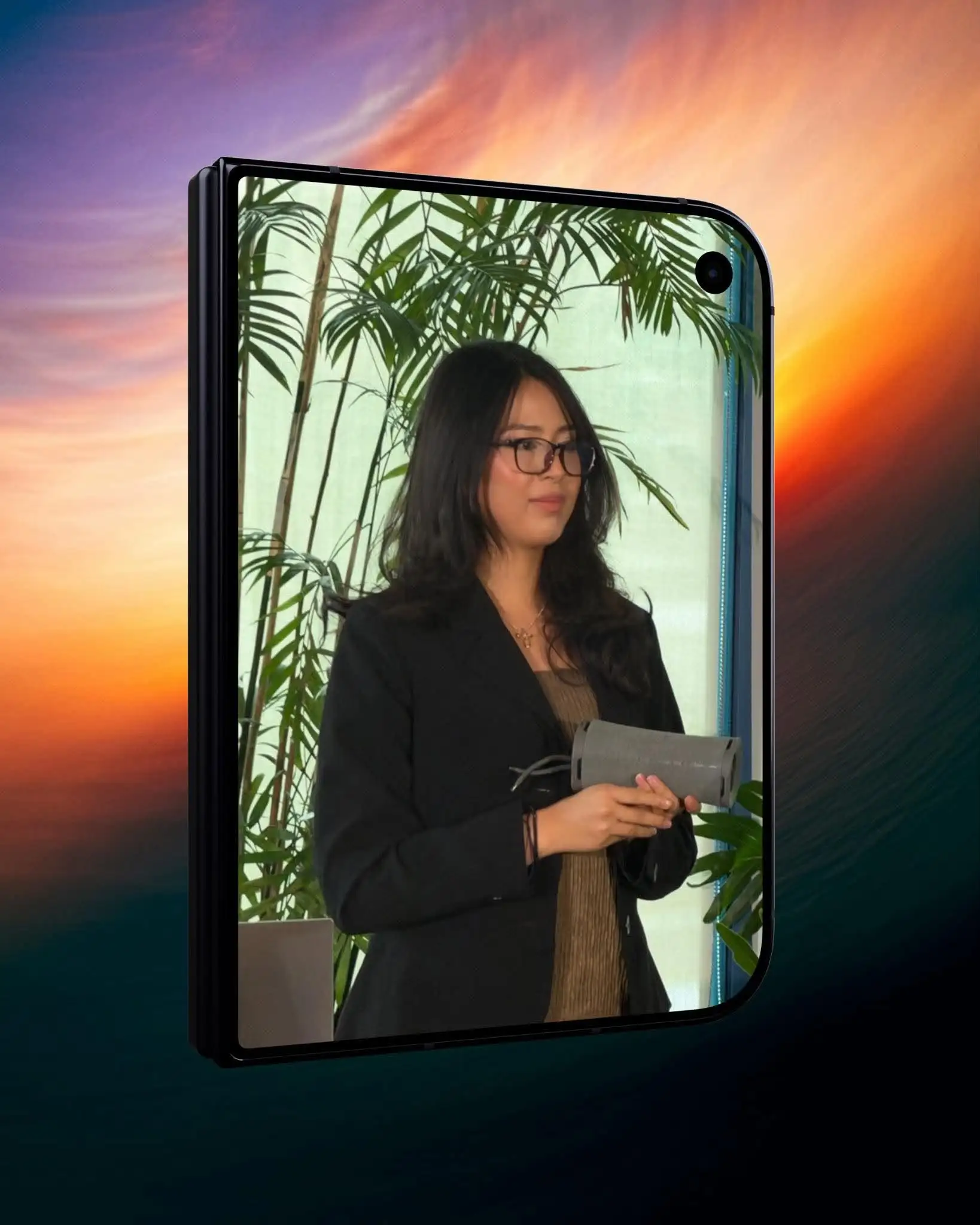
Show Ratings Control in your profile and you can star shots, then filter a month down to ten. Albums export as video through Start Slideshow. Clean Up, Extend, and Reframe sit under Edit then Tools, and Shared Albums now share at full resolution.
Which iOS 27 travel features need a newer iPhone
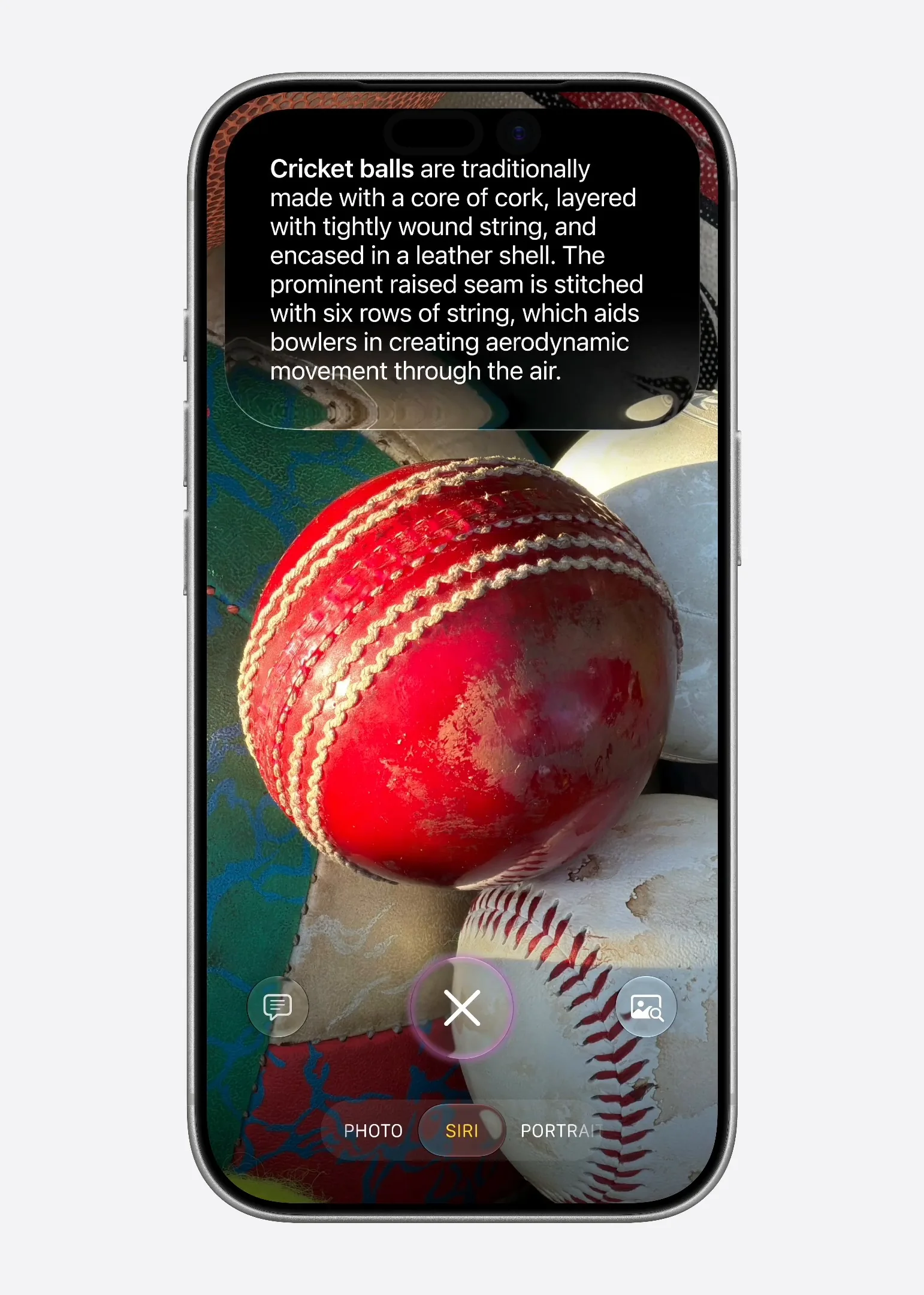
Swipe the Camera mode strip to Siri and point. On food, tap Look Up Nutrition. At a printed flyer or invite, ask Siri to add it to your calendar and it pulls the date, time, and venue. At a storefront or landmark, you get hours, a menu, or directions. The Camera guide walks through the modes.
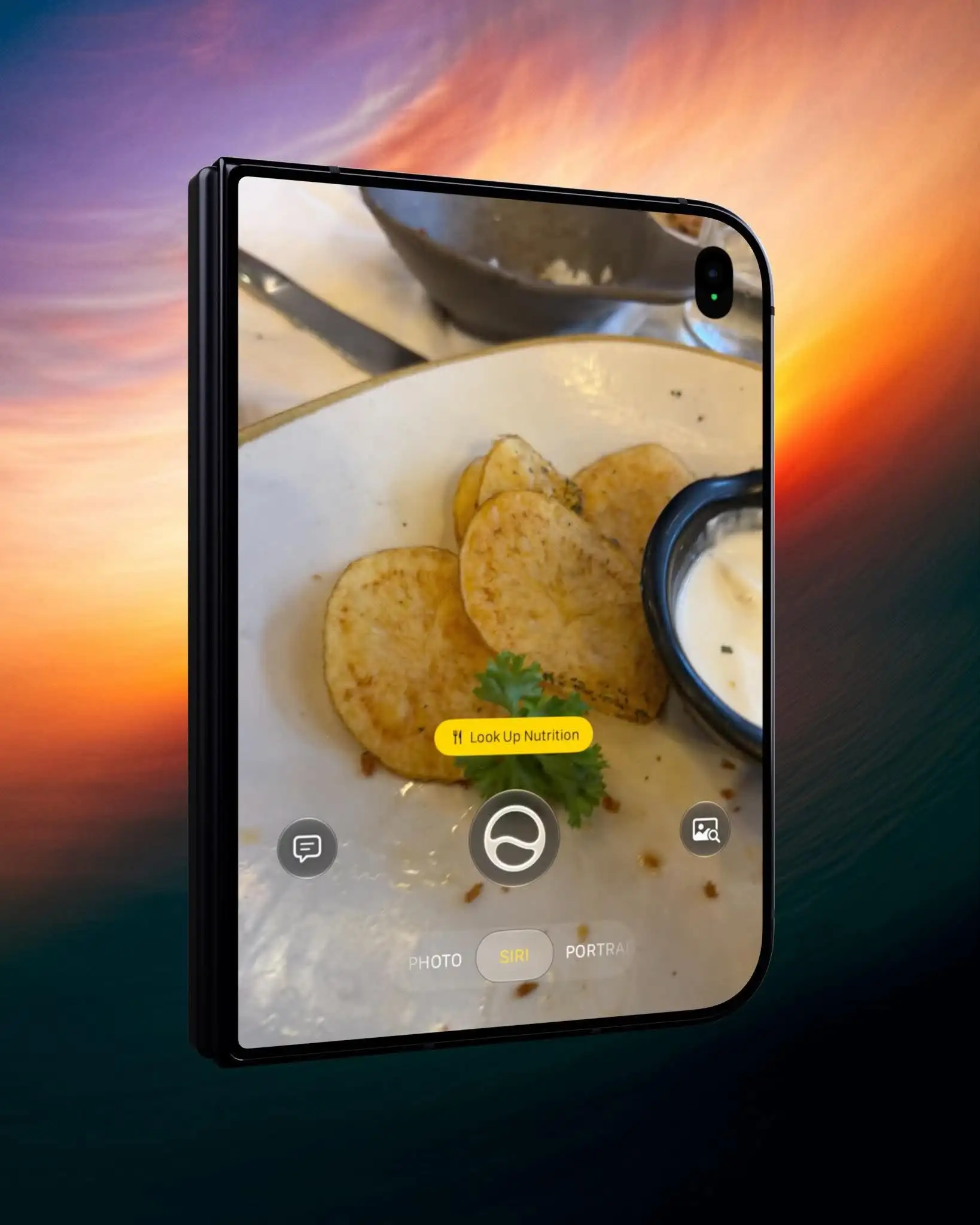
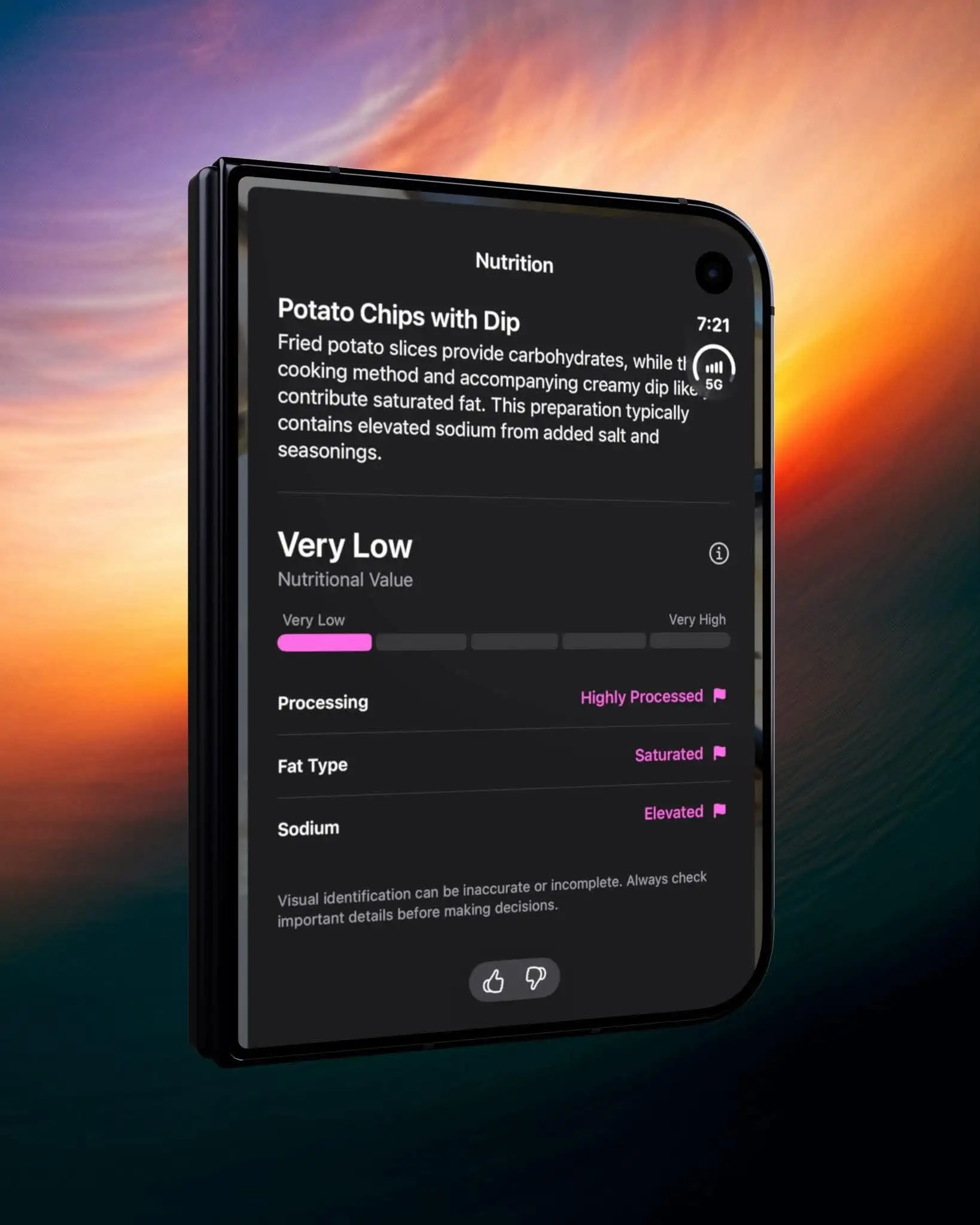
The catch is hardware. Siri AI needs an iPhone 15 Pro, 15 Pro Max, or iPhone 16 and later, in a supported language, and it is still a beta. The Photos tools above run on iPhone 11 and later, so an older phone still gets the useful half. GP covered what the iOS 27.3 beta adds to the assistant.
Wallet holds the cards you forget
Tap plus in Wallet, choose Create a Pass, then photograph a card with a barcode. Wallet reads it, and you can edit the fields before saving. Phones without Apple Intelligence get the manual templates: Standard, Membership, and Event.
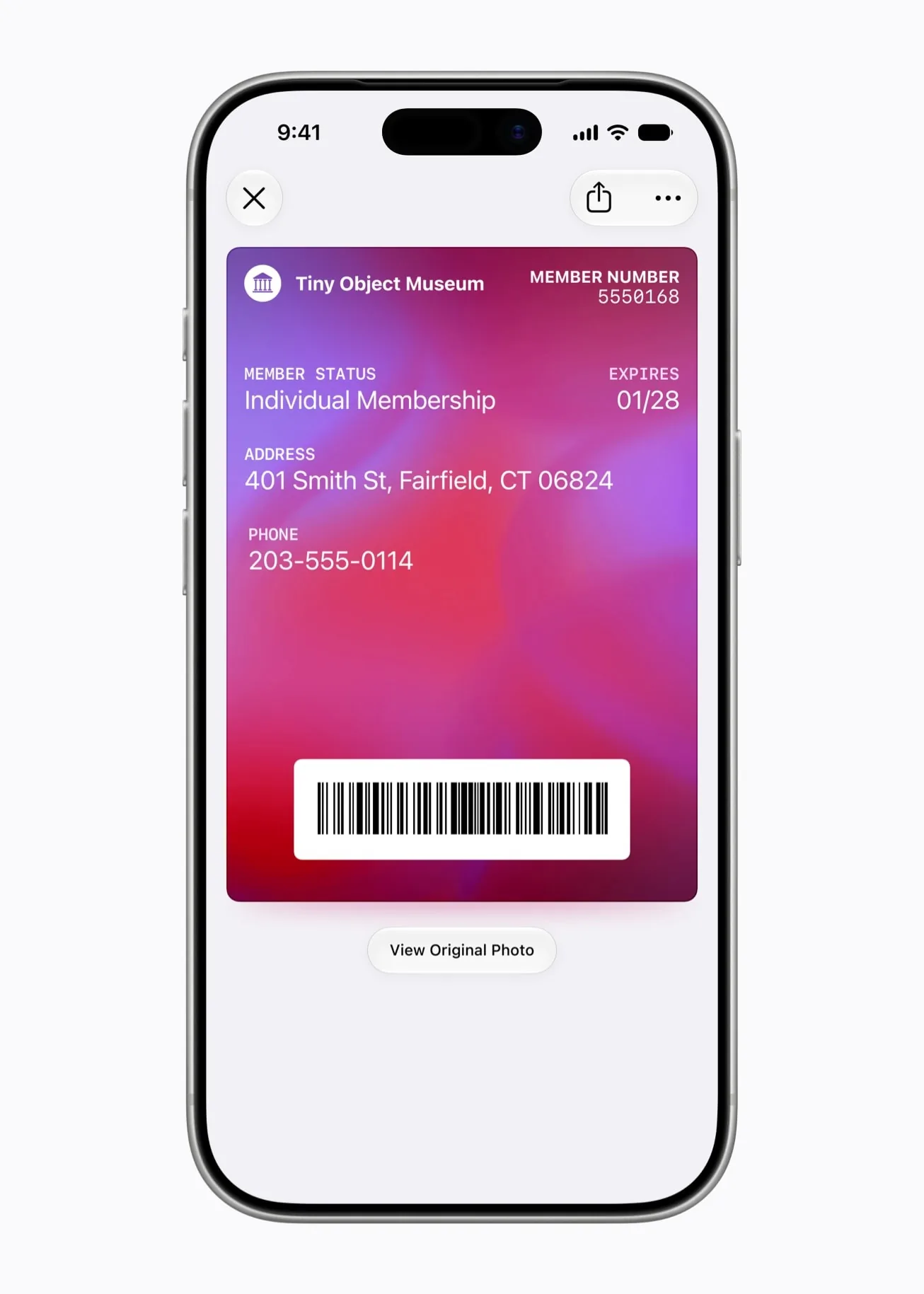
I added my Suica to Wallet before a Japan trip, and Express Mode means the gate reads it without Face ID or a passcode, which Apple documents for Japan transit cards. It just flawlessly worked, and made it much easier for me hop from one train to another.Membership cards sit in the same stack, which is the point: one place to look. Topping up a transit card needs a card in Apple Pay that the operator accepts, so confirm that first.
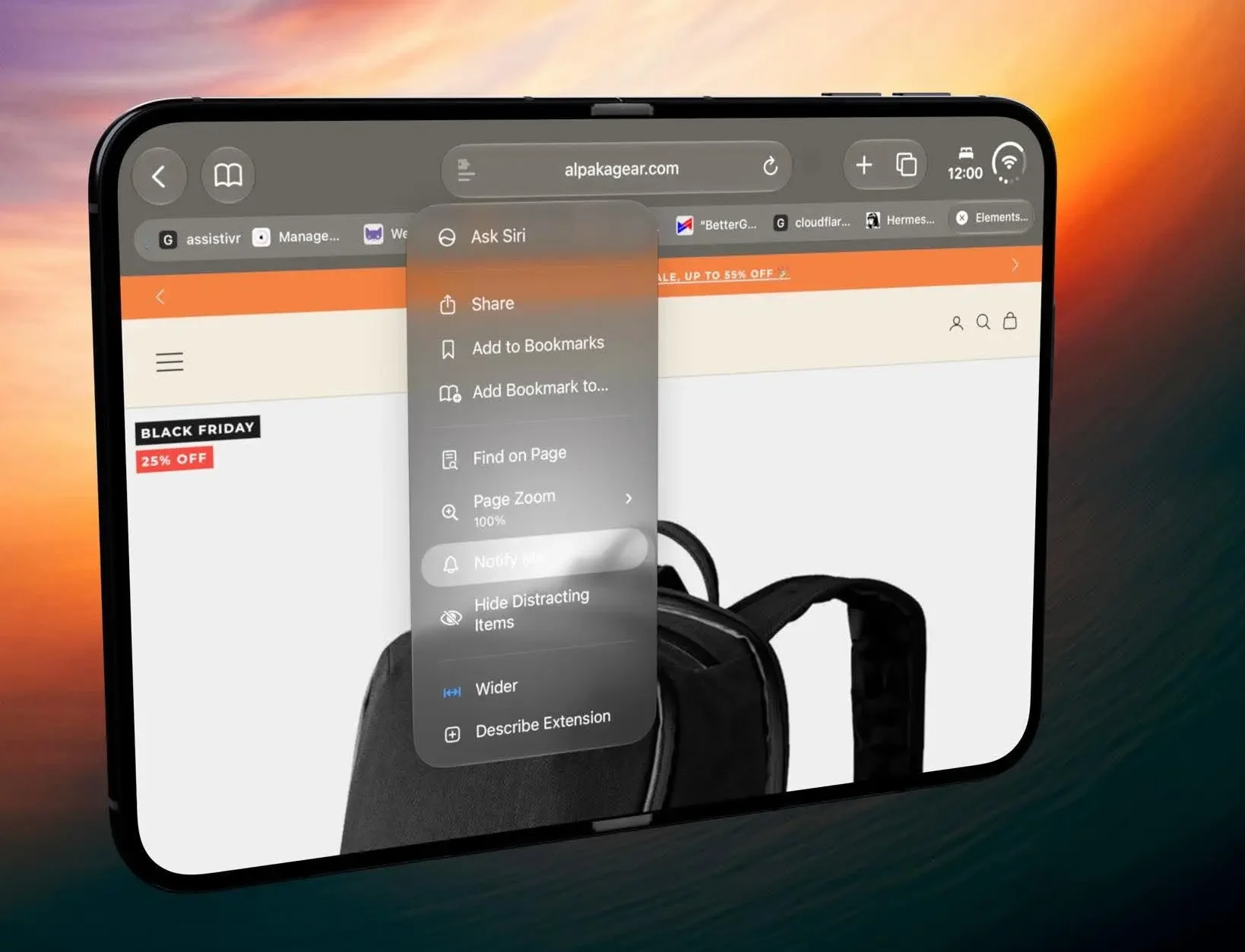
Safari handles the waiting. Open the menu in the search bar, choose Notify Me, and describe the restock or price drop you are watching. It checks the page so you do not.
Apple Pay has been live in the Philippines through Visa since August, which is what makes the Wallet half of this workable here. If you are on an older build, the 27.0.1 notes explain what changed, and Apple Pay details sit in our launch coverage.
Set up two or three of these before you fly rather than learning them at the gate. Update to the latest build, 27.2.1 as of this writing, and the rest is habit.

Giancarlo Viterbo
Giancarlo Viterbo is a Filipino Technology Journalist, blogger and Editor of gadgetpilipinas.net, He is also a Geek, Dad and a Husband. He knows a lot about washing the dishes, doing some errands and following instructions from his boss on his day job. Follow him on twitter: @gianviterbo and @gadgetpilipinas.
View all articles →