


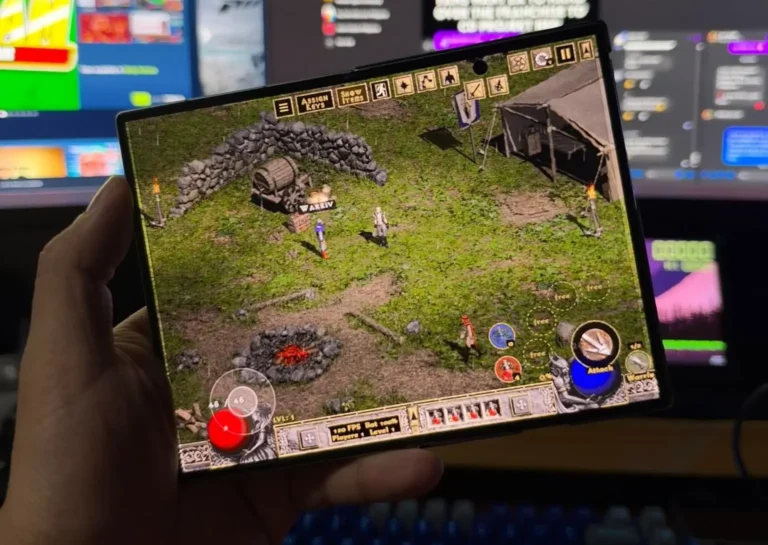
A fan project is running Diablo II: Lord of Destruction on Android, and it does not need a PC to set up. D2Android installs the 1.13d version of the game directly on the phone, then wraps it in touch controls and a gamepad layout built for the small screen.
The project lives on GitHub, where it has drawn 62 stars and 6 forks since being created on October 12, and has shipped 12 releases. The current build is v1.4.1.
Snapdragon only, and that is not a soft requirement
D2Android requires an Android phone with a Snapdragon processor and Adreno graphics, running 64-bit Android 8 or newer. The developer lists the RedMagic 8 Pro and RedMagic 10 Pro as the tested devices, with other Snapdragon phones supported on a best-effort basis only. We got to play this without issues on our Galaxy Z Fold8.
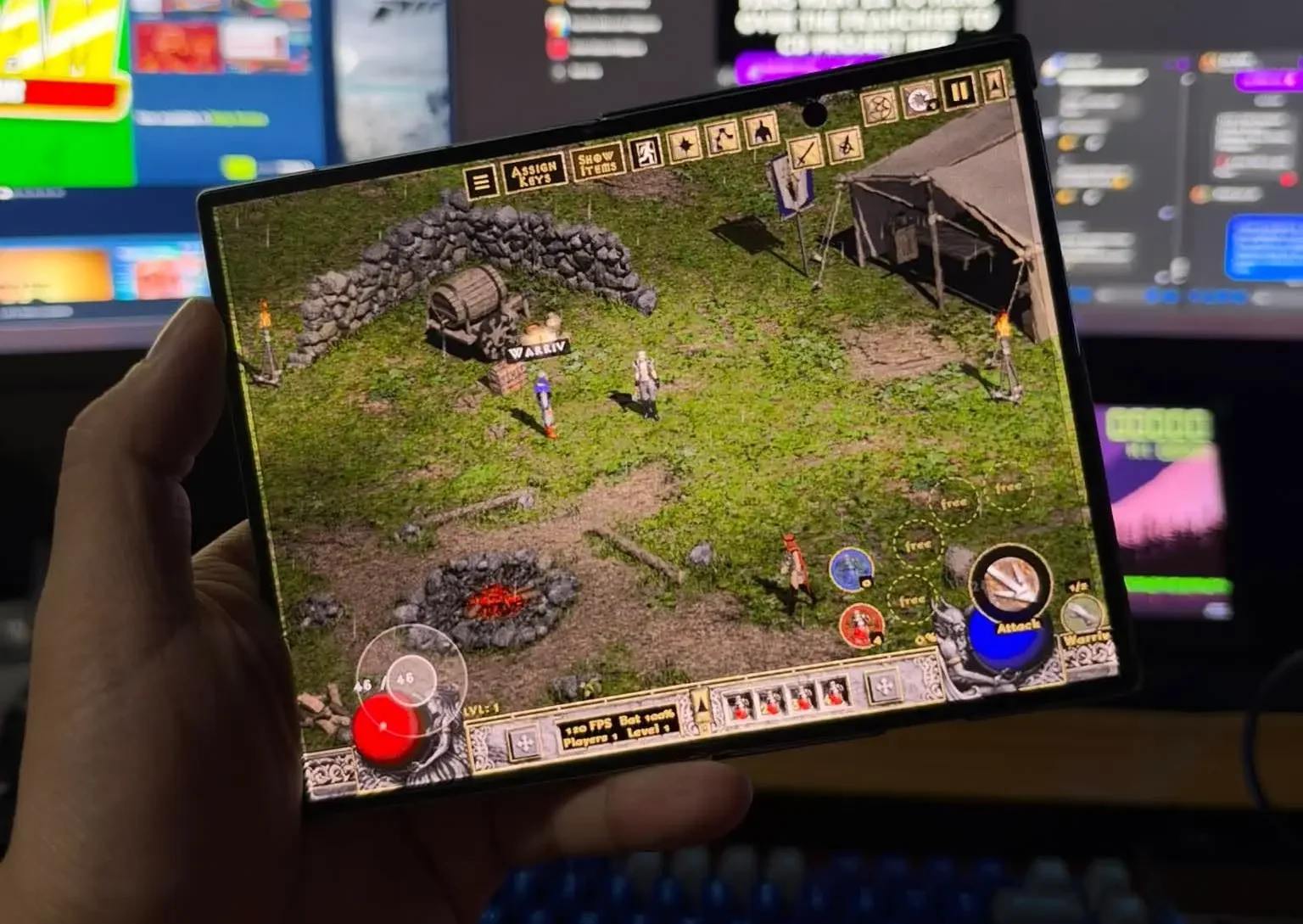
Phones carrying Mali, PowerVR or Xclipse graphics are not supported at all. Installation also wants about 5GB of free storage in the Download folder.
How it installs without a computer
Instead of asking for a game folder, the app runs Blizzard’s own installers on the device. It downloads the official Diablo II and Lord of Destruction setup files, checks them against known checksums, and then asks for your two CD keys.
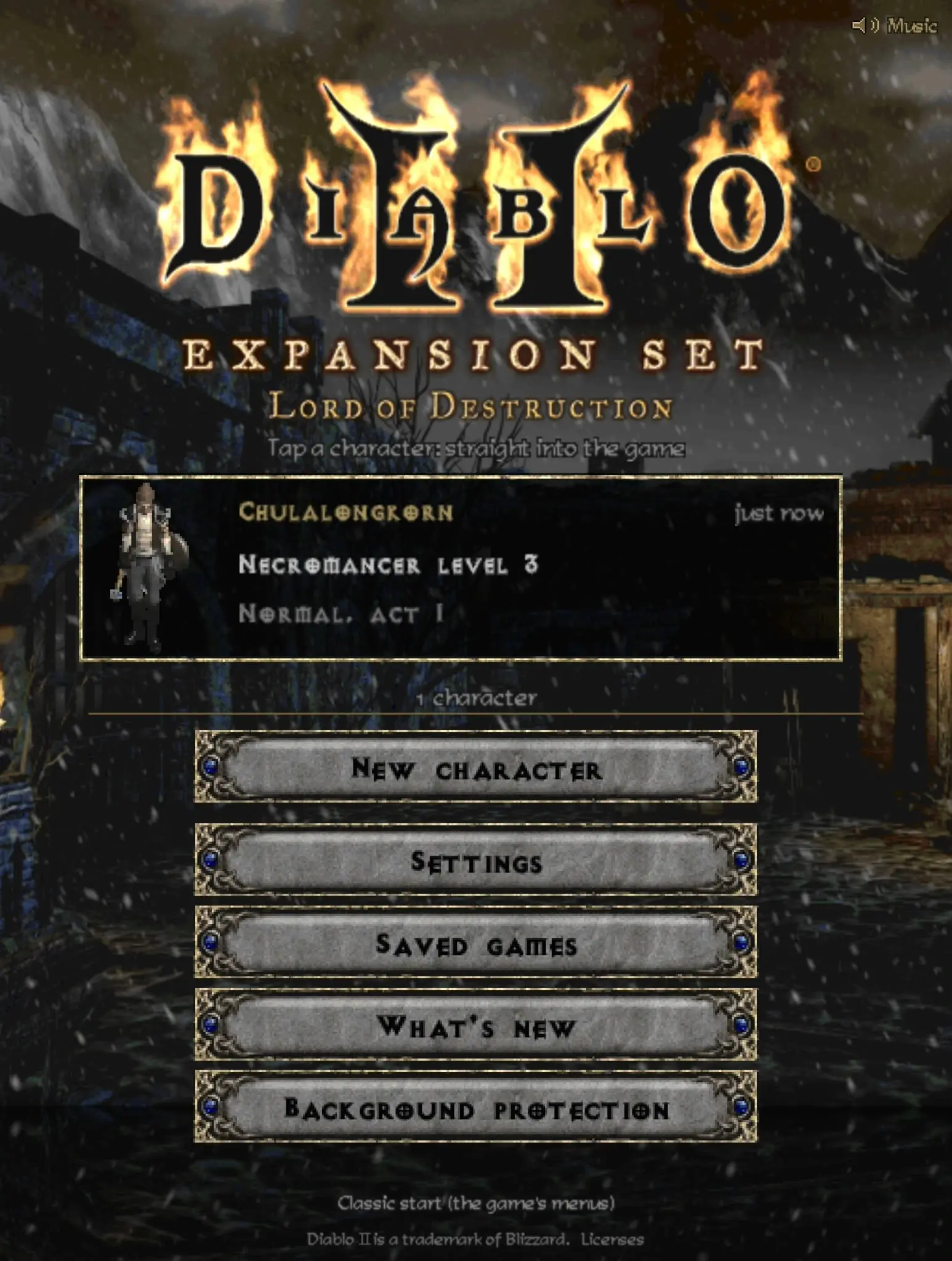
Those keys go straight to Blizzard’s installer and, the developer states, are never stored, logged or sent anywhere else. The whole step pulls about 2GB over Wi-Fi and takes 10 to 40 minutes, followed by Blizzard’s official 1.13d patch. D2Android handles every stage in-app, with progress shown for each one.
The alternative is to copy an existing 1.13d game folder from a PC. Either way, the app ships no files from Blizzard, and it needs a copy of the game you already own.
D2Android controls and the helpers it adds
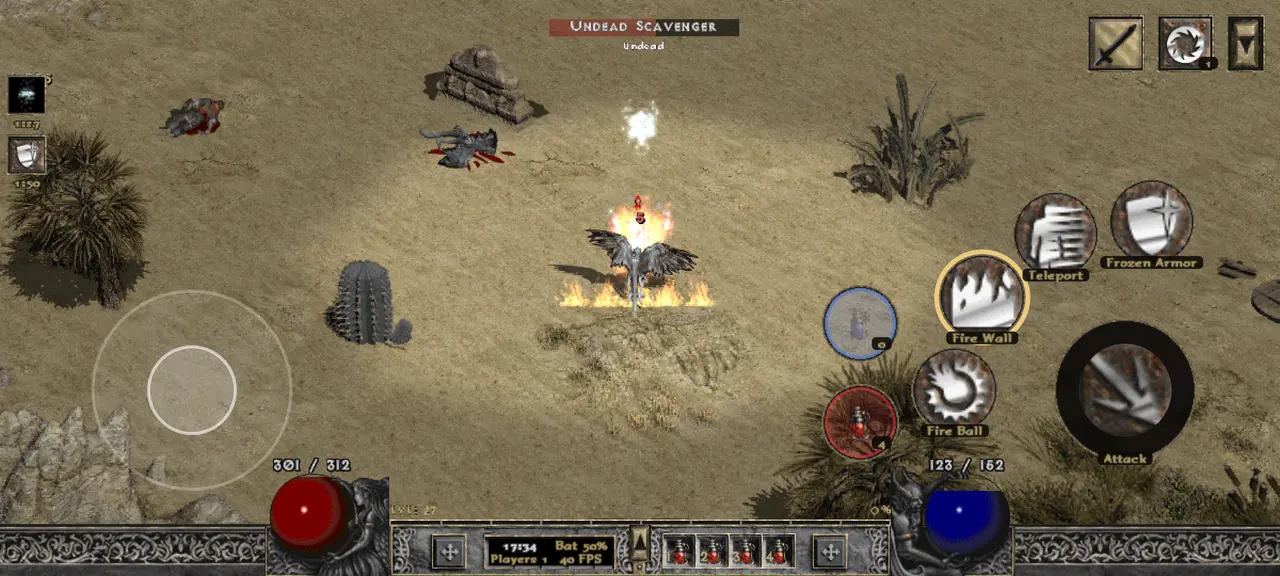
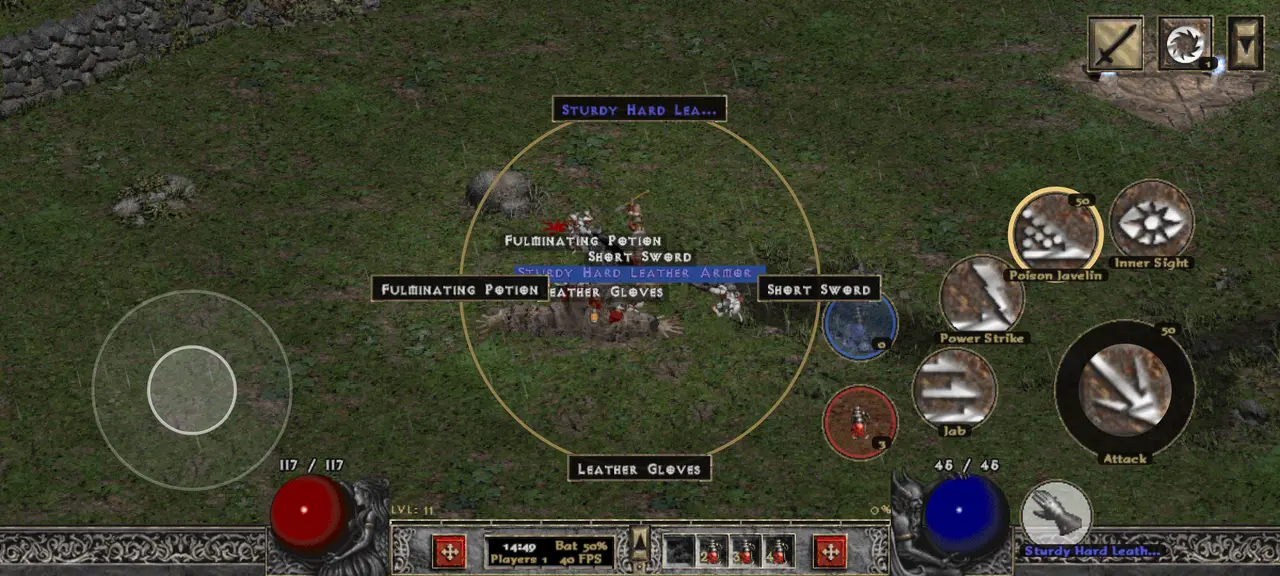
D2Android does not rely on mouse emulation for core actions. A game module talks to the game directly, so walking, attacking, picking up items and drinking potions are sent as game commands rather than pointing a virtual cursor at the screen.
That shows up in features like Take, a single button that grabs the next item, opens chests, enters portals and talks to people, and a teleport that shows a ring where the character will land. There is also aim assist with adjustable reach, an effect column, per-class build guides and an optional controller layout modeled on Diablo II: Resurrected.
The limits worth knowing
Diablo II: Resurrected does not work with D2Android, and neither does the 1.14 patch. The project is built around 1.13d because that is the version the community’s mods target.
It is also single player only. Battle.net and TCP/IP multiplayer are disabled, and the developer asks users not to take it onto Blizzard’s servers.
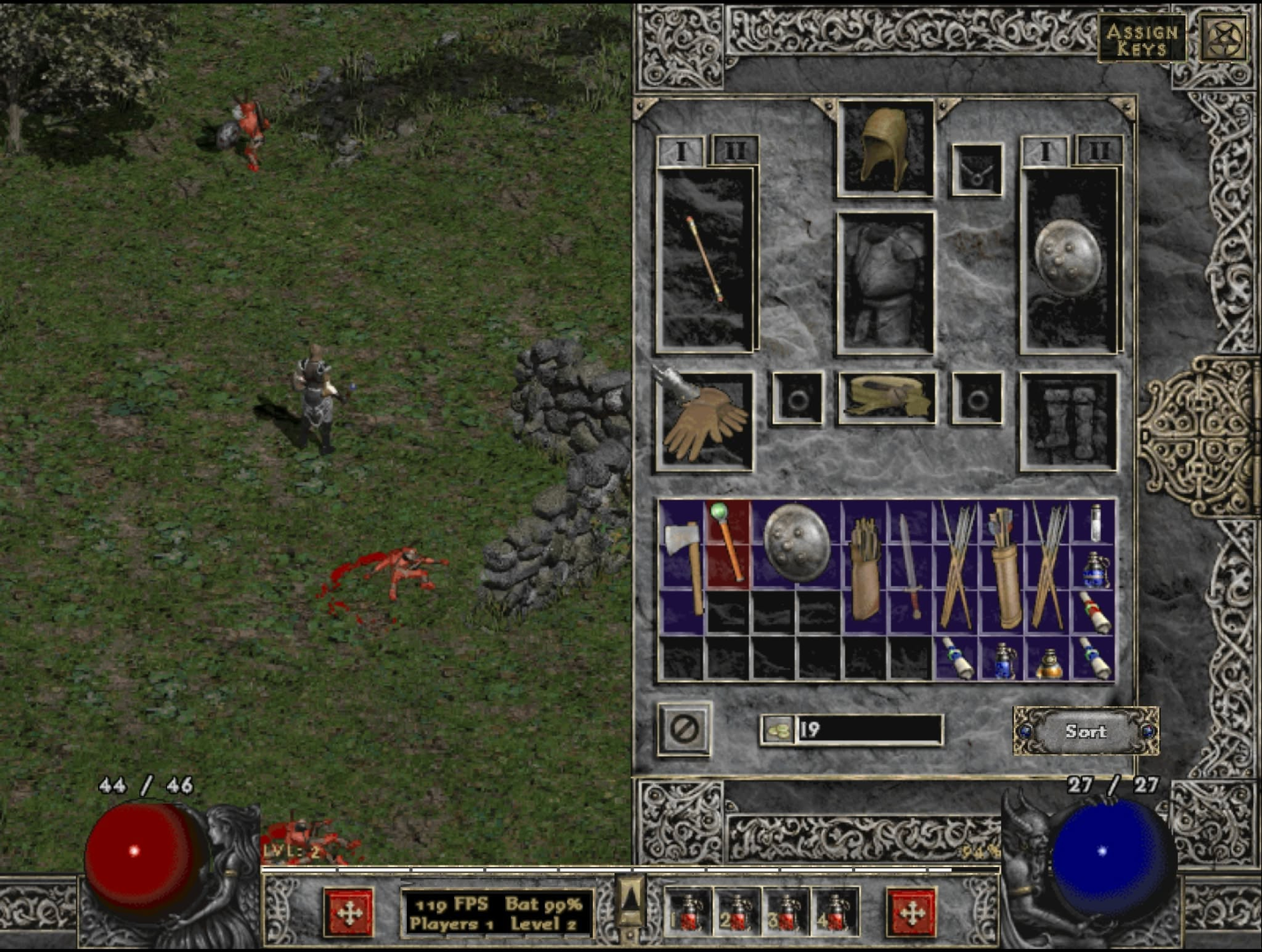
Because it is built for an older Android version, Google Play Protect will flag the APK as unsafe. The install requires tapping through to Install anyway. The APK is available from the project’s latest release.
Running PC games on Android is a growing corner of the scene, as our coverage of DroidDeck bringing SteamOS to Android handhelds shows.
Diablo II and Lord of Destruction are still sold separately on Blizzard’s Battle.net Shop, with the CD keys listed under Games and Subscriptions in a Blizzard account. For a lighter way to revisit the game, we also covered D2 Survivors, a browser-based take on it.

Giancarlo Viterbo
Giancarlo Viterbo is a Filipino Technology Journalist, blogger and Editor of gadgetpilipinas.net, He is also a Geek, Dad and a Husband. He knows a lot about washing the dishes, doing some errands and following instructions from his boss on his day job. Follow him on twitter: @gianviterbo and @gadgetpilipinas.
View all articles →