





HP Smart Tank 580 At a glance
Variant reviewed: HP Smart Tank 580 All-in-One (PH SKU)
Philippine price: PhP8,450 to PhP8,999 street price
Best for: Students, families, and home offices that print regularly and want to stop buying cartridges
Skip if: You need automatic duplexing, an automatic document feeder, or high-volume office duty
The tank printer argument
There is a moment every home printer owner knows: the cartridge runs dry, and a set of replacements costs almost as much as the printer did. The tank category exists to end that cycle, and the HP Smart Tank 580 is HP’s entry point into it in the Philippines. Instead of cartridges, it uses refillable ink tanks fed by spill-free bottles, and the bottles in the box are meant to last months, not weeks.
At PhP8,450 to PhP8,999 on the street, the 580 sits at the affordable end of HP’s Smart Tank lineup, aimed squarely at what HP calls affordable everyday prints. For a print-copy-scan machine with roughly 6,000 black and 6,000 color pages of ink included, that price makes the argument before you print a single page.
Build and design
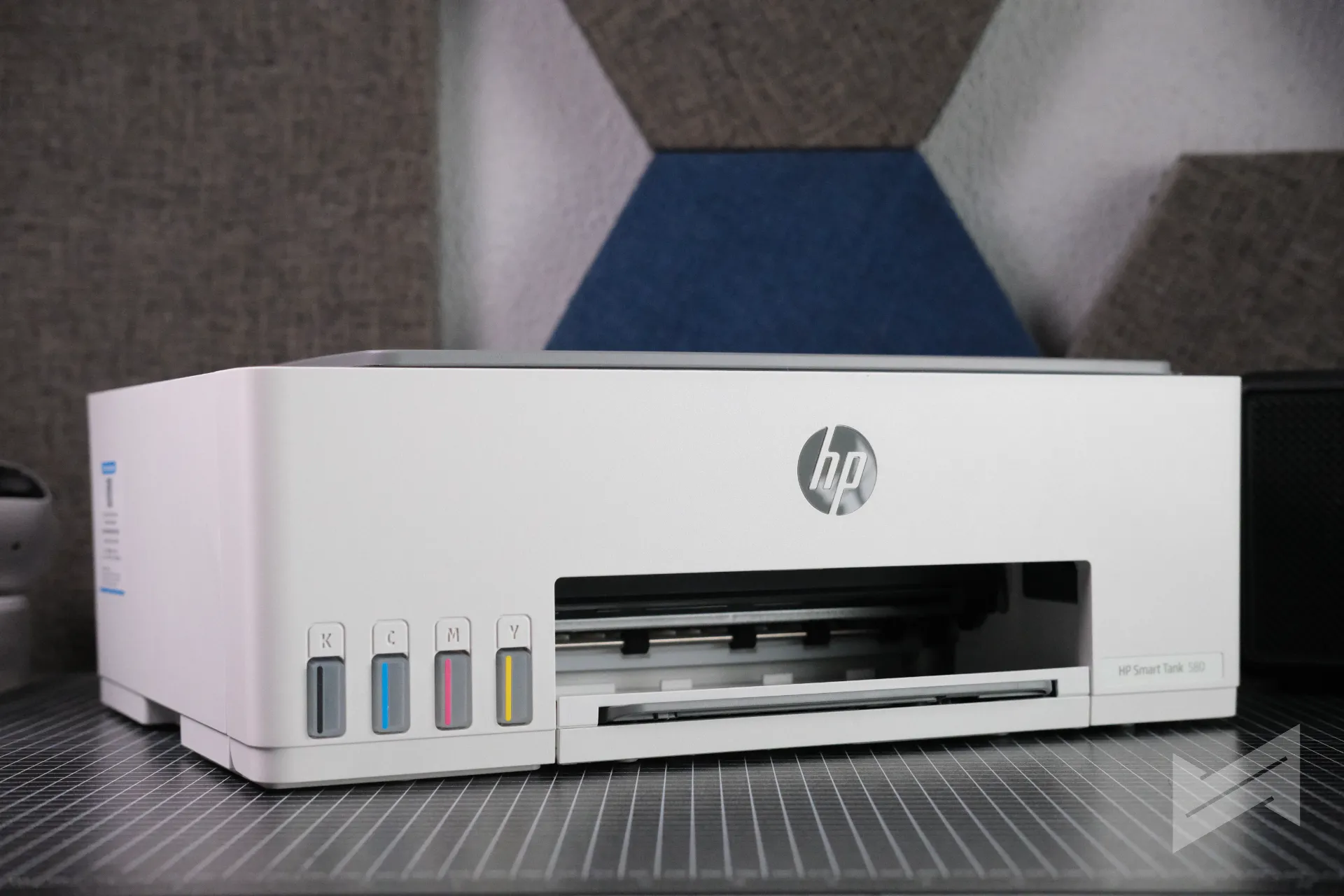
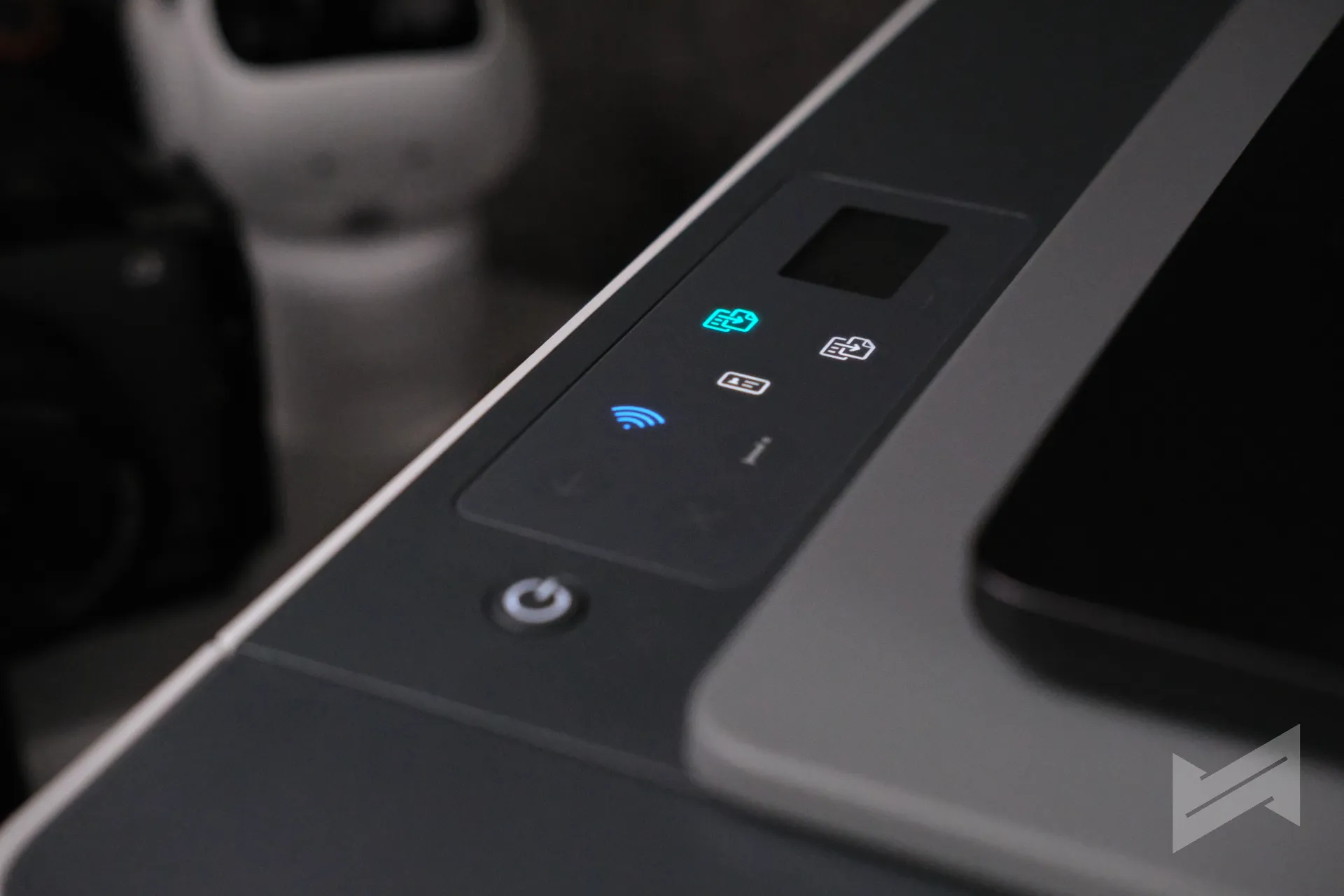
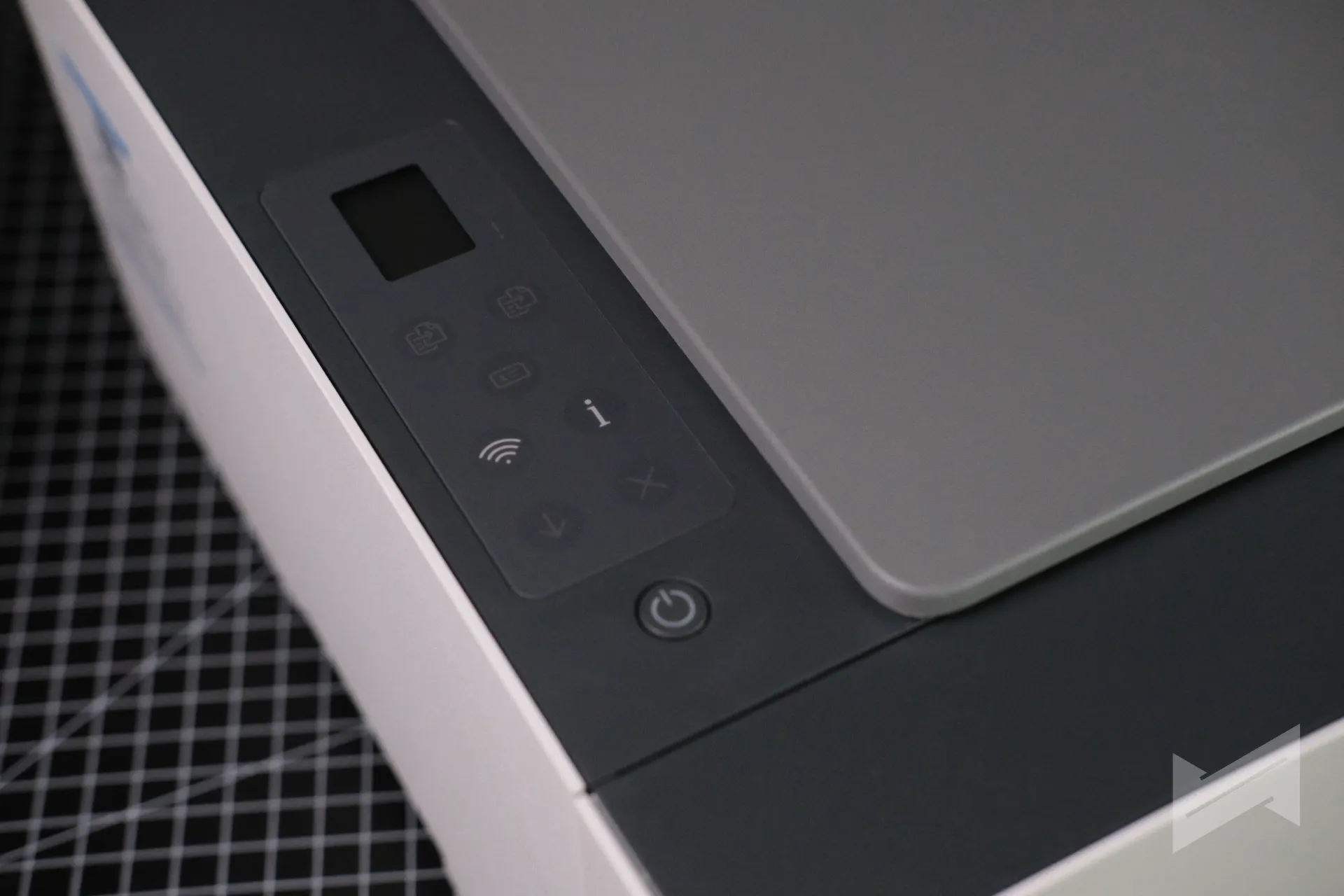
The 580 is a compact flatbed all-in-one measuring 434.66 x 361.53 x 157.26mm and weighing 5.03kg, in a light basalt finish that does not scream for attention. The control panel is a 33-segment display with a 1.2-inch iCON LCD, keeping things to physical buttons for power, copy, cancel, resume, and Wi-Fi. The ink tanks sit behind a front panel with translucent windows, so you can see ink levels at a glance and top up the moment a bottle is needed. Noise is minimal in operation, and the printer sits comfortably in a home office setup.
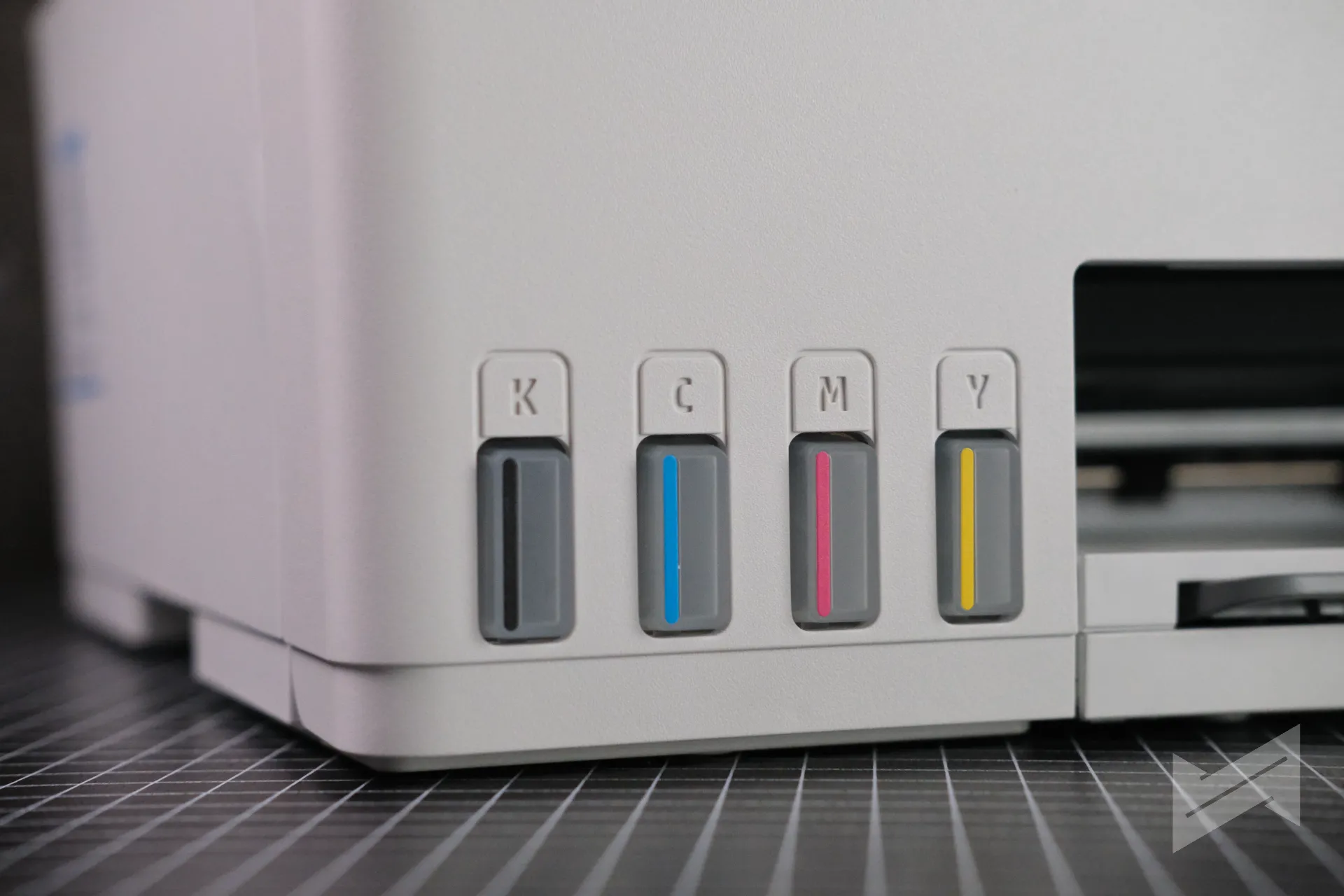
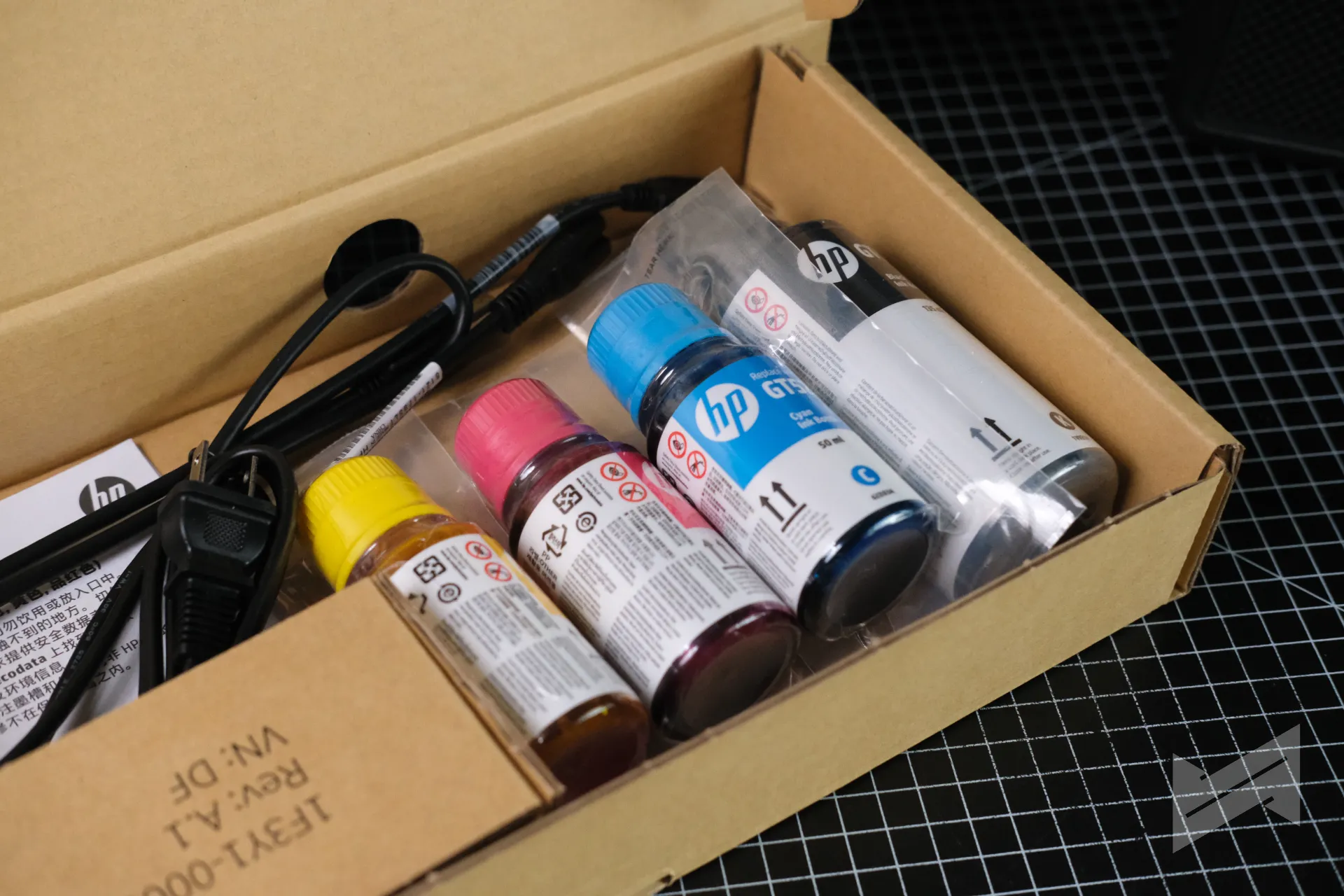
The refill system is the design highlight. The bottles lock into the tank ports and stop automatically when full, which removes the mess that used to come with ink tank printers. Four bottles ship in the box: one black and three color, using the GT53 and GT52 bottle family that is widely available in the local market.
Print quality and speed
HP rates the 580 at up to 12ppm for black and 5ppm for color on ISO test documents, with draft mode stretching to 22ppm black and 16ppm color. First page out is rated as fast as 14 seconds for black and 21 seconds for color. Those are honest entry-level numbers, not office-turbo speeds, and they are appropriate for a machine aimed at homework, documents, and occasional photos.
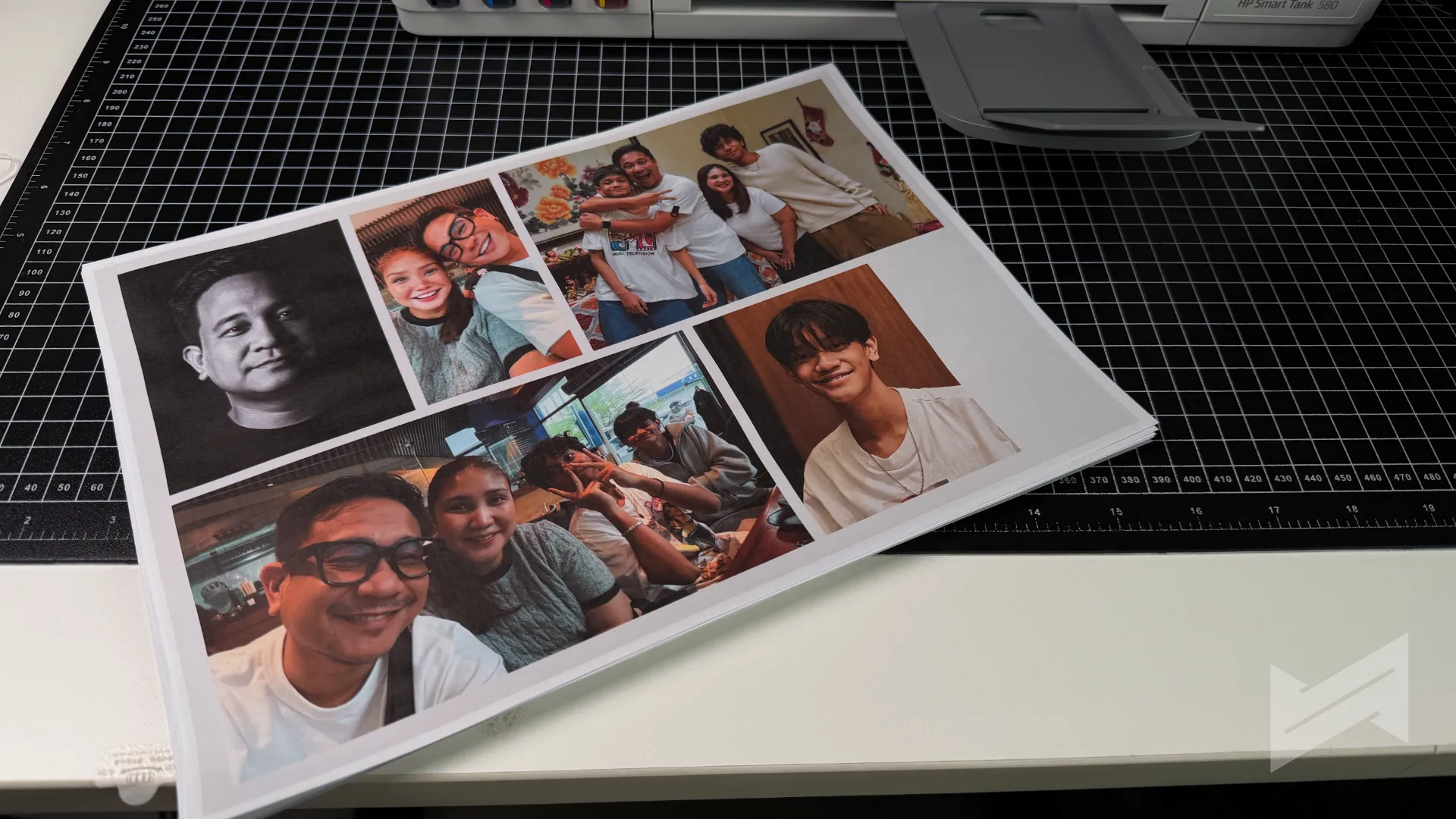
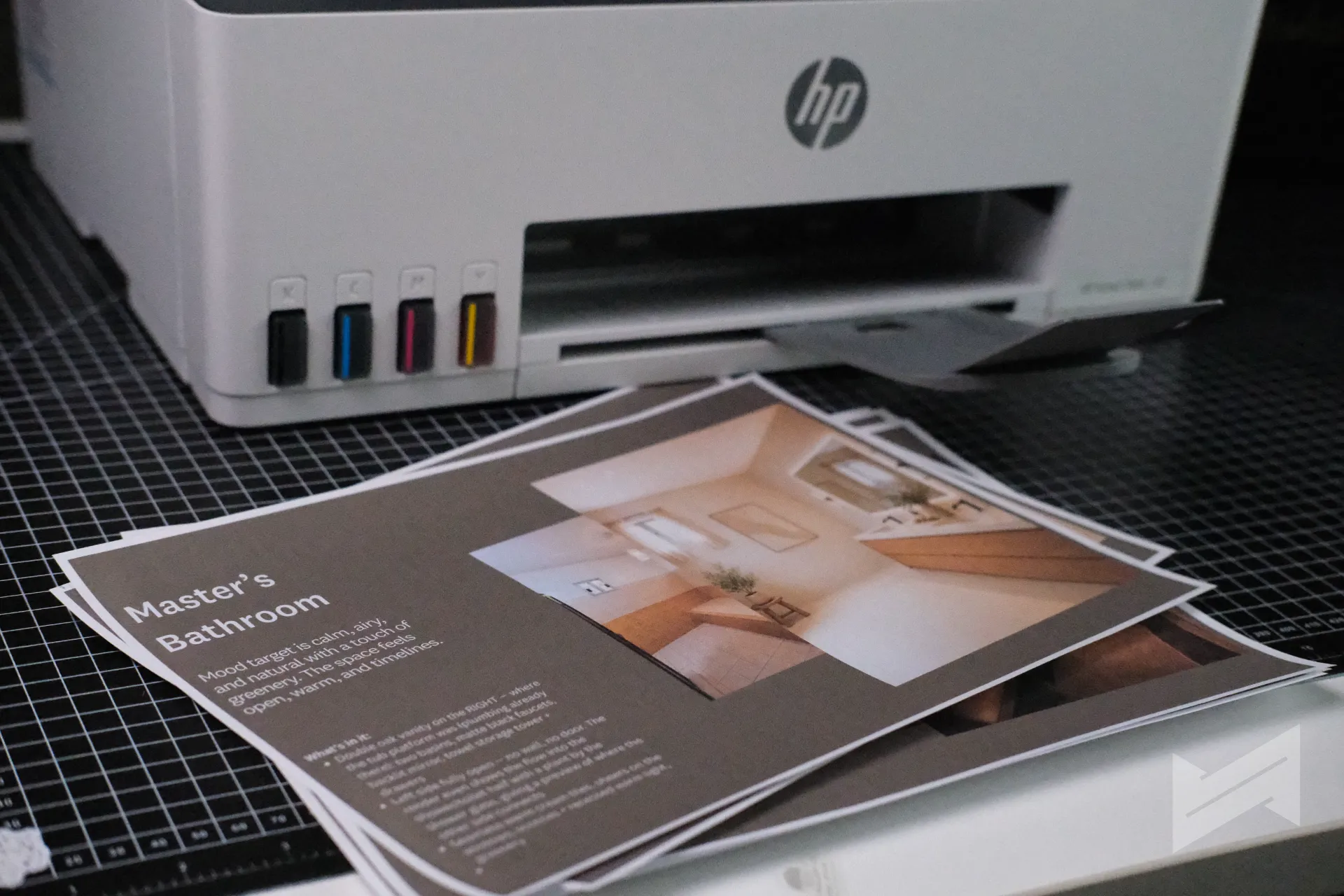
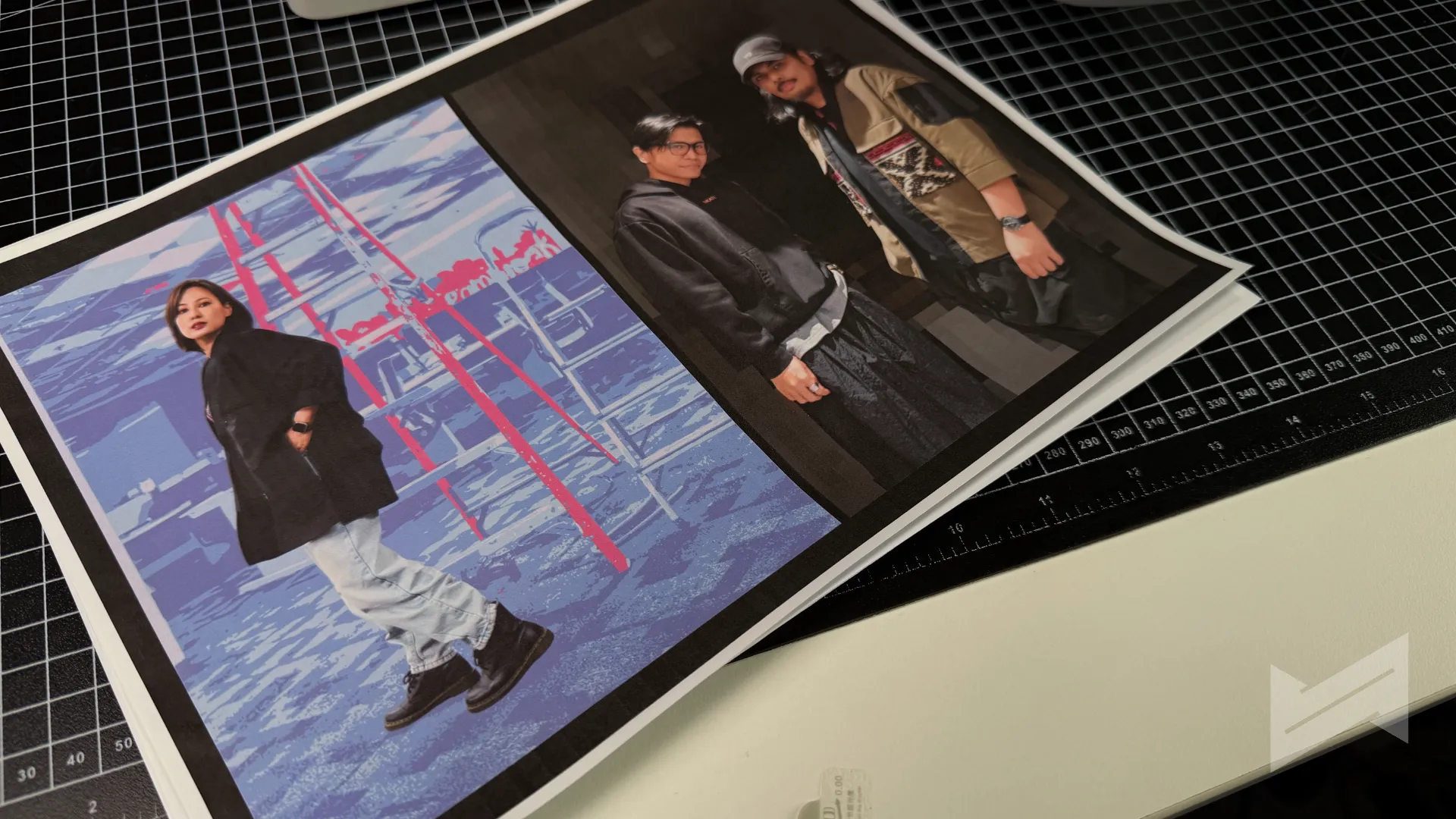
Quality claims rest on the usual HP foundations: pigment-based black ink for crisp text and up to 4800 x 1200 optimized dpi for color. The printer supports borderless prints up to A4/letter size and handles photo paper up to 300 gsm. In practice, the claims held up: the very first print after calibration already looked impressive and spot on, with great colors and clear text, and print speed stayed loyal to HP’s advertised ratings through our testing.
Setup, connectivity, and the HP app
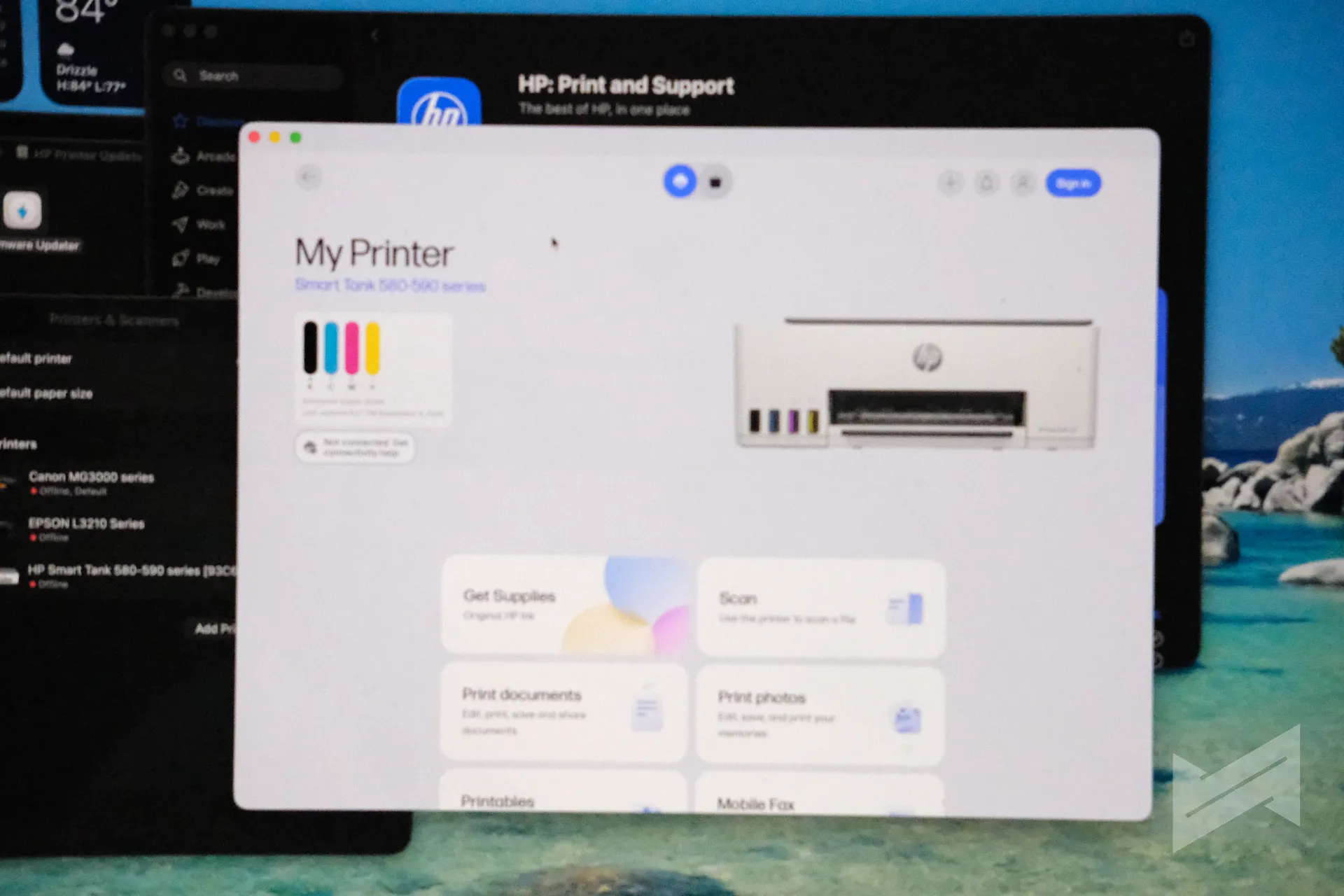
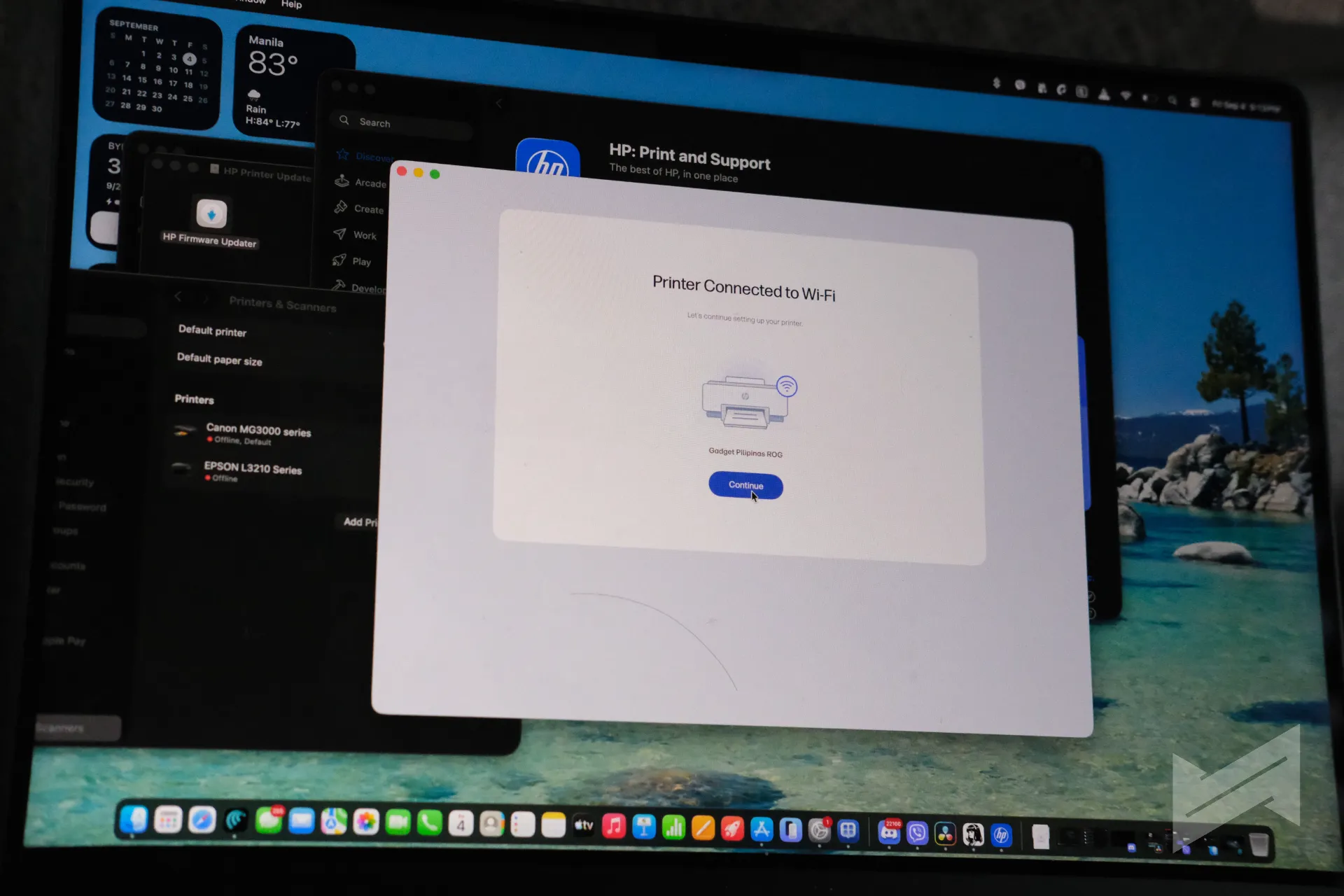
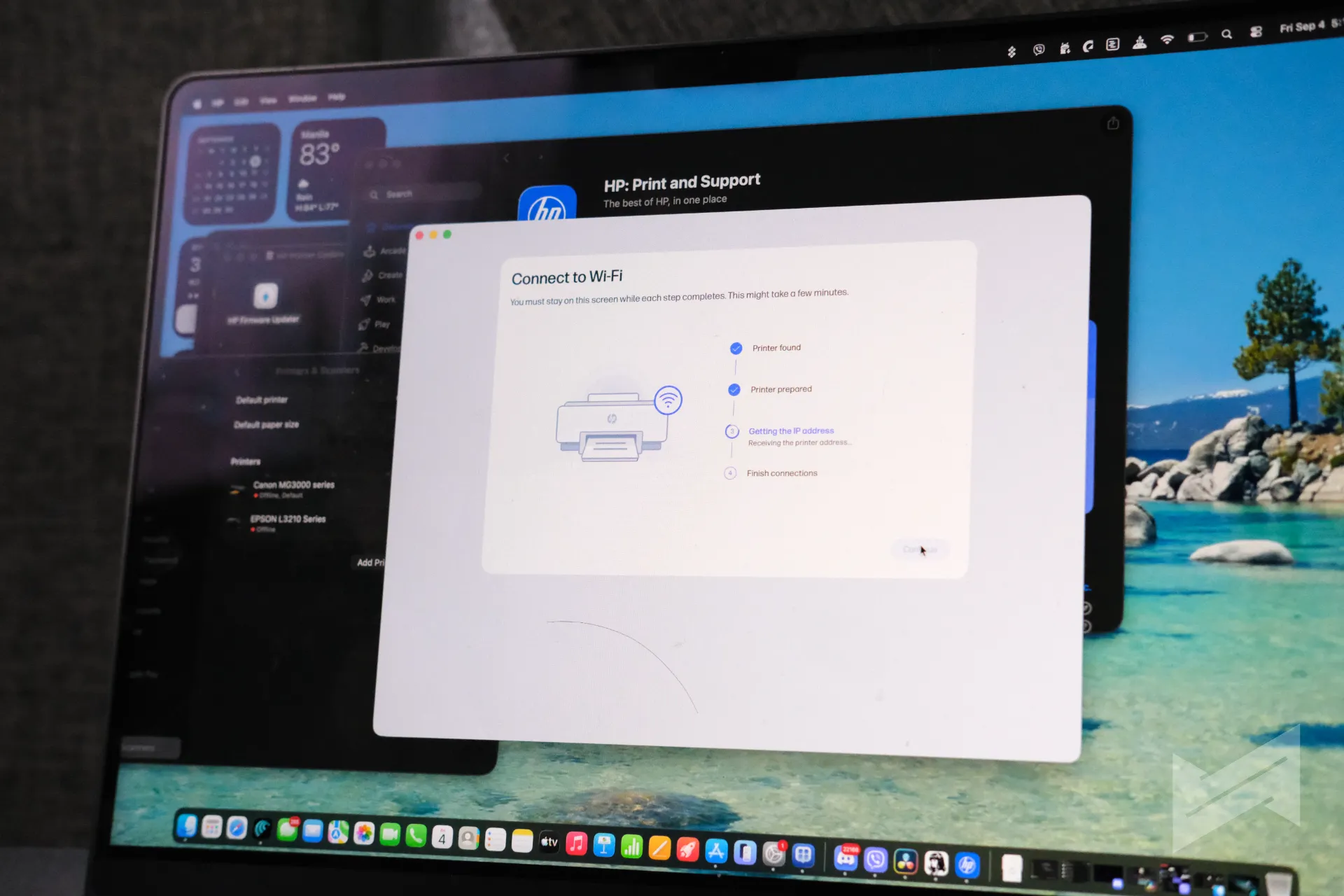
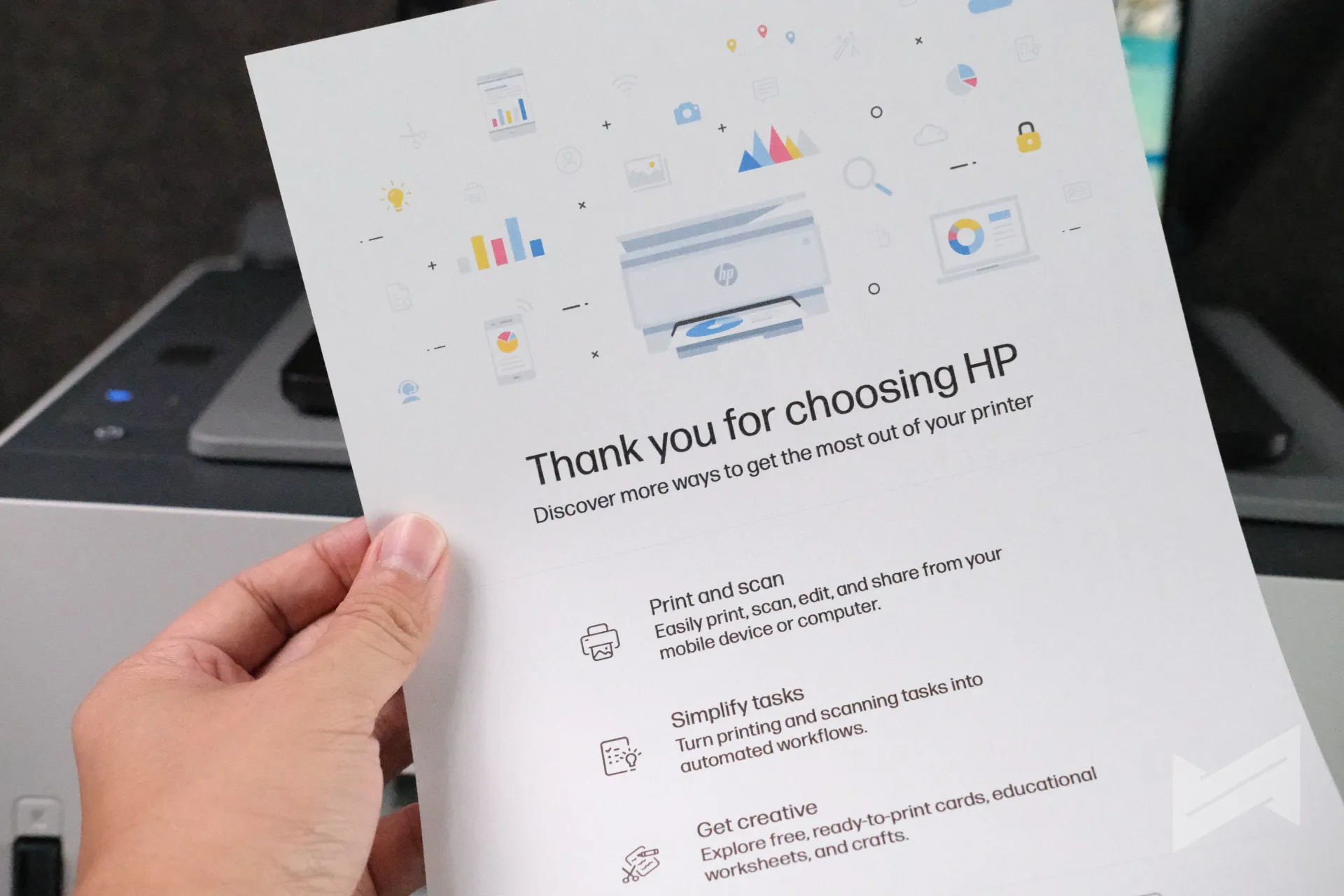
Setup is wireless-first. The 580 has built-in 2.4GHz Wi-Fi with Wi-Fi Direct, plus a USB 2.0 port as the wired fallback. HP leans on mobile printing heavily: the HP app, Apple AirPrint, Mopria, and the HP Print Service Plugin for Android are all supported, and there is no Ethernet port, so the network path is Wi-Fi or USB. Getting the printer up and running proved quick in practice, with the guided setup taking only a short while before the first test print. HP also touts self-healing Wi-Fi that detects and fixes connection issues automatically, which, if it works as described, removes the most common home printer frustration.
Ink: the real story
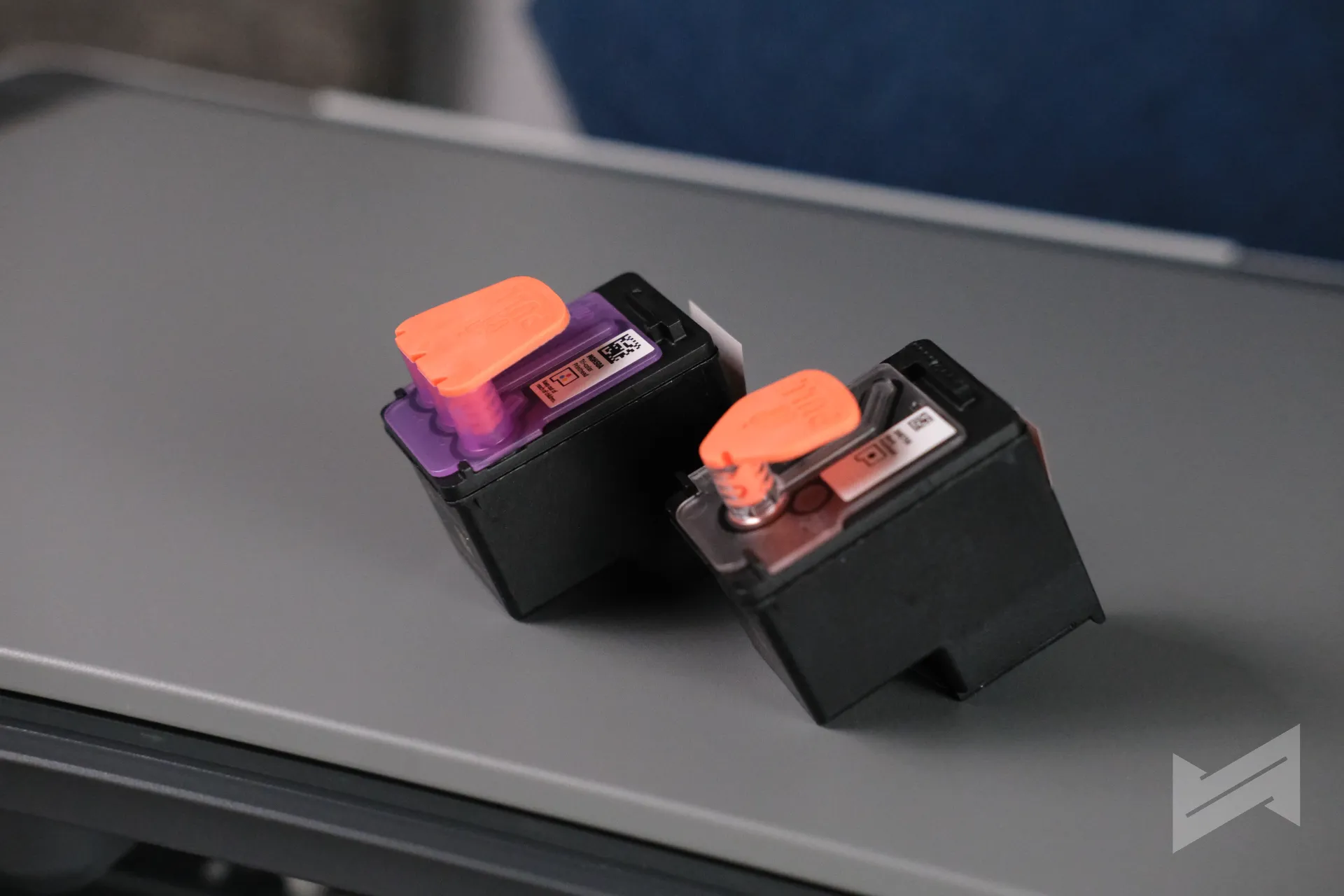
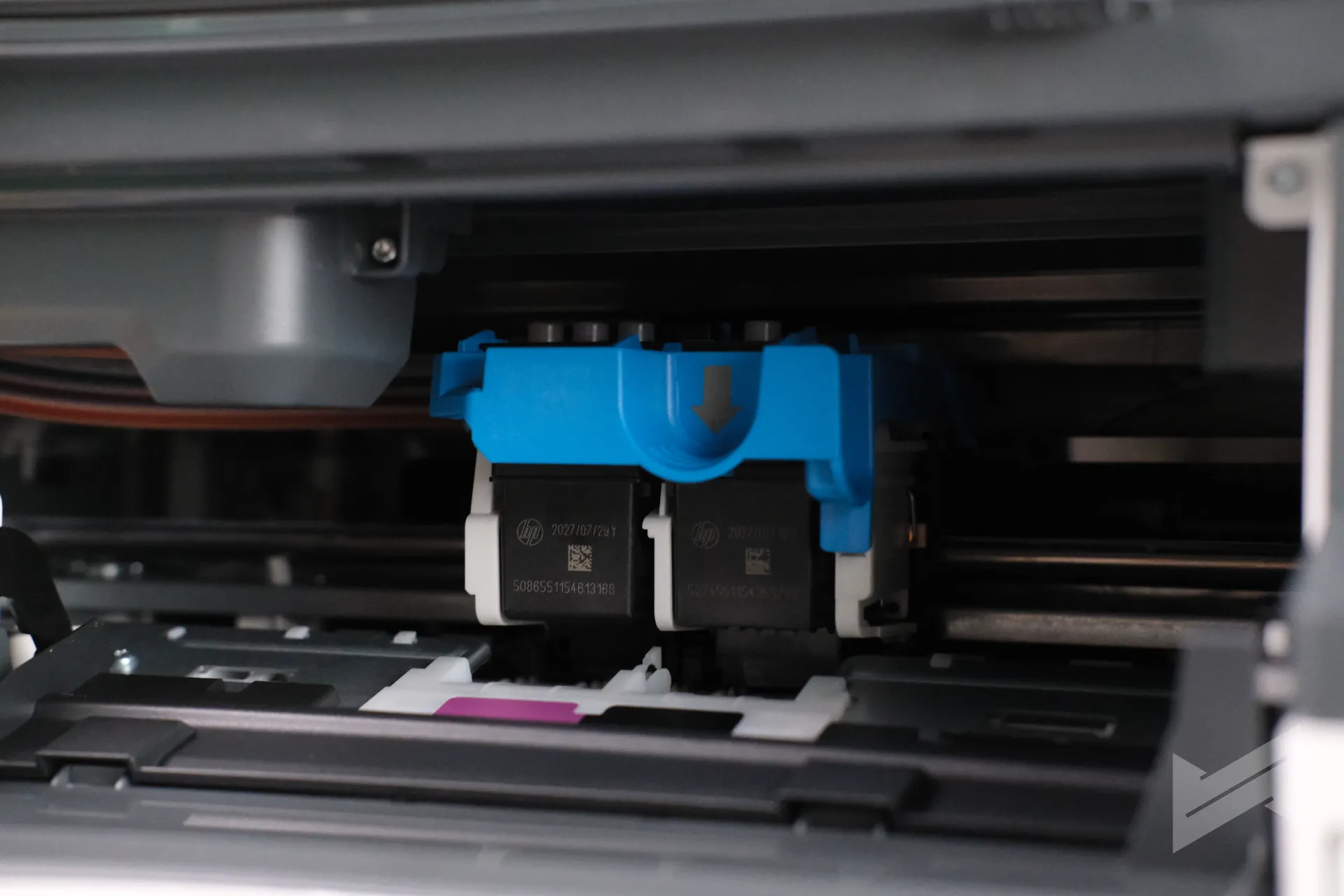
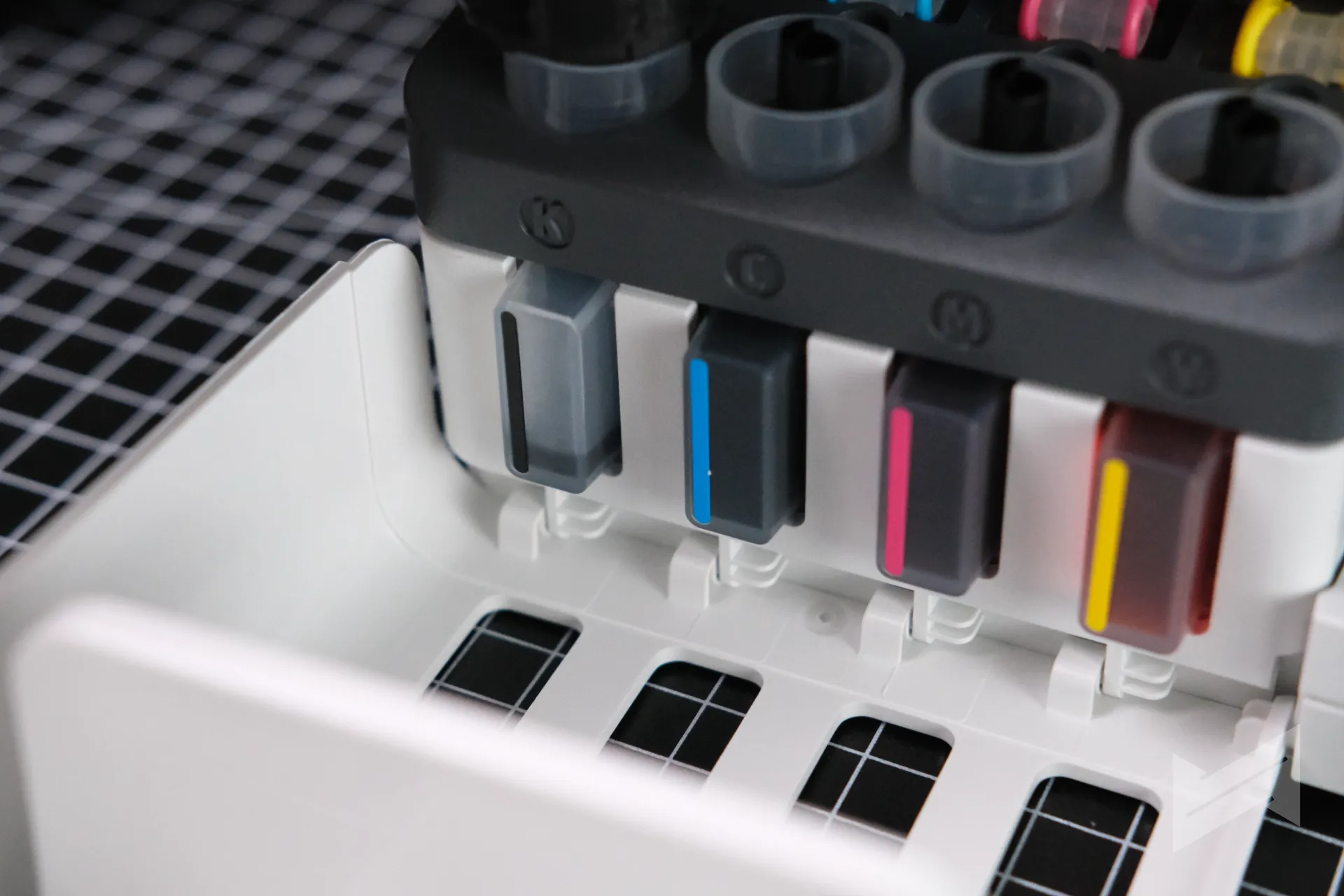
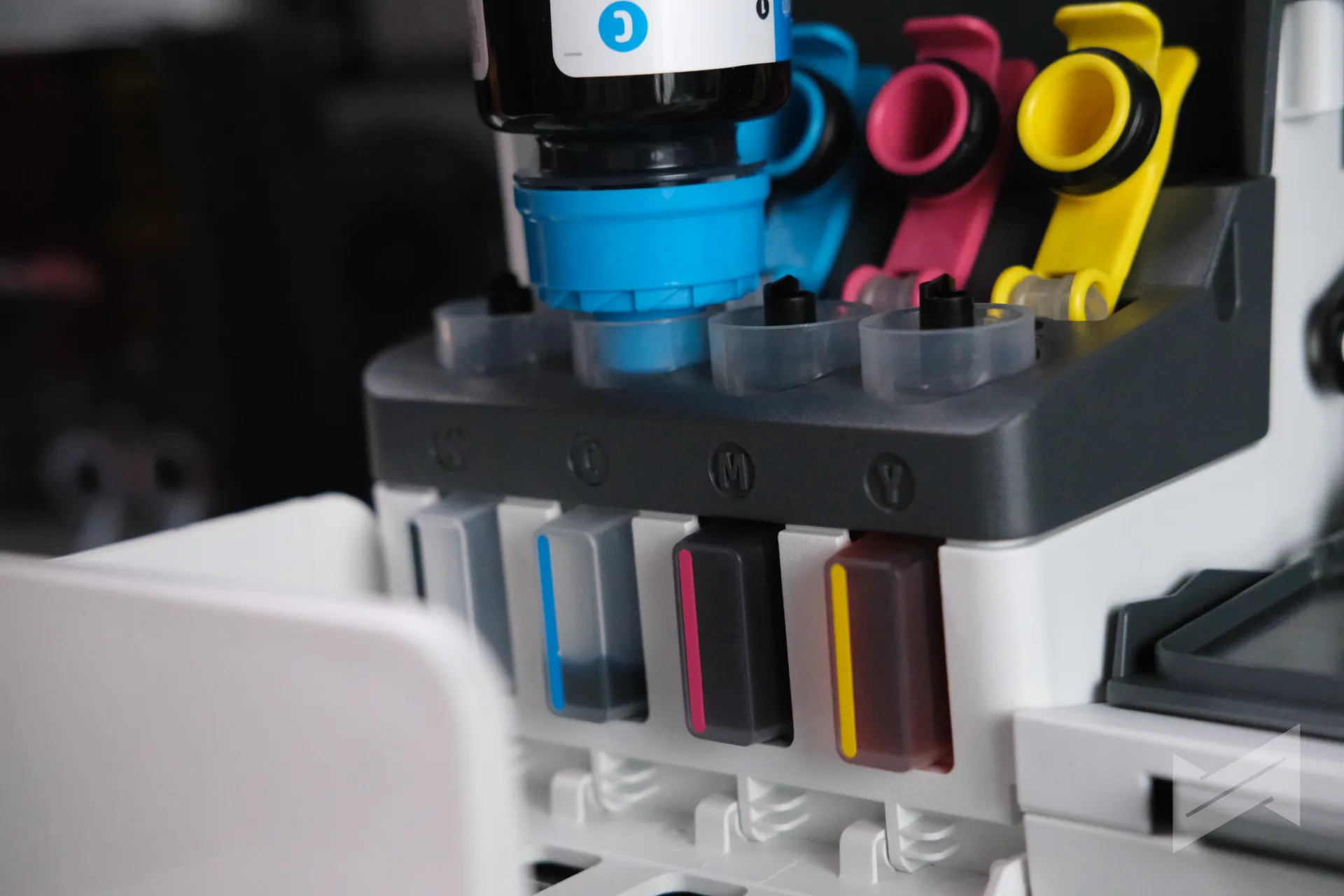
The 580’s whole reason to exist is the ink math. The bottles in the box are rated for roughly 6,000 black and 6,000 color pages, a span that for many households means a year or more of normal printing before the first refill. When the tanks do run low, replacement GT53 and GT52 bottles cost far less per page than cartridges, and the tank windows make it obvious when a refill is due. HP claims up to three years of ink from the box based on typical low-volume usage, which for a student or family printer is the closest thing to set-and-forget the category offers. In our time with the unit, ink usage was managed smartly, with levels staying predictable and easy to track at a glance.
Copy and scan
The flatbed scanner uses a contact image sensor with up to 1200 dpi optical resolution, 24-bit color, and scan-to-JPG, PDF, PNG, TIFF, and HEIF. Copying goes up to 99 copies at a time, with an ID copy function that is a genuinely useful touch for reproducing IDs back to back on one page. There is no automatic document feeder, so multi-page scanning and copying means lifting the lid for every page, a trade-off that is common at this price.
Where it cuts corners
Honesty requires the list. Duplex printing is manual, so two-sided documents need flipping. The scanner has no ADF. Wi-Fi is 2.4GHz only. The duty cycle tops out at 3,000 pages a month with a recommended range of 400 to 800, which is fine for a home but wrong for a busy office. There is no Ethernet and no fax. None of these are dealbreakers for the 580’s intended buyer, but they draw the line between this printer and the ones above it in HP’s lineup.
Verdict
The HP Smart Tank 580 is not an exciting printer, and it does not need to be. It is a dependable, low-cost print-copy-scan machine built around the one metric that matters for its audience: cost per page. For students, families, and small home offices in the Philippines that print regularly and are tired of the cartridge treadmill, the 580 at around PhP8,500 delivers the ink tank value proposition at the most accessible price HP offers. If your life involves heavy duplexing or multi-page document scanning, spend more and buy a different class of machine. If it involves homework, forms, and the occasional photo, this is the printer to beat in its price band.
HP Smart Tank 580
Gadget PilipinasWhat we like
- Low street price with 6,000 black and 6,000 color pages in the box
- Crisp text and great colors straight after calibration
- Mess-free, spill-free bottle refills
- Quick setup with solid mobile printing options
- Quiet enough for a home office
Could improve
- Manual duplex only
- No automatic document feeder
- 2.4GHz Wi-Fi only, no Ethernet
Testing notes
- Unit source: Provided by HP Philippines through its marketing agency. No payment was made for this review.
- Print speed: Matched HP’s advertised ratings in real-world use
- Print quality: First print after calibration was impressive and spot on; strong colors and clear text
- Ink usage: Managed smartly; levels predictable and easy to monitor
- Noise: Minimal; fits a home office setup

Giancarlo Viterbo
Giancarlo Viterbo is a Filipino Technology Journalist, blogger and Editor of gadgetpilipinas.net, He is also a Geek, Dad and a Husband. He knows a lot about washing the dishes, doing some errands and following instructions from his boss on his day job. Follow him on twitter: @gianviterbo and @gadgetpilipinas.
View all articles →Related Reviews
 MacBook Neo Long-Term Review: My Bedside Mac
 Sony 1000X The Collexion Review: Three Months Later
 ASUS ProArt P16 (H7607BA) Review: the RTX Spark platform, tested in the work creators actually do
 HONOR 600S Review: Bits of What’s Loved on the HONOR 600 Series in a More Accessible Package
 Keychron C75 HE 8K TMR Keyboard Review
 Samsung Galaxy S26 FE: Great Functional Elegance