



DJI RS 5 Lands in PH
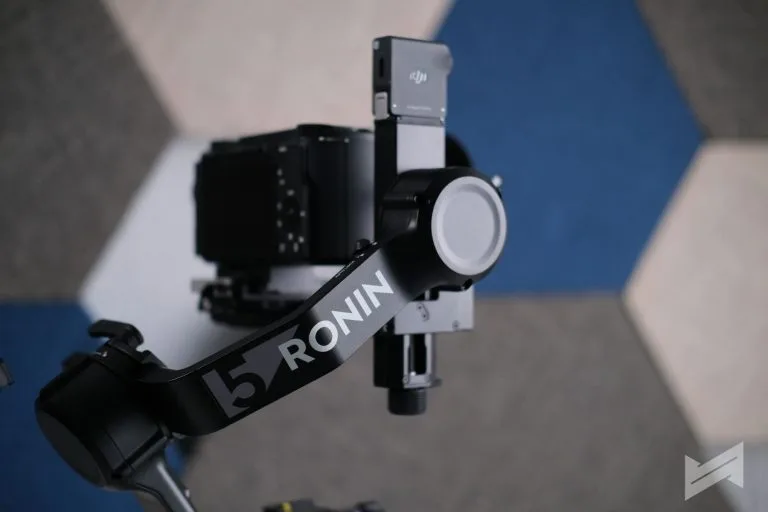
DJI has officially introduced the DJI RS 5, its latest lightweight commercial camera stabilizer, aimed at solo filmmakers, wedding shooters, and small production teams who need pro‑level stabilization without going full cinema rig.
The DJI RS 5 is built around a 3kg payload and a new 5th‑generation stabilization algorithm, designed to handle demanding scenarios like running shots, concerts, sports, and travel sequences. Motor torque has been boosted by up to around 50% versus the previous generation, helping keep heavier lens setups stable during more aggressive movements.
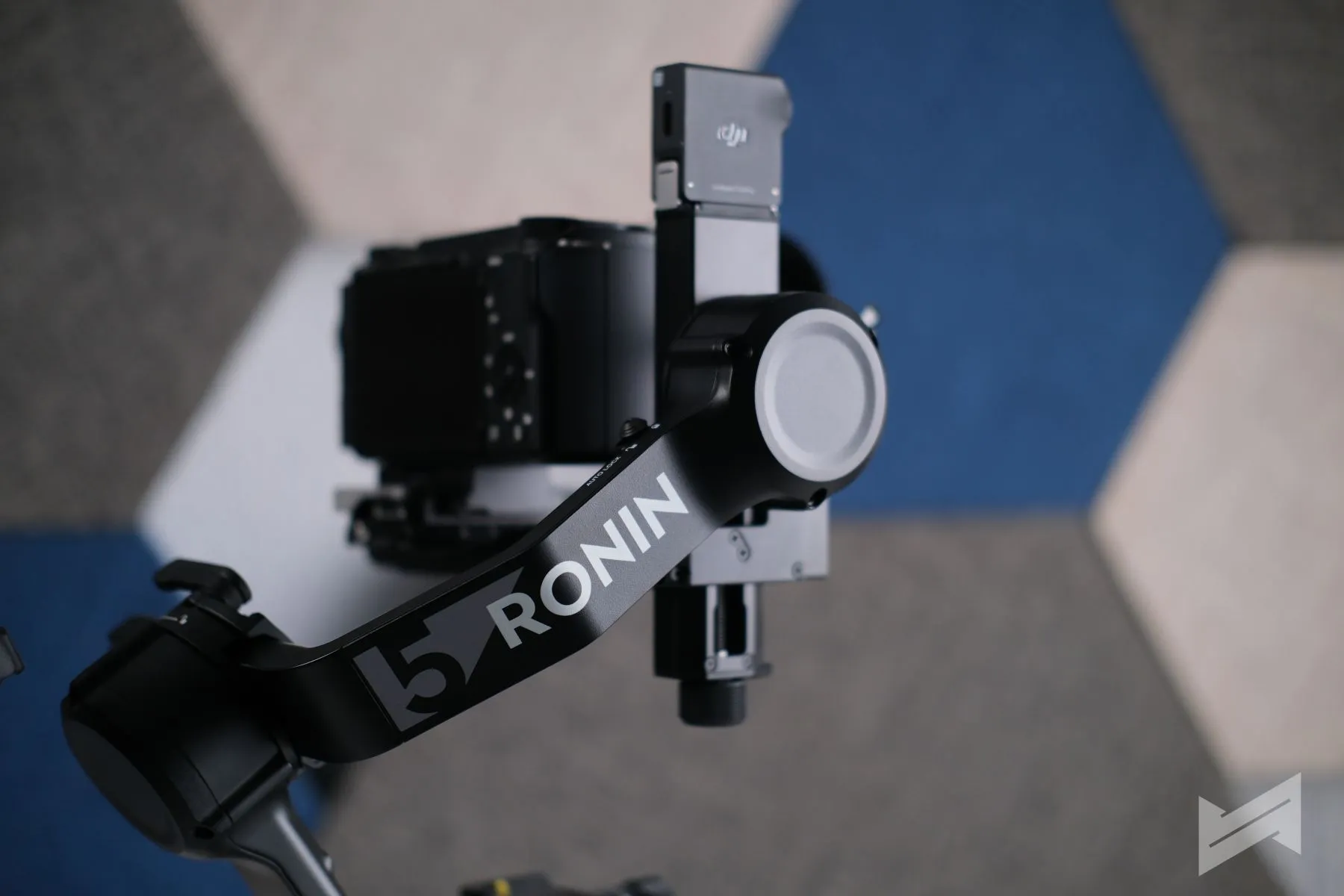
DJI RS 5 Features
A major highlight is the RS Enhanced Intelligent Tracking Module, which attaches magnetically and works with the RS 5’s built‑in screen. Creators can swipe into the tracking interface and tap to lock onto a person, vehicle, pet, or virtually any object, with the system able to recognize multiple people in frame and let the shooter select a subject. This enables more advanced moves like simulated jib shots, orbiting with tilt, low‑angle tracking, and push‑pull shots, all with automated framing support.
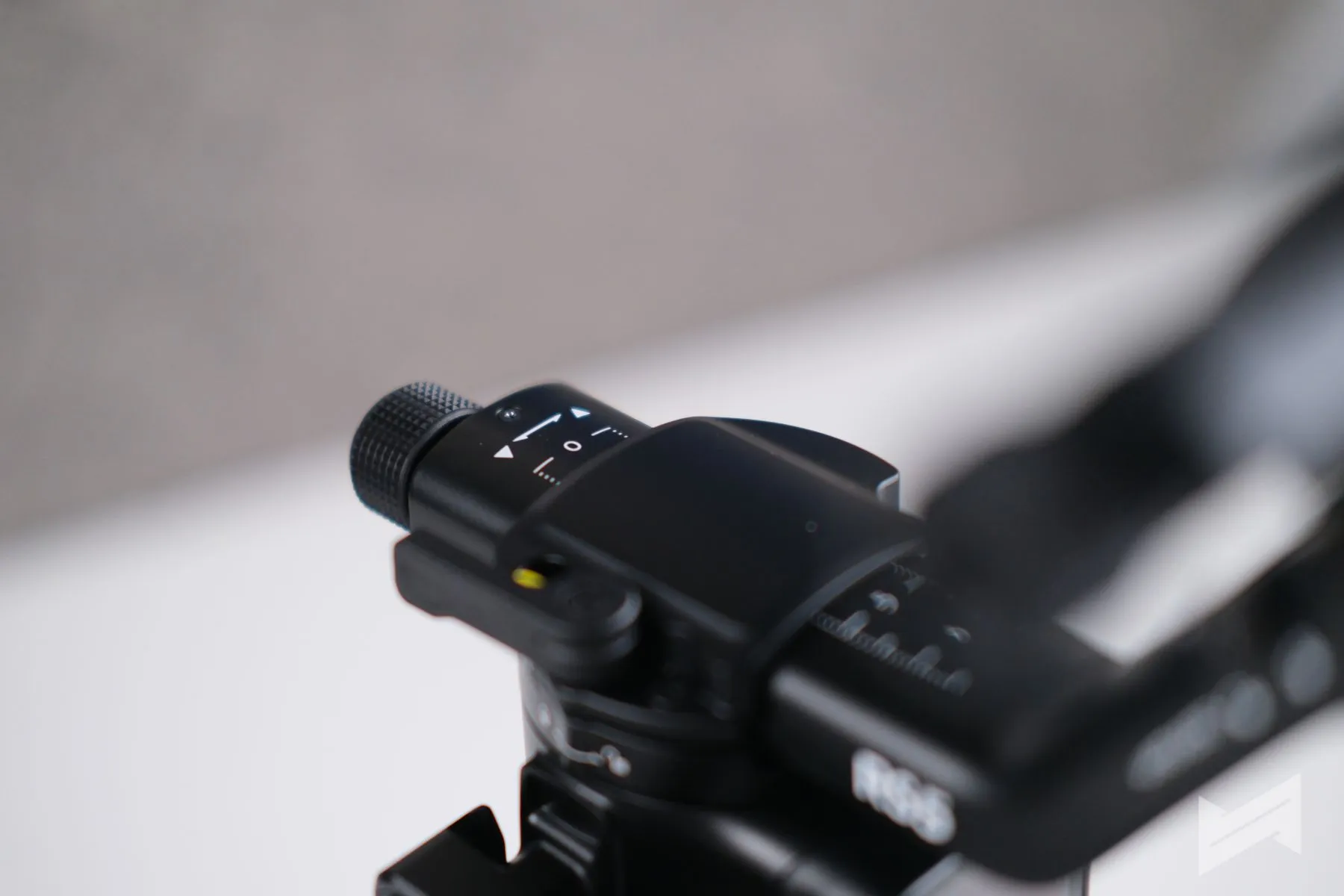
Balancing gets a significant quality‑of‑life upgrade as well. Every axis arm on the RS 5 now features fine‑tuning knobs, paired with Teflon interlayers for smoother sliding and more precise adjustments. This helps when swapping lenses or cameras and when frequently switching between horizontal and vertical shooting during a fast‑paced day.
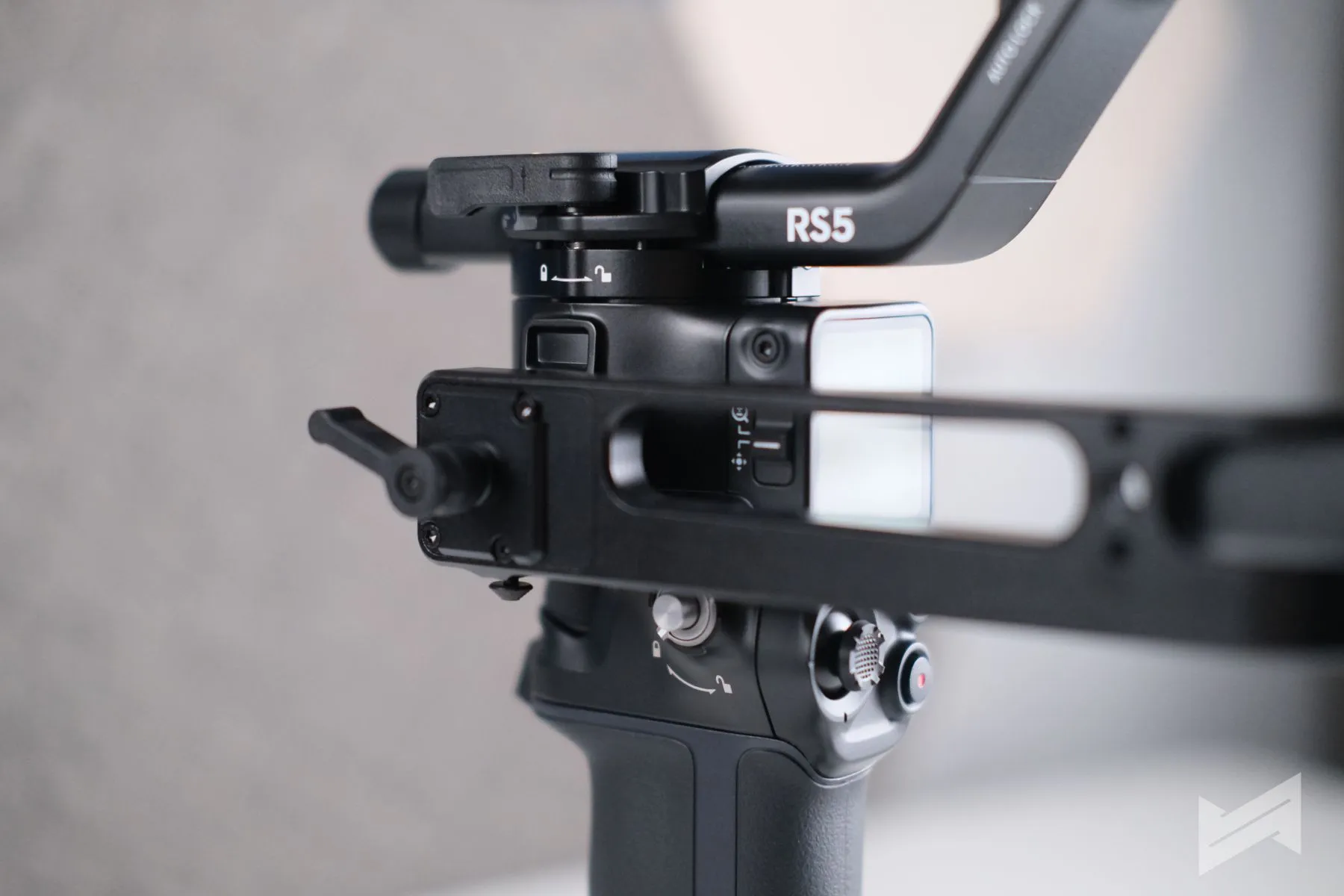
Another standout addition is the new Electronic Briefcase Handle, which adds a joystick, M button, record button, and trigger directly onto the low‑angle grip. This allows direct gimbal and camera control during high‑angle and low‑angle shots, improving ergonomics and reducing wrist fatigue over long shoots. The 2nd‑gen automated axis locks also return, letting the RS 5 quickly fold into a flat profile for transport or snap back into shooting position with minimal downtime.
For training better gimbal technique, DJI has added a Z‑axis indicator that visually shows how stable the operator’s steps are: green for steady, red when vertical movement is introducing unwanted bob. It’s designed as a real‑time coach for improving walking form and reducing shake at the source.
Powering all of this is the BG33 detachable battery grip, rated for up to 14 hours of runtime and supporting 65W PD fast charging, with a full charge achievable in about an hour under the right conditions. The RS 5 also supports zoom/focus via the dial wheel when paired with the DJI Focus Pro Motor, integrates with DJI SDR transmission for monitoring, and offers native quick‑release for both horizontal and vertical shooting.
DJI RS 5 Price in the Philippines
For the Philippine market, the DJI RS 5 will be available in two configurations:
- DJI RS 5 (Standalone): PhP26,390
- DJI RS 5 Combo: PhP32,990
The Combo adds the RS Enhanced Intelligent Tracking Module and the Electronic Briefcase Handle, making it the more attractive option for users who want to maximize the gimbal’s intelligent tracking and multi‑angle control capabilities out of the box.
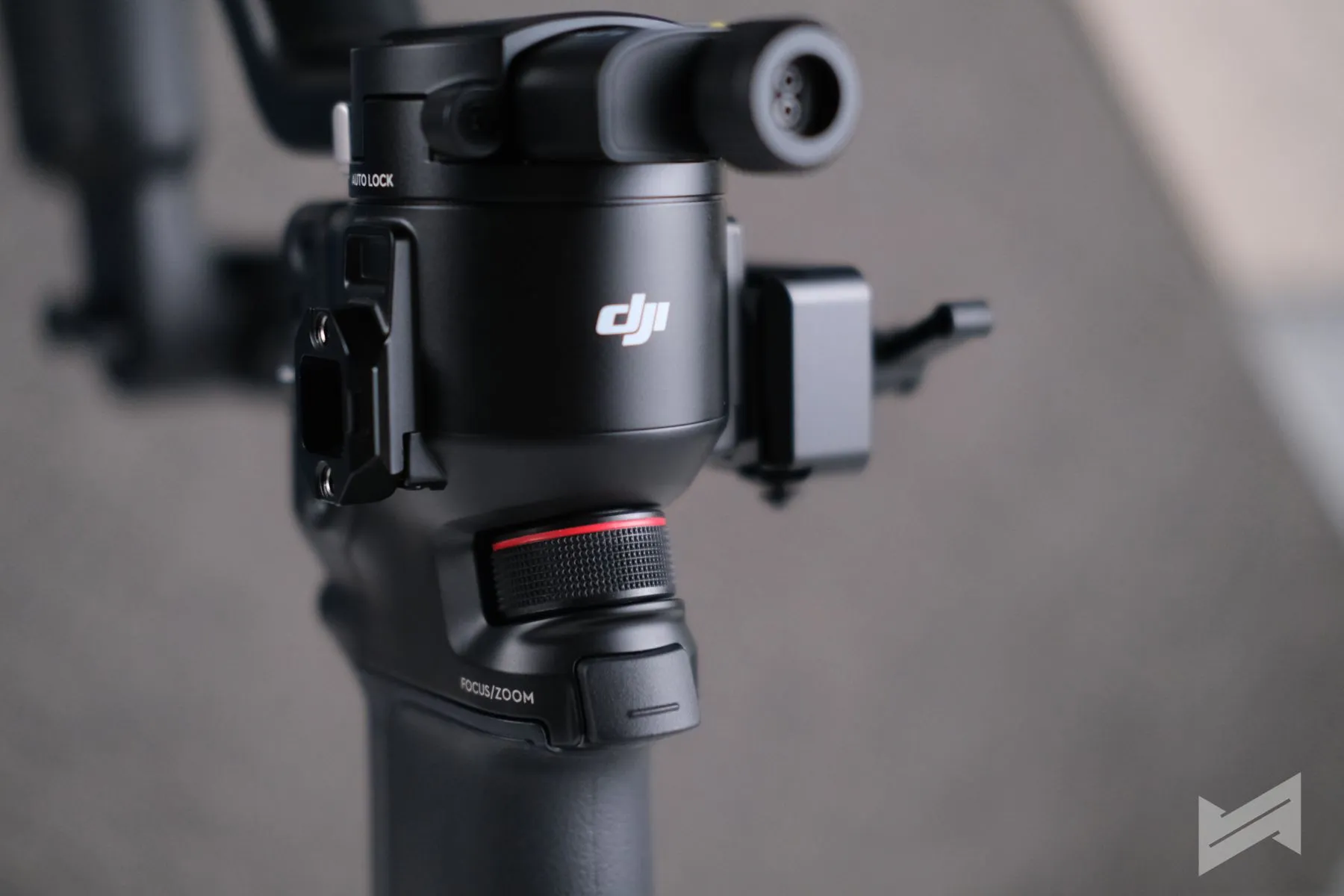
With its smarter tracking, full‑axis fine‑tuning, electronic briefcase handle, Z‑axis indicator, and long‑lasting, fast‑charging battery, the DJI RS 5 positions itself as a compelling mid‑range gimbal for creators who need a stabilizer that can scale from solo content creation to commercial work.

Giancarlo Viterbo
Giancarlo Viterbo is a Filipino Technology Journalist, blogger and Editor of gadgetpilipinas.net, He is also a Geek, Dad and a Husband. He knows a lot about washing the dishes, doing some errands and following instructions from his boss on his day job. Follow him on twitter: @gianviterbo and @gadgetpilipinas.
View all articles →