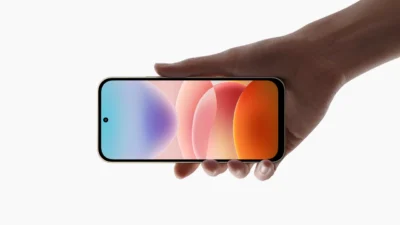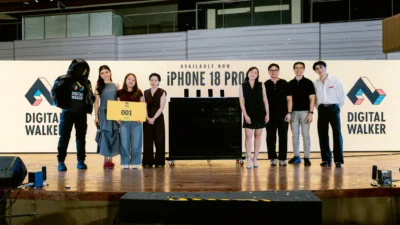



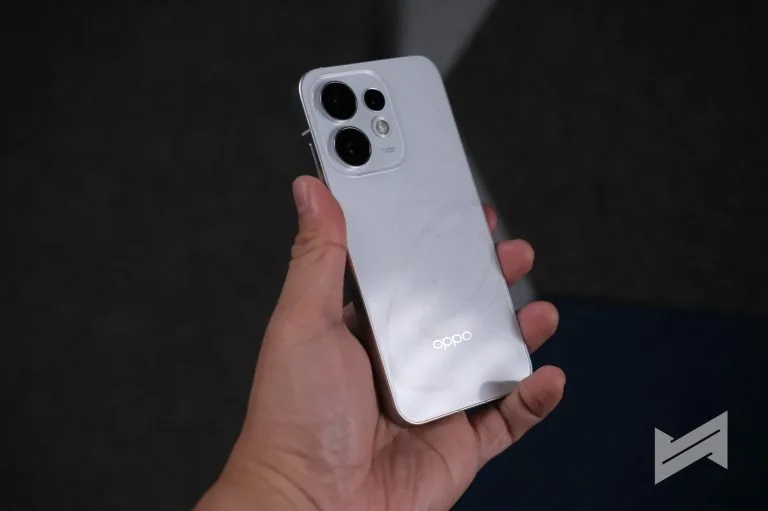
The OPPO Reno16 has been around for a few months now, and one of its highlighted features is its camera array. We previously talked about it, and even made a reel about how we enjoyed and maximized its camera features.

Four 50MP cameras in the OPPO Reno16 camera array
The Reno16 5G carries a 50MP Ultra-Clear Main Camera for everyday shots, while the series adds a 50MP Telephoto Portrait Camera with 3.5x optical zoom for portraits taken at a comfortable distance.
The lineup splits three ways. The Reno16 Pro 5G tops it with a 200MP Ultra-Clear Main Camera alongside the 50MP ultra-wide, telephoto and selfie units, while the Reno16 5G keeps the same 50MP quartet.
The Reno16 F 5G pairs its 50MP main and telephoto cameras with an 8MP ultra-wide and the 50MP ultra-wide selfie unit, which is the specification to check before buying that model.
OPPO positions that telephoto as the reason a cafe portrait keeps its subject sharp against a soft backdrop, instead of pulling the whole table into an awkward huddle.

At 3.5x, the same lens reaches across a room for a candid reaction without moving the phone, which OPPO frames as leaving the scene undisturbed.
AI Flash Photography 3.0 covers the swing from a bright afternoon cafe to a warmly lit dinner spot, with Soft, Auto and Contrast styles listed for different looks.
Those three styles are the practical part of the pitch, since cafe tables and roadside stops rarely offer the same light twice in one afternoon.
A 50MP Ultra-Wide Camera takes in sweeping landscapes and cafe architecture, which is the part of the pitch aimed at the out-of-town leg of the trip.
For the group shot, the 50MP Ultra-Wide Selfie Camera is positioned to fit more friends and more of the surroundings into a single frame.

The selfie unit also handles the groufie when the phone is turned around, giving one group two routes to the same wide frame.
OPPO Bubble and its Camera Remote View go further, letting a user preview the shot and fire the shutter remotely from a compatible device up to 10 meters away.
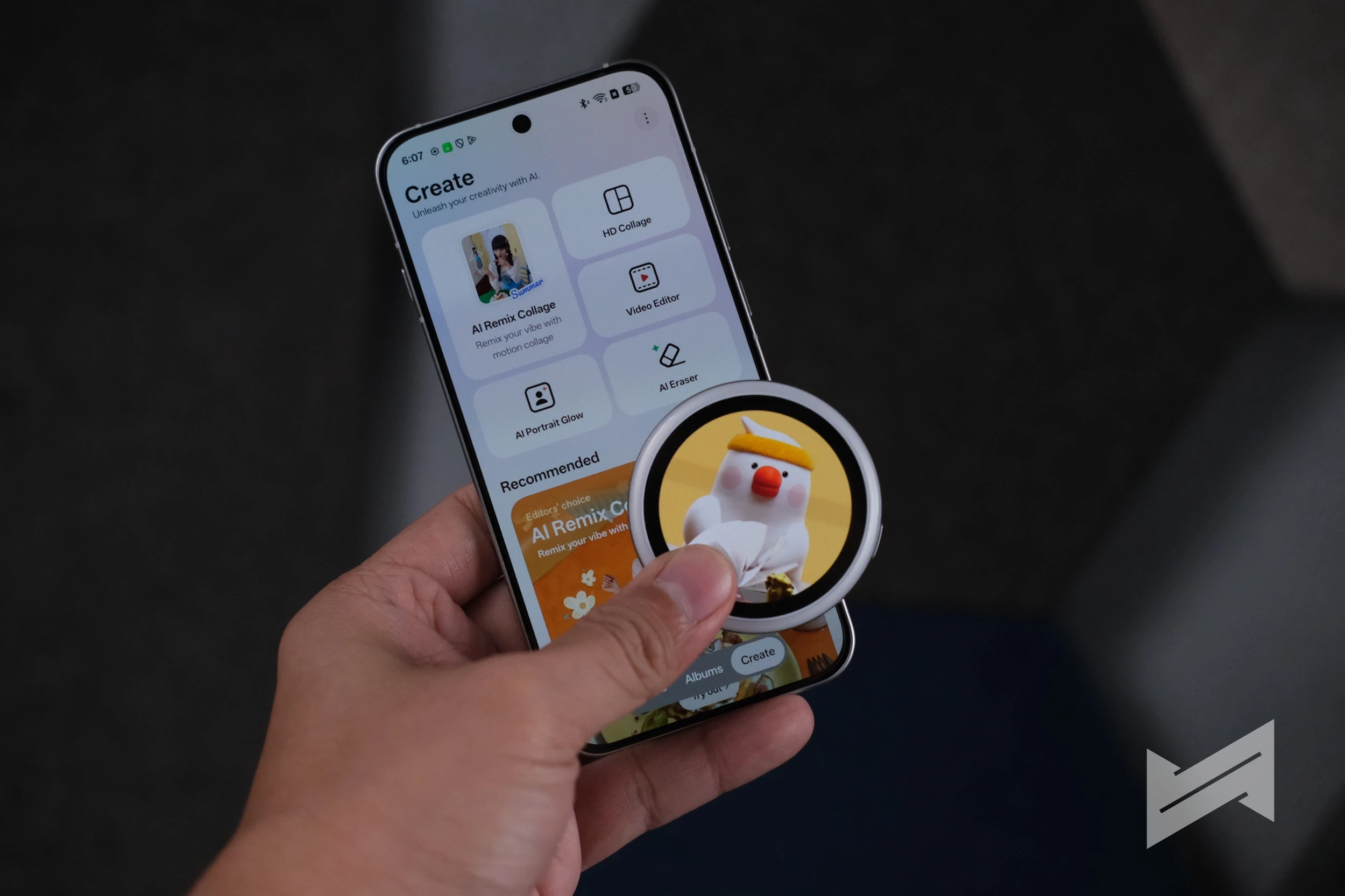
That is the feature OPPO leans on for the designated photographer, the one person who otherwise spends every stop standing outside the frame.
Video for the drive between coffee stops
StableCam handles the moving shots, keeping footage steadier while its owner walks into a cafe or across a viewing deck.
The Reno16 5G records 4K video on both its front and rear cameras, so a spontaneous vlog can switch between the view and the person describing it.
Dual-View Video 2.0 records the front and rear cameras at the same time, which places a friend’s reaction beside whatever prompted it.
That mode suits the long conversations the trip is built around, since the reaction clip and the subject land in a single recording.
4K Auto Straighten Video keeps those clips level, a correction OPPO says gives hand-held footage a more polished finish.
StableCam and the straightening tool carry the most weight for anyone shooting while walking, which is the mode most barkada trips produce.
Pocket Studio tools that skip the editing app
The Pocket Studio experience gathers the tools that usually sit inside a separate editing app, and the camera roll review is the ritual OPPO is addressing.
Pop Cam brings nine curated looks into the native Camera app, covering moods such as Digicam, Instant Film and Light Leak, and recreating details including CCD glow, natural grain and warm light-leak effects.
Those styles work across both photos and Motion Photos, so a cafe shot keeps that finish from the moment it is taken rather than after a pass through an editor.
AI Remix Collage pushes the playful side with Tiny Me, Giant Me, Time Freezer and Motion Scrapbook formats aimed at photo dumps and short videos.
OPPO does not describe what each format produces beyond the names, so the modes are best judged inside the Camera app rather than from the material.
Motion Photo Popout 2.0 turns Motion Photos into dynamic compositions, which OPPO lists alongside the collage modes as its creative draw.
OPPO puts the Pocket Studio tools forward as the differentiator in a crowded mid-range field, though the material names no competitor phone and offers no pricing.
The Reno16 Series 5G is available in the Philippines through the OPPO Online Store and OPPO Stores nationwide. We covered the Pocket Studio photo dump features and the ColorOS 16 workflow when the series launched.

Giancarlo Viterbo
Giancarlo Viterbo is a Filipino Technology Journalist, blogger and Editor of gadgetpilipinas.net, He is also a Geek, Dad and a Husband. He knows a lot about washing the dishes, doing some errands and following instructions from his boss on his day job. Follow him on twitter: @gianviterbo and @gadgetpilipinas.
View all articles →