



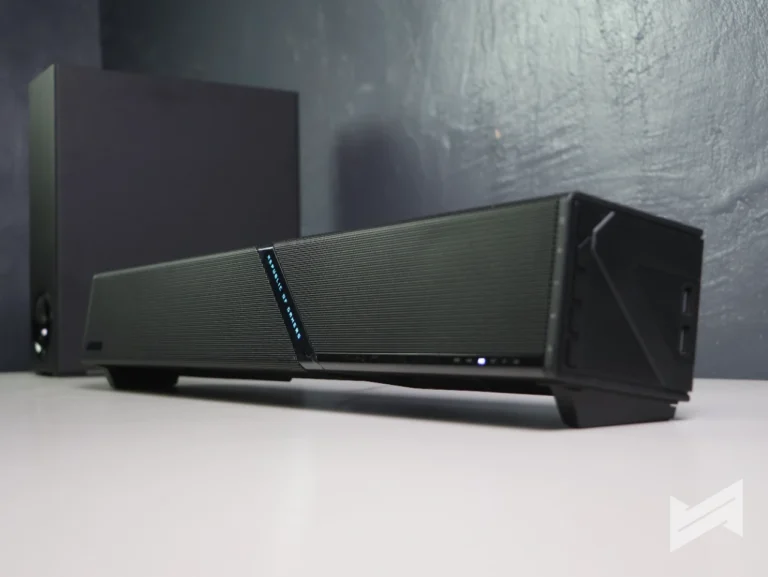
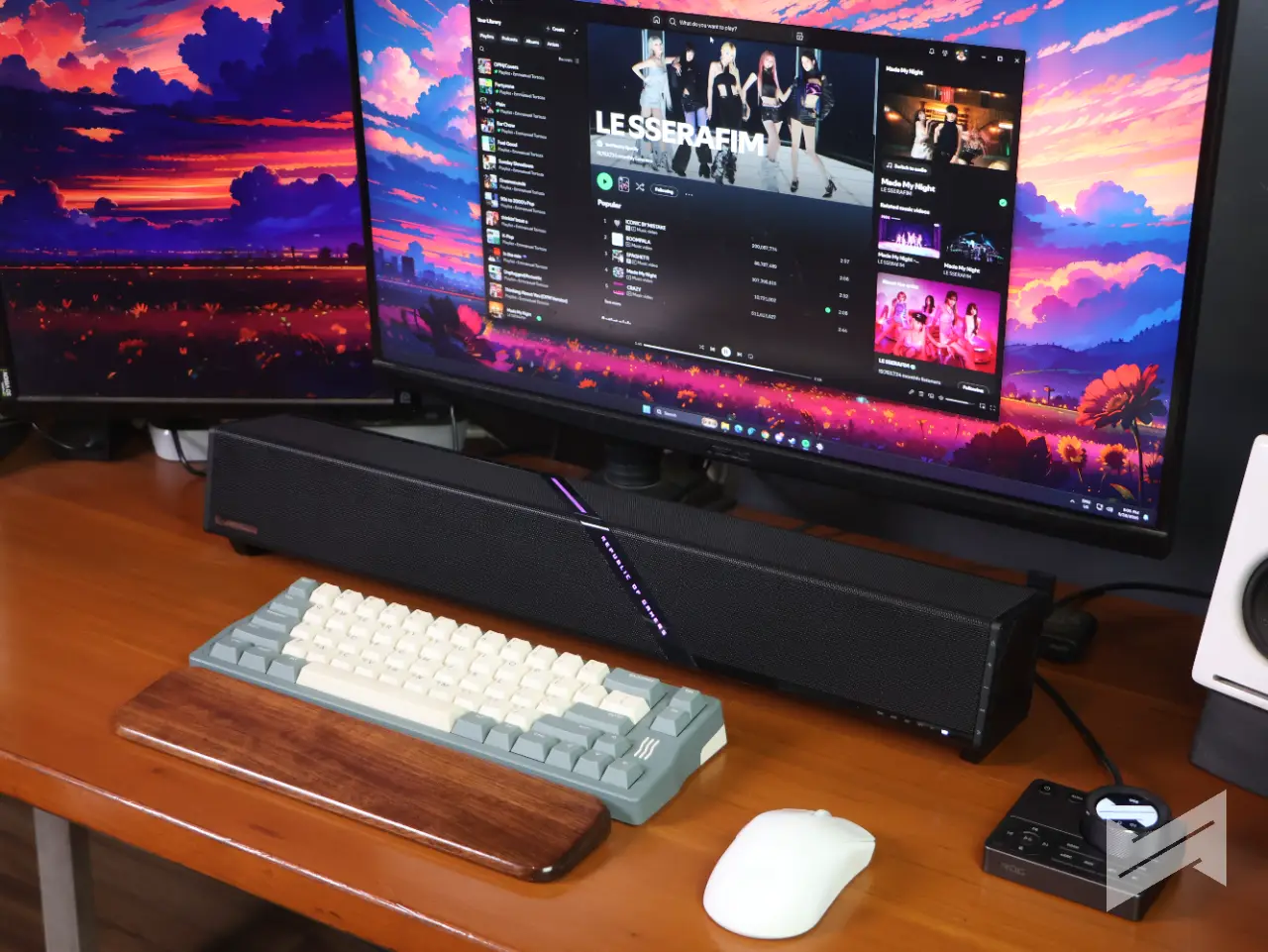
The ROG Gjallar (pronounced “ga-lar”) is a first for ASUS’s Republic of Gamers lineup: the brand’s debut soundbar. It’s built for PCs and laptops, but consoles and mobile devices are squarely in its sights, and although it wears the gaming label, it’s meant to pull double duty for music and everyday media, too. It’s a space-saving alternative to a dedicated 2.1 speaker setup, with a separate Audio Control Hub and a wireless subwoofer thrown in for the cinematic stuff.
Design and build quality
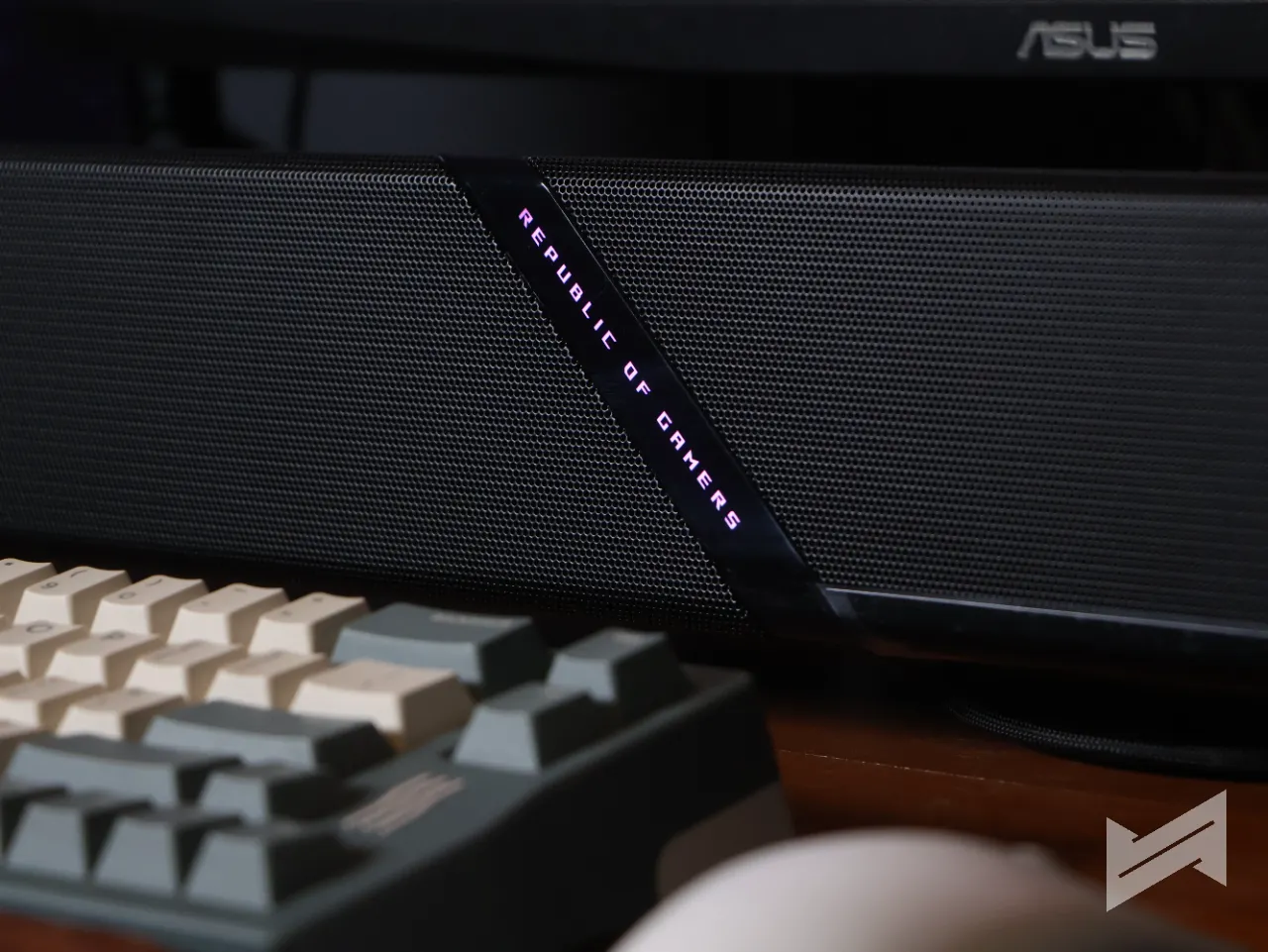
The ROG Gjallar feels premium the moment you touch it. The build is solid and the design language is minimalist: a metal grille up front, plastic on the sides, and not much else competing for your attention. Center stage is the Republic of Gamers branding with customizable RGB lighting, while a second, non-illuminated ROG mark sits quietly on the lower left. Up top, the “For Those Who Dare” slogan is etched into the material but stays dark, with no lighting back there.
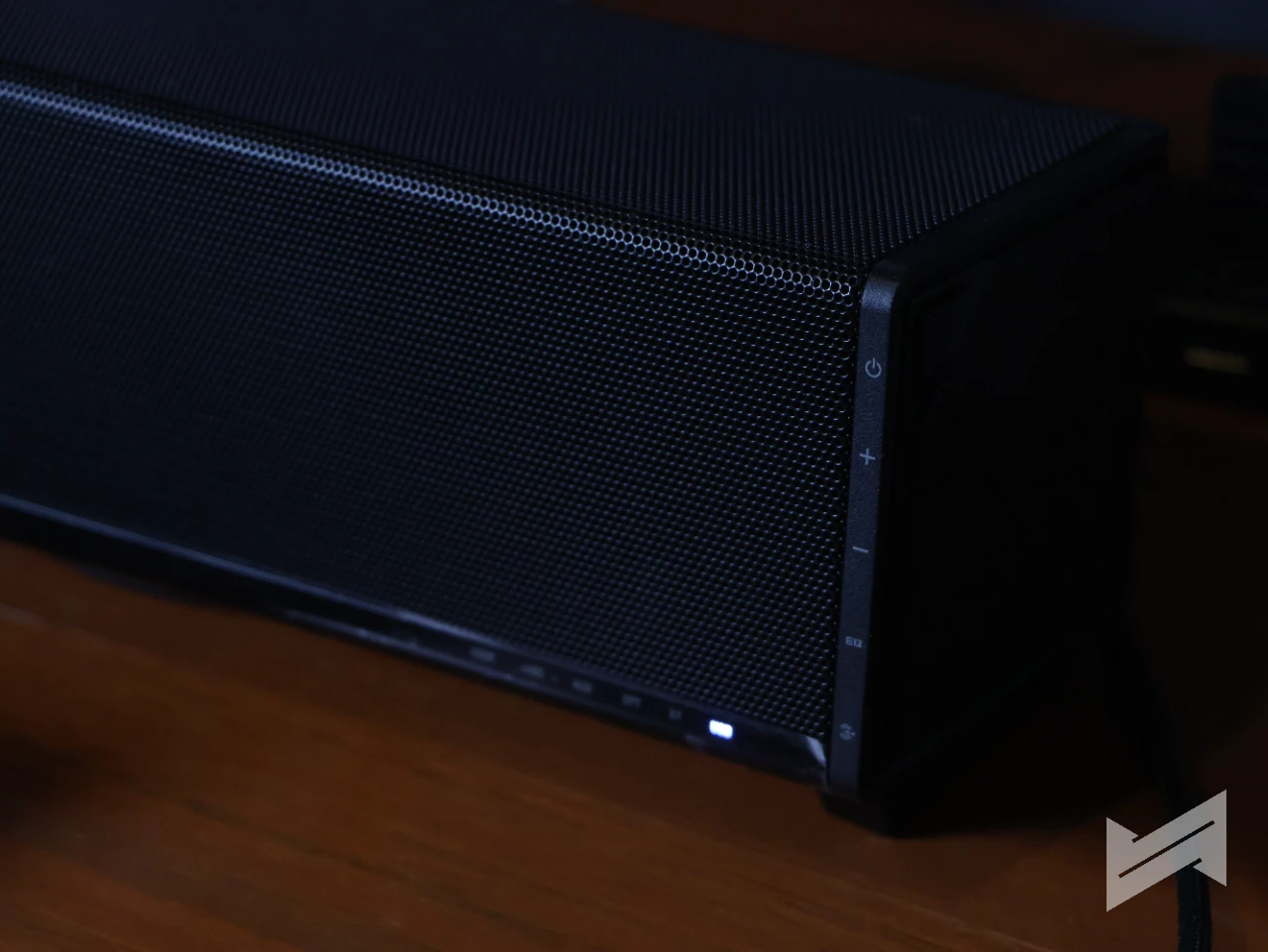
Up front, a small LED indicator tells you which source you’re on. On the left side, you get dedicated buttons for power, volume, EQ, and source selection. The layout works, though I do wish the button symbols were illuminated; in a dark room you’re mostly feeling around. There are also two USB-A ports on the soundbar for your accessories.
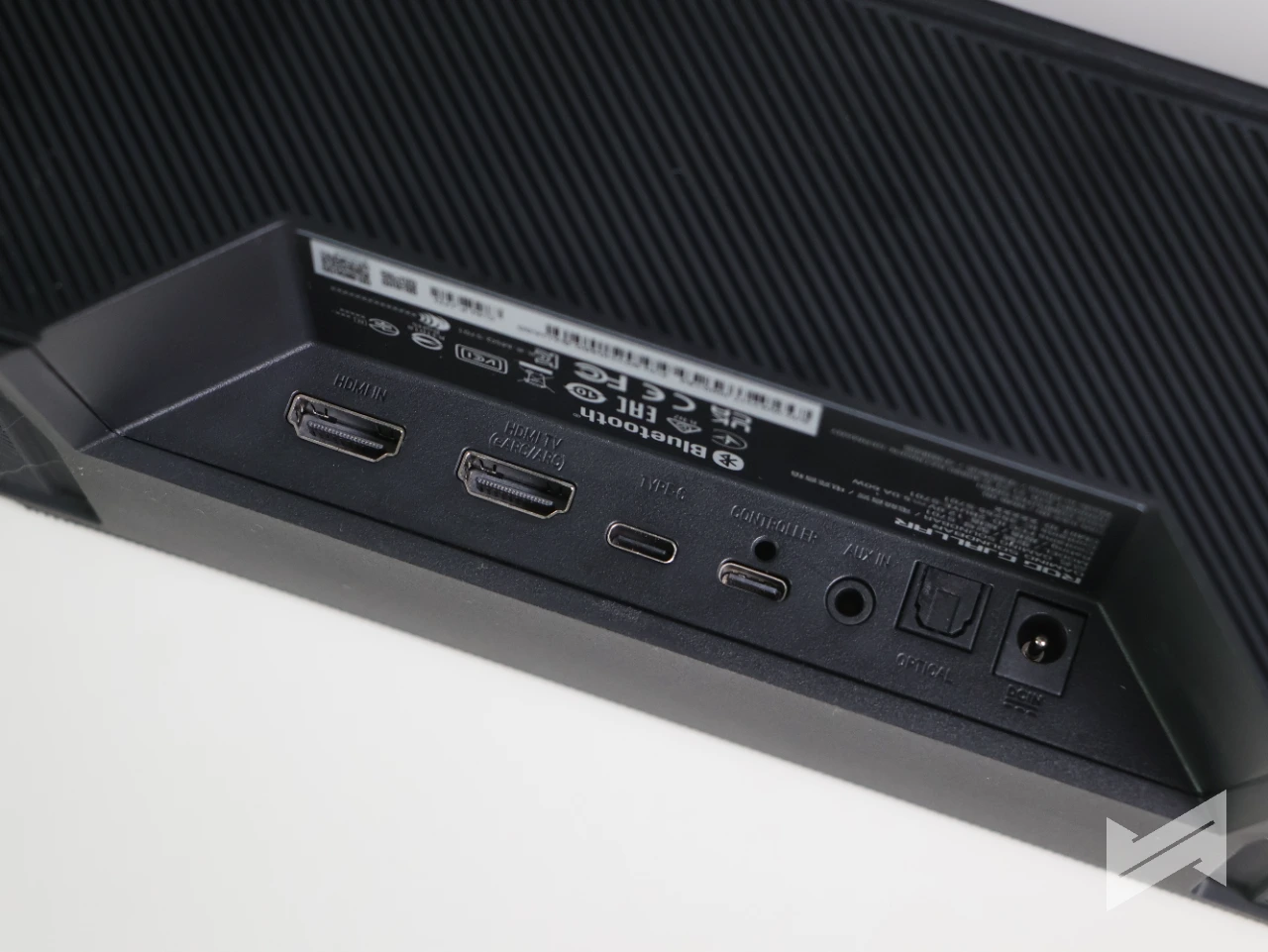
The back houses the rest of the ports, and underneath there are stands you can screw on to adjust the angle and elevation. That’s a thoughtful touch if you’re running a wired keyboard and mouse; the rubber ends keep the bar planted wherever you put it.
One thing you won’t find in the box: a remote. For all the bells and whistles, some people will miss it. But honestly? For something called a gaming soundbar, I get it.
Connectivity
Wired connections come via USB-C, HDMI 2.1, optical, and AUX, while Bluetooth 5.3 handles the wireless side. Switching between sources is a button press on the side panel, or you can do it from the dedicated Audio Control Hub that ships in the box.
Performance
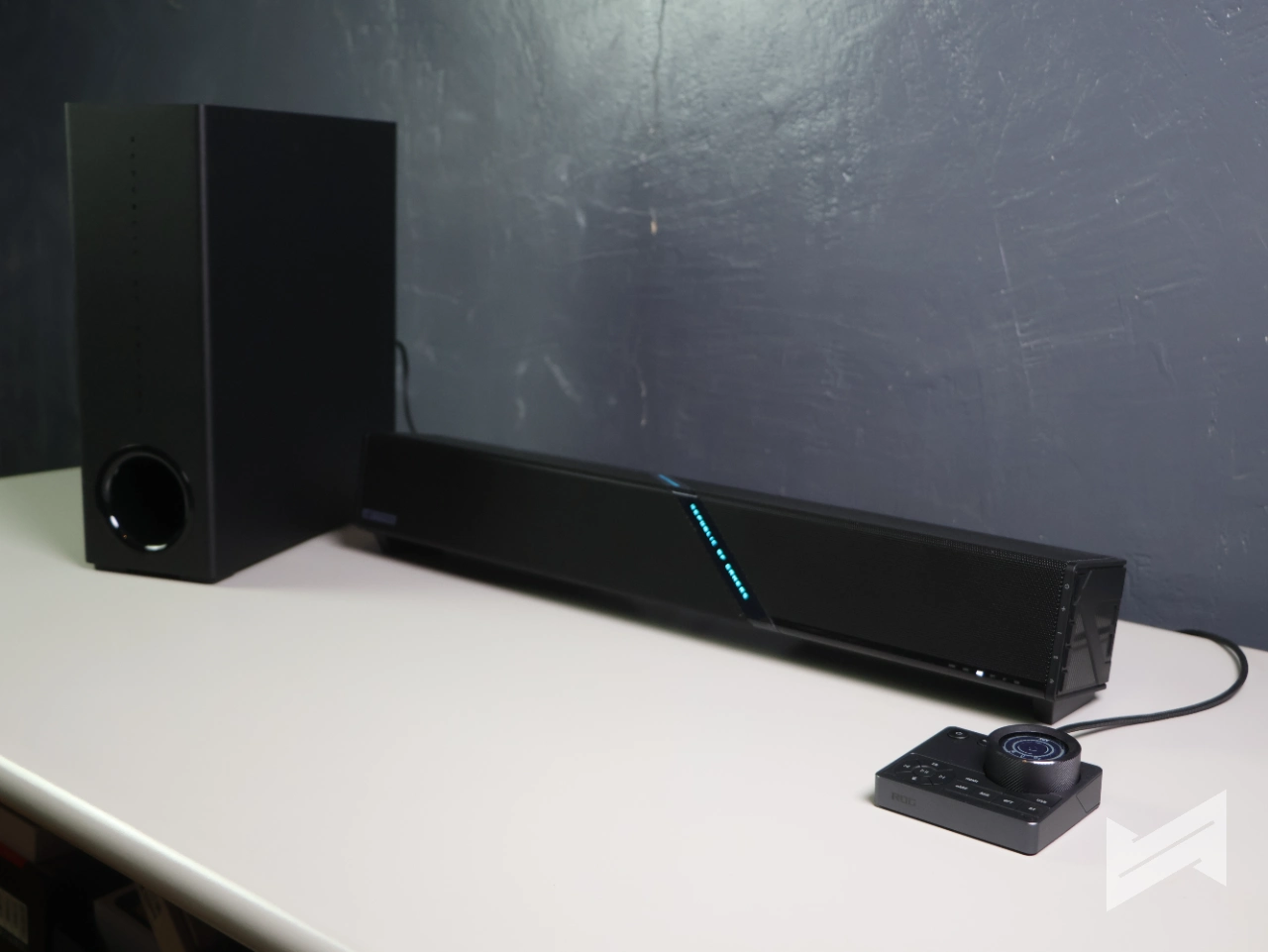
Inside, the ROG Gjallar pairs high-fidelity tweeters and full-range speakers with angled up-firing drivers, and together with the 5G wireless subwoofer (ASUS’s branding for its 5 GHz wireless link) you get a 2.1.2 Dolby Atmos setup. For my testing, I connected the soundbar and sub to my desktop PC over a USB-C to USB-A cable.
All sound tuning happens in Gear Link, where you’ll find the presets and a 10-band equalizer. One thing to note: there’s no adaptive option, so the EQ won’t adjust itself based on what you’re doing. This is a hands-on setup.
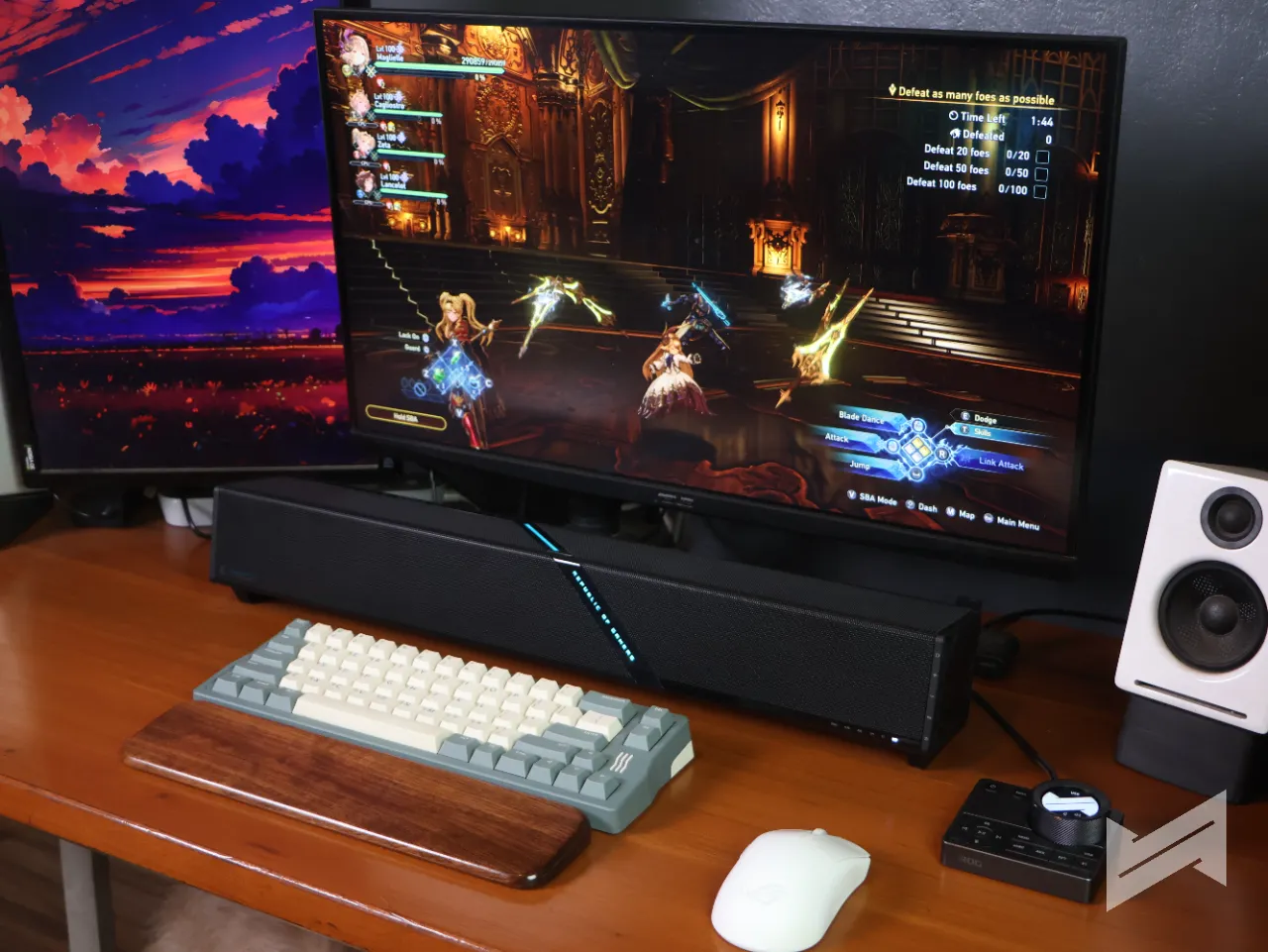
With no EQ or preset selected, the Gjallar is vocals-focused. Battle dialogue in Granblue Fantasy Relink sits up front, while other effects step back just a bit. The low end has enough presence without being pushy, so the battle themes get to breathe. Separation is good, too: even when a fight gets busy, hit sounds and skill effects keep their own space and nothing gets drowned out.
Switch to the Gaming profile and everything gets a boost, bass, clash sounds, effects, with vocals stepping slightly behind, though they stay clear. I wasn’t ready for the bass. It’s not excessive, but it’s definitely boosted, and it’s territory my old left-and-right speakers without a subwoofer can’t touch. It added real immersion.
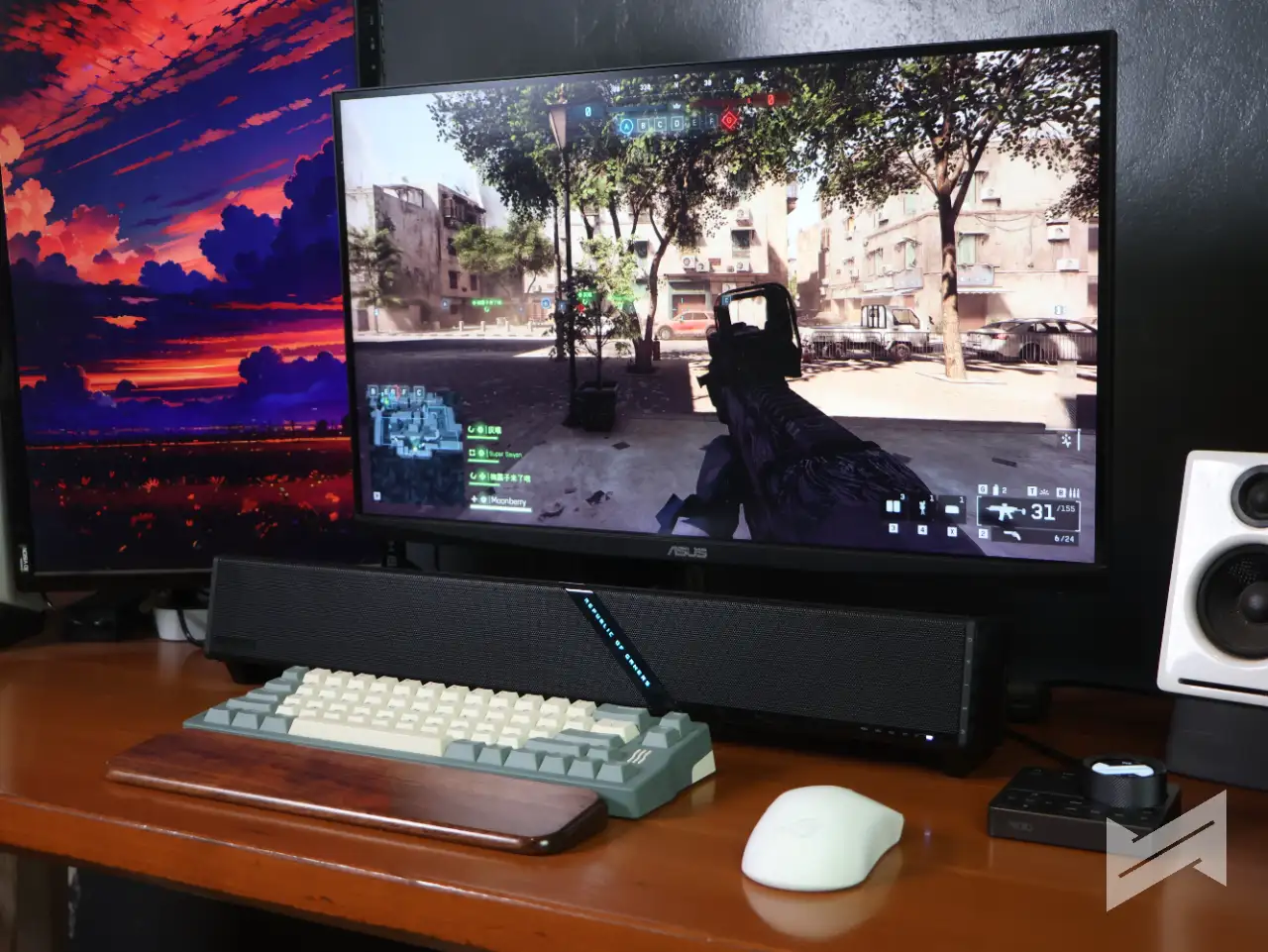
Over in Battlefield 6, where directional audio decides who lives, I could get a decent sense of where shots were coming from and when someone was closing in on my position. Headphones still do it better, but the explosions and gunfire came through loud and clear.
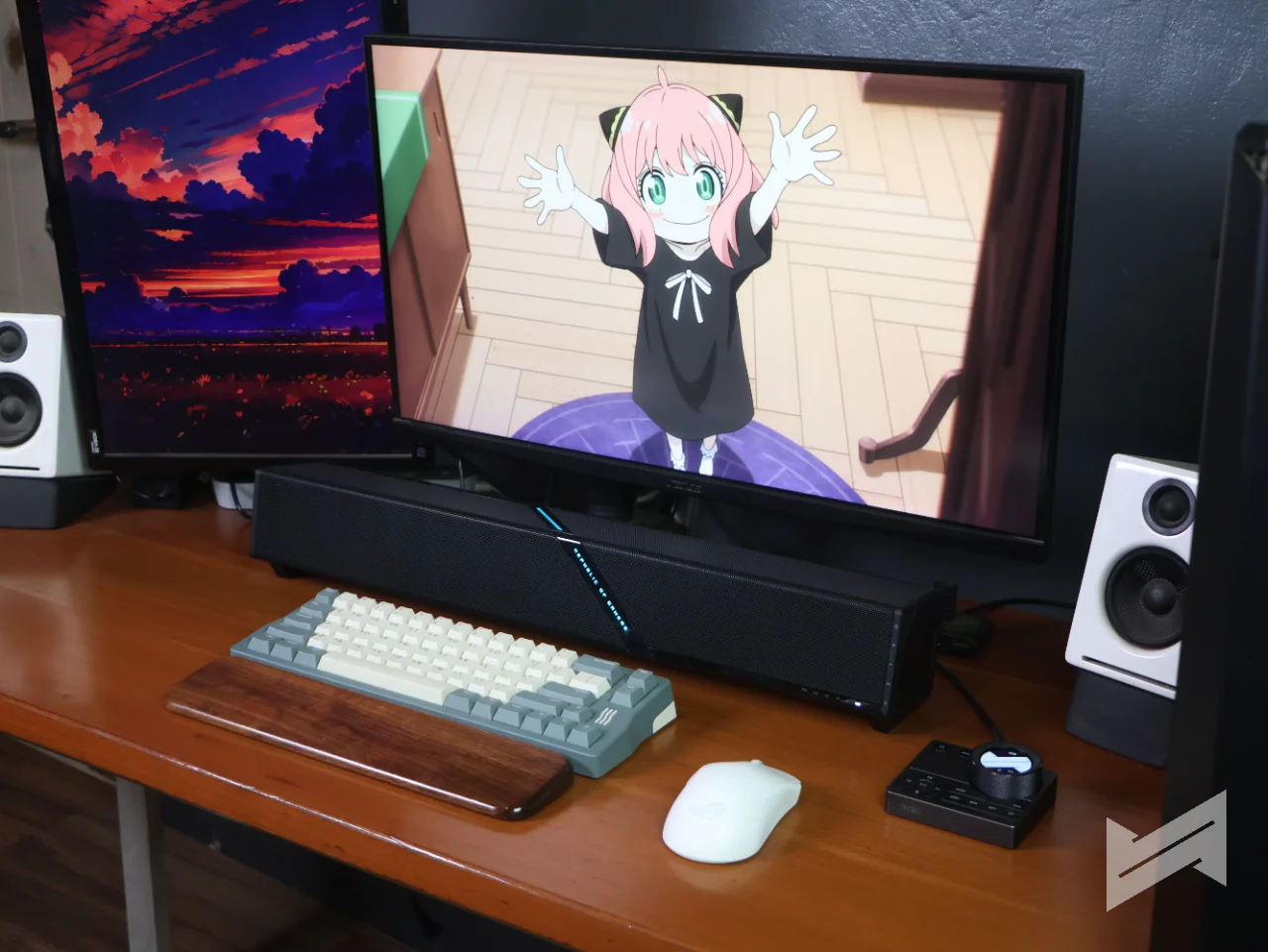
The Movie preset sharpened dialogue and gave explosions and fight scenes more rumble. As for Music, bass and drums hit with good impact and presence without bullying the other frequencies. Vocals aren’t as forward, but they’re clear; I could just do with a bit more treble.
I’m not the type to flip presets every time I switch from gaming to music, so I went into the 10-band EQ, built a V-shaped curve, and dialed the low end back a bit. It worked out well.
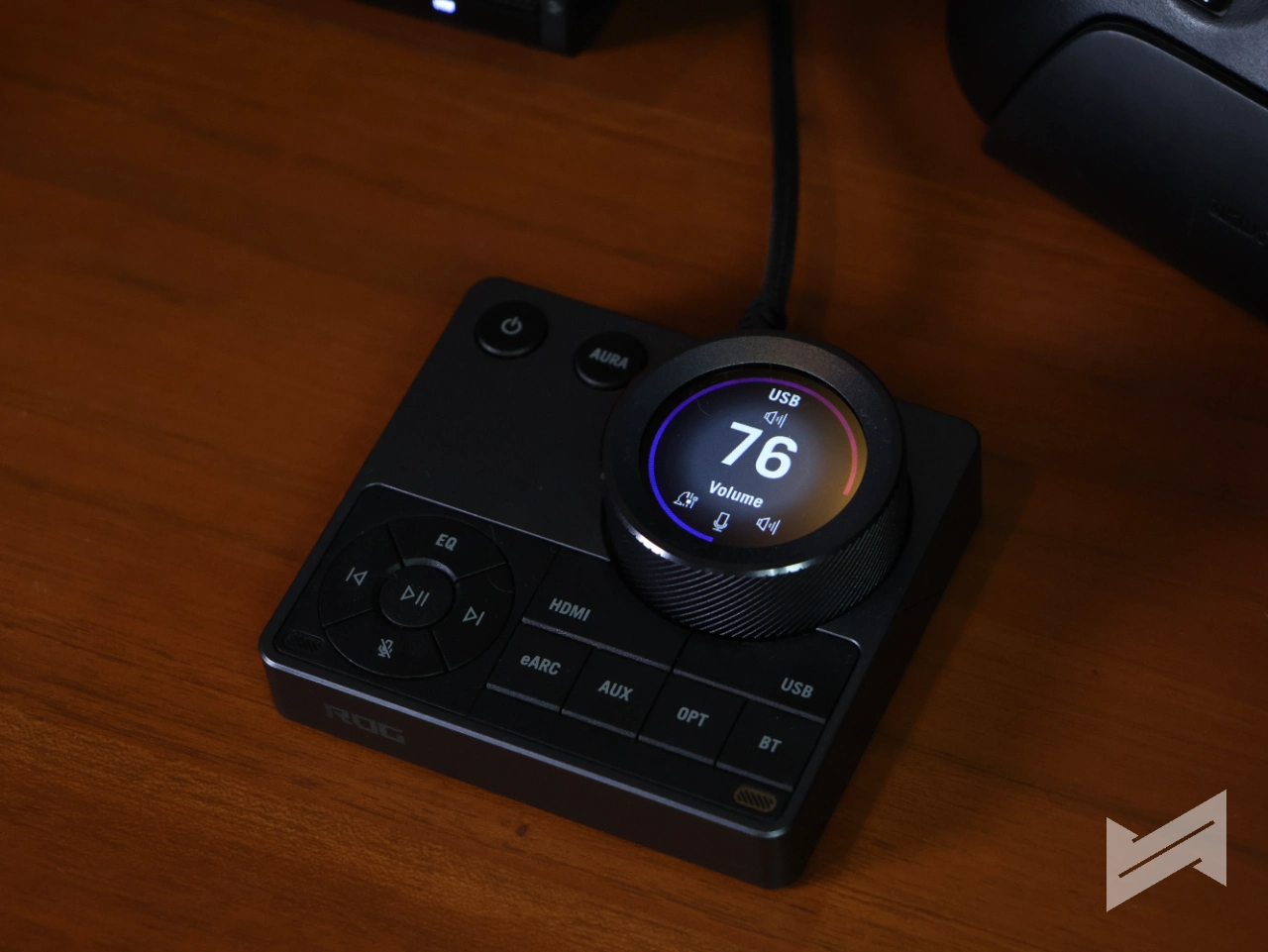
As for the microphones, the Audio Control Hub packs them in with Intelligent Acoustic Echo Cancellation, which filters out game audio and teammate voices for clean pickup. It works, and it does filter gameplay sounds, but it costs you some clarity. My words still came across clearly enough, just not quite as clean as when there’s no game audio to filter to begin with.
Software
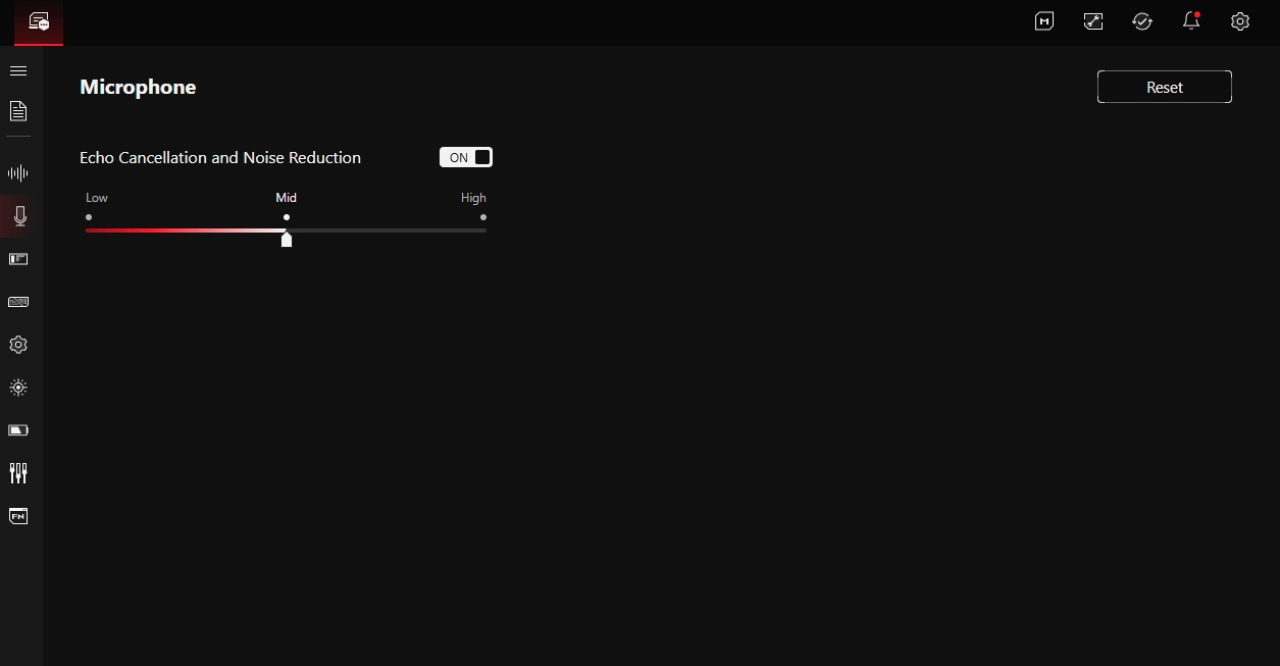
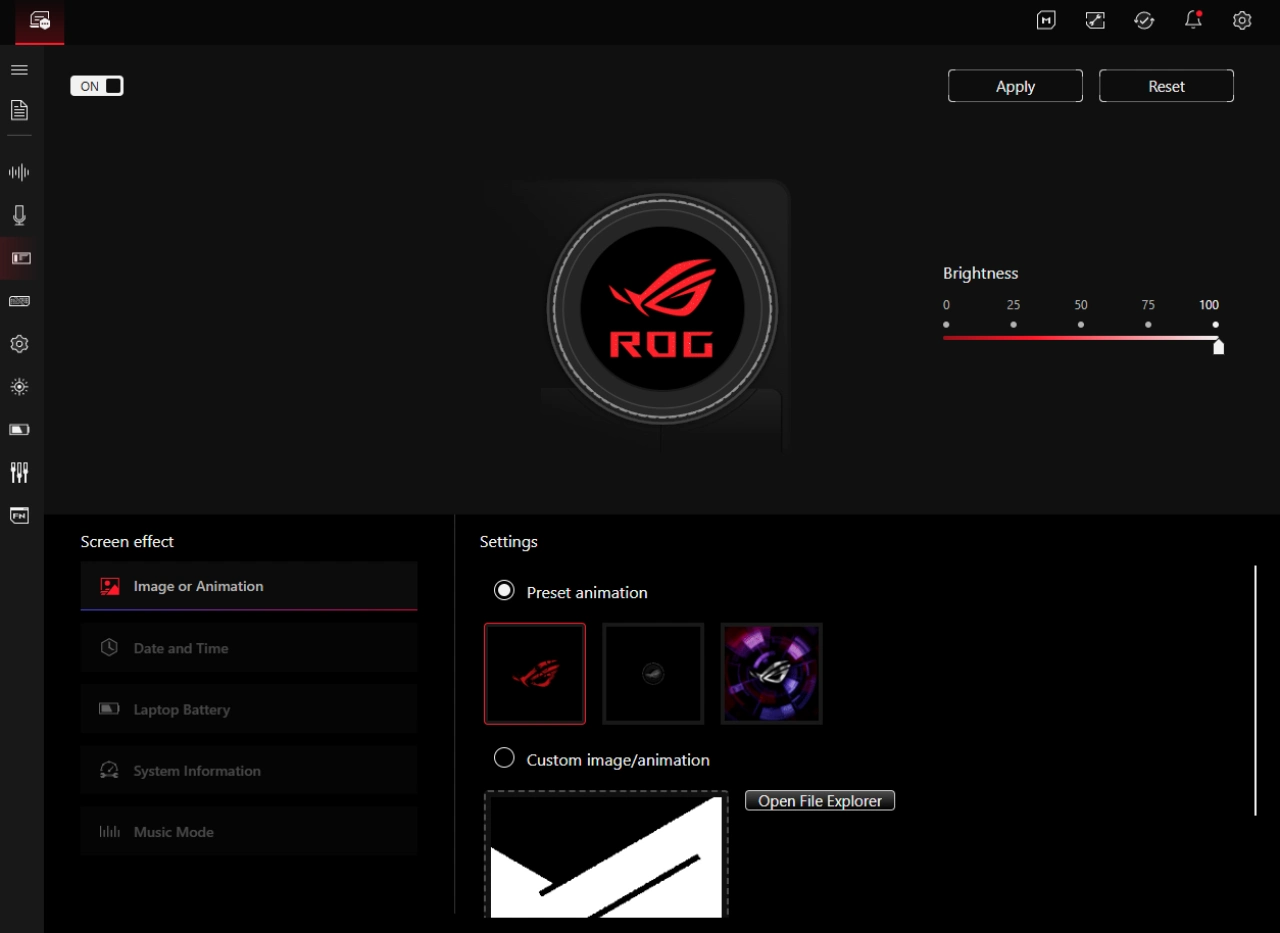
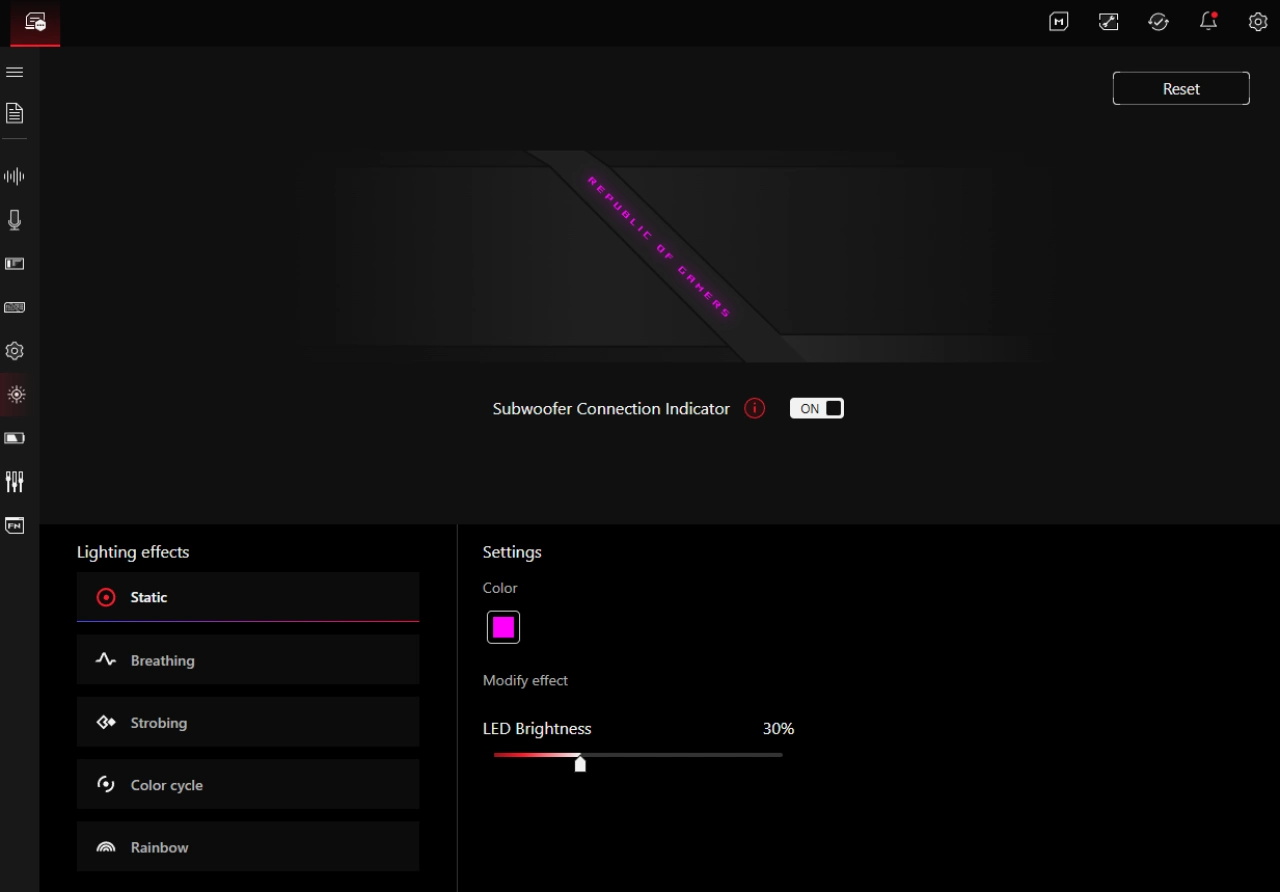
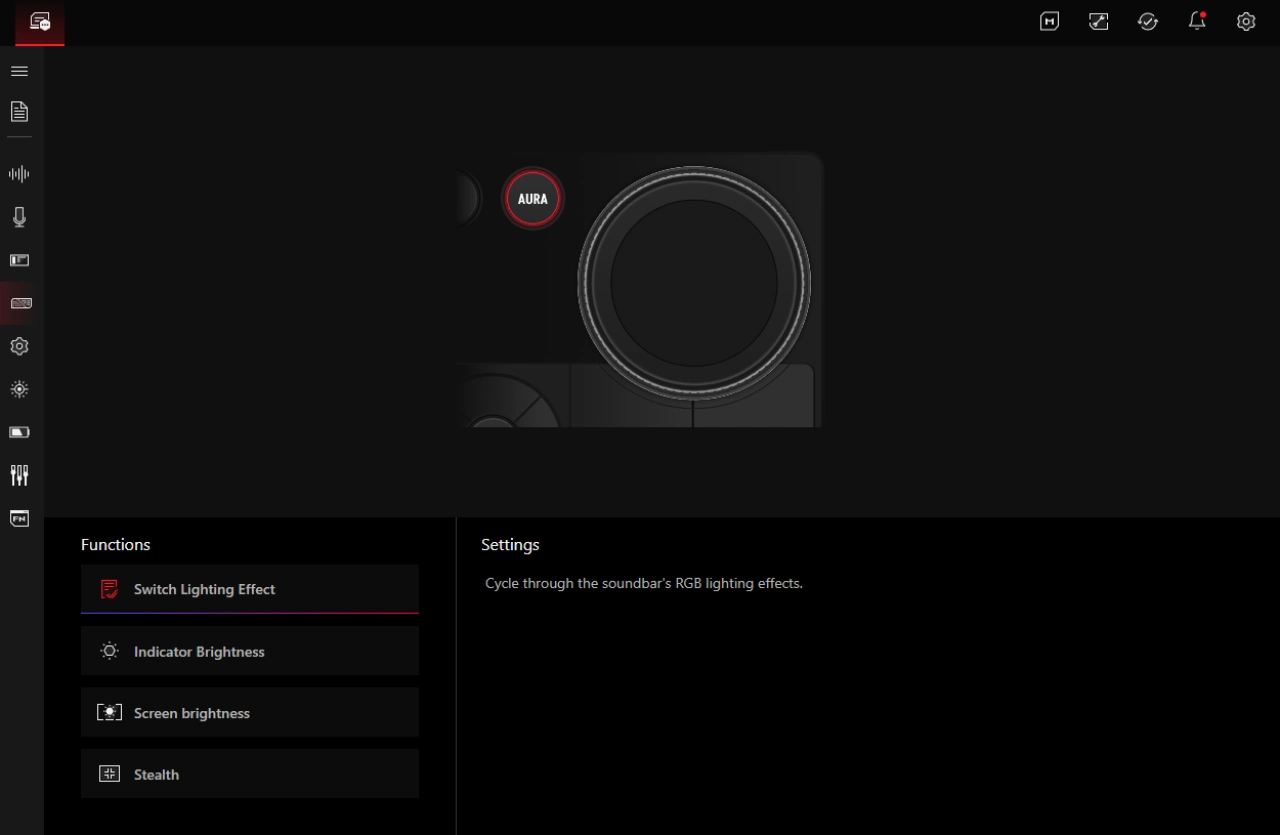
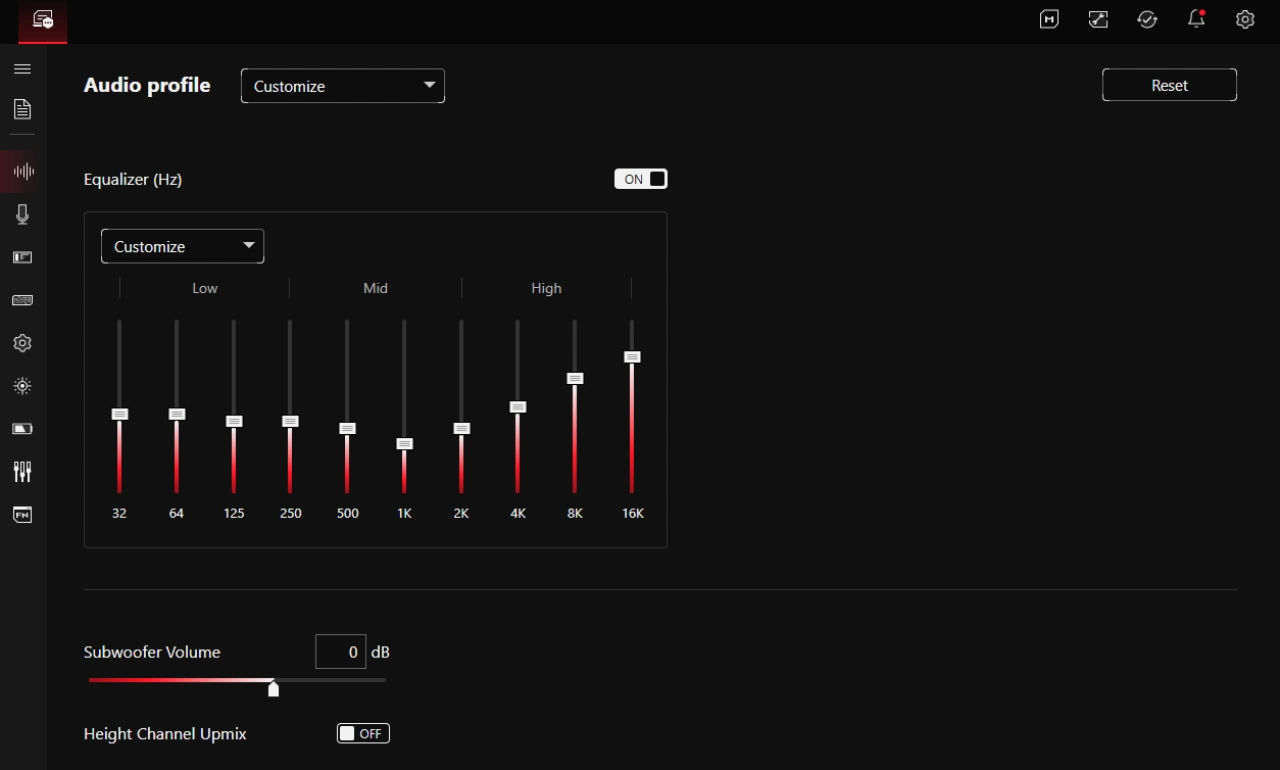
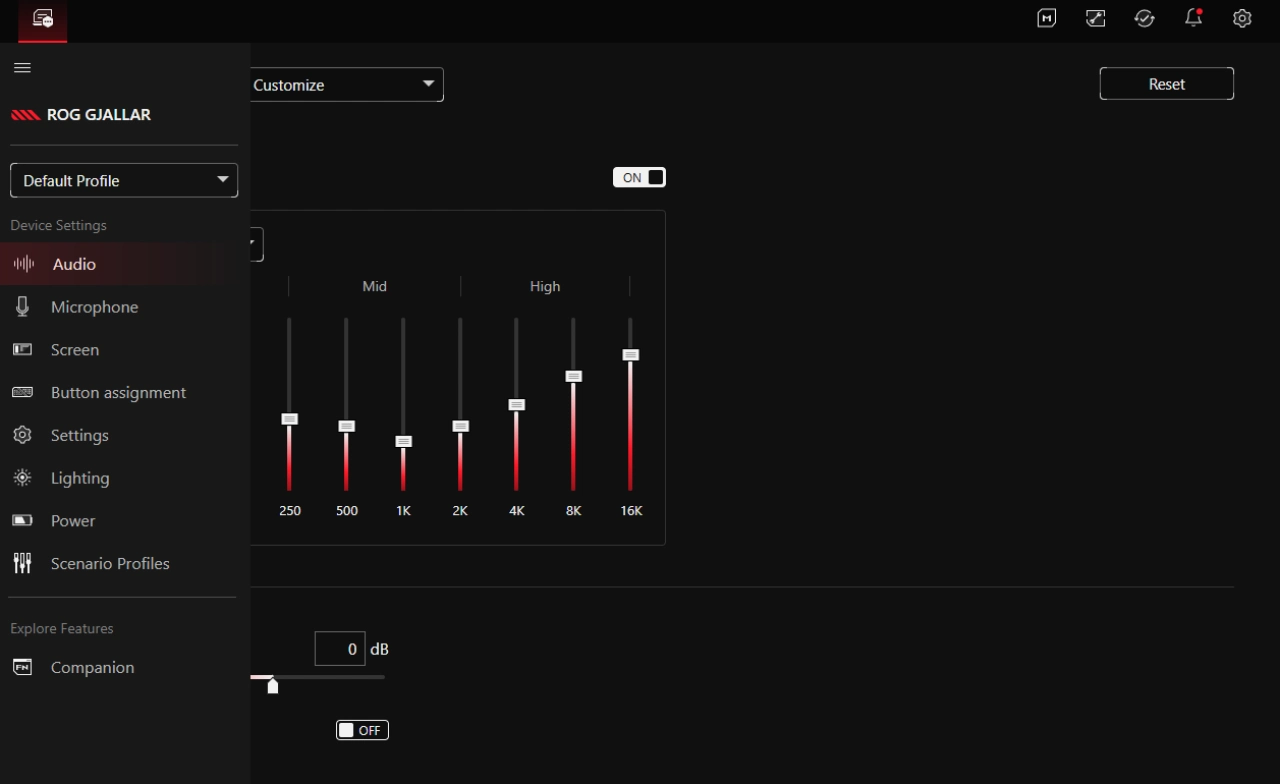
Gear Link handles the granular stuff for the ROG Gjallar: the equalizer and presets, microphone settings, Audio Hub settings, lighting, power, and more. Most of what I personally need is there, but there’s room to grow. There’s only one custom EQ slot, and I’d happily take more. The custom image option for the Audio Hub’s display background is nice, and it’d be even nicer if you could remap the display button to something else, or go full stream-deck and assign functions to the other buttons, apart from the only one that’s customizable, the Aura button.
Extra features
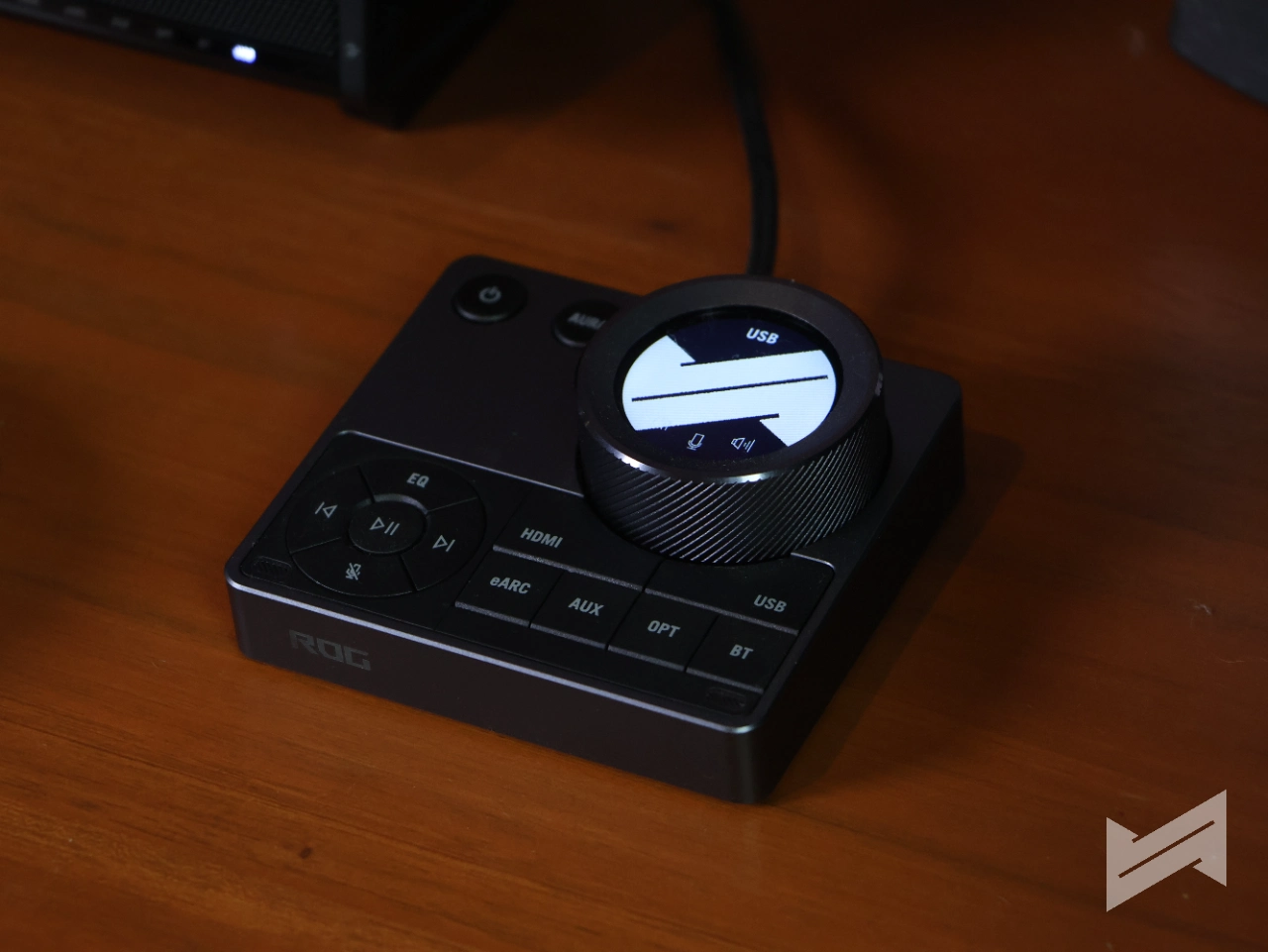
The ROG Gjallar’s Audio Control Hub connects to the soundbar over USB-C and puts volume, playback, EQ, and source control under your thumb. Its small display shows volume, current source, EQ, and microphone status, and yes, the microphones live inside this hub. Over Bluetooth with a phone connected, the screen shows what’s playing, and the hub handles playback and volume for it, too.
ROG Gjallar Verdict
The ROG Gjallar checks most of the boxes on my soundbar wishlist. It looks and feels premium, the design is minimalist, the sound responds well to EQ tuning, and it handles games, movies, and music with equal composure. The wireless subwoofer and the Audio Control Hub round out a genuinely convenient package.
It’s not perfect. One custom EQ slot is one too few, the side button symbols deserve lighting, and it would be nice to reassign more of the Audio Hub’s buttons apart from the Aura button.
At PHP 33,490, the ROG Gjallar sits close to what a dedicated left-and-right pair like the Audioengine A5+ costs. At that point it’s a matter of preference: one space-saving device that does everything, or a proper pair of speakers. If you’re after the single-box solution that still sounds like a real system, the Gjallar makes a strong case.
Final score
Gadget PilipinasWhat we like
- Premium build and minimalist look
- Sounds genuinely good across games, movies, and music
- 10-band EQ that actually responds well to tuning
- Wireless subwoofer
- The Audio Control Hub is genuinely handy
- Solid connectivity suite
- Thoughtful extras
Could improve
- Only one custom EQ slot
- Side button symbols aren't illuminated
- Only one button in the Audio Hub is configurable
- Mic quality takes a hit when the echo cancellation is actively filtering game audio
- No adaptive EQ

Emman Tortoza
Emman has been writing technical and feature articles since 2010. Prior to this, he became one of the instructors at Asia Pacific College in 2008, and eventually landed a job as Business Analyst and Technical Writer at Integrated Open Source Solutions for almost 3 years.
View all articles →Related Reviews
 PLDT StreamTV+ Review: Cinema in a Box, at a Price
 LG PuriCare AeroMini Review: Small Purifier, Big Relief for Home Offices
 ANKER soundcore Liberty 5 Pro: Great ANC for calls and music
 REDMI Note 17 Pro Max Review: Titan Power That Goes the Distance
 realme 16T 5G Review: An 8000mAh Battery With a Price
 OPPO Find X9 Ultra Review: The Camera Phone to Beat in the Philippines