


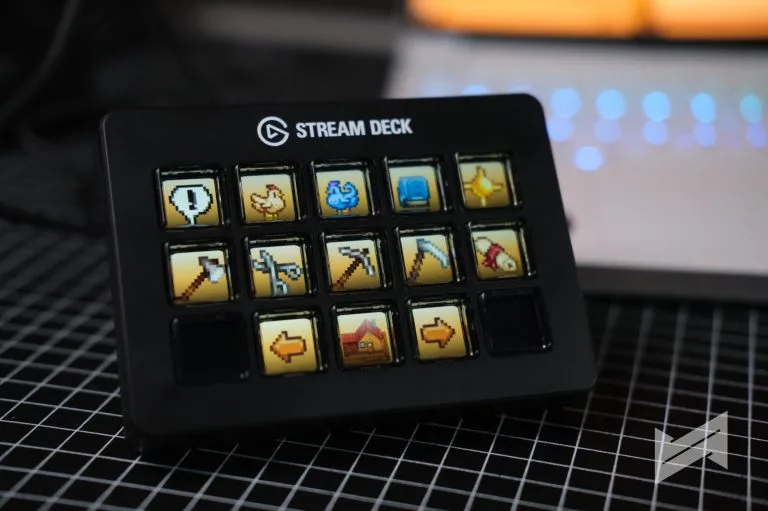
Elgato Stream Deck but more tactile
The Elgato Stream Deck Scissor Keys looks familiar, but the feel is different in a way you notice immediately. The old membrane keys were soft and a little cushioned; this version swaps them for scissor-switch keys with shorter travel, a crisper press, and more consistent feedback.
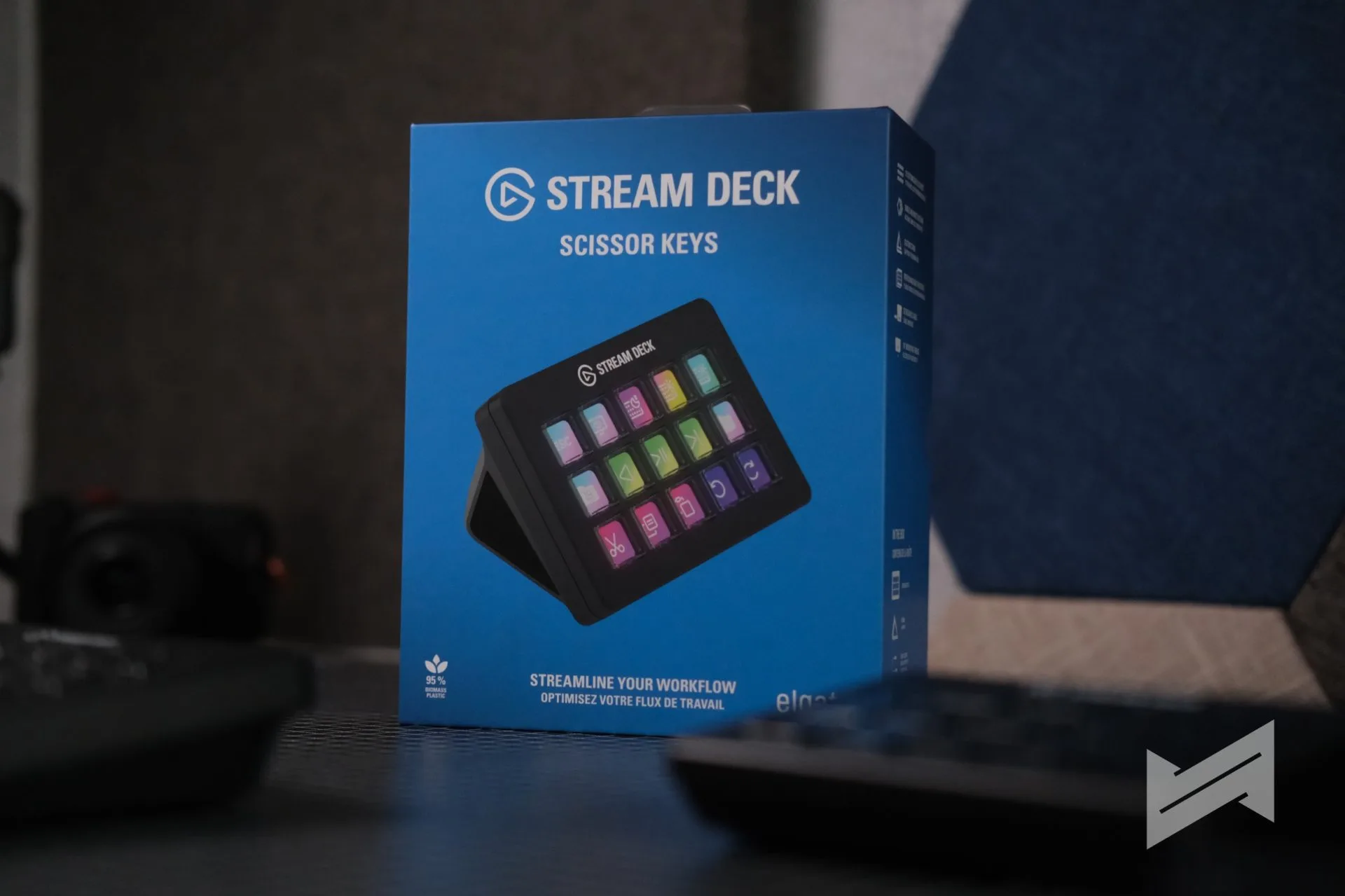
That change matters more than it sounds. On a device built around repeated taps, the quality of the press shapes the whole experience, and Elgato’s new key mechanism makes the Stream Deck feel more precise and more confident to use.
What changed from the membrane version
The biggest difference is the switch type. The previous Stream Deck MK.2 used membrane keys, while the Scissor Keys version uses a scissor-switch mechanism that feels closer to a premium laptop keyboard.
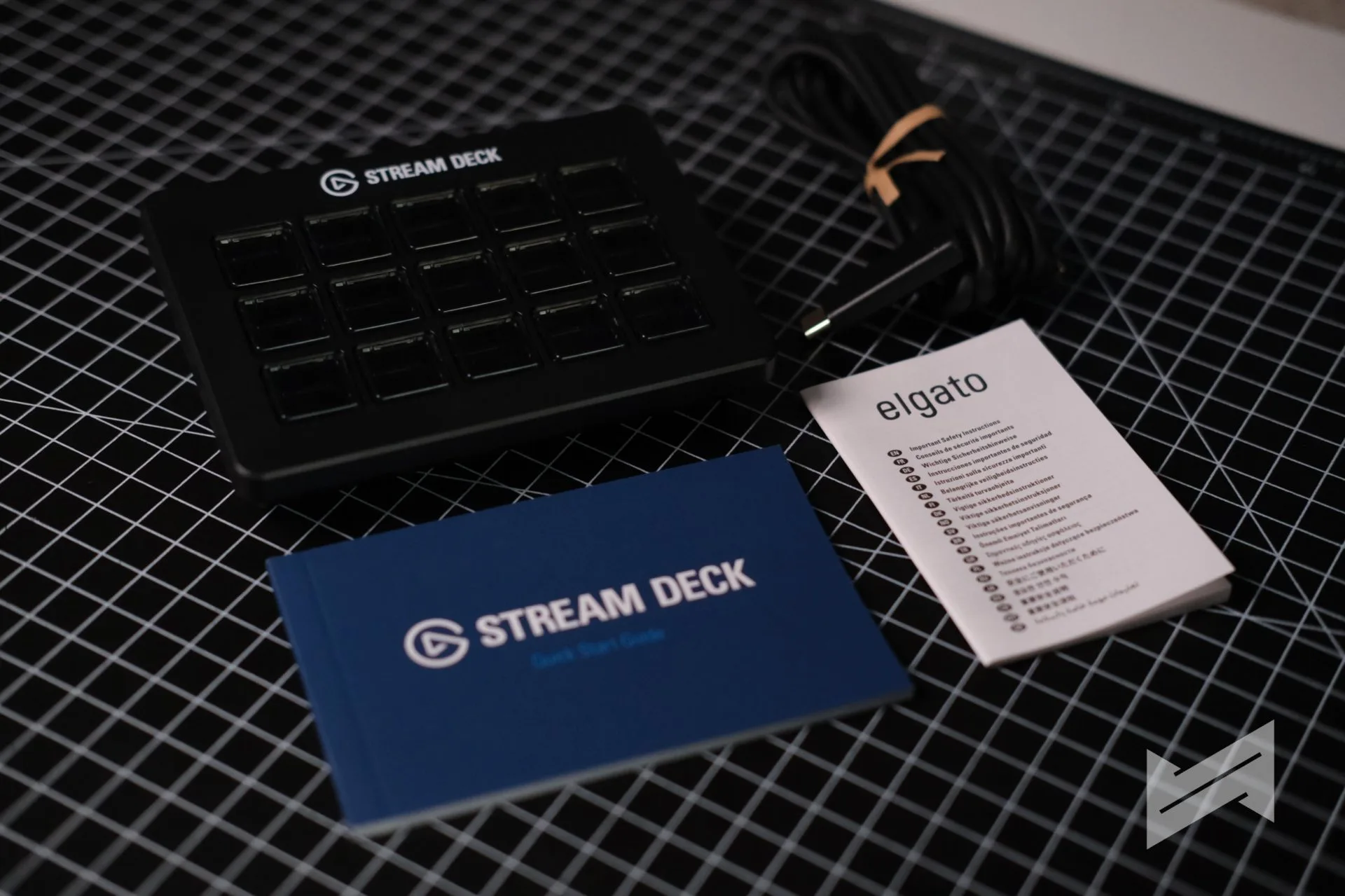
Elgato says the new design shortens key travel and delivers balanced force across the keycap, so presses feel sharper no matter where you tap. It also adds a built-in 1/4-inch mounting thread, which makes the unit easier to mount without extra adapters.
Podcasting and live production
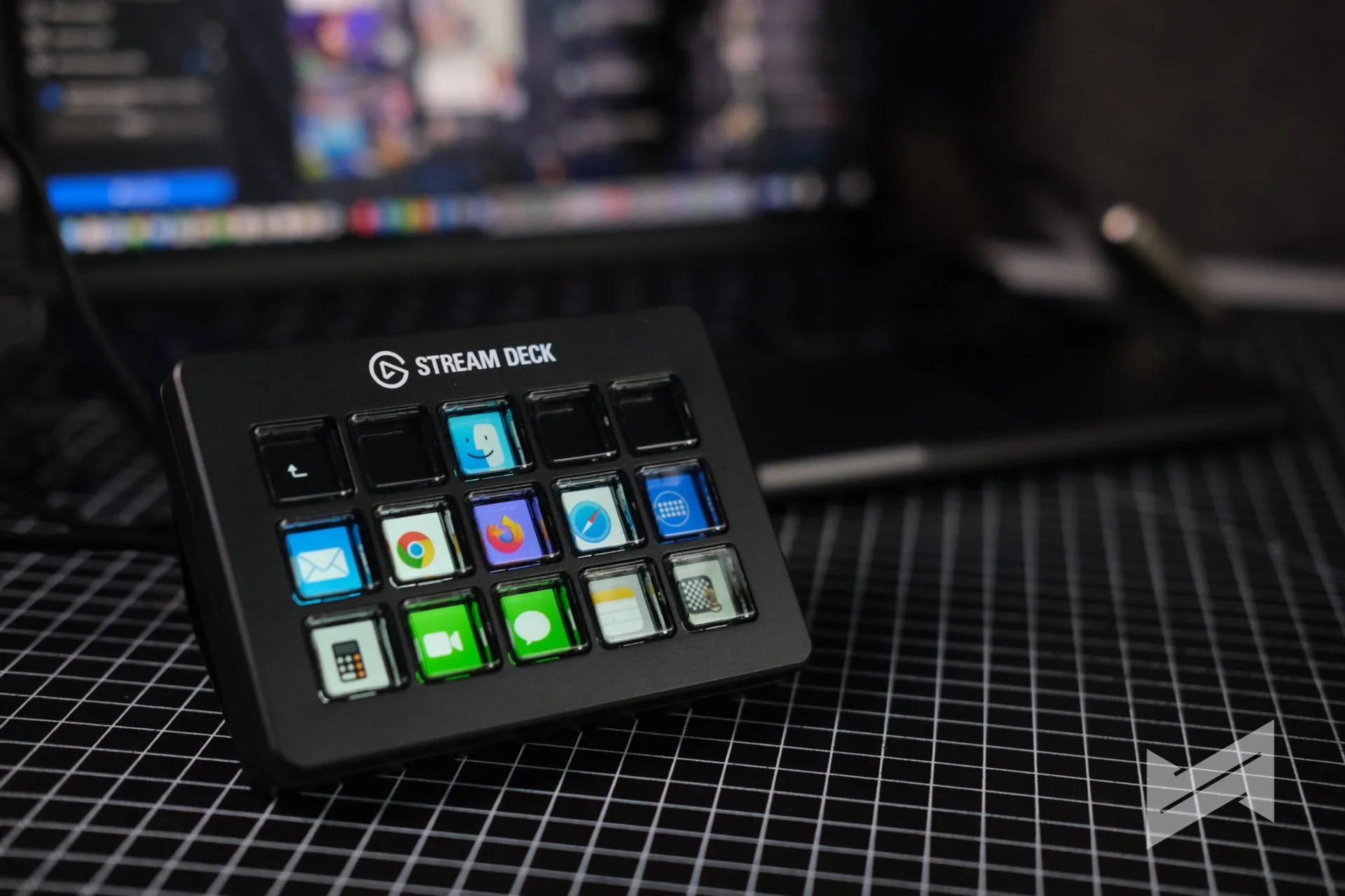
For podcasting, the Stream Deck is useful because it removes friction from small but frequent actions. You can mute channels, trigger sound effects, launch transitions, or run multi-action commands without reaching for menus or hunting through software. The scissor keys help here because every press feels more deliberate and easier to trust.
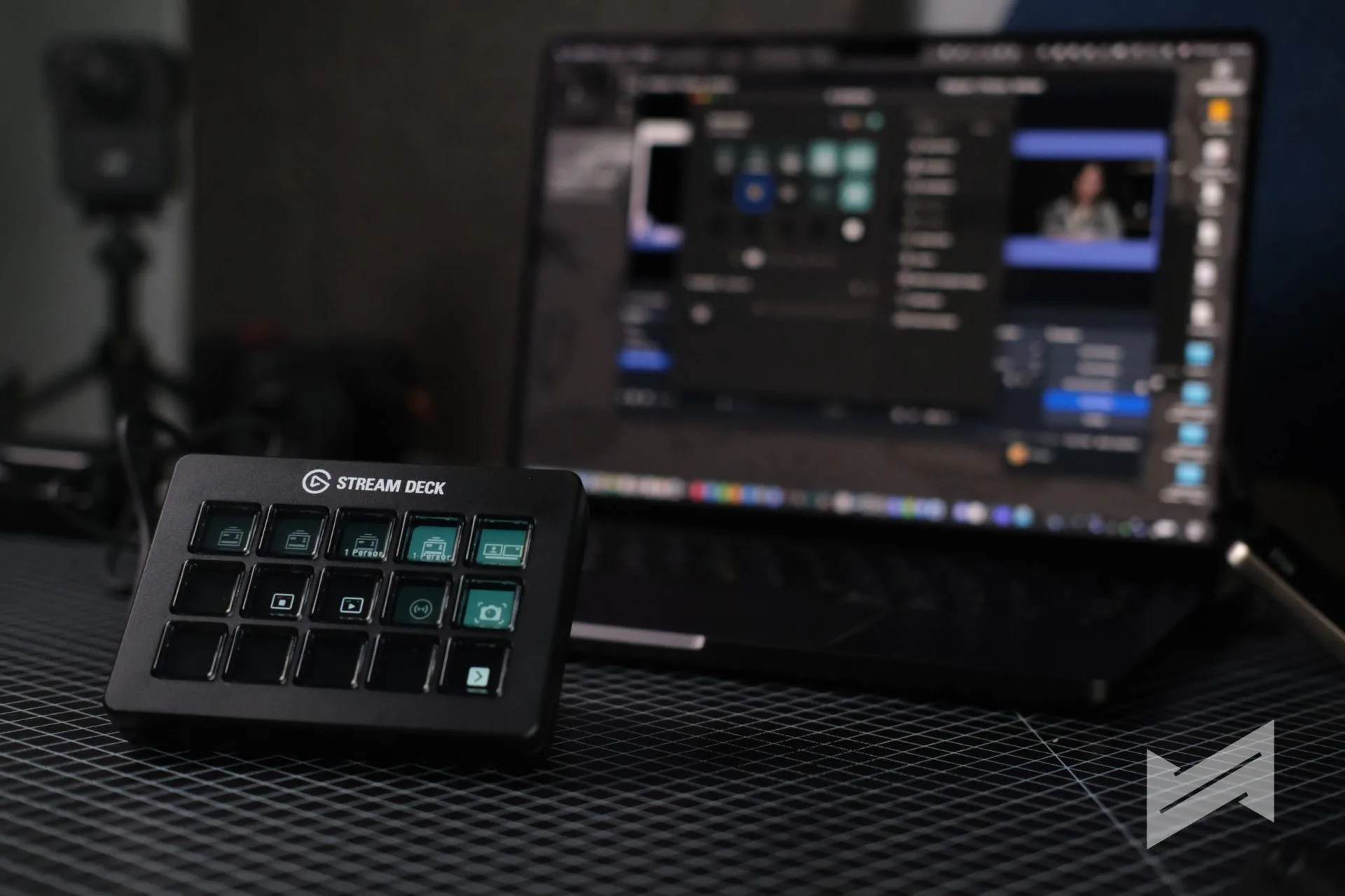
That matters in live production, where hesitation or missed inputs break the rhythm. The new key feel makes the device better suited for the kind of repeated, fast-paced control work that podcasts and live shows demand.
Streaming workflow
Streaming is still the Stream Deck’s most natural home. Scene changes, overlays, audio toggles, chat commands, and app shortcuts all benefit from a controller that responds quickly and consistently, and the scissor keys make that interaction feel tighter than the old membrane setup.
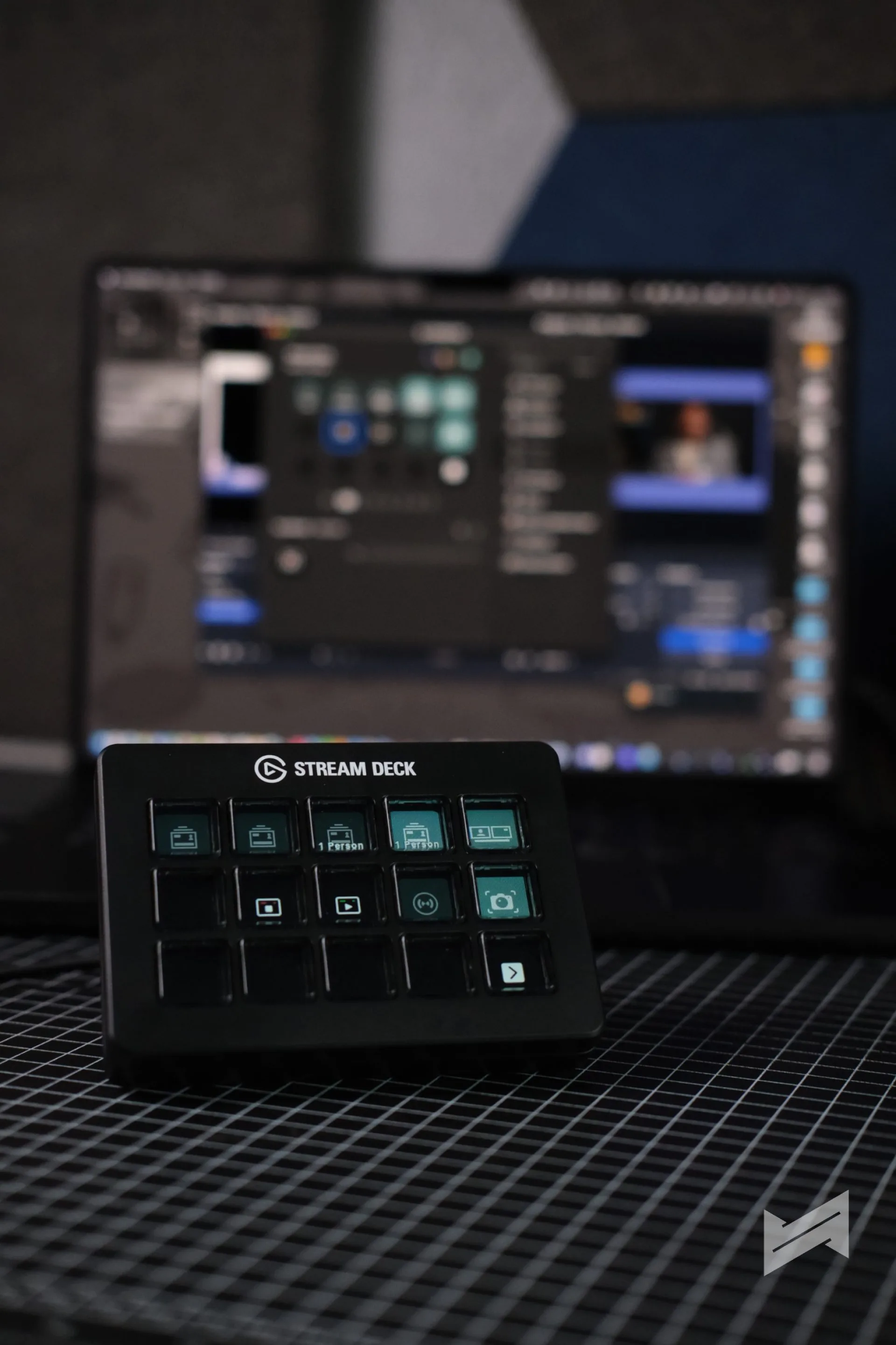
The software side remains the same, so you still get the familiar Stream Deck ecosystem of profiles, folders, plugins, and drag-and-drop action setup. The difference is on the surface: the hardware now feels better matched to the pace of streaming. My only problem is that there are plugins and profiles that are not officially available in our region. So if you use apps with available plugins at Elgato Marketplace, you might not be able to purchase it so you will have to manually set everything up yourself.
Editing and games
In editing, especially when you’re using shortcuts for cuts, markers, exports, or macros, the scissor keys make repeated input less tiring. The firmer press feels closer to using a proper keyboard, which helps if you’re already accustomed to fast keyboard-driven workflows in apps like DaVinci Resolve.
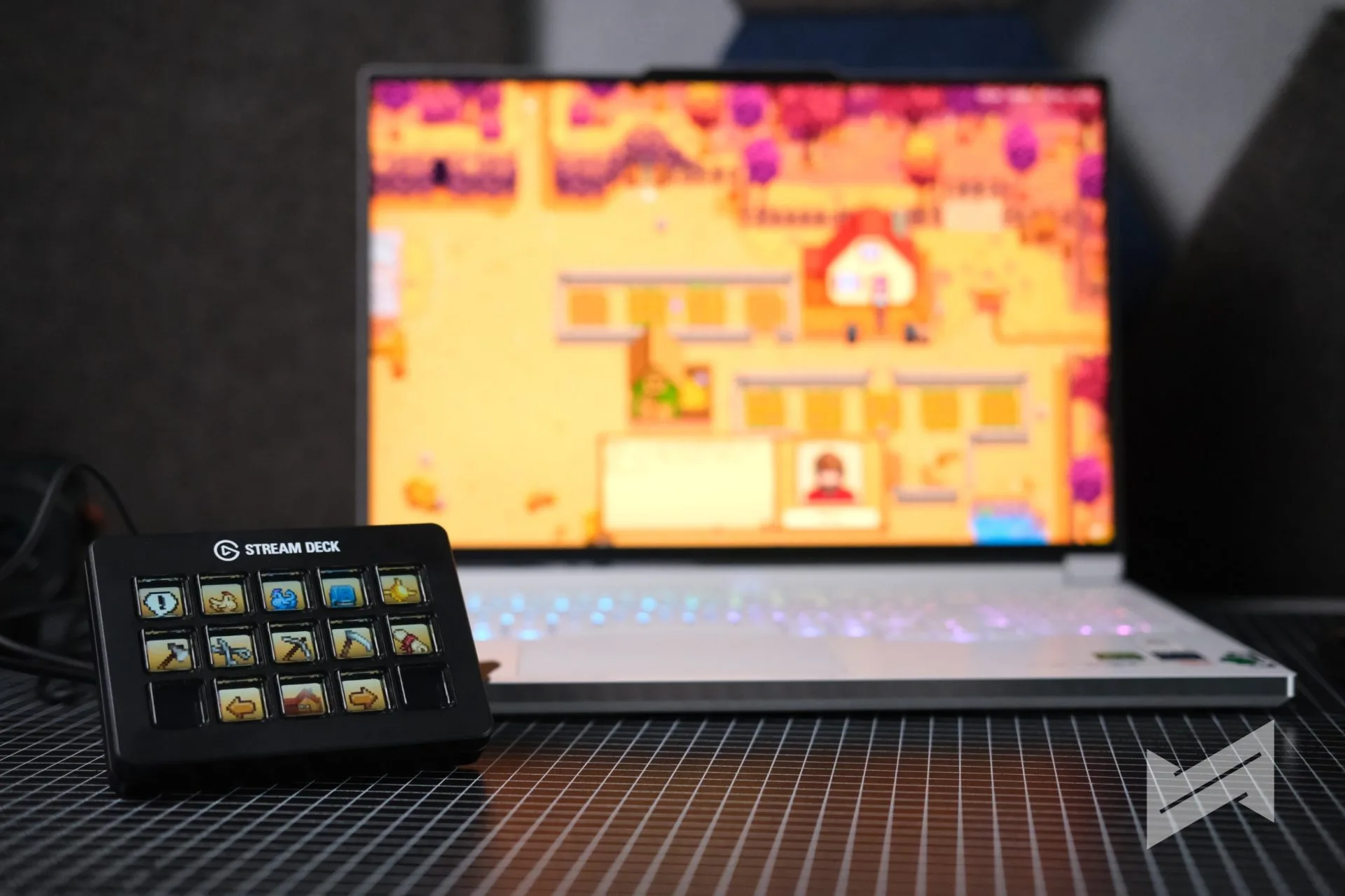
For games, the Stream Deck remains a secondary control tool rather than a primary input device, but the new key feel makes it easier to use for macros, quick actions, and utility commands. It responds with more certainty than the membrane version, which is useful when you want a command to register without delay.
Final thoughts
The Stream Deck Scissor Keys is not a dramatic redesign, and that is part of its appeal. Elgato kept the same core software and control layout, then fixed one of the most noticeable weak points in the older version: the feel of the press.
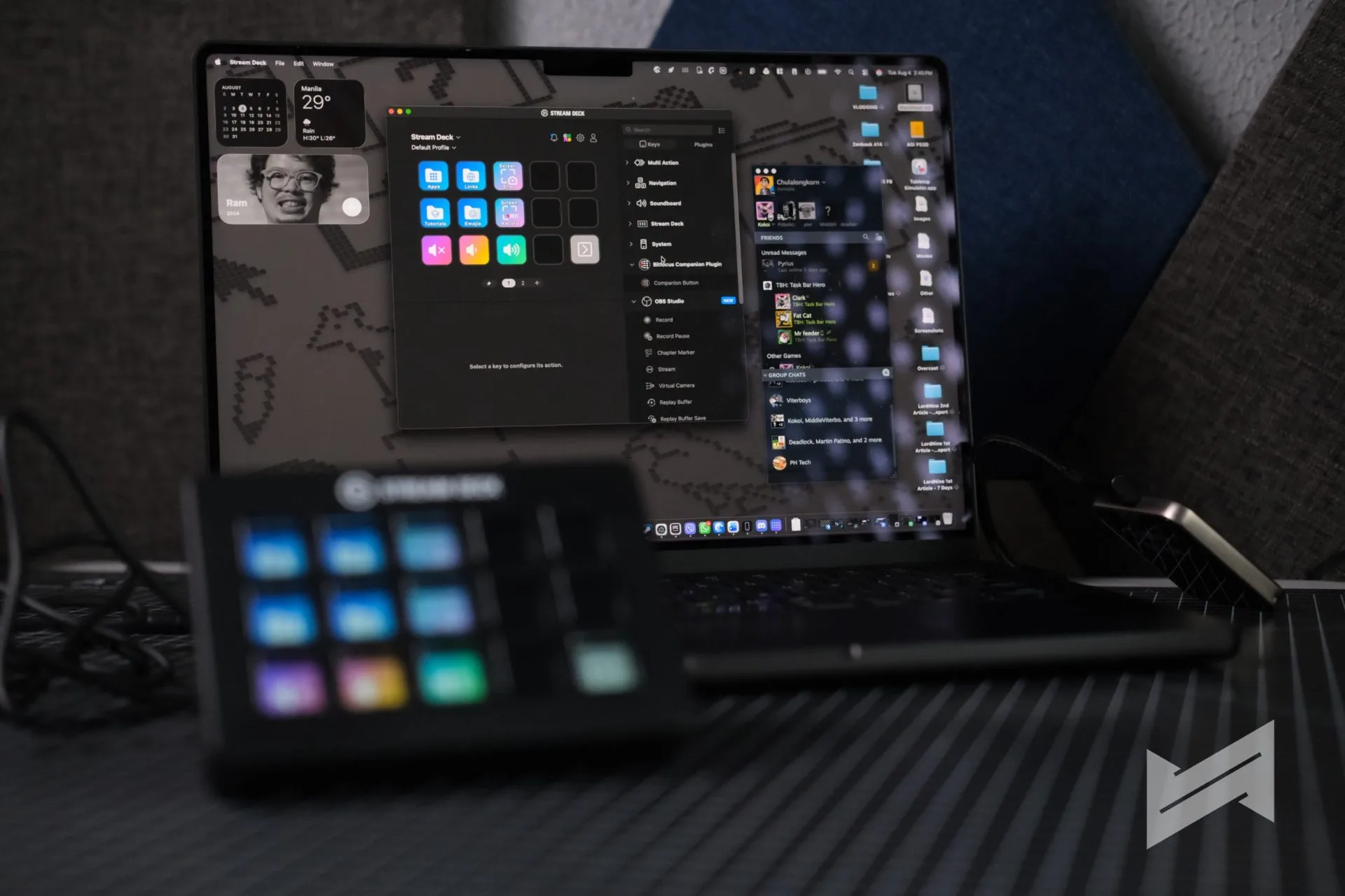
If your work depends on frequent taps across podcasting, streaming, editing, or game-related control, the upgrade is easy to understand in practice. It does not change what the Stream Deck does, but it improves how it feels to use every day.

Giancarlo Viterbo
Giancarlo Viterbo is a Filipino Technology Journalist, blogger and Editor of gadgetpilipinas.net, He is also a Geek, Dad and a Husband. He knows a lot about washing the dishes, doing some errands and following instructions from his boss on his day job. Follow him on twitter: @gianviterbo and @gadgetpilipinas.
View all articles →Related Reviews
 MacBook Neo Long-Term Review: My Bedside Mac
 Sony 1000X The Collexion Review: Three Months Later
 ASUS ProArt P16 (H7607BA) Review: the RTX Spark platform, tested in the work creators actually do
 HONOR 600S Review: Bits of What’s Loved on the HONOR 600 Series in a More Accessible Package
 Keychron C75 HE 8K TMR Keyboard Review
 Samsung Galaxy S26 FE: Great Functional Elegance