

2.5-inch SSDs are still Relevant
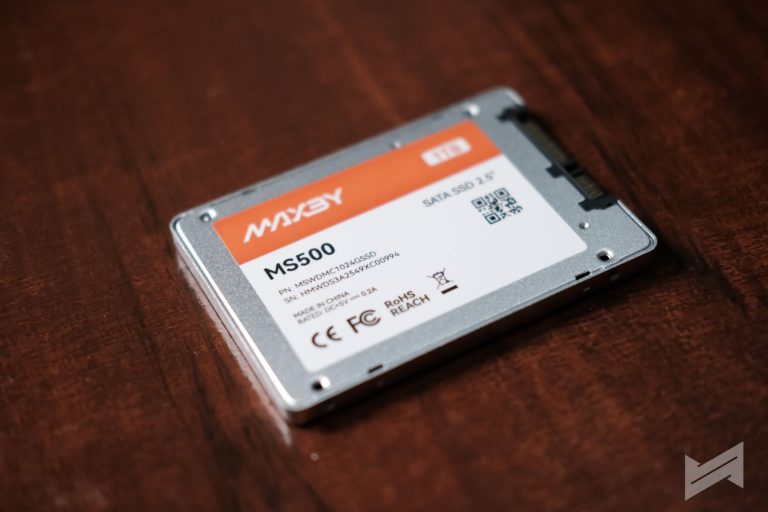
In an era of tiny stick-sized NVMe drives, the classic 2.5-inch SSD like the MAXBY MS500 might seem like a throwback. But for savvy PC builders and data hoarders, this form factor remains one of the most practical and cost-effective ways to expand your digital space. While your main drive handles your operating system, there is a limit to how many expensive NVMe slots your motherboard has. That is where the MAXBY MS500 shines. It’s not about replacing your main engine; it’s about giving you a massive, fast, and reliable “trunk” for everything else.
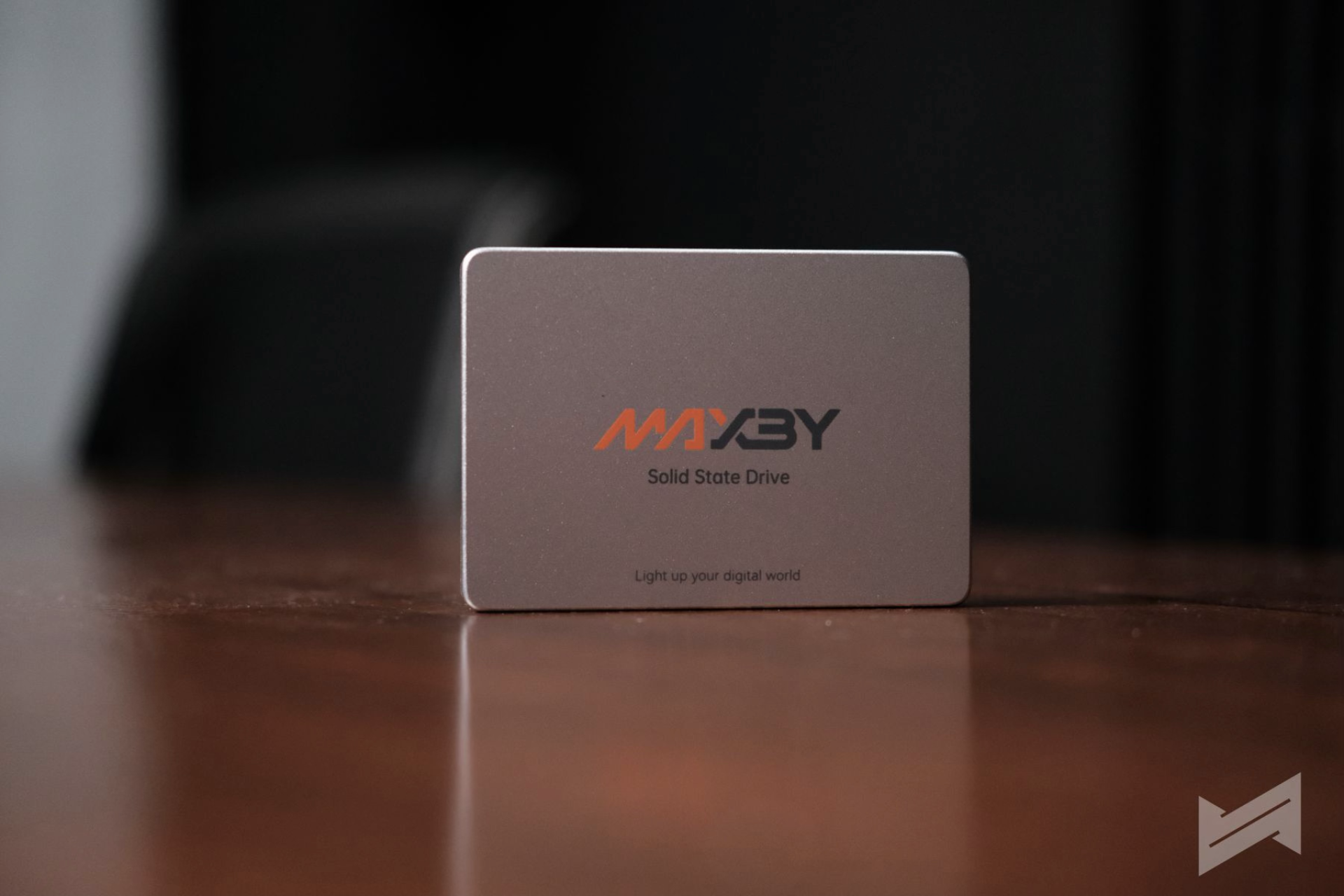
Modern games are huge, with single titles often eating up 150GB or more. Putting these on your expensive, primary NVMe drive is often a waste of premium space. A smarter approach is to use the MAXBY MS500 as a dedicated “Game Vault.” In our testing, moving a 10GB game folder to the drive finished in roughly 46 seconds, a massive improvement over mechanical hard drives. Once installed, games load significantly faster, eliminating the texture pop-in and long wait times that plague older storage technologies. It strikes the perfect balance of capacity and speed for a growing Steam library.
Beyond the desktop, the MS500 is the secret ingredient for the perfect DIY external drive. By pairing it with a simple, inexpensive USB enclosure, you can create a portable drive that is far more durable than a standard external hard disk because it has no moving parts to break if dropped. However, we still recommend this to be used as an internal drive, making it an ideal tool for video editors handing off footage or families backing up years of photos. It offers a high-speed solution that standard flash drives simply can’t match.
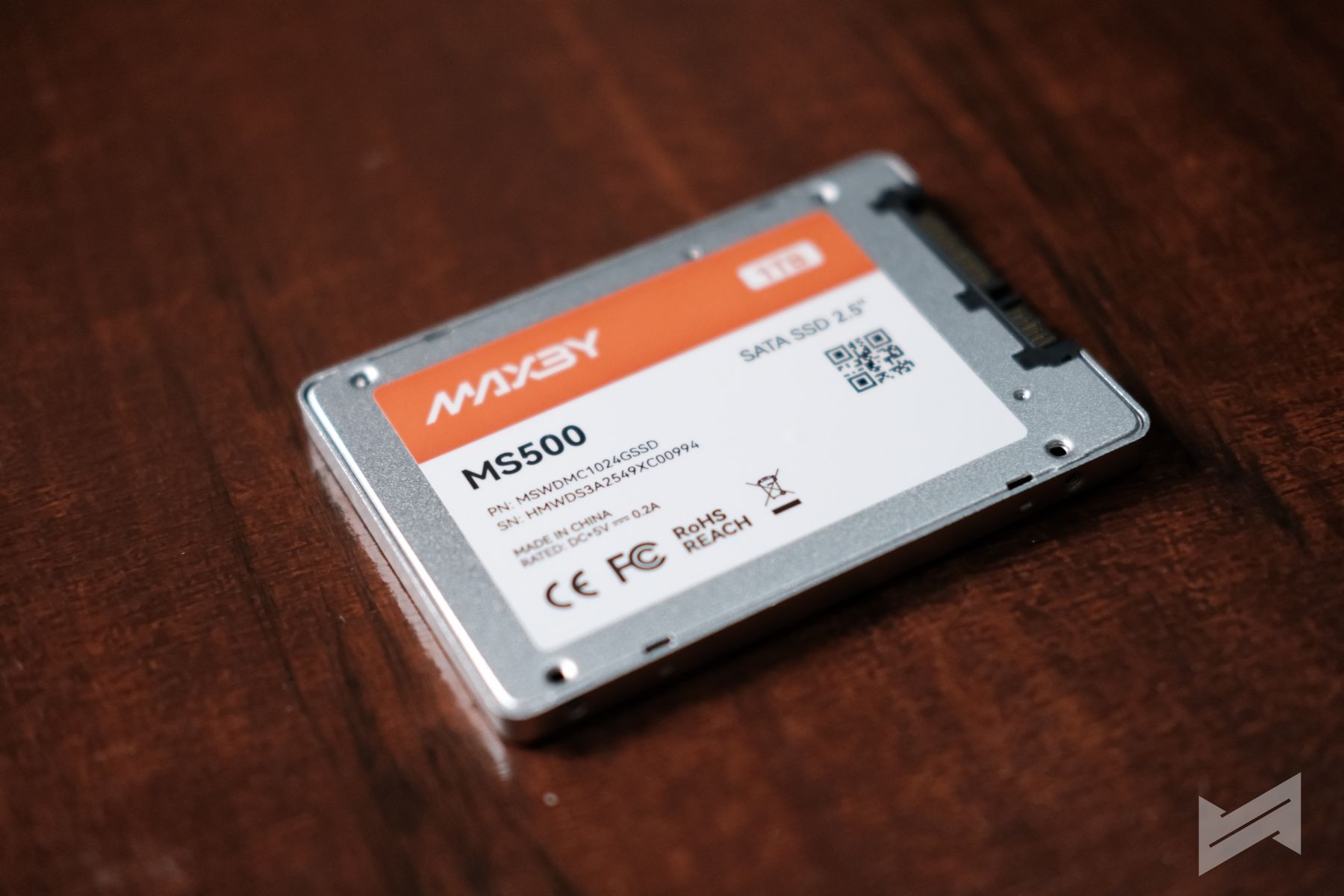
Ultimately, the MAXBY MS500 is a workhorse that maximizes the hardware you already own. It connects to the SATA ports likely sitting empty on your motherboard right now, allowing you to add terabytes of silent, fast storage without paying the “early adopter tax” of newer formats. Whether you are building a massive game library or creating a rugged drive for travel, the MS500 offers the perfect middle ground: faster than a hard drive, cheaper than a flagship SSD, and reliable enough for everyday life.
We ran the MAXBY MS500 through our standard benchmark suite on a Ryzen 9 5900X system to verify its performance in a desktop environment.
Quick Specs:
- Interface: SATA 3.0 (Best for Desktop Storage Expansion)
- Capacity Tested: 1TB
- Ideal For: Game Library, DIY External Drive, Desktop Secondary Storage
Performance Overview:
The drive maximizes the reliable SATA interface, ensuring consistent transfer speeds for large media collections and game files.
| Activity | Speed / Result | Real-World Impact |
| Sequential Read | 543 MB/s | Fast access for media and game loading. |
| Sequential Write | 463 MB/s | Quick backup for projects and large folders. |
| Large File Copy | ~13 Seconds | Time to copy a 10GB Movie/ISO file. |
| Game Copy | ~46 Seconds | Time to copy a 10GB Game folder. |
Note: In our testing, the drive performed best with large, continuous files (like videos and game archives), confirming its role as an excellent choice for a dedicated media or game storage drive.
If you prefer technical specs and performance drilldown (including benchmarks), check out our full review of the MAXBY MS500.

Founded in 2009 by Gian Viterbo, Gadget Pilipinas is one of Philippines’ top sources for news, tutorials, reviews and tips about the latest trends in technology, gadgets, games, social and digital media and cyber culture.

Gadget Pilipinas
Founded in 2009 by Gian Viterbo, Gadget Pilipinas is one of Philippines’ top sources for news, tutorials, reviews and tips about the latest trends in technology, gadgets, games, social and digital media and cyber culture.
View all articles →