












The Samsung Galaxy Tab S10 Lite was introduced as an affordable variant in its flagship tablet series at just PHP 19,990.
The Galaxy tablet is designed for everyday users who want a flexible device that can be used for productivity, entertainment, and everything in between without the heft and price of a laptop.
Here are some of the highlights of the Galaxy Tab S10 Lite that help you stay productive on the go.
Samsung Galaxy Tab S10 Lite Features

As a refresher, the Samsung Galaxy Tab S10 Lite is built around a 10.9-inch WUXGA+ TFT LCD panel with a 90Hz refresh rate. This, coupled with its 6.6mm thin body, allows for a very portable device.

The new best-value tablet is powered by the 5nm Samsung Exynos 1380 chipset coupled with 6GB RAM and 128GB storage, expandable up to 2TB via a microSD card.
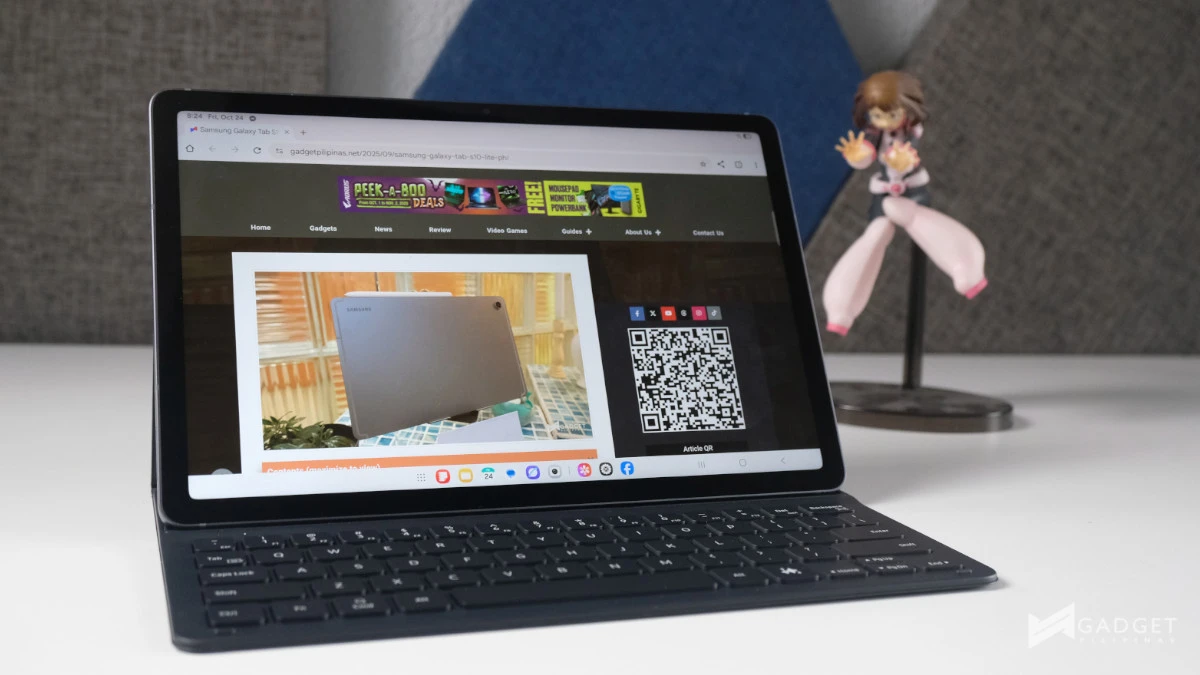
Other features include an 8000mAh battery, an 8MP rear camera, and a 5MP sensor, which you can use for video calls.
Samsung Notes App
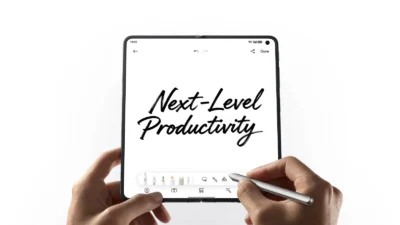
The Samsung Galaxy Tab S10 Lite features Samsung Notes, which you can use to jot down notes with the S Pen, draft documents, or sketch your ideas.

If you choose to keep your notes purely handwritten, for meetings or classes, the app boasts Handwriting Help, which can keep your notes tidy by aligning your letters and words as well as fixing the letter shapes. Perfect for instances when you need to share your notes with friends or colleagues.

This article was purely written on the Samsung Notes app before being transferred to our website. I did a good mix of typing this out and using the handwriting-to-text tool. The latter did a decent job of understanding what I wrote with the S Pen and converted it into text.

Additionally, the Samsung Notes app has a Solve Math feature that automatically solves quick equations. The Galaxy AI-powered feature helps you with quick math on the fly or just keeps your math skills polished.
Galaxy AI Tools
The Samsung Galaxy Tab S10 Lite benefits from being a Galaxy device, despite its Lite moniker, by sharing Galaxy AI features.
This includes features like Object Eraser, which can easily clean up your photos by removing distractions and photobombers. This comes in handy when you want to focus on a specific subject while editing photos at tourist spots. I used it to clean up my photo with Mayon Volcano in Albay, Bicol, and other older pictures with unwanted crowds.

In addition, you also get to enjoy one of the most popular Galaxy AI features, Circle to Search with Google. It allows you to look up information about anything on your screen instantly, ideal for identifying places, items, or landmarks while browsing or planning a trip.
You won’t have to spend extra. The Galaxy Tab comes with a free S Pen, delivering excellent value for money while giving you the precision needed to make more accurate selections, ensuring that even the small details you’ve wanted to remove are gone.
This is perfect for those who are looking to share more polished photos on their social media accounts.
Other Productivity Apps and Accessories on the Go
The Samsung Galaxy Tab S10 Lite also comes with other creativity and productivity apps out of the box, such as Goodnotes, Notion, Sketchbook, Arcsite, and more.
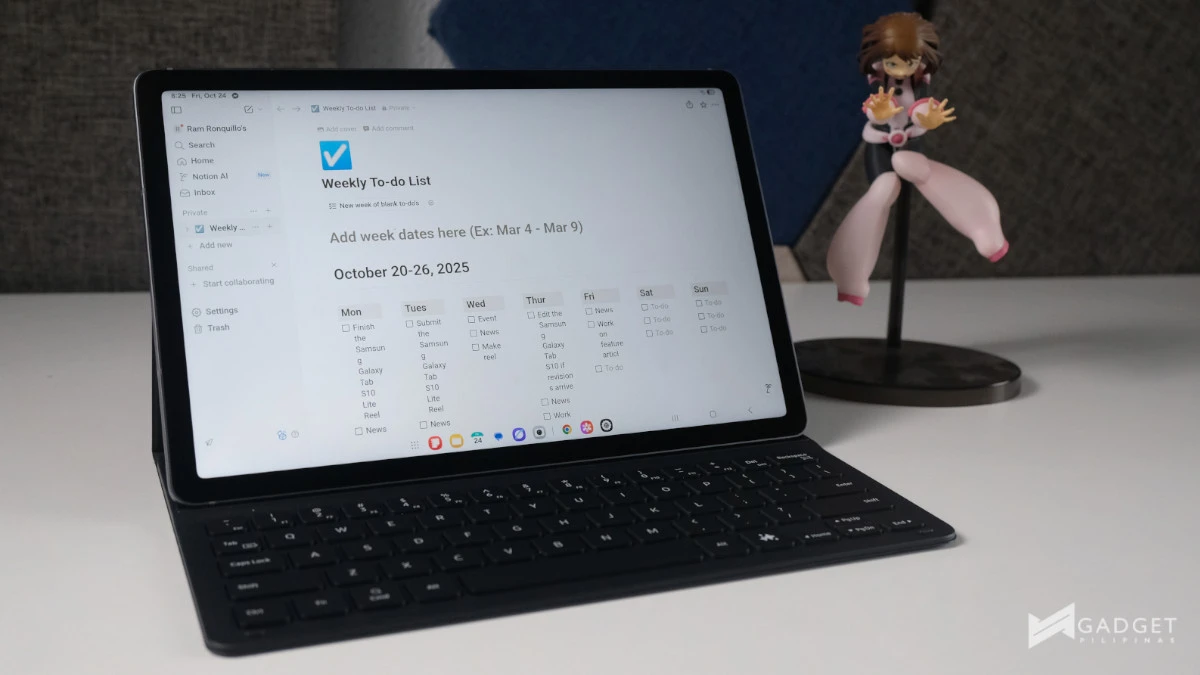
We’ve used Notion quite heavily for work, and having it ready to go upon boot is a nice touch.
Additionally, Samsung prepared a variety of accessories to help you keep on top of work or school. These include the Book Cover Keyboard and Keyboard Slim, helping those who do a lot of typing on the go.
Both keyboard covers feature a Galaxy AI key, providing an easier way to access your favorite smart assistant features. In my case, the Galaxy AI key was perfect for doing quick fact checks for my articles and scripts.

Meanwhile, for purely protective uses, there’s the Smart Book Cover and Anti-Reflecting Screen Protector. The latter would be perfect for those of you who look to use the Galaxy Tab S10 Lite mostly outdoors.
If you’ve been looking for a tablet to help your productivity while you’re on the go, the Samsung Galaxy Tab S10 Lite can definitely help you stay on top of everything. From writing, catching up, or practicing math, editing videos on the go, and even keeping yourself entertained.
The Galaxy Tab S10 Lite is now available in the Philippines for PHP 19,990 for 8GB RAM and 128GB storage. You can get it via the official Samsung online store and authorized resellers.

Ram Ronquillo
Ram found his love and appreciation for writing in 2015 having started in the gaming and esports sphere for GG Network. He would then transition to focus more on the world of tech which has also began his journey into learning more about this world. That said though, he still has the mentality of "as long as it works" for his personal gadgets.
View all articles →