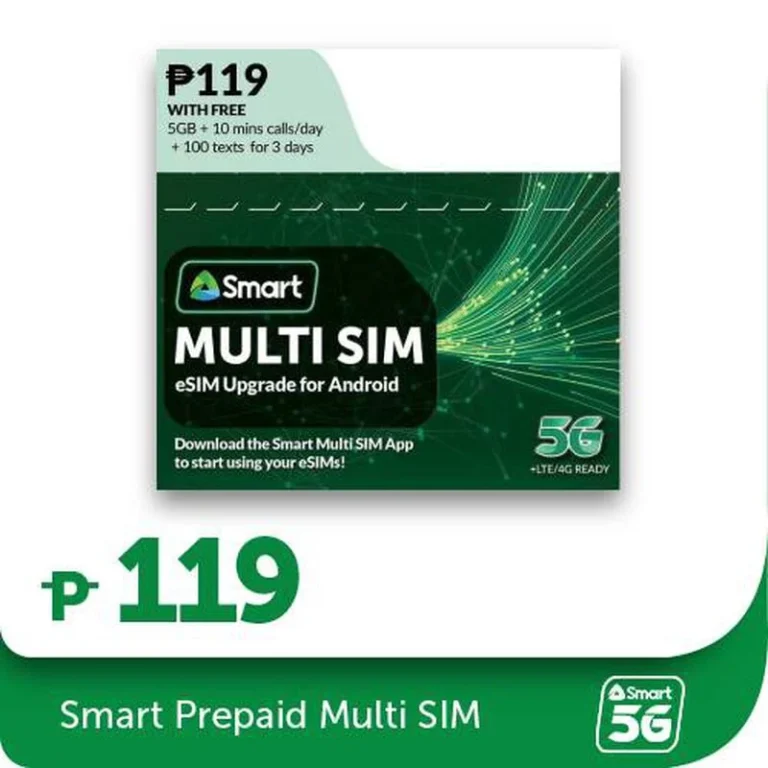
Smart Communications has introduced an innovative solution for Android users looking to embrace the world of eSIMs.
Smart Prepaid Multi-SIM for Android
The new Smart Prepaid Multi-SIM, priced at just PHP 119, is a physical SIM card designed to transform a compatible Android device into an eSIM-capable phone.
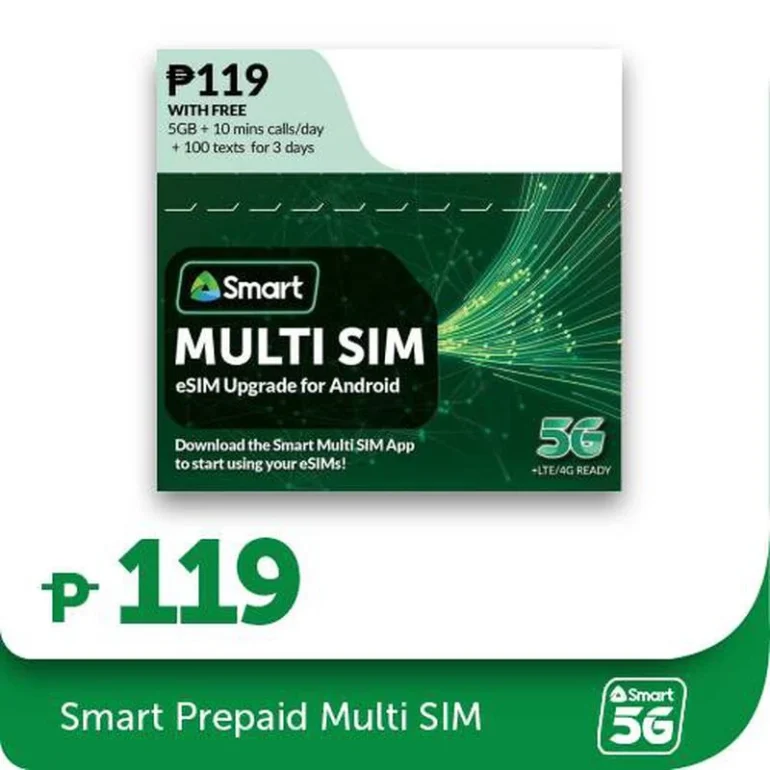
This new product allows users to manage up to five different eSIMs through a dedicated Multi-SIM App, which must be downloaded from the Google Play Store to check for device compatibility.
Once the physical Multi-SIM is inserted and activated online, users can begin scanning eSIM QR codes via the app, offering a flexible and convenient way to switch between multiple mobile numbers and data plans.

Each Multi-SIM kit comes with a 3-day validity bundle, which includes 5 GB of data, 100 SMS, and 10 minutes of calls per day, providing a robust starting package for new users.
How to set up your Multi-SIM
- Insert your Multi-SIM in your Android device and register HERE.
- Download the Smart Multi-SIM app to start using your eSIMs.
- Buy your Smart Prepaid e-SIMs and scan them via the app.
- You may register your eSIMs HERE or through the Multi-SIM app.
FAQs
Q: Can you use the Multi-SIM w/o the app?
A: Yes, but you won’t be able to add eSIMs without it.
Q: Can the Multi-SIM be transferred to another device?
A: Yes, it will also transfer all eSIM profiles with it and will automatically set the last active eSIM as your default number.
Q: Can you use International eSIMs?
A: Yes, you may use international eSIMs via the Multi-SIM app.
Q: Where can you download the app?
A: You can download it via the Google Play Store under the name “Smart Multi SIM App”.
Q: Do you need to register your added eSIMs?
A: Yes, you are required to register to use them. For Smart Prepaid or TNT eSIM QR, click HERE to register. For non-Smart eSIMS, visit the provider’s website for registration procedures.

Miguel Palispis
Started his freelancing adventure in 2018 and began doing freelance Audio Engineering work and then started freelance writing a few years later. Currently he writes for Gadget Pilipinas and Grit.PH. He is also a musician, foody, gamer, and PC enthusiast.
View all articles →Related News
 Kris Aquino is Back as Queen of All Shopee

 AI Boom Threatens the Future of Budget Smartphones