


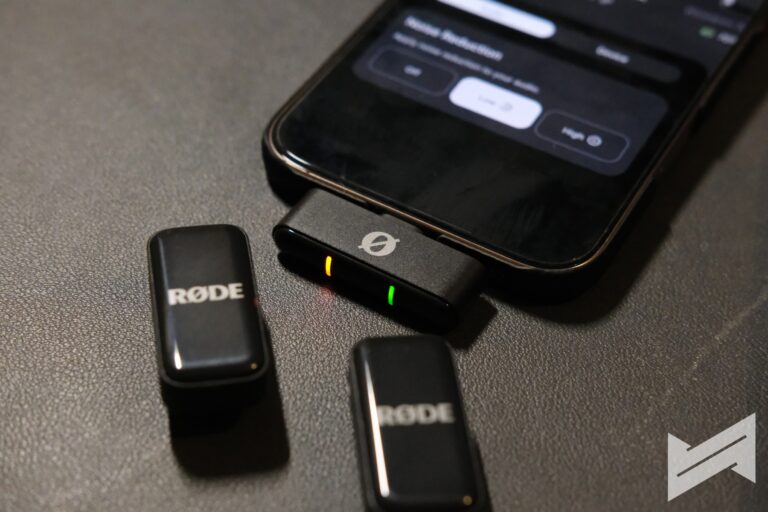
RODE Wireless Micro – Small in Size, Big in Performance
We always find RODE as the penultimate brand when it comes to audio recording solutions. From big audio recording studios to small content production team, RODE has always exceeded expectations when it comes to quality.
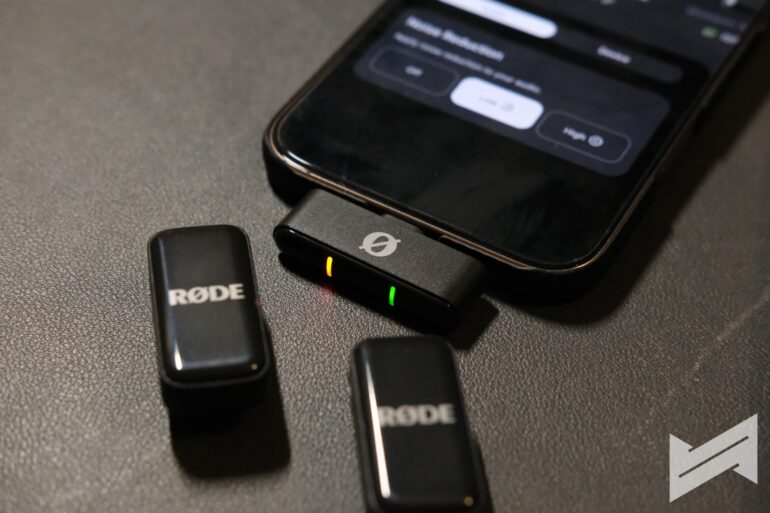
As a small production team with a respectable pool of content creators, we believe that the RODE Wireless Micro is one of the best small form factor recording tool for us. From its small and light build to its impressive recording quality, it’s clearly one of the better choices around. In the Philippines, you can get it for around ₱6,990, which makes it an accessible choice for creators who want to step up their sound.
Hardware Specifications
Here’s a quick look at the specs, so you get the full picture:
| Feature | Details |
|---|---|
| Transmitters | 2x Clip-On, Built-in Mic |
| Receiver | Plug-in USB-C or Lightning, Internal Antenna |
| Range | Up to 100m (328ft), line of sight |
| Frequency Response | 20Hz – 20kHz |
| Max Input Level | 135dB SPL |
| Battery Life | Up to 21 hours (charging case); 7 hours per charge |
| Charging | Case charges mics; USB-C charging |
| Weight | Transmitter: 12g; Receiver: 6g |
| Dimensions | Transmitter: 20×40×17mm; Receiver: 24×9×44mm |
| Connectivity | USB-C, Lightning, Analog (camera receiver option) |
| Polar Pattern | Omnidirectional |
| Extras | Windshields, charging case, all needed cables |
Design and Compatibility
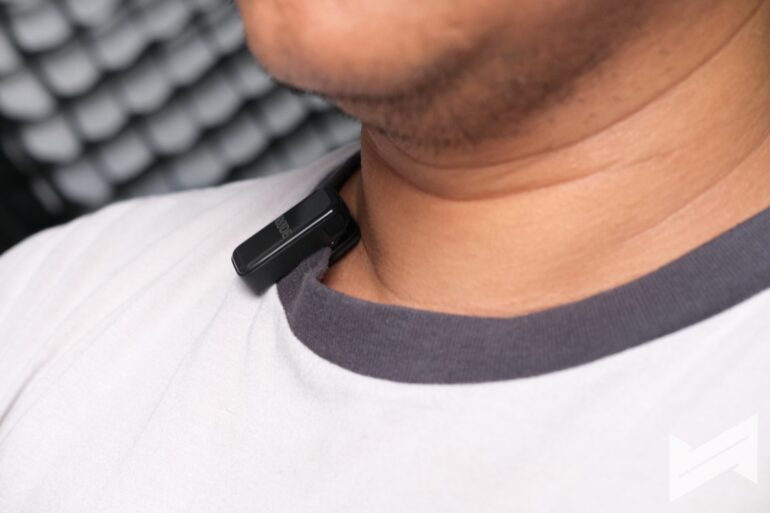
The first thing you’ll notice is just how tiny and light the Wireless Micro is. Each mic/transmitter is about the size of your thumb. The whole kit, charging case included, slips easily into your bag or even a jacket pocket.
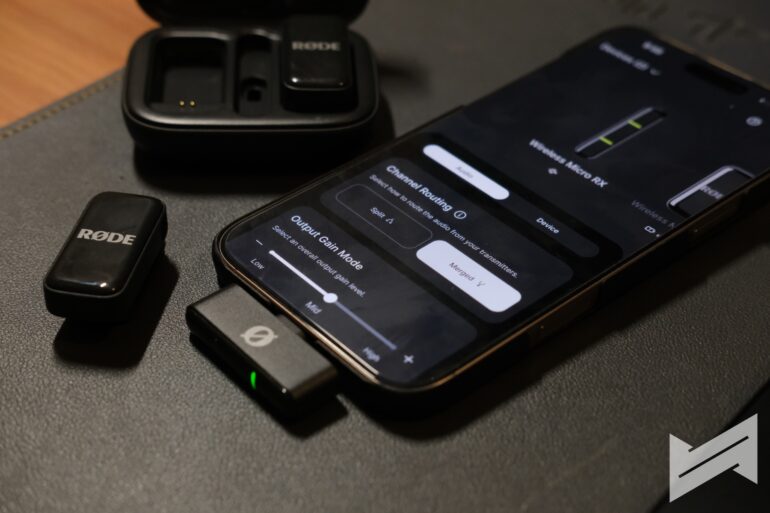
You get versions for USB-C or Lightning (what we got is the USB-C version), so it works out of the box whether you’re on iPhone or Android. Snap the receiver onto your phone, clip the mics where you want, and you’re set. You can also grab an optional camera receiver if you want to record to a DSLR or mirrorless camera. RODE’s recent update even lets you record via Bluetooth directly to your iPhone (with some range and feature limitations).
Sound Recording Quality (Connected to iPhone 16 Pro Max)
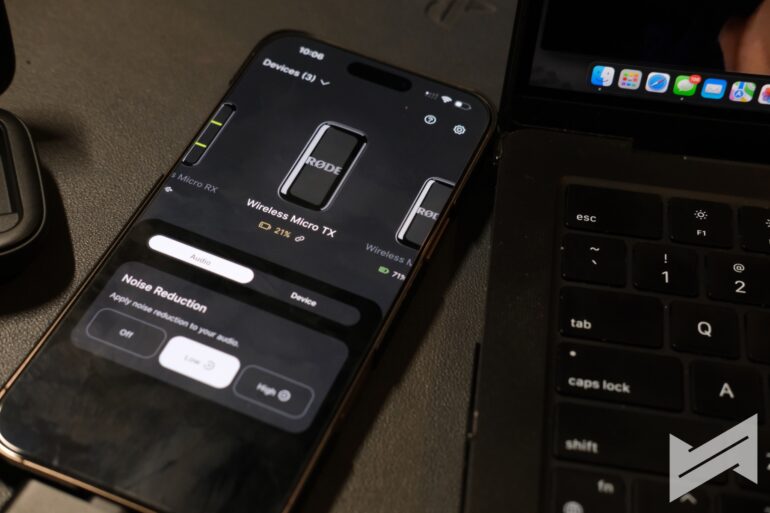
Here’s where it gets interesting. Testing the Wireless Micro with an iPhone 16 Pro Max shows its real strengths and a few weaknesses.
Noise Reduction Off: With no noise reduction, voices sound clear and natural, but you’ll catch background noise—traffic, people, wind, whatever’s nearby. The shape and clarity of your voice are good, but if you’re in a noisy spot, you’ll notice it.
Noise Reduction On – Low: Turn on low noise reduction, and things start to get cleaner. Most steady background sounds (like fans or slight street noise) fade out. Your voice still sounds pretty real, not “processed.” If you’re solo indoors, this is enough.
Noise Reduction On – High: Maxing out noise reduction, almost all background noise disappears, but your voice will sound more artificial. For vlogs or interviews in really noisy spaces, it gets the job done, but people might notice you sound a bit electronic.
Noise Reduction Low – Noise in the background: This setting helps with light noise, but if you’re standing in the middle of a crowd or near busy streets, some background will sneak in. It won’t catch everything.
Noise Reduction High – Noise in the background: This knocks out most noises, but you lose some of the fullness and warmth in your voice. Small bits of “robot voice” can happen if there’s lots of background chaos, though most people watching won’t care.
Plugging the receiver into the iPhone 16 Pro Max is as simple as it gets. No need to fuss with settings—the phone switches to the RODE mic right away.
Here’s a video I recorded on my phone using the RODE Wireless Go as my microphone.
Rode Central for Mac
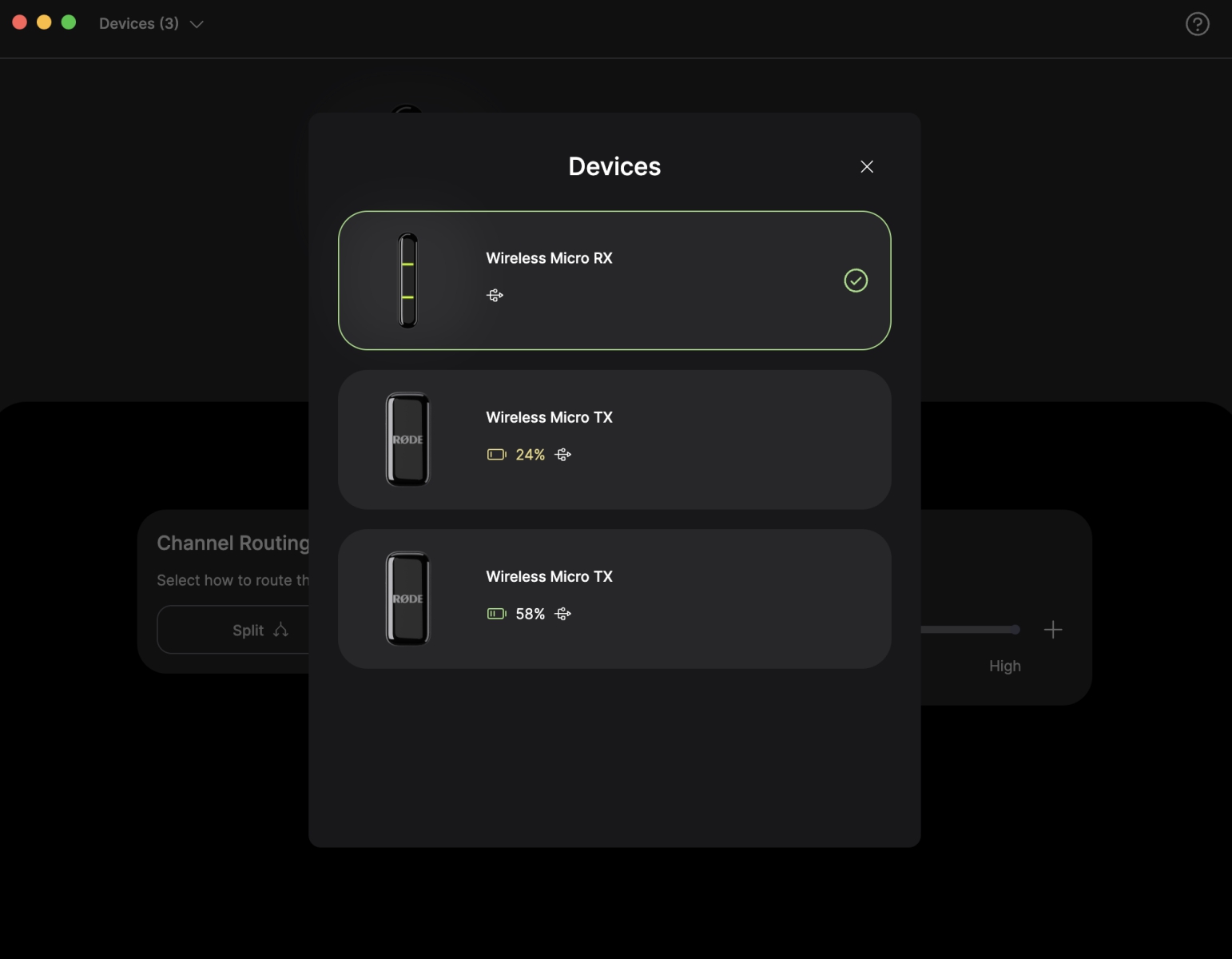
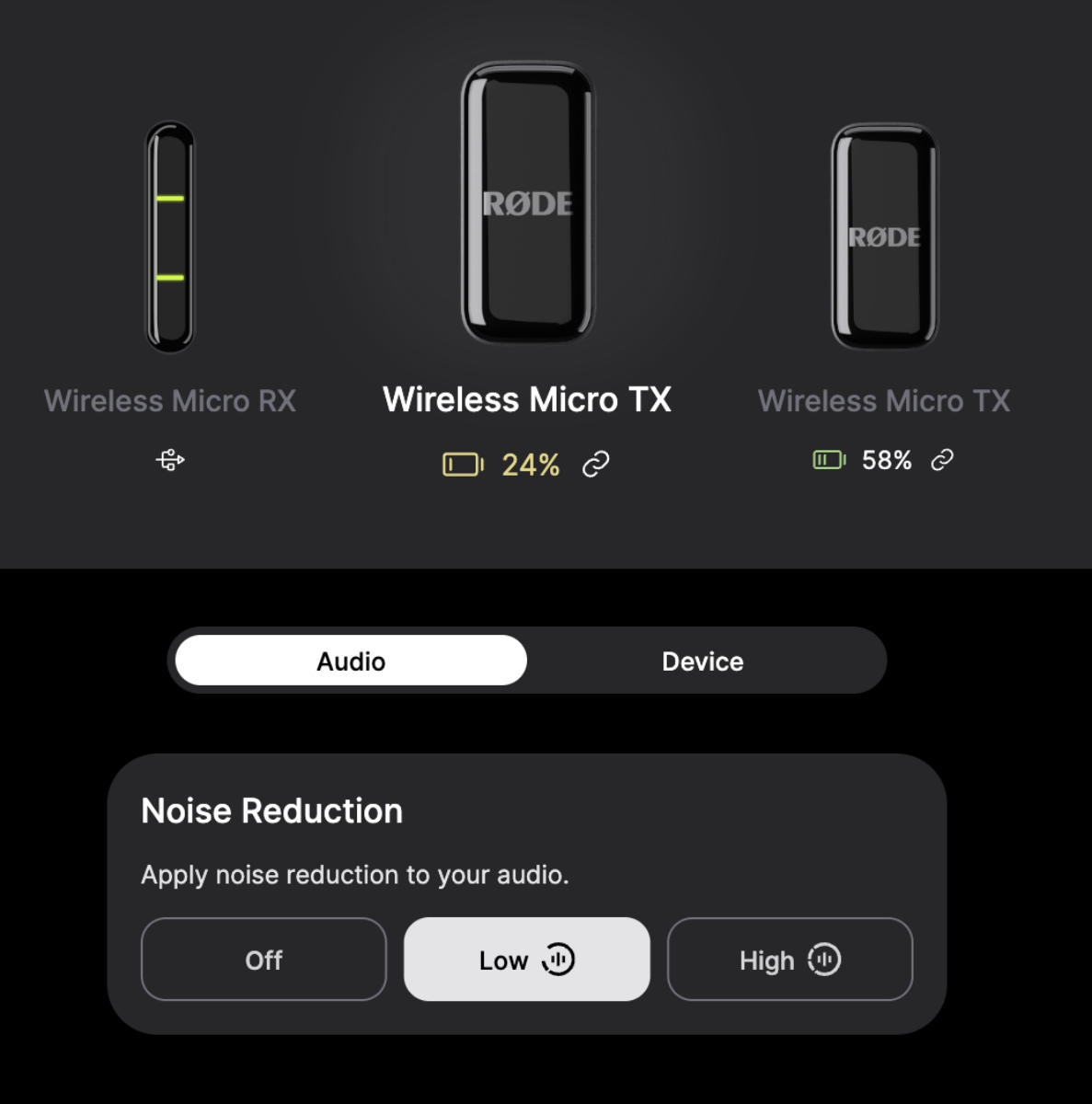
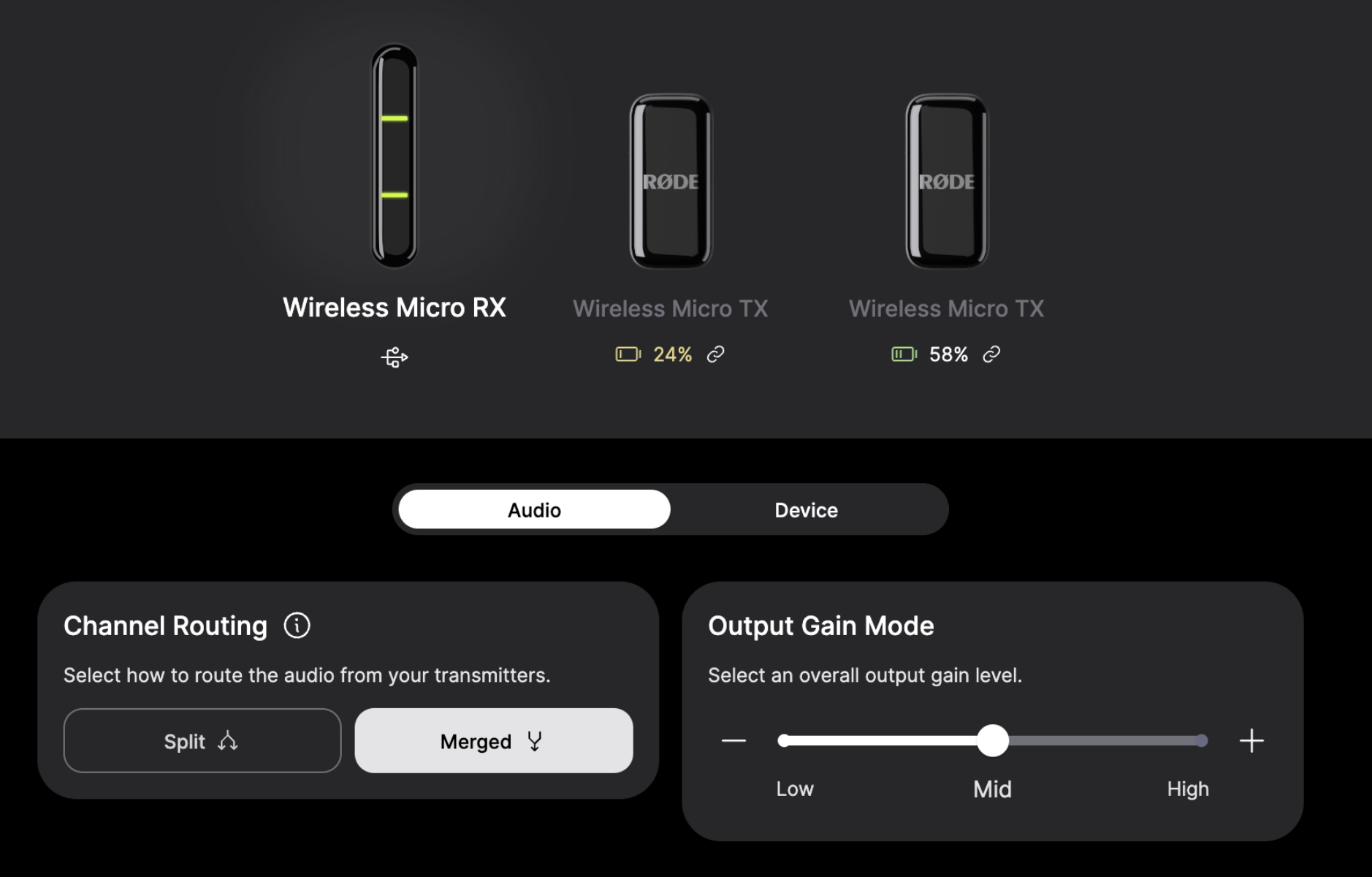
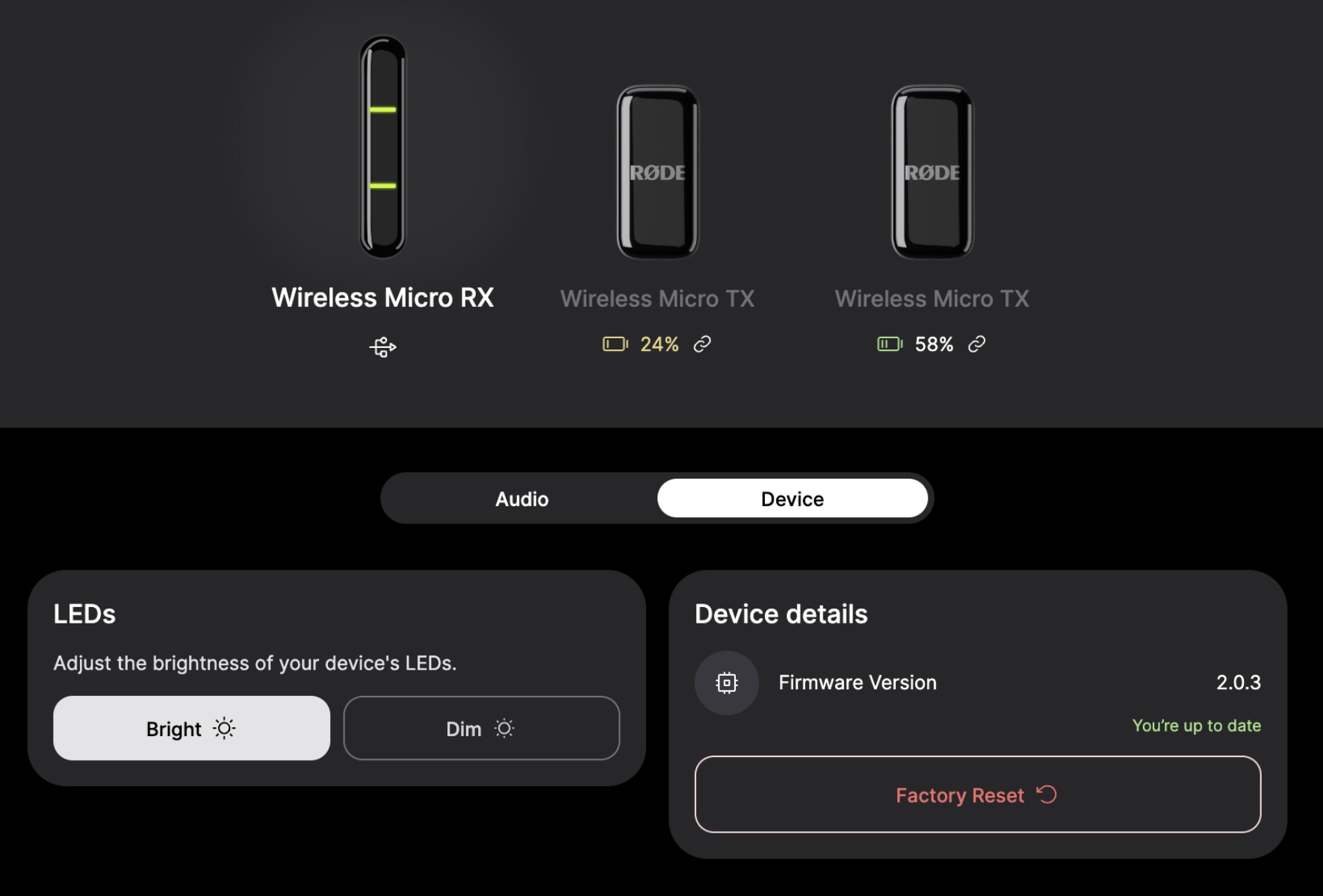
RODE Central is the desktop app for Mac and Windows. It’s the main way to change settings, download firmware, and manage recordings (where supported). The app isn’t fancy, but it gets the job done. Plug your RODE device into your Mac, open the app, and you can adjust gain, update firmware, and tweak some extras. You can’t record directly from the app, but you can set up your mic before a shoot.
Rode Central for iOS and Android
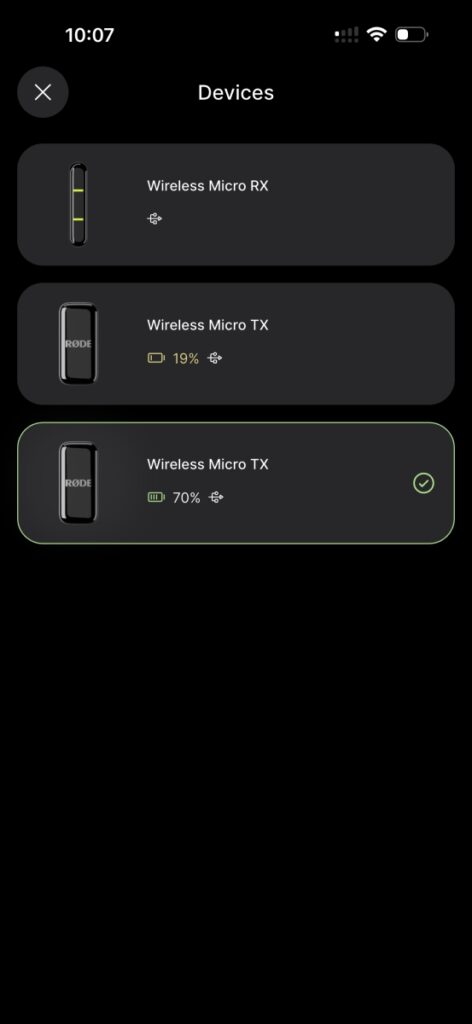
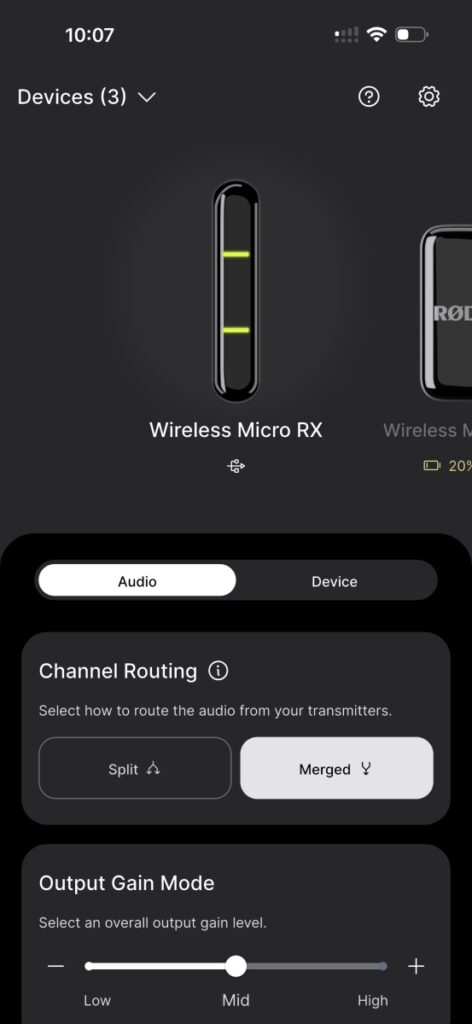
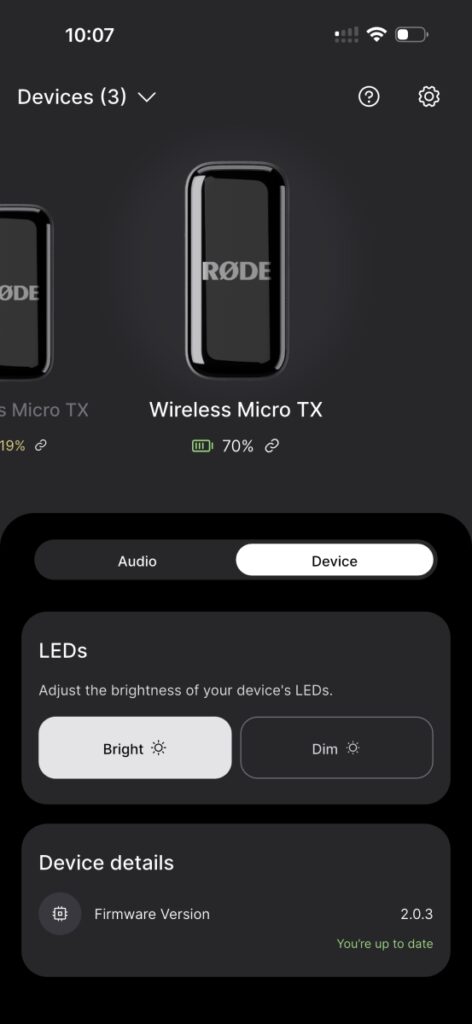
On mobile, the Rode Central app lets you do much of the same: update device firmware, set noise reduction, check battery stats, and control output gain. However, some things are easier to do on desktop. You’ll need to use the provided RODE cables (don’t use just any cable, especially on iPhone—otherwise, the device may not be recognized). Some users wish it let you do more, but for basic setup and gain control, it’s fine.
Limitations
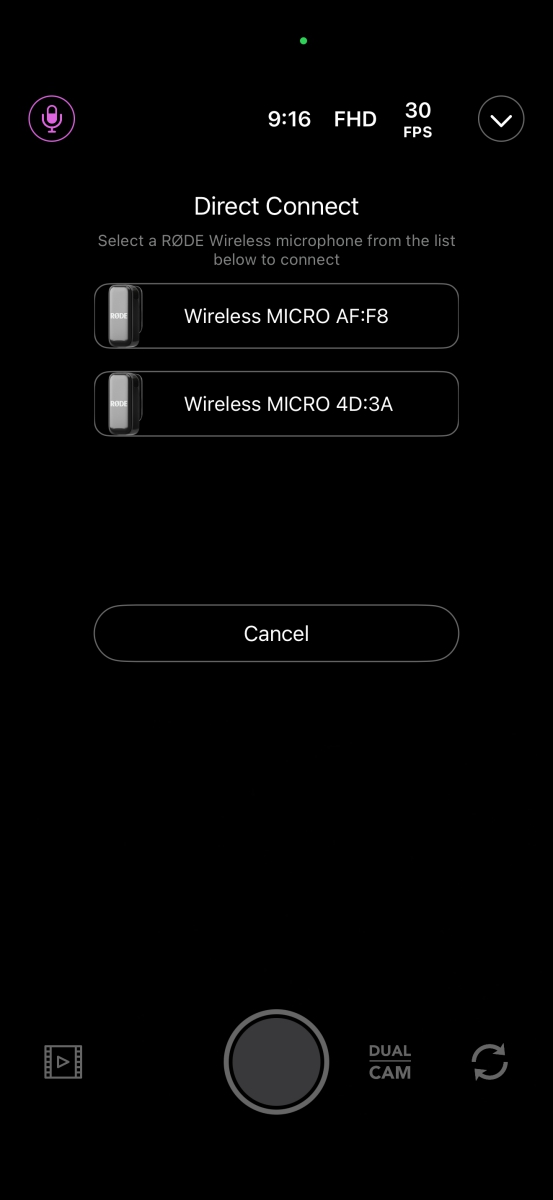
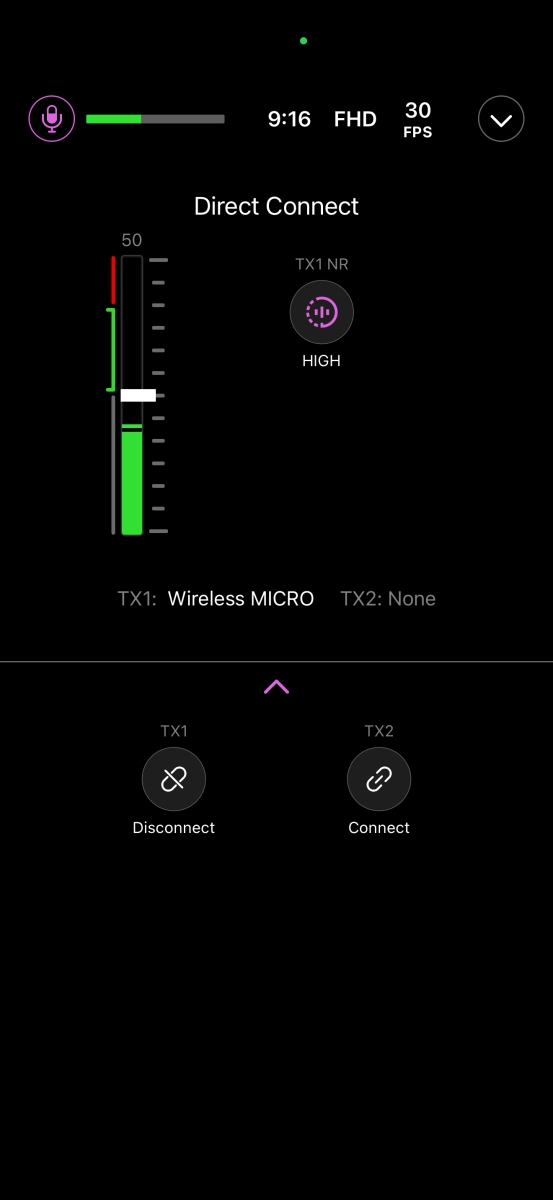
- The Wireless Micro only records through the receiver. You can’t just connect a transmitter directly to a phone via Bluetooth or 3.5mm for full functionality (unless you use the new Direct Connect update, which is iOS-only, records from a single mic, and has a reduced range).
- Direct Connect is an amazing solution that directly uses the transmitter’s Bluetooth capability, which brings better feature to the microphone.
- You can’t plug in an external lavalier mic with 3.5mm into the transmitters on this model—unlike its more expensive siblings.
- No backup recording to the transmitter itself (some higher-end RODE models offer onboard recording, great for redundancy). This means you won’t have alternative data just in case your recording gets cut off in the production process.
- The windshields don’t fit in the charging case, which is annoying—easy to lose them if you’re moving quickly.
- The mobile app is basic. It lets you adjust some settings, but don’t expect a lot of custom controls or fanfare.
- Some minor “pumping” in gain assist if you move your head quickly or there’s lots of changing noise.
Optional Receiver for Cameras
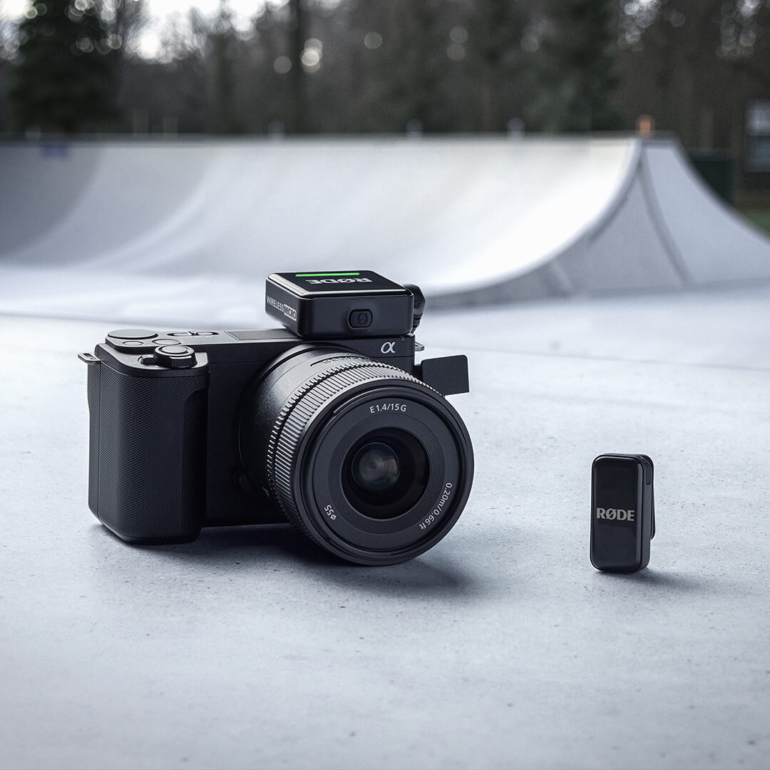
To make this system work with regular cameras, you’ll need the new Camera Receiver. RODE recently made this available as a bonus (sometimes even free for current users, just pay shipping). It plugs into almost any camera with a 3.5mm input and has analog and digital outputs. Setup is super easy—just pair your transmitters and record straight to your camera.
Verdict
The RODE Wireless Micro is not perfect—but it handles what most people need, for a good price. It’s simple, quick, and reliable. Audio is clear and natural, and the noise reduction options help you tailor your sound for the situation. People who shoot lots of video on their phones, host interviews, or record on the move will love how light and fast it is.
It’s not designed for pros who want total control, backup recording, or every audio tweak. The app is basic, and direct-to-camera use means you’ll need the optional receiver. But for most people, this is enough. Audio quality is much better than using just your phone. Plus, the kit’s small size means you’ll never leave it behind.
If you want good audio, value simplicity, and mostly work on your phone or a camera, the RODE Wireless Micro is worth recommending. Just know its limits. You get what you need—clear sound, easy setup, and a pocket-sized kit that always works.

Giancarlo Viterbo is a Filipino Technology Journalist, blogger and Editor of gadgetpilipinas.net, He is also a Geek, Dad and a Husband. He knows a lot about washing the dishes, doing some errands and following instructions from his boss on his day job. Follow him on twitter: @gianviterbo and @gadgetpilipinas.

Giancarlo Viterbo
Giancarlo Viterbo is a Filipino Technology Journalist, blogger and Editor of gadgetpilipinas.net, He is also a Geek, Dad and a Husband. He knows a lot about washing the dishes, doing some errands and following instructions from his boss on his day job. Follow him on twitter: @gianviterbo and @gadgetpilipinas.
View all articles →Related Reviews
 HP Smart Tank 580 Review: Affordable Everyday Printing Without the Cartridge Cycle
 DJI Osmo 360 II Review: A Small Price Bump for a Big Step Forward
 POCO F9 Ultra Review: The Flagship Killer Now Comes With a Subwoofer
 HONOR Magic V6 Review: A Foldable You Can Stop Babying
 Galaxy Z Fold8 Review: The Lightest, Most Usable Fold Samsung Has Built
 Nothing Ear (3a) Review: Effortless Everyday Audio