

Six Smart Modes, and the hardware inside the PhP98,995 convertible that makes each one worth setting up.
The Lenovo Yoga 7i 2-in-1 Aura Edition Smart Modes are not six versions of the same wallpaper, and they are not a marketing label bolted onto a settings menu. Each one rewires part of the machine around a particular kind of work, and the switch takes a single key.
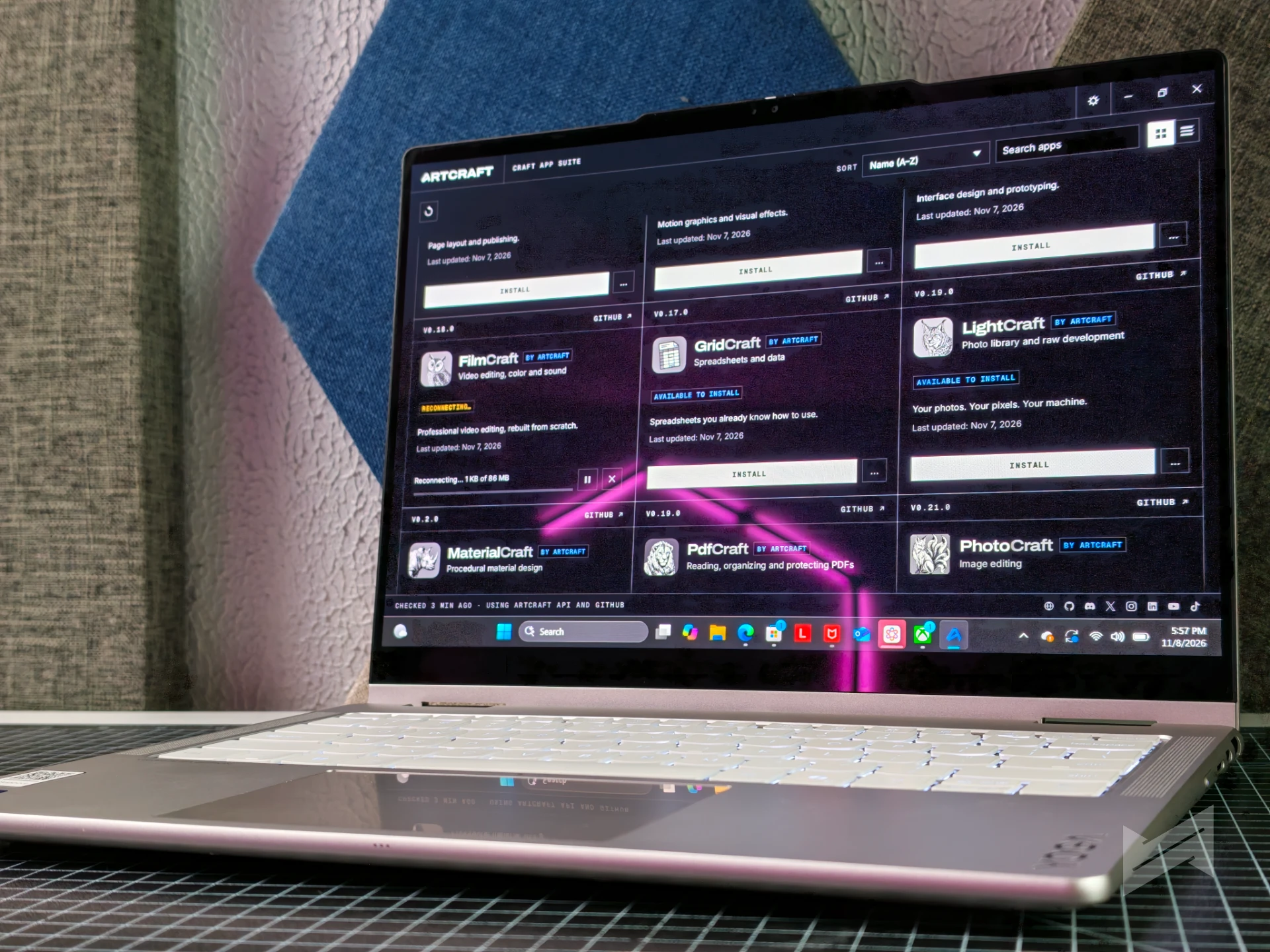
Press F9 and the Aura widget opens with the full set: Working, Gaming, Creating, Entertainment, Meeting, and Learning. The same modes live inside Lenovo Vantage under Device Settings, Modes, where individual behaviors can be adjusted and applied automatically from learned behavior.
The options inside a mode cover items such as VPN connections, attention timers, blocked distracting domains, and noise cancelling.
Working: the mode built around connection
Working suits anyone whose day happens inside other people’s systems, and VPN settings are among the items it manages, which covers the remote employee and the freelancer alike.
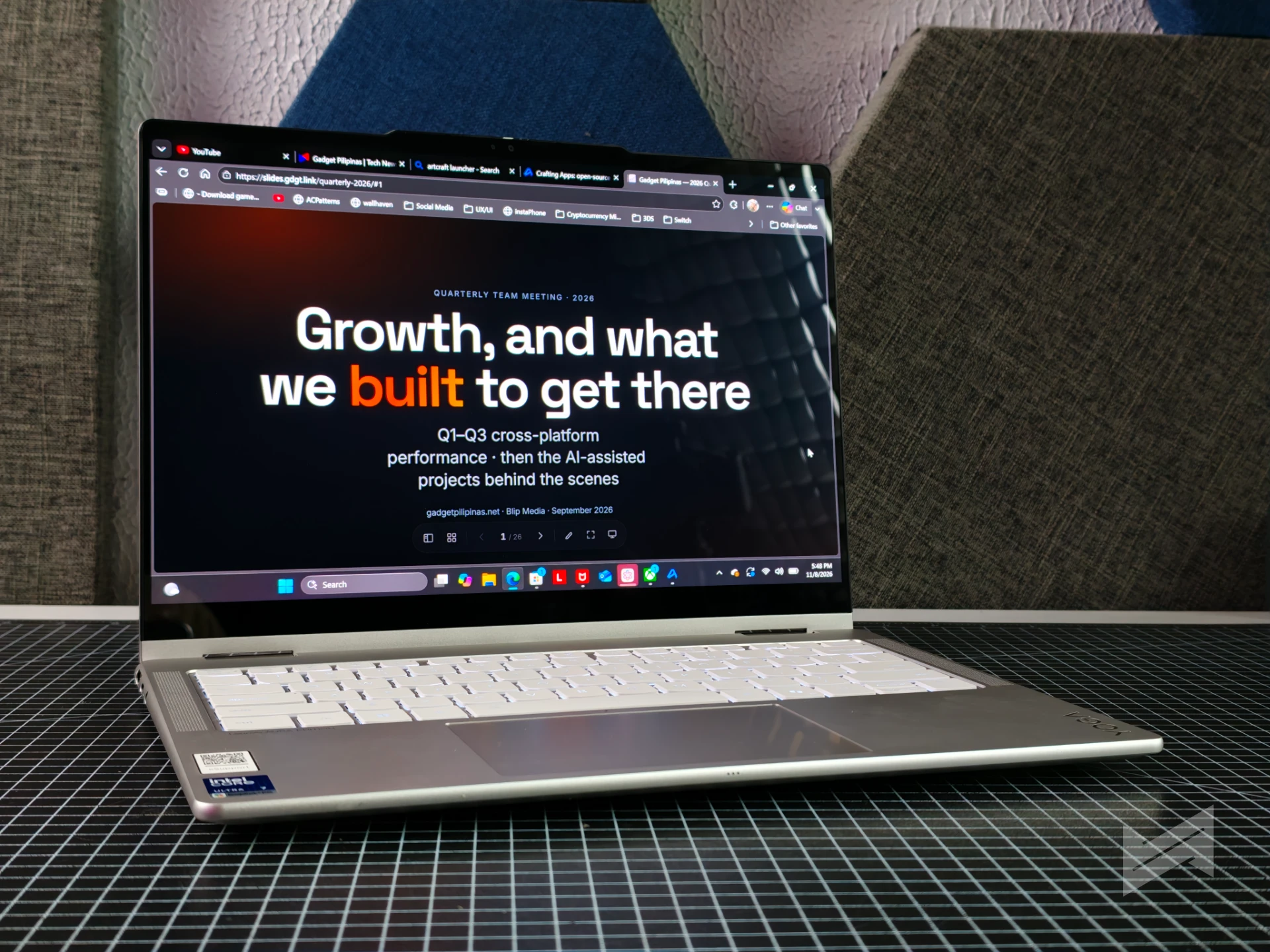
The hardware covers the rest of the shift, starting with an Intel Core Ultra 7 355 processor, 32GB of LPDDR5X-7467 memory, a 1TB PCIe 4.0 SSD, Wi-Fi 7, and Bluetooth 5.4.
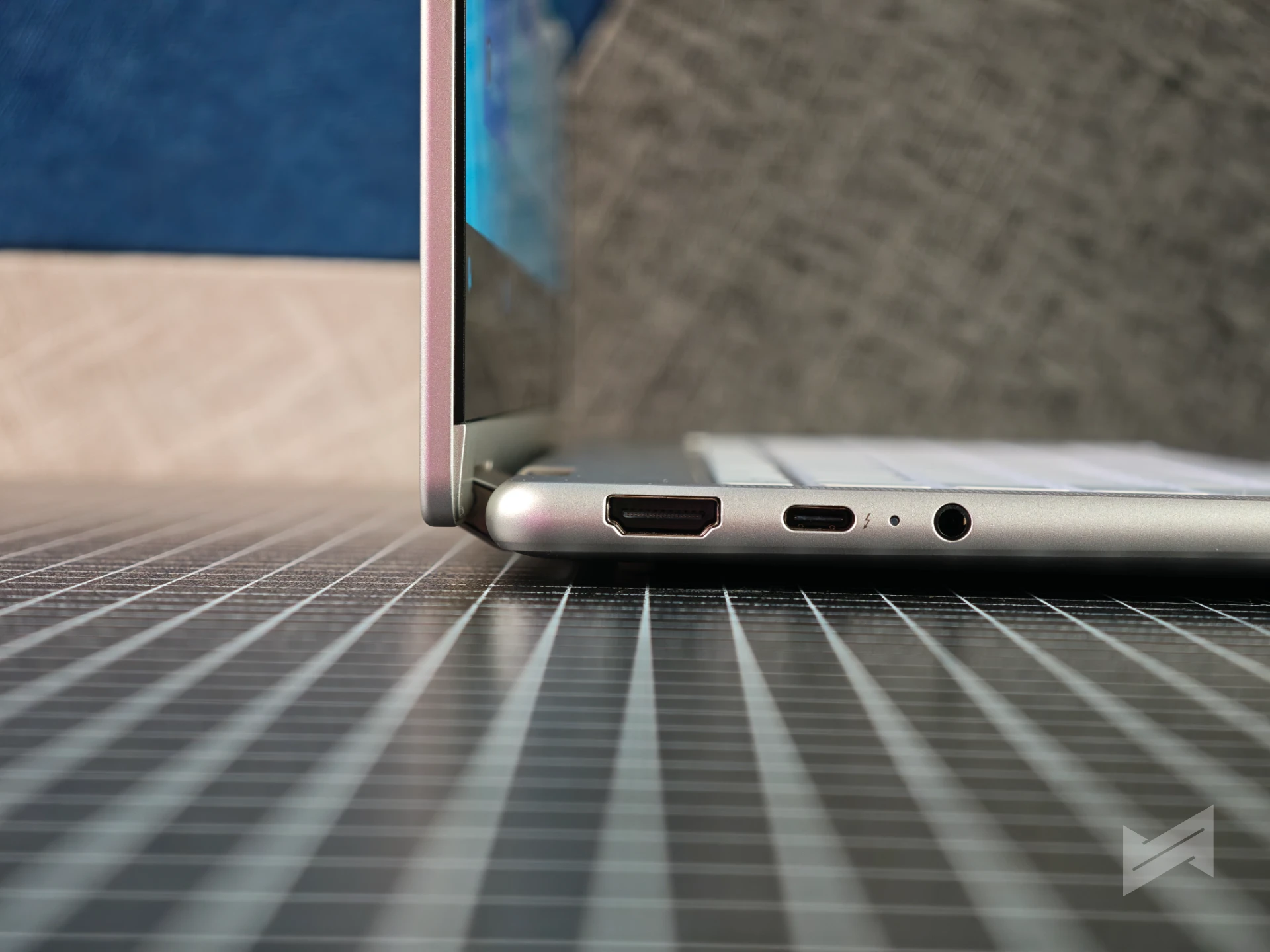
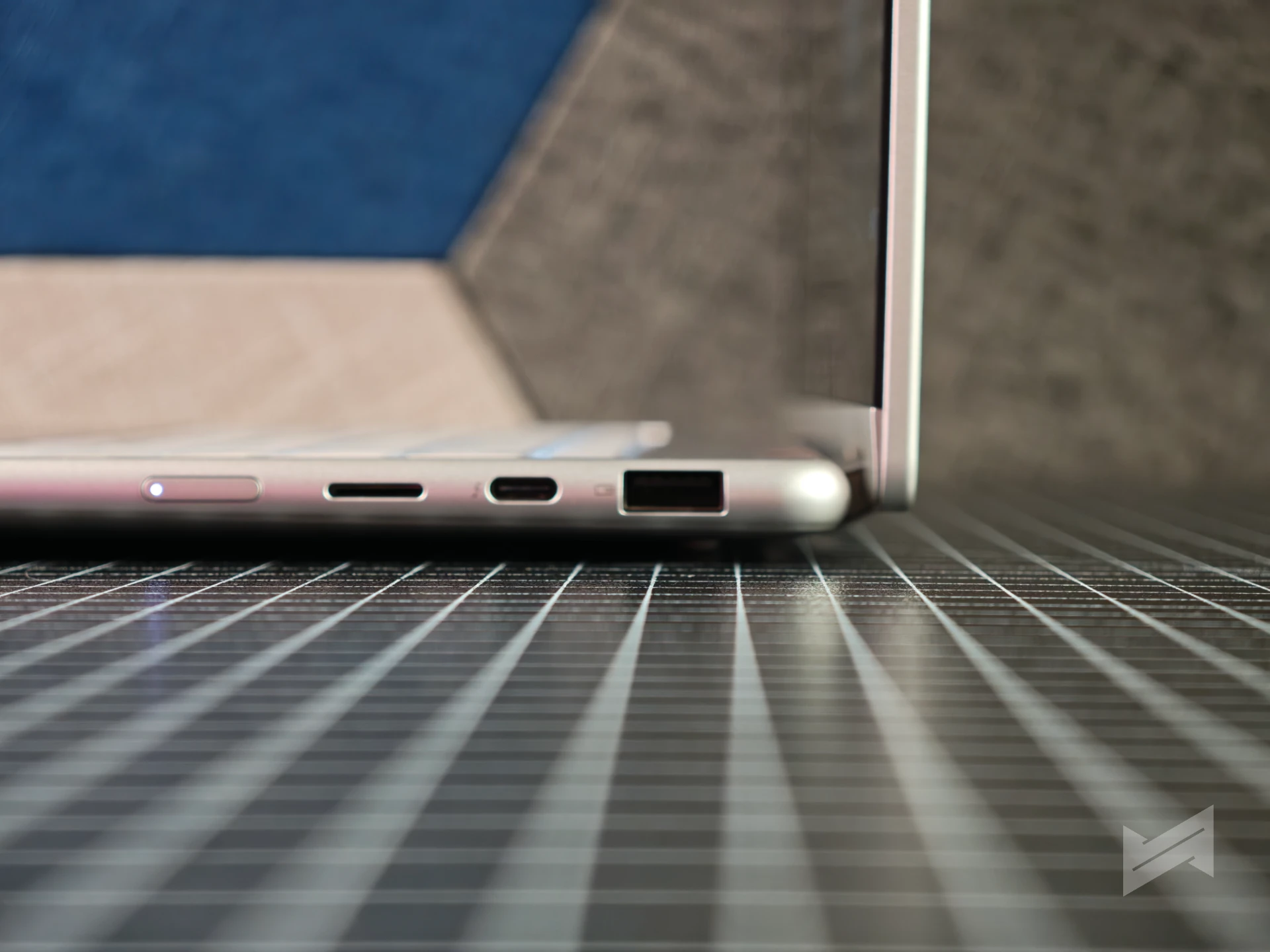
Two Thunderbolt 4 ports, HDMI 2.1, USB-A, a microSD reader, and a 3.5mm combo jack handle the desk side without an adapter.
Gaming: within reason
Gaming mode leans on the power setting inside the Aura widget, where performance can be pushed to its highest state or pulled back for battery life, while attention timers handle the other half of the job.
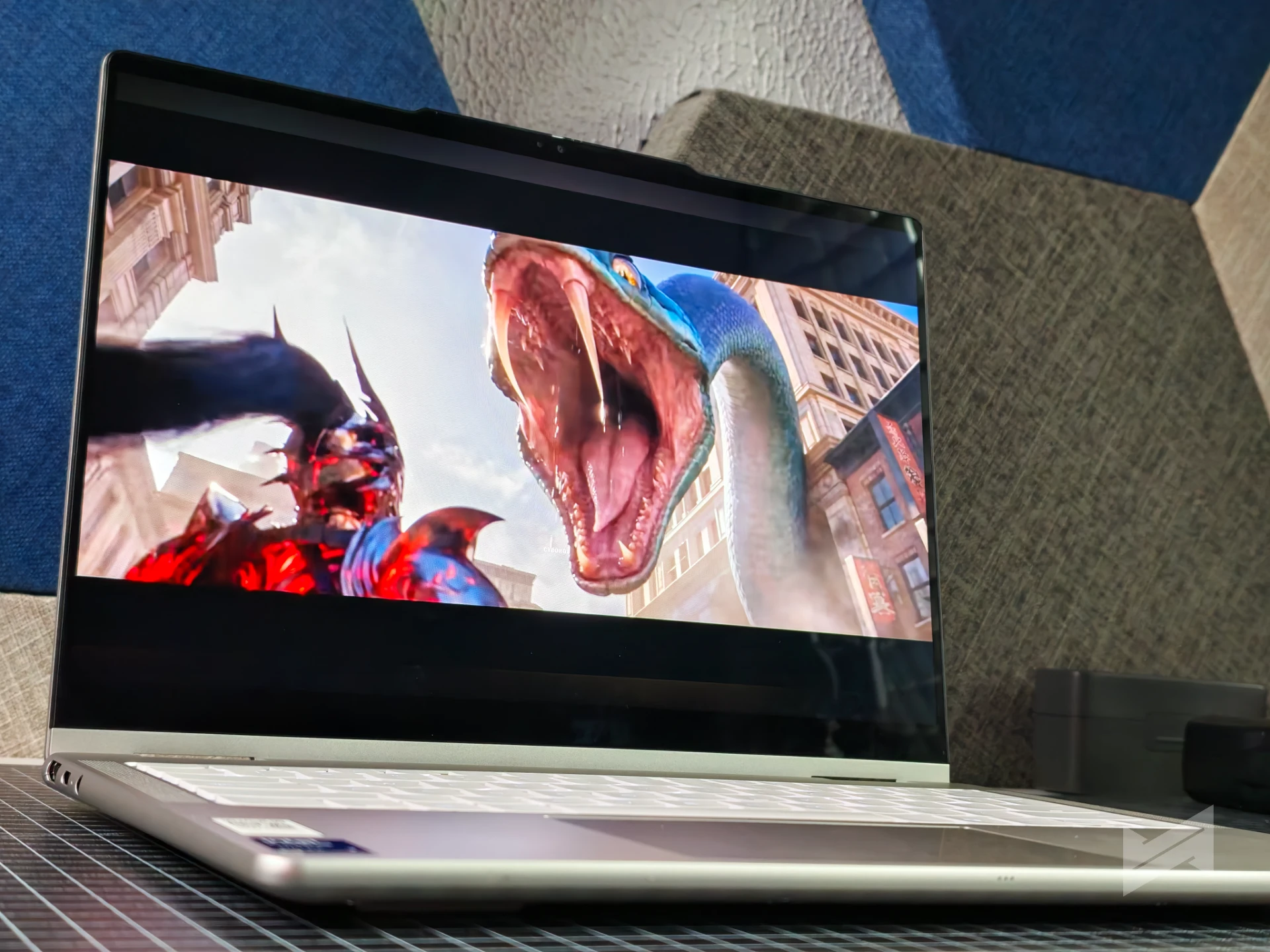
Integrated Intel graphics and the 60Hz OLED panel set the ceiling here, so the mode suits games that fit a thin convertible rather than a desktop replacement.
Creating: where the hinge earns its place
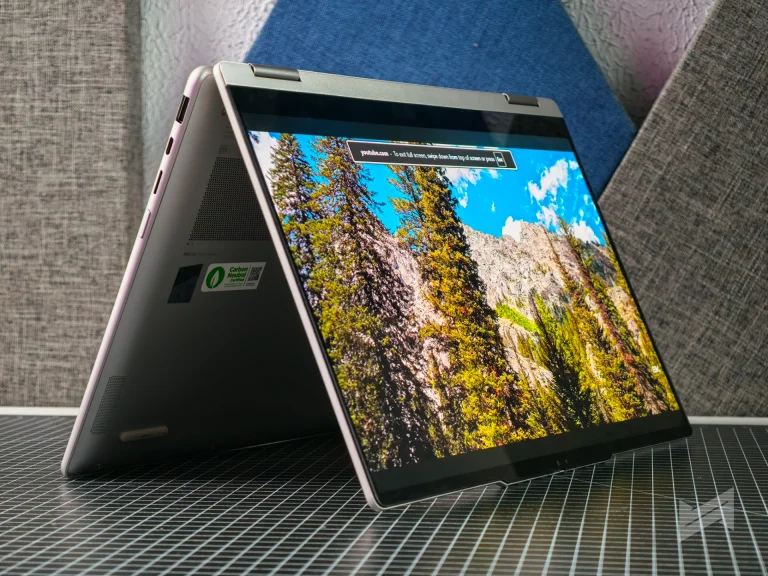
Creating is the mode that uses the whole machine, because the display folds flat for tablet work and the optional Yoga Pen Gen 2 brings AES 3.0 technology with 8,192 levels of pressure sensitivity.
Side buttons on the pen are configured through the Lenovo Pen Settings app, and the pen stores in a case that attaches magnetically to the top cover.
The panel covers 100% DCI-P3 and 100% sRGB, a requirement when color has to survive a handoff to a client.
Entertainment: the sofa configuration
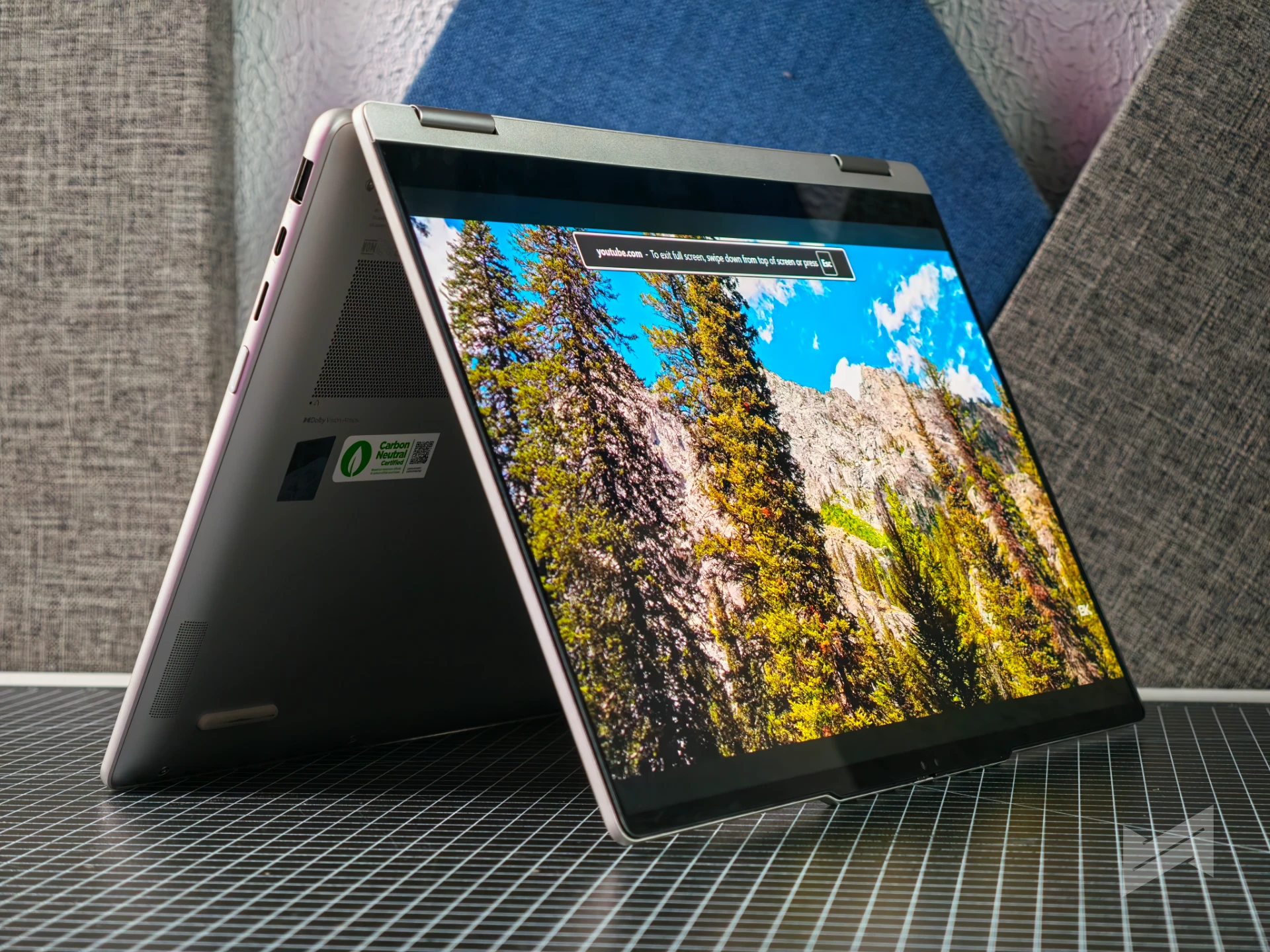
Entertainment mode sets the machine up for long sessions, with the 16:10 OLED display carrying Dolby Vision for the vividness that supported movies are graded for.
Four speakers split into two 2W woofers and two 2W tweeters, all optimized with Dolby Atmos and driven by a Smart Amplifier.
Meeting: camera and microphones first
Meeting mode handles the parts of a call that other people notice first, and noise cancelling is among the settings it manages alongside the camera and microphone hardware.
The 5MP hybrid webcam pairs a visible sensor with an IR sensor and a physical privacy shutter, while a quad-microphone array handles the direction that matters on a conference call.
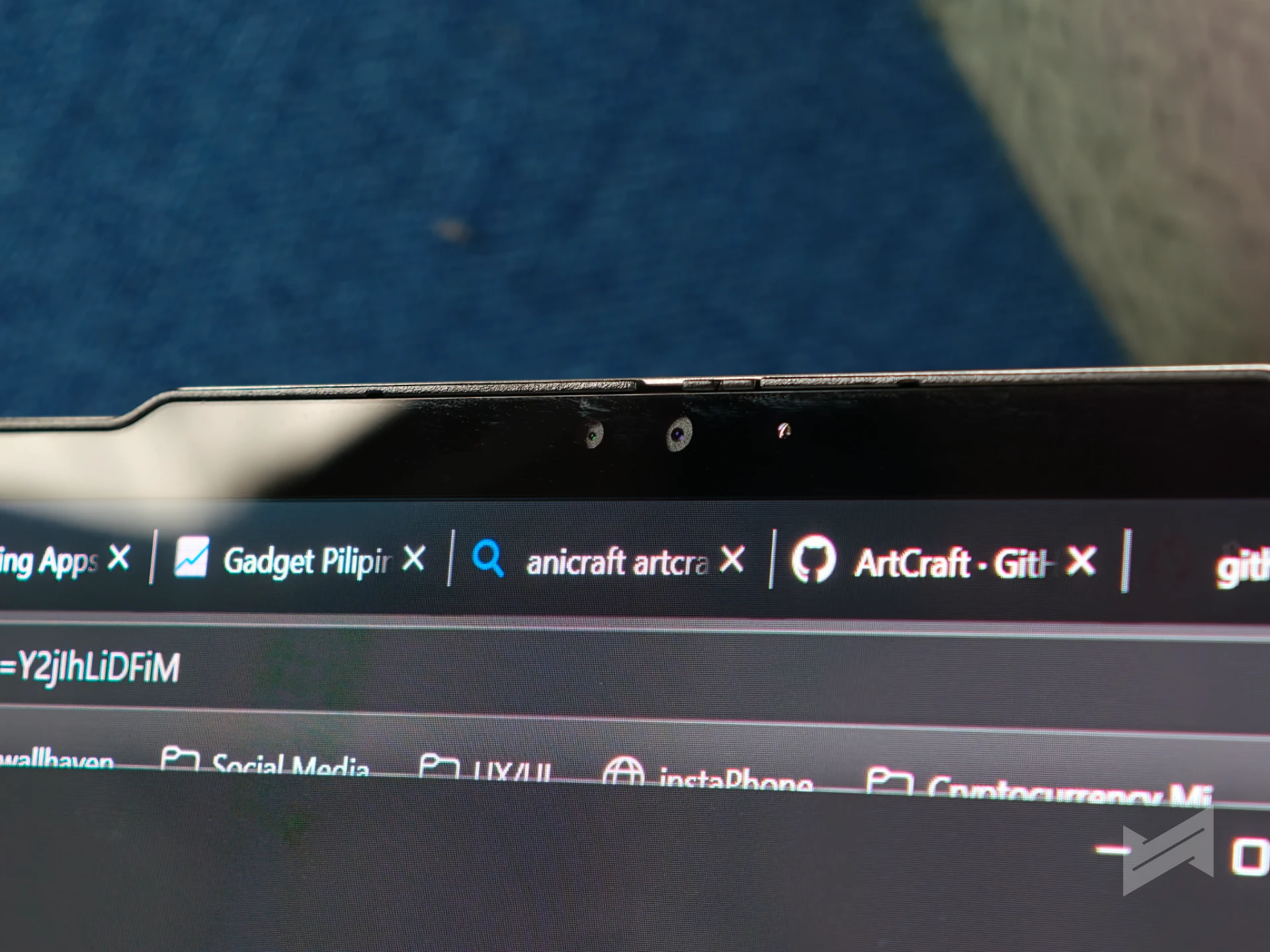
The IR sensor also covers Windows Hello sign-in, which removes the password step between opening the lid and joining a meeting that has already started.
Learning: attention as the feature
Learning mode is built around attention, with timers and blocked distracting domains doing the work for a student moving through a long module at home.
The pen and the low blue light certification from the earlier modes apply here as well. The 70Wh battery with Rapid Charge Express returns three hours of battery life from a 15-minute charge, which covers the walk between classes.
Sharing files and getting support across modes
Two features sit outside the six modes: Tap to Launch syncs a phone gallery after tapping the phone against the left or right edge of the display, with iOS and Android supported through the Smart Connect app.
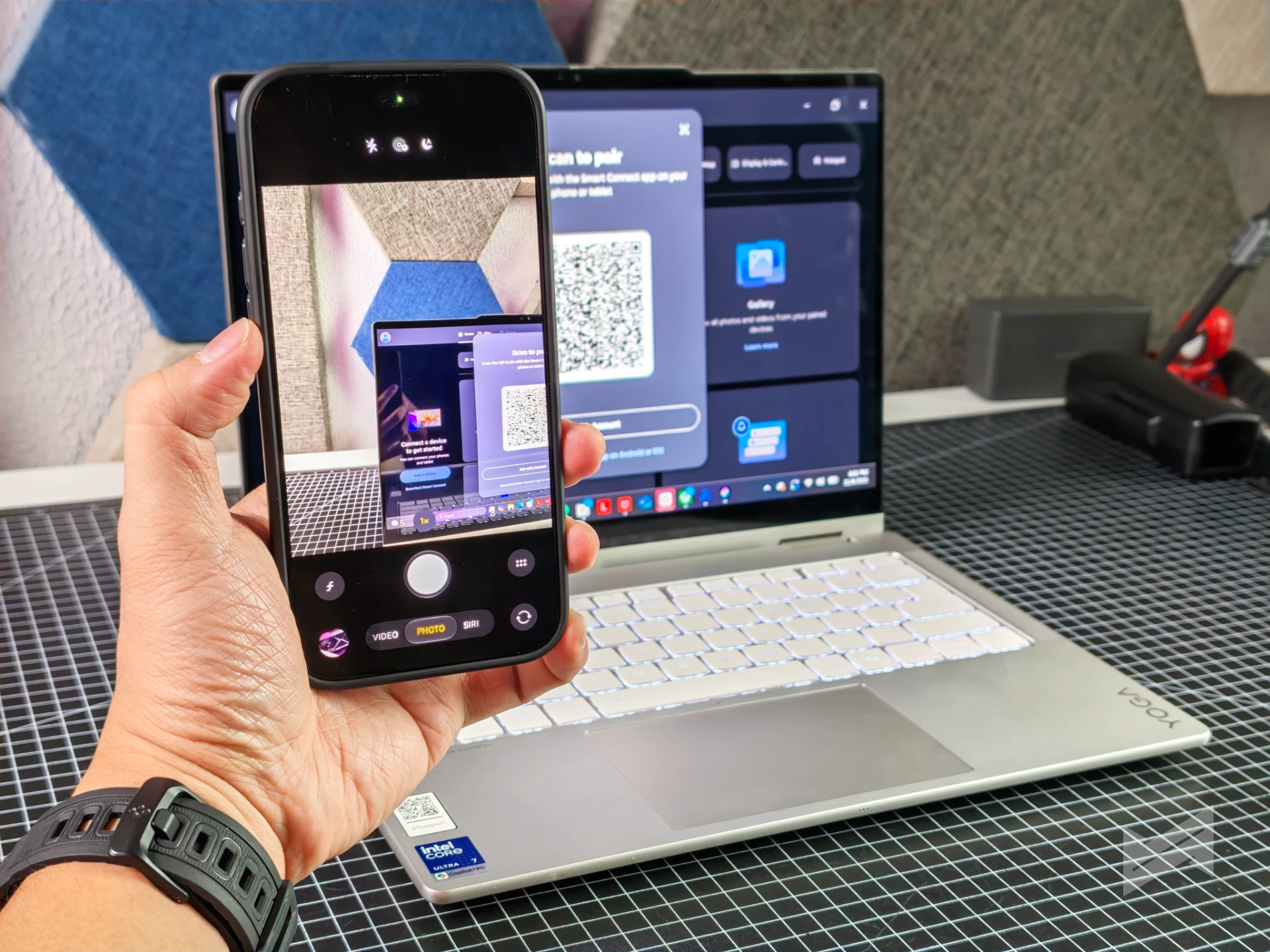
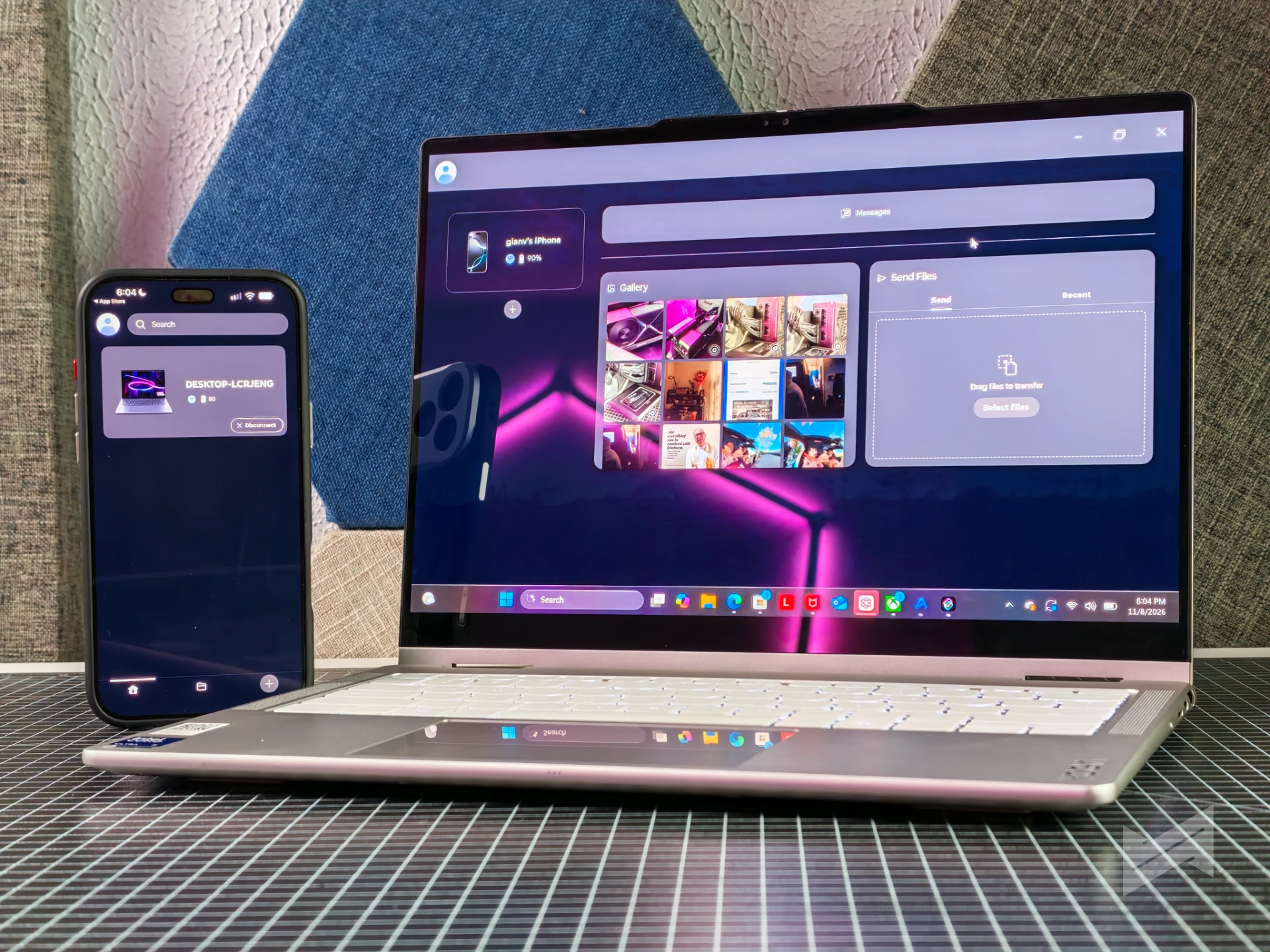
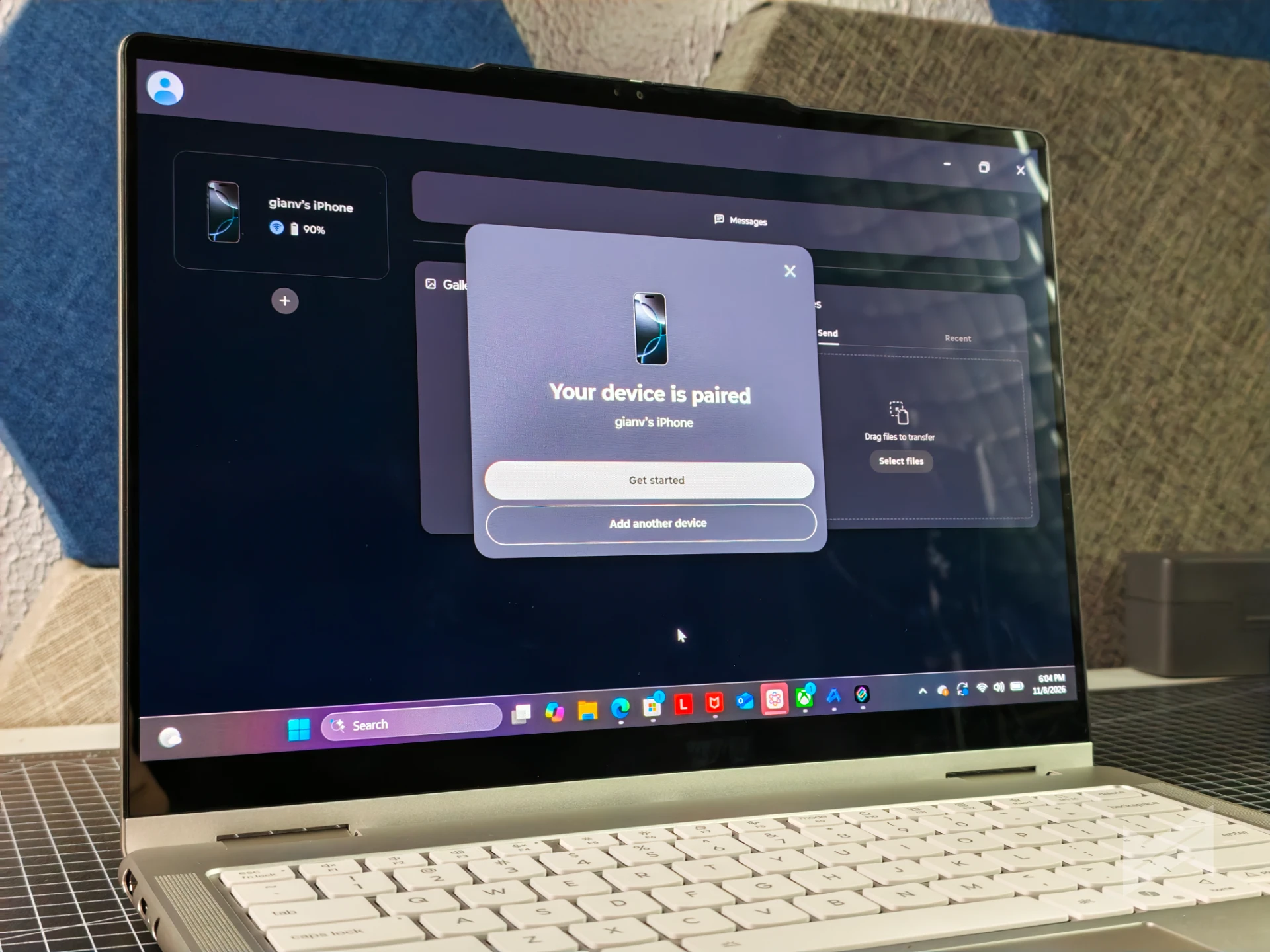
Tap to Pair connects a supported Bluetooth accessory after two taps against the display edge. Smart Care adds live chat or a phone call with a Lenovo technician, and Premium Care subscribers get on-site white glove support.
Where the Lenovo Yoga 7i 2-in-1 Aura Edition Smart Modes stop
Modes rearrange settings, focus tools, and power profiles, but they do not change the silicon underneath, which is why the display specification deserves a read before a configuration is chosen.
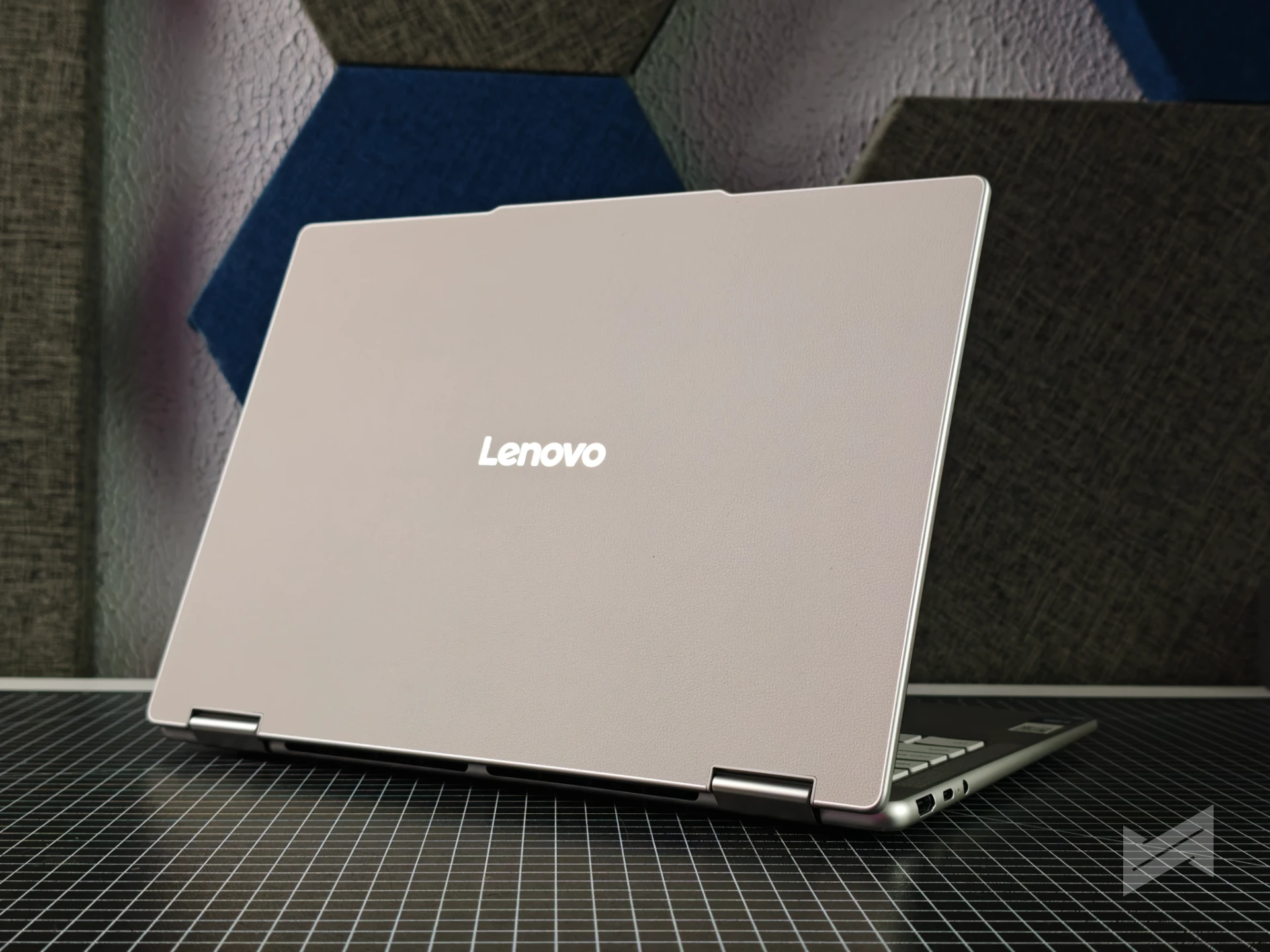
The Philippine model pairs that silicon with a 14-inch WUXGA (1920×1200) OLED touch display rated at 400 nits and 60Hz. The webcam and microphones carry the meetings, the pen and the hinge carry the creative work, and the battery and display carry everything that happens after hours.
The Yoga 7i 2-in-1 Aura Edition is available in the Philippines at PhP98,995 in Luna Grey or Seashell, with the Yoga Pen Gen 2 sold as an option, and it sits in a 2026 range that includes the Yoga Pro 9n and Yoga 9n 2-in-1 and the announcements from IFA 2026.

Giancarlo Viterbo
Giancarlo Viterbo is a Filipino Technology Journalist, blogger and Editor of gadgetpilipinas.net, He is also a Geek, Dad and a Husband. He knows a lot about washing the dishes, doing some errands and following instructions from his boss on his day job. Follow him on twitter: @gianviterbo and @gadgetpilipinas.
View all articles →