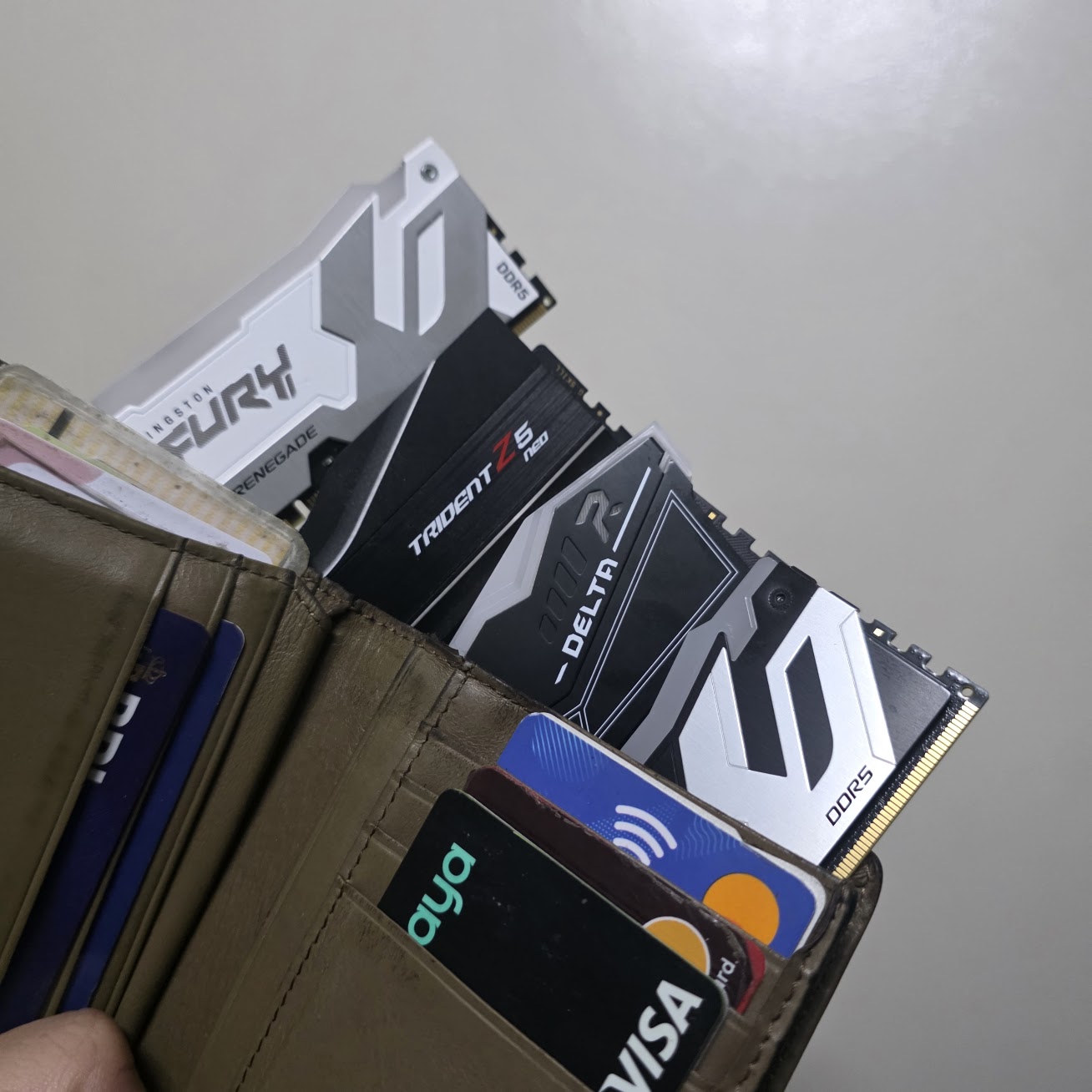
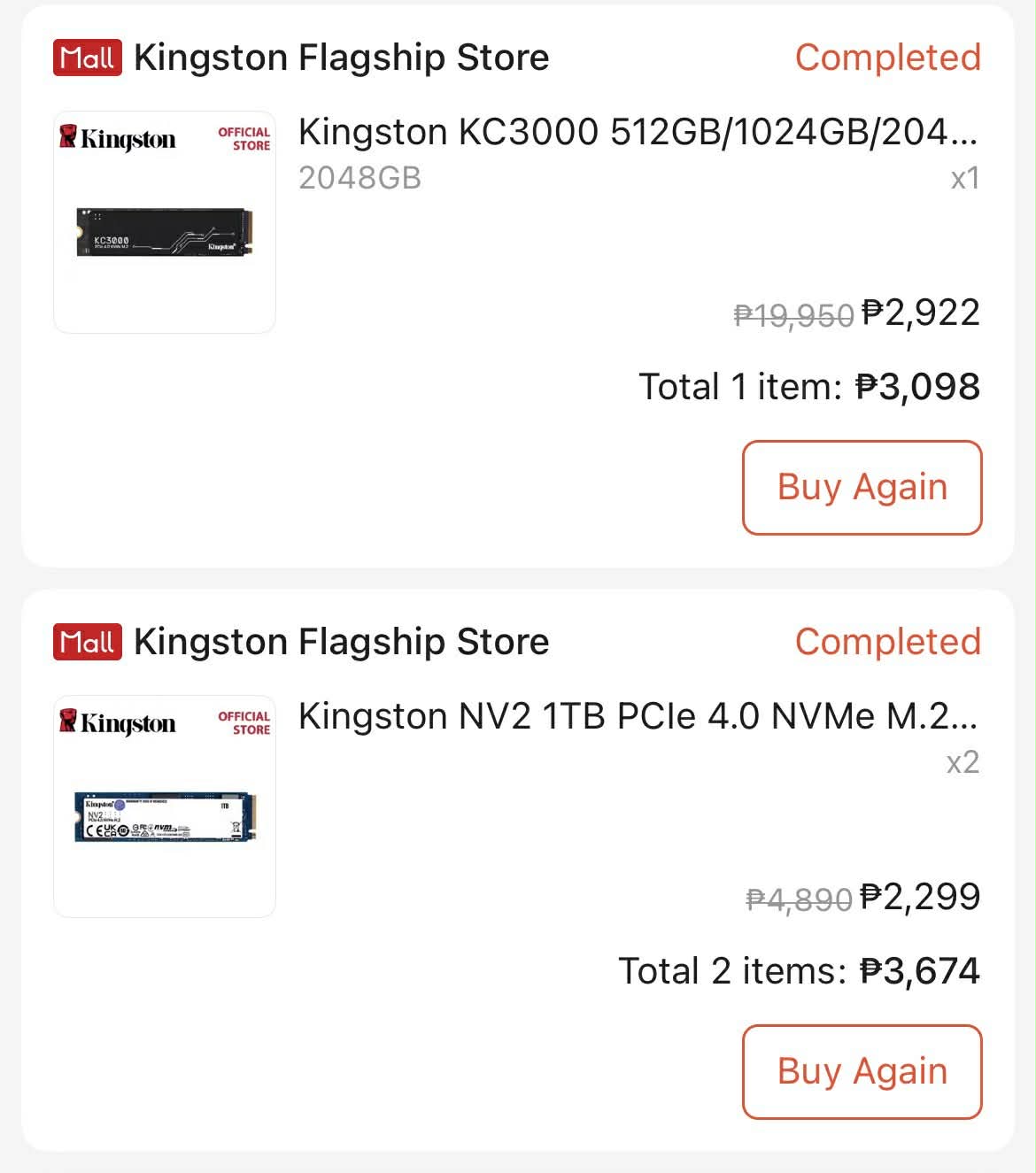
Years after the NVIDIA GeForce RTX 30-series crypto-mining craze, the PC market is facing a massive new supply crisis. This time, the shortage targets your essential RAM and SSD modules. The days of finding a 1TB NVMe SSD for Php 3,000 or a 32GB DDR5 kit for Php 4,000 are over. As we start 2026, the vicious price hike has made routine PC upgrades and laptop purchases into luxury investments. If you’re looking to get through this “RAMaggedon,” here is everything you need to know to save on your next RAM, SSD, Laptop, or PC purchase.
Why are RAM and SSD Prices Expensive in 2026?
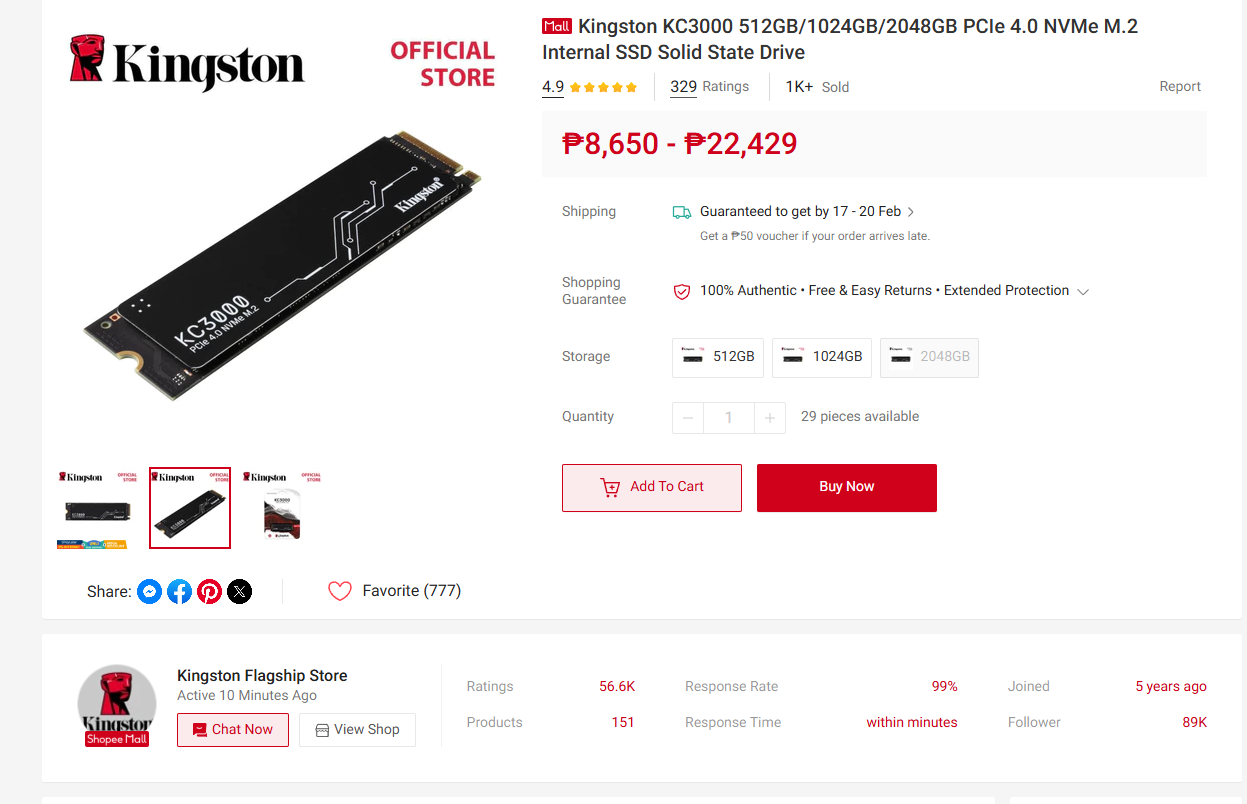
The primary driver behind the current RAM and SSD supply shortage is the unprecedented surge in demand for AI infrastructure. AI data centers require massive amounts of High Bandwidth Memory (HBM) and enterprise-grade DDR5 to feed power-hungry GPUs. Moreover, there are recent technological breakthroughs that now allow AI models & LLMs to utilize the supposedly cheaper, desktop memory rather than a GPU’s VRAM. To meet this demand, major manufacturers like Micron have reallocated their production lines away from consumer-grade PC parts to these high-margin AI components. This market shift has left the consumer market with a severe supply deficit, causing contract prices for DRAM and NAND flash to nearly double in early 2026.
That said, the market is also suffering from the long-term effects of production cuts made in 2024 and 2025. Following a period of oversupply, manufacturers slashed their output to stabilize prices. Now that demand has returned, specifically for high-capacity NVMe drives and DDR5. Additionally, the transition to “AI PCs” has made 16GB of RAM the absolute minimum requirement for new machines to have these AI certifications and branding, creating a massive spike in baseline demand that contributed to the domino effect of rising prices.
How Can You Save Up On Your SSD/RAM Purchase Upgrade
The overall general messaging we’d like to convey is to manage expectations. Having a “Future Proofing” mindset sets unrealistic expectations. While 32GB RAM and 16GB VRAM are the new “norm” for gaming PCs, these statements are not unequivocally true. We recently tested an 8GB vs 16GB VRAM comparison with the RTX 5060 Ti and found an almost negligible performance difference in favor of the larger 16GB VRAM, but when you take into account these inflated prices its seldom worth it unless you have a specific scenario that would utilize those extra gigs. So here are some actual tips that would help you lessen the cost of your upgrade.
Consider Checking Out the Second-Hand Market
The second-hand market can be a treasure trove when it comes to getting deals, and at this point, anything that’s lower than current market prices is arguably a steal. While you may have been unlucky with your upgrade by purchasing late, you can get a little bit of luck from those who already upgraded as they’re likely sell their old ones to recoup some of the cost.
That said, this is the riskiest tip as the 2nd hand market is also filled with scammers trying to take advantage of the situation. So, you may want to call your more “techier” friend and at least have the sellers send out some proof or benchmark videos to show that the product they’re selling is real and has no defects, among others.
Visit Mall Stores
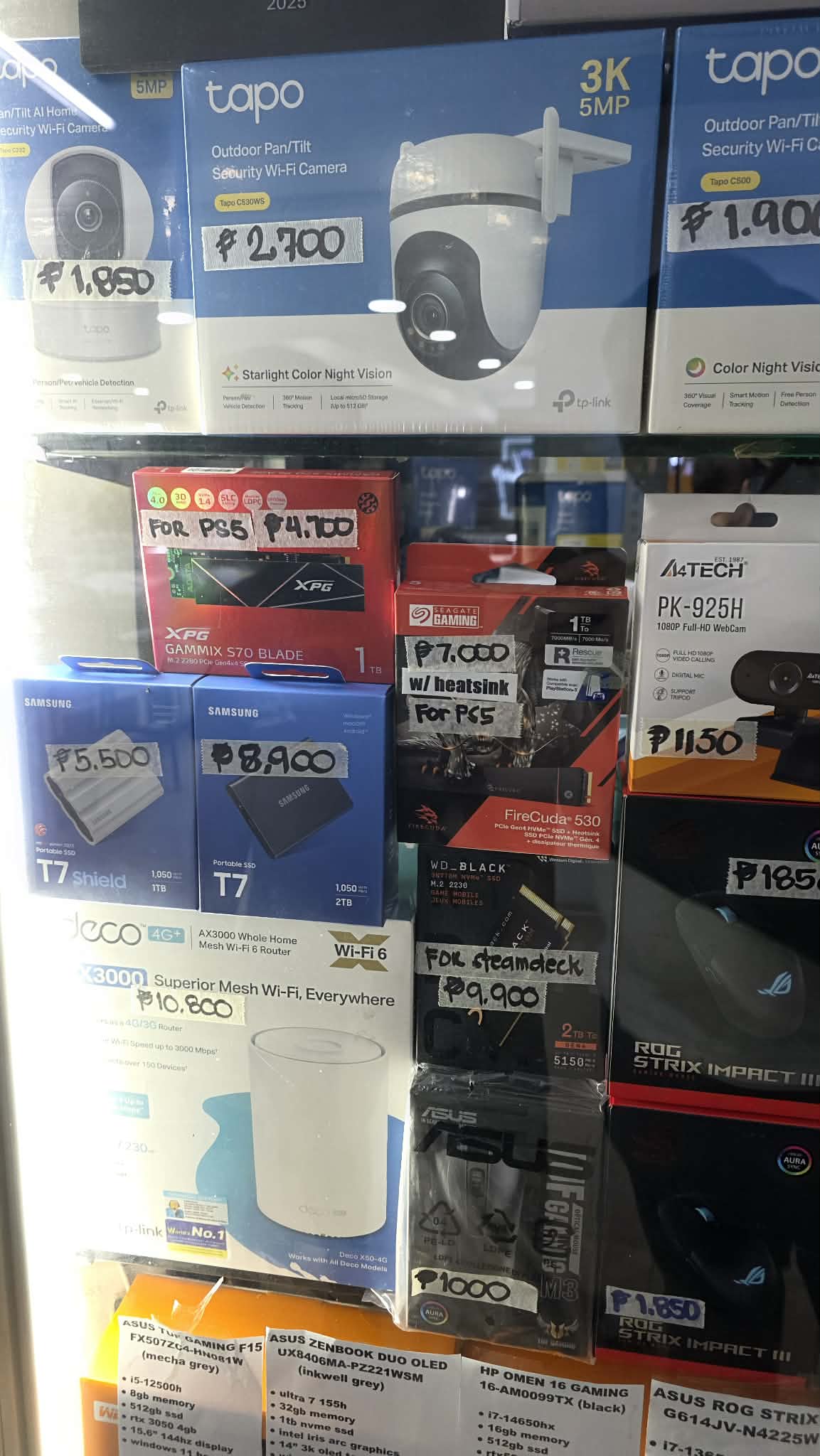
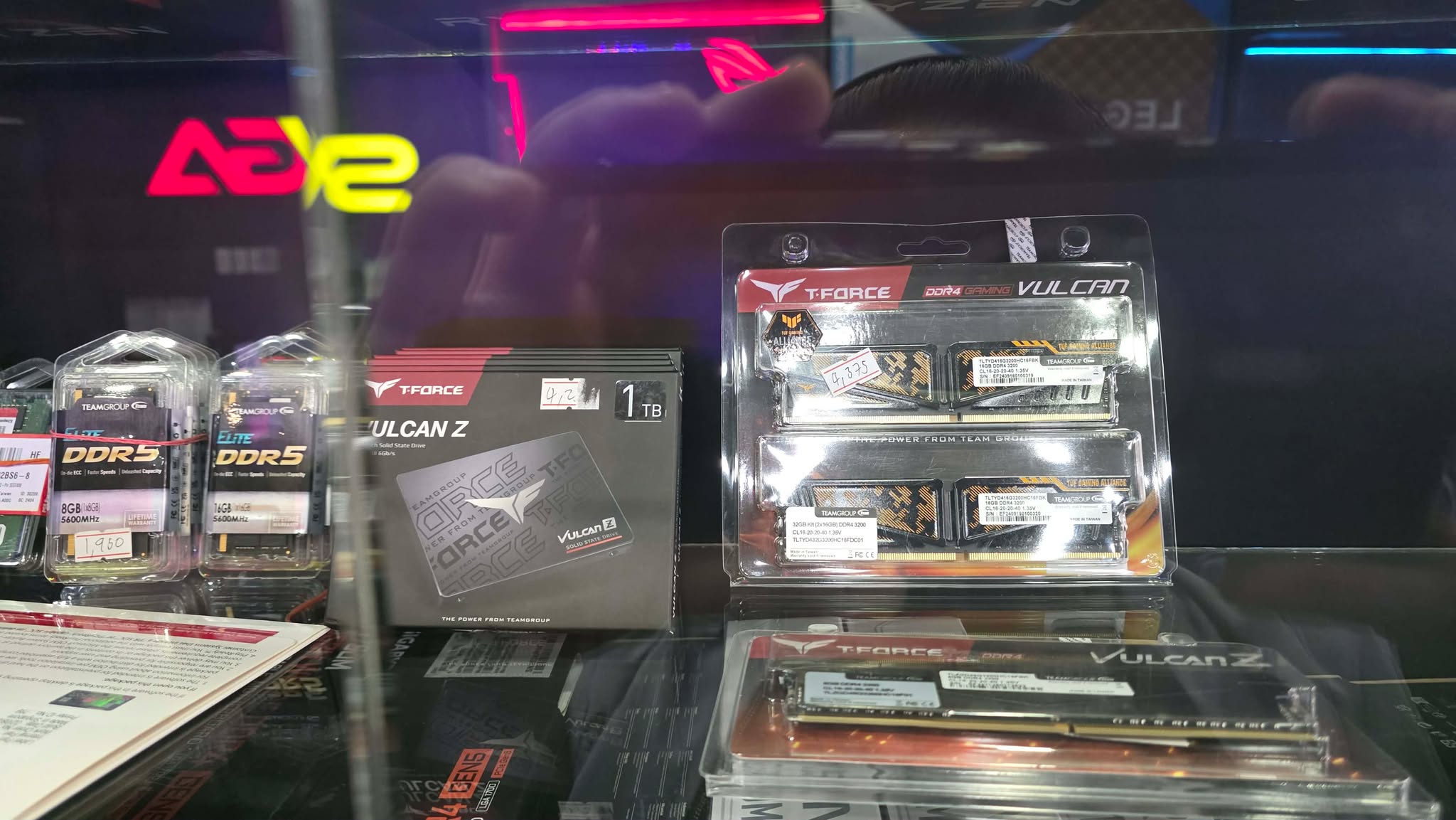
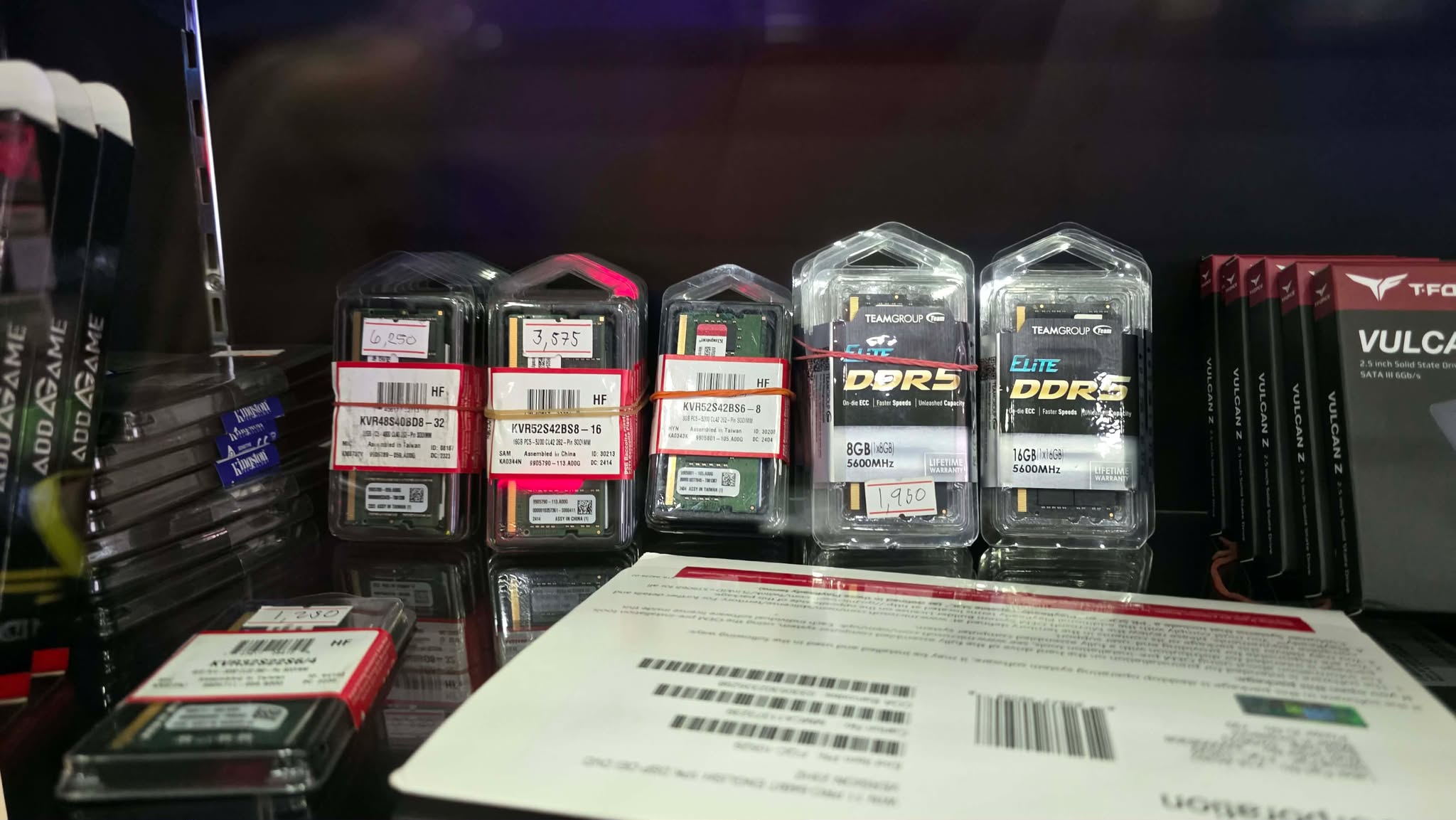
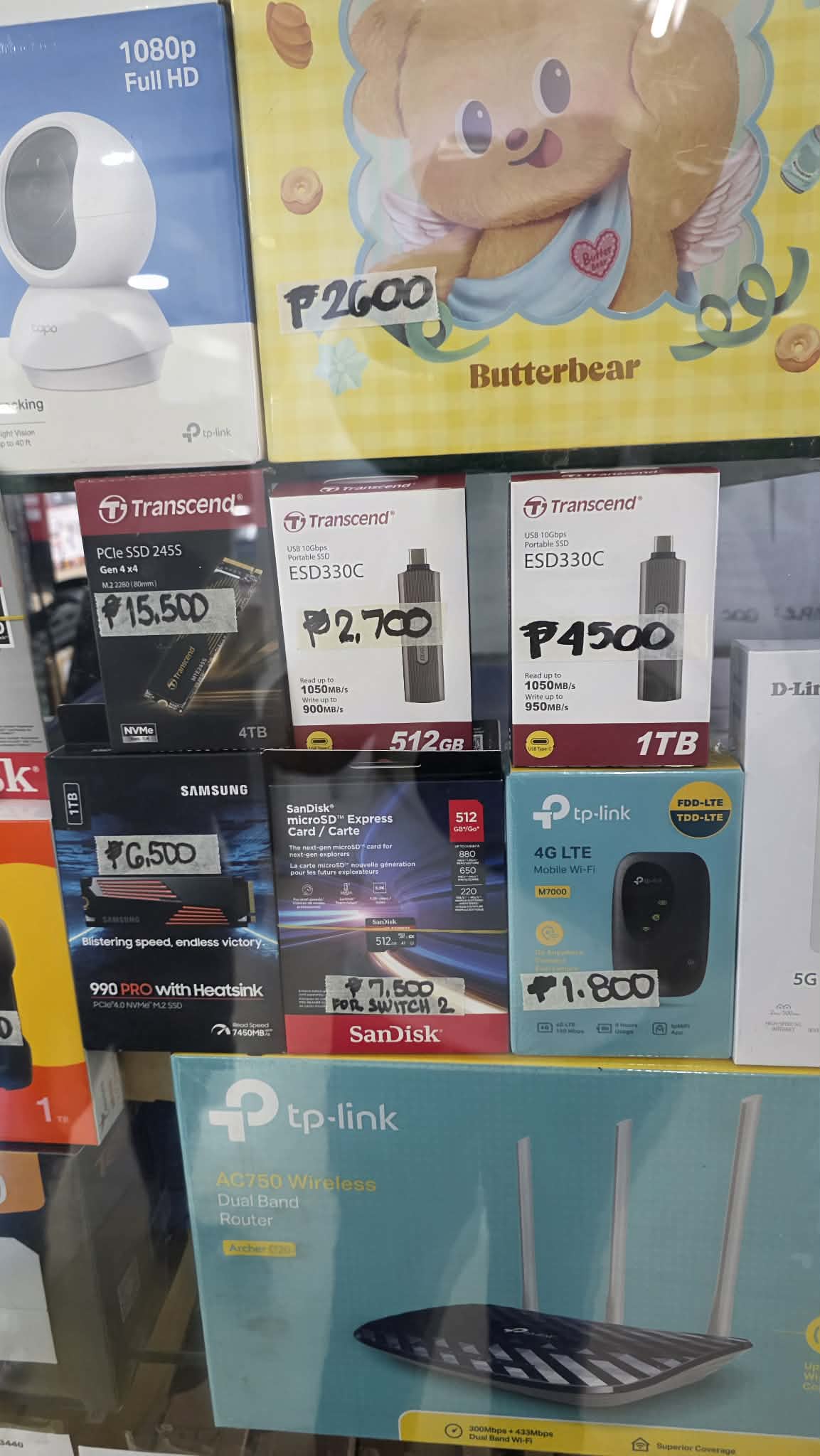
It’s still somewhat early in the RAMpocalypse, and some stores still haven’t updated their pricing. This is either due to their systems not having a centralized pricing system or they still simply have older stocks due to low-volume sales. Stores like Octagon and MicroValley still use 2025 pricing, and there may be other, smaller stores that have old stocks.
Consider Upgrading Other Components or Buy Pre-Builts

This is where NVIDIA Jensen Huang’s famous statement, “Buy More To Save More,” makes a little bit more sense. Most PC stores still have the old stocks of their RAM and SSD. It’s just that the newer, higher-priced stores are what’s offered as a standalone — the older, lower-priced stock is reserved if you buy a whole new PC from them or meet certain criteria in a bundle purchase. Think of it as, instead of spending Php 25,000 on a 32GB Kit standalone, you’ll spend the same price but maybe upgrade your motherboard, case, or cooler alongside your purchase.
Pre-Built Gaming PCs sit in the gray area between being expensive and cheap. Retailers usually get the components bundled from the case to the CPU. Contract Prices for these PreBuilts are usually cheaper compared to them being sold individually. One major downside of prebuilts is their lack of customization, especially if you’re an enthusiast who knows their needs. That said, the compromise could outweigh the huge price difference compared to building a whole PC, especially if you happen to find a prebuilt that sports your target core components.
For Laptop Buyers: Consider Slightly Older Models
We don’t normally recommend older-generation devices, but the current market situation made us rethink the opportunity for those looking to save up some cash. To be clear, we don’t recommend buying older-generation devices at their brand-new or newly launched prices, but with enough depreciation as the latest generation arrives, these older-gen models become more attractive, especially if your priority is performance more than the features found on newer laptops.
The trade-offs in going for an older model typically involve efficiency in terms of battery life and device thickness. Take this TECNO Megabook K16s that we recently reviewed as an example. For only Php 46,999, you’re getting an Intel Core i9 13900HK CPU, 16GB DDR4 RAM, and a 1TB SSD. Its specs beat most, if not all, laptops in its price point, but it has an abhorrent battery life if you compare it to the newer gen laptops that could do more than 12-hours on a single charge.
Conclusion – Only upgrade if you NEED to; Compromise if you WANT to
SSD and RAM prices reaching luxury levels in 2026 affect everyone in the market, from casuals to enthusiasts. The sad part of it is, there’s no sign of it stopping anytime soon – it will likely actually get worse for the foreseeable future. For those who NEED to upgrade, focus on the numbers – don’t get swayed by RGB lighting or aesthetics – focus on the core specs that provide measurable improvements, such as capacity, latency, and speed. For those who WANT to upgrade, focus on what you need right now, not on things that you think you might need in the future, and compromise on what’s available and within your budget. Get a CL36-40 memory instead of CL26-30, buy one stick of RAM and add one later, get a DRAMless SSD if it’s just for game storage, get Gen 4 instead of Gen 5 SSD, especially if you cant utilize its full speed anyway — the list of frugality goes on.
How do you classify yourself if you need or want to upgrade? It’s a need if the component you’re upgrading or the PC/Laptop you’re buying helps you in generating your income. If you’re already gaming in a low-medium graphic settings, especially if it’s on the lowest preset, and you’re playing below your monitor’s refresh rate. Anything else is classified as a want, especially if it won’t solve a sluggish problem that you’ve been dealing with.

Grant is a Financial Management graduate from UST. His passion for gadgets and tech crossed him over in the industry where he could apply his knowledge as an enthusiast and in-depth analytic skills as a Finance Major. His passion allows him to earn at the same time help Gadget Pilipinas' readers in making smart, value-based decisions and purchases with his reviews and guides.