


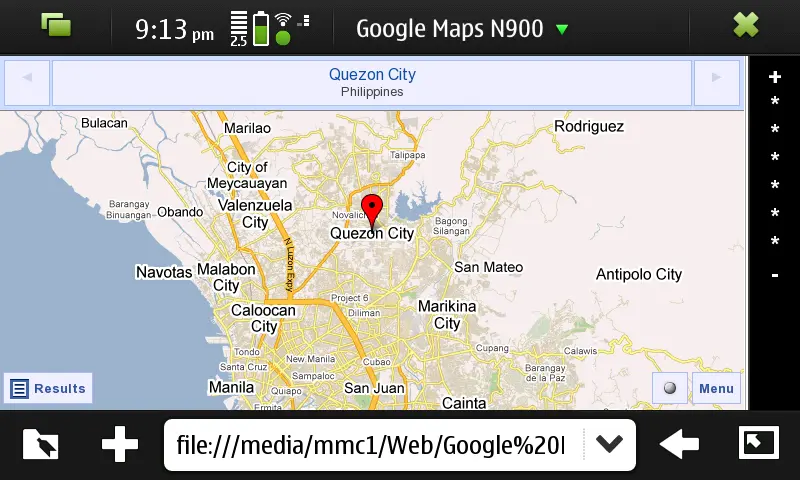
I love Ovi maps but it lacks the usual details I can find on Google Maps.
Good news! Although Google hasn’t given any support yet for Google Maps on N900, there is currently a workaround available that you can use. All you need to do is take simple steps to start using Google Maps on your N900.
1. Download Maemo-geolocation to your n900. Go here to download and install it. Thanks to Oleg Romashin for developing this.
2. Visit https://google.com/maps/m to test it.
3. Download this code and install to a folder in your N900 (it doesn’t matter if you install it in your memory stick or n900 memory). With this code, you can easily navigate google maps with zoom controls.
This is the wonder of open source. I’m crossing my fingers for Google Maps Support on N900 but I believe that having this workaround available is quite alright for the moment.

Giancarlo Viterbo
Giancarlo Viterbo is a Filipino Technology Journalist, blogger and Editor of gadgetpilipinas.net, He is also a Geek, Dad and a Husband. He knows a lot about washing the dishes, doing some errands and following instructions from his boss on his day job. Follow him on twitter: @gianviterbo and @gadgetpilipinas.
View all articles →Related Articles
 HMD Tab Lite Details Leak

 Nokia 800 Tough Now Available in PH
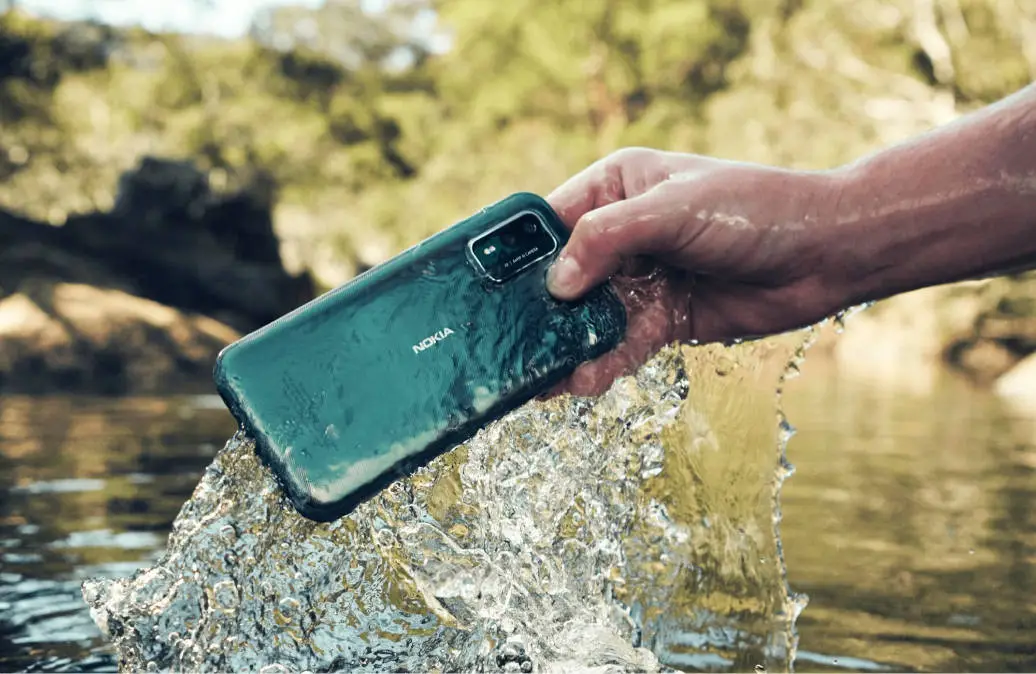 Nokia XR21 Launched in Europe with IP69K Rating
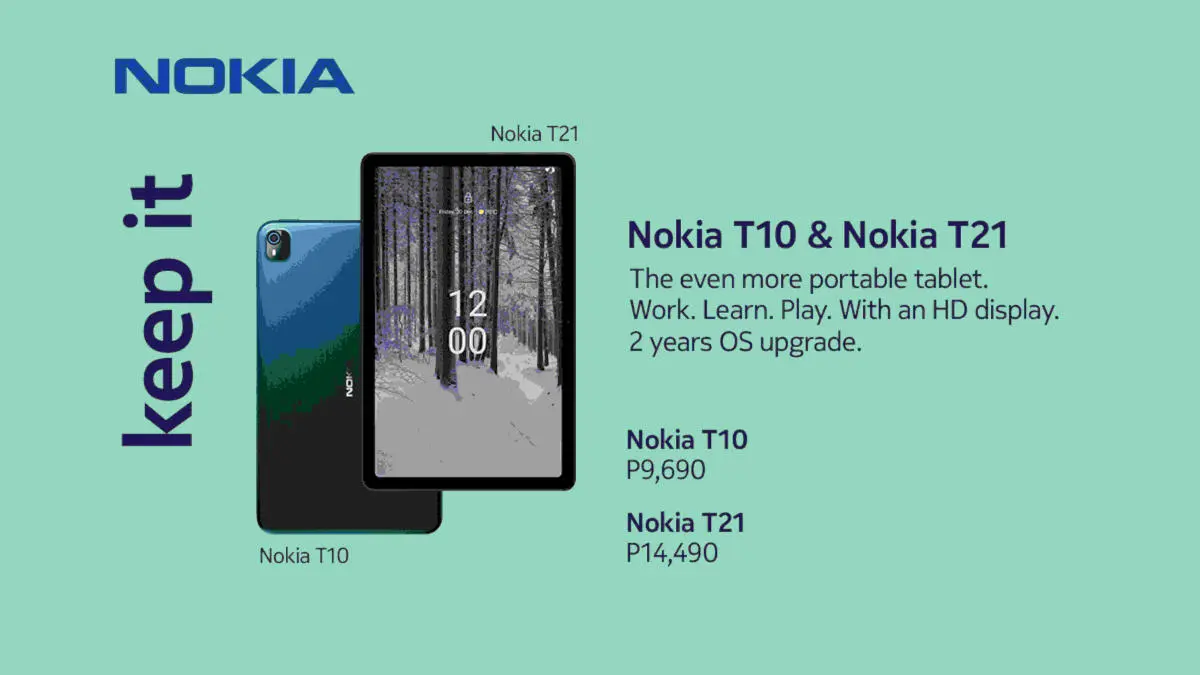 Nokia T10 and T21 Tablets are Here to Boost Your Productivity While Working, Learning, or Playing
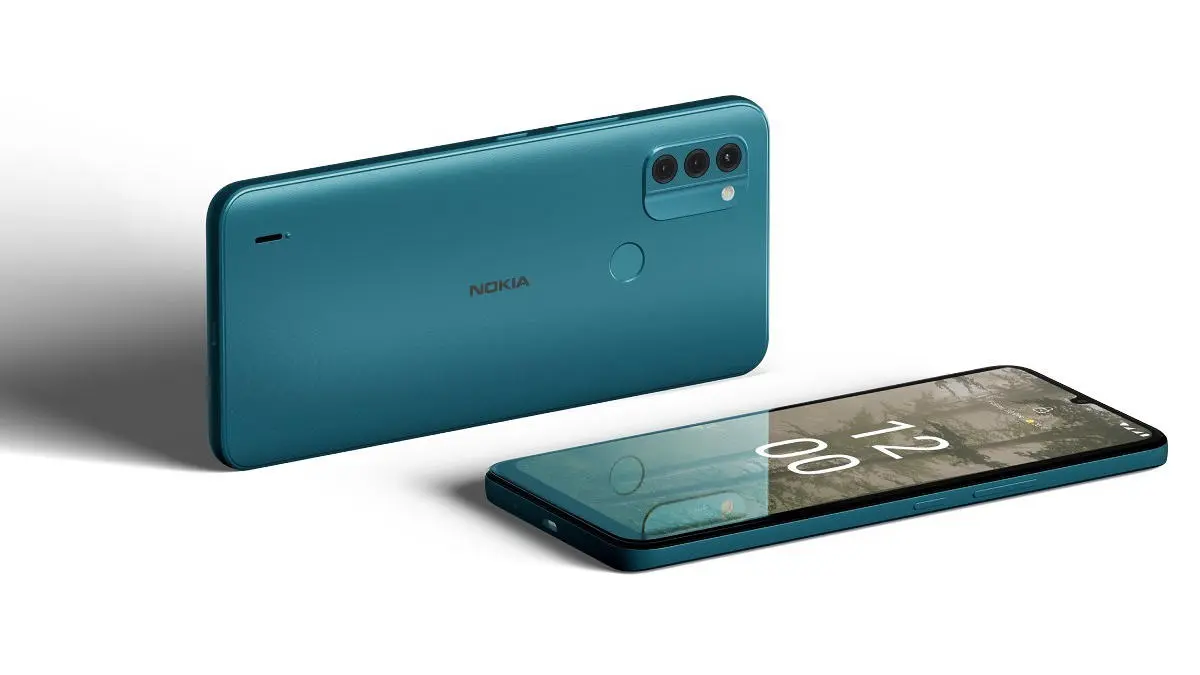 Nokia C31 Revealed Alongside the T21 Tablet