

Boox Go 10.3, it’s like a notebook in steroids
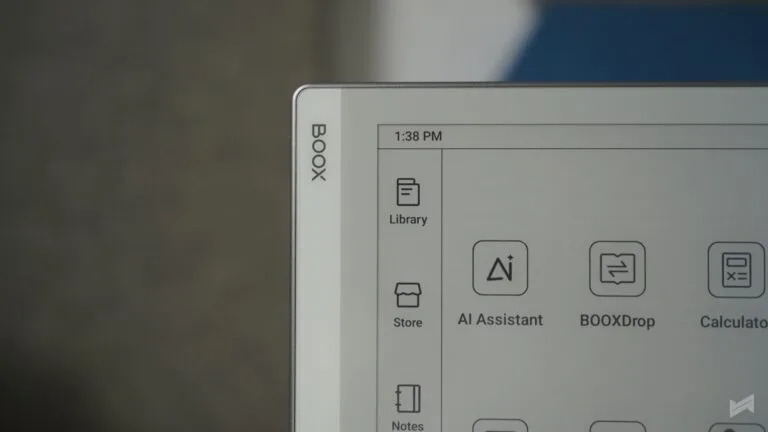
The Boox Go 10.3 is a simple, focused device. It doesn’t try to be an all-around tablet. It stays true to what E-Ink should be about — reading and writing without distraction. Boox seems to understand this well, packaging the Go 10.3 to give a truly paper-like experience. At 10.3 inches, it feels like holding a notebook that never runs out of pages.
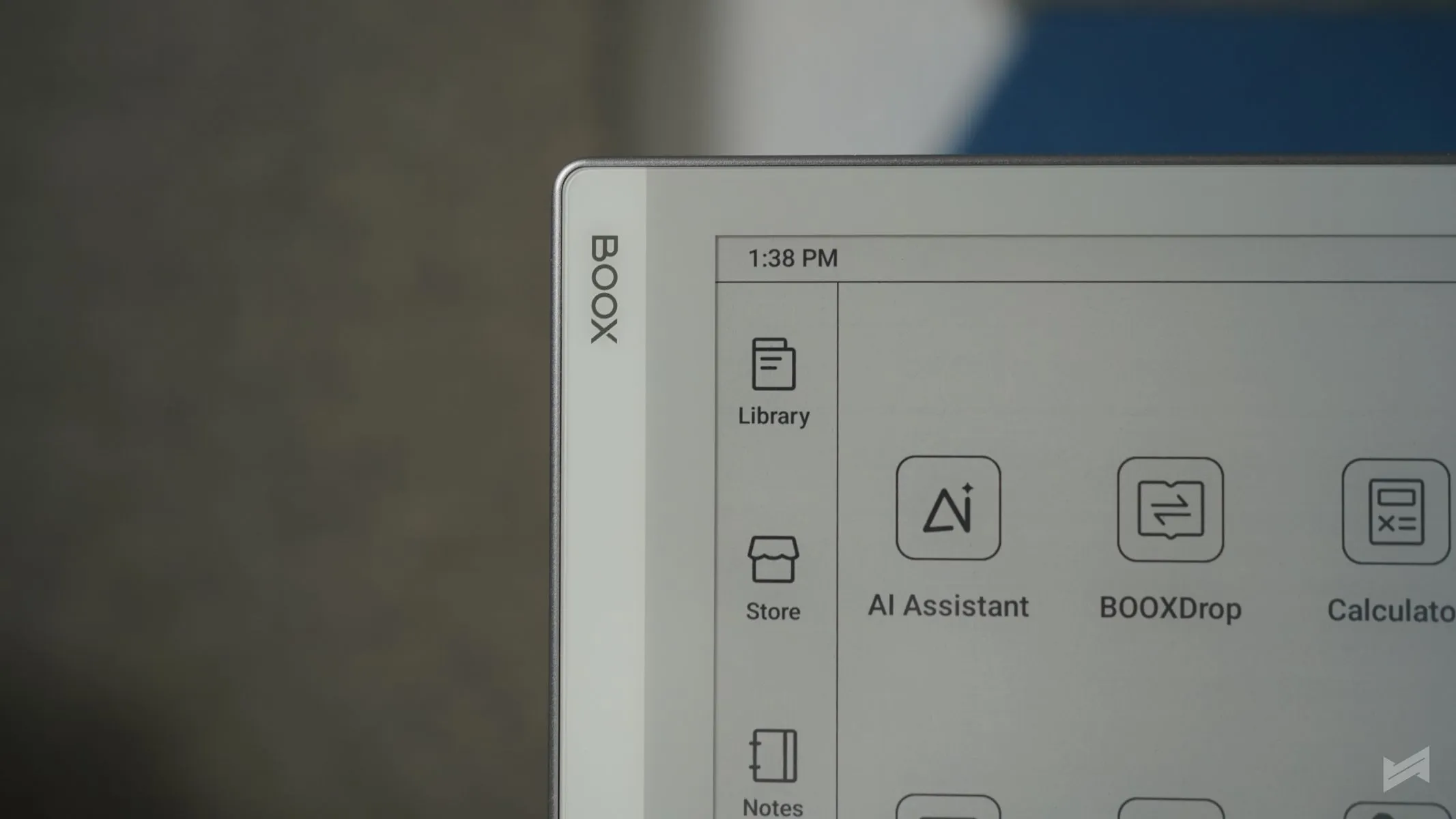
Display and Reading Experience
The Boox Go 10.3 uses a 10.3-inch Carta 1200 E-Ink display with a resolution of 2480×1860 pixels and a 300 PPI density. The screen is sharp and comfortable for long readings. There’s no front light, which means you need ambient light — but that’s also what makes it feel close to reading on paper.
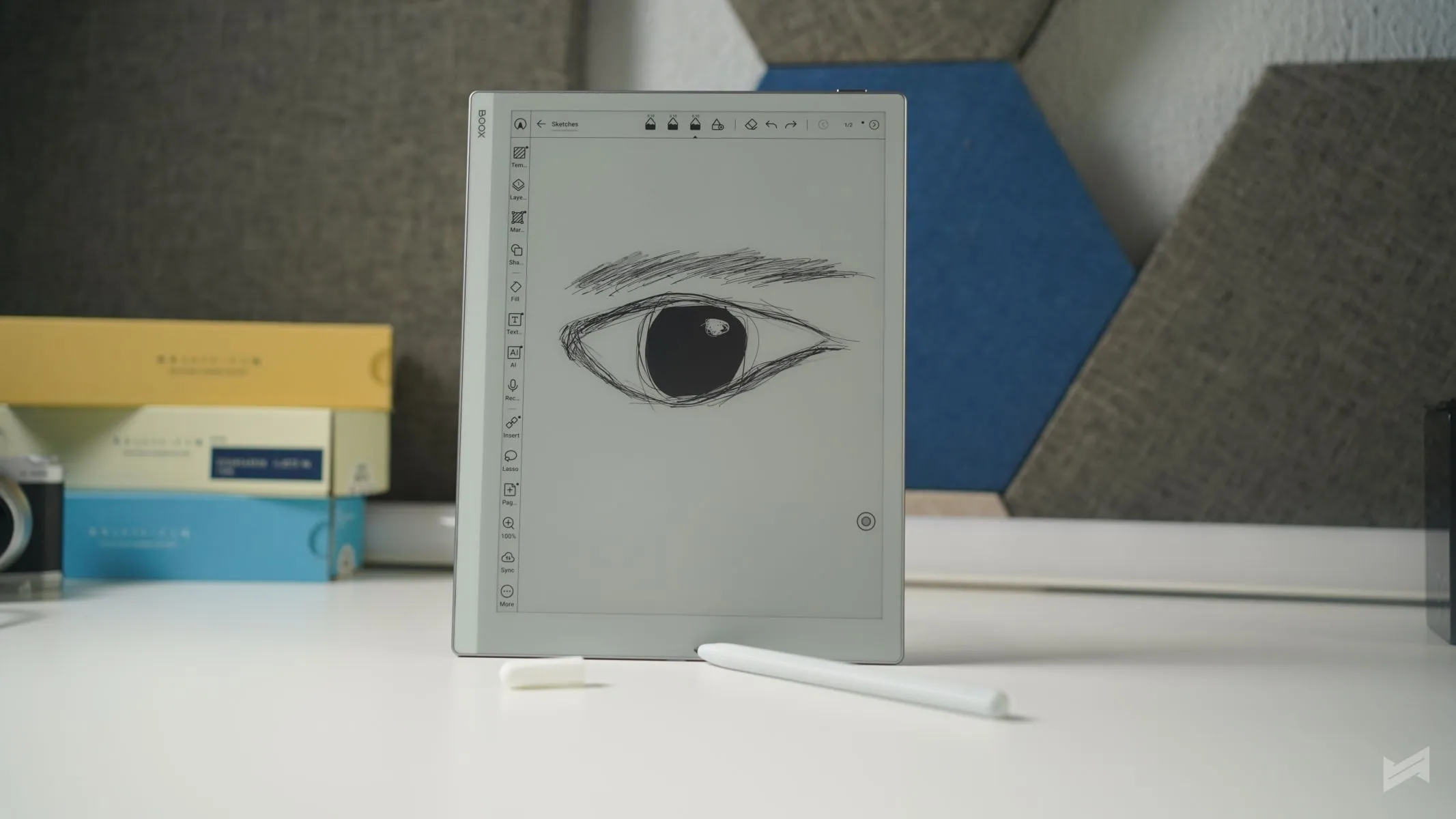
Text looks crisp, and drawings or annotations appear naturally dark and clear. The matte finish prevents glare, so you can take it outdoors or sit by a window without reflection issues.
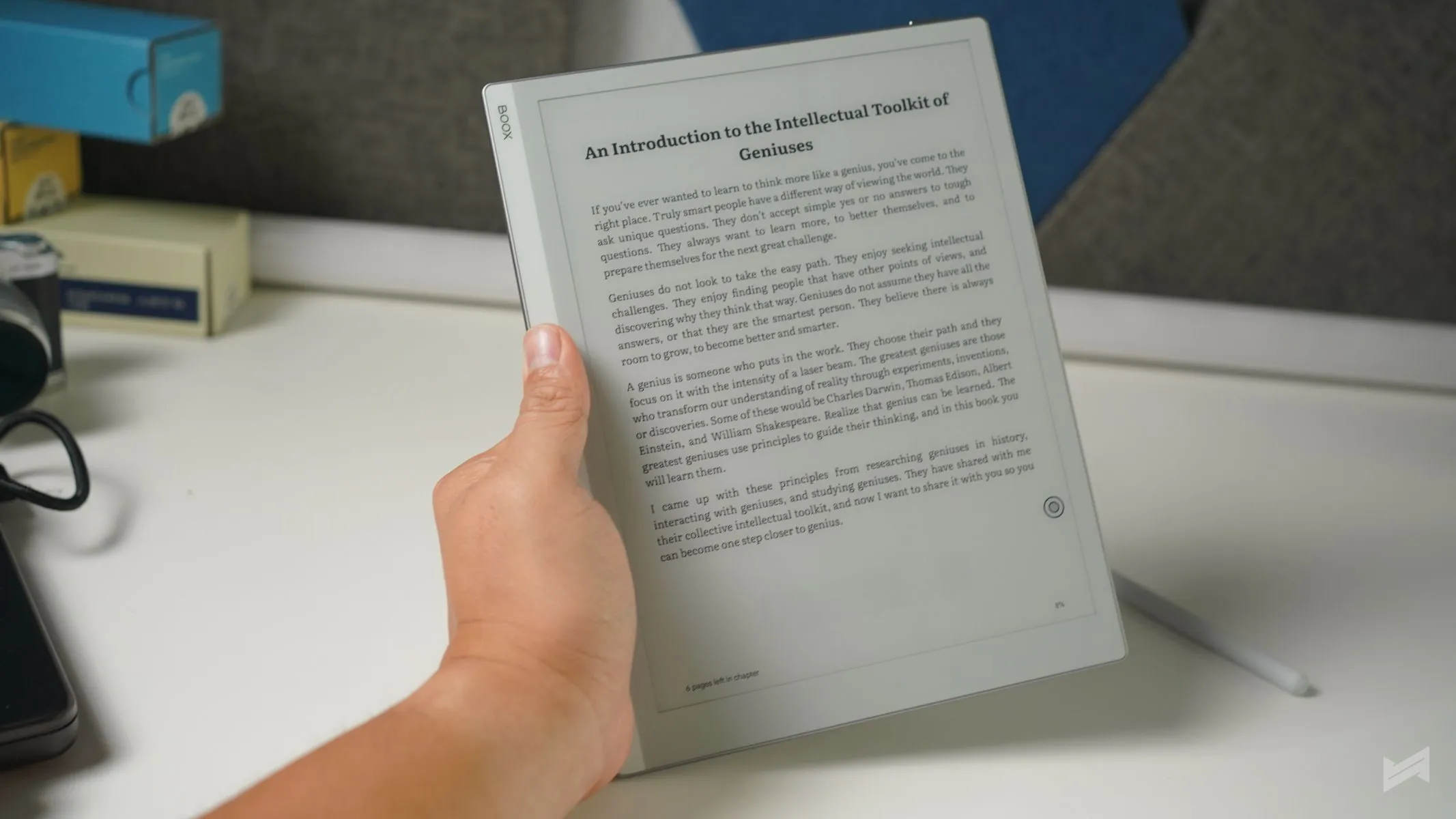
Reading on the Go 10.3 feels authentic. It’s not just the display — it’s how your eyes don’t tire easily. It mimics that quiet comfort of reading a physical page. And that’s really the point of E-Ink. Boox gets that balance right with this device.
Battery Life
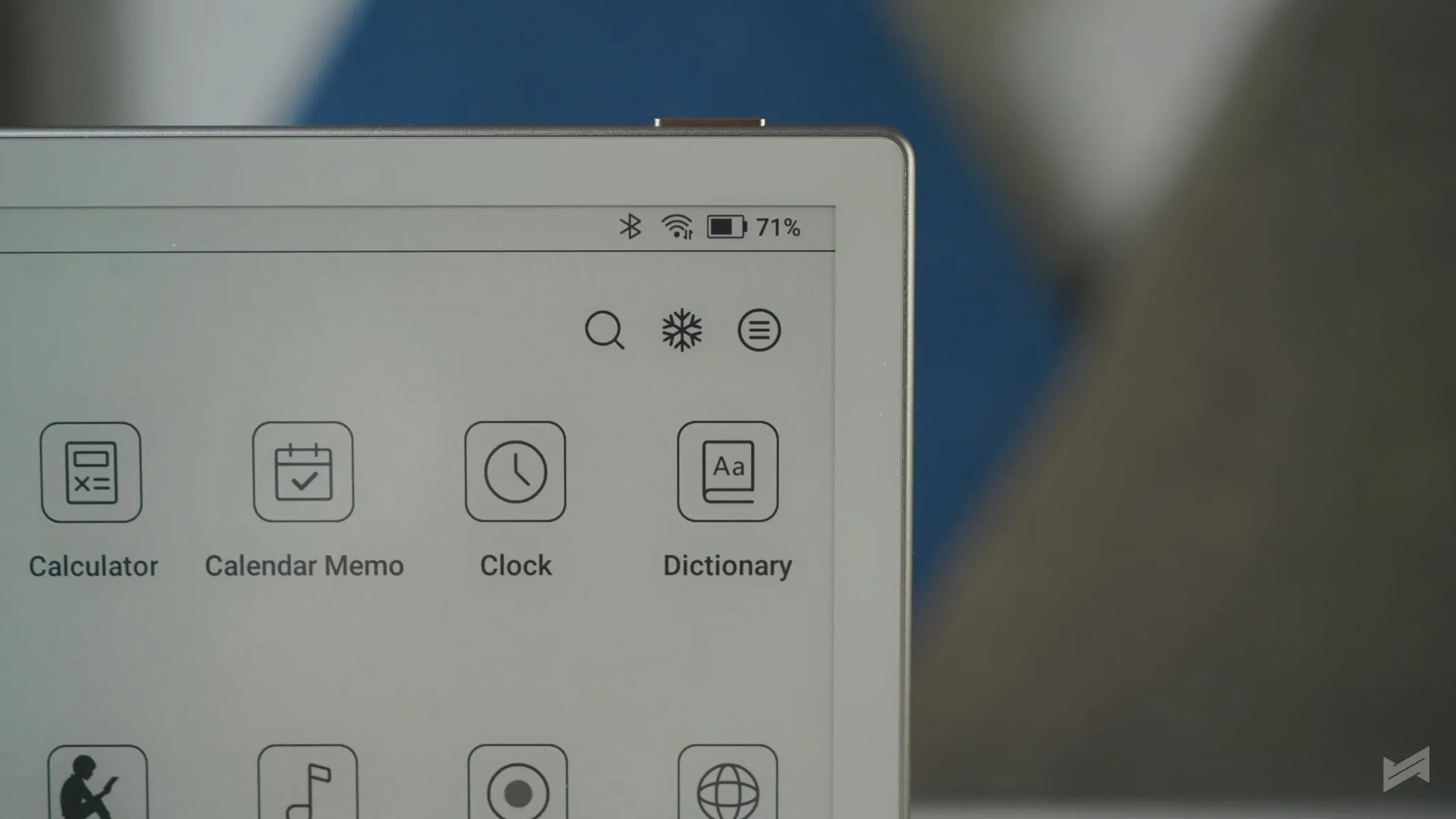
Battery life is one of the areas where the Boox Go 10.3 shines. With its 3,700 mAh lithium battery , it can last weeks depending on usage. E-Ink displays consume power only when refreshing pages or using active apps, so you can leave it idle for days without worrying. Users report going through long reading sessions and note-taking without battery anxiety. It’s the kind of endurance that makes you forget where your charger is, something every reader will appreciate.
Sound and Audio Options
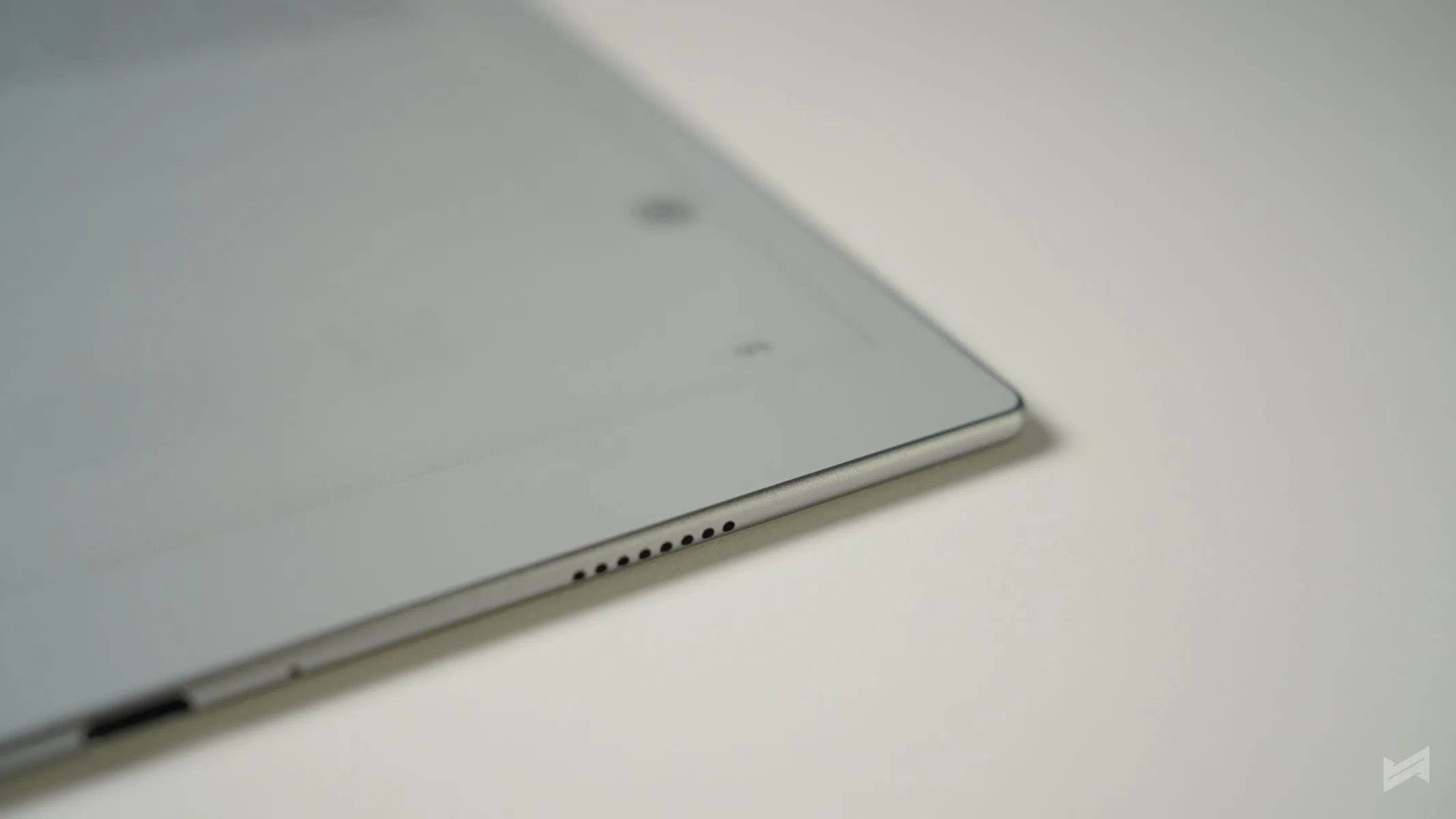
Audio is available but not a primary feature. The Go 10.3 includes built-in speakers and a USB-C port that doubles as an audio jack. It supports Bluetooth 5.0, so connecting wireless earbuds is easy. You might not use it often, but having sound is useful for listening to audiobooks or some music while reading. For users who like ambient soundscapes or soft music while reading, this feature adds quiet charm.
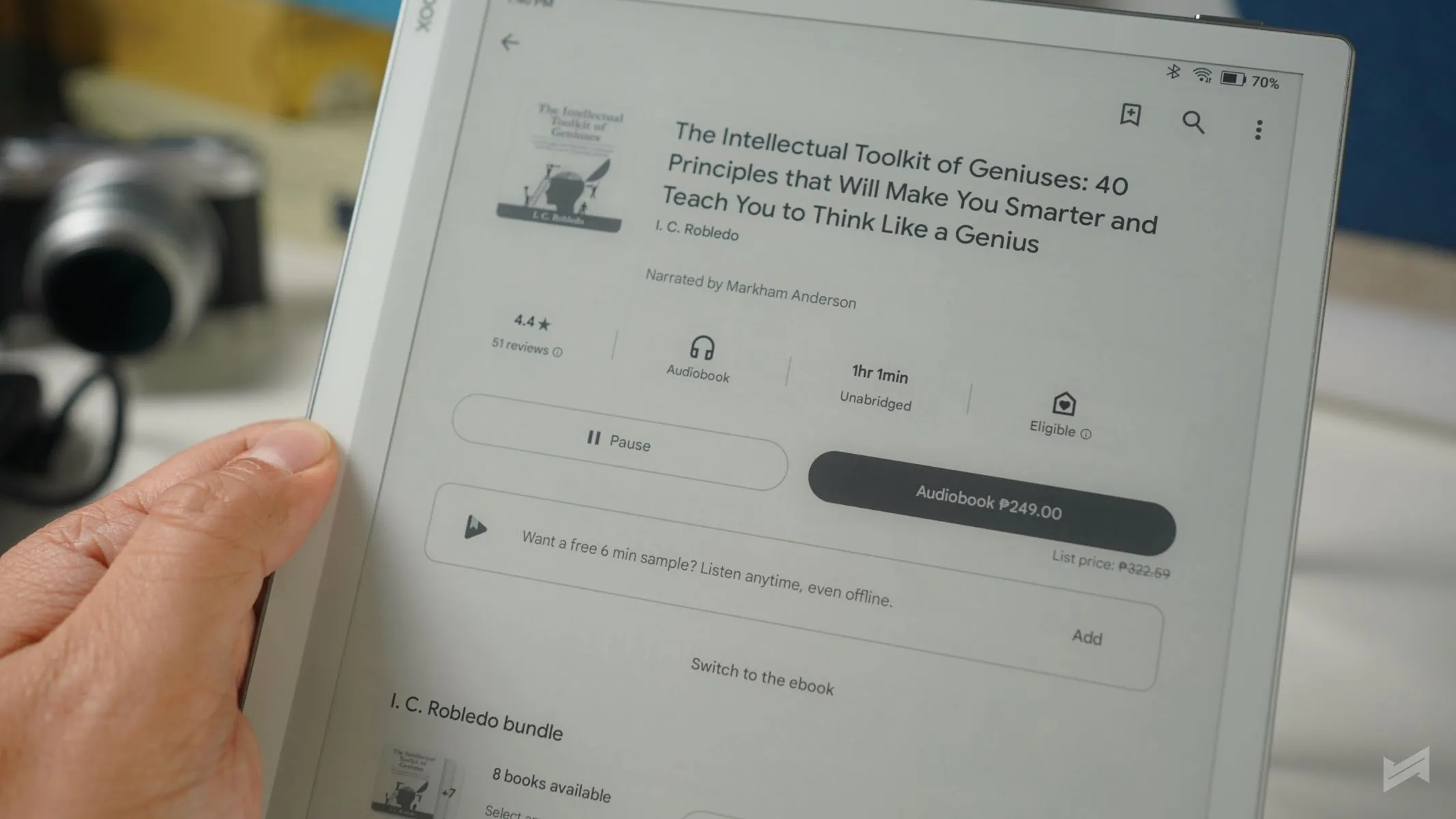
Still, it’s not a multimedia device. Videos play, but the refresh rate of E-Ink makes them look choppy. It’s not meant for that purpose — and that’s fine. The focus here is on stillness, not motion.
Android Power and App Support
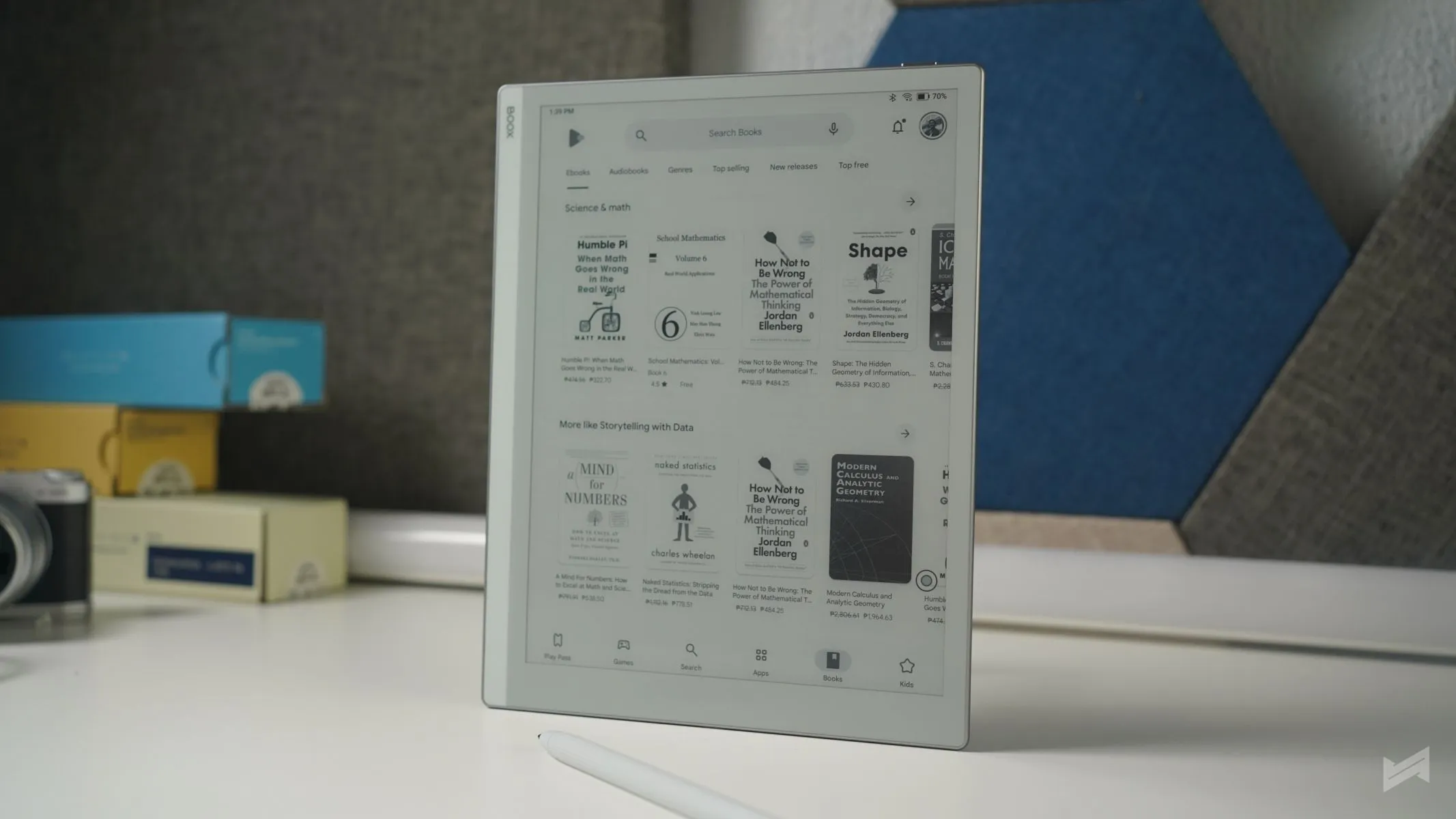
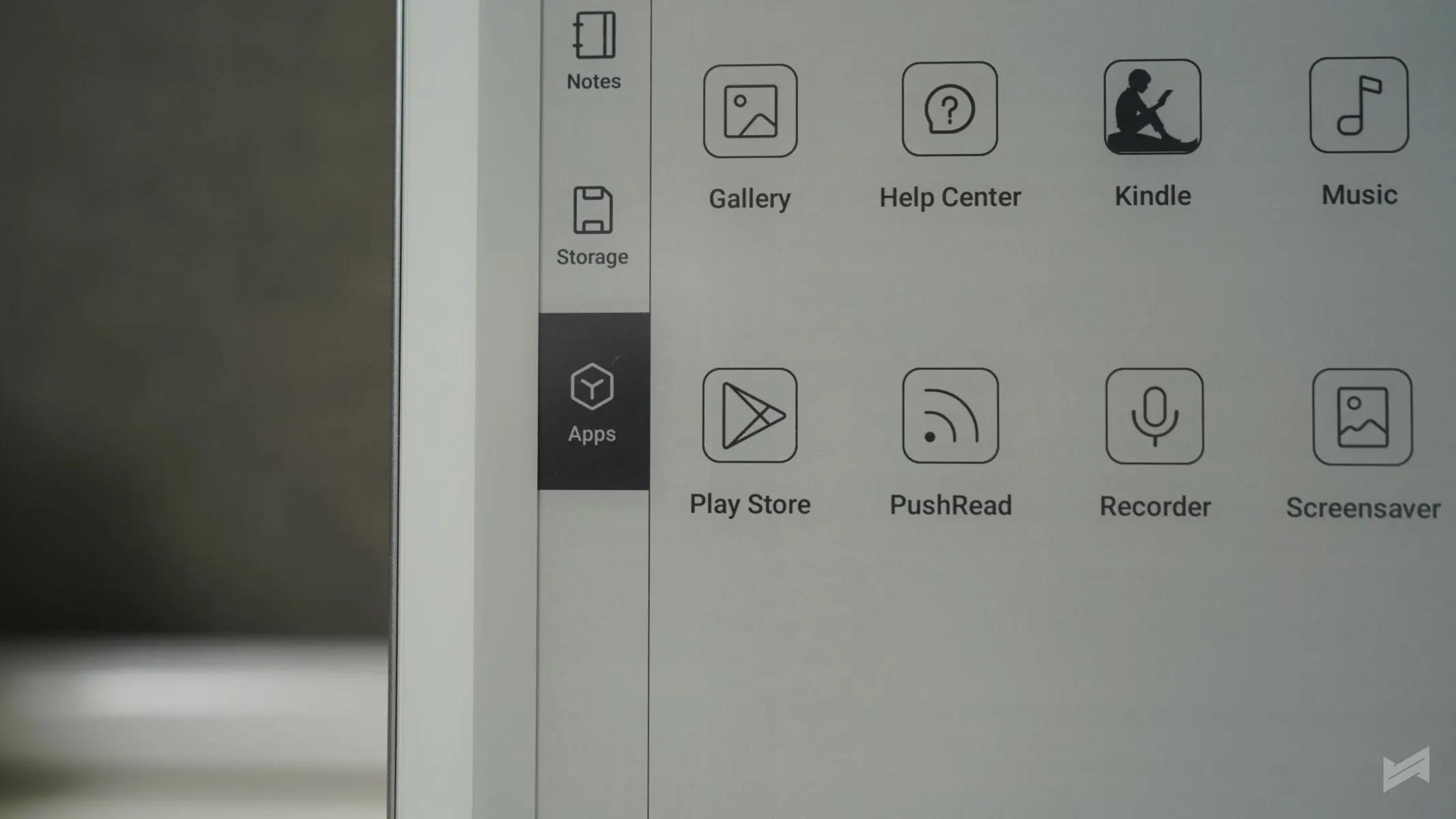
What makes the Boox Go 10.3 different from traditional e-readers is its Android 12 operating system. This gives access to the full Google Play Store. You can download Kindle, Kobo, or any other reading app. You can also sideload apps if you prefer custom setups. Some might even use it for light productivity: calendars, notes, or dictionaries. But, while it can technically play YouTube, it isn’t ideal for that. Movements are slow, and the grayscale limits how videos appear. It stays better as a reading and writing tool.youtube

This Android flexibility gives the Boox Go 10.3 an advantage over more restricted readers like the Kindle or ReMarkable 2, which have limited app ecosystems. You can make this device fit your habits, not the other way around.
Writing and Stylus Experience
The Boox stylus offers 4,096 levels of pressure sensitivity. Writing feels responsive, with little to no lag. The surface friction between the screen and pen tip is smooth yet tactile — somewhere between pen and paper. The stylus itself is basic, not extraordinary, but reliable. However, the magnet that should keep it attached to the tablet isn’t strong enough, especially when the cap is on. It can easily fall if the device is tilted or moved. It’s not the best setup, but having it is still better than not having one.
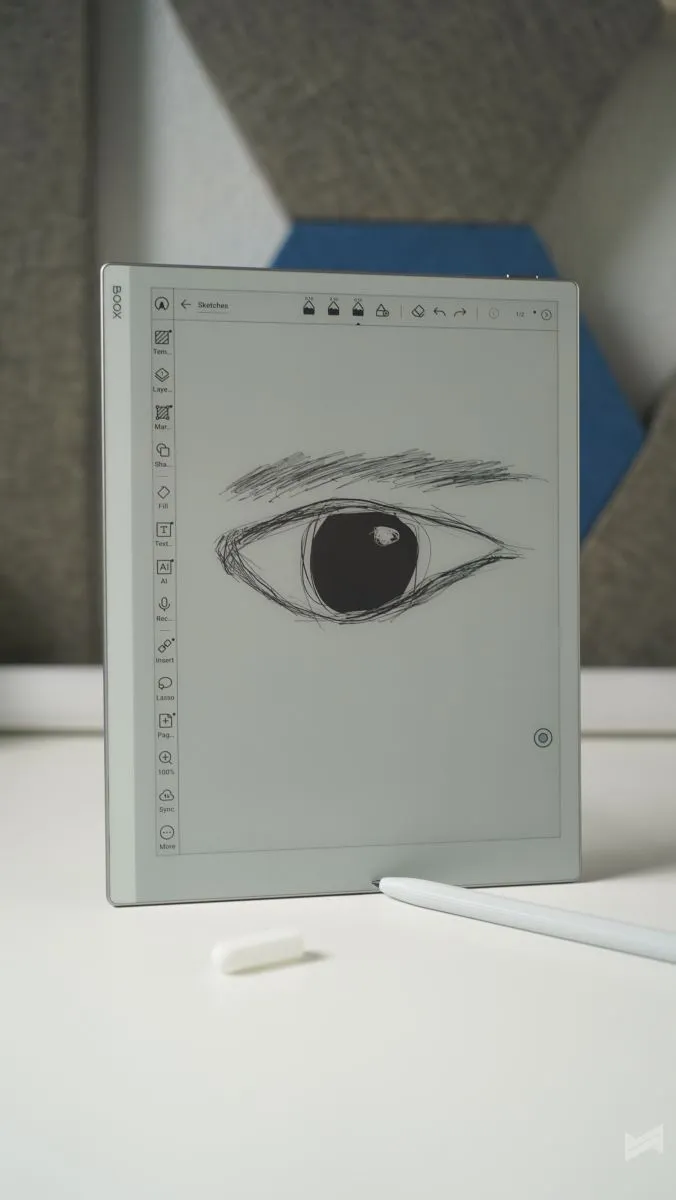
For notes, the default Boox Notes app gets the essentials right. You can write, draw, or annotate PDFs. Syncing across apps like OneNote also works well. For users who take occasional handwritten notes or mark research materials, it’s enough.
Design and Build
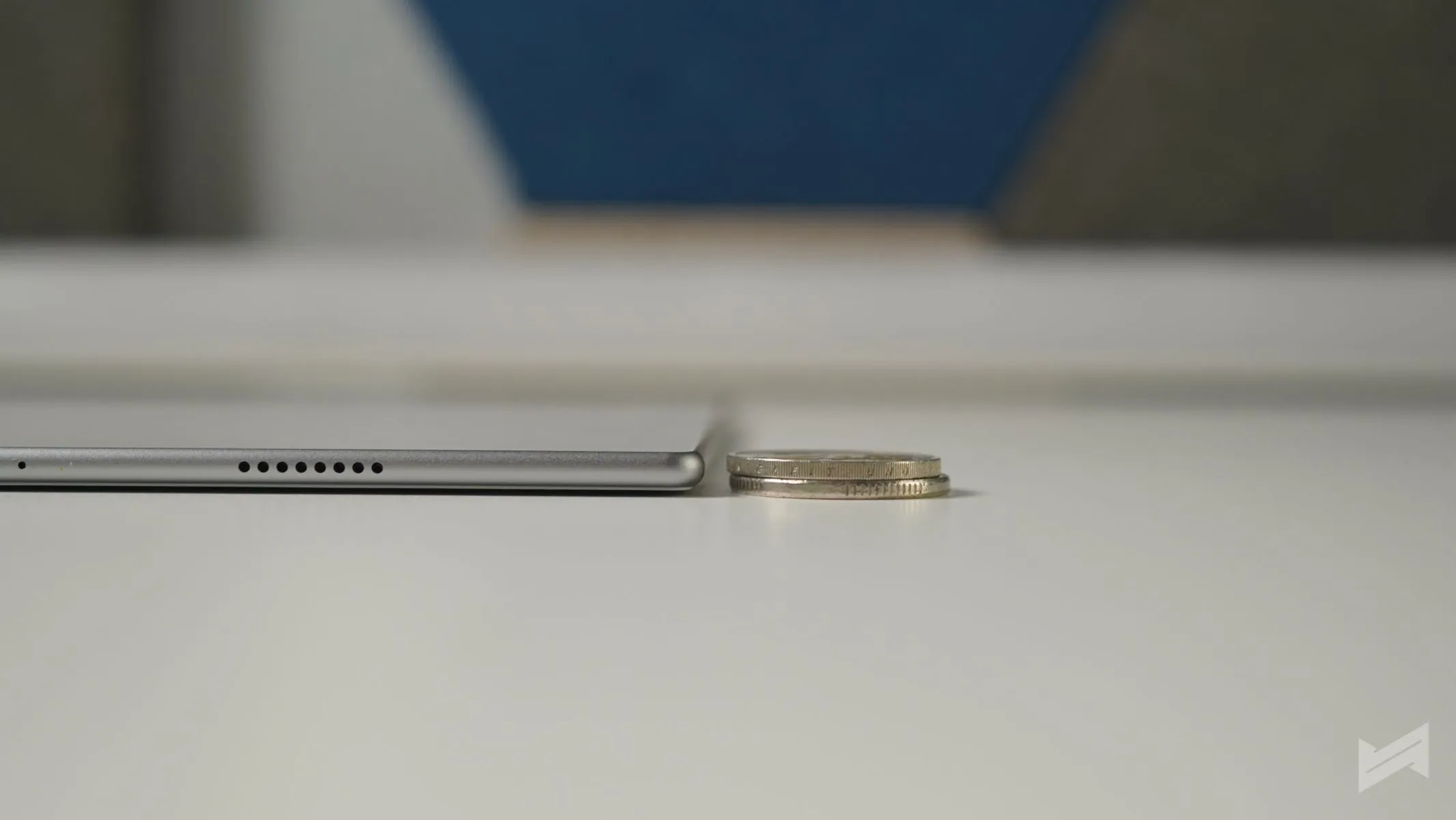
At only 4.6 mm thick and weighing around 375 grams, the Boox Go 10.3 feels light and slim in the hand. The frame is solid, and the matte finish feels nice to hold. There’s minimal branding, which enhances its simple look. It’s one of those devices that don’t shout for attention but feel well-made. Without unnecessary design flair, it focuses on what matters: ease of use and comfort.
The layout is clean. Swiping around the interface feels natural, and navigation is straightforward. It maintains the look of a distraction-free environment, which readers and note-takers will appreciate.
Price and Value
This is where opinions divide. The Boox Go 10.3 costs PhP26,399 in the Philippines, which might seem high for a device without color display or front light. At that price, you can buy a regular tablet that does much more. But that misses the point. The Boox Go 10.3 is not trying to replace a tablet. It’s aimed at a specific group — people who want focus. It’s a niche tool for readers, writers, and professionals who rely on long reading or writing routines without the interruptions of typical tablets.
Among larger-format E-Ink devices, it’s actually competitive. Remarkable and Kindle Scribe versions with similar screen sizes cost more. And being locally available in certain markets adds extra convenience.
Final Thoughts
The Boox Go 10.3 sits comfortably between simplicity and capability. It’s for readers who value the calm of paper but also want the flexibility of Android. It’s not perfect — the stylus magnet is weak, the audio feature is rarely used, and there’s no front light — but these are small trade-offs for a genuine reading and writing experience.
If you want a space to think, write, or read without constant notifications, this device fits that need. It bridges digital and analog well. What the Boox Go 10.3 does best is remind you that technology can be quiet — and that’s something worth paying attention to.

Giancarlo Viterbo
Giancarlo Viterbo is a Filipino Technology Journalist, blogger and Editor of gadgetpilipinas.net, He is also a Geek, Dad and a Husband. He knows a lot about washing the dishes, doing some errands and following instructions from his boss on his day job. Follow him on twitter: @gianviterbo and @gadgetpilipinas.
View all articles →Related Articles
 MSI Crosshair A16 HX MLG Edition: Specs, Price & Geek Cred