



Spotify has officially begun rolling out a highly anticipated lossless listening feature for its Premium subscribers, promising a richer and more detailed audio experience. The new feature will be announced via notification to eligible users.
Spotify Lossless Audio
According to Gustav Gyllenhammar, Spotify’s VP of Subscriptions, the company is thrilled to bring this feature to its users. “We’ve built this with a focus on quality, ease of use, and clarity,” Gyllenhammar said, noting that it will significantly improve the listening experience.
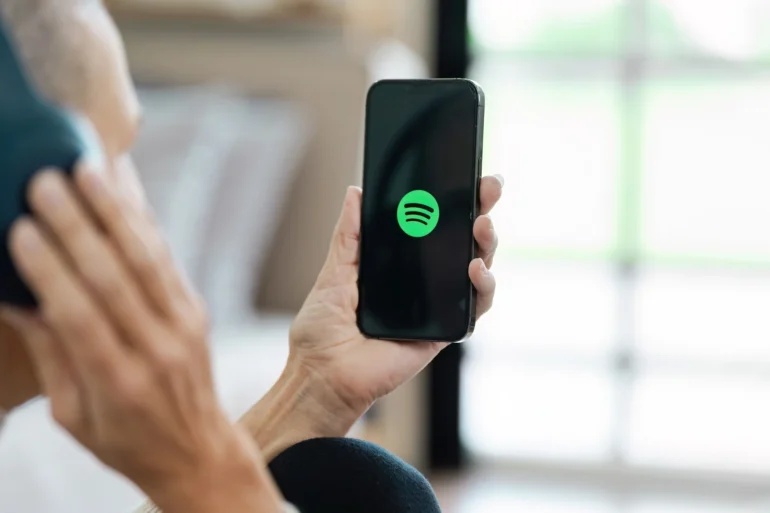
The new lossless audio option allows users to stream music in up to 24-bit/44.1 kHz FLAC, revealing greater detail in nearly every track. Users can now select “Lossless” from the music quality settings, joining existing options like Low, Normal, High, and Very High.
The feature is available on mobile, desktop, and tablet devices, as well as on many Spotify Connect-supported devices from brands such as Sony, Bose, and Samsung.
To enable the feature, users must manually turn on lossless audio in their settings. For the best experience, Spotify recommends streaming on a Wi-Fi connection and using wired headphones or speakers, as Bluetooth technology currently lacks the bandwidth to transmit lossless audio without compression. The global rollout is expected to continue through October 2025.

How to enable Lossless
To turn on lossless audio in the Spotify app:
- Tap your profile icon in the top left.
- Go to Settings & Privacy → Media Quality.
- Select where you want to enable lossless audio: Wi-Fi, cellular, downloads.

Miguel Palispis
Started his freelancing adventure in 2018 and began doing freelance Audio Engineering work and then started freelance writing a few years later. Currently he writes for Gadget Pilipinas and Grit.PH. He is also a musician, foody, gamer, and PC enthusiast.
View all articles →Related News
 Warhammer Survivors Release Date Confirmed for November 10

 Maximizing Local AI on RTX Spark Laptops
 Call of Duty on RTX Spark Arrives in 2027