Logitech recently introduced the Logitech G321 Lightspeed Wireless Gaming Headset in the Philippines, after it was teased late last year. The new gaming headset features a lightweight design with a pretty straightforward premise: “Just unbox, connect, and play.”
How does it fare in the real world, though? Does it actually live up to its simplistic promise? I had a little over two weeks with the headset, and here’s my experience with it.
Logitech G321 Lightspeed Wireless Gaming Headset Review
Build and Design
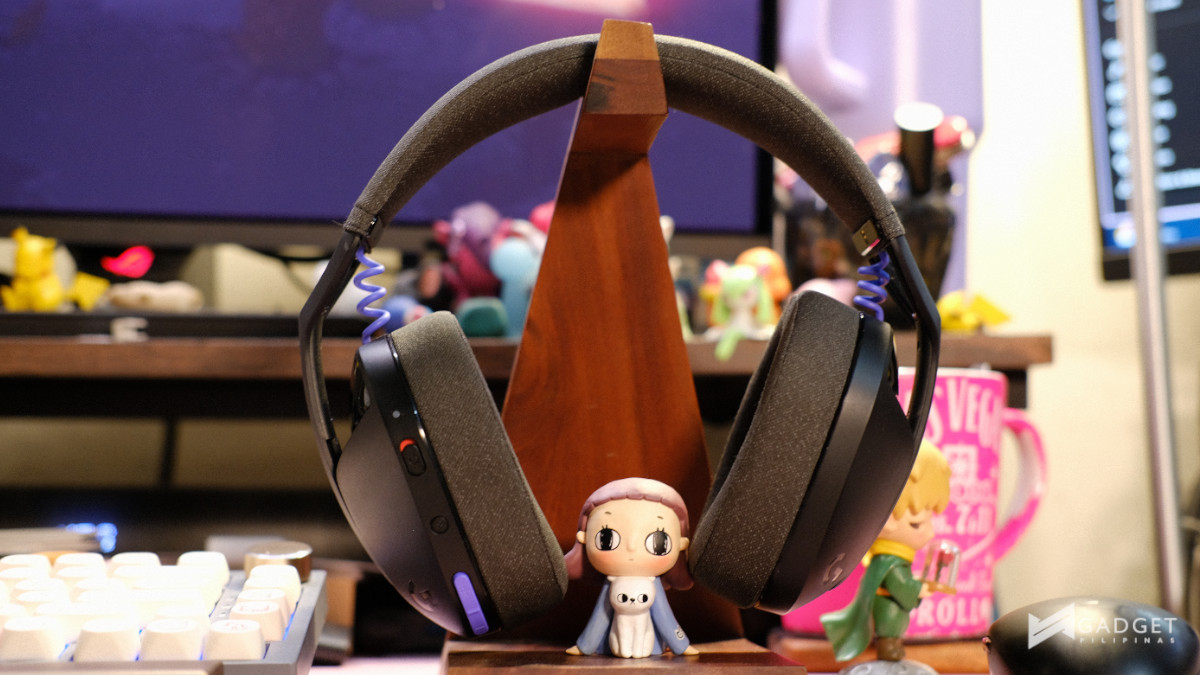
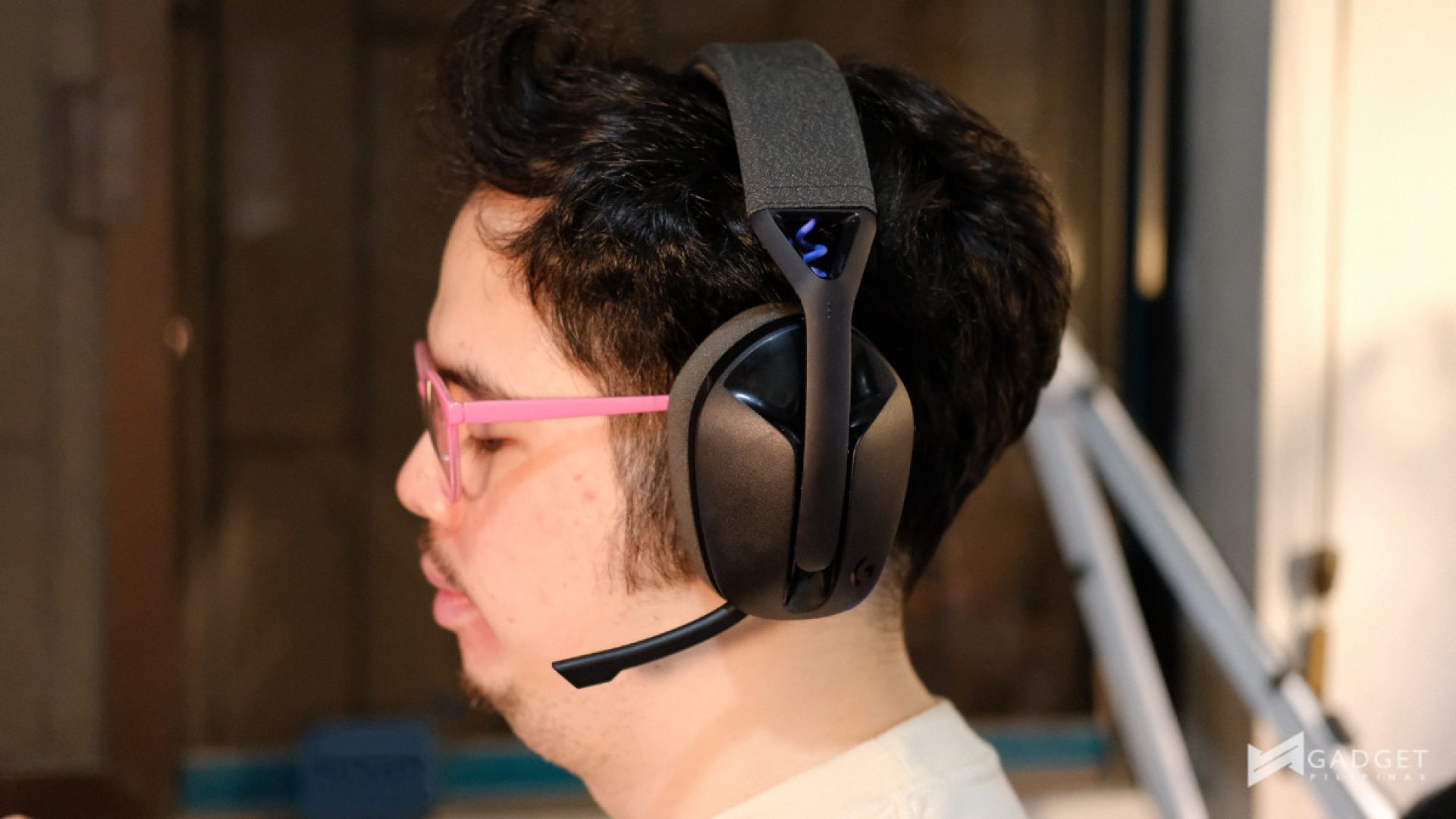
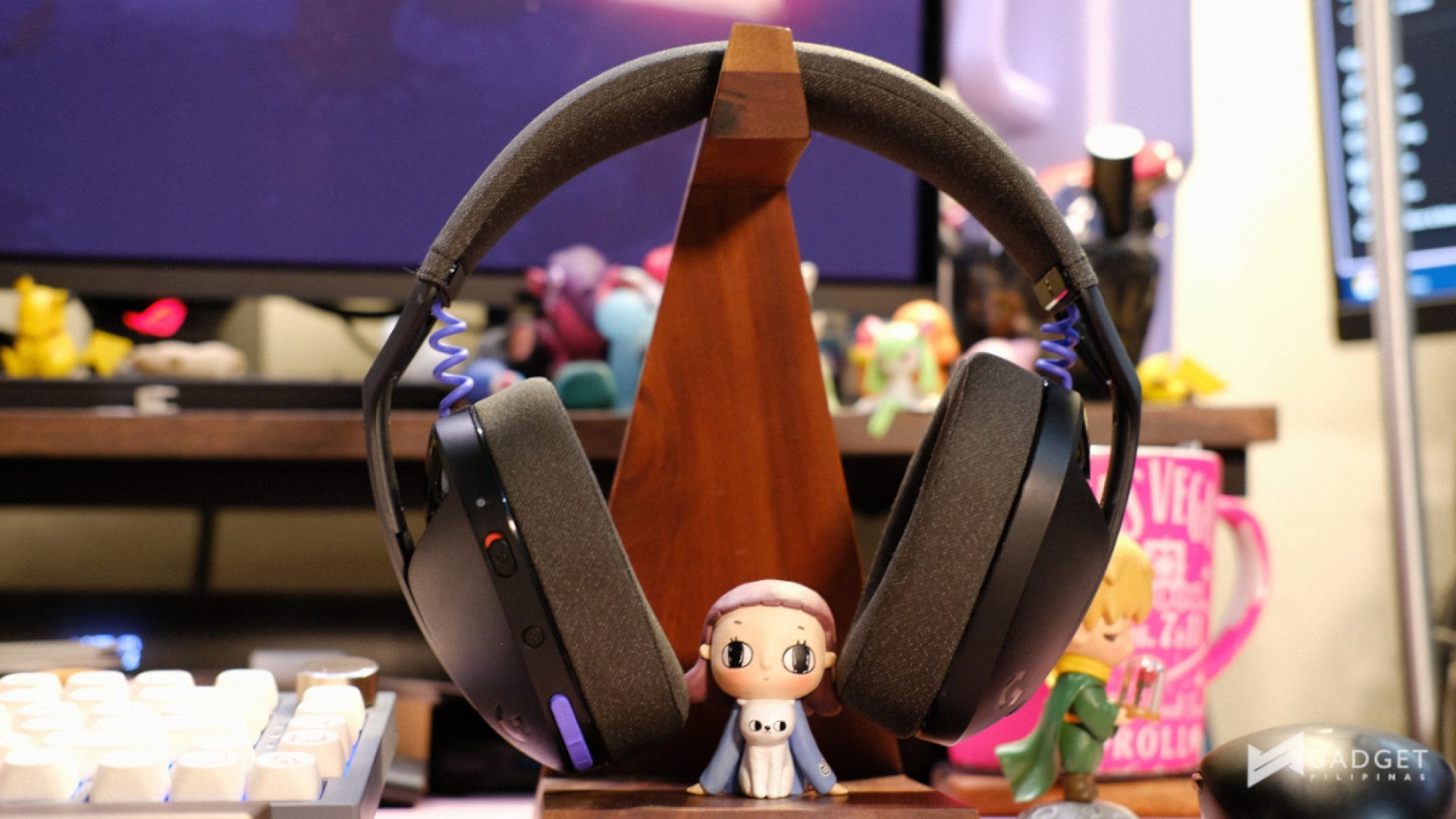
The Logitech G321 Lightspeed Wireless Gaming Headset has a pretty simple yet sleek design. Whether you get the Black or White color, the headset is mostly monochrome with colored accents in the coiled wires that connect to the earcups and the volume buttons.
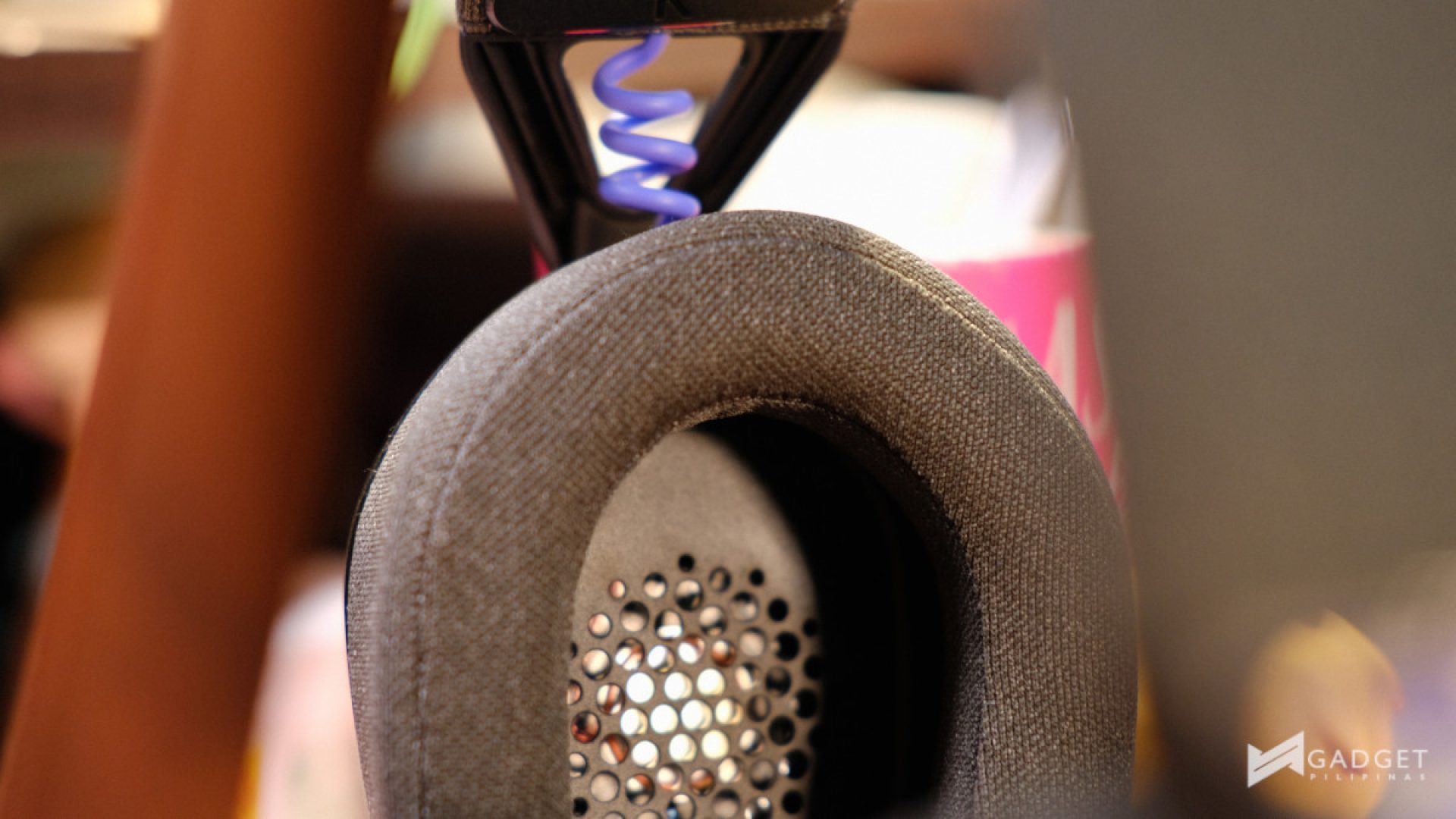
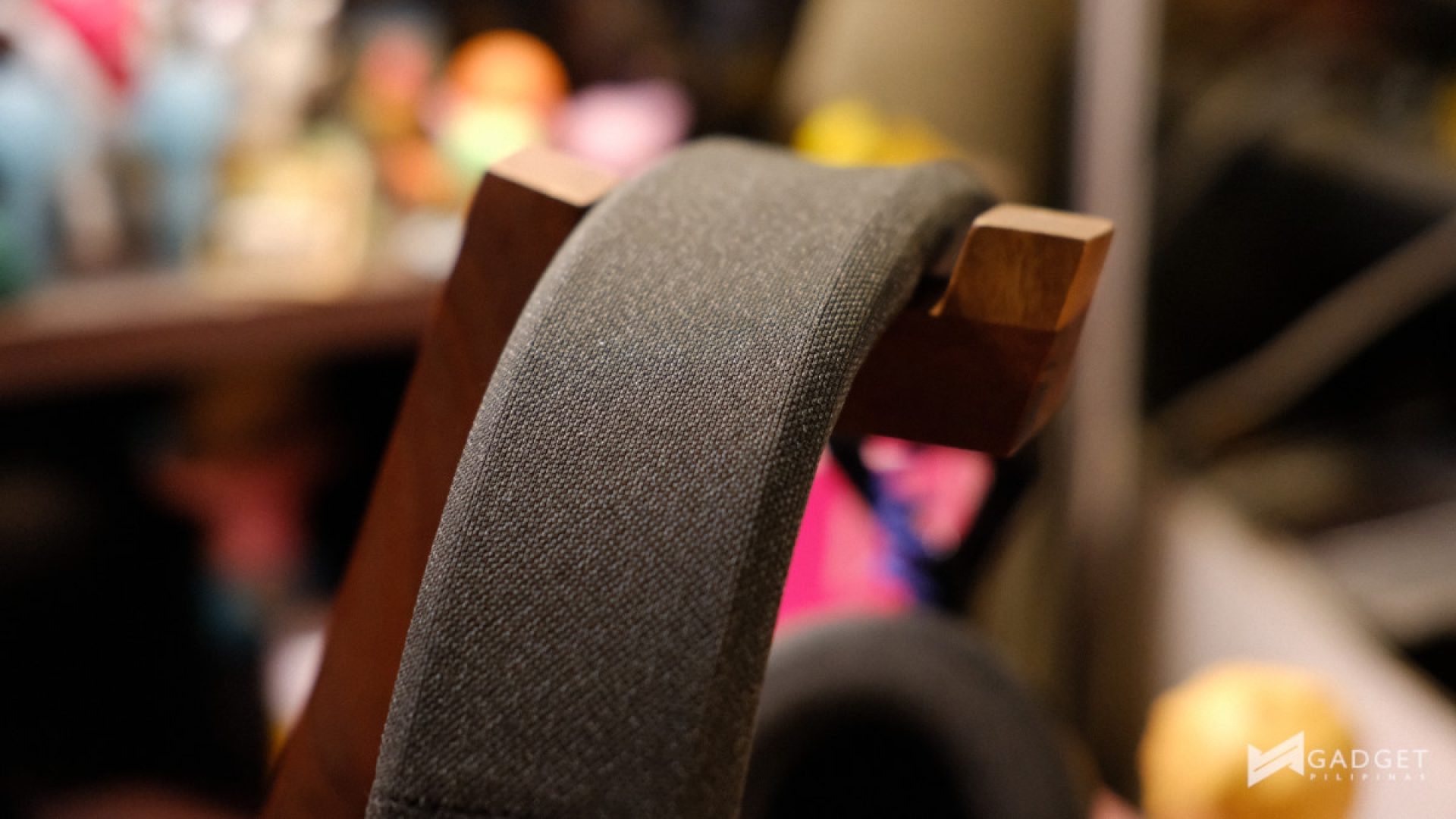
The Black colorway has as dark grey knit fabric earcups and a padded headband. I’ll get to comfort and fit later in this review. The coiled cable and volume buttons are purple, which gives the headset a nice pop of color.
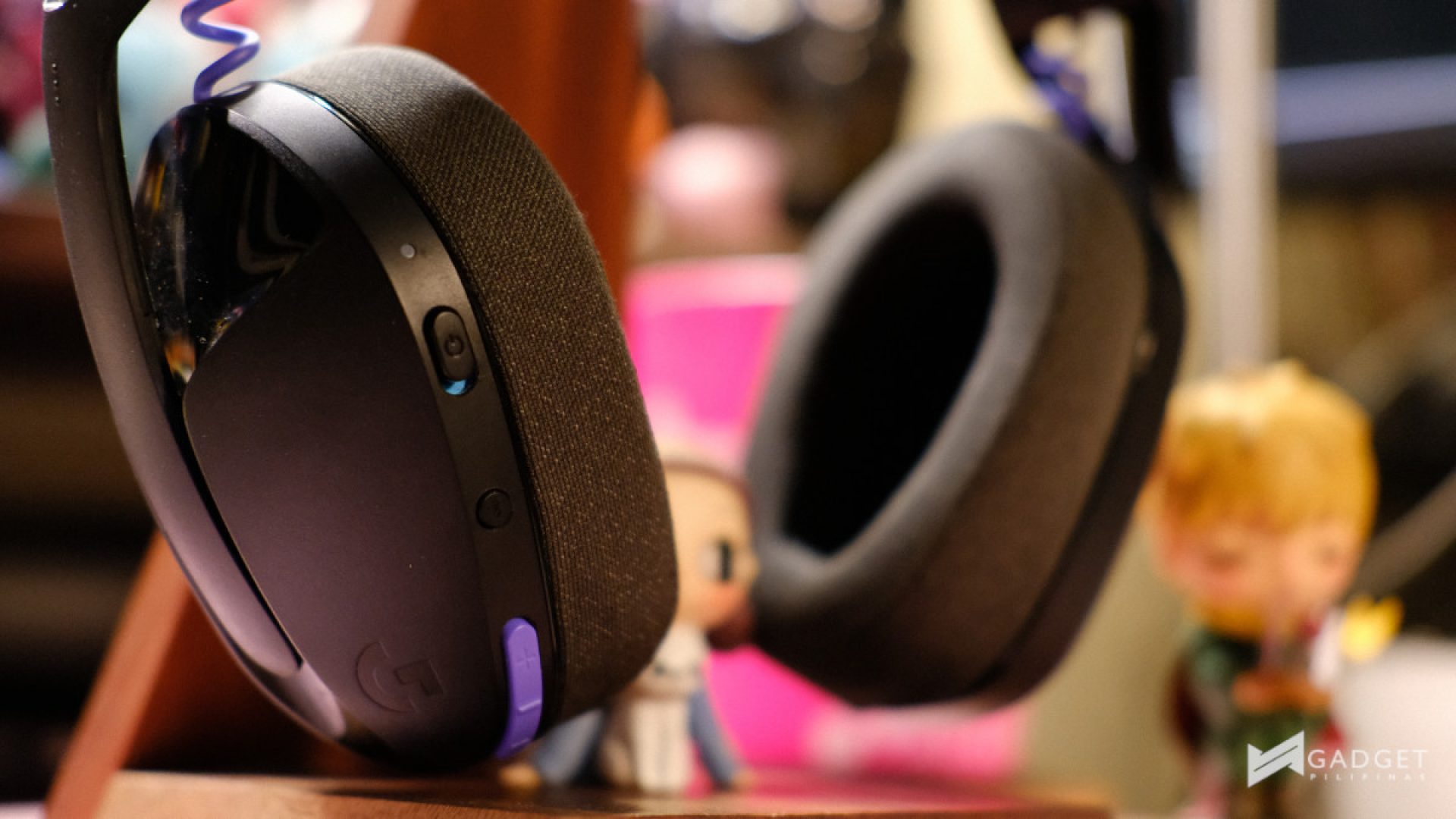
Speaking of buttons, the headphones have a three on the outer left earcup. The power button, which you toggle up and down; a Bluetooth button, when you want to connect to other devices; and the volume buttons. Each of these seemed easy enough to press. Moreover, because they are of different shapes and sizes, each was easy to discern from the others. This is pretty convenient when you need to do some adjust the volume or whatever, while in the middle of action.
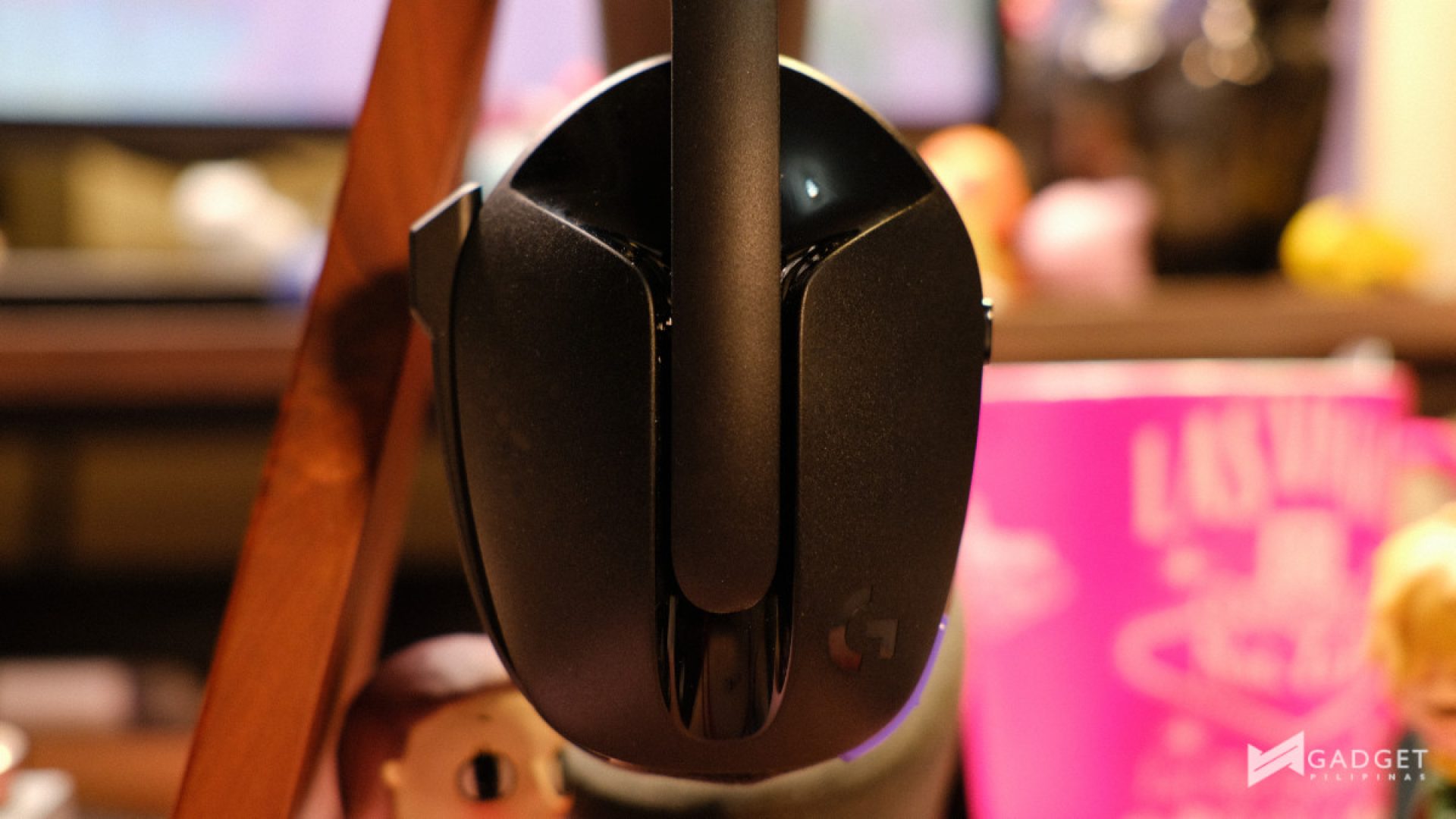
The Logitech G321 Lightspeed Wireless Gaming Headset has a very flexible plastic build, which is mostly matte. The outside of the earcups has a glossy Y shape indent which runs along the center of the earcup. This works as the track for adjusting the headset. I was initially skeptical of the durability of this adjustment method, but after using it for a while, I can confidently say that it actually works and is quite good at that.
For under PHP 4,000, you really can’t complain about the headphones’ flex. I don’t expect headphones at that price point to have metal parts for a more robust frame. There really isn’t much to say about its build and design; it’s clean, and it works. And I think that will be the theme for the rest of my review.
Comfort and Ergonomics
The Logitech G321 Lightspeed Wireless Gaming Headset is pretty light at 210g, and that plays a big role in comfort. When using it throughout a day of working, followed by a lengthy play session, there was no strain on my head. Additionally, at times, I nearly forgot I had headphones on as I moved around the house.

Additionally, there’s hardly any clamp force on the sides of your head, so if you use glasses as I do, you don’t have to worry about using them for many hours. The downside, though, to this is that you don’t get a good seal for noise isolation.
The knit fabric used in the earcups and headband is also very welcome, as someone who does not use air conditioning, it offers breathability compared to leather earcups. This ought to come in handy as well, with the summer coming in fast.
Additionally, the earcup cushions can be removed for cleaning, and may even be replaced down the line if it comes to it. Removable cushions are always a welcome addition to over-ear headphones because they can get pretty disgusting if you sweat a ton.
Audio Quality

As far as audio goes, the Logitech G321 Lightspeed Wireless Gaming Headset is equipped with 40mm drivers on each ear. These are said to deliver a frequency response of 20-20kHz.
Based on testing, it is tuned more with mid and bass in mind, which is to be expected of a gaming headset. This tuning in games offers that extra immersion, especially if you’re playing shooters like Battlefield 6 or even ARPGs like Grim Dawn.
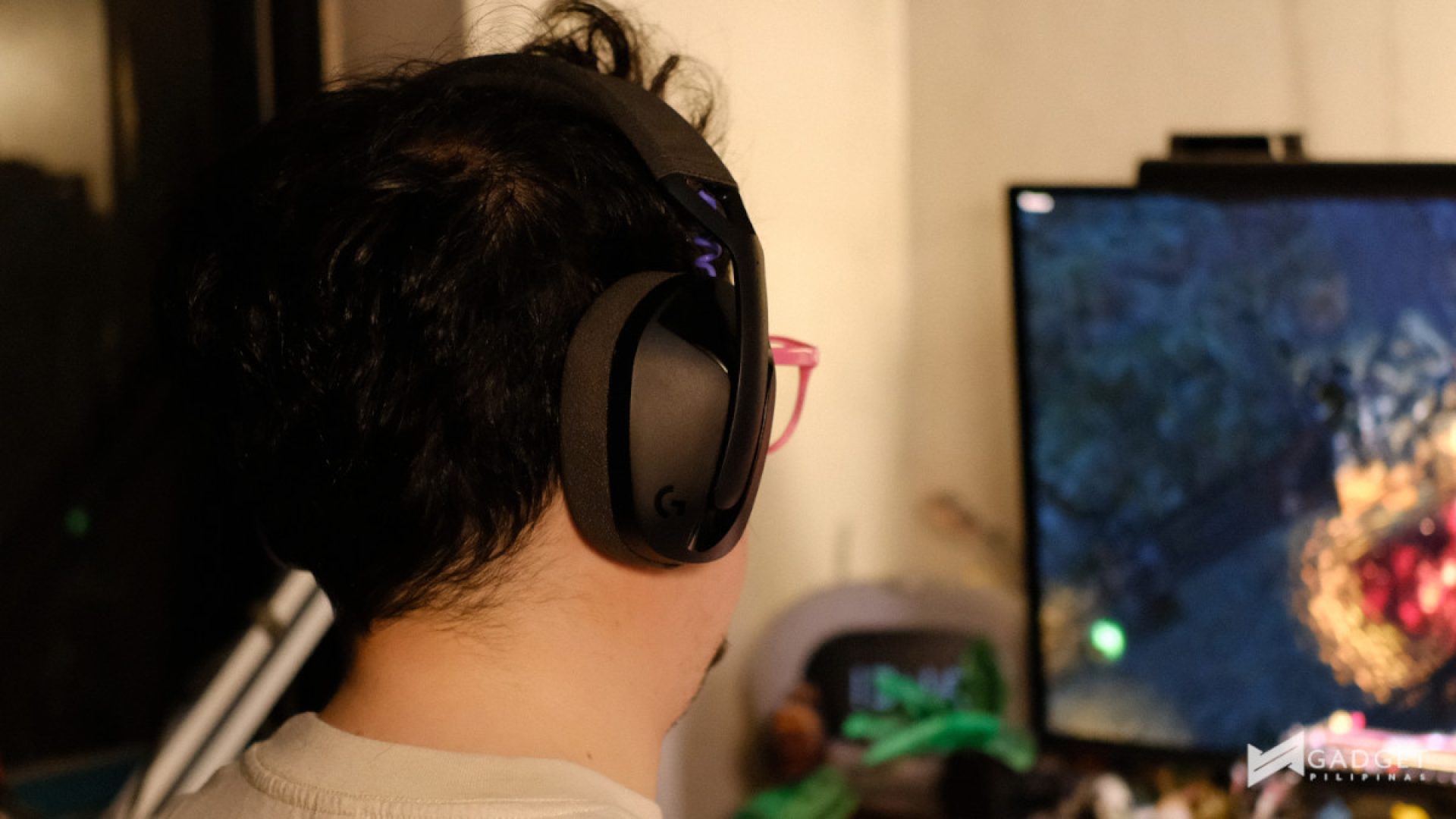
If you plan to use the Logitech G321 Lightspeed Wireless Gaming Headset for music, you’ll have to be alright with its bass and mid-heavy tuning. I personally prefer a bit more bass in my audio over a balanced tuning.
The sound stage on the headset is also pretty decent. It gives you a good idea of where things are and how far they are in games and in music, which I always enjoy.
That said, it really doesn’t blow anything out of the water in the audio department. It’s decent at best.
Microphone Quality
The microphone of the Logitech G321 Lightspeed Wireless Gaming Headset is found on the left earcup, along with the other buttons. This is conveniently tucked by default and muted when folded.
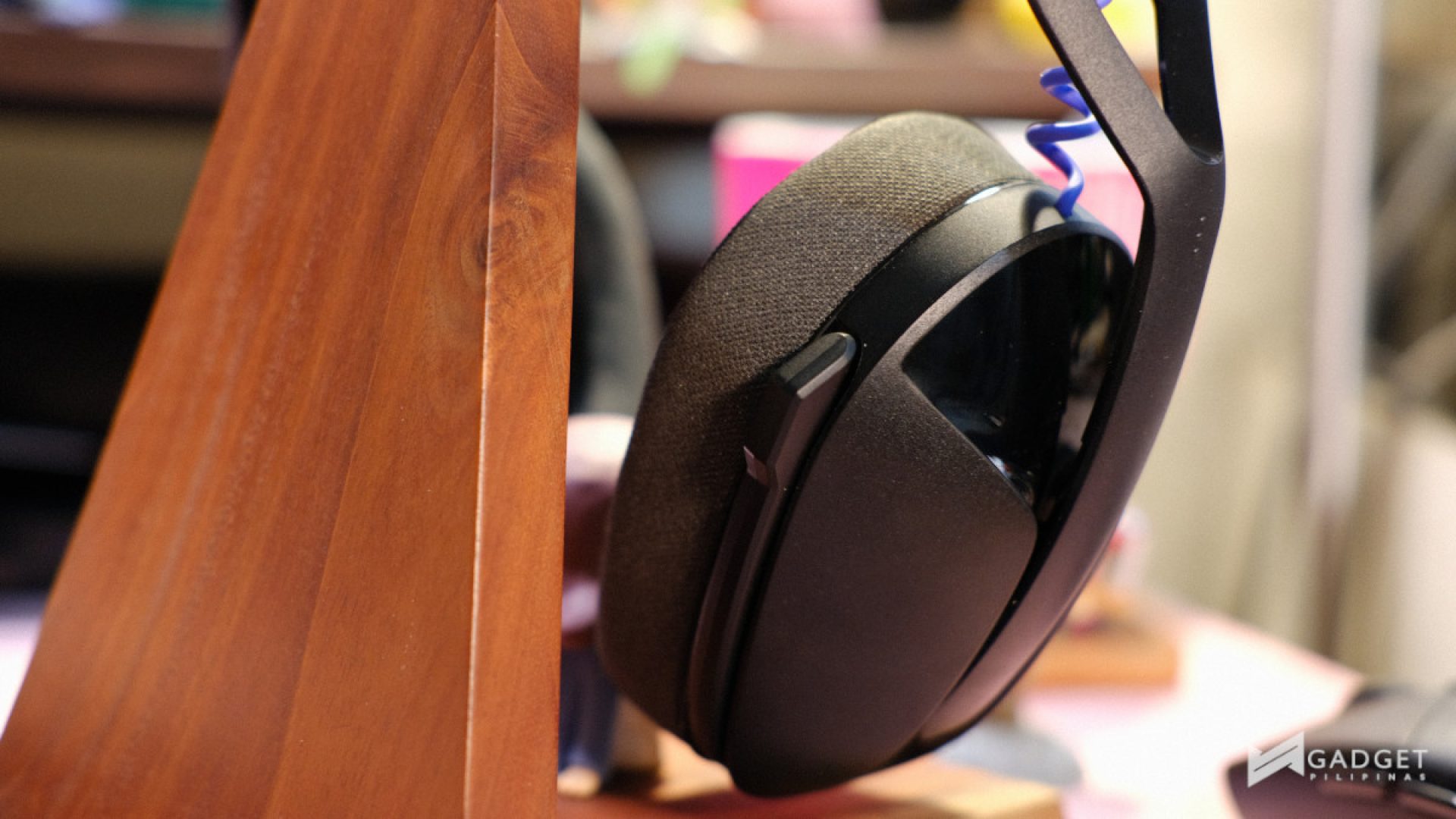
One downside, though, is that you can’t adjust the microphone arm to be closer to your mouth. It’s preset, and for me, I wish it could be adjusted a bit, just so it can pick up my voice better.
Here’s a quick recording with the microphone on the Sound Recorder app on Windows, without editing anything:
It must be said that I recorded that with my electric fan blowing from behind me. While it is impressive that you don’t hear the fan, the volume is quite weak. Although sound quality-wise, I think it sounds pretty decent. It will get you through to communicate with your friends and teammates in your games, or even through video calls.
Battery and Connectivity
The battery of the Logitech G321 Lightspeed Wireless Gaming Headset is said to deliver less than 20 hours of continuous playing. However, based on my experience, it started beeping in my ear about 10 hours in.
This can be pretty stressful at times, especially when it pings just when the action in your game begins to pick up. To add to this, there is no app support to show just how much battery you have left before actually dying. The lack of app support also means that you can’t tweak anything with it, like EQ or all that.
However, I suppose it is designed to just work as it is across a variety of devices. In addition to the 2.24GHz Lightspeed connection via the included USB-A dongle, you can also connect it to other consoles like the PS5 or the Nintendo Switch via Bluetooth 5.2.
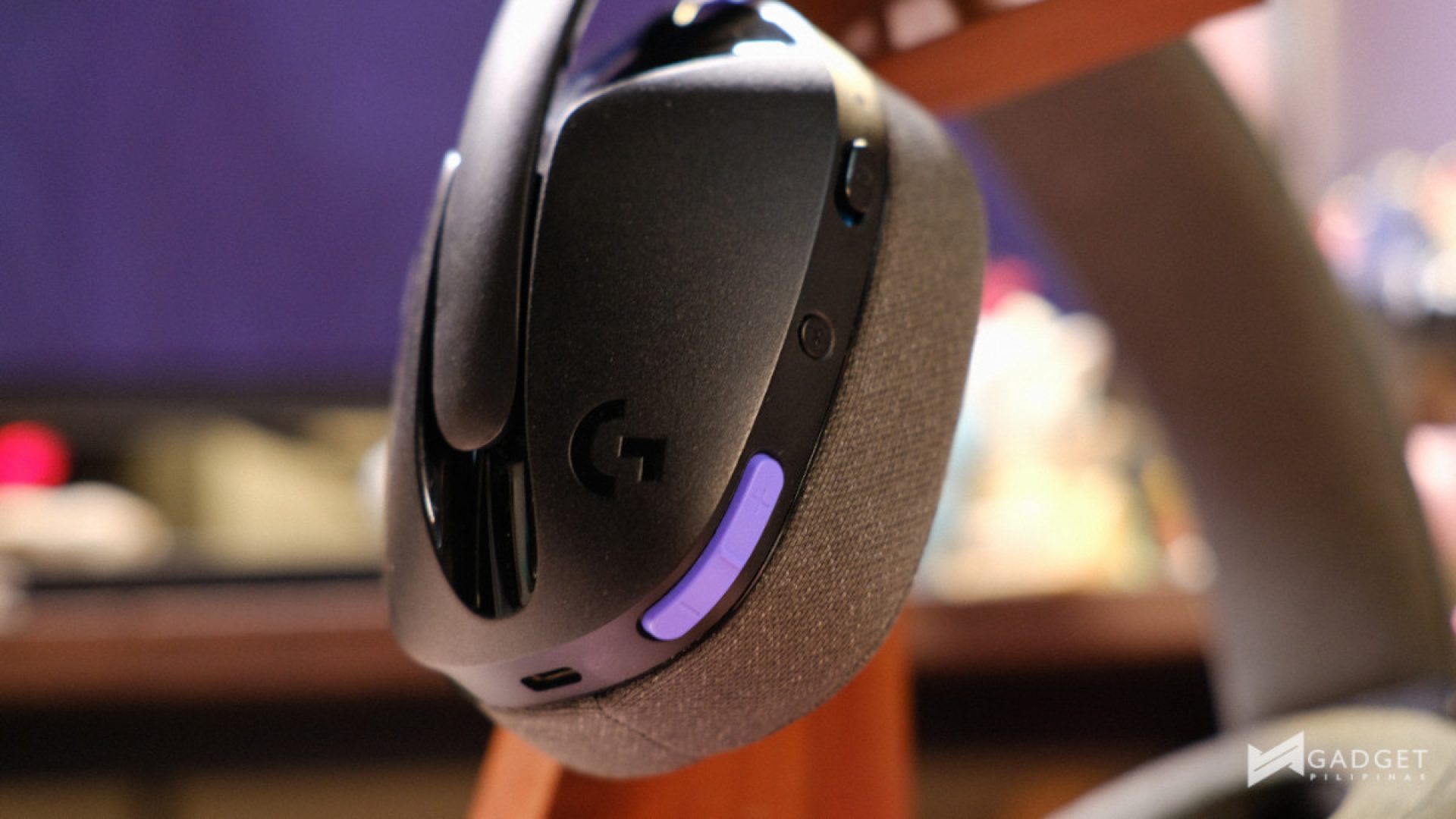
The device charges via USB-C, with its port found on the left earcup along with the rest of its buttons. If you have a long enough cable that can hook up the Logitech G321 Lightspeed Wireless Gaming Headset to a power source like a USB-A or USB-C port on your PC, you can use the headphones will it is charging, which I did almost all the time.
Additionally, it took me a while to realize that they have a built-in sleep mode, which turns them off after not being used for a while. I initially thought the battery died or the connection got cut. While I appreciate the inclusion of this feature to save battery while not in use, it can get pretty annoying. I wish there were a way to toggle this feature off.
Verdict
The Logitech G321 Lightspeed Wireless Gaming Headset gets its job done as a wireless gaming headset. As I mentioned in the review, I think they were just designed and built to be a plug-and-play device without any bells and whistles.
This may be a downside to some, but for PHP 3,595, I think it does a good job at offering a wireless gaming audio experience without breaking the bank.
If you’re looking for a device that will make you go “wow,” the Logitech G321 Lightspeed Wireless Gaming Headset isn’t it. Well, maybe with its lightweight design and how straightforward it is, you’d be impressed. I think the gaming audio space needs more devices that allow people to enjoy more premium features like Bluetooth connectivity and being able to connect to a variety of devices, without worrying about installing yet another app on their PC.
Not all devices need to excel at something and blow minds; some just need to be solid and stable, and I think the Logitech G321 Lightspeed Wireless Gaming Headset does that. It isn’t without its quirks, like the sleep mode and the unadjustable microphone, but you really can’t have everything. So, yes, I think it lives up to the premise of unbox, connect, and play.
For more information, visit the official website.

Ram found his love and appreciation for writing in 2015 having started in the gaming and esports sphere for GG Network. He would then transition to focus more on the world of tech which has also began his journey into learning more about this world. That said though, he still has the mentality of "as long as it works" for his personal gadgets.