IGV Game Pass unlocks games for you!
Gamers subscribed to PLDT Home Fiber can turn their connection into a “no-purchase-needed” Steam playground with the PLDT Home Life IGV Game Pass, which unlocks hundreds of PC titles and enables gamers to install and play games as if they owned them–without actually buying each game. This is not a game streaming service; instead, customers can download full games via Steam on their own PC, then log in through IGV’s system to play using pre-assigned Steam accounts tied to their pass.
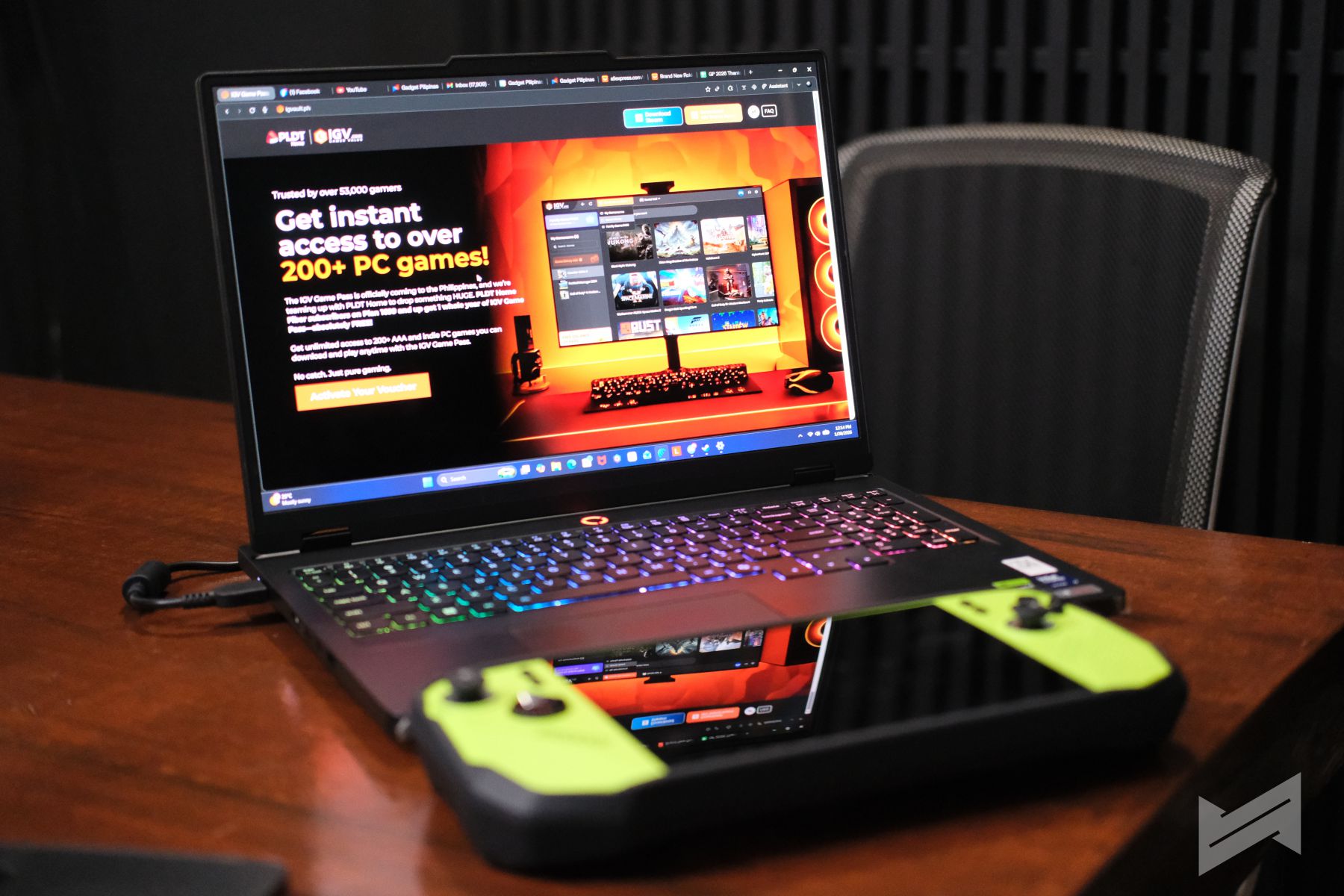
What IGV Game Pass Really Is
IGV Game Pass is a digital service bundled with select PLDT Home Fiber subscribers that gives access to 200+ legit PC games on Steam for 12 months. It’s free with PLDT Home Fiber Plans 1299 and above for new subscribers, or via a Speed Add-on 500 upgrade for existing subscribers, effectively turning their monthly internet bill into a massive shared game library. You can check our news article about this right here.
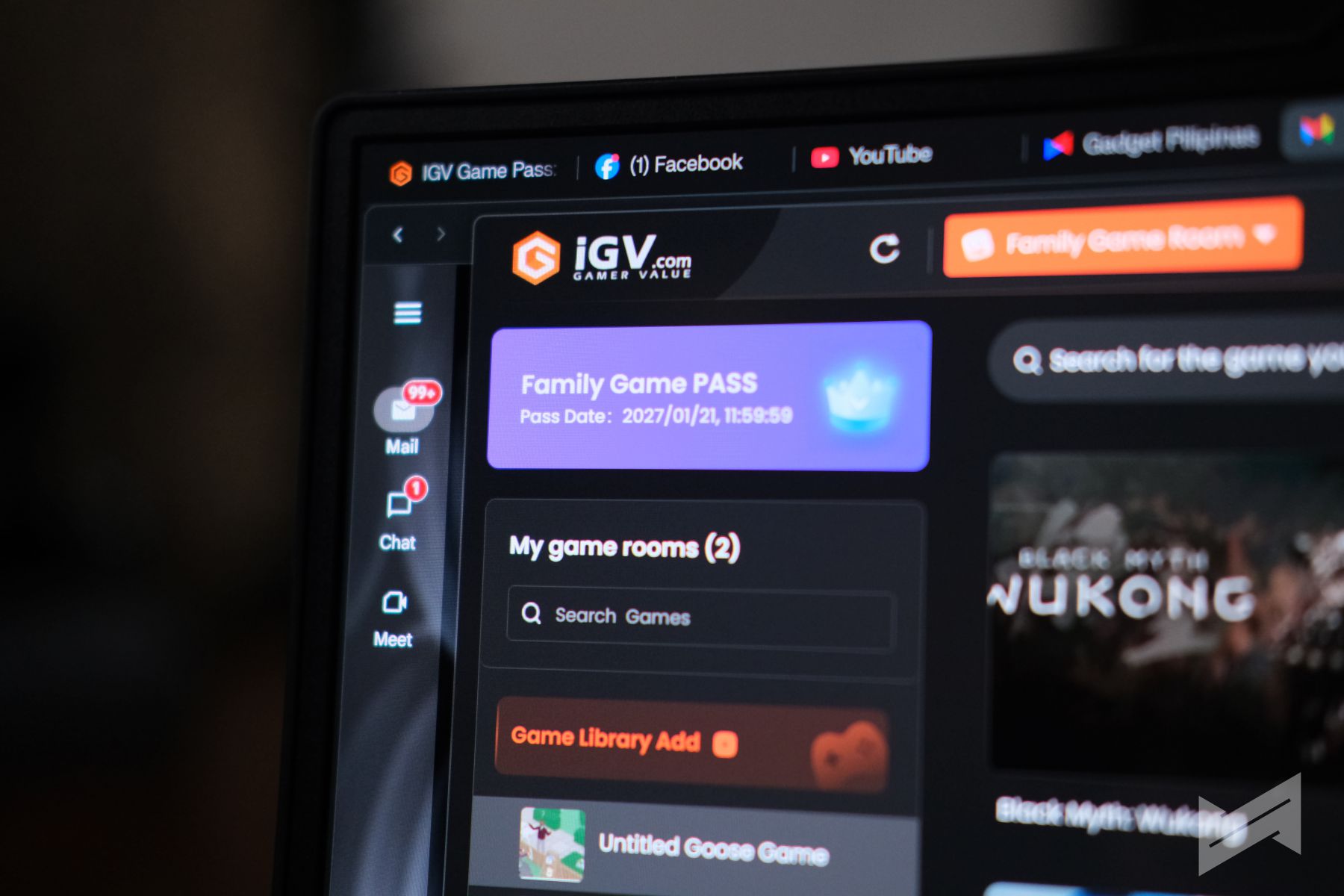
This pass covers an impressive range of genres, from competitive online titles to sprawling single-player adventures. Customers get access to both blockbuster AAA games and quality indie titles worth tens of thousands of pesos if bought individually. If each game costs an average of Php800, IGV’s game library is worth around Php160,000.
Not Streaming, But Full Game Downloads
IGV Game Pass is not a cloud gaming or streaming platform like GeForce Now or Xbox Cloud Gaming. Instead, it works on top of Steam: users still download and install the full games to their PC, so their experience depends heavily on their own hardware and their PLDT Home Fiber connection for downloads and online play.
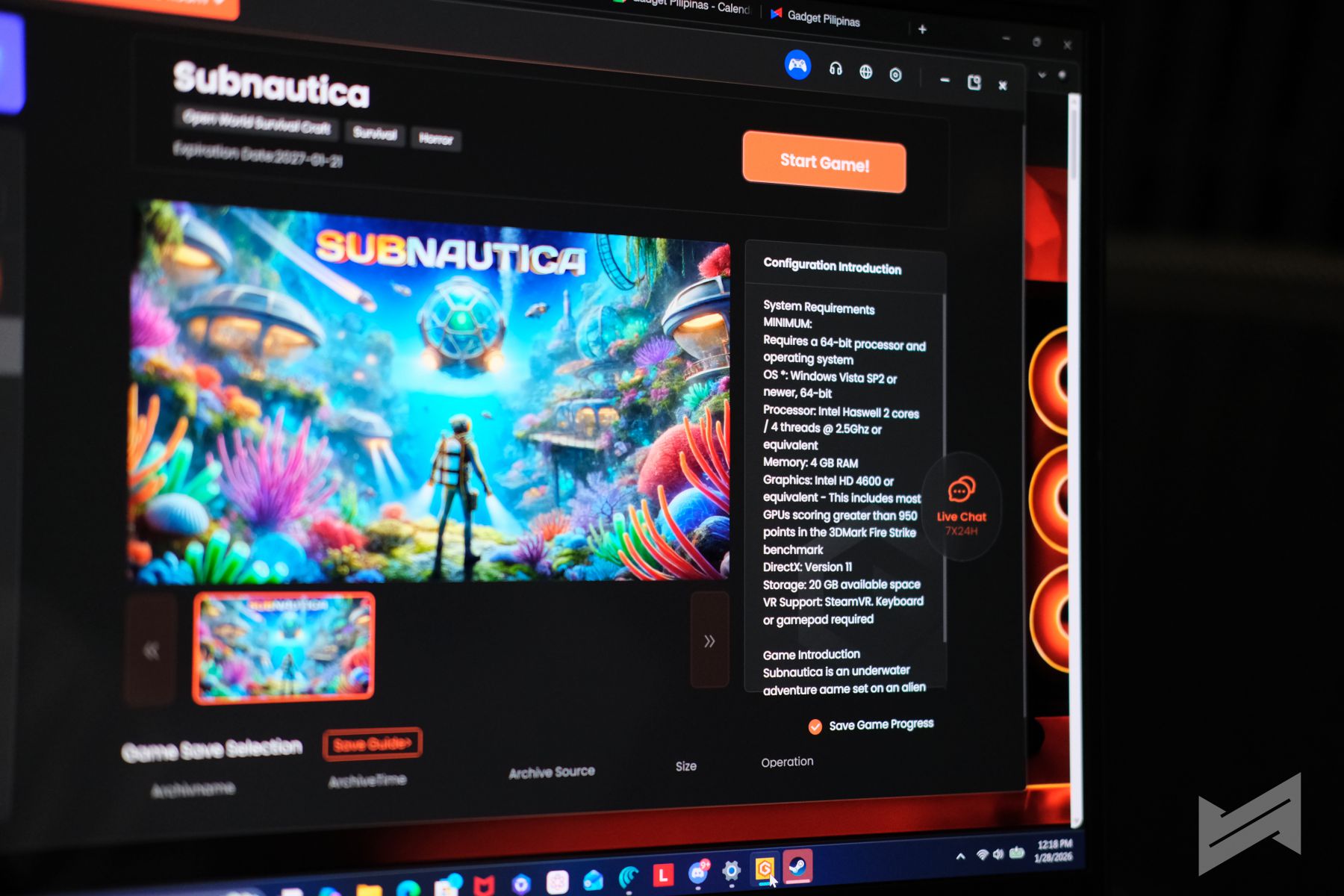
Because the games run locally, users avoid typical streaming issues like input lag, compression artifacts, or sudden quality drops. Once installed, they can play just like any regular Steam user, with smooth performance limited only by their rig’s specs and the stability of their internet for multiplayer and patches.
How It Works With Steam
The actual setup is straightforward, even for non-techy family members. After subscribing to a qualifying PLDT Home Fiber Plan and activating the IGV voucher on the IGV site, simply:
- Install Steam on your PC. Do not log in yet as IGV does this for you because it will assign a dedicated Steam account on your IGV account.
- Download and install the IGV Game Pass / IGV Game Room app.
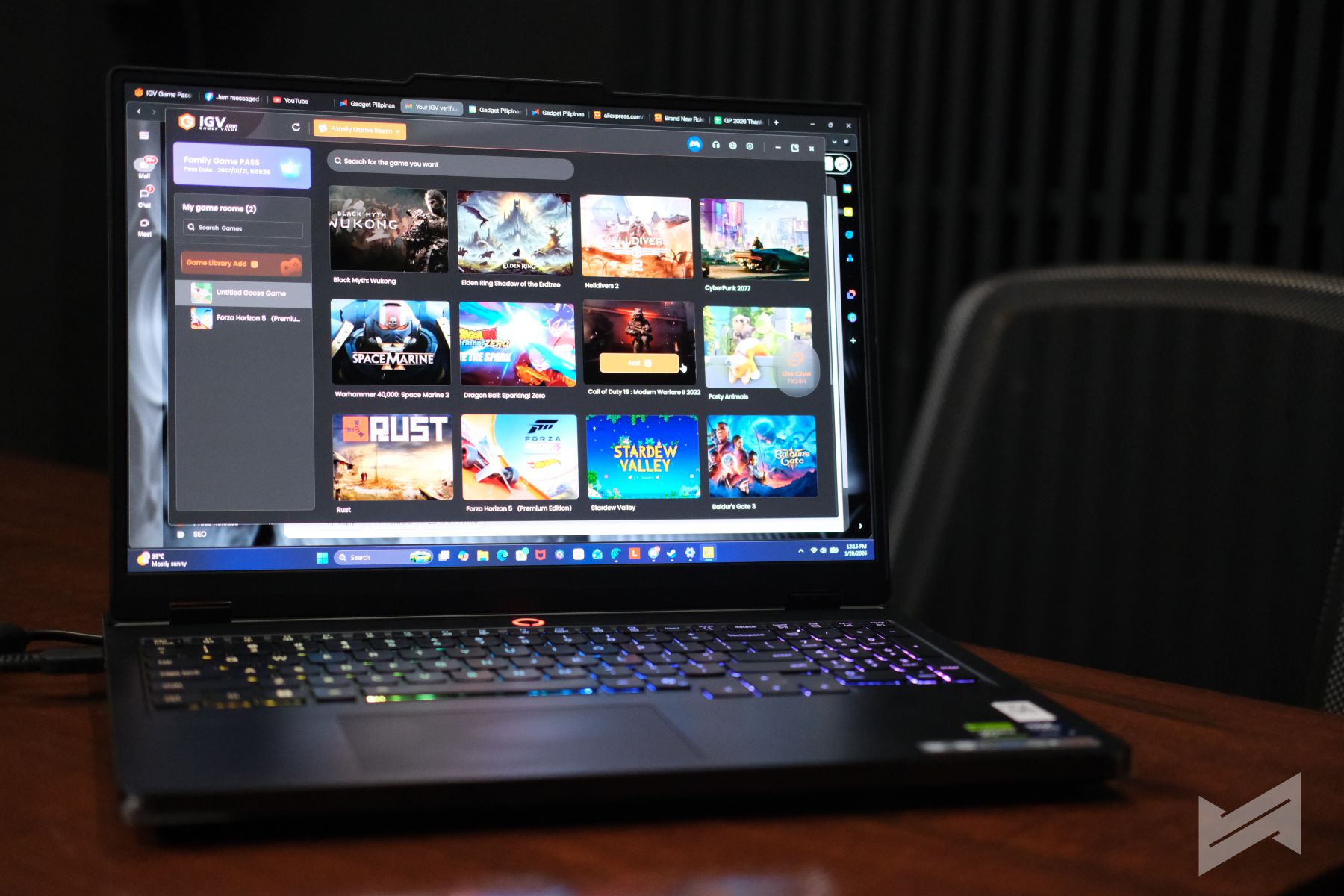
- Browse the IGV library and pick from the catalog of free games linked to your pass.
- Add a game to your library in the IGV app and hit Play; the system signs you in with a pre-assigned Steam account that already owns that game.
- If the game isn’t installed yet, download it via Steam and start playing as you normally would.
This setup means you do not need to buy these games on your personal Steam account at all; the entitlement lives on the IGV-managed account that the launcher automatically logs in for you. You still get the convenience of Steam Cloud for supported titles, so saves and progress can travel across multiple PCs at home.
Playing AAA Titles Without Buying Them
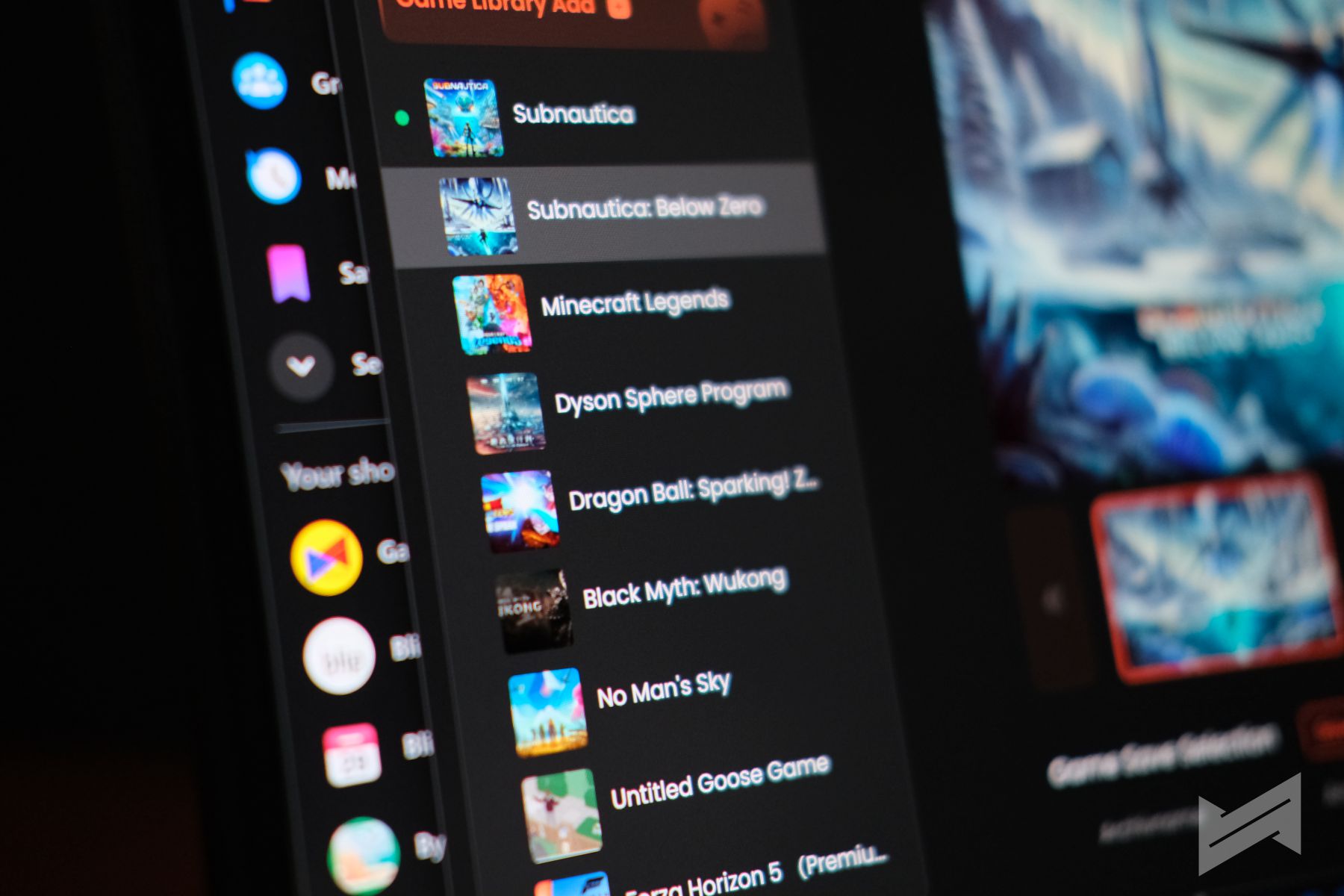
One of the biggest perks is being able to jump into modern AAA titles without dropping Php2,000 or more per game. The catalog includes hugely popular releases like NBA 2K25, Counter-Strike 2, PUBG: Battlegrounds, and acclaimed titles such as Elden Ring, Cyberpunk 2077, and Black Myth: Wukong, among others.
Because the library is growing and updated regularly, you’re not stuck with a static list. New games rotate in, giving fresh content to explore, which is perfect for players who like to try new genres or discover hidden-gem indies without financial risk.
With this model, your PLDT Home Fiber subscription effectively becomes your “game budget.” You only really need to purchase games on your personal Steam account if you want permanent ownership, mods, or to keep something outside the IGV ecosystem; otherwise, the bundled library already covers a full gaming lifestyle.
Why Fast PLDT Home Fiber Matters
High-speed PLDT Home Fiber is what makes this deal truly shine. Since you are downloading full PC games (many of which are 50–100GB) it takes a fast, stable connection to install them quickly and keep patches, DLCs, and online updates painless.
Once installed, the same fiber connection powers lag-free multiplayer, quick matchmaking, and smooth voice chat, especially when multiple devices at home are streaming or working at the same time. PLDT Home’s higher-tier plans and Speed Add-on 500 can push speeds up to 1Gbps, helping you download massive games in hours instead of days and letting everyone at home enjoy unli entertainment together.
Making the Most of Your Subscription
To fully maximize your PLDT Home Life IGV Game Pass, consider these habits:
- Treat IGV as your default game library: Before buying anything on Steam, check if it’s already available through IGV.
- Use multiple PCs at home: Install Steam and the IGV app on several machines so different family members can dive into different games, with Steam Cloud carrying progress where supported.
- Explore beyond the obvious AAA titles: Mix big-name games with indie and niche titles you might never have paid for outright, since they’re already part of your pass.
- Keep an eye on library updates: Check back regularly for newly added games so you always have something fresh to download and play.
Used this way, PLDT Home Life’s IGV Game Pass becomes a legit, affordable, and constantly evolving PC gaming ecosystem where you can play a vast Steam catalog without buying each game individually. The only caveat for now is that IGV’s app is only compatible with Windows. I have not tried installing their app yet on my Steam Deck and use Proton compatibility. That’s probably something I will try next.
Maximize by Subscribing to Gaming Bundle Promo for new PLDT Home subscribers
New PLDT Home Fiber subscribers get exclusive discounts and a free P250 voucher on smart home shopping site Next Upgrade when they apply for a home connection from January 27 to March 31, 2026. Plus, enjoy free installation and a free speedboost up to 200 Mbps when you subscribe to PLDT Home Fiber Plan 1399.
How to avail:
Upon successful PLDT Home Fiber account activation, anticipate instructions on how to claim your Next Upgrade discount to be sent by PLDT Home via SMS. You’ll need to create an account at the Next Upgrade Shop to avail of the offer.
Click this link for more information.

Giancarlo Viterbo is a Filipino Technology Journalist, blogger and Editor of gadgetpilipinas.net, He is also a Geek, Dad and a Husband. He knows a lot about washing the dishes, doing some errands and following instructions from his boss on his day job. Follow him on twitter: @gianviterbo and @gadgetpilipinas.