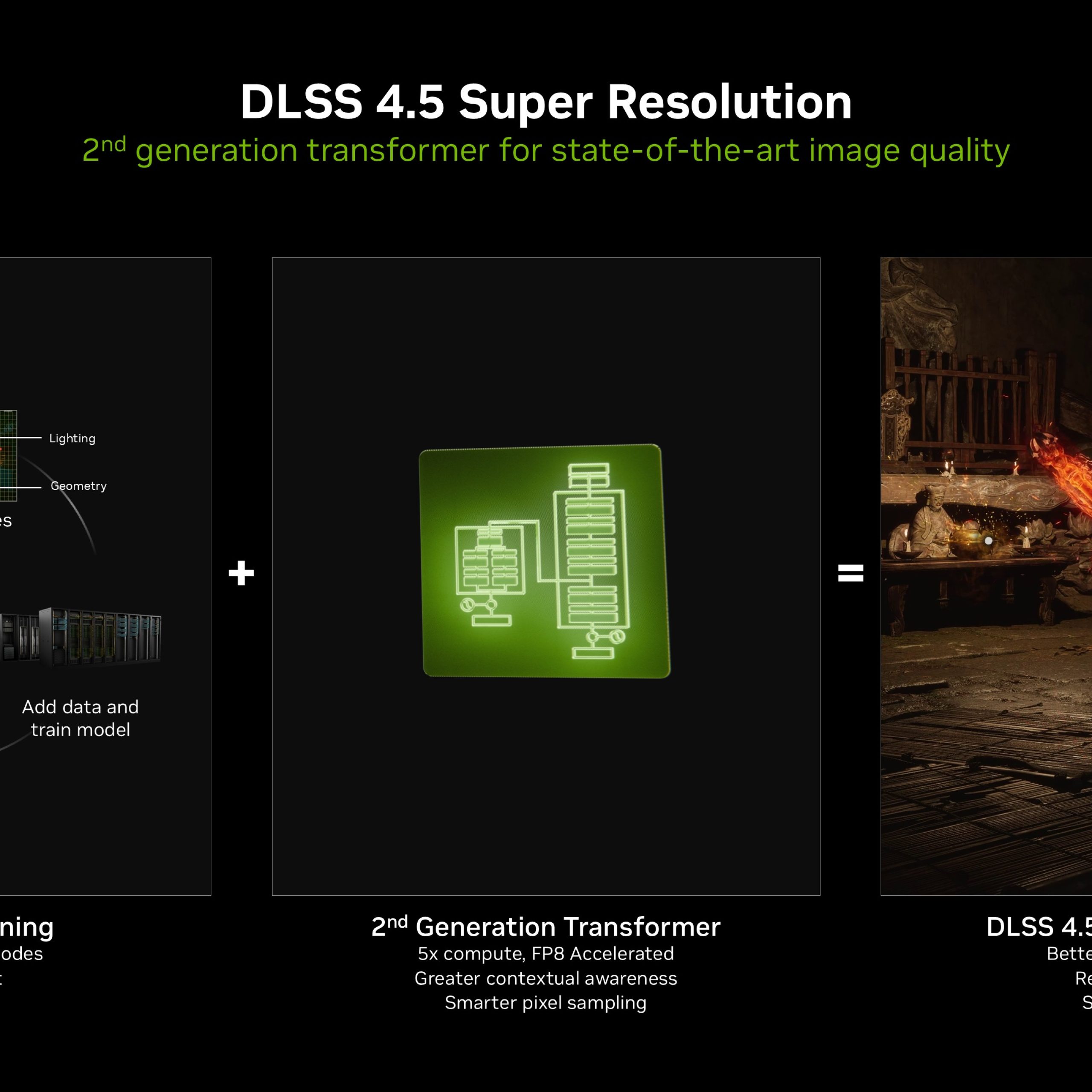
NVIDIA has officially announced DLSS 4.5, the most significant update to its Deep Learning Super Sampling technology since the introduction of frame generation. Unveiled at CES 2026, DLSS 4.5 introduces a second-generation transformer model for Super Resolution and a groundbreaking 6X Dynamic Multi-Frame Generation mode, aiming to make 240+ FPS path-traced gaming the new reality and standard for high-end enthusiasts and gamers.
DLSS 6X Multi-Frame Generation
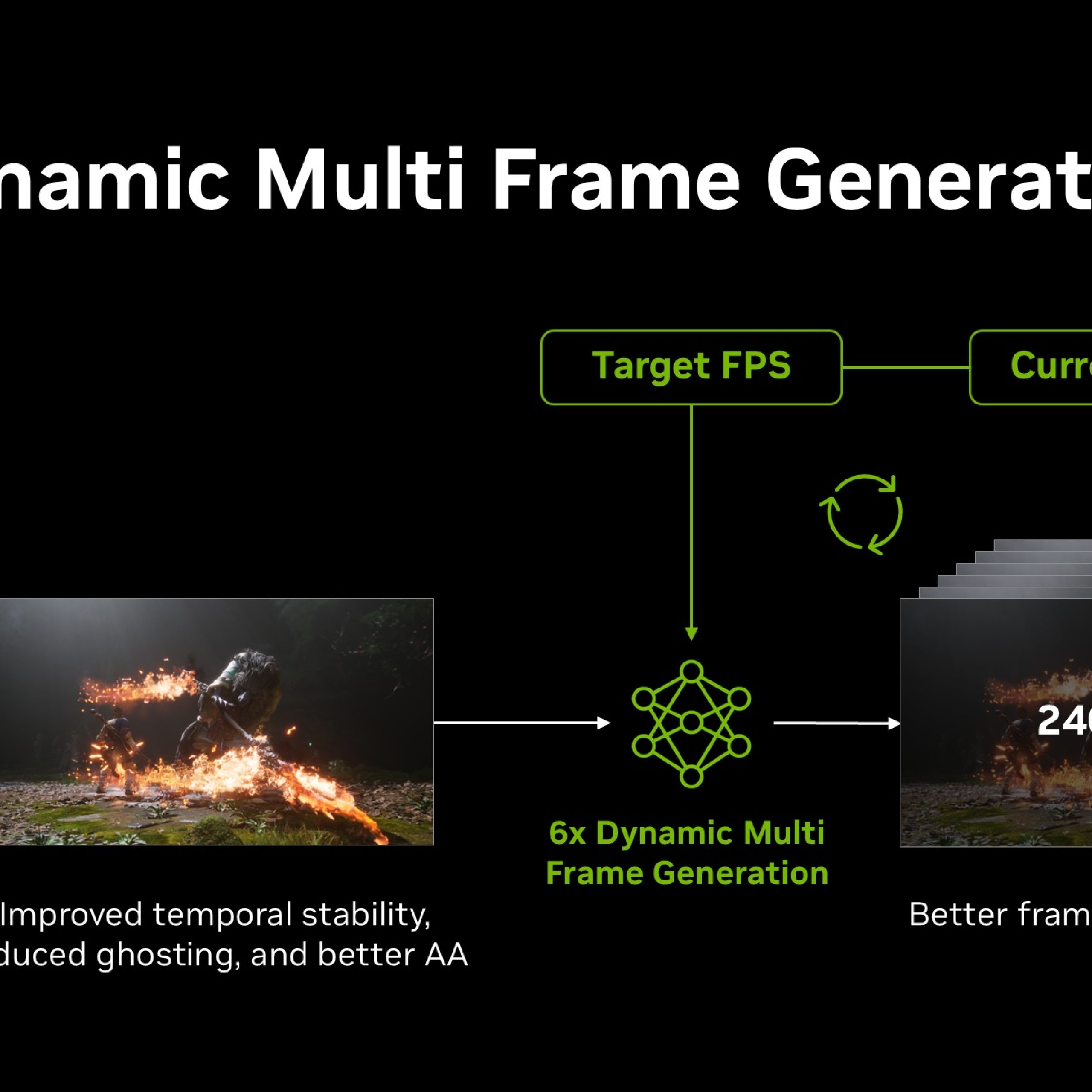
For gamers who have a GeForce RTX 50 series GPU, DLSS 4.5 pushes performance to new heights with 6X Multi-Frame Generation. This allows the GPU to generate up to five additional frames for every one traditionally rendered frame. That said, this is now Dynamic. The AI continuously monitors the gap between your GPU’s native output and your display’s refresh rate. In graphically intense path-traced scenes, it “upshifts” to bridge performance dips, while downshifting during lighter workloads to maximize efficiency. This results in smoother frame pacing and a performance boost of up to 35% in 4K path-traced titles.
Enhanced User Interfaces and Accessibility
NVIDIA is also addressing a long-standing “pain point” of frame generation: UI flickering. The DLSS 4.5 update incorporates additional engine data to improve the visual clarity of static user interface elements, ensuring that menus and HUDs remain crisp even as frame rates soar.
How To Enable NVIDIA DLSS 4.5
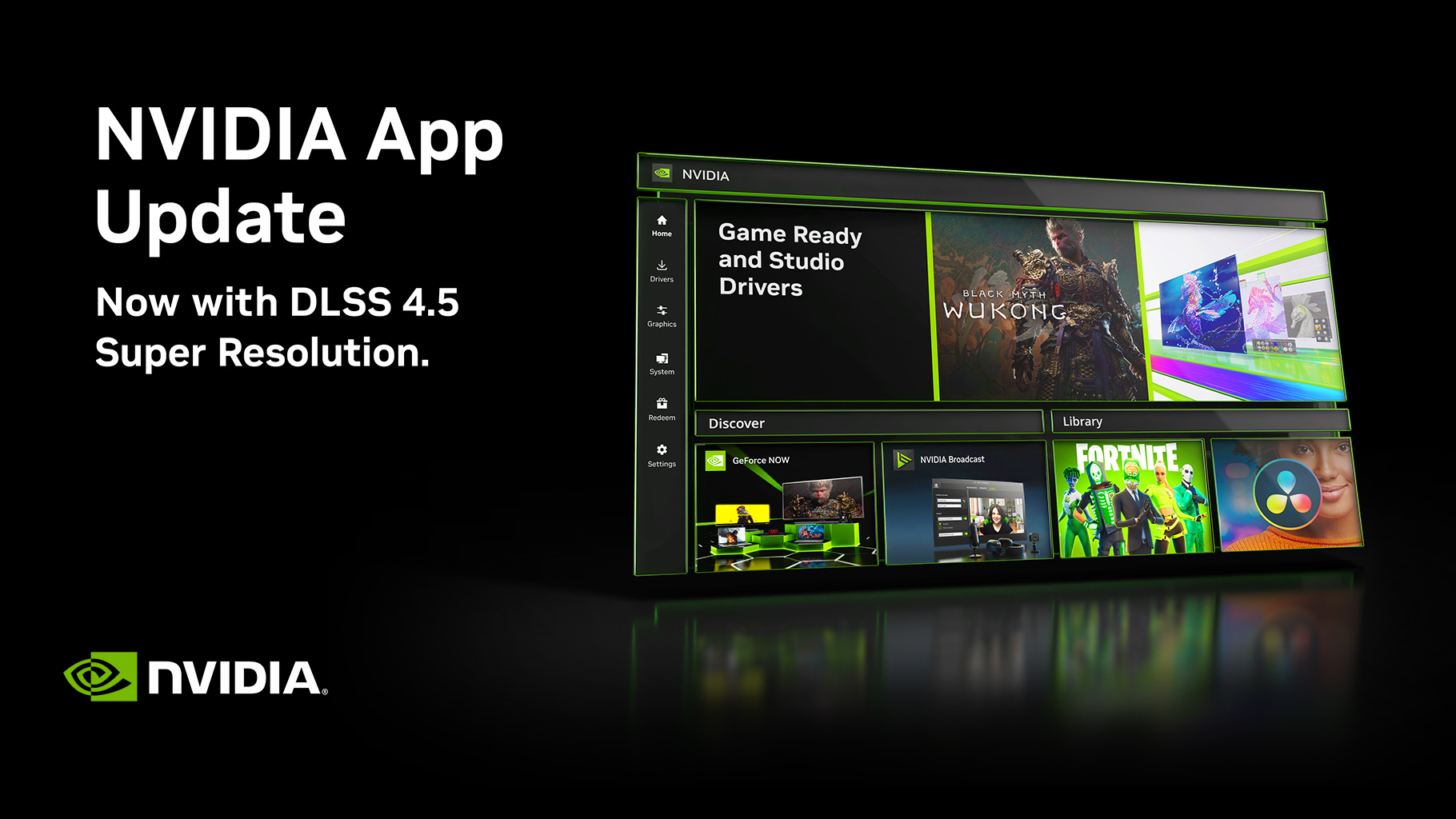
DLSS 4.5 Super Resolution: Available now through the NVIDIA App (v11.0.6 Beta) and Game Ready Driver 591.74 for all RTX GPUs.
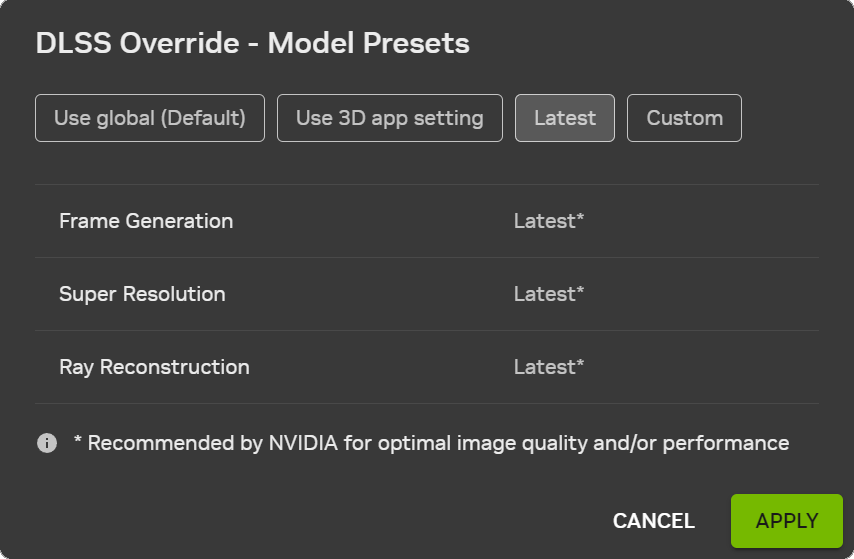
Simply go to the NVIDIA App, and click the Graphics Tab. Under DLSS Override – Model Presets, select Latest and click Apply.
There are two models available: Model M and Model L. Model M is optimized for DLSS Super Resolution Performance mode, while Model L is optimized for 4K DLSS Super Resolution Ultra Performance mode. Both models are supported for both Quality and Balanced modes, and DLAA. However, NVIDIA recommends Performance and Ultra Performance modes for the best quality vs performance benefits.
RTX 20 Series and RTX 30 Series GPUs lack native FP8 support, so NVIDIA advises owners of these GPUs to use Model K, as Model M and L carry a heavier performance impact for these GPUs.
How To Check if DLSS 4.5 is Enabled?
To verify which model you are using and if it’s enabled, turn on the NVIDIA app overlay statistics view via Alt+Z > Statistics > Statistics View > DLSS.
DLSS Dynamic Multi Frame Generation
DLSS Dynamic Multi Frame Generation and the new Multi Frame Generation 6X Mode will be available to GeForce RTX 50 Series users this Spring 2026 DLSS Multi Frame Gen 6X will be supported in over 250 games and apps by Spring, including highly anticipated titles like 007 First Light, Pragmata, and Phantom Blade Zero.
By combining its most sophisticated AI upscaler yet with a flexible 6X frame multiplier, NVIDIA continues to cement its lead in the AI-rendering arms race, turning the most demanding path-traced visuals into fluid, high-refresh-rate experiences.

Grant is a Financial Management graduate from UST. His passion for gadgets and tech crossed him over in the industry where he could apply his knowledge as an enthusiast and in-depth analytic skills as a Finance Major. His passion allows him to earn at the same time help Gadget Pilipinas' readers in making smart, value-based decisions and purchases with his reviews and guides.