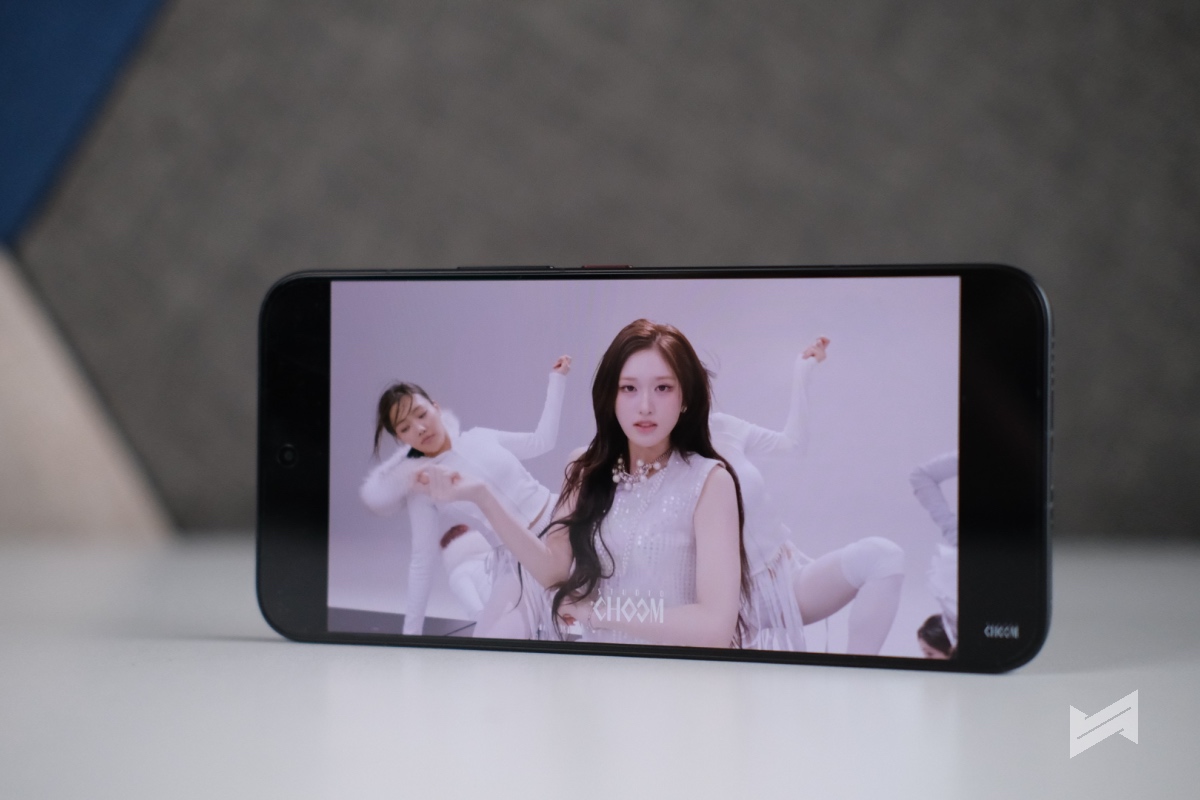
Galaxy Tab S11 could be your ultimate productivity partner!
The Galaxy Tab S11 positions itself as a powerful yet portable tablet that blends an 11‑inch AMOLED display, AI‑ready performance, and tight Galaxy ecosystem integration to support both creativity and serious productivity. Its best features center on premium design, a vivid screen, intelligent Galaxy AI tools, and a bundled S Pen and keyboard that push it closer to a full laptop experience for many users.
A Design that Stands Out

Samsung’s design focus is immediately clear with the Tab S11, which keeps the chassis extremely slim and light while using an enhanced Armor Aluminum frame that feels premium in the hand. The tablet also carries an IP68 rating, which means it is protected against dust and can survive accidental splashes or brief immersion, giving more confidence if you work on the go or move between the office, cafe, and commute. Thinner bezels around the display further emphasize its immersive look, making content feel closer and more cinematic
Flagship Display, Ready for Work and Play

The 11‑inch Dynamic AMOLED 2X display is one of the biggest reasons to choose the Galaxy Tab S11, especially if you consume a lot of video or do creative work. This is the reason why it absolutely fits my needs.
It delivers a 2560 x 1600 resolution with a 120 Hz refresh rate, so scrolling feels smooth and games or animations look fluid and responsive. Peak brightness can reach up to 1600 nits, with a high brightness mode around 1000 nits, which allows the screen to remain usable even outdoors or under harsh lighting. Paired with upgraded stereo speakers, it becomes a strong all‑around media and gaming device.
Game-ready Specs

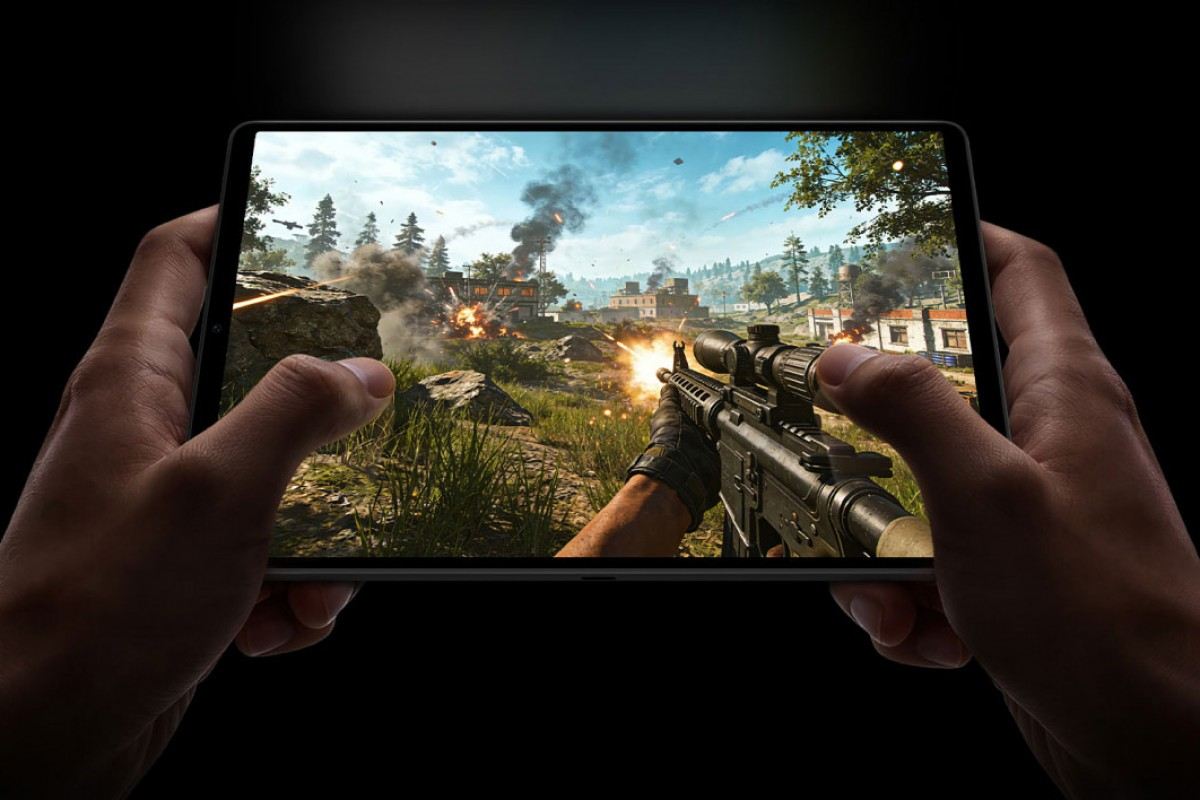
Under the hood, the Galaxy Tab S11 runs on the MediaTek Dimensity 9400+ platform, with a CPU, GPU, and NPU that are tuned not just for raw performance but also for AI workloads. The combination of this processor and 12 GB of RAM keeps multitasking snappy, letting you keep multiple apps in split screen or pop‑up view without the tablet bogging down. Whether you are editing a timeline in a mobile video editor or jumping between email, browser, and playing your favorite games, the experience is designed to stay smooth and responsive
With a battery that is ready for your next long haul flight!

Battery life is another highlight, with an 8400 mAh cell rated for up to around 18 hours of video playback on a single charge in Samsung’s estimates. This means most people can get through a full day of mixed work, study, and entertainment without needing to top up, especially if you mainly use it on Wi‑Fi. When you do need to recharge, 45 W wired fast charging helps bring the tablet back to usable levels quickly, which is useful for travel days or long events.
Galaxy AI sweetens the experience

Where the Galaxy Tab S11 really differentiates itself from older Samsung tablets is through Galaxy AI, which is deeply woven into the experience. Gemini Live lets you share your screen and have real‑time conversations with an AI assistant as you work, study, or plan, triggered by a long press on the side button for quick access. Drawing Assist takes rough sketches and automatically generates more polished versions, while Writing Assist can refine your drafts, adjust tone, or clean up grammar with just a few taps. These tools turn the tablet into a more active partner in your workflows rather than a passive display.
New S-Pen and Apps to Play Around

The redesigned hexagon‑shaped S Pen is another core feature, and it now has IP68 resistance and does not need to be charged, which removes one of the usual pain points of stylus‑based devices. Its shape provides a more secure grip for sketching, annotating PDFs, or scrubbing through video timelines, which will appeal to artists, students, and editors. Out of the box, the Tab S11 supports key productivity and creative apps like Goodnotes, LumaFusion, Clip Studio Paint, and Notion, each optimized for tablet use so that the stylus and large screen actually translate into practical advantages.
From Bag to Desktop
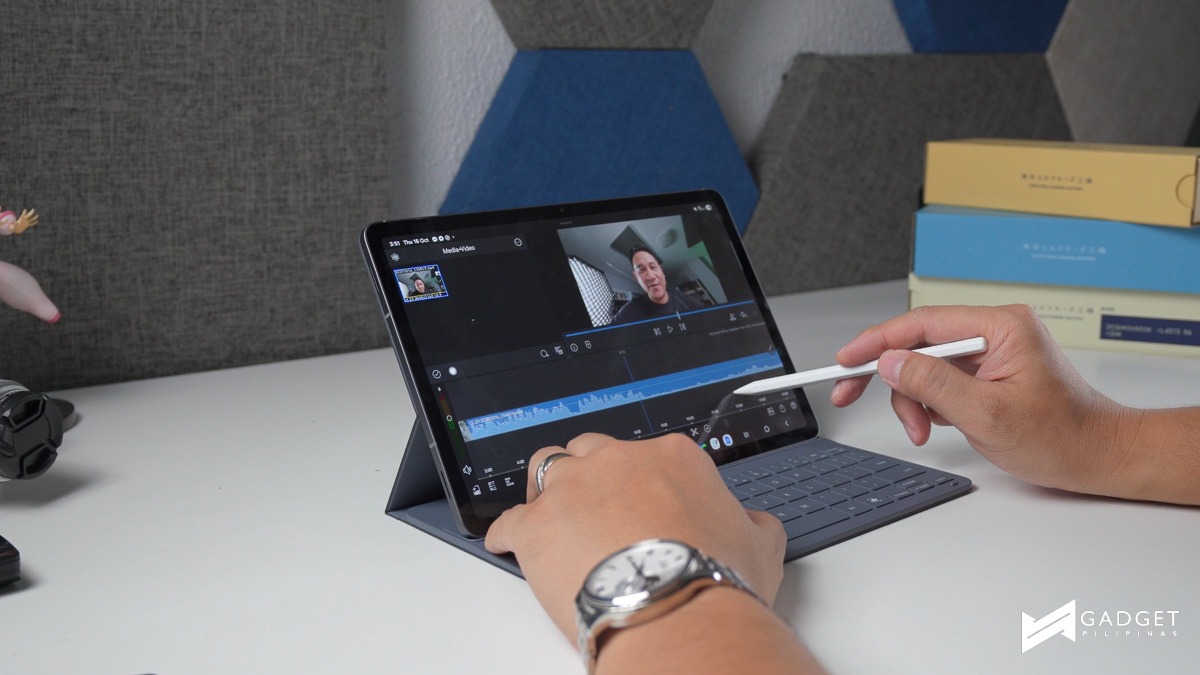
For users who want a laptop‑style workflow, Samsung DeX remains a major selling point on the Galaxy Tab S11. DeX allows you to open multiple resizable windows, arrange up to four workspaces, and connect to an external monitor for a desktop‑like experience, all while the tablet itself becomes either a secondary display or a touch input surface.
Combined with the in‑box keyboard in the 5G model and the precision of the S Pen, it can realistically replace a lightweight notebook for writing, research, presentations, and remote work.
Price and Availability

In the Philippines, the Galaxy Tab S11 5G sits in the premium price bracket at around 61,990 pesos, but that price includes both the S Pen and keyboard, which are often extra purchases on competing tablets. This positions it as a serious tool for creators, professionals, and students who want next‑level productivity without giving up entertainment and gaming performance. If you are looking for a tablet that blends intelligent AI features, a top‑tier display, powerful hardware, and versatile input options, the Galaxy Tab S11 stands out as one of the most capable 11‑inch Android tablets available today.
Buy the Galaxy Tab S11 5G here.

Giancarlo Viterbo is a Filipino Technology Journalist, blogger and Editor of gadgetpilipinas.net, He is also a Geek, Dad and a Husband. He knows a lot about washing the dishes, doing some errands and following instructions from his boss on his day job. Follow him on twitter: @gianviterbo and @gadgetpilipinas.