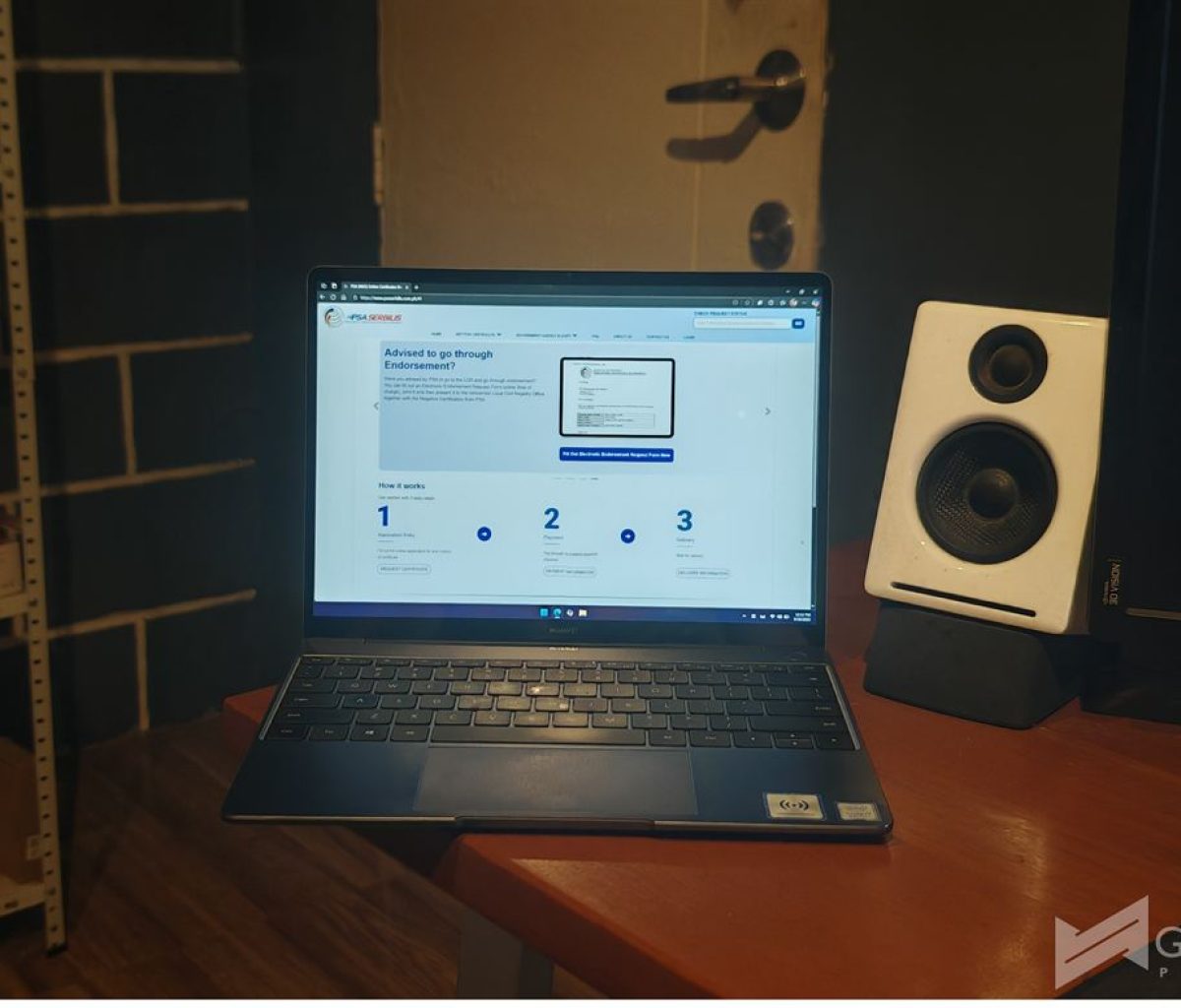
The Philippine Statistics Authority has now made it easier and more convenient for Filipinos to view a copy of their birth certificate, marriage certificate, death certificate, CENOMAR, and CENODEATH via the PSA Serbilis portal, or have the documents delivered to their place.
They can also have these documents printed via DocPrint at PSA Civil Registry Outlets without the need for an appointment using the Civil Registration Service Appointment System.
How can I Request for a Viewable Online Copy of a Document via the Serbilis Webiste?
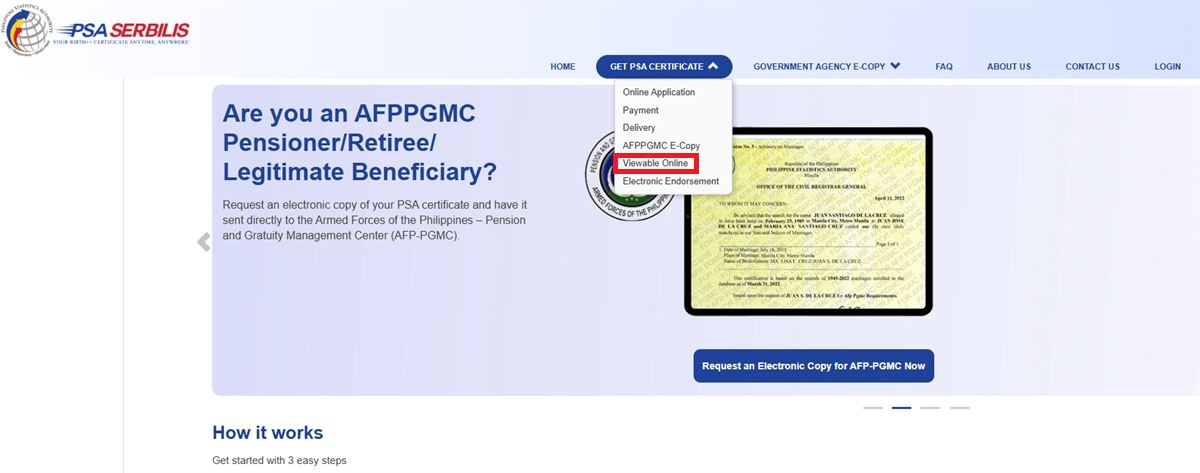
Step 1: Say you want to view a document online, simply go to this website and hover over GET PSA CERTIFICATE, then click Viewable Online.
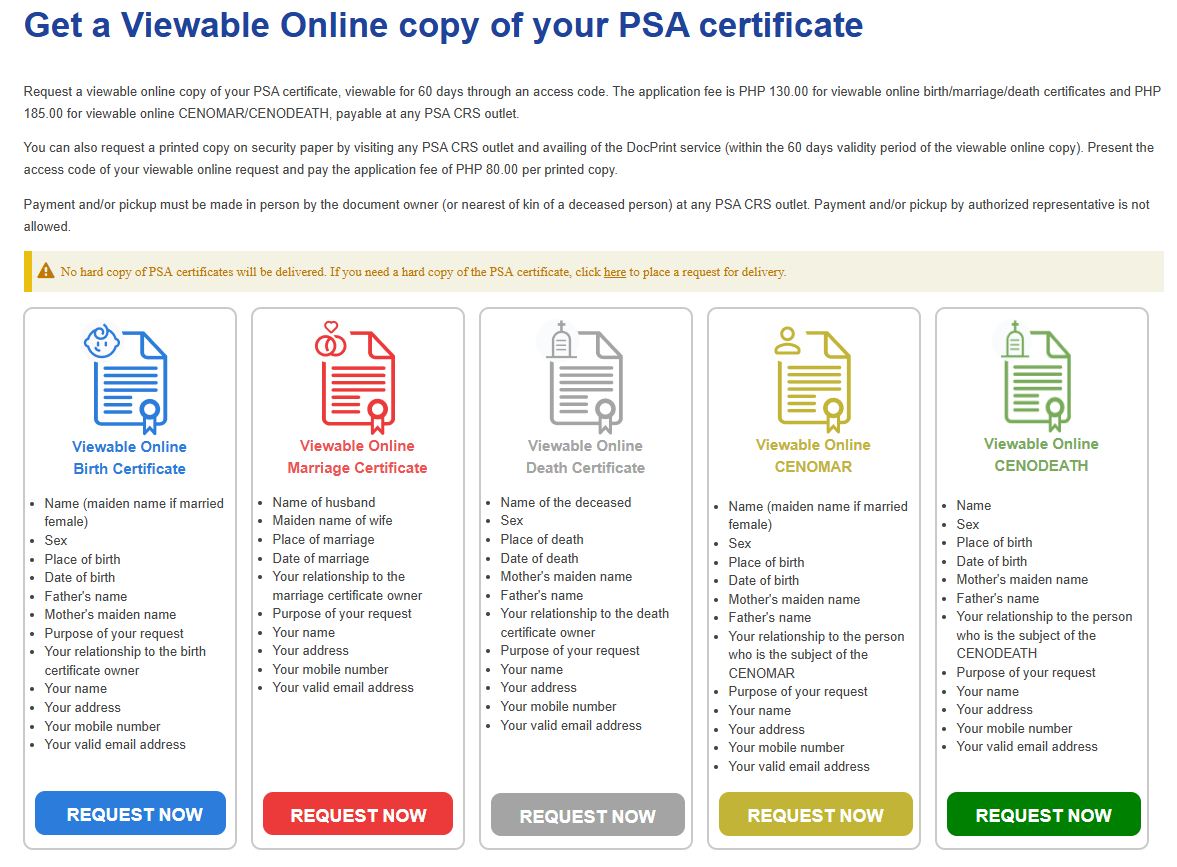
Step 2: Choose which document you need by clicking on its corresponding REQUEST NOW button.
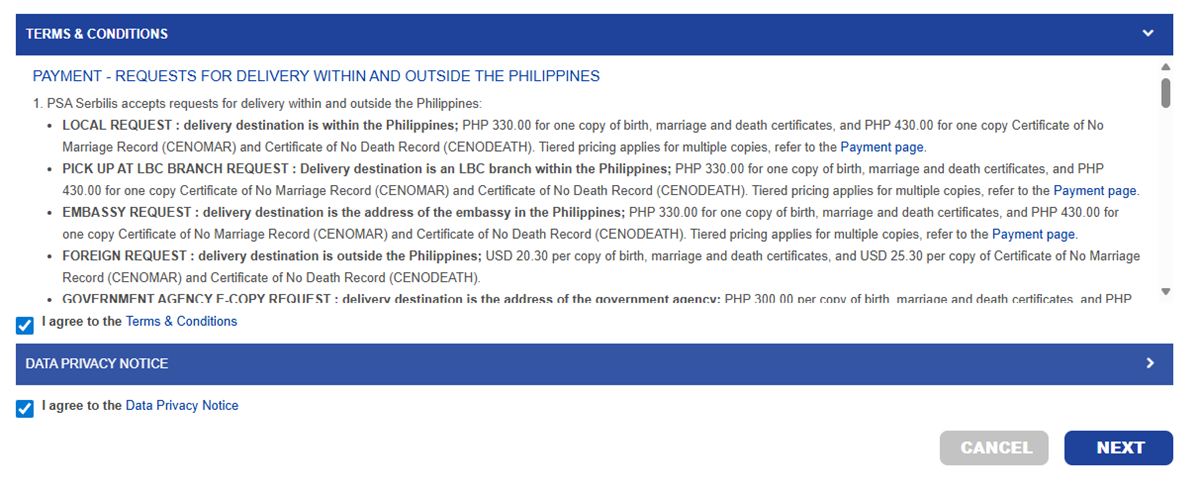
Step 3: Agree to the terms and conditions by clicking on the checkboxes, and then clicking NEXT.
Step 4: Fill in all the required fields (in this example, for a Birth Certificate), then click NEXT.
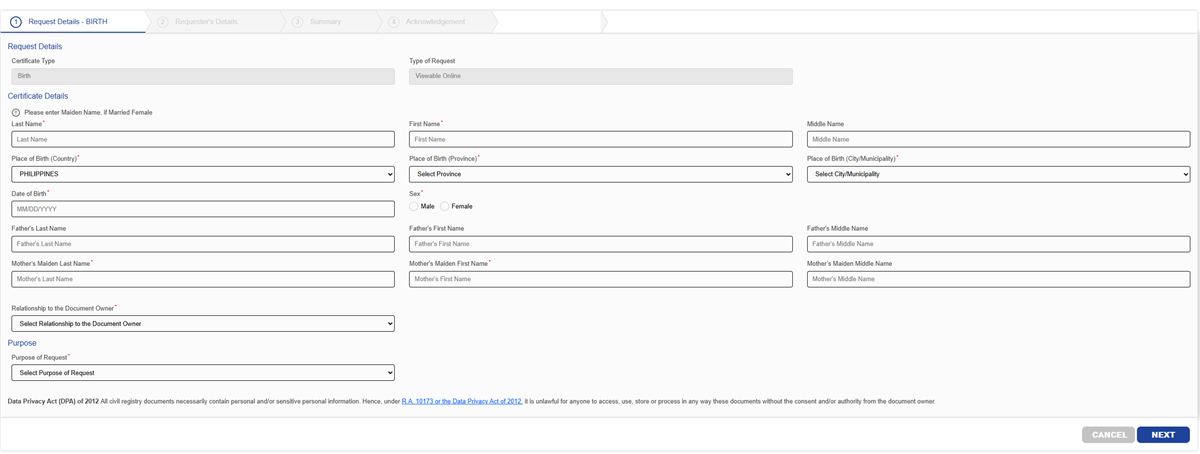
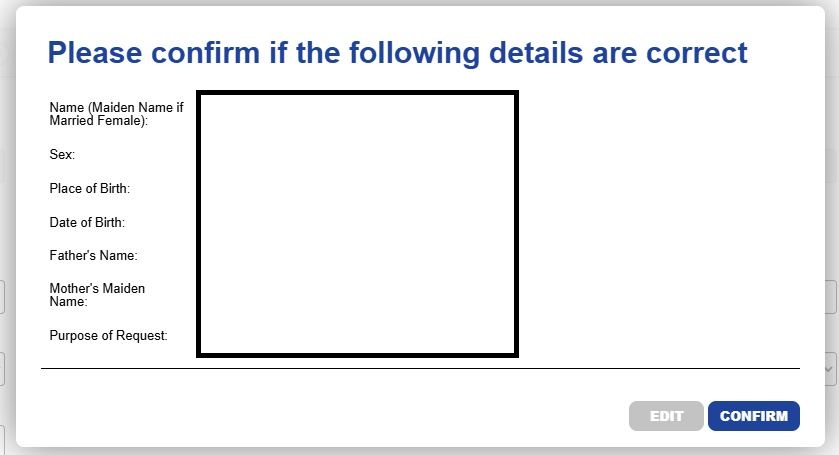
Step 5: Ensure that all details are correct, then click CONFIRM.
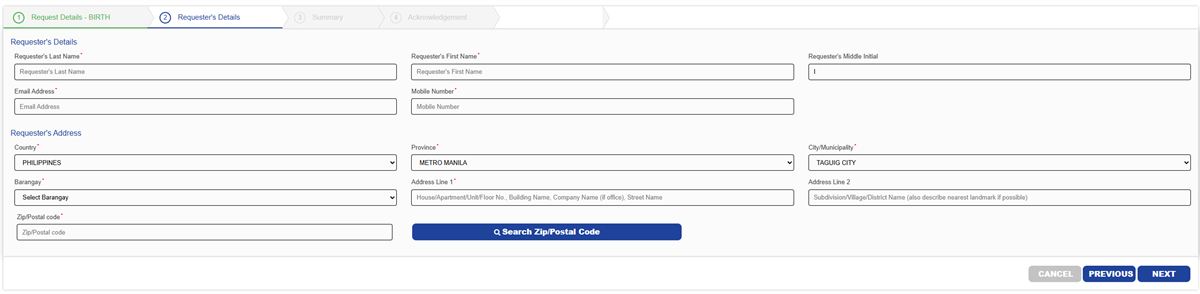
Step 6: Once again, fill in all the required fields, this time, for the requester.
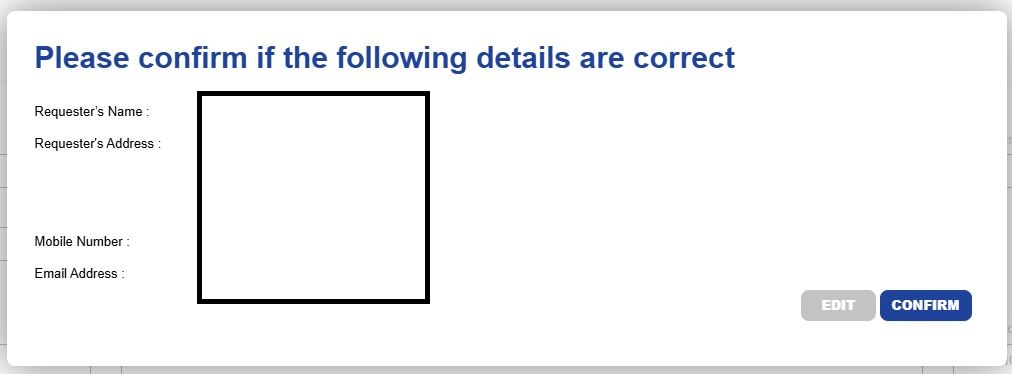
Step 7: Ensure that all details are correct, then click CONFIRM.
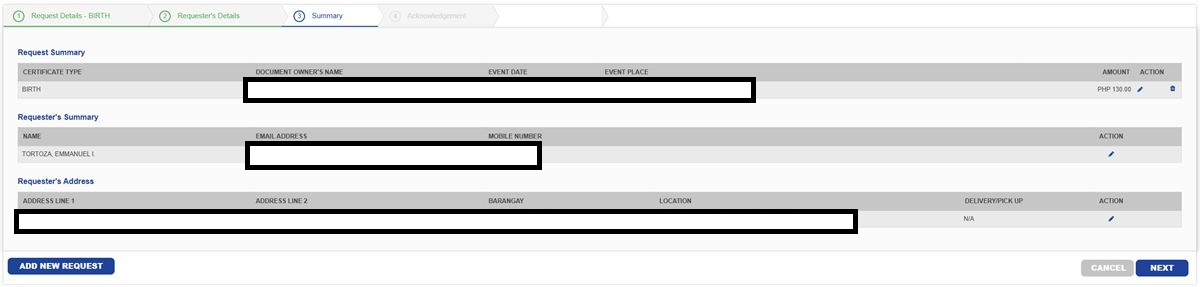
Step 8: You will be shown a summary of your request, click NEXT.
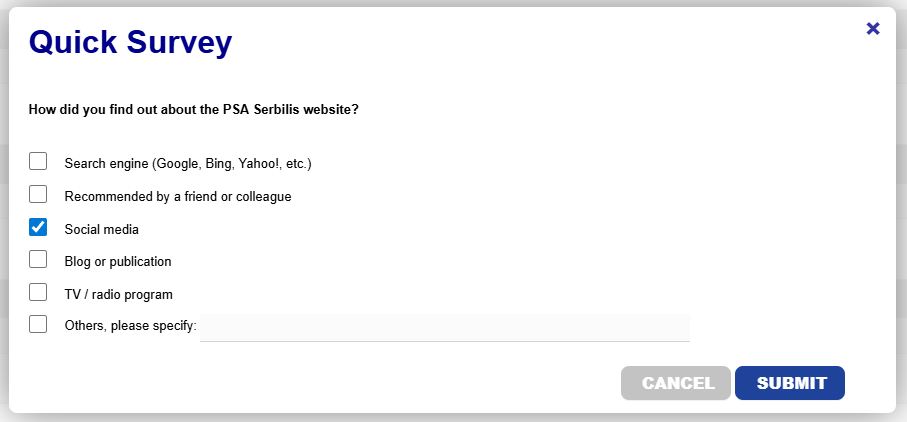
Step 9: You may be asked to fill in a survey. Simply tick the checkbox as to how you found out about the PSA Serbilis Website, then click SUBMIT.
Step 10: You will be shown the acknowledgement page with all the details, along with instructions on what to do next. In this case, you’ll need to print two copies of that page and then present and pay the total amount due at any PSA outlet to get the URL and access code for viewing the document online.
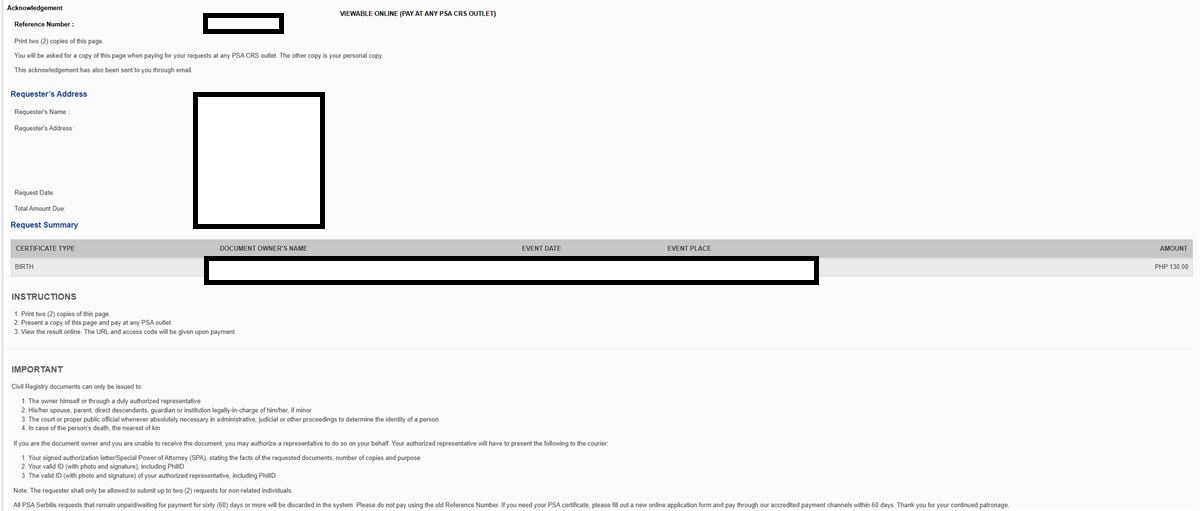
(Please take note of the reference number, as you’ll be using that to check on the status of your requests)
What if I want to Have the Document Delivered?
If you want to have your document delivered instead of just viewing it online, on the home page, hover over GET PSA CERTIFICATE, then click Online Application. You may also click on REQUEST CERTIFICATE at lower part of the page.
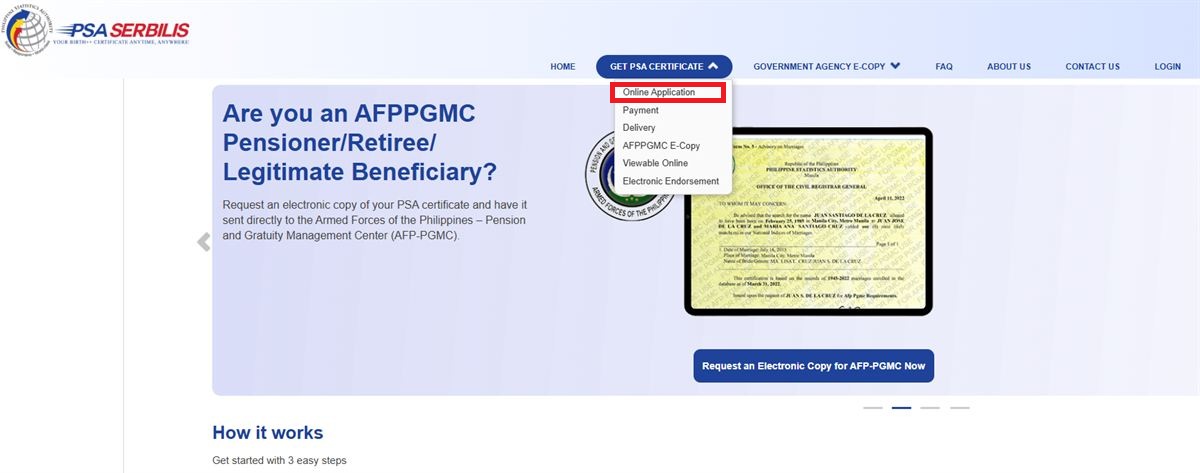
The steps are basically similar to the above, except that at some point, you’ll be asked to pay a certain amount for the delivery, which will vary depending on which document you’re requesting, where you want it delivered, and how many copies.
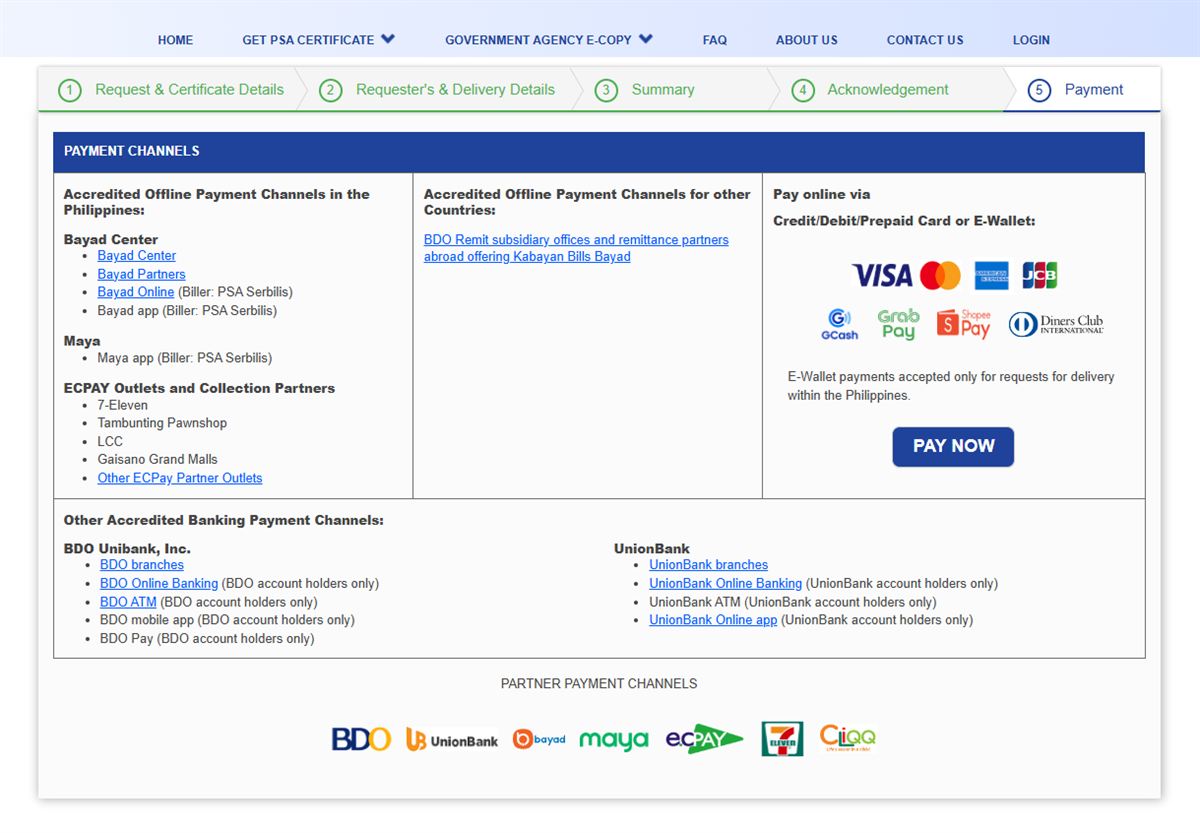
(Please take note of the reference number, as you’ll be using that to check on the status of your requests)
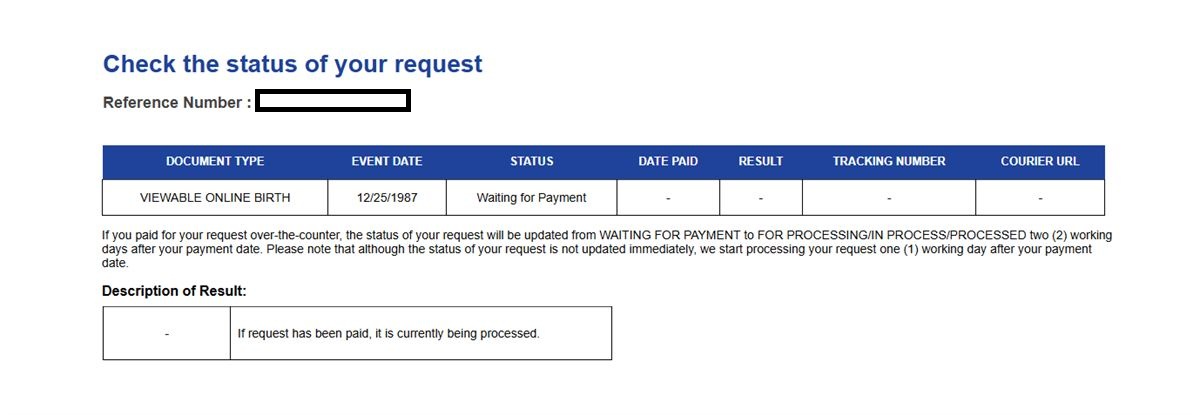
How Can I Check the Status of My Requests?

Simply enter the reference number of your corresponding request at the upper right section. You will then be shown the status of the particular request.
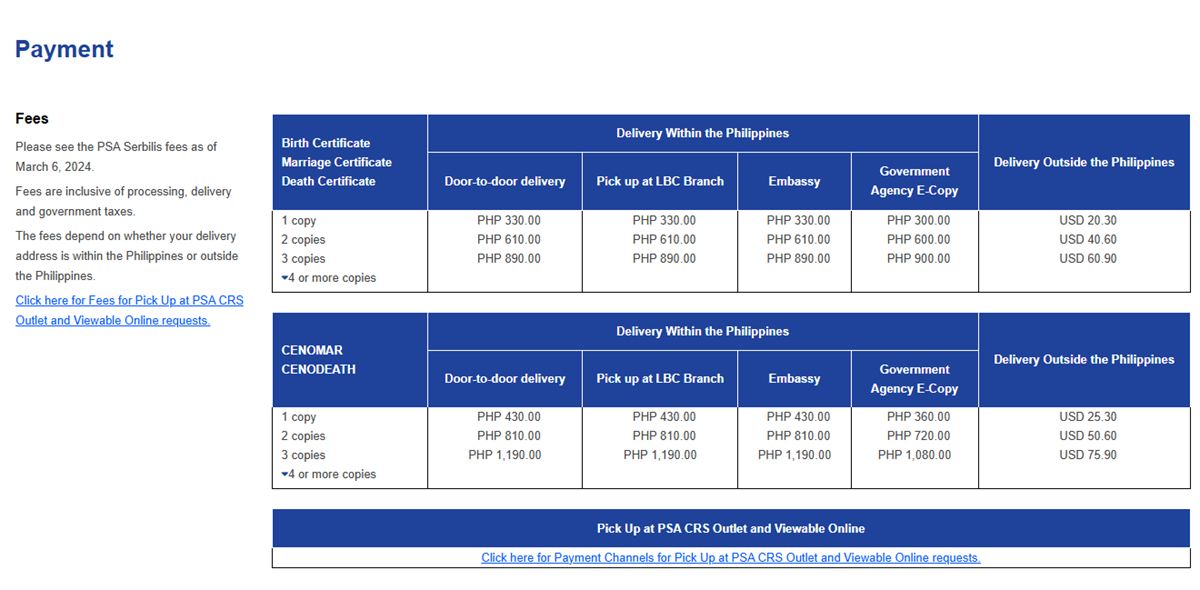
How Much do I Need to Pay for the Services?
Here are the corresponding prices.
For more information on the PSA Serbilis website, click here.

Emman has been writing technical and feature articles since 2010. Prior to this, he became one of the instructors at Asia Pacific College in 2008, and eventually landed a job as Business Analyst and Technical Writer at Integrated Open Source Solutions for almost 3 years.