DJI Osmo Nano Review
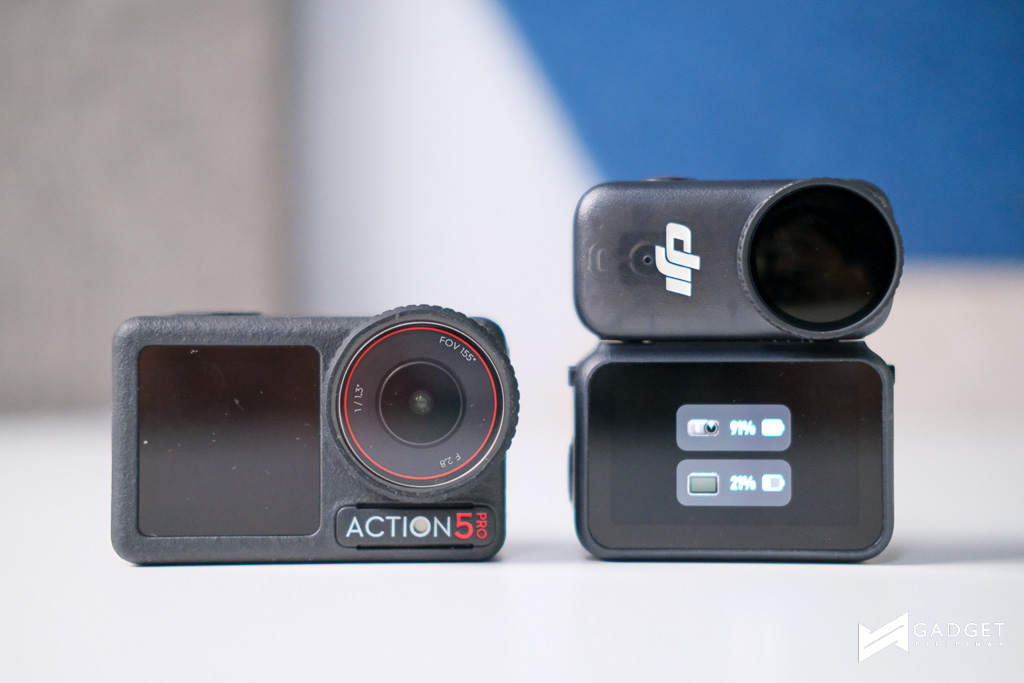
I love my DJI Action 5 Pro. From picture and video quality to swappable batteries, it’s everything I needed on an action camera. However, if there’s one caveat that I need to mention about the Action 5 Pro, it would be its size. Don’t get me wrong: it isn’t HUGE but I wanted something smaller but uses the same sensor. Enter Osmo Nano!
The Osmo Nano was launched to fill a gap between high-end action cameras and everyday pocketable shooters, and it succeeds in blending innovation with simplicity. As we have seen in the past, DJI’s history with the Osmo Action series laid solid groundwork, especially with its magnetic mount designs. The Osmo Nano takes this idea further, using magnets to enhance usability and shoot from angles many other cameras just can’t do. Here’s our review.
Build and Design
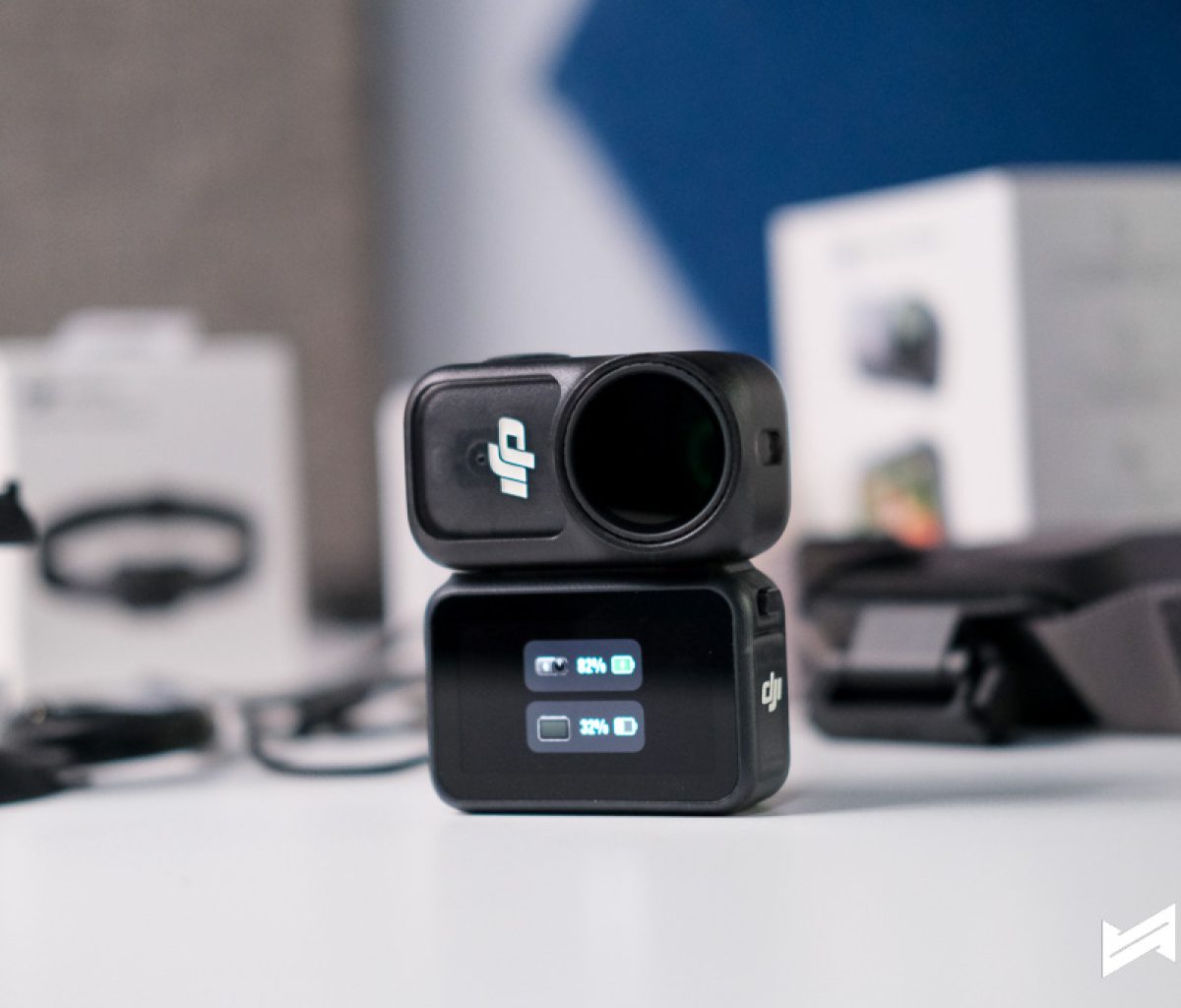
At only 52 grams, the Osmo Nano’s build is deceptively simple. It feels more like a tech gadget than a bulky camera, but the real story is in its modular magnetic mounting system. If you’ve used the Osmo Action series, you’ll recognize the approach: stick it to headbands, hats, adapters, and even smooth surfaces using a lanyard or ball-joint mount. You can put it on pets, your bike, or use it for creative POV shots.
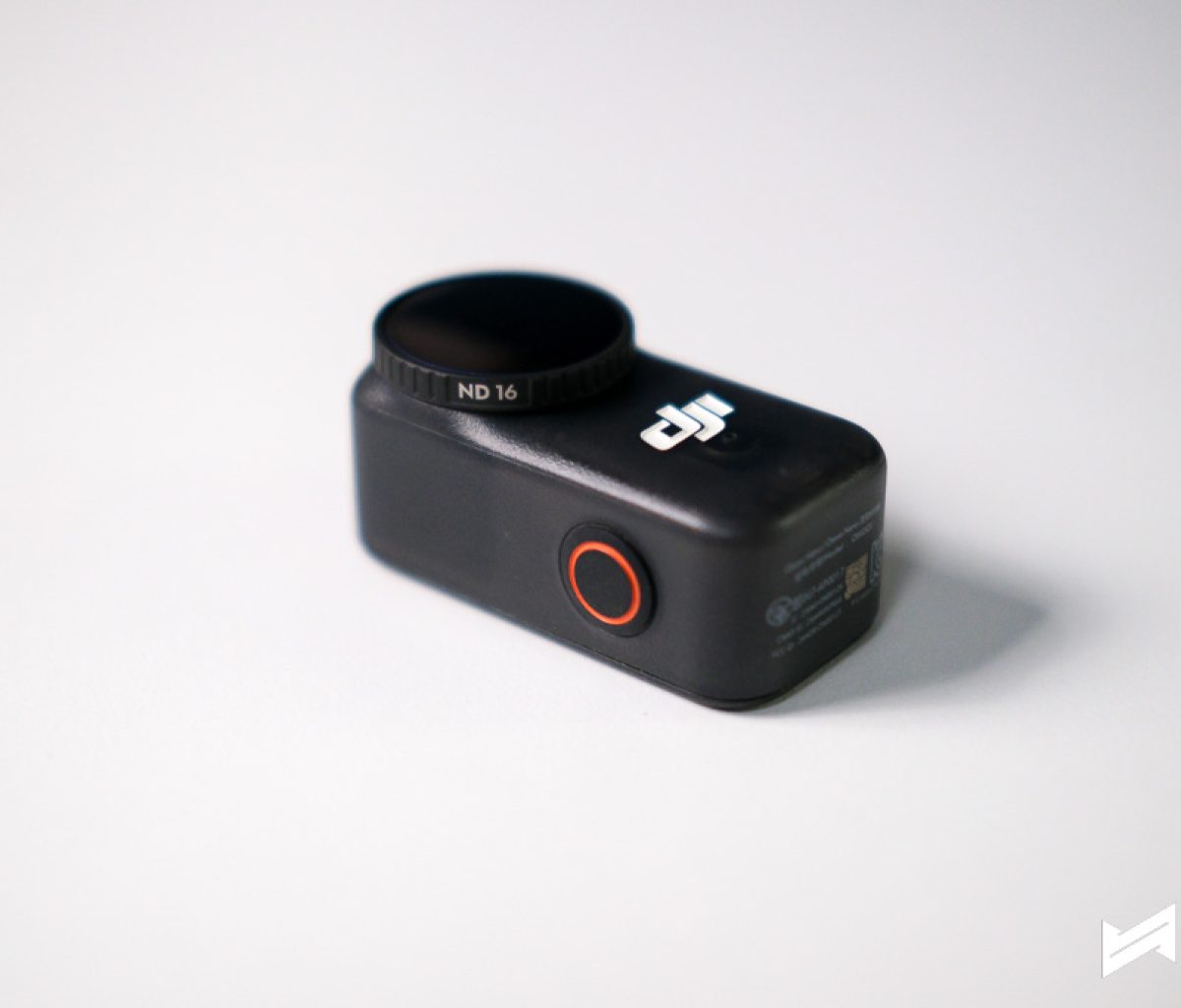
The magnetic back and sides, plus compatibility with the Vision Dock, keep things neat and secure. DJI has made sure you have plenty of mounting options out of the box, which is rare and super useful.
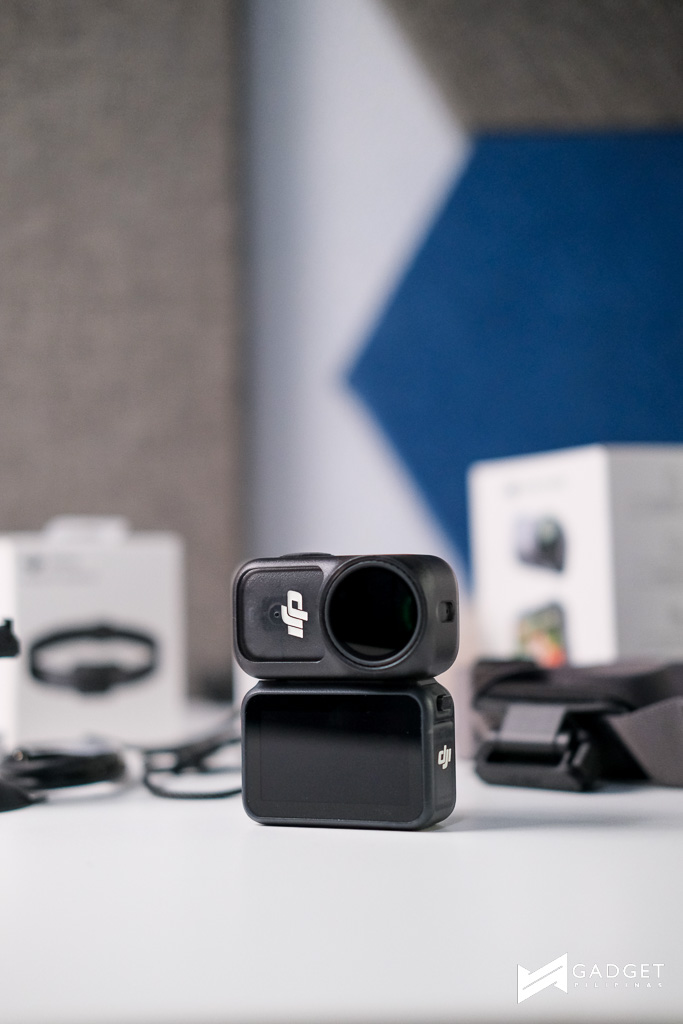
Sensor Size
Under the hood, the Osmo Nano uses a 1/1.3-inch CMOS sensor—the same size found on the Action 5 Pro. This means you’re getting premium video and photo quality in a package smaller than most smartphones. The sensor excels in tricky lighting and high-contrast scenes, managing noise and clarity well. For the price, it’s impressive to see DJI use their higher-end sensor in something this compact.
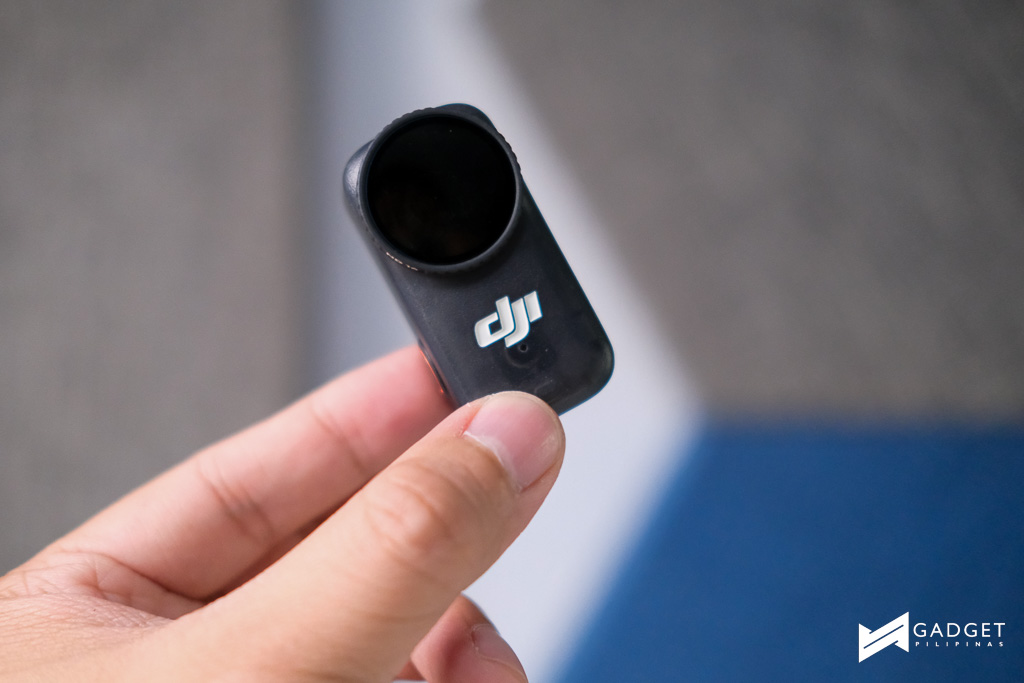
Photo Features and Quality
Photos from the Nano are crisp, vibrant, and often better than you’d expect from such a tiny camera. With a lens set at f/2.8 and a massive 143-degree field of view, landscape shots look big and dramatic, while closer shots capture plenty of detail.



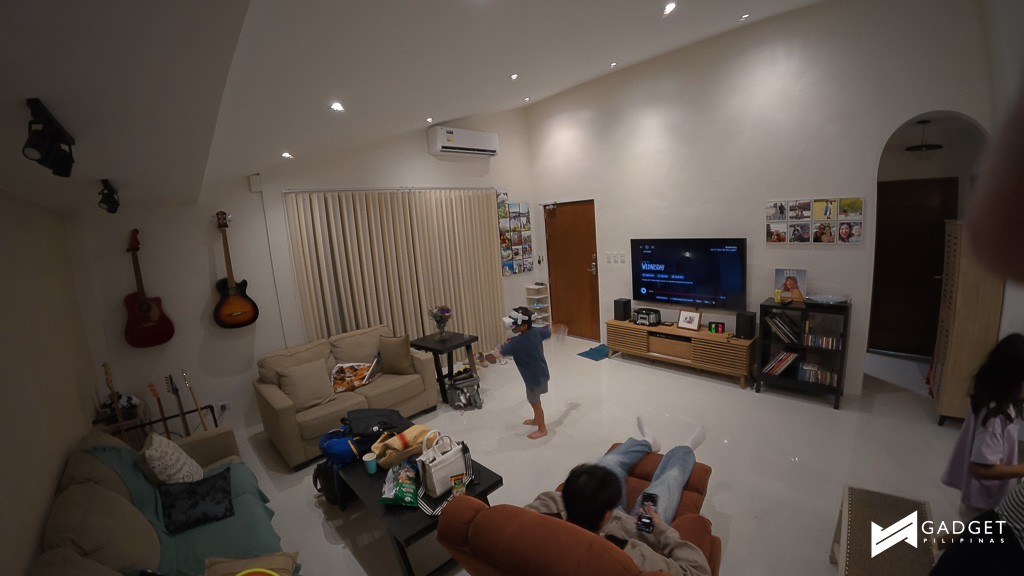






There’s minimal distortion, and the Nano’s built-in filters give you ways to tweak your look. One thing to watch out for—the rubber gasket on the filters can get loose, and putting it back before screwing onto the lens is fiddly, but you’ll appreciate having these filters in the box. Overall, it’s a strong performer for travel photos, social posts, and even some experimental stills.
Video Features and Quality
Here’s where the Nano truly shines. It records silky smooth 4K at 60fps, and you can shift to 4K120fps slow-motion for creative shots. DJI’s RockSteady 3.0 and HorizonBalancing give you advanced stabilization so handheld filming looks great—even while running or riding. I found this to be very useful especially when vlogging as I tend to move Nano around erratically. Without Rocksteady and HorizonBalancing, I can imaging how chaotic the video would look like.
Colors pop thanks to 10-bit D-Log M support, which is rare at this price point (and compact build), meaning your videos preserve details in highlights and shadows, providing more freedom when editing. The sensor size means quality rivals the Action 5 Pro, and dynamic range holds up in mixed lighting. With such specs, the Nano steps up against Insta360’s Go Ultra and Go3 series.
Audio Quality
Audio capture is solid right out of the box, but what stands out is the option to extend recording quality through Osmo Audio. DJI’s wireless microphones (Mic 2, Mic Mini) plug seamlessly into the Nano, creating a set-up perfect for interviews, vlogs, or ambient recording. Everything works reliably—the Osmo ecosystem is built for plug-and-play simplicity. It’s not studio-grade, but more than good enough for social media and creator projects.
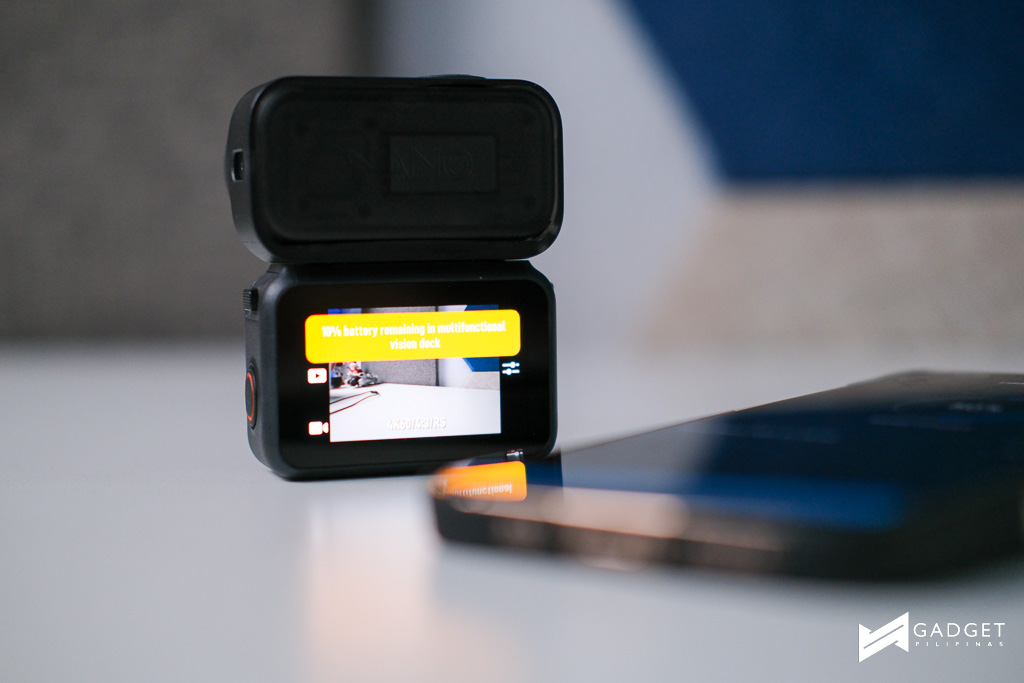
I have to mention though that there does not seem to be a way to remove the Type C cover, which can help in connecting other Type C receivers. Thankfully, the camera itself is a DJI Mic receiver; but if you do not have a DJI microphone, you’re out of luck.
Battery Performance
Battery is another plus. Expect up to 90 minutes of continuous recording on the Nano alone, or expand to a whopping 200 minutes when docked in the Vision Dock. Quick charging is a treat: 20 minutes for 80 percent capacity means you’re ready for long shoots with minimal downtime. USB 3.1 speeds help you dump files fast for quick editing, which is important if you’re on the move.

Software/DJI Mimo
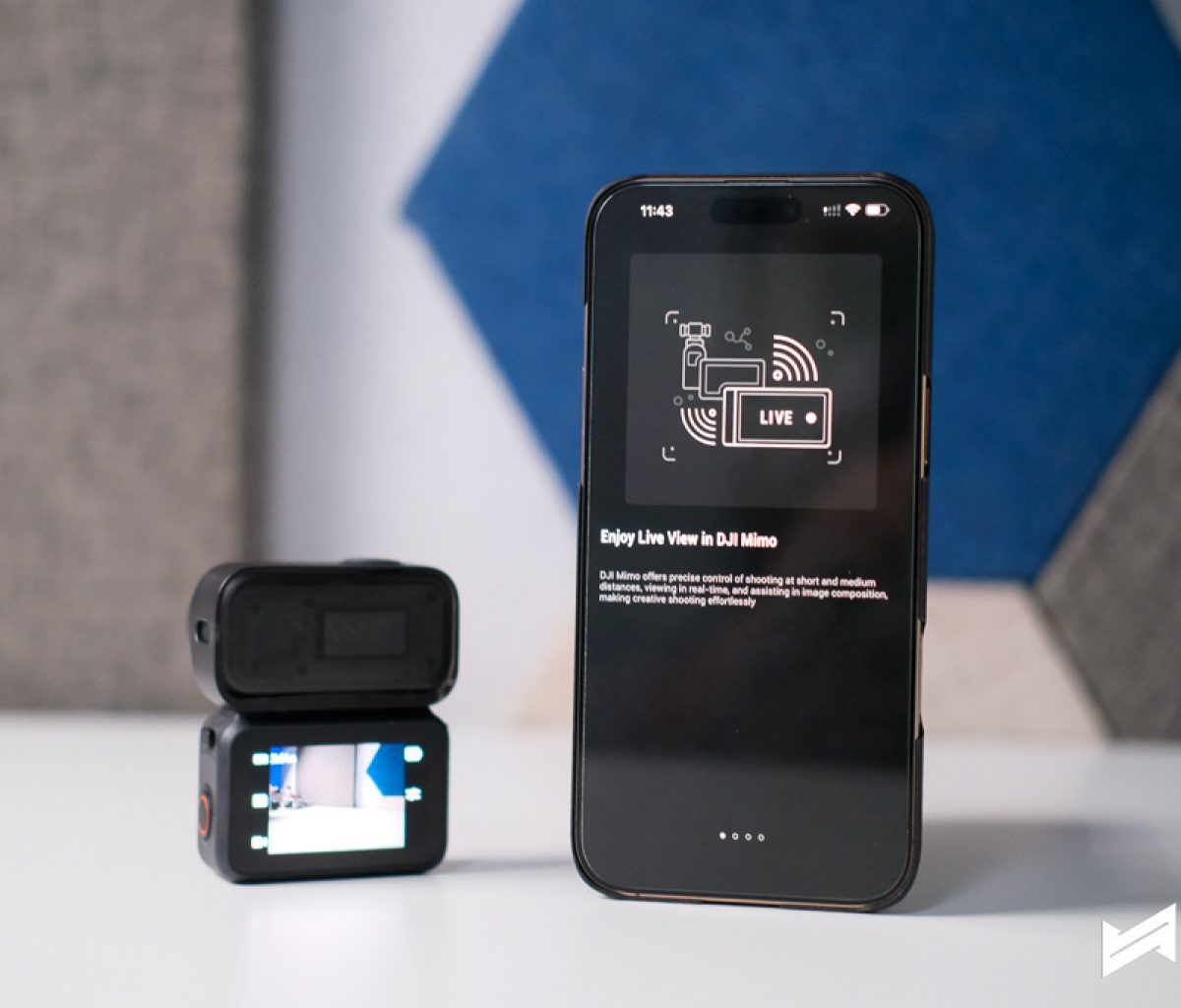
The DJI Mimo app is where everything comes together. The Nano syncs easily for firmware updates, remote control, and live previews. Composing shots on the Nano’s built-in 1.96-inch OLED touchscreen feels natural, but the app opens up even more options: editing, sharing, and managing clips is straightforward.
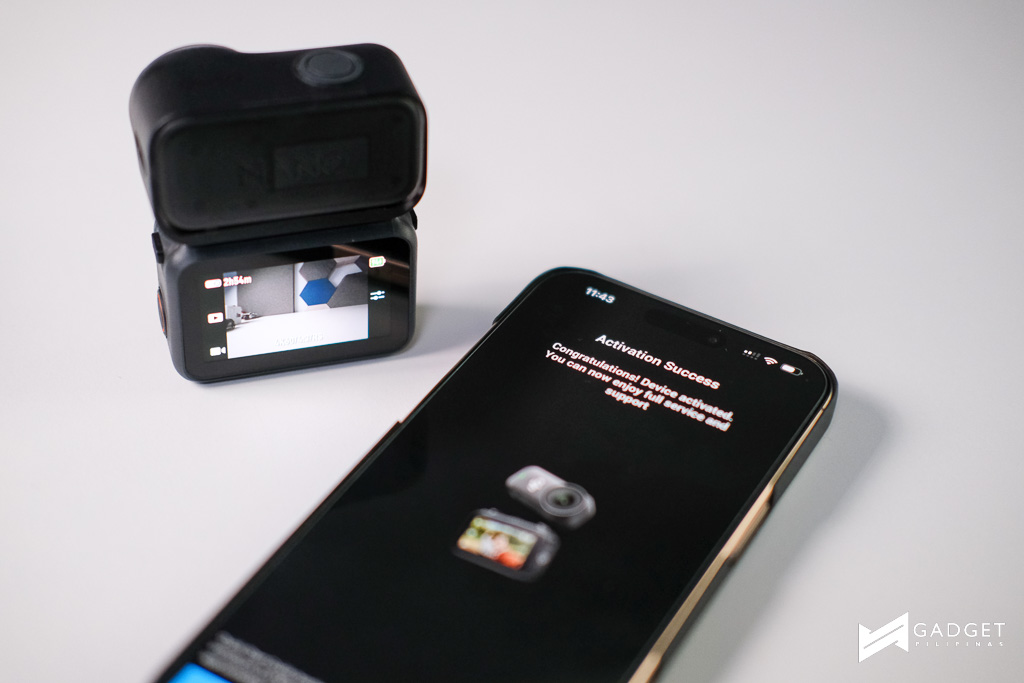
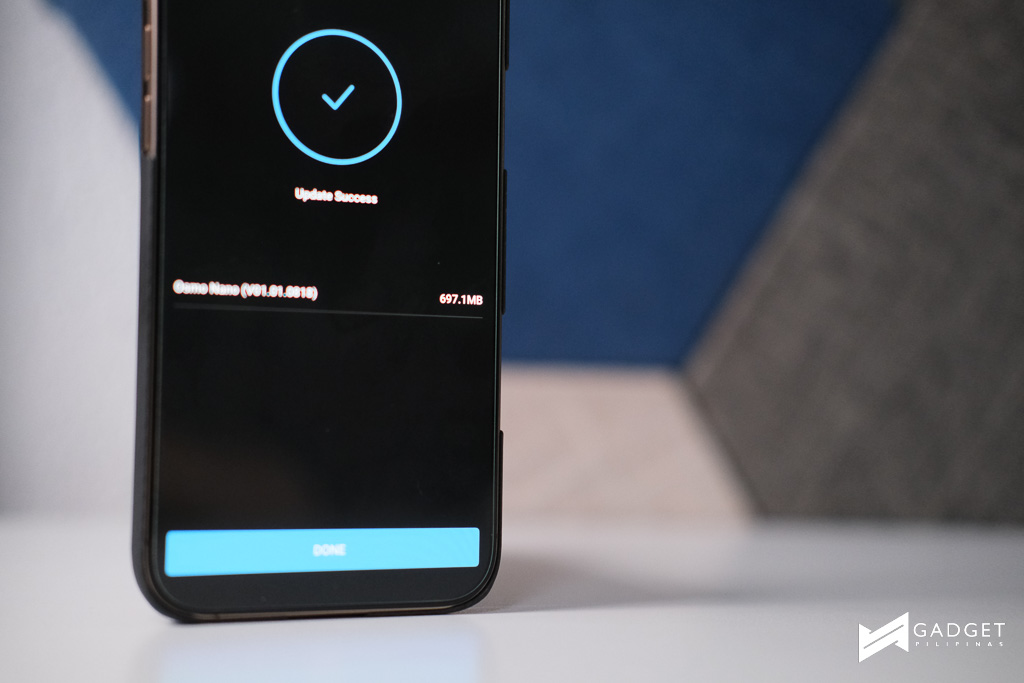
DJI has kept the software functional and clean, which is crucial for quick vlogging and daily recording.
Accessories and Ecosystem
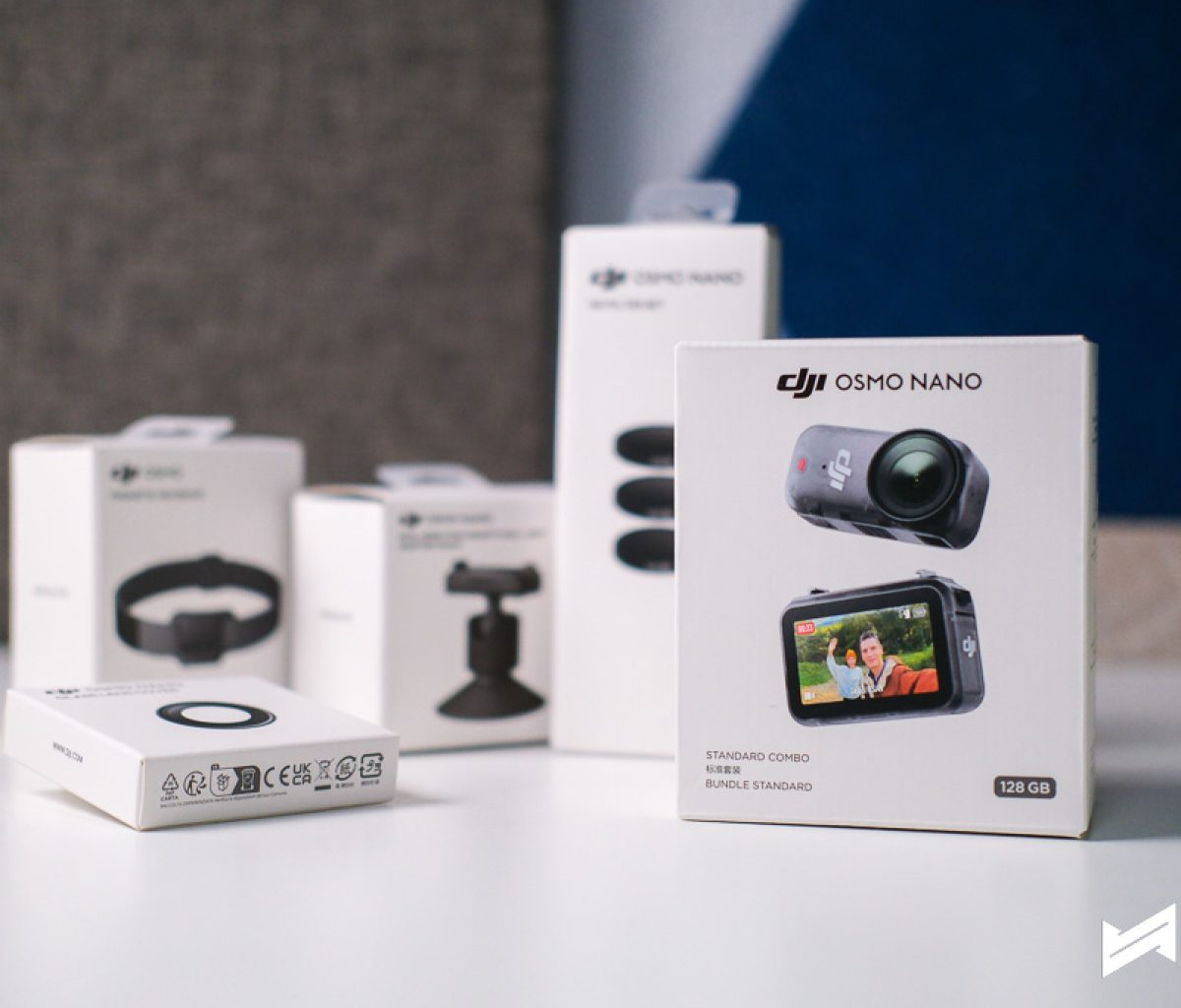
What’s truly impressive, and worth emphasizing, is the pack-in accessories. DJI includes everything you need to get started: magnetic mounts, lanyards, quick-release adapters, and those useful filters. Few brands are this generous with extras.
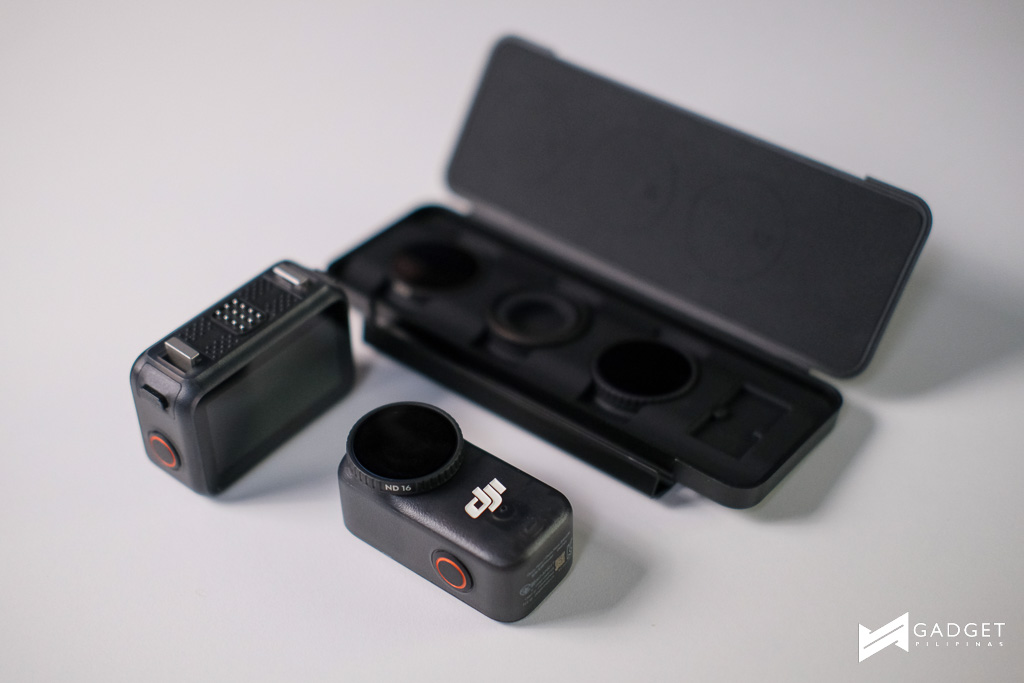
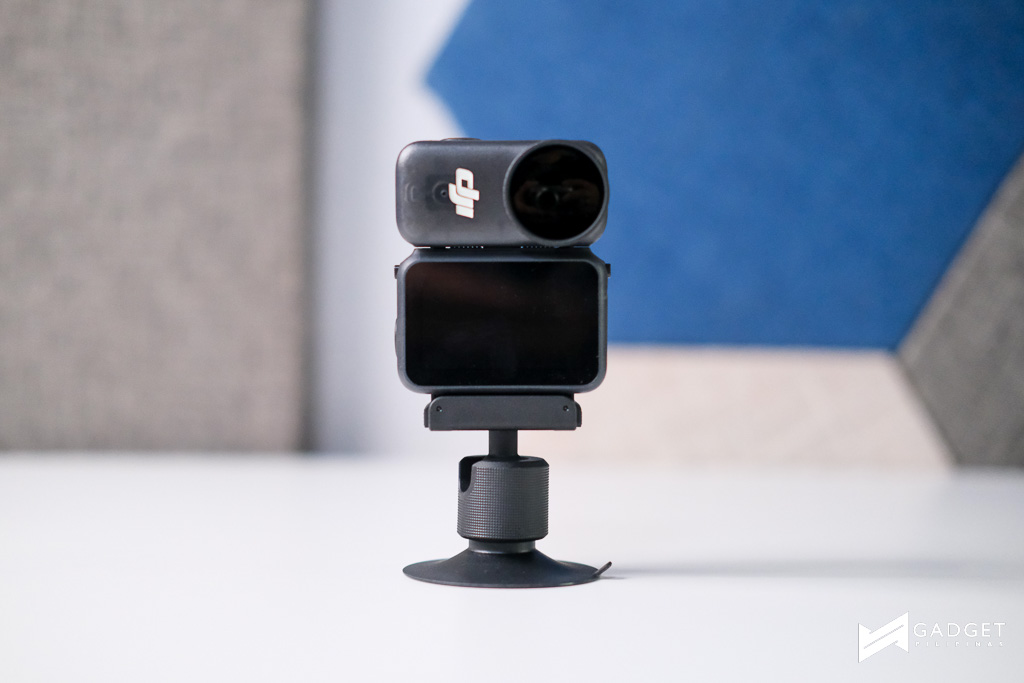
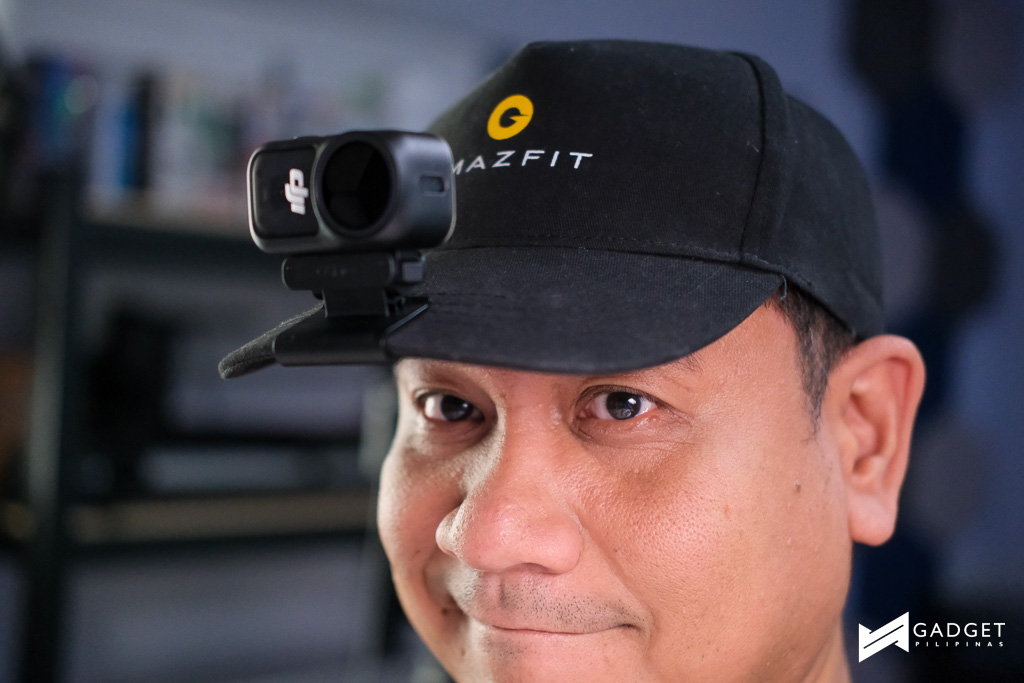
The full magnetic ecosystem means this camera can go almost anywhere like pets, models, vehicles, and even household objects. You don’t have to buy extra gear just to try new angles, which helps you get creative right away. Filmmakers looking to experiment with new perspectives or shots will find the Nano a playground.
Price and Availability
The Osmo Nano comes in two variants in the Philippines: PHP 18,390 for the 64GB version and PHP 20,790 for the 128GB model. In the context of what you’re getting (sensor quality, stabilization, audio features, and a massive accessory starter kit) it’s a surprisingly strong deal.
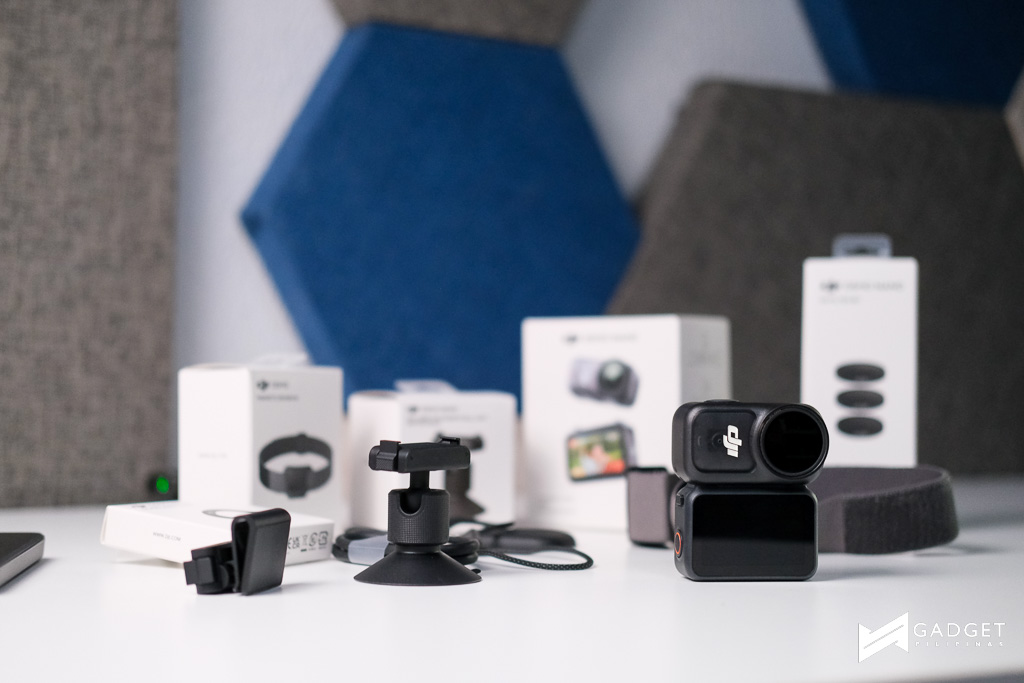
DJI’s move makes these technologies accessible at a price point lower than their flagship Action 5 Pro and competitive with Insta360’s newest Go cameras.
Other Use Cases
Beyond vlogging, the Osmo Nano works for travel, action shots, documenting daily life, and even experimental short films. You can mount it in places traditional cameras can’t go like on a skateboard, a washing machine drum, or architectural models for unique footage.
While it’s not designed for top-tier professional work, indie filmmakers will enjoy using it to add creative shots and angles without needing expensive rigs.
Should you buy it?
The DJI Osmo Nano is a compact force, blending smart design, solid imaging, and friendly pricing. DJI’s magnetic ecosystem opens tons of creative possibilities without needing extra gear. It isn’t going to replace professional kit, but for casual creators, vloggers, and filmmakers aiming to experiment, it’s one of the most exciting releases in recent years.
All you really need is in the box. Just pick a mount and start filming. With strong video, decent audio, and a price that’s easy to justify, the Nano deserves a spot in your daily carry.

Giancarlo Viterbo is a Filipino Technology Journalist, blogger and Editor of gadgetpilipinas.net, He is also a Geek, Dad and a Husband. He knows a lot about washing the dishes, doing some errands and following instructions from his boss on his day job. Follow him on twitter: @gianviterbo and @gadgetpilipinas.