So you’re a Facebook addict and you even want to integrate your FB account with your N900. I got you. It’s simple.
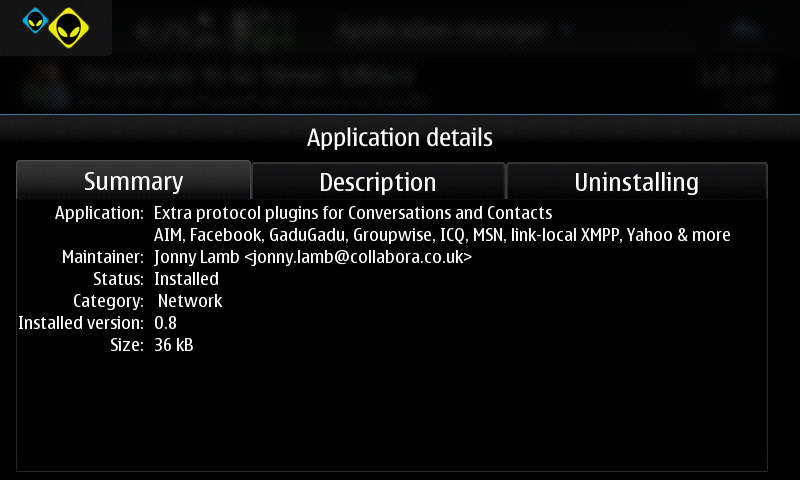
After installing Extras-Devel repository on your Application Manager Catalogues, install “Extra Protocol plugins for Conversations and Contacts” by Johhny Lamb and it will automatically install additional IM and web accounts which include Facebook.
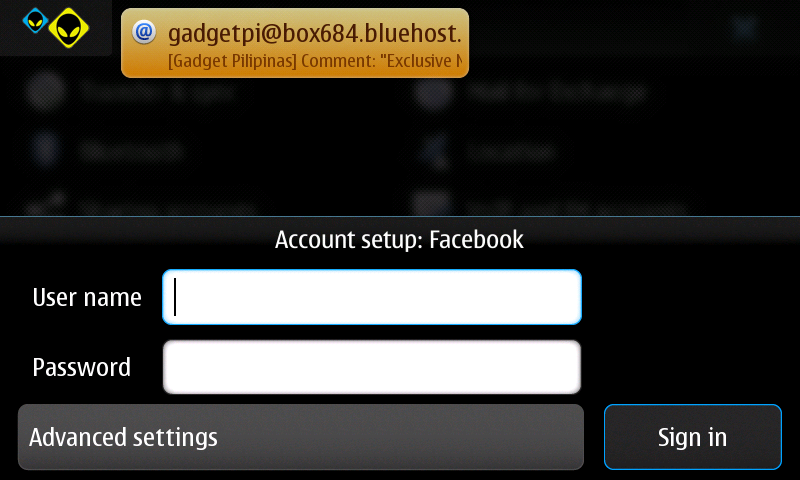
After which, proceed to Settings then to VoIP and IM accounts. Add a new account – Facebook – then input your Facebook username and password to fully integrate your account to your N900. That’s it. You will notice that your Contact list now includes your Facebook friends. (If you have gazillion of friends then good luck!)
UPDATE: There is now an even easier method to integrate Facebook Chat. Click this to view the instructions.

Giancarlo Viterbo is a Filipino Technology Journalist, blogger and Editor of gadgetpilipinas.net, He is also a Geek, Dad and a Husband. He knows a lot about washing the dishes, doing some errands and following instructions from his boss on his day job. Follow him on twitter: @gianviterbo and @gadgetpilipinas.